

 ChatGPT
 Perplexity
 Gemini
 Claude
 Grok
Grok
The strongest reason to use Pixlr's generator is what happens after the first image. Many text-to-image tools can produce attractive options; Pixlr immediately connects the chosen result to a broader editing suite with generative fill, expand, transform, background/object tools, layers, templates, and conventional adjustments. This Pixlr AI Image Generator review therefore looks at prompt control, composition, typography, post-generation editing, credit value, and whether the integrated editor actually reduces rework.
In this article
- Pixlr AI Image Generator Quick Decision: Who Should Use It?
- Pixlr's Generator Gives Beginners More Control Than a Single Prompt Box
- Prompt and Typography Test: Use a Brief That Can Actually Fail
- The Edit-After-Generate Workflow Is Pixlr's Biggest Advantage
- Pixlr Pricing Review: Plus, Premium, and Ultra Serve Different AI Workloads
- Commercial Use, Export, and Brand Workflow
- Pixlr vs. Media.io: Image Editing Center or Cross-Media AI Workflow?
- Pixlr AI Image Generator Pros and Cons
- Final Verdict: Pixlr Is Strongest When Generation Is the First Draft, Not the Finish Line
- Pixlr AI Image Generator Review FAQ
Pixlr AI Image Generator Quick Decision: Who Should Use It?
| Review factor | Assessment |
|---|---|
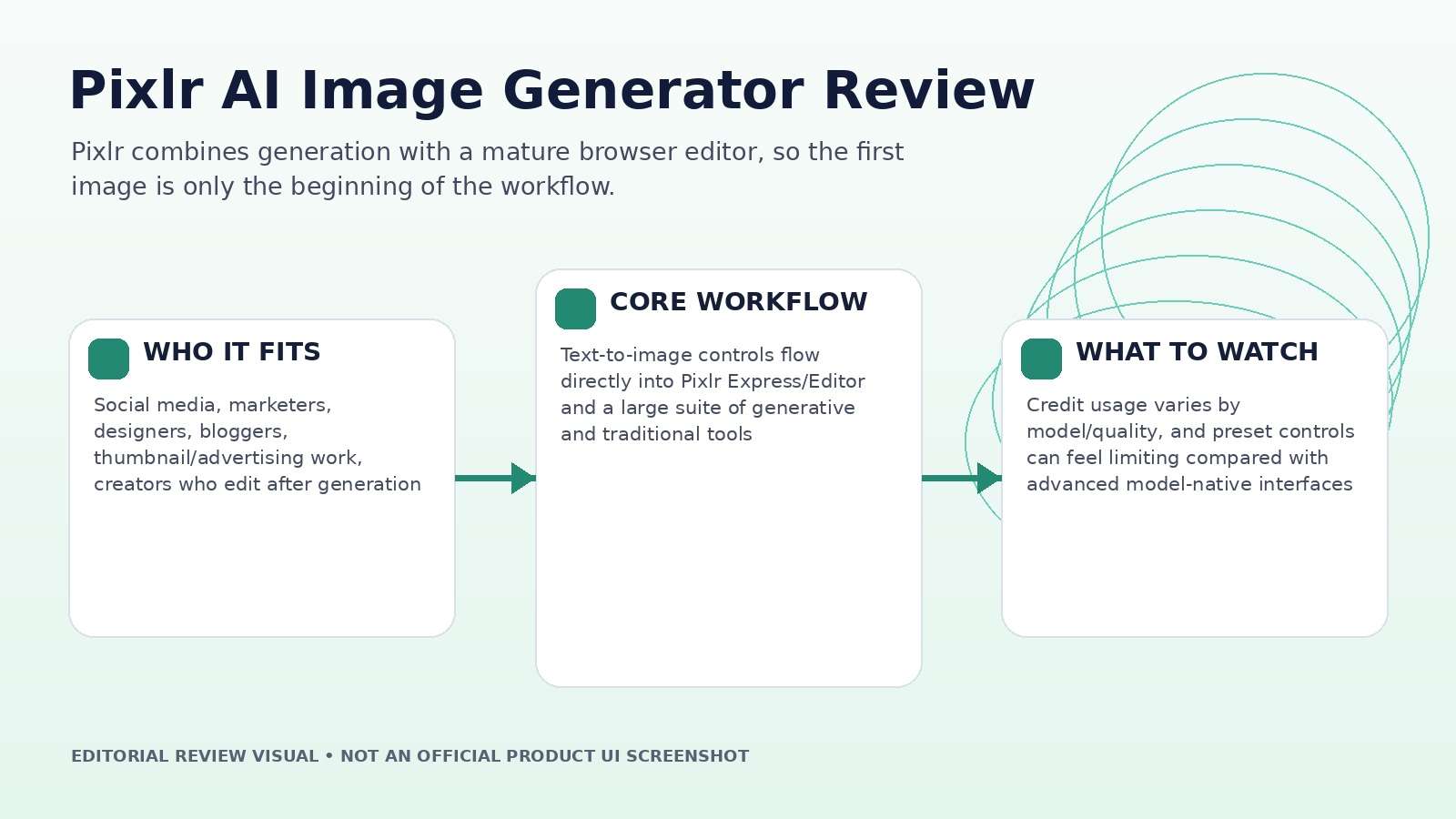
| Best for | Social media, marketers, designers, bloggers, thumbnail/advertising work, creators who edit after generation |
| Core strength | Text-to-image controls flow directly into Pixlr Express/Editor and a large suite of generative and traditional tools |
| Main trade-off | Credit usage varies by model/quality, and preset controls can feel limiting compared with advanced model-native interfaces |
| Pricing fit | Low-cost Plus tier for light AI use; Premium/Ultra add much larger credit pools and model access |
Product claims, pricing, model access, and usage limits were rechecked against the provider's current official materials on September 11, 2026. The review focuses on usable output, revision cost, workflow fit, and documented constraints rather than treating a showcase result as a controlled benchmark.
Pixlr's Generator Gives Beginners More Control Than a Single Prompt Box
The dedicated image generator supports preset dimensions, style choices, color mood, lighting and composition controls in addition to the text prompt. The current page describes 16 visual styles, multiple tone and lighting options, seven composition choices, negative prompts, and the ability to generate several candidates at once.
This is useful for people who know what they want visually but do not know model-specific prompt syntax. A creator can specify a wide social banner, cinematic treatment, warm palette, and a close or wide composition without packing every decision into prose.
The trade-off is that presets are abstractions. Advanced users may want lower-level controls that Pixlr intentionally hides. The right question is whether the presets reduce failed generations for your audience, not whether they expose every setting a model researcher would expect.
Prompt and Typography Test: Use a Brief That Can Actually Fail
Do not review an image generator with "a beautiful mountain at sunset." Use a prompt that includes a named object, specific material, two spatial relationships, readable short text, a color instruction, and a composition requirement. That reveals whether the system follows structure rather than merely creating an attractive picture.
Pixlr's wider platform now routes image generation through multiple modern model families, so quality can depend on the selected engine and plan. Record the model and credit cost. If the output contains text, check every character at 100% zoom. If it is a product concept, inspect logos, seams, handles, reflections and repeated geometry.
Run at least three variations before changing the prompt. This separates model variance from prompt weakness and prevents endless rewriting when the instruction was already clear.
The Edit-After-Generate Workflow Is Pixlr's Biggest Advantage
After generation, Pixlr can move the chosen image into its editing environment. The current suite includes generative fill, background removal, object removal, generative expand, generative transform, image-to-image, upscaling, layer extraction, and many conventional design tools. This is where Pixlr differs from a simple output gallery.
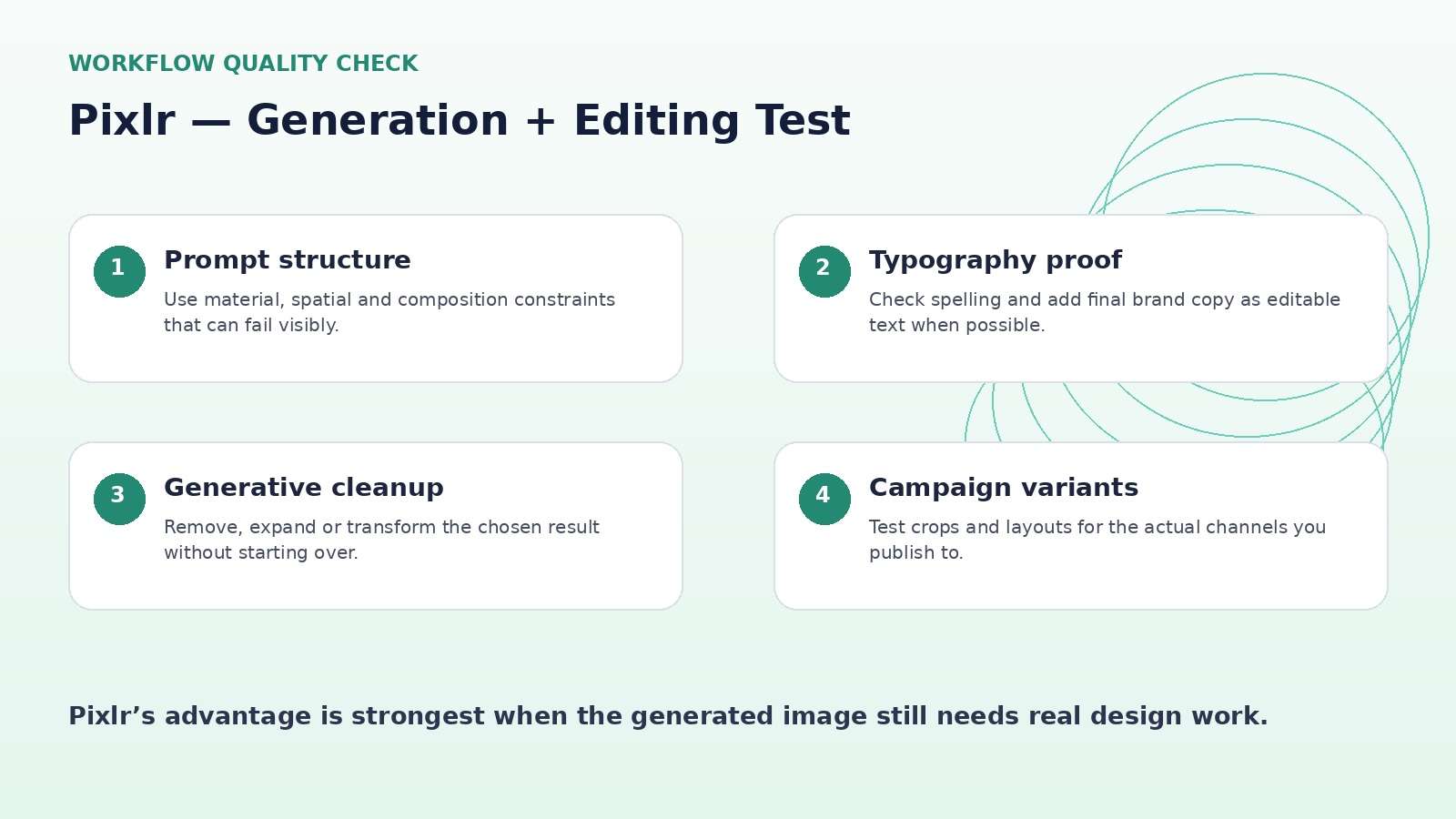
Run one practical workflow: generate a product lifestyle visual, remove an unwanted object, extend the canvas for a banner, reposition a foreground element, add real typography in the editor, and export platform-specific crops. Count how many steps remain inside Pixlr.
The more of the final design you can complete without downloading and re-uploading, the more valuable the subscription becomes. This workflow also reduces file-version confusion when a campaign needs several aspect ratios.
Pixlr Pricing Review: Plus, Premium, and Ultra Serve Different AI Workloads
Pixlr currently lists Plus at $2.49 monthly or $1.99/month on annual billing with 80 monthly AI credits; Premium at $9.99 monthly or $7.99/month annually with 1,000 monthly credits; and Ultra starting at $24.99 monthly or $19.99/month annually with much larger credit pools and additional generation benefits.
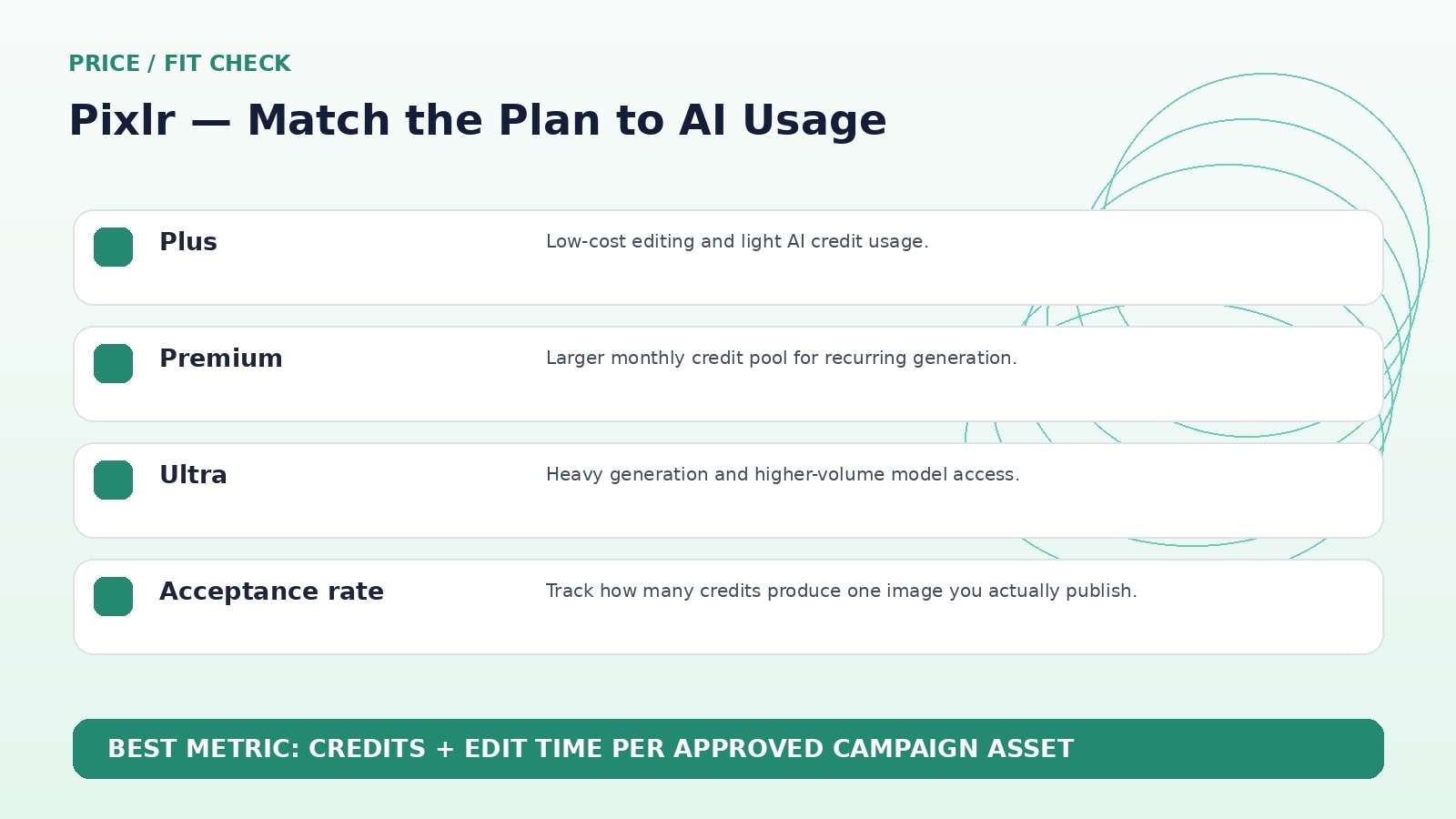
The pricing page estimates different credit burn for "fast," "pro," and video generations, which is a reminder that 1,000 credits is not 1,000 images in every mode. Light users may get more value from Plus because unlimited saves and ad-free editing solve the actual problem.
Heavy generative users should calculate accepted images per month at the quality mode they actually use. If you frequently jump to higher-cost models, Premium can be exhausted much faster than a headline 1,000-credit figure suggests.
Commercial Use, Export, and Brand Workflow
Pixlr's image generator FAQ currently says generated images can be used commercially subject to its terms. That is useful for marketing workflows, but it does not clear third-party trademarks, celebrity likenesses, copyrighted reference assets, or other rights automatically.
For brand work, keep source prompts, references, and final edits in the project record, then add typography and logos as editable design layers rather than asking the model to regenerate them in every variation. That improves consistency and makes corrections cheaper.
Export the final image at the real channel size and inspect compression, edges, small type, and skin/product detail. A generation that looks good in the editor can still fail after a crop or compressed social upload.
Pixlr vs. Media.io: Image Editing Center or Cross-Media AI Workflow?
Media.io is a stronger alternative when the image is expected to become video or move through a broader media workflow. Its current platform combines text/image generation with image-to-video, video models, enhancement, object/background editing, and audio/video utilities. Pixlr remains stronger when the center of the task is image editing and design in a browser.
For a static campaign kit, compare the editors. For a workflow that needs a key image, animation, generated video, audio, cleanup, and final delivery, compare how many stages each platform can keep under one account.
Pixlr AI Image Generator Pros and Cons
Final Verdict: Pixlr Is Strongest When Generation Is the First Draft, Not the Finish Line
Features and pricing were rechecked on September 11, 2026. AI products change quickly, so verify the live provider pages immediately before publication or purchase.
Pixlr AI Image Generator Review FAQ
-
What is Pixlr AI Image Generator?
Pixlr AI Image Generator is a browser-based text-to-image tool with controls for dimensions, style, color, lighting and composition, connected to Pixlr's broader photo editing and generative suite. -
Is Pixlr AI Image Generator free?
Pixlr offers free access or trial options for testing AI generation, while paid plans provide recurring AI credits and broader premium features. -
How much does Pixlr cost?
As checked on September 11, 2026, Pixlr lists Plus at $2.49/month, Premium at $9.99/month and Ultra starting at $24.99/month, with lower annual-billing rates. -
How many AI credits come with Pixlr Premium?
Pixlr currently lists 1,000 monthly AI credits for Premium, with 12,000 credits valid across the year on annual billing. -
Can Pixlr generate different aspect ratios?
Yes. The generator offers preset dimensions and the broader editor can crop and resize for additional formats. -
Can I edit an AI image after generating it in Pixlr?
Yes. Generated images can continue into Pixlr's editing tools, including generative fill, expand, object/background removal and conventional adjustments. -
Can Pixlr AI images be used commercially?
Pixlr's generator FAQ says commercial use is allowed subject to its Terms. Users still need to respect third-party rights. -
Does Pixlr support negative prompts?
Yes. The current AI Image Generator page includes negative prompt support alongside style and composition controls. -
Is Pixlr AI Image Generator worth it in 2026?
It is most valuable for users who generate and then edit or design around the result.


