

 ChatGPT
 Perplexity
 Gemini
 Claude
 Grok
Grok
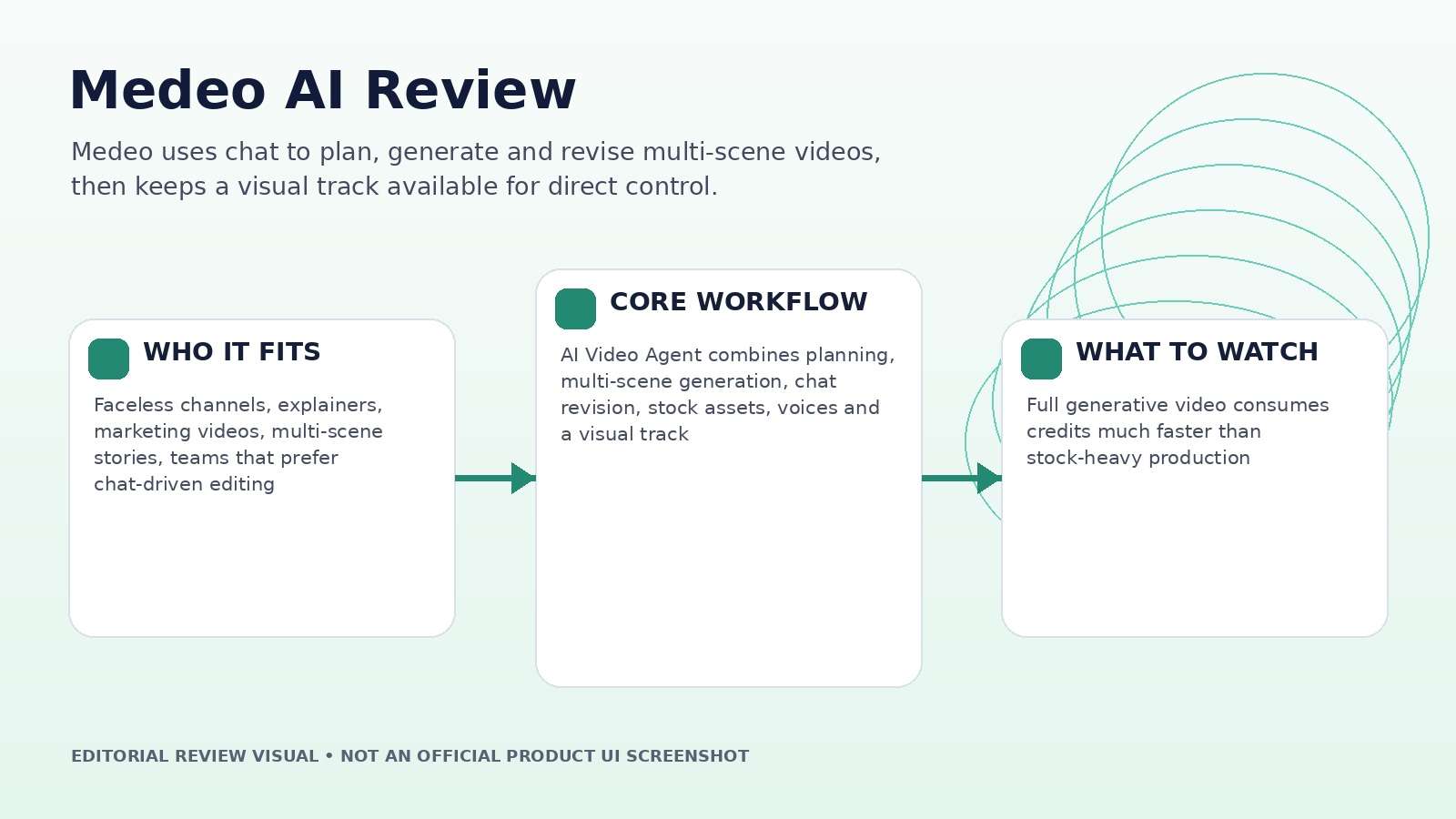
Medeo treats chat as the timeline controller, not just the prompt box. Describe a video, ask for a revision, swap a scene, change music, or refine pacing, and the platform is designed to update the project while keeping an editable visual track underneath. This Medeo AI review focuses on whether that chat-first approach works for complete videos, how the stock-versus-generative mix changes credit cost, and where character consistency and human review still matter.
In this article
- Medeo AI Quick Decision: Who Should Use a Chat-First Video Agent?
- Medeo’s AI Video Agent Does More Than Convert a Prompt Into a Clip
- Chat-Based Editing Is Fast When the Instruction Has a Clear Scope
- Model Access and Character Consistency: Separate Platform Value From Model Value
- Medeo Pricing Review: Full AI Video vs. Stock-Heavy Video Changes the Economics
- Use Stock and Generative Shots Deliberately
- Flexible Export and Final QA for Multi-Platform Production
- Medeo vs. Media.io: AI Producer or Asset-Centric Creation Stack?
- Medeo AI Pros and Cons
- Final Verdict: Medeo Is Most Convincing as an AI Producer, Not a Magic One-Click Editor
- Medeo AI Review FAQ
Medeo AI Quick Decision: Who Should Use a Chat-First Video Agent?
| Review factor | Assessment |
|---|---|
| Best for | Faceless channels, explainers, marketing videos, multi-scene stories, teams that prefer chat-driven editing |
| Core strength | AI Video Agent combines planning, multi-scene generation, chat revision, stock assets, voices and a visual track |
| Main trade-off | Full generative video consumes credits much faster than stock-heavy production |
| Pricing fit | Free entry; Pro, Insider and Elite scale credits substantially, with annual billing discounts |
Product claims, pricing, model access, and usage limits were rechecked against the provider’s current official materials on September 11, 2026. The review focuses on usable output, revision cost, workflow fit, and documented constraints rather than treating a showcase result as a controlled benchmark.
Medeo’s AI Video Agent Does More Than Convert a Prompt Into a Clip
Medeo’s Video Agent is designed to turn a natural-language request into a structured multi-scene video. Official feature pages describe scene planning, camera and pacing decisions, AI voices, iterative refinement, and chat-based updates to dialogue, music, and visual choices. The main site adds character consistency, uploaded assets, stock media, and a visual track.
Give the system a deliverable rather than a shot: a 60-second explainer with an opening problem, three supporting points, a closing CTA, a defined audience, and a visual style. Inspect whether the first draft has an intelligible story arc before judging render quality.
A complete-video Agent should reduce planning labor, not merely string unrelated AI clips together. If the scene order is wrong, fix the outline before spending more credits on visuals.
Chat-Based Editing Is Fast When the Instruction Has a Clear Scope
Commands such as “make this scene shorter,” “change the music,” or “replace the product shot” are naturally easier than finding a control in a dense editor. The risk is ambiguity. If a revision affects several scenes, the Agent may reinterpret context that a human editor would see directly on a timeline.
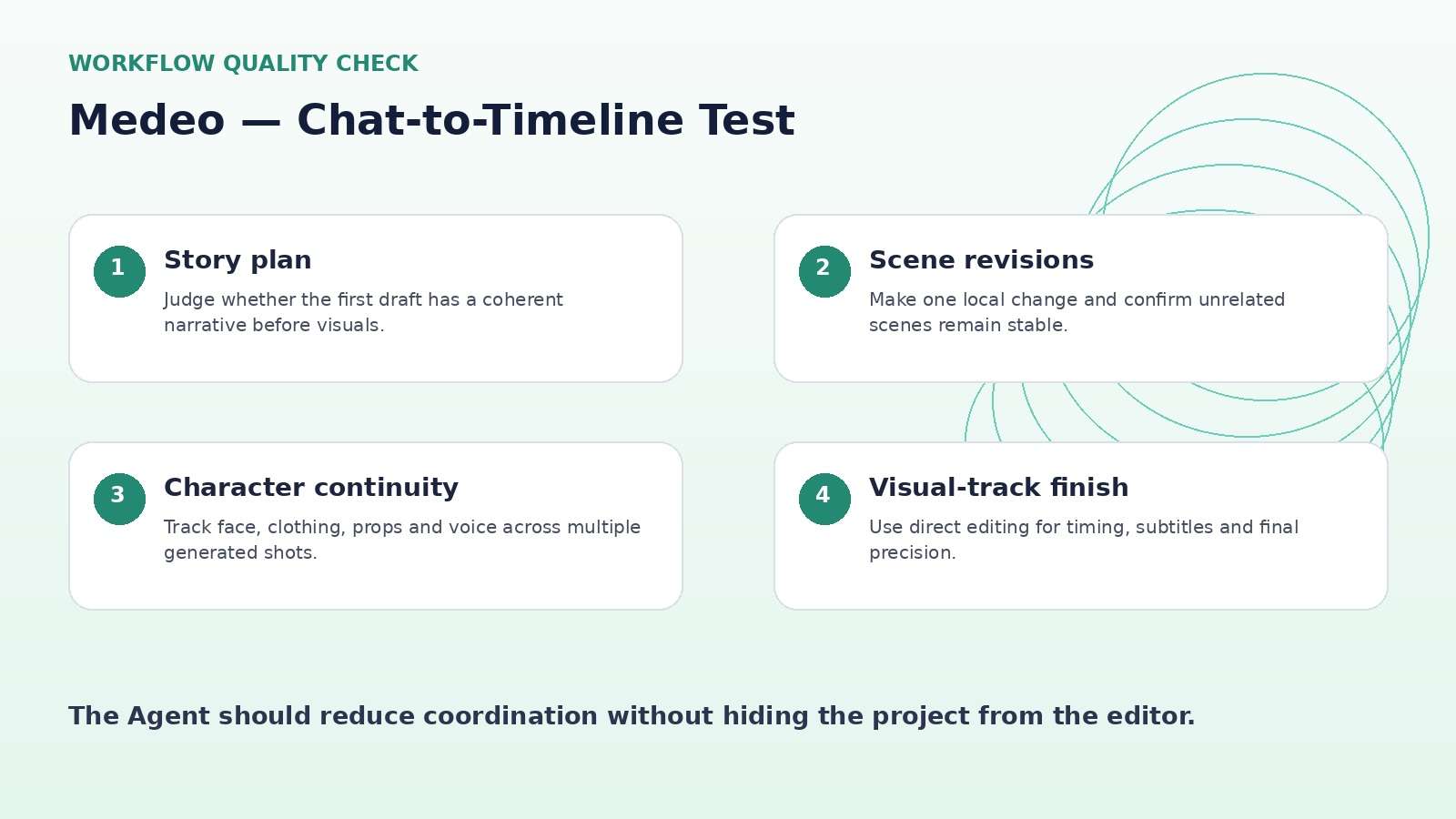
Use narrow edit requests and confirm what changed after each pass. The visual track is important because it gives creators a non-chat representation of the project. For serious work, the ideal pattern is conversational changes for high-level intent and direct track edits for timing, asset order, subtitles, and final precision.
Keep a short change log during client work. Natural-language editing is convenient, but approved revisions still need traceability when several people are involved.
Model Access and Character Consistency: Separate Platform Value From Model Value
Medeo currently surfaces model families such as Veo 3.1, Sora 2, Kling, Seedance, Hailuo, Wan and others alongside image and audio tools. The platform’s value is the ability to use those engines inside one project rather than paying and organizing every provider separately.
Character consistency is a more platform-specific test. Use the same person across three locations, two shot sizes, and one wardrobe-preserving action. Review face structure, hair, clothing details, body proportions, props and voice.
If the Agent can preserve identity while allowing scene-level model choices, that is more useful than listing many model logos. If identity resets whenever a new model is selected, use one engine for character-heavy sequences.
Medeo Pricing Review: Full AI Video vs. Stock-Heavy Video Changes the Economics
As checked on September 11, 2026, Medeo lists Free, Pro, Insider, Elite and Enterprise. Pro is shown at $39 monthly or $28/month on annual billing with 700 credits; Insider at $106 monthly or $76/month annually with 2,400 credits; and Elite at $328 monthly or $236/month annually with 9,000 credits.
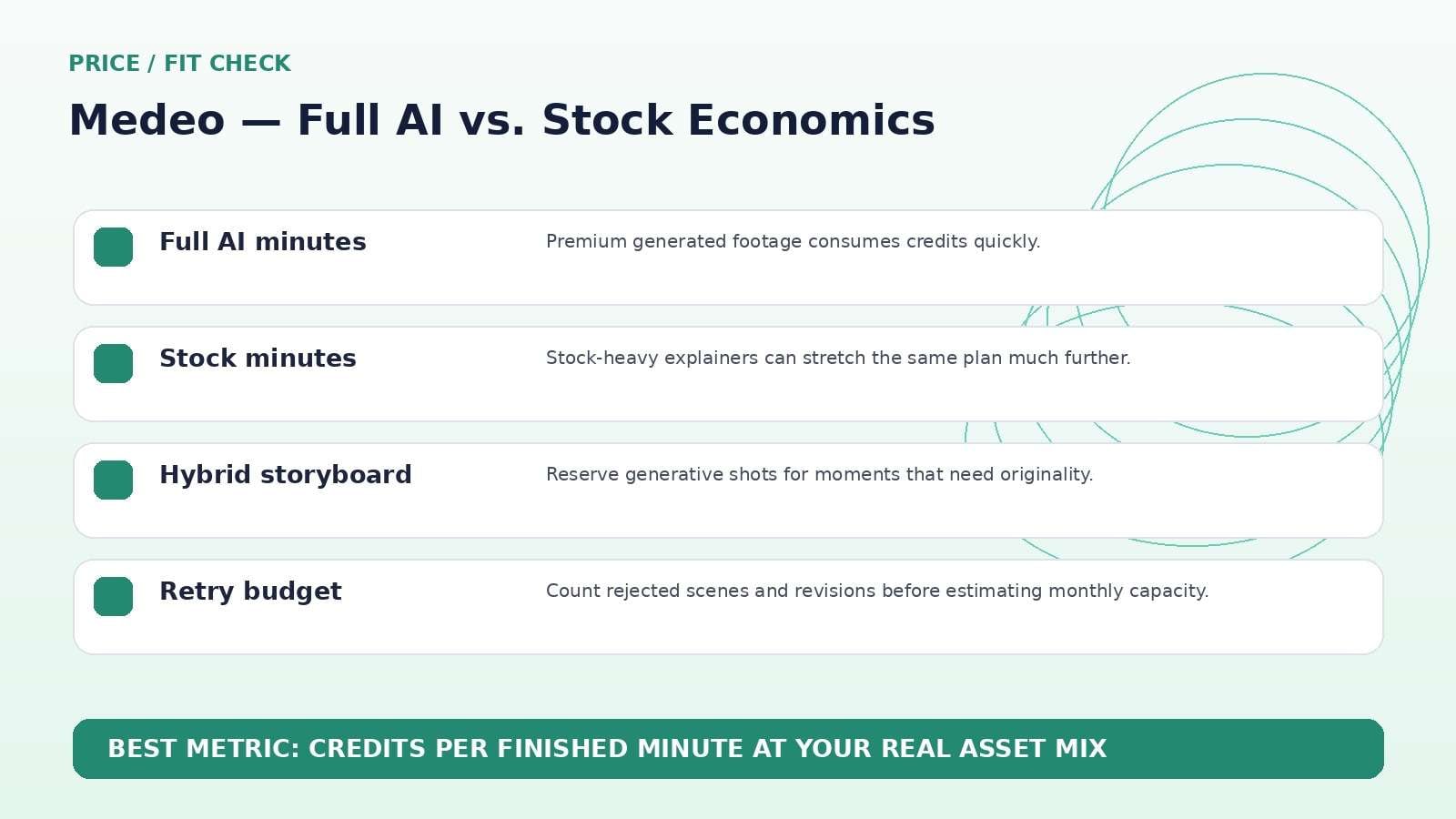
The pricing page provides an unusually useful estimate: Pro’s 700 credits are shown as roughly 3 minutes of Full AI video or 30 minutes with Stock video; Insider as about 10 minutes Full AI or 100 minutes Stock; Elite as about 40 minutes Full AI or 400 minutes Stock.
That ten-to-one difference should shape content strategy. A faceless channel that can use stock for many scenes has a very different cost profile from a cinematic story that regenerates every shot.
Use Stock and Generative Shots Deliberately
Medeo’s mixed asset approach is not a compromise by default. Stock footage is often better for generic office, city, nature, process, and lifestyle scenes where factual visual clarity matters more than novelty. Generative models are more valuable for impossible shots, custom characters, stylized worlds, product concepts, and transitions that stock libraries cannot provide.
Plan the storyboard before spending credits. Mark each shot as stock, uploaded asset, generative image, or generative video. Reserve expensive video generation for the moments that actually need it.
This is a stronger budgeting strategy than attempting to make every second “AI-generated.” The audience cares about whether the video works, not whether every shot consumed premium generation credits.
Flexible Export and Final QA for Multi-Platform Production
Medeo highlights 16:9 and 9:16 export, which matters for teams repurposing the same narrative across YouTube, Shorts, Reels, and ads. Still, changing aspect ratio is not just resizing. Recheck subtitle placement, faces, products, text overlays, and safe zones after each format conversion.
For recurring channels, save a standard publishing checklist: hook within the first seconds, no broken text, consistent character, clean audio, correct aspect ratio, and a frame that can serve as the social thumbnail.
A chat-first product still needs a deterministic publishing gate. The final export—not the Agent’s last message—is the deliverable.
Medeo vs. Media.io: AI Producer or Asset-Centric Creation Stack?
Media.io is a strong alternative when the work is more asset-centric than story-agent-centric. Its current platform combines leading image/video models with image-to-video, editing, enhancement, object/background cleanup, audio and conversion tools. Medeo’s clearest advantage is the Agent that plans and revises complete multi-scene videos through chat.
If you want an AI producer that drafts an explainer or faceless episode, test Medeo. If you already know the shots you need and mainly want to generate, transform, clean, enhance and deliver them, Media.io may provide a more direct path.
Medeo AI Pros and Cons
Final Verdict: Medeo Is Most Convincing as an AI Producer, Not a Magic One-Click Editor
Features and pricing were rechecked on September 11, 2026. AI products change quickly, so verify the live provider pages immediately before publication or purchase.
Medeo AI Review FAQ
-
What is Medeo AI?
Medeo is an AI video creation platform built around a chat-driven Video Agent that can plan scenes, generate media, add voices/music/captions, revise content through natural language and expose a visual track for editing. -
Is Medeo free?
Medeo currently offers a Free tier with core creation features and limited usage. Paid tiers add larger credit pools, premium models and other benefits. -
How much does Medeo cost?
As checked on September 11, 2026, Medeo lists Pro at $39/month, Insider at $106/month, and Elite at $328/month, with lower effective annual-billing rates. -
How many AI video minutes do Medeo credits provide?
Medeo estimates Pro’s 700 credits at roughly 3 minutes of Full AI video or 30 minutes with stock. Actual usage depends on workflow. -
Which AI models are available on Medeo?
The current site lists model families including Veo 3.1, Sora 2, Kling, Seedance, Hailuo, Wan and others. -
Can Medeo keep characters consistent?
Character consistency is a promoted feature, but creators should still test face, clothing, props and body details across shots. -
Can I edit Medeo videos without only using chat?
Yes. Medeo promotes a visual track where users can modify media, subtitles and other assets directly. -
Is Medeo good for faceless YouTube videos?
Yes. Faceless video and YouTube automation are explicit use cases, especially when stock assets and AI-generated scenes are mixed. -
Is Medeo worth it in 2026?
It is worth testing if you want chat to handle planning and iteration across a complete video.


