
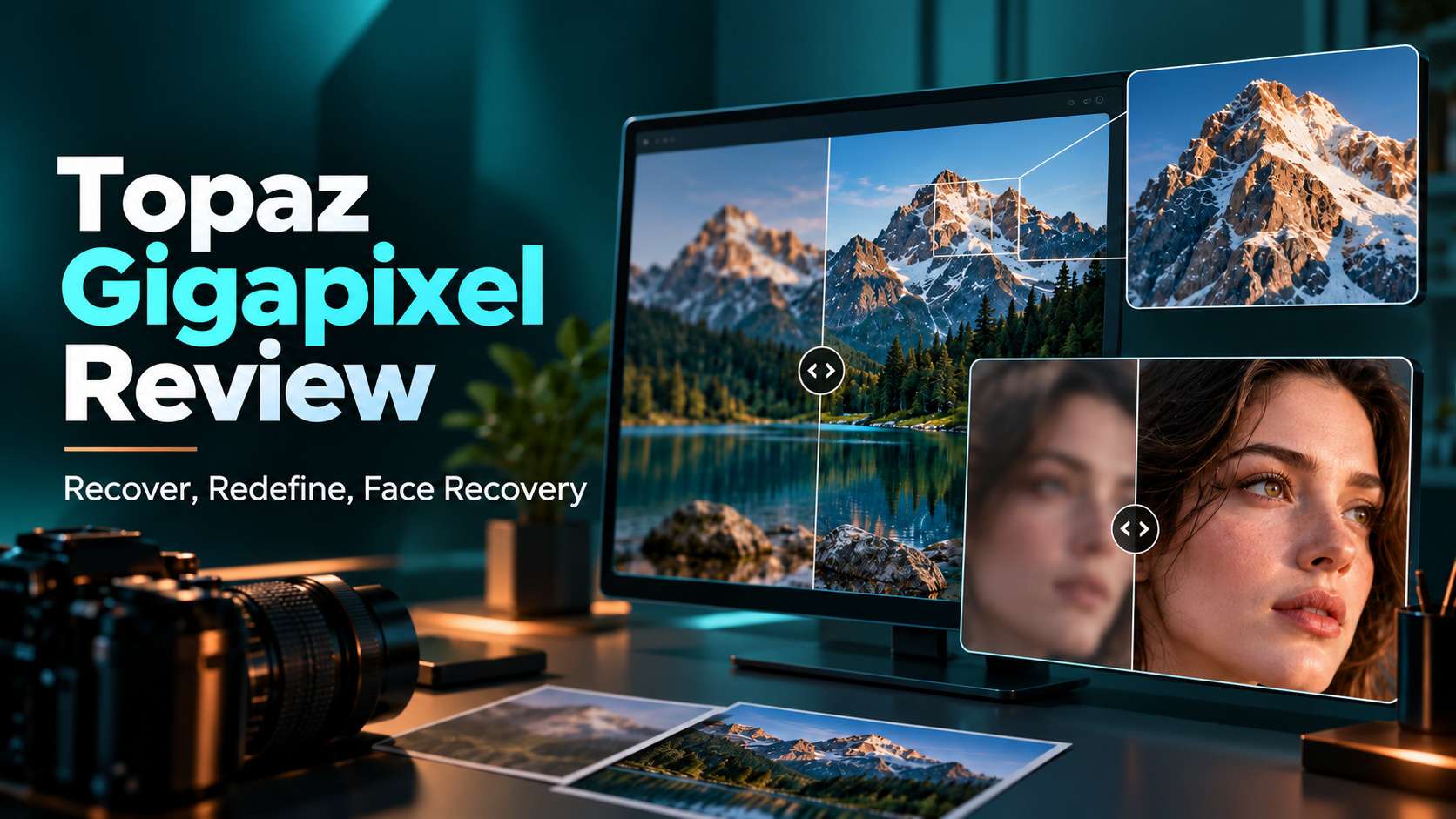
Topaz Gigapixel is no longer just a "make this image 6x larger" utility. The current product mixes classic upscaling models with generative recovery, prompt-guided Redefine, Face Recovery, local and cloud rendering, and different models for photos, low-resolution sources, text/shapes, and digital art. This Topaz Labs image upscaler review focuses on the key decision: when does Gigapixel preserve useful detail better than a simple online upscaler, and when do its heavier models, subscription price, and hardware requirements become more trouble than they are worth?
In this article
- Topaz Gigapixel review verdict: excellent specialist for enlargement, but model choice is everything
- Gigapixel's current model lineup is the real product
- Standard Max vs. Recover vs. Redefine: the decision that prevents fake detail
- Face Recovery: useful, but not for every portrait
- Local vs. cloud rendering - and why hardware changes the value of Gigapixel
- Topaz Gigapixel pricing in 2026
- How Gigapixel performs by image type
- What current users say: great enlargement, mixed feelings about speed and subscriptions
- How to use Topaz Gigapixel without turning every image into AI art
- Topaz Gigapixel vs. Media.io Image Upscaler: specialist depth vs. browser convenience
- Final Verdict
- FAQs
Topaz Gigapixel review verdict: excellent specialist for enlargement, but model choice is everything
Decision: Topaz Gigapixel is worth it for photographers, print designers, AI artists, publishers, and e-commerce teams that regularly receive images too small for the intended output. It is especially valuable when you need to choose between conservative, true-to-input enlargement and stronger generative recovery. It is harder to justify for occasional web images that could be fixed by a cheaper browser enhancer.
Gigapixel's current model lineup is the real product
The modern Gigapixel experience revolves around model selection:
- Standard / Standard Max: balanced enlargement for normal photos.
- High Fidelity: already-good images where preserving the original matters most.
- Low Res: tiny or heavily compressed files.
- Text & Shapes: graphics, scans, typography, and edge-heavy content.
- Art & CG: illustrations, CGI, and synthetic imagery.
- Recover: very low-quality or damaged photos where lost detail needs stronger reconstruction.
- Redefine: generative rebuilding with optional prompt guidance.
- Face Recovery: targeted facial detail enhancement.
This is why Gigapixel can outperform a one-click upscaler on mixed professional work: the model can match the content rather than treating a portrait, logo, landscape, and AI illustration the same way.
Standard Max vs. Recover vs. Redefine: the decision that prevents fake detail
Standard Max should be the first test when you want a more faithful upscale. It is designed for precise, true-to-input restoration and is much faster than first-generation diffusion-style workflows.
Recover is better when the source contains very little real detail. Topaz positions Recover v2 for old and low-quality images around 1MP or less. It tries to reconstruct plausible detail while staying closer to the original than a creative generator.
Redefine is the most creative option. It can use prompts and texture/creativity controls to generate new structure. That is useful for CGI, VFX, and creative work, but it should not be mistaken for historical reconstruction. If accuracy matters, a conservative core model is safer.
Face Recovery: useful, but not for every portrait
Face Recovery detects faces and can recover low-resolution facial features, but Topaz explicitly warns that applying it to already high-quality faces can remove real detail. That is an important limitation.
Use Face Recovery when the face is genuinely small, soft, or degraded. Do not turn it on simply because the image contains a person. For portraits that already have usable eyes, skin texture, and hair, a faithful upscaling model may preserve identity better.
Local vs. cloud rendering - and why hardware changes the value of Gigapixel
Gigapixel includes unlimited local and cloud image rendering on current personal plans, but not every model has the same local hardware needs. Generative models such as Recover and Redefine are heavier. Topaz documentation notes that local generative workflows can require dedicated GPUs with 8GB+ VRAM on Windows, while Apple Silicon systems need more memory for the newest models. If your machine does not meet the requirements, cloud rendering is the fallback.
This flexibility is one of Gigapixel's strongest professional advantages. You can keep sensitive files local when hardware allows, then use cloud processing for demanding models or large jobs.
Topaz Gigapixel pricing in 2026
Topaz currently lists Gigapixel at $29/month, $19/month with an annual commitment, or $149 billed annually for the personal plan. The plan includes the current image models plus unlimited local and cloud image rendering, subject to the product's plan rules and commercial-use limits.
The subscription shift matters because older reviews often describe Gigapixel as a one-time purchase. If you only need one batch of images enlarged once, a browser upscaler can be more economical. If upscaling is part of your weekly work, the model library becomes easier to justify.
How Gigapixel performs by image type
Print photography
Start with Standard Max or High Fidelity. The goal is to preserve lens texture and natural detail, not to invent a sharper-looking scene.
Tiny old family photos
Try Low Res first, then Recover if the source still lacks enough structure. Face Recovery can help small faces, but compare identity closely.
AI-generated art
Art & CG is a safer fidelity-first choice. Redefine becomes useful when creative reinterpretation is acceptable.
Logos, screenshots, and typography
Use Text & Shapes rather than a photographic model. Small text is one of the easiest things for generative enhancers to corrupt.
E-commerce product images
Prefer faithful models. If stitching, labels, material grain, or printed packaging changes, the enhancement has failed even if the image looks more impressive.
What current users say: great enlargement, mixed feelings about speed and subscriptions
Recent Trustpilot product reviews are polarized. Many users praise enlargement quality for print, AI artwork, and difficult low-resolution images. Other reviewers complain about crashes, slow generative models, subscription pricing, or results that do not justify the cost on their particular source files.
That split is believable because Gigapixel is extremely source-dependent. A 1MP old portrait and a clean 12MP photo are not the same task, and the wrong model can produce a result that is slower and less faithful than a simpler upscale.
How to use Topaz Gigapixel without turning every image into AI art
- Define the output need. Print size, crop recovery, website asset, or product catalog all require different enlargement amounts.
- Start with a core model. Standard Max, High Fidelity, Low Res, Text & Shapes, or Art & CG should usually come before generative Recover/Redefine.
- Use Face Recovery selectively. Enable it only on faces that actually need reconstruction.
- Preview at 100% and at final print/display size. Both views matter.
- Use Recover or Redefine only when the conservative models cannot solve the source. The more generative the model, the more carefully you should verify fidelity.
Topaz Gigapixel vs. Media.io Image Upscaler: specialist depth vs. browser convenience
Gigapixel is the stronger specialist when enlargement itself is the main job and you need multiple models for photos, low-res sources, text, art, faces, and generative recovery. Media.io is more convenient when upscaling is only one of several image-quality tasks.
Media.io's AI image quality enhancer offers five browser-based modes: Smart Enhancer, Portrait Enhancer, Restore Old Photos, Color Correction, and Image Upscaler. That makes it easier for mixed everyday work and users who do not want to install or learn a dedicated desktop upscaler. For video projects, Media.io also offers AI video quality improvement to reduce noise, sharpen details, and upscale footage online.
Use Gigapixel for recurring print-quality enlargement and complex source files. Use Media.io for quick web-based enhancement, portraits, old-photo cleanup, or straightforward upscaling.
| Capability | Topaz Gigapixel | Media.io AI Image Enhancer |
|---|---|---|
| Primary job | Dedicated high-end enlargement and reconstruction for photography, print, publishing, graphics, and AI art | General image-quality improvement plus portrait enhancement, old-photo restoration, color correction, and upscaling |
| Upscaling approach | Multiple content-specific models including Standard/Standard Max, High Fidelity, Low Res, Text & Shapes, Art & CG, Recover, and Redefine | Dedicated Image Upscaler with 2x, 4x, and 8x factors, positioned up to 8K |
| Face enhancement | Face Recovery with selectable faces and adjustable strength; stronger generative recovery can change small identity details | Portrait Enhancer focuses on eyes, hair, facial contours, and natural skin texture |
| Generative reconstruction | Recover and Redefine provide substantially deeper reconstruction, including prompt-guided creative rebuilding | More conservative task-based enhancement; better suited when you want a simpler browser workflow without selecting among many generative models |
| Processing | Desktop local rendering plus unlimited cloud image rendering on current personal plans | Browser-based online processing with no software installation |
| Hardware | Current Windows minimum lists 16GB RAM and 6GB VRAM; generative models are more comfortable with 8GB+ VRAM | No dedicated local GPU requirement for the browser workflow |
| Pricing model | Currently $29/month, $19/month with annual commitment, or $149 billed annually for Personal | Complimentary credits for trying the enhancer; usage varies by mode and output settings |
| Best fit | Recurring print-quality enlargement, difficult low-resolution sources, and users who want model-level control | Everyday portraits, old photos, color fixes, AI-art enlargement, and users who value fast online access |
Bottom line: Gigapixel is the more powerful specialist; Media.io is the more flexible everyday enhancer. If the only job is to make a difficult image dramatically larger while controlling how detail is reconstructed, Gigapixel earns its complexity. If enlargement is one of several photo-quality problems, Media.io is the simpler route.
Final Verdict
Topaz Gigapixel is still one of the most capable dedicated image upscalers because it gives you a meaningful choice between faithful enlargement and generative reconstruction. That same strength is also its complexity. It is worth the subscription when enlargement quality is a recurring business or creative need. For occasional web images, a browser enhancer is usually the more efficient choice.
FAQs
-
Is Topaz Gigapixel worth it in 2026?
It is worth it for users who regularly upscale images for print, publishing, e-commerce, AI art, or restoration. Occasional users may get better value from an online enhancer. -
How much does Topaz Gigapixel cost?
At the time of research, Topaz lists $29/month, $19/month with an annual commitment, or $149 billed annually for the personal plan. -
What is the difference between Recover and Redefine?
Recover focuses on rebuilding detail in very low-quality images with stronger fidelity, while Redefine is more generative and can use prompt guidance for creative reconstruction. -
Should I use Face Recovery on every portrait?
No. Topaz notes that Face Recovery is best for blurry or low-resolution faces and may remove useful detail from already high-quality faces. -
What is a good online Topaz Gigapixel alternative?
Media.io is a practical online alternative when you want browser-based upscaling plus portrait enhancement, old-photo restoration, color correction, and general image enhancement.


