

 ChatGPT
 Perplexity
 Gemini
 Claude
 Grok
Grok
Imagen 4 is easier to judge when you stop asking whether it can make a pretty picture and start asking whether text, texture, and layout survive a real creative brief. Google positions the model around fine detail, photorealistic and abstract styles, stronger spelling and typography, multiple aspect ratios, and high-resolution output. This Imagen 4 review compares those strengths with its access and pricing model—and separates raw generation quality from the editing workflow you may still need afterward.
In this article
- Imagen 4 Quick Decision: When Is Google's Image Model the Right Choice?
- What Imagen 4 Is—and What It Is Not
- Imagen 4 Quality Test: Fine Detail and Realistic Materials
- Typography Is One of Imagen 4's Most Important Practical Improvements
- Fast vs. Standard vs. Ultra: Choose the Tier by Failure Cost
- Resolution, Aspect Ratios, and Upscaling
- Access Through Gemini and Google Cloud Changes the Buying Question
- Imagen 4 vs. Media.io: Image Model Benchmark or End-to-End Creative Workflow?
- Imagen 4 Pros and Cons
- Final Verdict: Imagen 4 Is a Strong Model Choice When Text and Detail Matter
- Imagen 4 Review FAQ
Imagen 4 Quick Decision: When Is Google's Image Model the Right Choice?
| Review factor | Assessment |
|---|---|
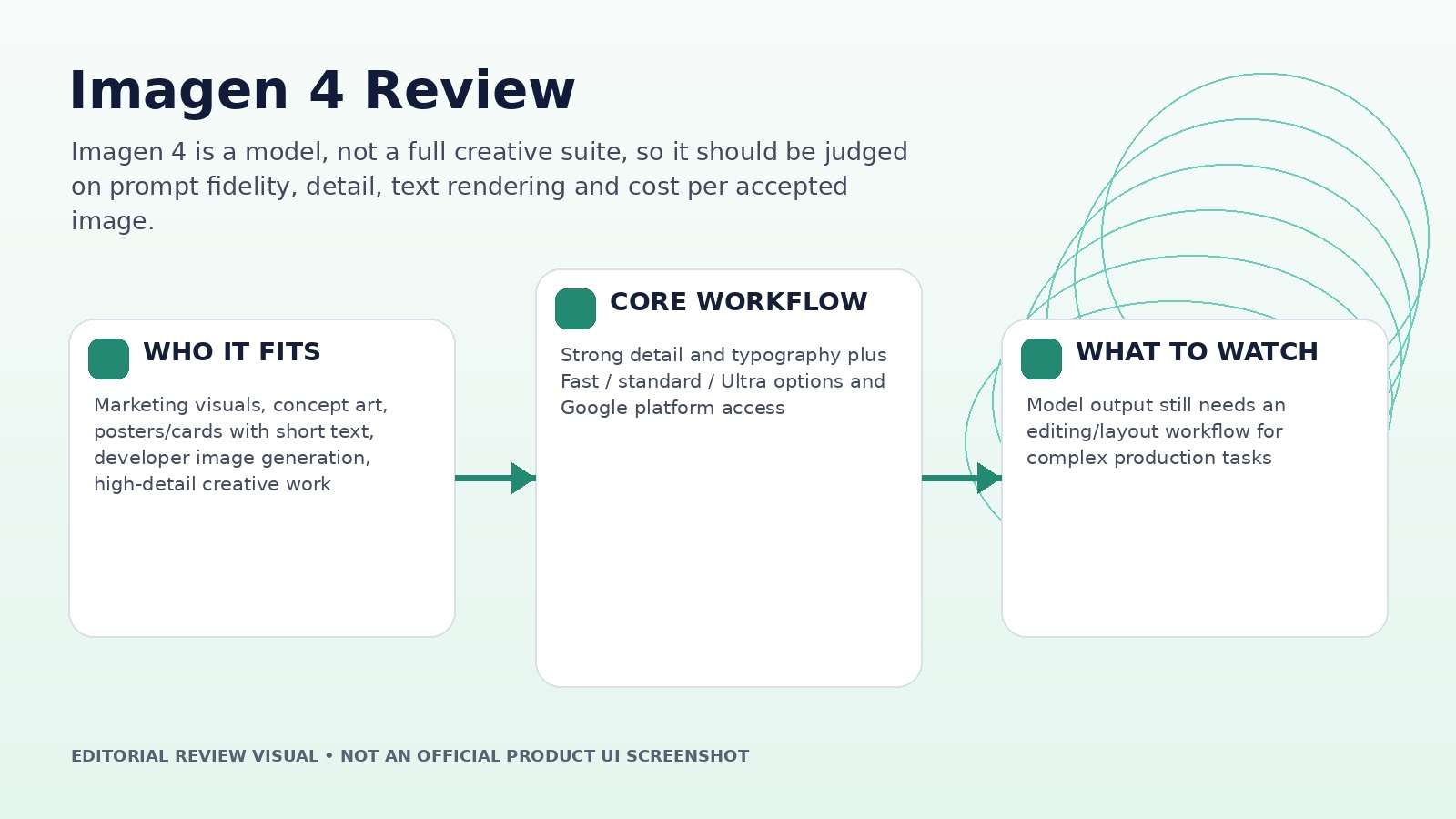
| Best for | Marketing visuals, concept art, posters/cards with short text, developer image generation, high-detail creative work |
| Core strength | Strong detail and typography plus Fast / standard / Ultra options and Google platform access |
| Main trade-off | Model output still needs an editing/layout workflow for complex production tasks |
| Pricing fit | Current Google Cloud pricing lists $0.02 Fast, $0.04 standard and $0.06 Ultra per generated image on relevant access |
Product claims, pricing, model access, and usage limits were rechecked against the provider's current official materials on September 11, 2026. The review focuses on usable output, revision cost, workflow fit, and documented constraints rather than treating a showcase result as a controlled benchmark.
What Imagen 4 Is—and What It Is Not
Imagen 4 is Google's text-to-image model family rather than a standalone Photoshop-style application. Google introduced it across consumer and developer surfaces, including Gemini, Whisk, Vertex AI and related Google AI tooling. Its job is generation: turn a text brief into an image with stronger detail, typography and visual fidelity than earlier Imagen generations.
That distinction matters for reviews. A model can be excellent at producing the base image but still require a design tool for exact text placement, masks, layers, logos, layout systems, or campaign resizing. Score Imagen 4 on generation quality and API economics; score the surrounding product separately on editing convenience.
This also changes how "worth it" should be answered. A developer buying per-image output has a different cost calculation from a creator using Imagen inside a broader Google subscription.
Imagen 4 Quality Test: Fine Detail and Realistic Materials
Google highlights clarity in fabrics, water droplets, fur and other fine textures, with support for photorealistic and abstract styles. A useful test brief should therefore include materials that expose common model shortcuts: woven cloth, glass, brushed metal, hair or fur, printed packaging, and a patterned background.
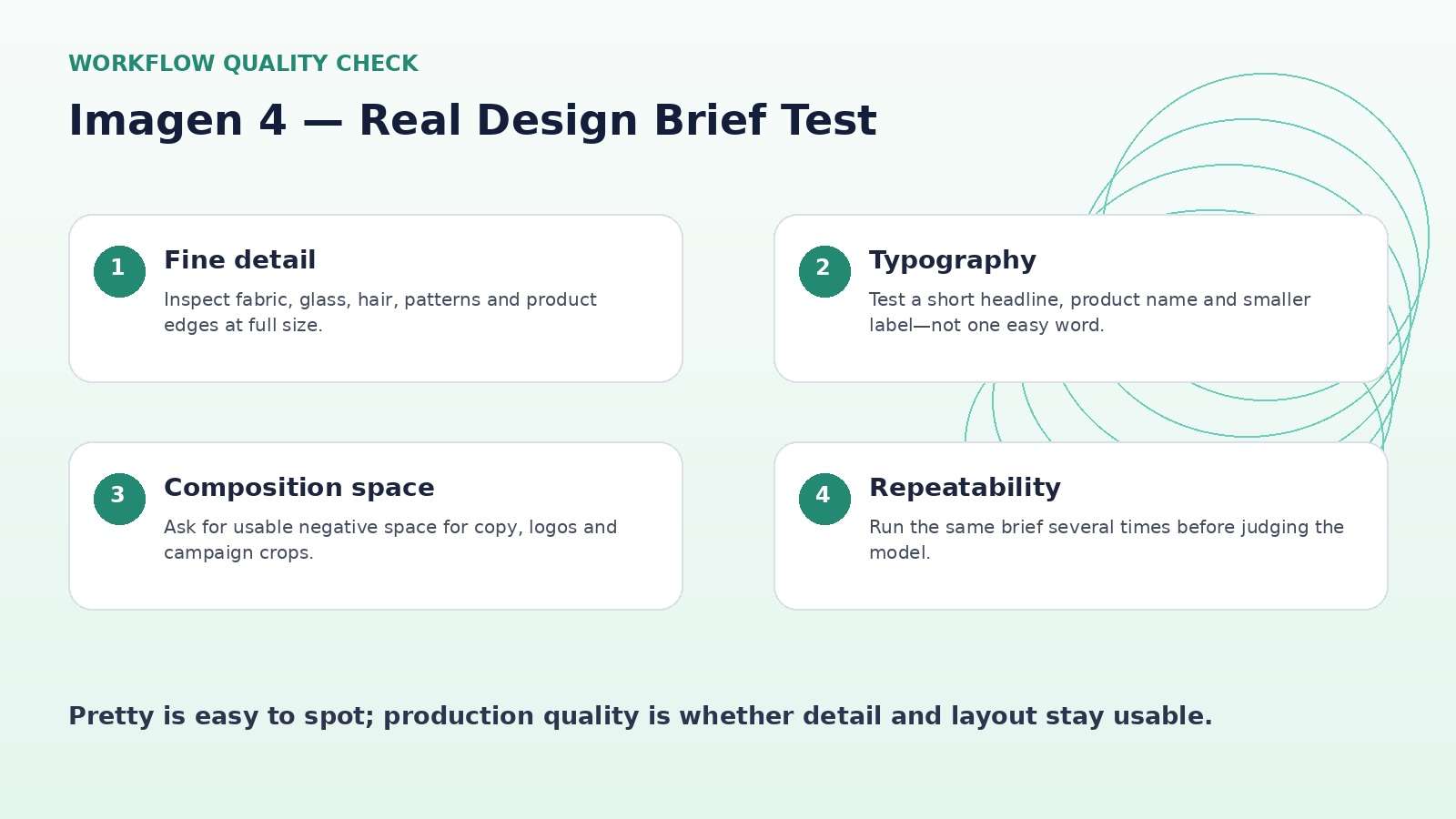
Inspect edges at full resolution. Look for repeated texture artifacts, melted seams, impossible reflections, inconsistent patterns, and fine objects that change shape. Then run the same prompt more than once. A production model is valuable when good detail is repeatable, not when one seed happens to look excellent.
Also test negative space. Marketing images often need room for a headline, logo, or product copy. A model that fills every area beautifully can still be less useful than one that obeys composition instructions.
Typography Is One of Imagen 4's Most Important Practical Improvements
Google explicitly calls out improved spelling and typography, positioning Imagen 4 for greeting cards, posters, comics, presentations, and other compositions where text is part of the image. That is a meaningful capability because text remains a common failure point in generative image systems.
Do not test typography with a single three-letter word. Use a short headline, a product name, a two-line subhead, and one small label. Check spelling, kerning, baseline alignment, repeated letters, and whether the model invents extra text.
For final marketing work, treat generated typography as a visual concept unless the text survives exact review. Adding copy later as editable type is still safer for brand assets, localization, accessibility and legal changes.
Fast vs. Standard vs. Ultra: Choose the Tier by Failure Cost
Google's current pricing pages list Imagen 4 Fast at $0.02 per generated image, Imagen 4 at $0.04, and Imagen 4 Ultra at $0.06 on relevant metered access. That gives teams a simple testing ladder. Fast is economical for composition exploration; standard can be used for narrowed directions; Ultra makes the most sense when the cost of a failed high-stakes render is larger than a few cents.
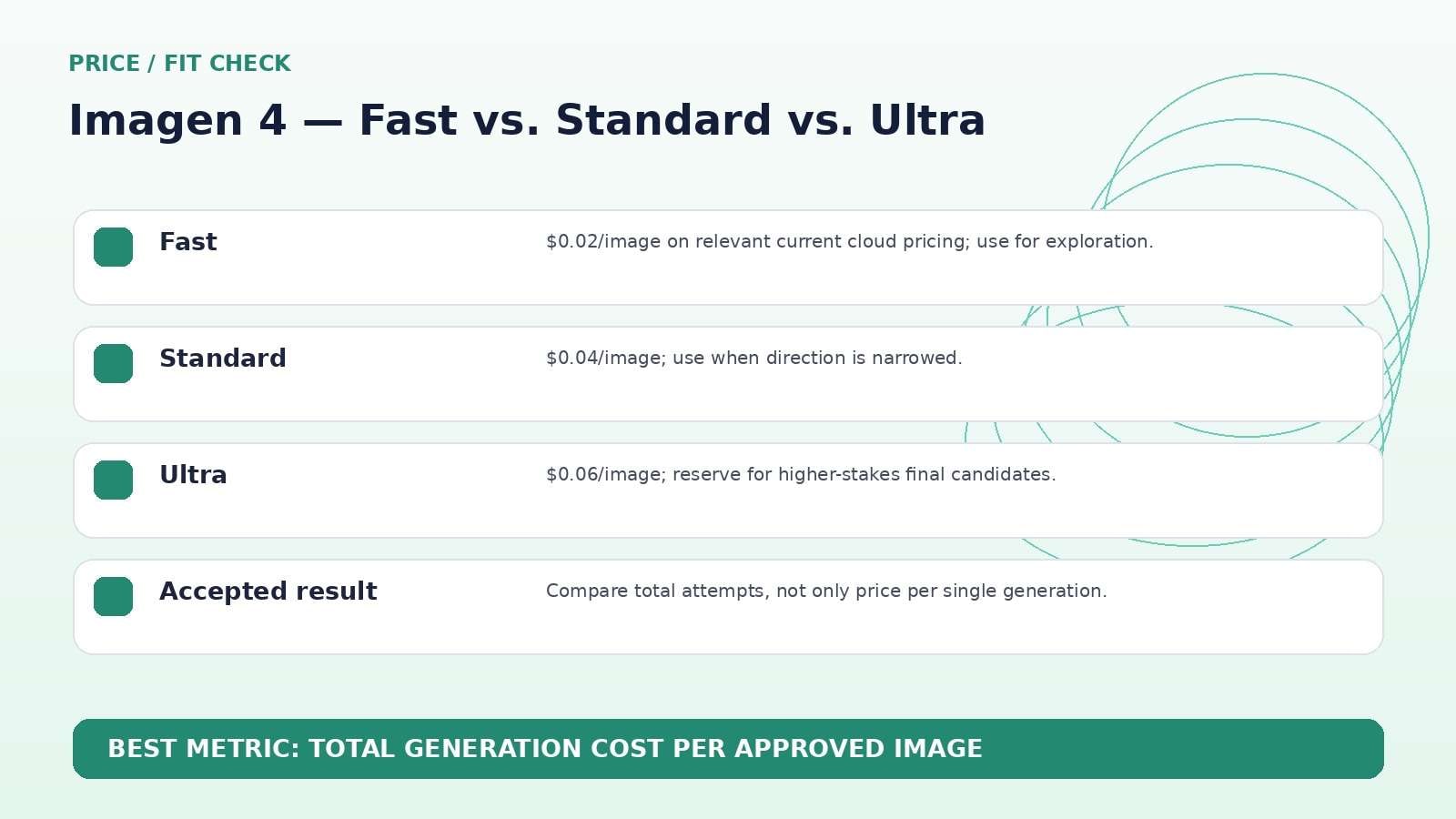
The key metric is cost per accepted image. Ten Fast generations can cost the same order of magnitude as a few higher-tier attempts, so a workflow that blindly brute-forces cheap generations may not actually save money.
Use Fast to find the prompt and layout, then escalate only the candidates that justify it. This staged approach is more predictable than starting every idea in Ultra.
Resolution, Aspect Ratios, and Upscaling
Google's launch materials describe Imagen 4 creating images across a range of aspect ratios and up to 2K resolution. Current Google Cloud pricing also lists Imagen 4 upscaling to 2K, 3K and 4K as a separate paid operation in relevant enterprise access.
Resolution should be matched to the final use. A social image does not automatically benefit from the largest output; a print piece, presentation background, or crop-heavy campaign may. Test whether upscaling preserves text edges, skin texture, product lines and small repeating patterns instead of only increasing pixel count.
When the final asset will be cropped into several ratios, leave more composition margin at generation time. A beautiful tight crop can become unusable when adapted to vertical and square placements.
Access Through Gemini and Google Cloud Changes the Buying Question
Imagen 4 appears in consumer and developer contexts, which means "price" is not one universal subscription number. Gemini access can be part of a broader Google AI plan, while developer and enterprise usage can be metered per image through Google Cloud or related APIs.
For an individual creator, convenience inside Gemini may matter more than per-image API cost. For a product team, throughput, auditability, API quotas, and predictable metering matter more. Record the surface used whenever you compare results because model version, controls and pricing context can differ.
That separation is important for review accuracy: do not attribute a missing UI control to the underlying model, and do not attribute a model limitation to the consumer interface without checking the developer surface.
Imagen 4 vs. Media.io: Image Model Benchmark or End-to-End Creative Workflow?
Media.io is not a raw model replacement for Imagen 4; it is a broader creative platform that can include multiple image/video models and then continue into image-to-video, enhancement, object/background editing, audio and other media workflows. Imagen 4 is the better comparison when you are choosing an image-generation model. Media.io is the better comparison when you are choosing a complete browser workflow.
For a developer who only needs text-to-image API output, benchmark Imagen 4 directly. For a marketer who needs to generate, animate, clean, resize and deliver mixed media, compare total production steps.
Imagen 4 Pros and Cons
Final Verdict: Imagen 4 Is a Strong Model Choice When Text and Detail Matter
Features and pricing were rechecked on September 11, 2026. AI products change quickly, so verify the live provider pages immediately before publication or purchase.
Imagen 4 Review FAQ
-
What is Imagen 4?
Imagen 4 is Google's text-to-image model family designed for high-quality image generation with improved detail, typography, multiple aspect ratios and high-resolution output. -
Where can I use Imagen 4?
Google has made Imagen 4 available through surfaces including Gemini, Whisk, developer tooling and Google Cloud access. Exact availability depends on account and region. -
How much does Imagen 4 cost?
Current Google Cloud pricing lists Imagen 4 Fast at $0.02 per generated image, Imagen 4 at $0.04, and Imagen 4 Ultra at $0.06 in relevant metered access. -
What is Imagen 4 Ultra?
Ultra is the higher-cost generation tier in the Imagen 4 family, intended for cases where higher quality is worth a larger per-image price. -
Is Imagen 4 good at text?
Google specifically highlights improved spelling and typography compared with earlier models. Final marketing copy should still be proofread carefully. -
What resolution can Imagen 4 generate?
Google's launch materials describe output up to 2K, and cloud pricing includes separate upscaling options for generated images on supported surfaces. -
Does Imagen 4 support different aspect ratios?
Yes. Google describes support for a range of aspect ratios, making it useful for posters, presentations and social formats. -
Is Imagen 4 worth it in 2026?
It is worth evaluating when image detail, typography and predictable API pricing matter.


