

 ChatGPT
 Perplexity
 Gemini
 Claude
 Grok
Grok
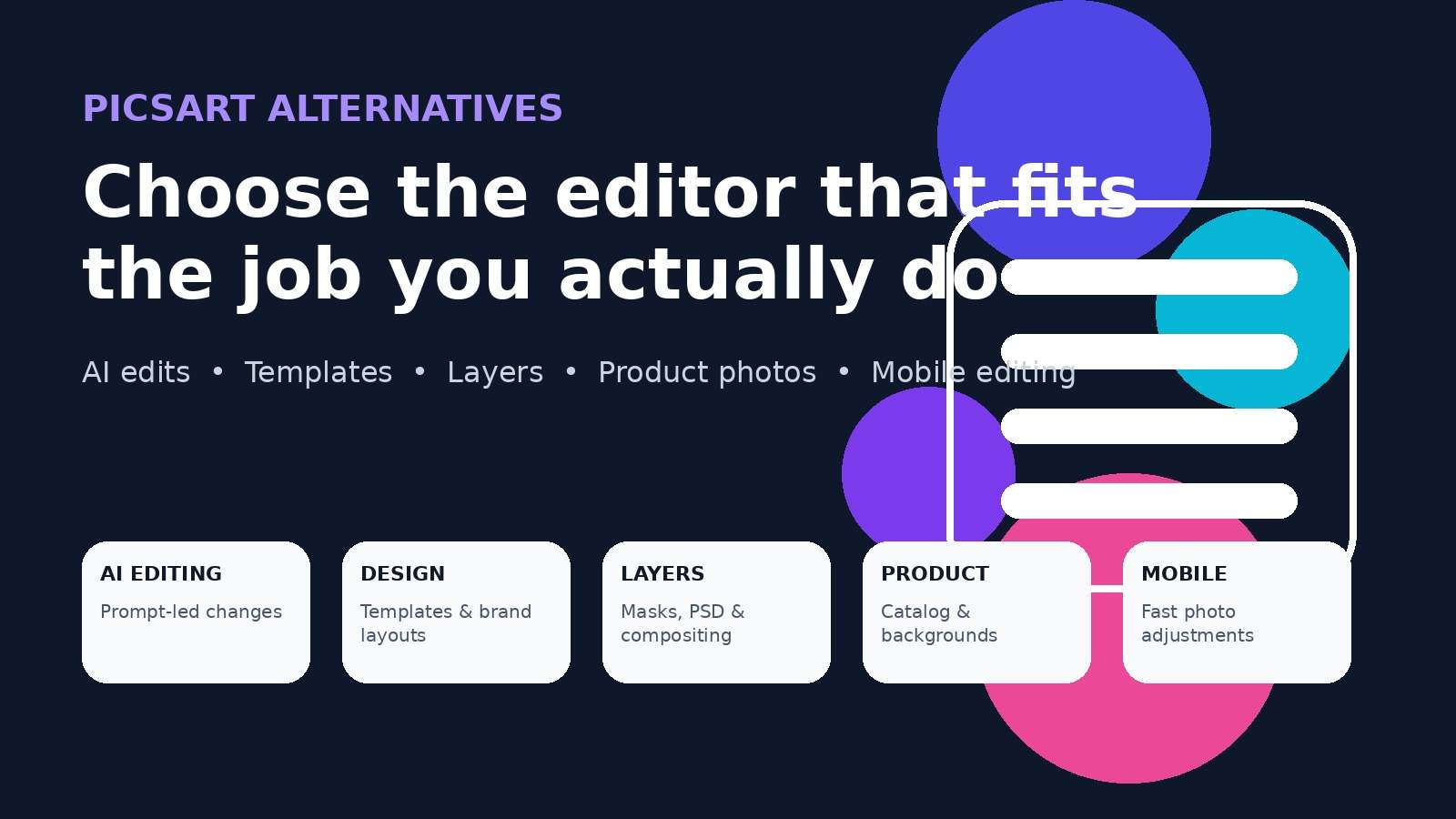
Looking for a Picsart alternative usually means one of two things: you still want fast creative editing, but you no longer need every part of Picsart, or you want a tool that is much better at one specific job. That job might be AI photo editing, social templates, layer-based compositing, product photography, background removal, or straightforward mobile retouching.
That distinction matters because Picsart itself now spans photo and video editing, AI generation, templates, stock assets, background and object removal, brand tools, and bulk workflows. A single replacement does not have to copy all of that to be a better fit for you. The smartest move is to replace the part of Picsart you actually use.
In this article
- Picsart alternatives at a glance
- Why people switch from Picsart
- Media.io: best for prompt-based AI photo editing
- Canva: best for templates and social design
- Pixlr: best online hybrid editor
- Adobe Express: best for Adobe-centered design workflows
- Fotor: best for fast enhancement and cleanup
- PhotoRoom: best for product photos
- Photopea: best for layers and PSD editing
- Snapseed: best free mobile alternative
- Best free and platform-specific picks
- How to choose the right replacement
- Frequently asked questions
Picsart Alternatives at a Glance
The table below starts with the job each tool handles best. That is more useful than ranking by feature count, because a creator who needs editable layers is solving a different problem from a seller who needs 200 clean product photos or a social manager who starts from templates.
| Tool | Best for | Platform style | Free access | Main trade-off |
| Media.io | Prompt-based AI photo editing and image-to-image changes | Browser | Free to start with credits | Not a traditional layer-heavy editor |
| Canva | Social designs, templates, brand content | Web, desktop, mobile | Yes; premium features vary | Design-first rather than pixel-first |
| Pixlr | Online photo editing plus AI tools | Web, desktop, mobile | Limited free access; paid tiers add saves and AI credits | Some AI and save limits depend on plan |
| Adobe Express | Branded content, quick design, Adobe ecosystem | Web and mobile; some new AI features are platform-specific | Free plan available | Less manual control than a full Photoshop workflow |
| Fotor | Fast enhancement, retouching, AI cleanup | Web, desktop, mobile | Free access/trials for selected tools | Premium exports or AI use may require an upgrade |
| PhotoRoom | Product photos and ecommerce visuals | Web and mobile | Free access available; plan limits vary | Specialized around commercial product imagery |
| Photopea | Layers, masks, PSD files, precise compositing | Browser | Free browser editor | Steeper learning curve than quick mobile editors |
| Snapseed | Free mobile photo adjustments and RAW editing | Android and mobile ecosystem | Yes; Google currently lists no subscriptions, purchases, ads, or watermarks | Not built around templates, stickers, or deep multi-layer design |
A useful signal from the broader creator market is that specialization is normal. Adobe's Creators' Toolkit Report, based on a survey of 16,000 creators, reported that 60% had used more than one creative generative AI tool in the previous three months, while 72% said they frequently create content on mobile. In other words, choosing two focused tools can be more practical than forcing one app to do everything.
Why Look for a Picsart Alternative?
The phrase apps like Picsart hides several different search intents. Before comparing products, identify which of these sounds most like you.
- You only edit occasionally: paying for a broad creative suite can feel unnecessary when you need a cutout, collage, text overlay, or cleanup a few times a month.
- You want less friction around ads, prompts, or paid features: some users prefer a calmer editing workflow with fewer upsells and fewer tools competing for attention.
- You want more manual control: layers, masks, perspective changes, blend modes, selections, and PSD support are more important than filters or templates for serious compositing.
- You want stronger AI editing: instead of manually selecting every region, you may prefer to upload a photo and describe the change in natural language.
- You primarily make social designs: the photo is only one element inside a thumbnail, post, flyer, carousel, or campaign layout.
- You edit product photos: consistent backgrounds, catalog scale, shadows, and product staging matter more than stickers or artistic effects.
- You want a mobile editor without a large AI layer: recent community discussions show that some long-time Picsart users actively want a simpler, more traditional photo editor.
That is why this guide does not declare one universal winner. It treats each alternative as a replacement for a specific Picsart job.
1. Media.io: Best Picsart Alternative for Prompt-Based AI Photo Editing
Media.io Image to Image is the strongest fit when your normal Picsart workflow starts with an existing photo and ends with a noticeably different version of that photo. Instead of building the edit layer by layer, you upload a reference image, describe the change, choose an available image model, and generate a new version.
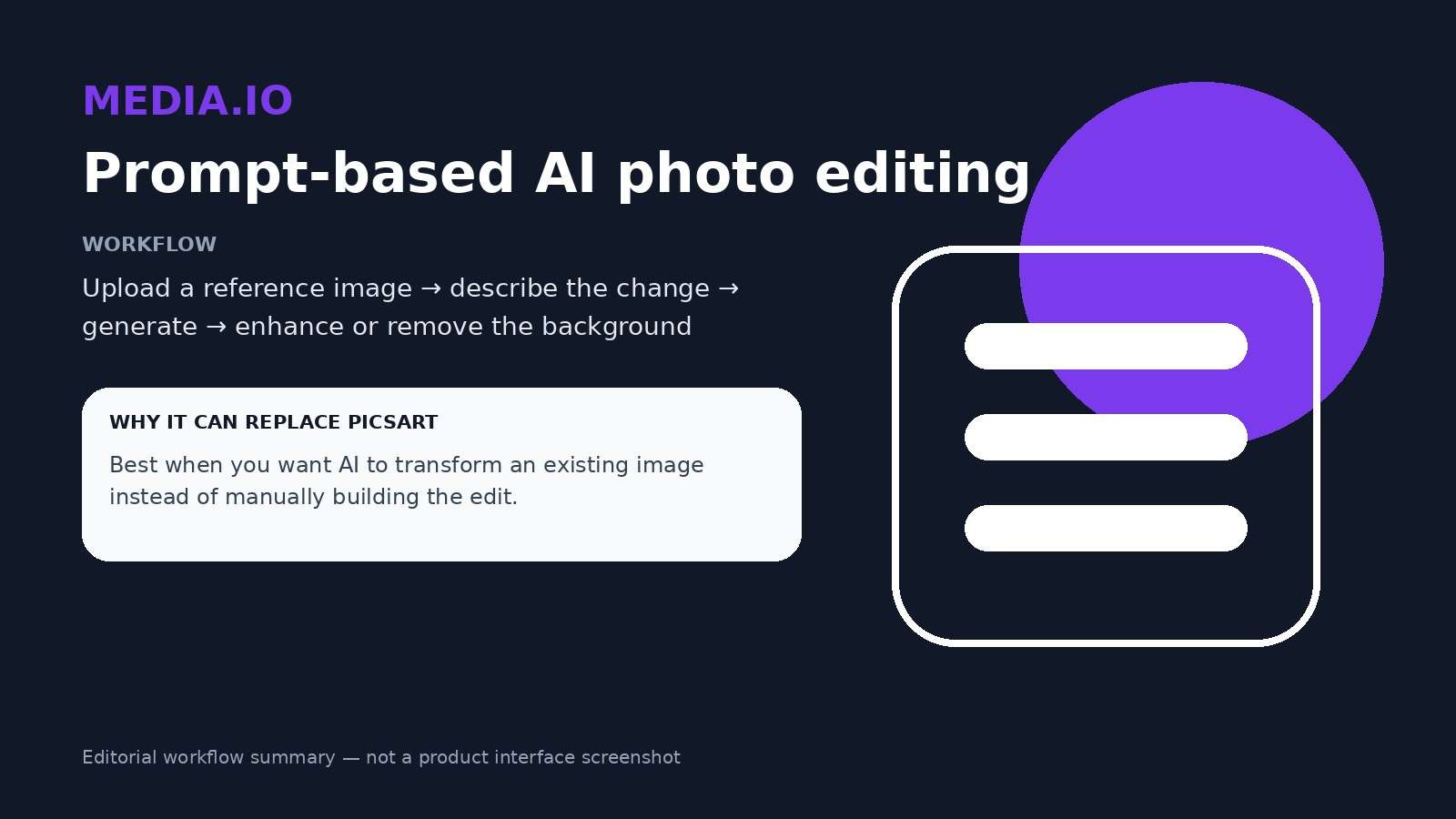
This approach works especially well for changes such as a new background, a different outfit, altered lighting, a stylized portrait, a product-photo makeover, or a new visual direction that still needs to preserve key details from the source. Media.io's current image-to-image workflow also lets you continue into tools such as background removal and image enhancement instead of treating generation as the final step.
Where Media.io is stronger for this job
- Natural-language direction: prompt what should change instead of manually constructing every edit.
- Reference-led generation: useful when the source image should remain recognizable while style, setting, clothing, or mood changes.
- Multiple AI model access: the current Image to Image workspace exposes several image-model routes rather than a single editing engine.
- Post-generation workflow: you can move from image transformation into enhancement, background cleanup, object removal, or animation.
Where Picsart or another editor may still fit better
Media.io is not trying to be a Photoshop-style layer editor. If your daily work depends on manually arranging many image layers, drawing, sticker libraries, or precise mask-by-mask compositing, Photopea or a design platform may fit better.
2. Canva: Best Picsart Alternative for Templates, Social Posts, and Brand Content
Canva makes the most sense when your edited photo is not the final deliverable. The real deliverable is a post, thumbnail, presentation, flyer, ad, menu, carousel, or branded graphic.
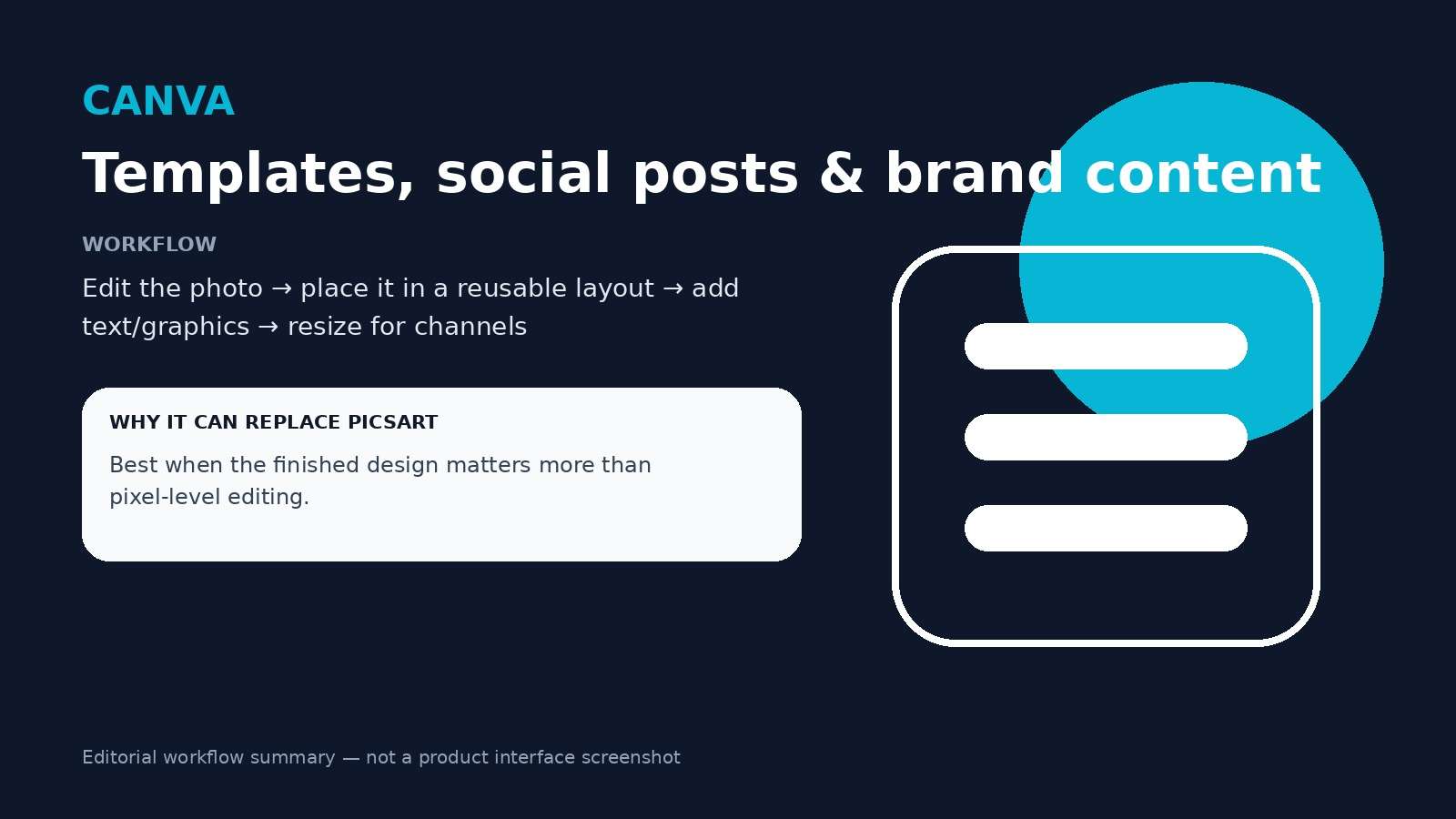
Canva's photo editor now includes prompt-led tools such as Magic Edit, along with object removal, background tools, upscaling, filters, text, and a large design ecosystem. Its biggest advantage over a classic photo editor is what happens after the image is fixed: the same asset can immediately be placed into a reusable layout, resized for channels, combined with typography, or passed into a brand workflow.
Choose Canva when you use Picsart mainly for
- Instagram posts, Stories, and social graphics;
- YouTube thumbnails and channel assets;
- posters, flyers, invitations, and presentations;
- templates that non-designers can reuse;
- brand kits, team design, and approval-friendly layouts.
Trade-off: Canva can edit photos, but its center of gravity is still design. If the problem is a difficult cutout, advanced compositing, or detailed layer manipulation, choose a tool built closer to the image itself.
3. Pixlr: Best Online Picsart Alternative for Traditional Editing Plus AI
Pixlr is a strong middle ground for people who do not want to choose between a familiar photo editor and newer generative tools. Its current suite includes background removal, object removal, generative fill, generative expand, image generation, and a natural-language AI assistant alongside conventional photo-editing workflows.
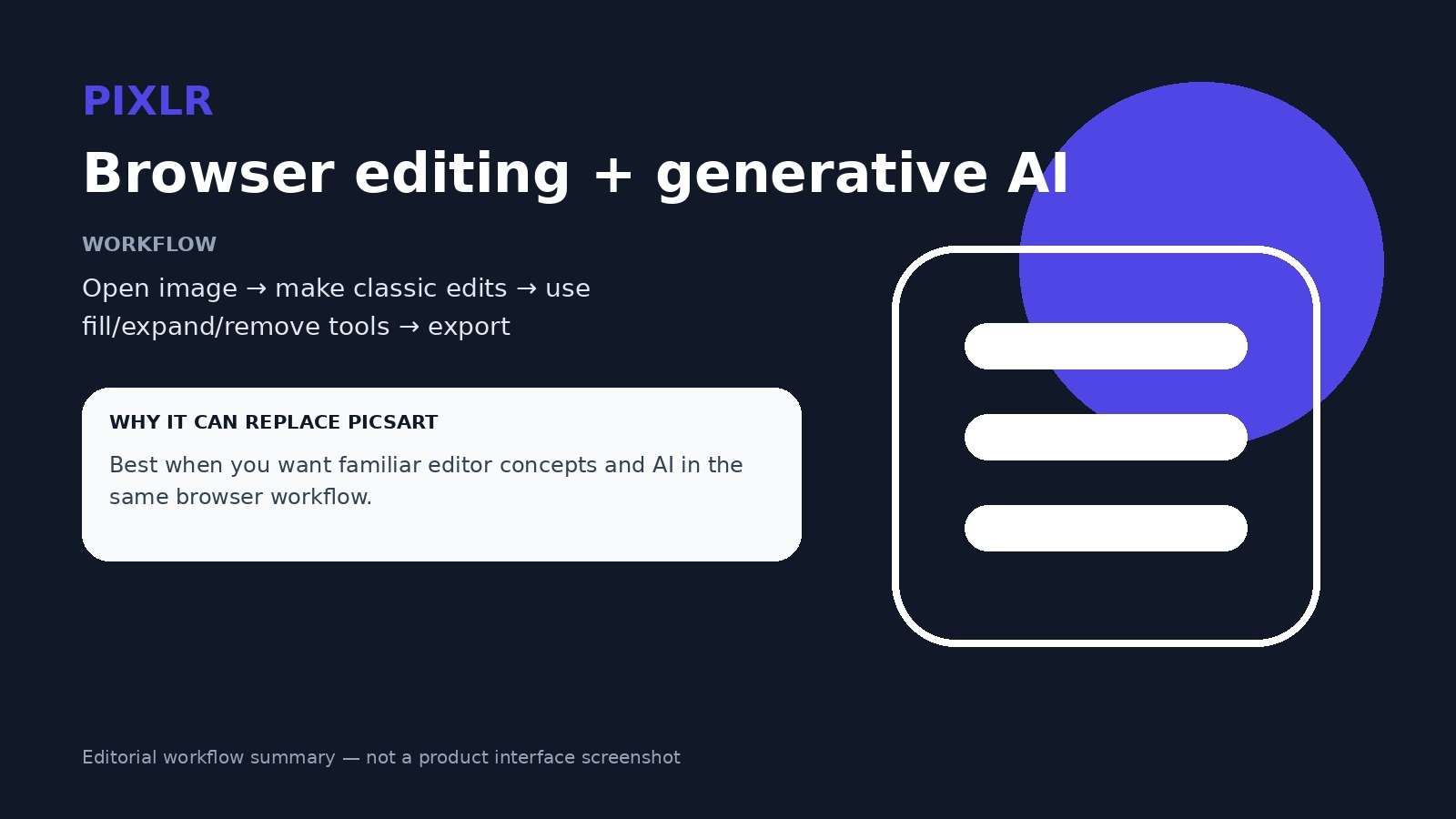
That makes Pixlr one of the closest matches for the query picsart alternative online. You can stay in the browser, make quick photo corrections, work with editable elements, and use AI when it saves time rather than making AI the only way to work.
Pixlr is a good fit if you need
- a web-first image editor;
- layers and traditional editing concepts without installing a heavy desktop suite;
- generative fill and expand for selected edits;
- background and object removal in the same ecosystem;
- a bridge between manual editing and prompt-led editing.
Trade-off: Pixlr's current paid plans are tied to saves, ad-free use, and AI-credit allowances. If your priority is a completely subscription-free mobile editor, Snapseed is the more direct answer. If you need deeper PSD-style control, Photopea is stronger.
4. Adobe Express: Best for Adobe-Centered Design Workflows
Adobe Express is useful when you want a quick design tool that still connects naturally with the wider Adobe ecosystem. It can create social posts, images, flyers, videos, and branded content, while its generative features support adding, replacing, and removing objects with text prompts.
Adobe has also been expanding prompt-based editing in 2026. For example, Adobe Express Photos introduced an AI Assistant that can apply suggested edits or respond to a custom prompt, although that specific Photos assistant is currently documented as Windows-only. The broader Express web and mobile products still provide generative editing paths such as object insertion, replacement, removal, and image expansion.
Choose Adobe Express if
- you already use Creative Cloud or Adobe assets;
- your photo edit needs to become a designed marketing asset;
- you want generative fill without moving into a full Photoshop project;
- commercial creative workflows and Adobe handoff matter to your team.
Trade-off: Express is intentionally simpler than Photoshop. That is helpful for speed, but users switching from Picsart specifically for layers and detailed compositing may still prefer Photopea or Photoshop itself.
5. Fotor: Best for Fast Enhancement, Cleanup, and AI-Assisted Retouching
Fotor is a practical alternative when the source photo simply needs to look better. Its current editor combines automatic enhancement, background removal, object removal, generative fill, image expansion, and image generation with more traditional photo adjustments.
A typical Fotor use case is less about building a complex design and more about shortening the cleanup sequence: improve clarity, remove a distraction, repair or replace part of the image, adjust the background, and export.
Fotor is strongest for
- one-click photo enhancement;
- portrait and social-photo cleanup;
- background removal and replacement;
- object removal;
- AI fill and image expansion.
Trade-off: some AI outputs can be previewed or tested with free access, while higher-quality downloads or ongoing AI use can depend on the current plan. Check the live export path before moving a large workflow.
6. PhotoRoom: Best Picsart Alternative for Product Photos and Ecommerce
PhotoRoom is the most specialized tool in this list, and that is its advantage. It is built around product imagery: remove the original background, stage a product in a new setting, create clean marketplace images, add shadows, resize for channels, and apply changes at catalog scale.
For an Etsy, Shopify, Amazon, resale, food-delivery, or marketplace workflow, that specialization is more valuable than a large library of unrelated stickers or effects. PhotoRoom's current platform also includes text-guided editing, AI backgrounds, batch editing, brand controls, and product staging.
Choose PhotoRoom when your Picsart workflow is really about
- background removal for product shots;
- white-background marketplace images;
- AI-generated lifestyle or studio scenes;
- consistent catalog presentation;
- batch edits across many SKUs.
Trade-off: PhotoRoom is not the broadest choice for memes, layered art, or general-purpose personal photo manipulation. It wins when the image has a commercial product at the center.
7. Photopea: Best Free Picsart Alternative for Layers, Masks, and PSD Editing
Photopea is the clearest answer for users who search for a Picsart alternative with layers. It runs in the browser but follows the logic of a traditional professional image editor: layers, masks, layer styles, smart objects, adjustment layers, channels, paths, vector graphics, and full PSD support.
That makes Photopea especially useful for cutouts, collages, image-on-image compositing, perspective changes, detailed typography, and projects where individual elements must remain independently editable. It also includes newer AI capabilities such as one-click background removal and text-directed replacement, but manual control remains the main reason to choose it.
Photopea is the better replacement when you care about
- editable layers and masks;
- PSD import and export;
- blend modes and adjustment layers;
- smart objects and more precise compositing;
- desktop-style control without installing a desktop editor.
Trade-off: the interface has a steeper learning curve than Picsart, Canva, or Snapseed. If your goal is a five-second background change, a prompt-first or one-tap editor will be faster.
8. Snapseed: Best Free Picsart Alternative for Mobile Photo Editing
Snapseed is the most straightforward recommendation for people who want to move away from subscriptions and still keep a capable mobile photo editor. Google currently describes Snapseed as a professional photo editor with 30+ tools and filters, and explicitly lists no subscriptions, purchases, ads, or watermarks.
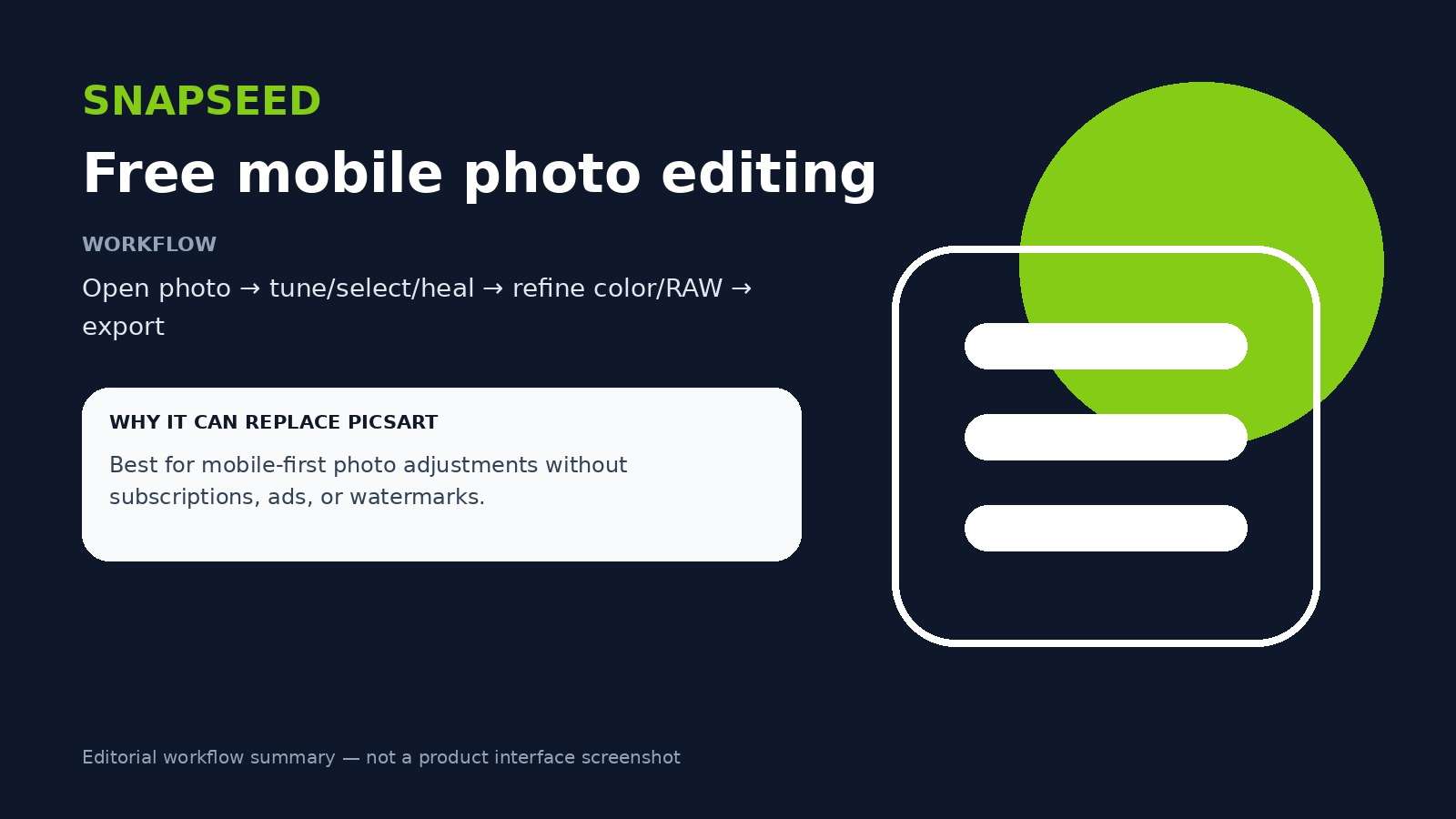
The 2026 version includes RAW support, smart masking, batch editing, curves, HSL controls, dehaze, perspective tools, healing, selective adjustments, film looks, and non-destructive editing. That is a meaningful upgrade from the old idea that Snapseed is only a basic filter app.
Snapseed is ideal if you want
- a free photo editor on mobile;
- strong manual tonal and color controls;
- RAW editing;
- healing and selective local edits;
- a workflow without recurring subscription prompts.
Trade-off: Snapseed is still not a full replacement for Picsart's stickers, social templates, complex multi-image layer workflows, or broad generative-AI ecosystem. It replaces the photo editing part very well, not the entire creative platform.
Best Free Picsart Alternatives by Platform and Task
If your search is specifically for a free Picsart alternative, do not start by asking which app has the longest feature list. Start by asking which task must stay free.
| Need | Best starting point | Why |
| Free mobile photo editing | Snapseed | Current Google Play listing states no subscriptions, purchases, ads, or watermarks. |
| Free browser layers and PSD editing | Photopea | Traditional layer-based editor with PSD support in the browser. |
| Free social design | Canva | Free individual plan plus templates and layout tools; some premium AI features remain plan-dependent. |
| Free-to-start AI image editing | Media.io | Browser-based image-to-image workflow with signup credits and prompt control. |
| Hybrid browser editing + AI | Pixlr | Combines conventional editor concepts with generative tools; ongoing saves and AI usage depend on plan. |
| Product-photo workflow | PhotoRoom | Purpose-built background, staging, resize, and catalog tools. |
Best Picsart alternative for Android
Start with Snapseed when you mainly adjust photos. Choose Canva when you mainly design posts. PhotoRoom is stronger for product photos. If you want prompt-led transformations rather than manual sliders, use a browser workflow such as Media.io on a supported mobile browser.
Best Picsart alternative for iPhone
The same task split applies: Snapseed for direct photo adjustments, Canva for layouts and social design, PhotoRoom for product shots, and a browser AI editor for prompt-based image changes. Do not assume an app is a complete Picsart replacement simply because it supports filters.
Best Picsart alternative for PC or browser
Photopea is the strongest choice for manual layers and PSD work. Pixlr is more approachable if you want traditional editing plus AI in one browser. Media.io is better if you want to describe the change instead of manually constructing it. Canva and Adobe Express are stronger when the image needs to become a finished design.
How to Choose a Picsart Alternative Without Testing Every App
A useful replacement test should use your own real project rather than a polished sample image. Take one photo you would normally edit in Picsart and run the same task through two or three candidates. Judge the exported result, not the marketing demo.
- Write down your top three Picsart actions. Examples: remove background, add another photo, create a collage, change clothing with AI, add text, use layers, improve a blurry image.
- Separate creation from editing. If you are mostly generating or transforming images, test AI-first tools. If you are assembling a final graphic, test design-first tools. If you are manipulating pixels and layers, test a traditional editor.
- Check the full free workflow. A tool can be free to open but still limit exports, saves, resolution, AI credits, or premium effects. Complete one real export before committing.
- Check what happens after the first edit. Can you resize, remove a background, add text, create variants, animate the image, or hand it to a teammate without rebuilding the project?
- Test the difficult detail. Hair edges, exact text, hands, product labels, layered transparency, and repeated faces reveal more than an easy sample.
- Choose the smallest tool that solves the job. A focused app is often faster than replacing one all-in-one suite with another all-in-one suite.
For prompt-based image transformations, you can test the same source photo in Media.io's AI Photo Editor, then use the Image Background Remover or AI Image Enhancer if the result needs cleanup before publishing.
Frequently Asked Questions
-
What is the best alternative to Picsart?
There is no single best replacement because Picsart combines several jobs. Media.io is a strong choice for prompt-based AI edits, Canva for templates and social design, Pixlr for browser editing plus AI, Photopea for layers and PSD files, PhotoRoom for product photos, and Snapseed for free mobile photo editing. -
What is the best free Picsart alternative?
For mobile photo editing, Snapseed is one of the clearest free options because its current Google Play listing states no subscriptions, purchases, ads, or watermarks. For browser-based layers and PSD files, Photopea is a strong free starting point. Canva, Media.io, Pixlr, Fotor, and PhotoRoom also provide forms of free access, but premium features, credits, exports, or saves can vary. -
Is there an online alternative to Picsart?
Yes. Media.io, Canva, Pixlr, Adobe Express, Fotor, PhotoRoom, and Photopea all provide browser-based workflows. Choose based on whether you need AI transformation, templates, traditional editing, product photography, or layers. -
Which Picsart alternative has layers?
Photopea is the strongest option in this list for users who specifically need layers, masks, adjustment layers, smart objects, and PSD support. Pixlr is another browser option when you want traditional editing concepts combined with modern AI tools. -
What is the best Picsart alternative without a subscription?
Snapseed is a strong mobile choice because Google currently lists it with no subscriptions, purchases, ads, or watermarks. Photopea can also be used as a free browser editor for layer-based work. Always confirm the current plan and export rules before moving a production workflow. -
What is the best Picsart alternative for AI photo editing?
Media.io is particularly useful when you want to upload an existing image and describe the change with a prompt, such as changing a background, outfit, lighting, or style. Canva, Pixlr, Adobe Express, Fotor, and PhotoRoom also include AI-assisted editing, but each is optimized around a different surrounding workflow. -
Is Canva better than Picsart?
Canva is usually the better fit when the final deliverable is a layout such as a social post, presentation, flyer, thumbnail, or branded campaign asset. Picsart has a broader creative-editing identity. The right choice depends on whether your workflow starts with a photo edit or with the design you need to publish. -
Which Picsart alternative is best for product photos?
PhotoRoom is the most specialized option for ecommerce product photography, including background removal, product staging, resize workflows, shadows, and catalog-oriented editing. Media.io is also useful when a product photo needs prompt-based transformation or broader image-to-image creative variation.


