Gardez le même visage (cohérence d’identité)
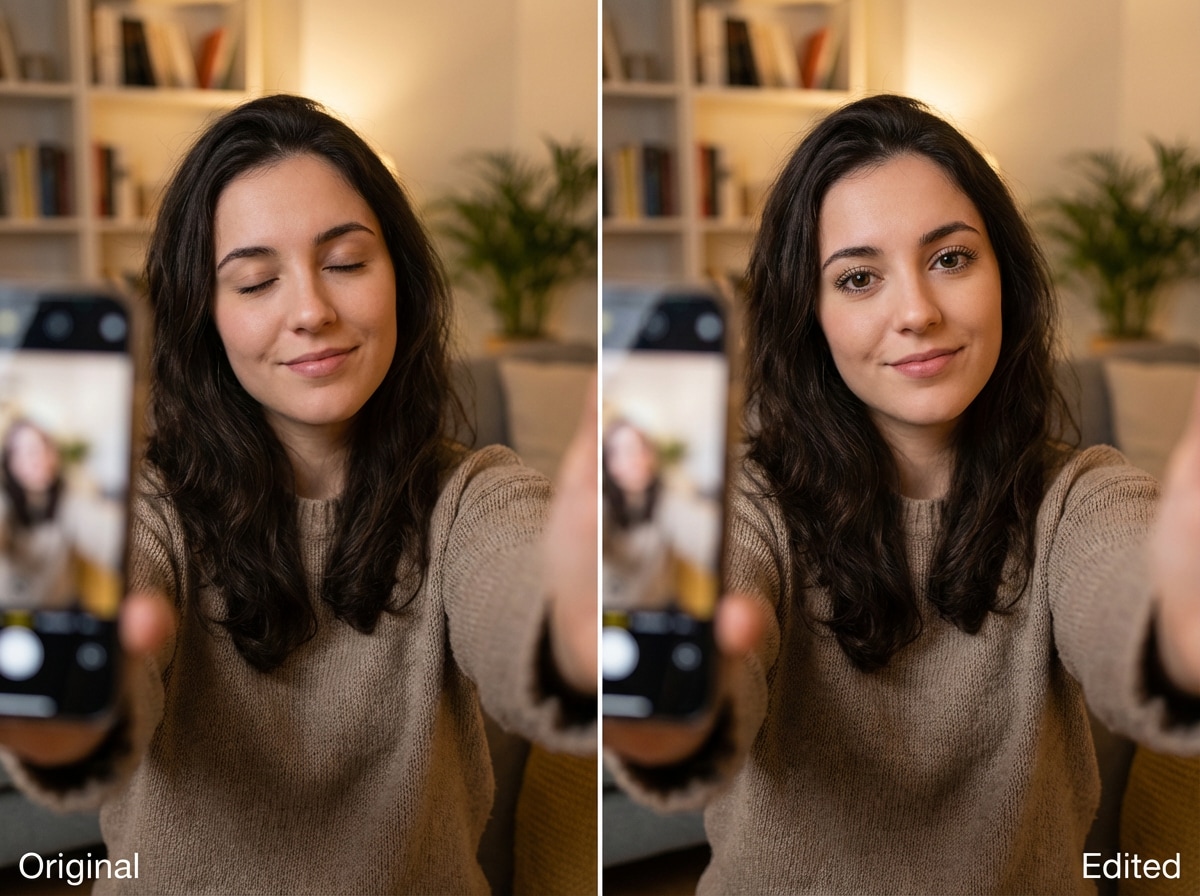
Modifiez vos photos sans changer qui vous êtes. Traits du visage, expressions et identité globale restent reconnaissables — idéal pour portraits & photos professionnelles.
 ToMoviee Pro (ex-Media 2.0)
Media 2.0 est le modèle d’édition photo IA le plus avancé de Media.iomodèle d'édition photo par intelligence artificielle.Importez une photo, tapez une instruction simple et admirez la transformation : changez de tenue, modifiez la couleur des cheveux, ajustez l’âge, supprimez des éléments ou corrigez les petits détails avec un rendu net et précis.Votre visage reste 100% préservé. Aucun masque, aucun curseur, zéro compétence Photoshop requise.
Importez une photo → décrivez l’édition → téléchargez le résultat.
Modifiez vos photos sans changer qui vous êtes. Traits du visage, expressions et identité globale restent reconnaissables — idéal pour portraits & photos professionnelles.
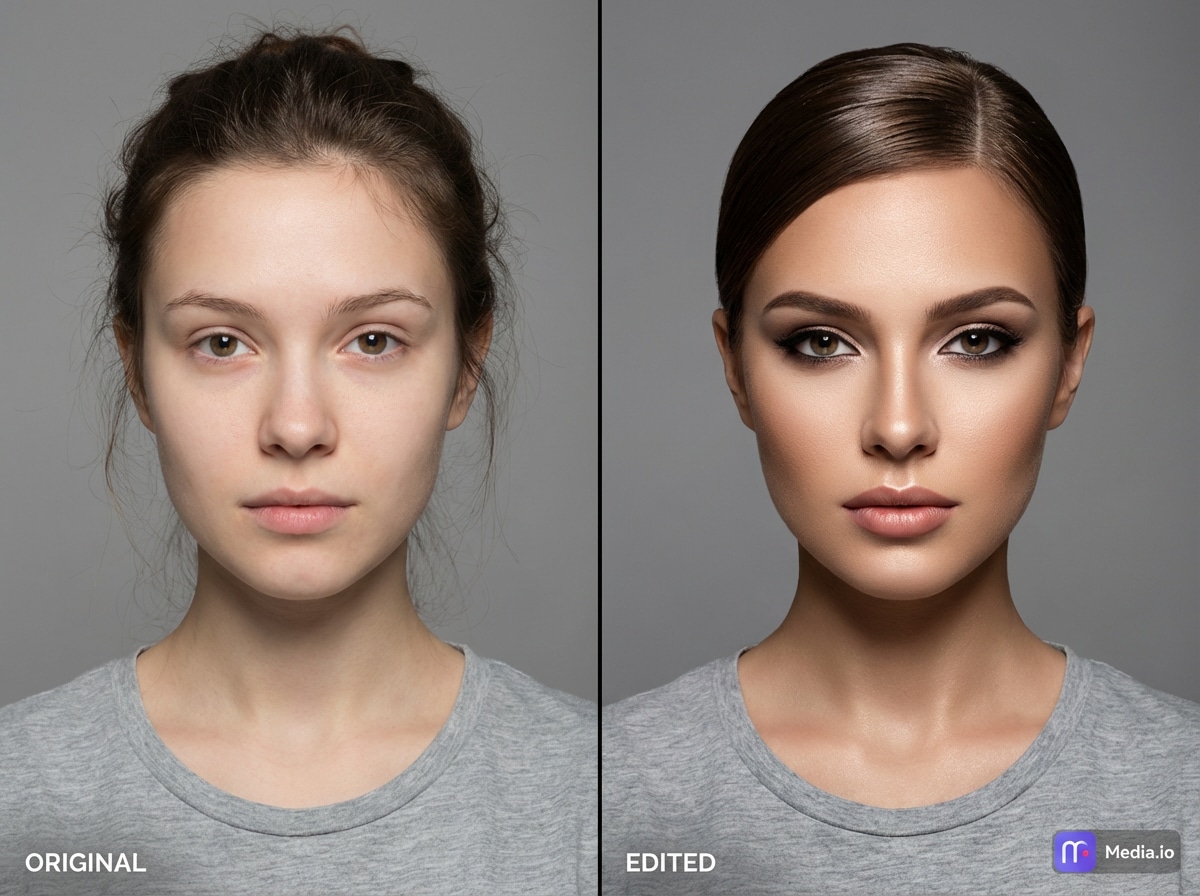
Testez une nouvelle coupe, adaptez le maquillage ou essayez une version plus jeune/vieille de vous-même, avec un rendu naturel et harmonieux.
Supprimez un objet, retouchez une zone ou ajustez une partie, sans trace ni contour visible.
Décrivez simplement ce que vous voulez : l’éditeur applique vos demandes sur le visage, les objets ou la disposition générale, pour un résultat fiable et lisible.
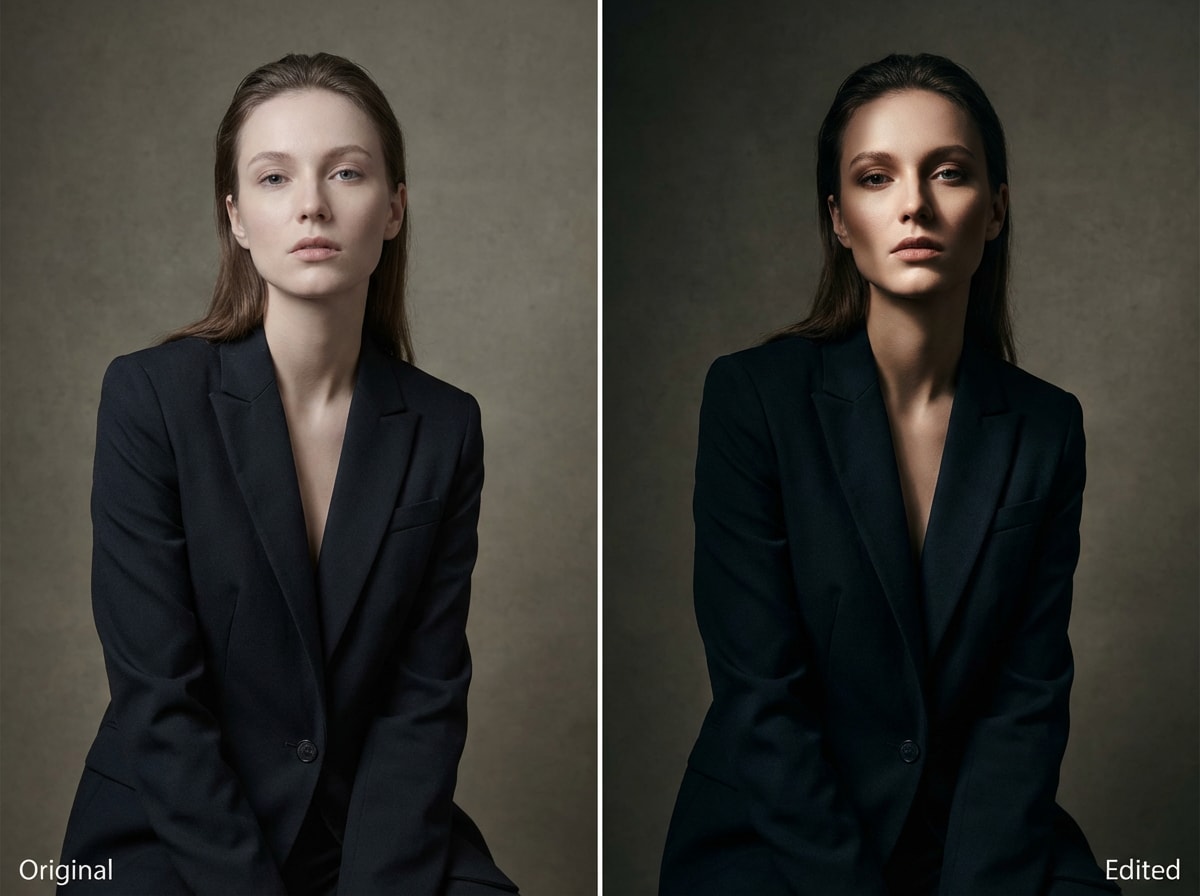
Changez l’ambiance : contre-jour, lumière coté ou effet studio en un clic — sans retouche manuelle. Idéal pour portraits, mode et looks impactants.
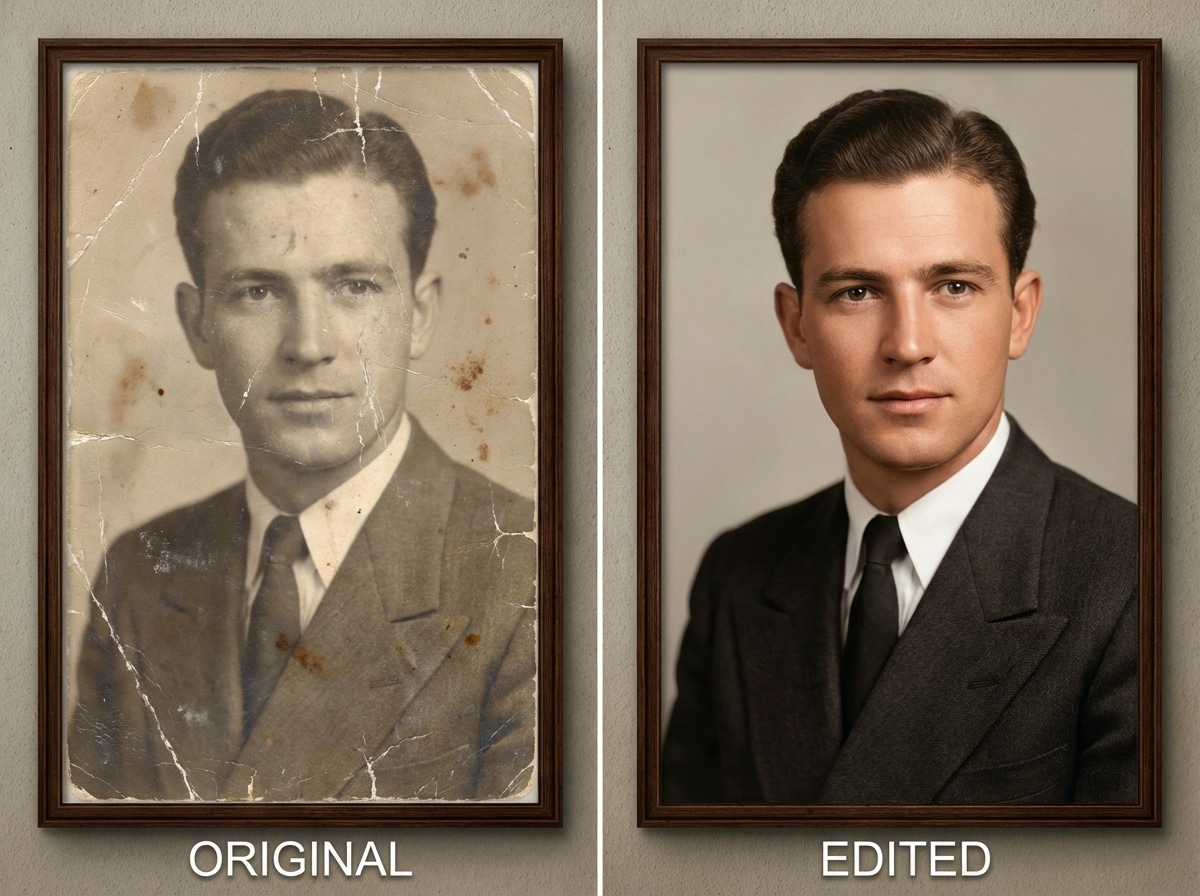
Réparez griffures, réduisez le flou, améliorez la netteté, tout en gardant un visage net et des couleurs naturelles.
Importez votre selfie, portrait ou ancienne photo dans l’éditeur d’images IA. Résultat optimal avec un visage net pour conserver l’identité.
Indiquez ce que vous souhaitez modifier — par exemple "changer pour des cheveux blonds", "porter un costume professionnel", ou encore "enlever l’objet à gauche".Pas de masque, pas de curseur — juste votre texte.
Media 2.0applique vos modifications instantanément : visage préservé, contours nets, rendu naturel. Prévisualisez le résultat et téléchargez en HD, sans watermark.

Créatrice de contenu

« Enfin un éditeur qui garde mon visage ! »Je l’ai utilisé éditeur d’images IApour changer la couleur de mes cheveux sur une miniature. Contrairement à d’autres outils qui me transforment, là mes traits sont restés nickel.

Utilisateur LinkedIn
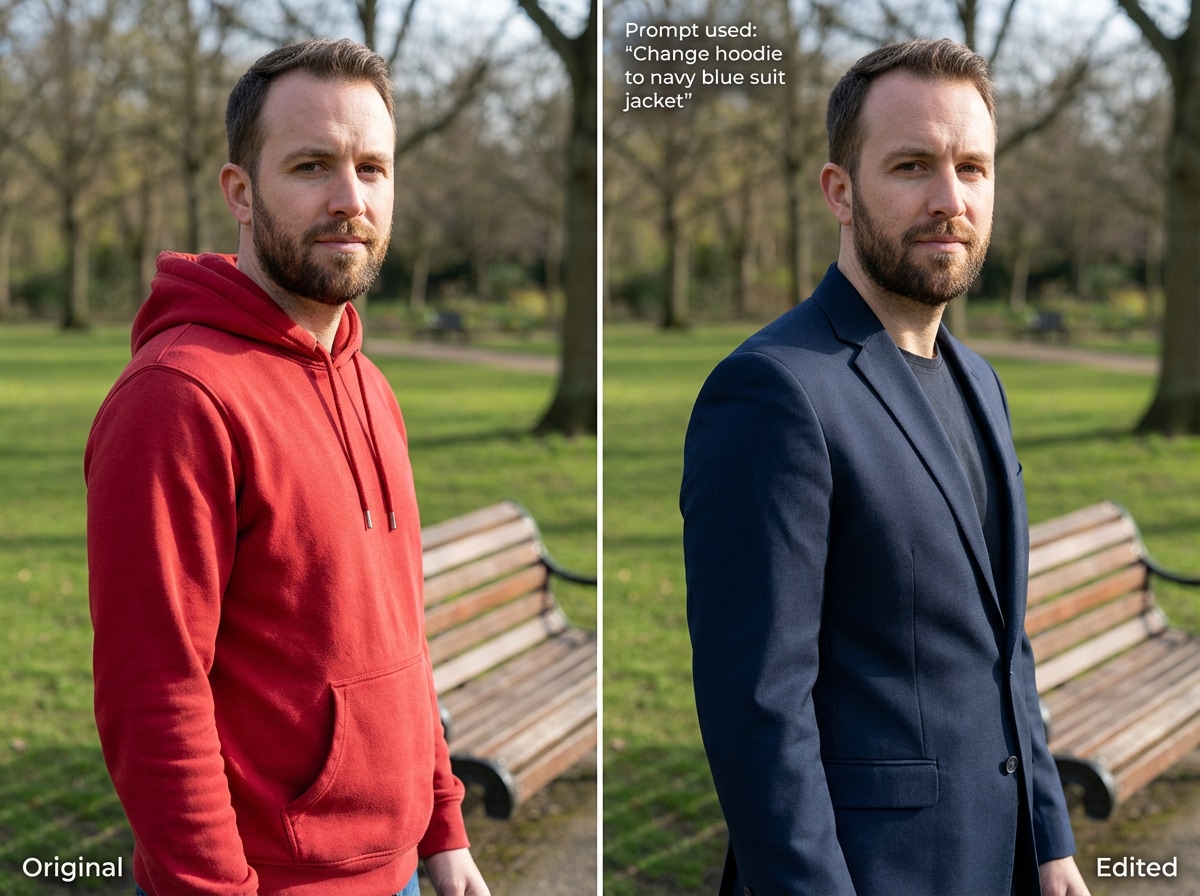
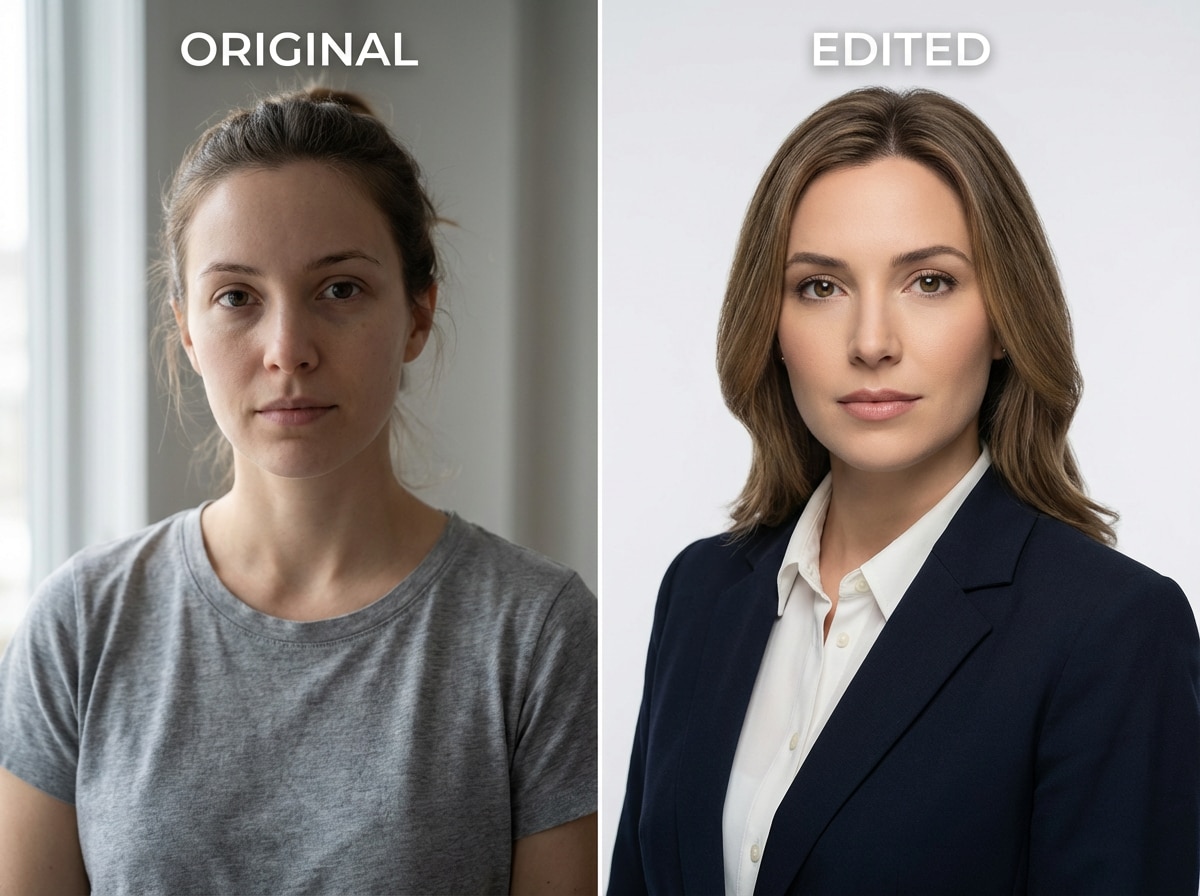
« Meilleur outil pour photo de profil DIY. »J’ai pris un selfie basique et utilisé l’éditeur visage IApour passer de t-shirt à costume. La lumière colle parfaitement, le rendu fait pro pour mon profil.

Archiviste
« Incroyable pour restaurer de vieilles photos. »J’ai importé une photo abîmée de ma grand-mère. L’IA restauration vieille photoa effacé les rayures et rendu son visage net, sans effet plastique.

Blogueur
« La solution la plus rapide pour les photos de vacances. »Besoin d’enlever un intrus ou de corriger la lumière ? Cet éditeur photo IAs’en occupe en deux secondes avec une simple instruction.
Oui. Media.io se démarque par la conservation avancée de l’identité. Contrairement aux générateurs basiques, notre éditeur de portrait IAanalyse vos traits pour assurer un résultat stable, donc vous pouvez changer cheveux, maquillage ou âge sans être méconnaissable.
Vous pouvez tout faire : changer la coiffure, tester de nouvelles tenues, ajouter du maquillage, supprimer un objet, faire un remplacement de fond IA, corriger l’éclairage, ou restaurer d’anciennes photos.restauration photo ancienne IA.
C’est un véritable éditeur d’image à image IA. Il utilise la technologie générative, mais le but est d’éditer vos photos existantes de façon réaliste. Vous importez une image, puis l’IA modifie seulement les parties demandées, tout en laissant le reste intact.
Bien sûr. Beaucoup d’utilisateurs s’en servent éditeur visage IApour transformer un selfie en photo pro : changez le t-shirt en costume, fond désordonné en studio clean, etc.
Media.io propose un essai gratuit de son éditeur d’images IAéditeur IA. Importez vos photos et testez les outils directement en ligne, aucune installation requise.
 4,7 (162 357 votes)