

 ChatGPT
 Perplexity
 Gemini
 Claude
 Grok
Grok
OiiOii is not trying to win the one-prompt clip contest. Its product is organized around animation: a canvas, storyboard-oriented workflows, many image and video models, reusable style systems, reference controls, and an Agent that coordinates production. That makes an OiiOii review more about scene-to-scene consistency and iteration speed than about whether one isolated generation looks impressive.
In this article
- OiiOii Quick Decision: Who Benefits From an Animation-First Workspace?
- The Animation Canvas Is the Product, Not Just the Model List
- Reference Control: First Frame, Last Frame, and Universal Guidance
- 150+ Styles: Helpful Shortcut or a Consistency Risk?
- OiiOii Pricing Review: Credits, Daily Bonuses, and Real Cost per Finished Minute
- Where OiiOii Fits Best—and Where It Is Overkill
- OiiOii vs. Media.io: Animation System or Broader Media Workflow?
- OiiOii Pros and Cons
- Final Verdict: OiiOii Makes the Most Sense When You Are Building a Visual World
- OiiOii Review FAQ
OiiOii Quick Decision: Who Benefits From an Animation-First Workspace?
| Review factor | Assessment |
|---|---|
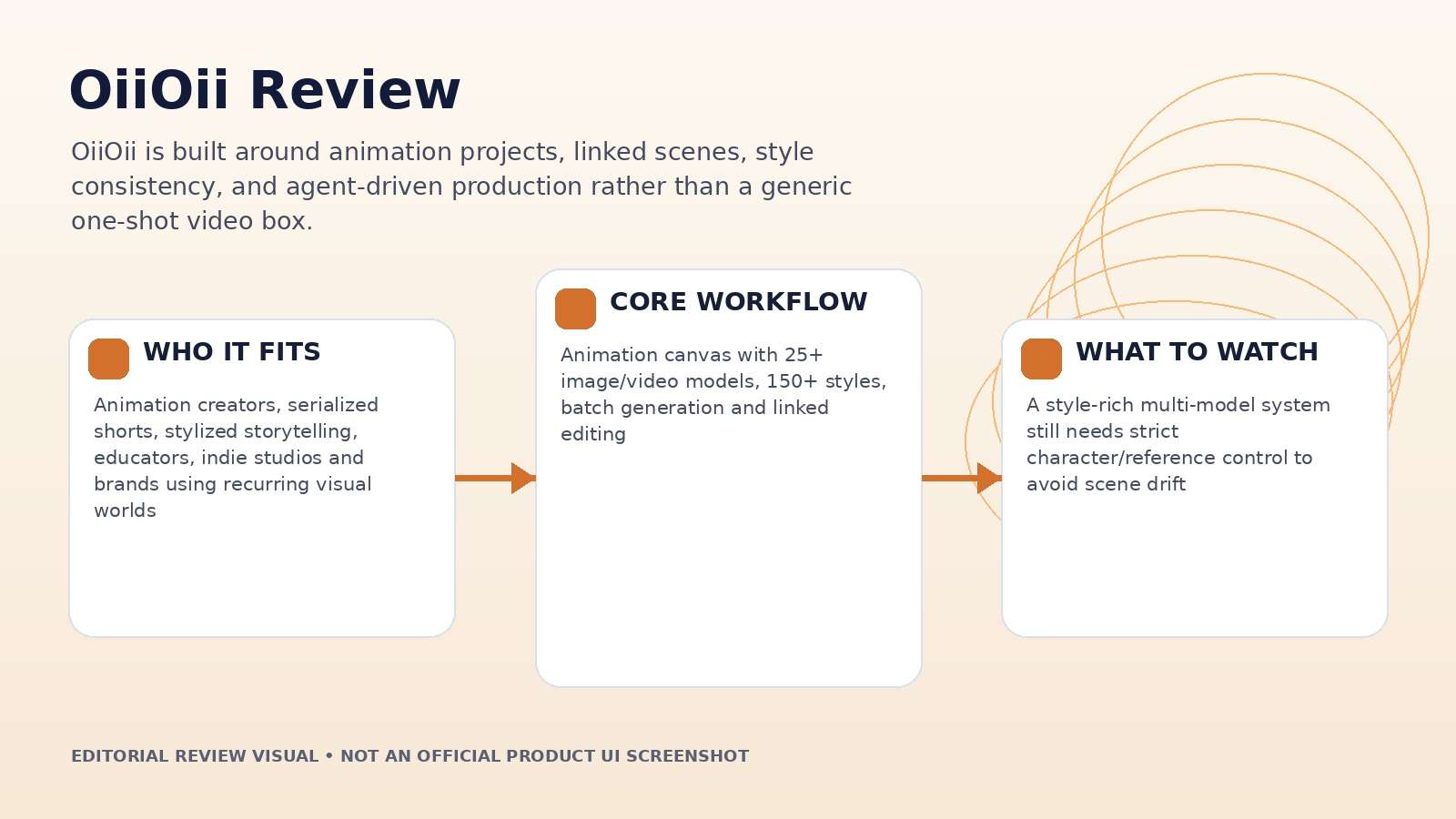
| Best for | Animation creators, serialized shorts, stylized storytelling, educators, indie studios and brands using recurring visual worlds |
| Core strength | Animation canvas with 25+ image/video models, 150+ styles, batch generation and linked editing |
| Main trade-off | A style-rich multi-model system still needs strict character/reference control to avoid scene drift |
| Pricing fit | Credit plans reward frequent production; cost efficiency depends on model choice and whether daily bonus credits are actually used |
Product claims, pricing, model access, and usage limits were rechecked against the provider’s current official materials on September 11, 2026. The review focuses on usable output, revision cost, workflow fit, and documented constraints rather than treating a showcase result as a controlled benchmark.
The Animation Canvas Is the Product, Not Just the Model List
OiiOii’s current canvas combines more than 25 image and video models with more than 150 built-in styles. The list spans image engines and video families such as Seedance, Sora, Vidu, Wan, Kling and Hailuo. A long catalog is useful, but the canvas is what turns that access into a workflow.
Concurrent generation allows several assets or storyboard frames to render in parallel, while linked editing is designed to update related scenes when a shared element changes. For animation, that is more valuable than simply offering another model button. The review question becomes: can the canvas preserve a project’s art direction when the creator revises one character, prop, or style reference midway through production?
Use a three-scene story rather than one isolated shot. If the workspace helps you compare frames side by side and keeps shared references visible, it is solving an actual animation problem rather than only aggregating models.
Reference Control: First Frame, Last Frame, and Universal Guidance
OiiOii exposes first-frame and last-frame reference controls for video generation, plus broader universal references for style or content guidance. This directly addresses a common animation problem: a shot can look good in isolation but fail to begin or end where the next shot needs it.
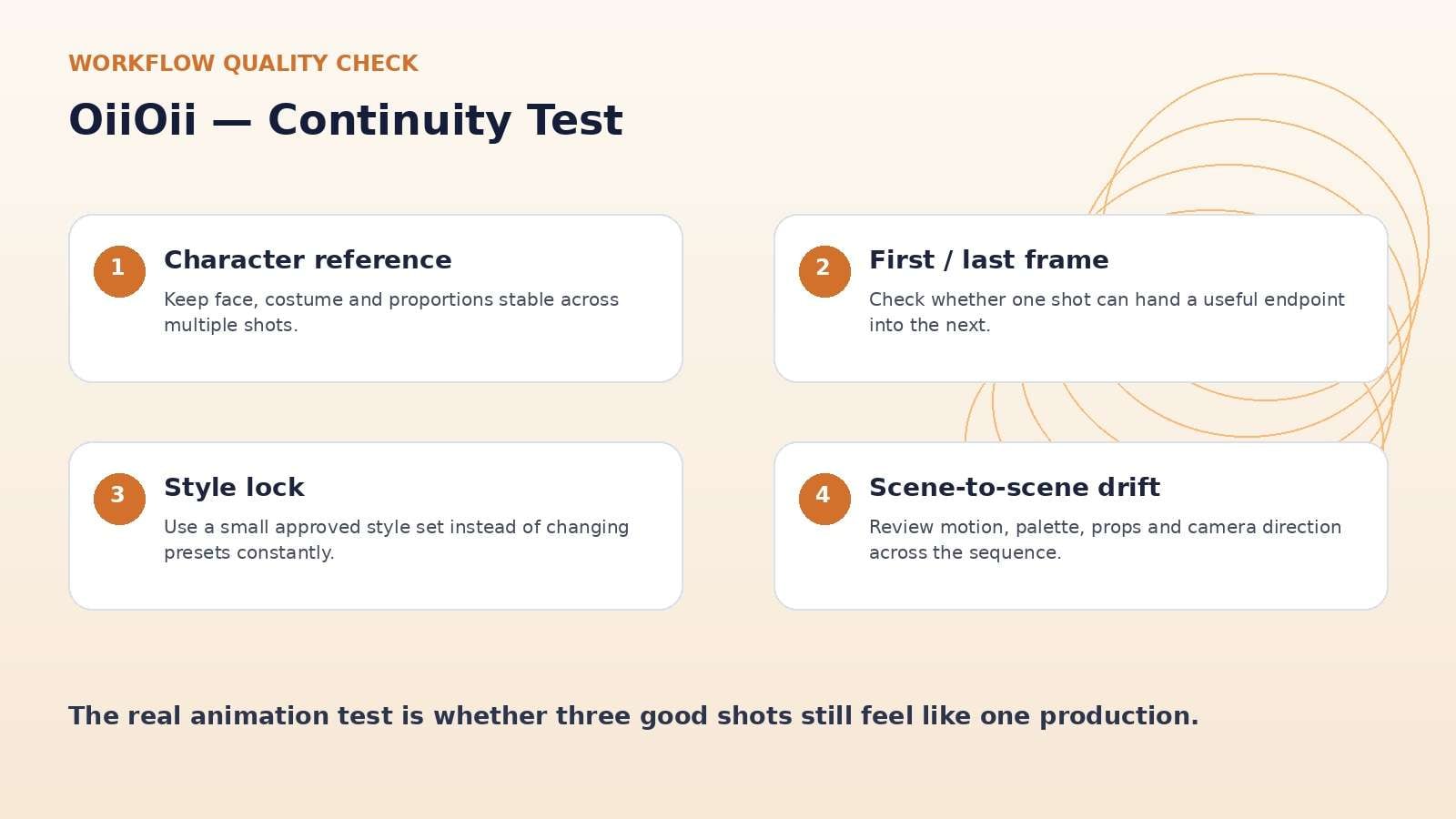
Test a three-shot sequence. Lock the same character design, color palette, and environment. Make shot one end on a specific pose, use that endpoint to guide shot two, and then see whether shot three still feels like the same production. Review face shape, clothing, prop scale, line style, palette, and camera direction.
A storyboard tool earns its value by reducing continuity corrections. If reference controls only help the first frame but the subject drifts during motion, the practical benefit is smaller than the feature name implies.
150+ Styles: Helpful Shortcut or a Consistency Risk?
The style library spans anime, realistic, 3D, pixel, illustration, painterly, retro and many other aesthetics. This is useful for non-experts because a style preset can encode choices that would otherwise require detailed prompt engineering. It also gives teams a shared vocabulary for the look of a project.
The danger is treating style labels as a substitute for art direction. A recurring series still needs a reference sheet, palette, line/lighting rules, and a test for how each selected model interprets the preset. If the creator changes both the model and the style at the same time, continuity becomes hard to diagnose.
Use presets to stabilize a direction, not to browse endlessly. The more established the series becomes, the more valuable a small approved style set is compared with access to hundreds of possibilities.
OiiOii Pricing Review: Credits, Daily Bonuses, and Real Cost per Finished Minute
OiiOii’s own September 2026 pricing analysis describes four membership tiers—BASE, STAR, PRO, and APEX—with quarterly effective monthly rates around $16, $43, $99, and $188 at the time of that article. Subscription credits are supplemented by daily check-in bonuses, and higher tiers increase monthly credit volume and concurrent storyboards.
The same source states that membership includes watermark-free 1080p export, CLI access, no member queue, and model discounts. The unusual part is that value per credit is not perfectly linear if you count the full daily check-in bonus, so a creator who rarely logs in should not choose a plan using the headline “total monthly credits” number.
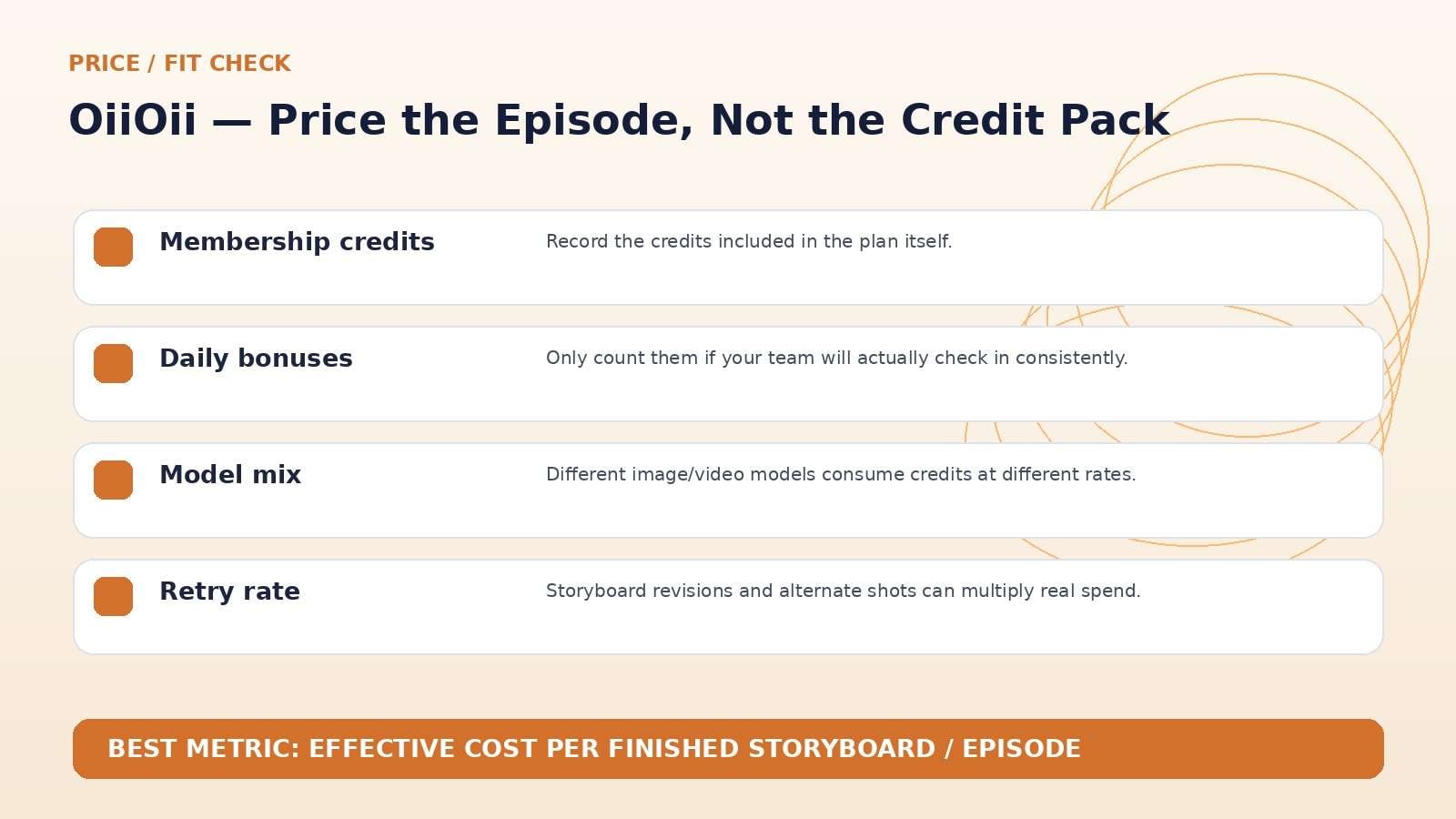
Price a real episode: key images, revisions, number of shots, video seconds, upscales, and expected retries. A subscription that looks generous can disappear quickly when every shot is generated in several models before the direction is locked.
Where OiiOii Fits Best—and Where It Is Overkill
The product is clearest for workflows where continuity and art direction repeat: animated shorts, children’s stories, stylized educational videos, indie game trailers, recurring social characters, and brand mascots. These projects benefit from shared references and a canvas that keeps multiple shots visible at once.
It is less differentiated for someone who only wants a photorealistic image-to-video clip. In that case, model choice and raw generation price may matter more than an animation-specific workspace. The larger the project’s “world”—characters, props, locations, palette, pacing—the more relevant OiiOii’s structure becomes.
Teams should also test collaboration behavior early. An animation tool becomes much more valuable when creative direction can be understood by someone other than the original prompt author.
OiiOii vs. Media.io: Animation System or Broader Media Workflow?
Media.io is broader rather than animation-first. It makes more sense when AI generation is one stage in a mixed workflow that also needs enhancement, object/background cleanup, audio, conversion, compression, or general image/video editing. OiiOii is the more specialized option when a storyboard, recurring style, and animation consistency are the core problem.
For a series with a recurring mascot, test OiiOii’s linked references. For a product campaign that mixes generated shots, real footage, cleanup, resizing, and final delivery, Media.io may reduce the number of separate finishing tools.
OiiOii Pros and Cons
Final Verdict: OiiOii Makes the Most Sense When You Are Building a Visual World
Features and pricing were rechecked on September 11, 2026. AI products change quickly, so verify the live provider pages immediately before publication or purchase.
OiiOii Review FAQ
-
What is OiiOii AI?
OiiOii is an AI animation platform built around a canvas, agent-assisted production, multiple image and video models, built-in styles, batch generation, and reference controls for multi-shot animation workflows. -
How many models does OiiOii support?
Its current animation canvas page advertises 25+ image and video models, while dedicated generation pages list a broad set of model variants. The exact catalog changes over time. -
Does OiiOii support first and last frame control?
Yes. OiiOii documents first-frame and last-frame image references, plus universal reference guidance for style and content. -
How much does OiiOii cost?
An official OiiOii pricing article dated September 4, 2026 describes BASE, STAR, PRO and APEX tiers with quarterly effective monthly rates around $16, $43, $99 and $188 at that time. Check the live pricing page before purchase. -
Are OiiOii exports watermarked?
The official pricing analysis states that membership tiers include watermark-free export and 1080p HD export. Verify current plan details because entitlements can change. -
Is OiiOii good for anime or stylized video?
Yes. The platform’s style library spans anime, illustration, 3D, pixel, retro and many other visual directions, with multiple underlying models. -
Does OiiOii have an AI Agent?
Yes. OiiOii positions itself as an animation Agent platform and describes an Agent/canvas workflow for coordinating story and visual production. -
Is OiiOii worth it in 2026?
It is most worth testing for multi-shot animation, recurring characters and stylized series where reference and storyboard consistency matter.


