

 ChatGPT
 Perplexity
 Gemini
 Claude
 Grok
Grok
Video Ocean sits in an unusual position between an AI video SaaS and the ecosystem around Open-Sora. Its current product homepage offers text-to-video, image-to-video, Frame Flow, reference and multi-reference video, lip sync, image generation, and a Video Agent, while HPC-AI's open-source Open-Sora project points users toward Video Ocean as the commercial product. A useful Video Ocean review needs to separate that open-source pedigree from the everyday experience of generating, iterating, and paying for finished clips.
In this article
- Video Ocean Quick Decision: Who Should Put It on the Shortlist?
- Video Ocean and Open-Sora Are Related, but They Are Not the Same Product
- Text-to-Video, Image-to-Video, Frame Flow, and Multi-Reference Solve Different Problems
- Video Agent Changes the Scope From Clips to Longer Tasks
- Video Ocean Pricing Review: Verify Live Rates Before You Build a Budget
- Quality Review: Count Usable Motion, Not Generated Seconds
- Who Should Consider Video Ocean?
- Video Ocean vs. Media.io: Specialized Video Modes or Broader Creation + Finishing?
- Video Ocean Pros and Cons
- Final Verdict: Video Ocean Is Interesting, but Transparency Matters as Much as the Model Stack
- Video Ocean Review FAQ
Video Ocean Quick Decision: Who Should Put It on the Shortlist?
| Review factor | Assessment |
|---|---|
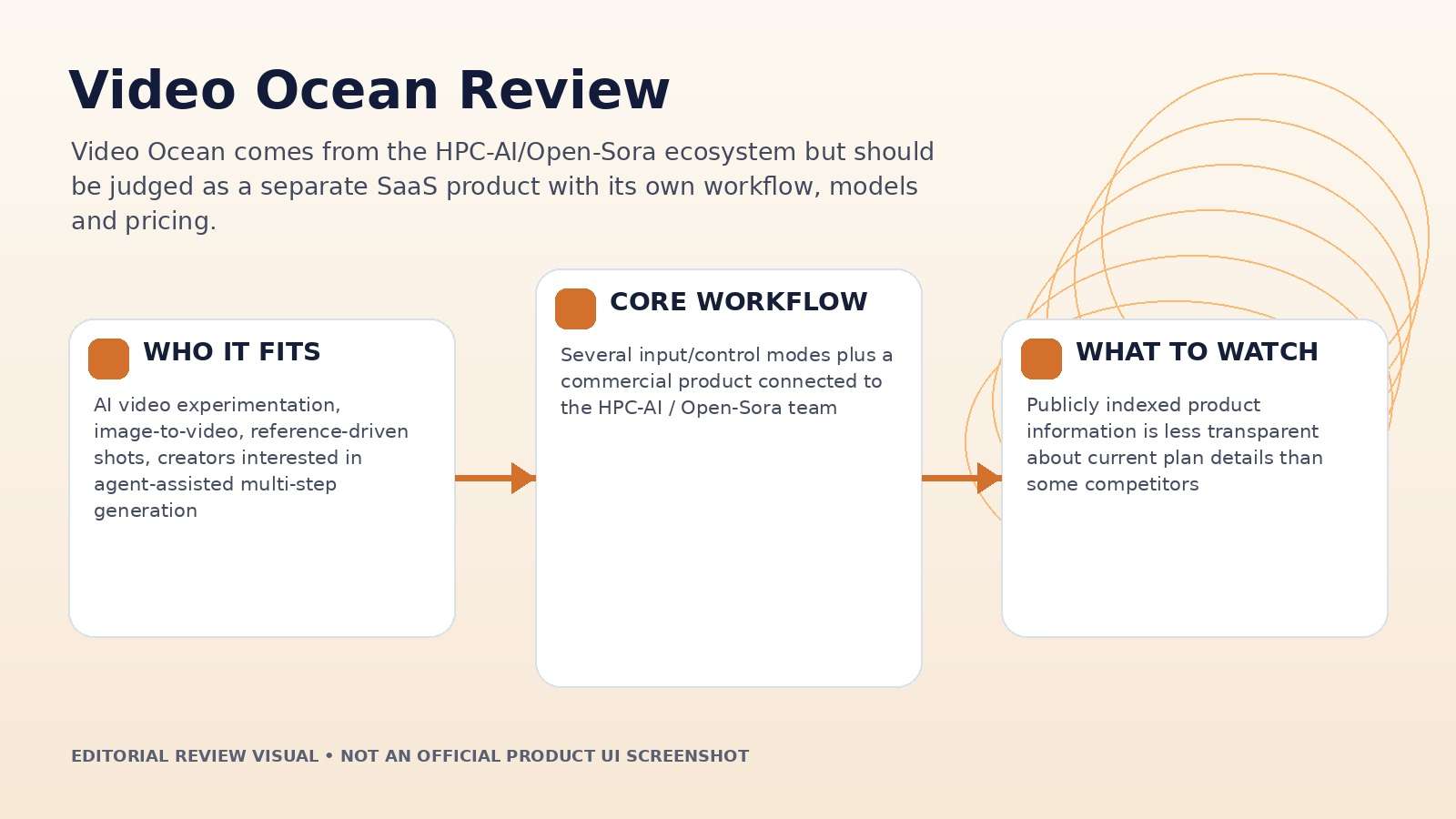
| Best for | AI video experimentation, image-to-video, reference-driven shots, creators interested in agent-assisted multi-step generation |
| Core strength | Several input/control modes plus a commercial product connected to the HPC-AI / Open-Sora team |
| Main trade-off | Publicly indexed product information is less transparent about current plan details than some competitors |
| Pricing fit | Subscription and one-time credit options are advertised; verify current live pricing before purchase |
Product claims, pricing, model access, and usage limits were rechecked against the provider's current official materials on September 11, 2026. The review focuses on usable output, revision cost, workflow fit, and documented constraints rather than treating a showcase result as a controlled benchmark.
Video Ocean and Open-Sora Are Related, but They Are Not the Same Product
HPC-AI Tech's Open-Sora repository describes an open-source research and engineering effort for efficient video generation and directs users to Video Ocean for a professional AI video-generation product. Video Ocean's homepage presents a commercial all-in-one creative studio. It is therefore inaccurate to review the SaaS as if it were simply a hosted copy of one Open-Sora checkpoint.
Open-source credentials can signal technical depth, but product quality depends on the current models, orchestration, queue, interface, controls, asset handling, and support. Judge Video Ocean on the service you can use today, while treating Open-Sora as relevant background rather than a guarantee of output quality.
This distinction is especially important when models change quickly. A research repository and a commercial catalog can evolve on different schedules.
Text-to-Video, Image-to-Video, Frame Flow, and Multi-Reference Solve Different Problems
The current feature list includes text-to-video, image-to-video, Frame Flow, reference-to-video, multi-reference-to-video, lip sync, text-to-image and reference-to-image. That gives creators several ways to reduce ambiguity before rendering motion.
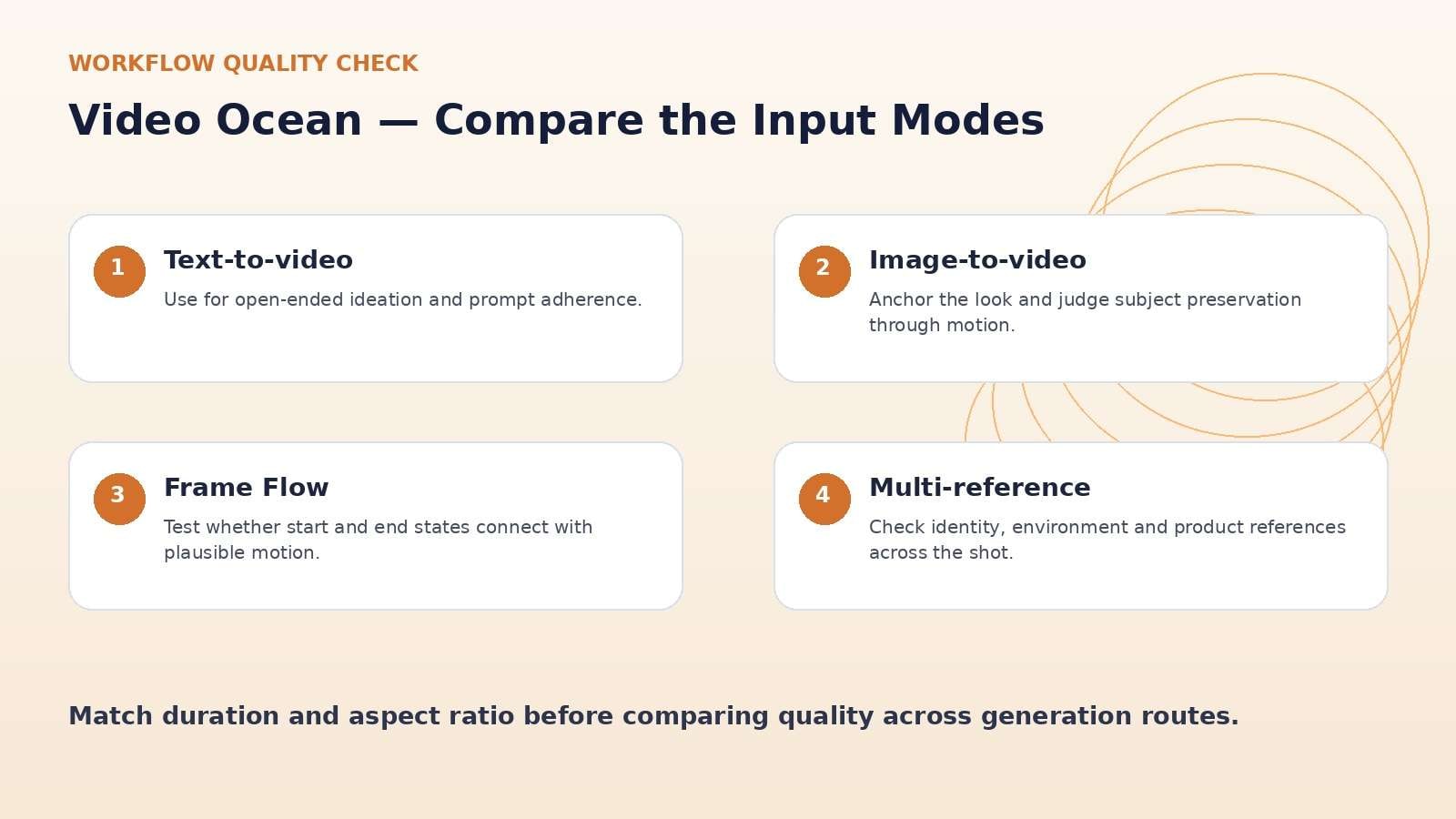
Text-to-video is best for ideation. Image-to-video is better when the look is already approved. Reference and multi-reference modes are more relevant when identity, product design, environment or style must persist. Frame Flow should be tested on transition control: give the system a clearly defined start and end state, then inspect whether the motion between them remains plausible instead of merely cross-fading or morphing unpredictably.
Use matched duration and aspect ratio across modes. Otherwise, a better-looking output may simply reflect a more expensive or less constrained configuration.
Video Agent Changes the Scope From Clips to Longer Tasks
Video Ocean currently promotes a Video Agent, and team materials describe development of agents that automate multi-step, minute-level video generation. That is a different value proposition from a single generation endpoint. The Agent should be judged on planning, scene coherence, and how well it handles revisions across a longer output.
Give the Agent a small but structured brief: 45 seconds, three story beats, one recurring subject, one visual reference and a fixed ending. Review whether it creates a sensible scene breakdown and whether changing one requirement causes unnecessary drift elsewhere.
Agent value comes from coordination, not from hiding every decision from the user. Keep approval checkpoints before expensive renders and before the final assembly.
Video Ocean Pricing Review: Verify Live Rates Before You Build a Budget
Video Ocean's official homepage advertises both one-time purchase and subscription pricing. However, the publicly indexed official page available during this review did not expose a complete current plan table. Third-party trackers list historical Standard, Pro and Premium prices, but those figures were captured previously and may be stale.
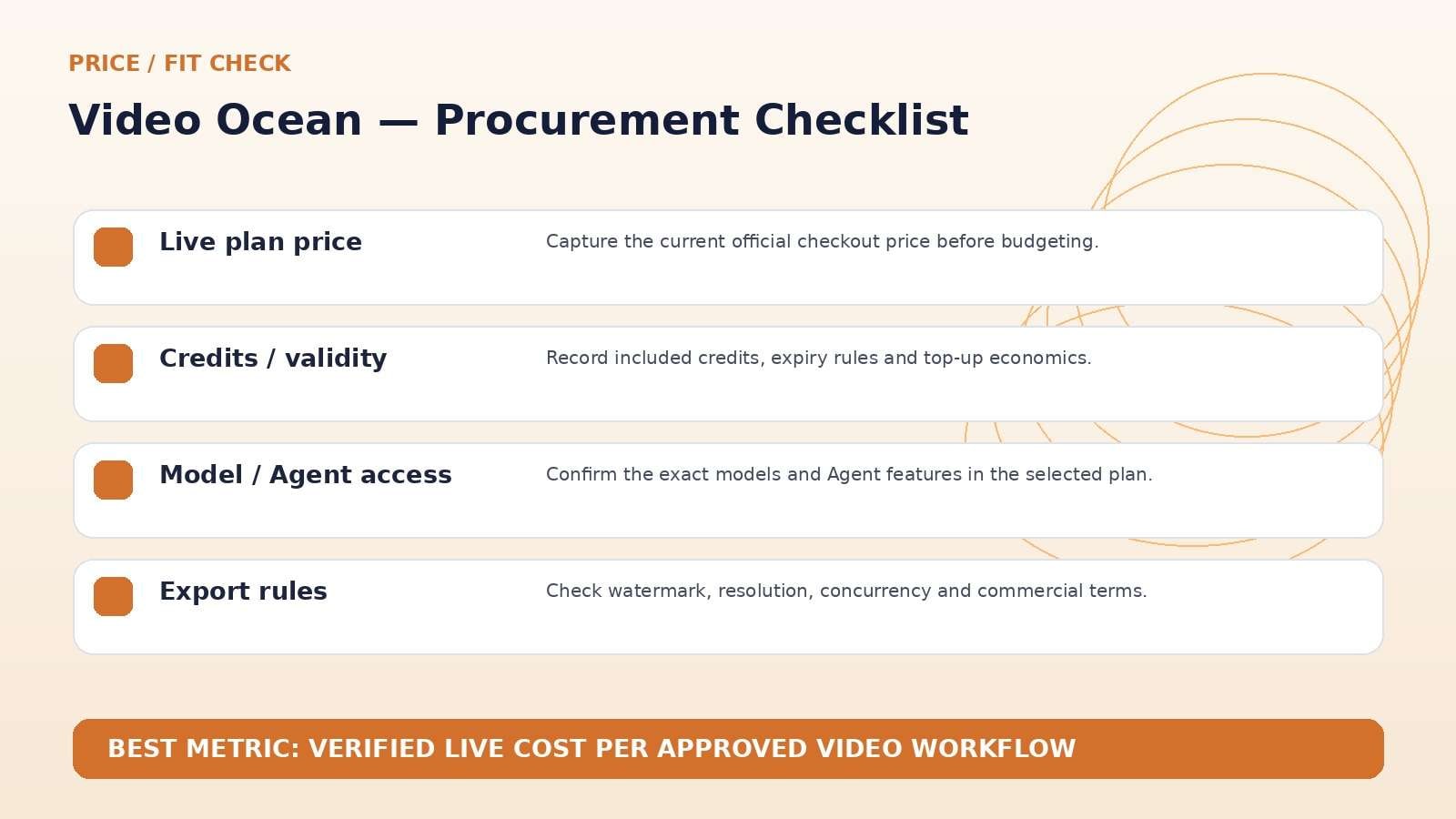
For that reason, this review does not treat an old third-party number as current truth. Before purchase, open Video Ocean's live Pricing page and record plan price, included credits, model access, resolution, watermark rules, concurrency, credit validity, and whether the Video Agent is included.
The lack of easily indexed current pricing is itself a usability drawback for comparison shopping. Teams budgeting campaigns should capture the live checkout page in their procurement record.
Quality Review: Count Usable Motion, Not Generated Seconds
Because Video Ocean offers several input modes, use a matched subject to compare them. Start with a text description, then an approved still image, then one or more references. Keep duration and aspect ratio constant. Score face or product preservation, motion, camera direction, background stability, and final-frame usefulness.
The best result is not necessarily the most cinematic. For social ads, a stable product and editable ending can be more valuable than a dramatic camera move. For story content, continuity across shots matters more than one photorealistic frame.
Track generation cost and rejected attempts so the final evaluation reflects production reality. If the same shot takes six attempts to stabilize, the workflow should be scored accordingly.
Who Should Consider Video Ocean?
The platform is most interesting to users who want to experiment with several generation modes and who care about the technical lineage around HPC-AI's video work. Creators using start/end-state control, references, or agent-assisted longer videos have more reasons to test it than someone who only needs a basic prompt-to-video clip.
Before committing, compare model availability and support against larger multi-model hubs. Video platforms evolve quickly, and a technically interesting product is only useful if the models, pricing, queue, rights and export options fit your publishing cadence.
Run a small paid pilot before buying a large credit pack. The pilot should include one reference-heavy shot and one Agent task so the differentiating features are actually tested.
Video Ocean vs. Media.io: Specialized Video Modes or Broader Creation + Finishing?
Media.io is a more transparent alternative when the workflow also includes post-generation editing and utility tasks. Its current image-to-video platform visibly lists many leading models and connects them to enhancement, object/background removal, audio, conversion and other media tools. Video Ocean may be more appealing if its specific Frame Flow, reference modes, or Video Agent match your creative process.
Run the same source image through both platforms and compare accepted output, total attempts, generation time, repair work and final export—not just headline model lists.
Video Ocean Pros and Cons
Final Verdict: Video Ocean Is Interesting, but Transparency Matters as Much as the Model Stack
Features and pricing were rechecked on September 11, 2026. AI products change quickly, so verify the live provider pages immediately before publication or purchase.
Video Ocean Review FAQ
-
What is Video Ocean?
Video Ocean is an AI creative studio from HPC AI Technology focused on video generation, with text-to-video, image-to-video, Frame Flow, reference and multi-reference video, lip sync, image tools and a Video Agent. -
Is Video Ocean the same as Open-Sora?
No. Open-Sora is an open-source video-generation project from HPC-AI Tech. Its repository points users to Video Ocean as a professional commercial product, but the SaaS should be reviewed as its own platform. -
What is Frame Flow in Video Ocean?
Frame Flow is one of Video Ocean's listed generation modes and is intended for controlling motion between defined visual states or frames. -
Does Video Ocean support image-to-video?
Yes. Image-to-video is one of the core features listed on the current official homepage. -
Does Video Ocean have an AI Agent?
Yes. The current homepage promotes Video Agent, and team materials describe agent work for automating multi-step, longer-form video generation. -
How much does Video Ocean cost?
Video Ocean advertises subscription and one-time credit purchases, but the publicly indexed official page available during this review did not expose a complete current plan table. Check the live Pricing page before buying. -
Can Video Ocean use multiple references?
Yes. Multi-reference-to-video is listed among the current feature options. -
Is Video Ocean worth it in 2026?
It is worth testing if Frame Flow, reference-driven generation, or its Video Agent matches your workflow. Compare live pricing and model access carefully.


