
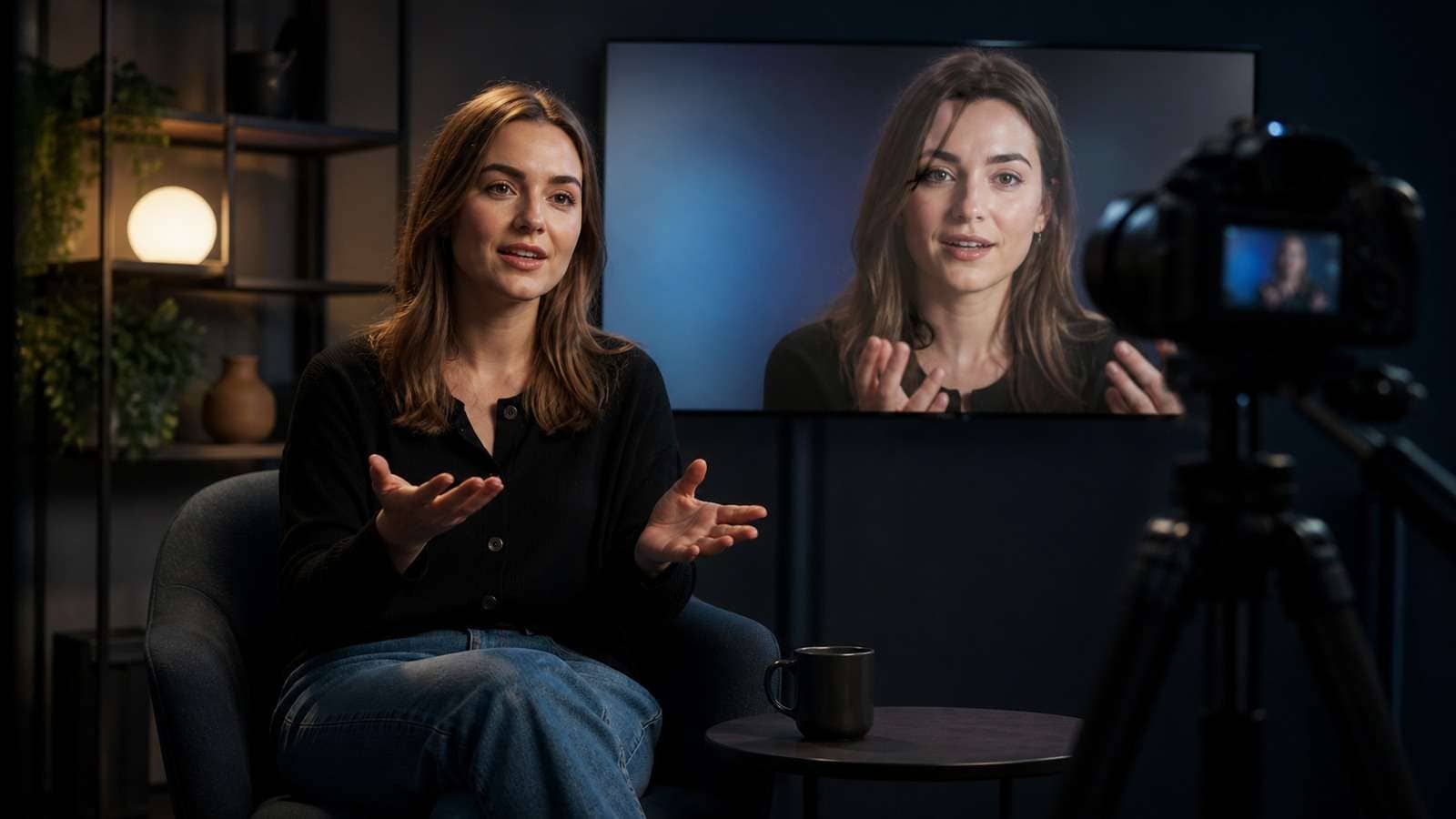
Kling AI Avatar turns a character image and speech into a talking or performing avatar video. Avatar 2.0 expands the familiar lip-sync workflow by allowing creators to describe expressions, gestures and movement, with Kling promoting more stable long-form output of up to five minutes.
The feature sits between a conventional talking-head generator and a full generative video model. It is more performance-oriented than basic photo lip sync, but it is not a complete video-production system by itself. Script structure, voice quality, character design, captions, B-roll and final editing still determine whether the result works as an ad, lesson or social video.
In This Article
What Is Kling AI Avatar 2.0?
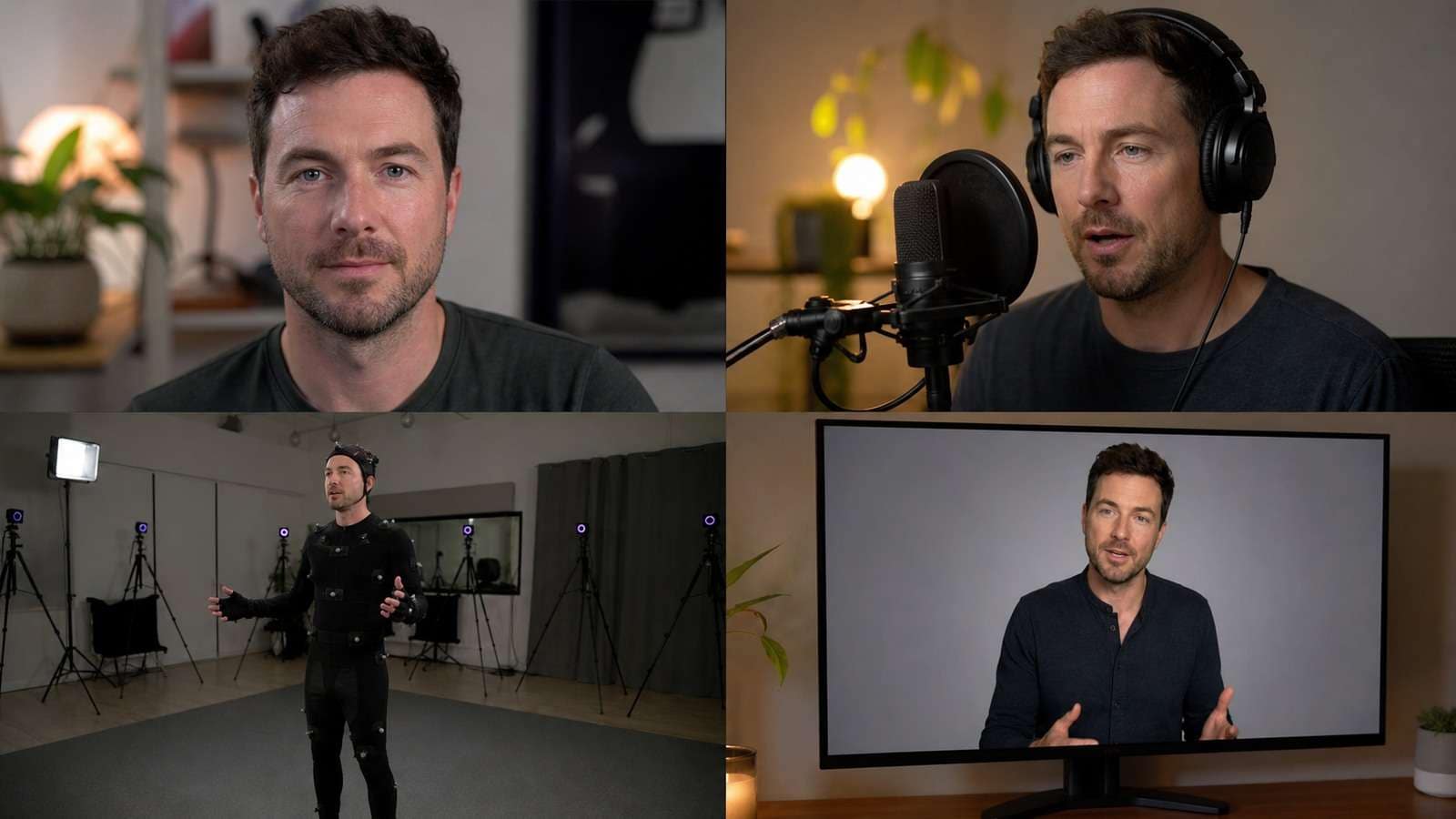
Kling describes Avatar 2.0 as a feature for uploading a character image, adding a voiceover and directing expression. Its public feature page also describes text or audio input with control over expressions, gestures and movement. The result is an audio-driven animation rather than a prompt-only video.
The core inputs are:
- Character image: a photograph, designed spokesperson or stylized character.
- Voice: uploaded audio or supported text-to-speech input.
- Performance prompt: emotional tone, gesture intensity, posture and movement.
A Kling AI talking avatar is different from Kling's general video generation. General image-to-video may invent a scene and camera movement; Avatar 2.0 concentrates motion around the supplied speech and character. Treat these as separate production modes rather than assuming every Kling workflow provides identical avatar control.
How to Use Kling AI Avatar
- Define the speaking scenario. Decide whether the avatar is a creator, instructor, salesperson, fictional character or UGC-style customer.
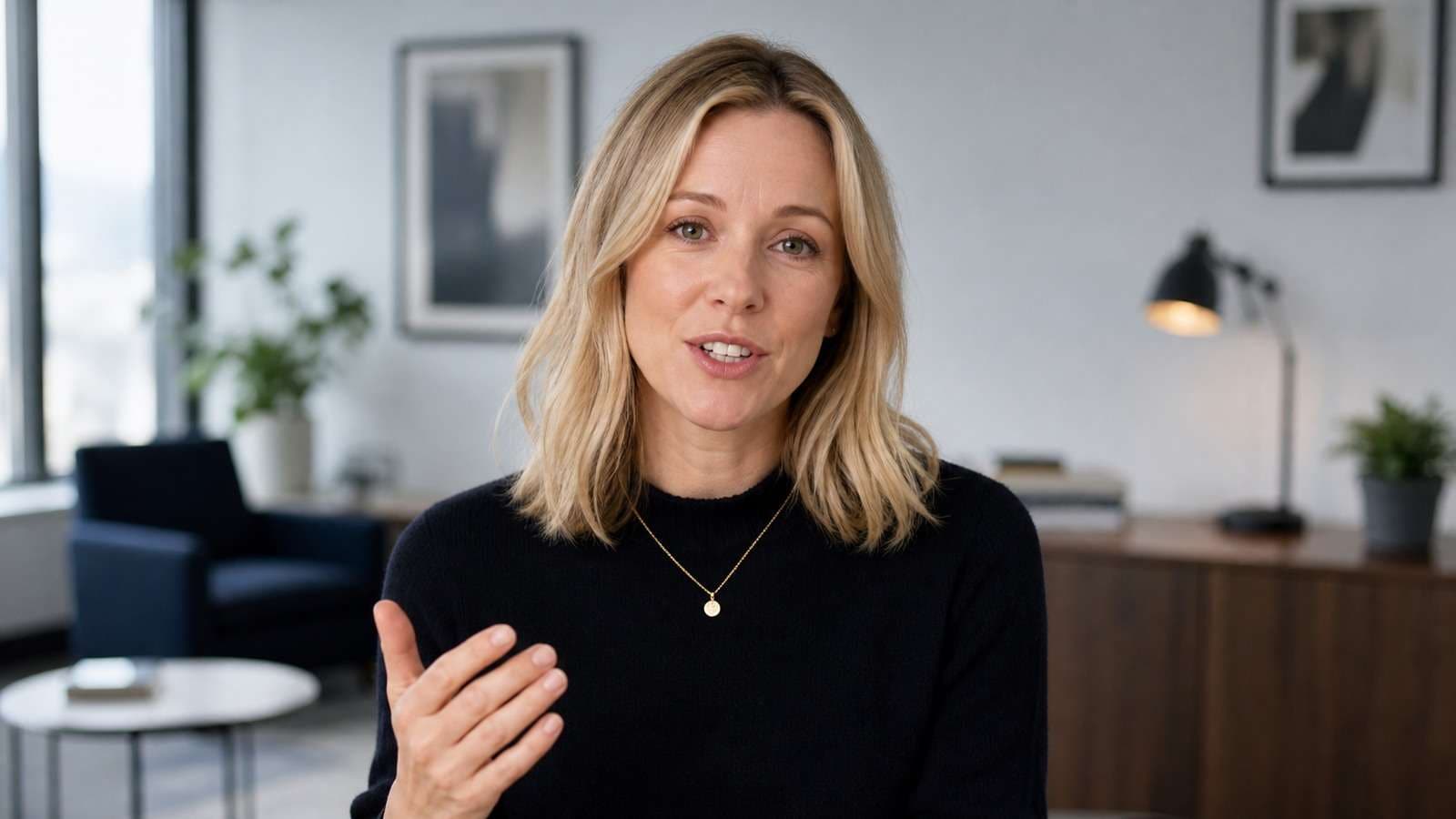
- Prepare one strong portrait. Use a visible face, natural shoulders and enough space for gestures. Avoid hands covering the mouth.
- Write for speech. Short sentences, contractions and intentional pauses sound more natural than dense written prose.
- Create or upload clean audio. Remove clipping, background music and room echo before lip-sync generation.
- Describe the performance. Specify expression, gesture frequency, energy and camera behavior without overloading the prompt.
- Generate a short test. Test difficult names, emotional turns and hand movement before producing a long video.
- Review frame by frame. Inspect teeth, lips, eyes, hands, hair, clothing and background stability.
- Finish the video. Add verified captions, supporting visuals, branding and a platform-specific CTA.
If the avatar is part of a longer narrative, prepare the message with Media.io Script to Video before generating the presenter performance. Separating script approval from rendering prevents expensive re-generation after stakeholders change the message.
Kling AI Avatar Image, Audio and Prompt Guide
Choose a Source Image That Can Move
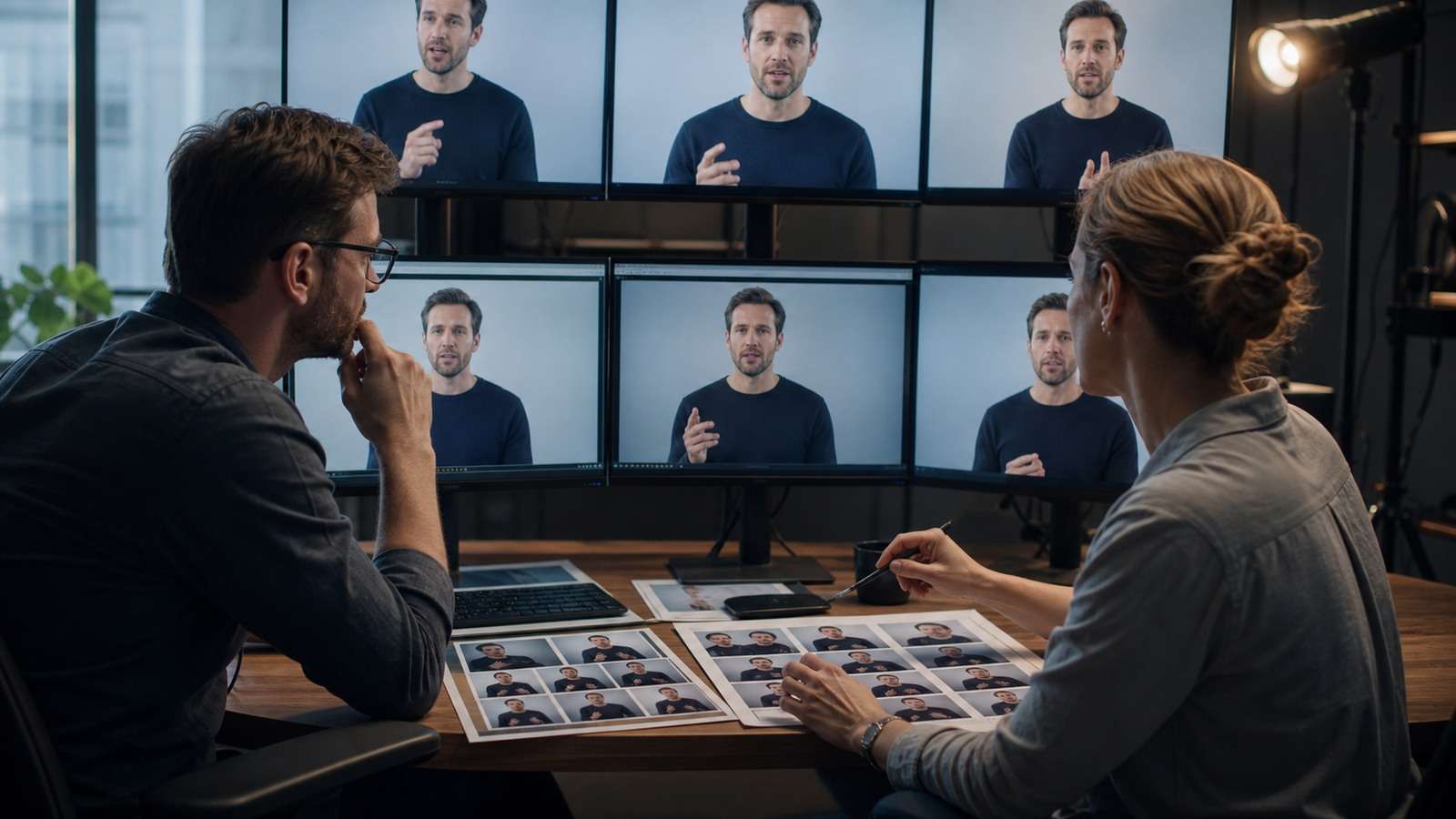
A tightly cropped passport photo leaves little room for shoulder and hand gestures. A wide full-body image may not provide enough facial detail for dialogue. For a conventional spokesperson, use a medium portrait from the waist or chest upward, with the face large enough to preserve identity.
For a reusable virtual character, build consistent front, side and three-quarter references. Media.io's AI Character Turnaround Sheet helps define facial features, wardrobe and proportions before the avatar is animated.
Prepare Audio for Lip Sync
- Use one clear speaker.
- Remove background music before upload.
- Leave natural gaps between ideas.
- Spell or record difficult names carefully.
- Avoid extreme speed unless the character design supports it.
- Keep emotional delivery consistent with the requested expression.
Lip sync can appear inaccurate even when phoneme timing is correct if the source face has closed lips, an extreme angle or heavy facial hair. Test a neutral front or three-quarter pose before blaming the audio.
Kling AI Avatar Prompt Examples
Where Kling Avatar Works—and Where It Does Not
| Use case | Why it fits | Main risk |
|---|---|---|
| Creator explainers | Expressive single-image performance | Long scripts may feel visually static |
| UGC ads | More gesture and emotion than basic lip sync | Product and disclosure accuracy |
| Fictional characters | Supports stylized image sources | Identity and mouth behavior vary by design |
| Localization | Reuse a character with different audio | Pronunciation and cultural delivery |
| Training | Can deliver structured narration | Governance and repeatable brand templates |
| Long-form monologue | Avatar 2.0 promotes longer performance | Viewer fatigue without visual variation |
For advertising, the avatar should not be the entire strategy. Start from an approved offer, evidence and audience objection. Media.io's AI Ad Generator is more directly aligned with producing an ad structure, while Kling can supply a presenter shot inside that structure.
For frequent social publishing, Viral Studio can help turn a topic into social-ready variations. Use an avatar only when a speaking character strengthens the hook or trust; do not insert the same digital presenter into every format.
Kling AI Avatar vs HeyGen, Synthesia, Hedra and Media.io
The tools below solve overlapping but different jobs. Test them with the same portrait, audio and script rather than comparing homepage demonstrations.
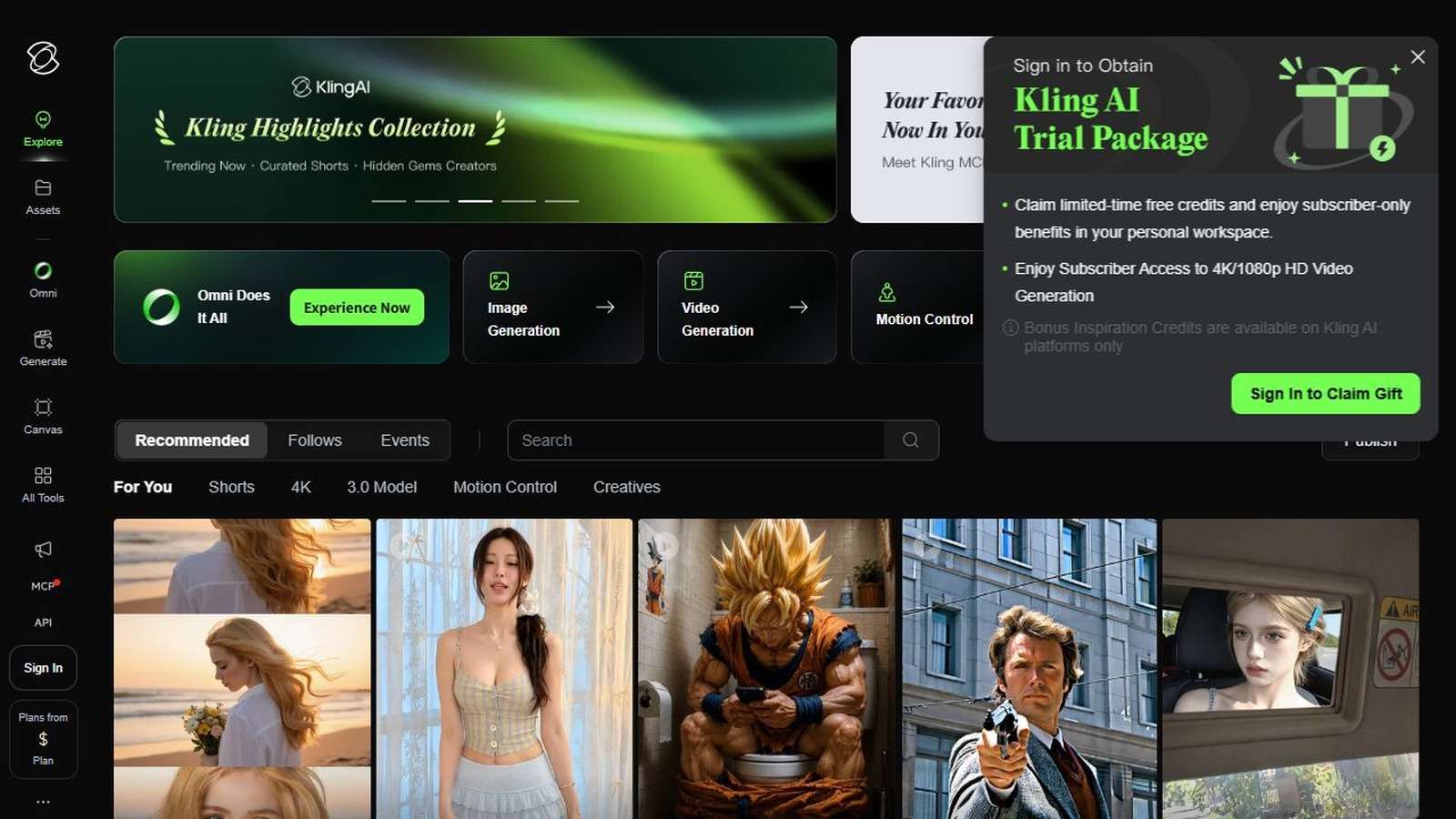
1. Kling AI Avatar 2.0: Best for Expressive Audio-Driven Performance
Kling is well suited to creators who want more facial and gesture direction than a conventional talking-photo tool. Its strength is performance generation from one image and audio. The trade-off is that more generative freedom can make exact repeatability harder.
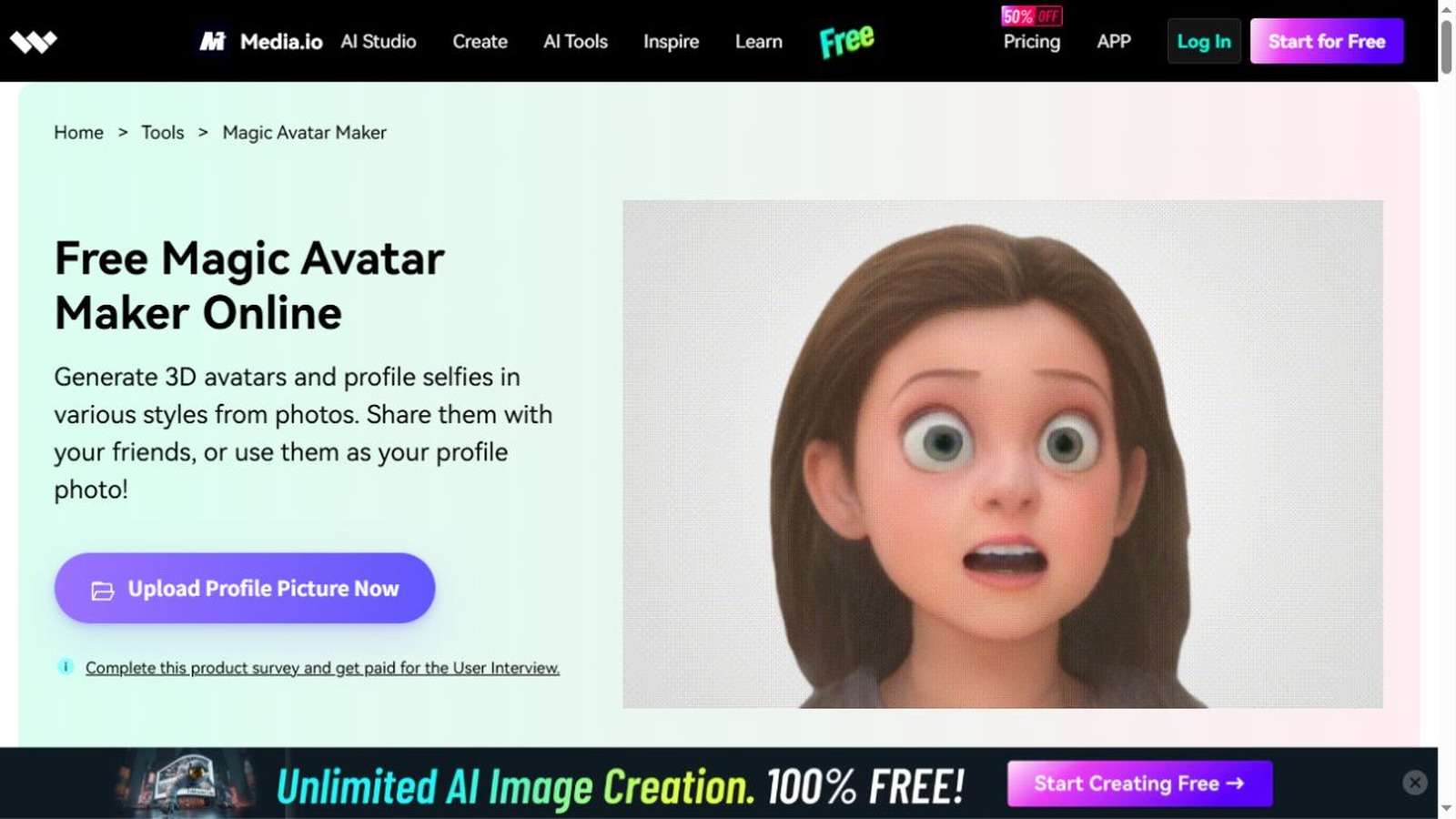
2. Media.io AI Characters: Best for Developing a Consistent Character Workflow
Media.io should be considered when the project begins before the talking-head render. The character turnaround workflow helps establish identity and wardrobe; script, ad and editing tools can then support different deliverables. For a direct presenter route, review the AI spokesperson video generator.
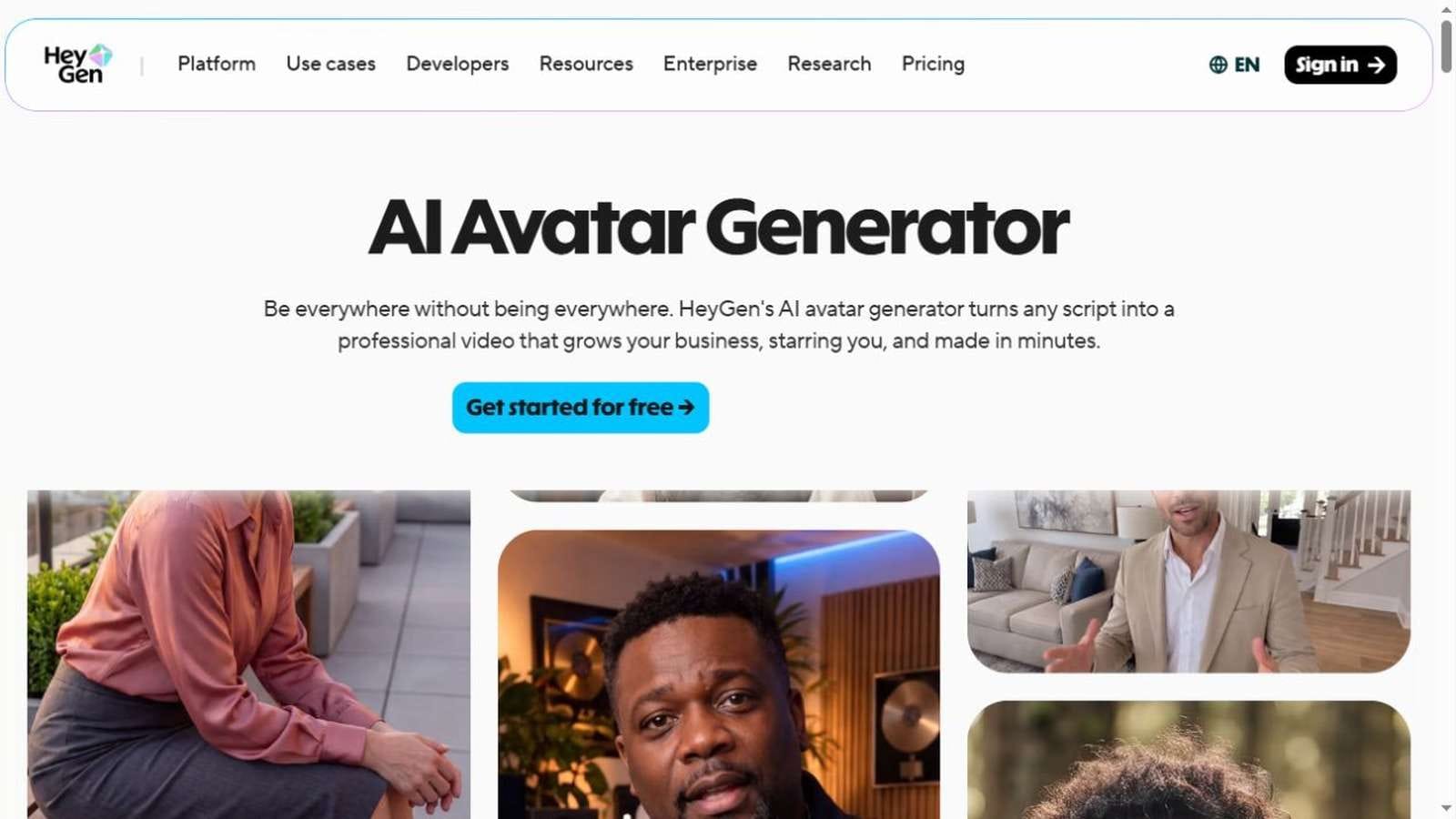
3. HeyGen: Best for Creator Digital Twins and Automation
HeyGen is a strong choice for teams that need a reusable digital twin, multilingual delivery, integrations and repeatable presenter production. It may be more operationally complete than a single expressive-avatar feature, while Kling can feel more visually generative for a one-off performance.
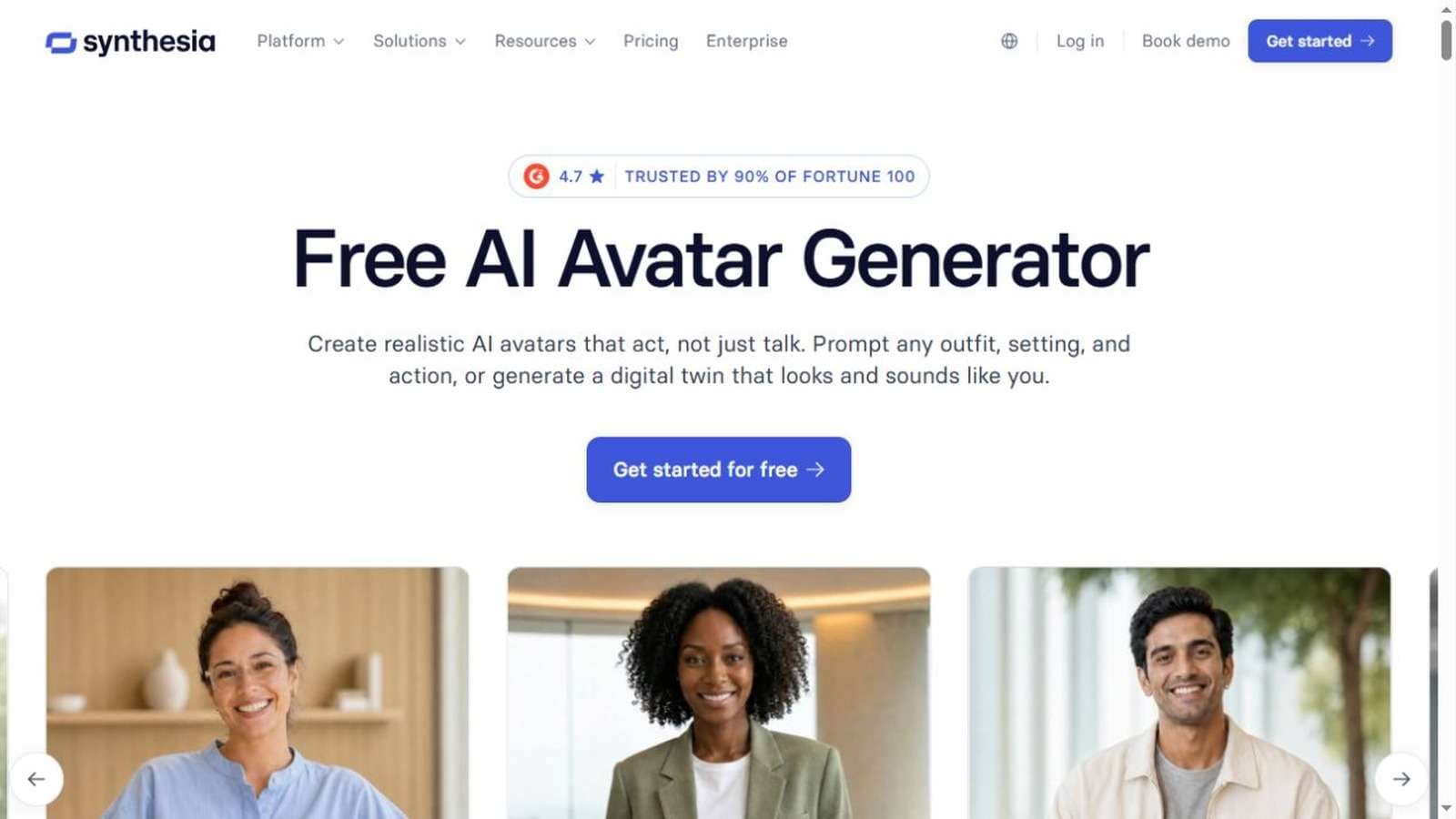
4. Synthesia: Best for Governed Business Training
Synthesia focuses on structured business video, templates, collaboration, brand control and enterprise use. It is less about cinematic character acting and more about repeatable training, onboarding and internal communication.
5. Hedra: Best for Expressive Character Experimentation
Hedra is relevant for creative character performance and audio-driven animation. Compare mouth shape, emotional range, body movement and style preservation with Kling. The best result may vary sharply between photographic and illustrated characters.
| Tool | Best for | Primary trade-off |
|---|---|---|
| Kling Avatar 2.0 | Expressive image-and-audio performance | Generative variation |
| Media.io | Character-to-script-to-campaign workflow | Choose the correct feature for each stage |
| HeyGen | Digital twins and creator automation | Cost and plan-dependent capabilities |
| Synthesia | Enterprise training and templates | Less cinematic performance emphasis |
| Hedra | Creative character animation | Consistency varies by source style |
Kling AI Avatar Pricing and Real Workflow Cost
Kling plans and credit rules can change by region and date. Check the official pricing screen for the selected Avatar version, duration and resolution rather than relying on an old per-video estimate. Third-party API providers may charge differently and apply separate storage or concurrency rules.
The meaningful cost is price per approved minute:
- Script and voice preparation
- Avatar generations and rejected takes
- Long-form render credits
- Caption correction
- B-roll and screen recordings
- Editing, music and brand assets
- Localization and review
A cheap render becomes expensive if the face changes or pronunciation forces a complete rerun. Test the hardest sentence and most emotional section first.
Kling Avatar Quality and Safety Checklist
- The person or character image is owned or authorized.
- The uploaded voice is licensed and the speaker consented to synthetic use.
- Lip movements match difficult consonants and proper nouns.
- Eyes, teeth, hair, hands and clothing remain stable.
- Gestures support the sentence rather than repeat mechanically.
- The avatar does not imply a false testimonial or endorsement.
- Realistic synthetic content is disclosed where required.
- Captions match the final audio exactly.
- The script includes evidence for product or professional claims.
- The video contains visual variation appropriate to its length.
Use a video caption generator for the first subtitle pass, then manually correct names and timing. For broader model selection, compare Kling 3.0 generation, a general prompt-to-video workflow, and these Kling AI alternatives only when the project needs more than a talking avatar.
Frequently Asked Questions
-
What is Kling AI Avatar 2.0?
It is an audio-driven avatar feature that animates a character image using uploaded speech or text and allows direction of expressions, gestures and movement. -
How long can a Kling Avatar 2.0 video be?
Kling's release material promotes stable performance up to five minutes, although availability, cost and limits may depend on the plan and interface. -
Can Kling make an avatar from one photo?
Yes. A clear portrait can be animated from audio, but framing, facial visibility and resolution strongly affect lip sync and identity stability. -
Is Kling AI Avatar good for UGC ads?
It can create expressive presenter shots, but the ad still needs an approved offer, accurate product visuals, disclosure, editing and a clear CTA. -
Is Kling Avatar better than HeyGen?
Kling may suit expressive one-image performances, while HeyGen is often stronger for reusable digital twins, integrations and repeatable creator automation. -
Is Kling Avatar better than Synthesia?
Kling emphasizes generative expression; Synthesia emphasizes structured business templates, collaboration and governed training-video production.


