

 ChatGPT
 Perplexity
 Gemini
 Claude
 Grok
Grok
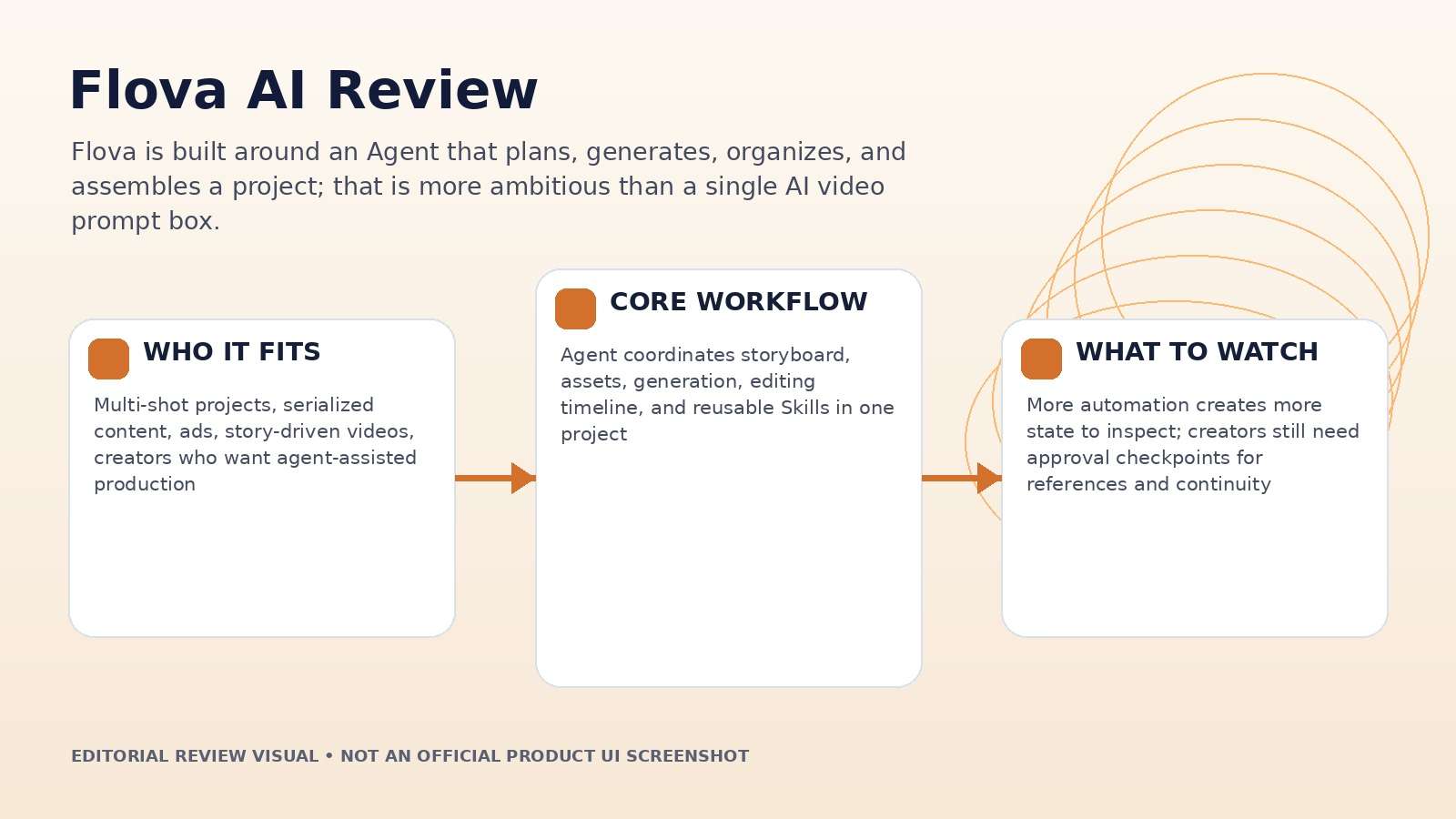
Flova becomes interesting the moment a video needs more than one generation. Instead of treating every shot as an isolated prompt, the platform gives an Agent access to scripts, references, storyboards, media files, audio layers, generation tools, and the editing timeline. For a Flova AI review, that means the central question is whether the Agent reduces coordination work without taking away the checkpoints creators still need for character, product, pacing, and brand control.
In this article
- Flova AI Quick Decision: When Does the Agent Workflow Make Sense?
- Why Flova Feels Different From a Normal AI Video Generator
- Start From a Prompt, Script, Assets, or a Reusable Skill
- Storyboard and Timeline: Two Layers That Solve Different Problems
- Manual Control, Parallel Work, and Conflict Resolution
- Flova AI Pricing Review: Judge Credits by the Workload, Not the Plan Name
- Export and Handoff: A Stronger Test Than the First Render
- Flova vs. Media.io: Agent-Led Projects or Direct Creation and Finishing?
- Flova AI Pros and Cons
- Final Verdict: Flova Is Most Valuable When the Project Has Memory
- Flova AI Review FAQ
Flova AI Quick Decision: When Does the Agent Workflow Make Sense?
| Review factor | Assessment |
|---|---|
| Best for | Multi-shot projects, serialized content, ads, story-driven videos, creators who want agent-assisted production |
| Core strength | Agent coordinates storyboard, assets, generation, editing timeline, and reusable Skills in one project |
| Main trade-off | More automation creates more state to inspect; creators still need approval checkpoints for references and continuity |
| Pricing fit | Credit-based plans; exact spend varies by model, duration, resolution, and generation type |
Product claims, pricing, model access, and usage limits were rechecked against the provider's current official materials on September 11, 2026. The review focuses on usable output, revision cost, workflow fit, and documented constraints rather than treating a showcase result as a controlled benchmark.
Why Flova Feels Different From a Normal AI Video Generator
Flova's Agent is designed to read the current project state and decide what should happen next. Official documentation describes it planning scripts or shot lists, analyzing uploaded images, video, audio, and documents, creating a storyboard, generating media, binding assets to shots, and assembling the timeline. That is a meaningful architectural difference from a generator that simply returns a clip.
The benefit is context. When an approved character image is attached to the correct storyboard element, later generations have a better chance of using the intended reference. When a product shot, voice file, or music track is marked as fixed, the workflow can preserve it instead of improvising from scratch. The risk is that creators may assume the Agent understands unstated constraints. For serious work, every locked asset and "do not change" rule should be explicit.
This makes Flova more comparable to a production workspace than a model launcher. The platform's value increases as the number of scenes, assets, and revisions increases because that is where context management becomes expensive for humans.
Start From a Prompt, Script, Assets, or a Reusable Skill
Flova supports several project entry points. You can start with a short idea, upload an existing script or shot list, bring in character/product/media references, begin with a single media-generation task, reuse an existing Skill, or branch from a historical project. That flexibility is useful because real productions rarely begin in the same place.
For a scripted campaign, the strongest path is usually to upload the approved text and tell the Agent what may and may not change before it generates anything. For exploratory work, it can brainstorm concepts first. For an established series, a Skill can preserve workflow rules such as shot language, pacing, model choice, reference handling, and confirmation gates.
The quality of the result therefore depends partly on whether the project starts with the right level of constraint. A vague brief encourages the Agent to make more creative decisions, while a locked script and references reduce freedom but increase reproducibility.
Storyboard and Timeline: Two Layers That Solve Different Problems
Flova separates narrative structure from final timing. The storyboard manages key elements, shots, audio descriptions, and the media linked to each part of the story. The timeline handles clip order, duration, pacing, speed, volume, and audio-visual sync. This is a sensible split because a good shot plan can still need timing work after media generation.
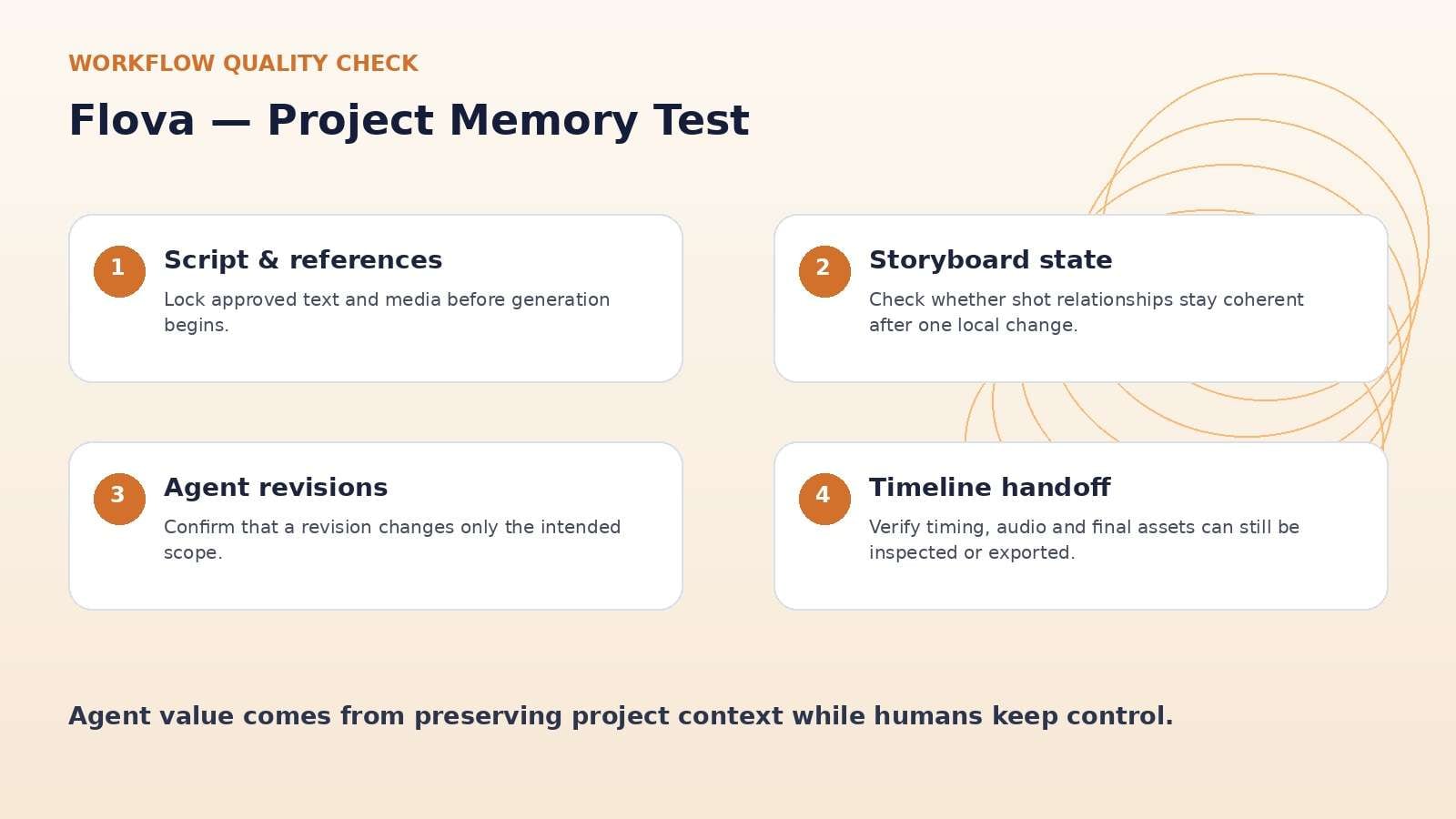
A useful review test is to make one 30-second ad with five shots, then change only the third shot after the first assembly. Watch what remains intact: character references, product asset binding, music timing, adjacent shot order, and the final timeline. An Agent-based editor earns its keep when local changes stay local.
If one revision forces creators to repair unrelated parts of the project, automation becomes coordination debt. If the storyboard remains stable and the timeline simply inherits the changed media, the workflow has done something genuinely useful.
Manual Control, Parallel Work, and Conflict Resolution
Flova does not force every change through chat. The documentation allows manual prompt/model/reference adjustments, direct media processing, storyboard edits, and timeline edits while the Agent continues other tasks. Multiple generation jobs can run in parallel, which matters for projects with many shots.
The platform also documents a conflict panel for cases where a manual edit and an Agent operation touch the same content. That detail is easy to overlook but important: production tools need a way to resolve competing versions instead of silently overwriting work.
For teams, the best test is not whether the Agent can create a first draft; it is whether humans can intervene without losing track of which version is authoritative. A reliable conflict model is part of creative governance, not just interface polish.
Flova AI Pricing Review: Judge Credits by the Workload, Not the Plan Name
Flova uses credits as its standard usage unit. Current documentation says image generation typically consumes model-specific credits per image, music or narration consumes credits per generation, and video is charged according to the chosen model, duration, resolution, and related settings. Paid personal tiers are listed as Starter, Basic, Plus, and Pro, with larger plans adding more concurrency, authorized portraits, watermark-free export, commercial use, and enhancement benefits.
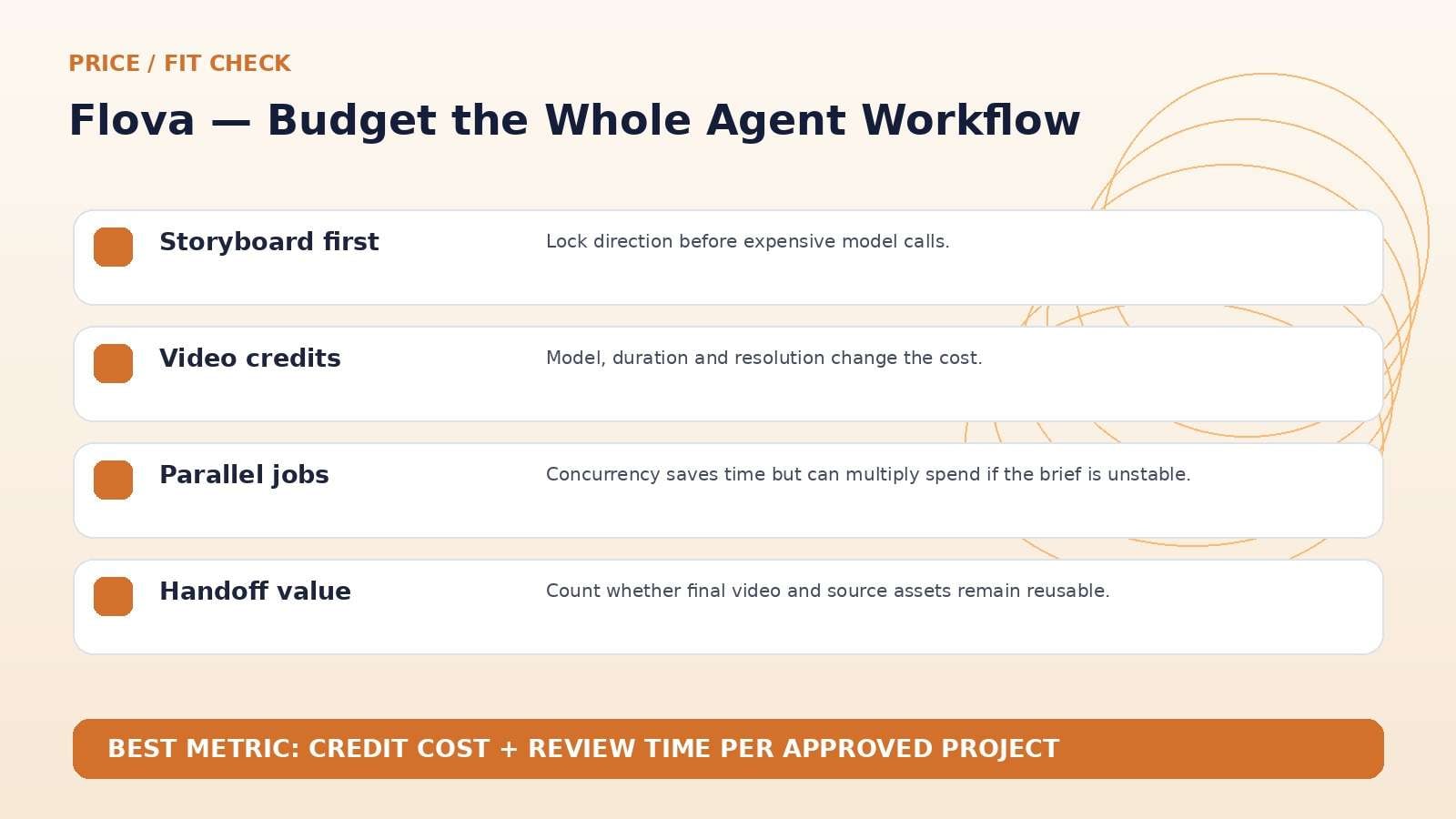
The official pricing page is highly dynamic, so the safest review is to avoid treating one displayed promotional price as permanent. Instead, make a project budget: number of key images, number of shot generations, seconds of video, expected retry rate, audio generations, and final upscales. Then compare the total credits required with the monthly allocation.
Agent convenience does not cancel model cost; it can actually increase spend if the system generates assets before the creative direction is locked. Put approval gates before the expensive steps.
Export and Handoff: A Stronger Test Than the First Render
Flova's export workflow can deliver the final video, PR-format files, or project files/assets depending on the project state. Individual images, videos, audio, and music can also be downloaded from the Media Files area, and timeline frames can be captured as images. That makes the platform more useful for teams that need to continue work elsewhere instead of treating the web app as a closed box.
Before adopting it for recurring work, run one handoff test. Export the approved project and confirm that the receiving editor can identify the current video, source media, audio, references, and the decisions that produced the final cut. A creative Agent is most valuable when it reduces repeated setup without making the production history opaque.
For agencies, this also affects client retention risk. A workflow that can export usable assets and records is safer than one that traps every decision inside a black-box project.
Flova vs. Media.io: Agent-Led Projects or Direct Creation and Finishing?
Media.io fits a different center of gravity. It is stronger when the team mainly needs direct image/video generation plus adjacent finishing tools such as enhancement, object/background work, audio, conversion, and web-based export. Flova is more compelling when the challenge is coordinating a whole multi-shot project through an Agent, storyboard, Skill, and timeline.
For a five-second social effect, Media.io may be the simpler path. For a recurring short drama or multi-scene campaign where references and structure need to persist, Flova's project memory is the more relevant differentiator. Compare the number of approvals and rework loops, not only the number of AI models.
Flova AI Pros and Cons
Final Verdict: Flova Is Most Valuable When the Project Has Memory
Features and pricing were rechecked on September 11, 2026. AI products change quickly, so verify the live provider pages immediately before publication or purchase.
Flova AI Review FAQ
-
What is Flova AI?
Flova is an AI video creation platform built around an Agent that can plan projects, create storyboards, analyze reference media, generate image/video/audio assets, bind them to shots, and assemble an editing timeline. -
Is Flova AI free?
Flova offers free and paid usage, with credits used across generation tasks. Free and bonus credit rules can change, and anti-abuse limits may apply during free use. -
How does Flova charge credits?
Credits are deducted according to the selected model and generation settings. Video cost varies with model, duration and resolution, while images and music/narration have their own generation costs. -
What is a Flova Skill?
A Skill is a reusable operating guide for the Flova Agent. It can define workflow order, reference rules, model choices, storyboard behavior, prompt conventions and approval checkpoints. -
Can Flova use my existing script and media?
Yes. Official documentation supports starting from scripts, shot lists, images, video, audio, documents and other project assets. -
Does Flova have a timeline editor?
Yes. The timeline is used for clip order, duration, pacing, volume, speed and audio-visual sync, while the storyboard manages narrative structure and media relationships. -
Can Flova export project assets?
Flova documents export options for final video and project-oriented outputs, plus individual or batch downloads of successfully generated media. -
Is Flova AI worth it in 2026?
It is most worth evaluating for multi-shot, repeatable, or reference-heavy video workflows where an Agent can reduce coordination. It is less necessary for isolated single-clip generation.


