

 ChatGPT
 Perplexity
 Gemini
 Claude
 Grok
Grok
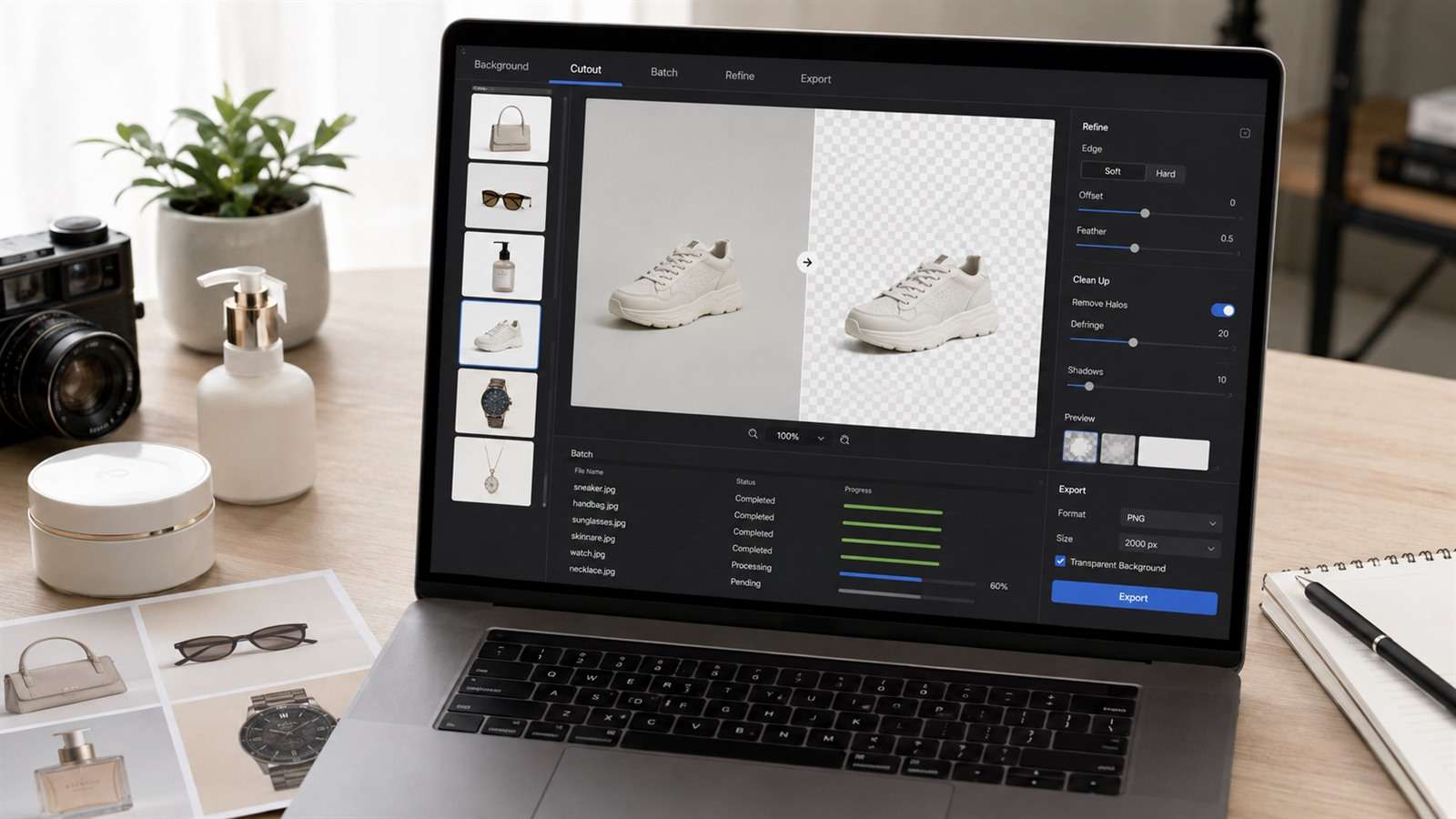
A background remover looks accurate until you place the cutout on the opposite color. White fringe appears around dark hair, glass turns opaque, fur collapses into a hard silhouette, and the natural contact shadow disappears. That is why Cutout.Pro alternatives should be judged on edge behavior and production workflow—not on a checkerboard preview.
In this article
Seven Test Images That Expose Weak Background Removal
Build a small benchmark before moving a catalog or API. Use the same original files in every candidate and export transparent PNGs at the highest comparable resolution.
- Backlit curly hair: reveals halos and missing flyaways.
- A long-haired pet: tests fine fur without the predictable geometry of a human portrait.
- A clear drinking glass: exposes tools that confuse transparency with background.
- A white product on white: tests low-contrast boundary detection.
- A bicycle or chair: checks narrow spokes, gaps, and interior negative space.
- A person casting a soft floor shadow: shows whether grounding survives.
- Twenty mixed product SKUs: measures batch consistency, not one lucky result.
Place every export on black, white, saturated magenta, and a photographic background. A cutout that works only on white is not a reusable transparent asset.
Cutout.Pro Alternatives at a Glance
| Tool | Best use | Control level | Main caution |
|---|---|---|---|
| Media.io | Fast individual cutouts and follow-up AI edits | Automatic | Not positioned as a high-volume catalog API |
| remove.bg | Established automation and integrations | Automatic plus ecosystem tools | Credits and output resolution affect cost |
| Photoroom | E-commerce product images and backgrounds | Product-workflow controls | Broader workflow may be unnecessary for simple cutouts |
| Adobe Express | Cutout followed by a poster or social design | Automatic, then design editor | Limited edge repair in the quick action |
| Canva | Template-based marketing production | Automatic with design context | Access depends on the current plan |
| Photoshop | Professional mask correction | High | Slowest and most skill-dependent |
| Pixelcut | Mobile seller content | Automatic plus product scenes | Check batch and export limits |
The Best Alternative Depends on What Happens After the Cutout
Media.io — one-off removal that can continue into AI editing
Media.io AI Background Remover is a straightforward choice for portraits, products, logos, and social assets when you want an online workflow. It outputs transparent PNGs and sits beside Media.io’s image replacement, enhancement, and image-to-image tools, so the cutout can become the starting point for a new creative rather than the end of the task.
Use it for individual files and quick campaigns. If your requirement is a transactional API processing tens of thousands of catalog images, compare dedicated API documentation, concurrency, retry behavior, and unit economics before committing.
remove.bg — automation with a focused API
remove.bg is a strong Cutout.Pro alternative for developers and production teams that want a narrowly defined background-removal service. Its API and desktop/integration ecosystem reduce the amount of custom segmentation infrastructure you need to maintain. The important buying question is not whether one sample works; it is how resolution, credits, retries, rate limits, and error responses affect your pipeline.
Photoroom — product photos, not just transparent files
Photoroom treats removal as one step in a product-imaging system. Sellers can isolate an item, generate or apply backgrounds, add shadows, standardize presentation, and work across repeated SKUs. That is more useful than a bare alpha channel when the actual deliverable is a marketplace-ready listing image.
Choose it when merchandising consistency matters. If you only need occasional transparent portraits, the additional product workflow may add complexity rather than remove it.
Adobe Express — remove, then design
Adobe Express accepts JPG, PNG, and WebP files in its quick action, removes the background automatically, and lets you continue into a template-based editor. It is a good route for flyers, profile images, simple ads, and presentations. The quick action is not Photoshop’s mask workspace; difficult edges may still need a more precise tool.
Canva — cutouts inside a collaborative template system
Canva is attractive when a team already builds social posts, decks, thumbnails, or branded templates there. Background removal keeps the asset inside that shared design system. Confirm which team members and plan tiers can use the feature, especially if the workflow must be repeatable across many seats.
Photoshop — when the automatic mask is only a first draft
Photoshop’s selections, Select and Mask workspace, channels, brushes, and layer masks allow an editor to repair semi-transparent hair, preserve holes, reduce color contamination, and rebuild shadows. It is the right escalation path for hero products and paid campaigns where edge artifacts would be visible.
Pixelcut — mobile product-content production
Pixelcut is geared toward sellers and creators who shoot, cut out, stage, and publish from a phone. It is useful for small catalogs and social commerce. Test whether its current batch tools, resolution, storage, and brand-kit workflow fit your output volume.
How to Audit an Alpha Channel Instead of Trusting the Preview
Transparency is not binary. Edge pixels can be partially transparent and still carry color from the old background. That contamination creates a bright or dark fringe on a new scene.
- Toggle between light and dark solid backgrounds.
- Zoom to 200% around hair, fur, glass, fingers, and narrow product parts.
- Look for clipped holes inside handles, straps, spokes, and lace.
- Check whether semi-transparent objects still transmit the new background.
- Separate the cast shadow from the object mask when possible.
- Test the final resize; halos can become more obvious after sharpening.
For catalog work, record pass/fail by defect type rather than assigning one vague quality score. A tool may excel on apparel and fail on glassware. Routing categories to different methods can be cheaper than forcing one model to handle every SKU.
API and Batch Economics Are More Than Price per Image
Estimate total processing cost with failed jobs, reprocessing, storage, human review, and resolution—not just the advertised credit. A cheaper API that sends 15% of images to manual cleanup may cost more than a higher-priced service with better category accuracy.
Before migration, verify request limits, maximum file size, supported formats, synchronous versus asynchronous behavior, webhook support, retention policy, regional processing, SDK coverage, and whether test images can be excluded from model improvement. Run a shadow batch beside your current service and compare the same catalog slice.
Background-Removal FAQ
-
What is the best free Cutout.Pro alternative?
Media.io and Adobe Express provide easy web-based starting points, while remove.bg and other services may offer limited free previews. Current resolution and download limits vary, so test the actual export rather than the on-screen preview. -
Which tool is best for removing product backgrounds in bulk?
Photoroom, remove.bg, and Cutout.Pro are designed for product or API workflows. The best choice depends on SKU mix, throughput, resolution, human-review rate, and total cost. -
Can AI remove the background from glass?
Some systems can preserve parts of transparent objects, but glass remains difficult because the background is visible through it. Always test the result on several new backgrounds and expect manual correction for important images. -
Why is there a white outline around my cutout?
The edge pixels may still contain color from the original light background. Refine the mask, decontaminate edge colors, contract the mask slightly, or use a tool with better alpha matting. -
Should a product shadow be removed?
Keep or recreate a natural contact shadow when the product needs to feel grounded. Store the clean object and shadow separately when the downstream system allows it.


