
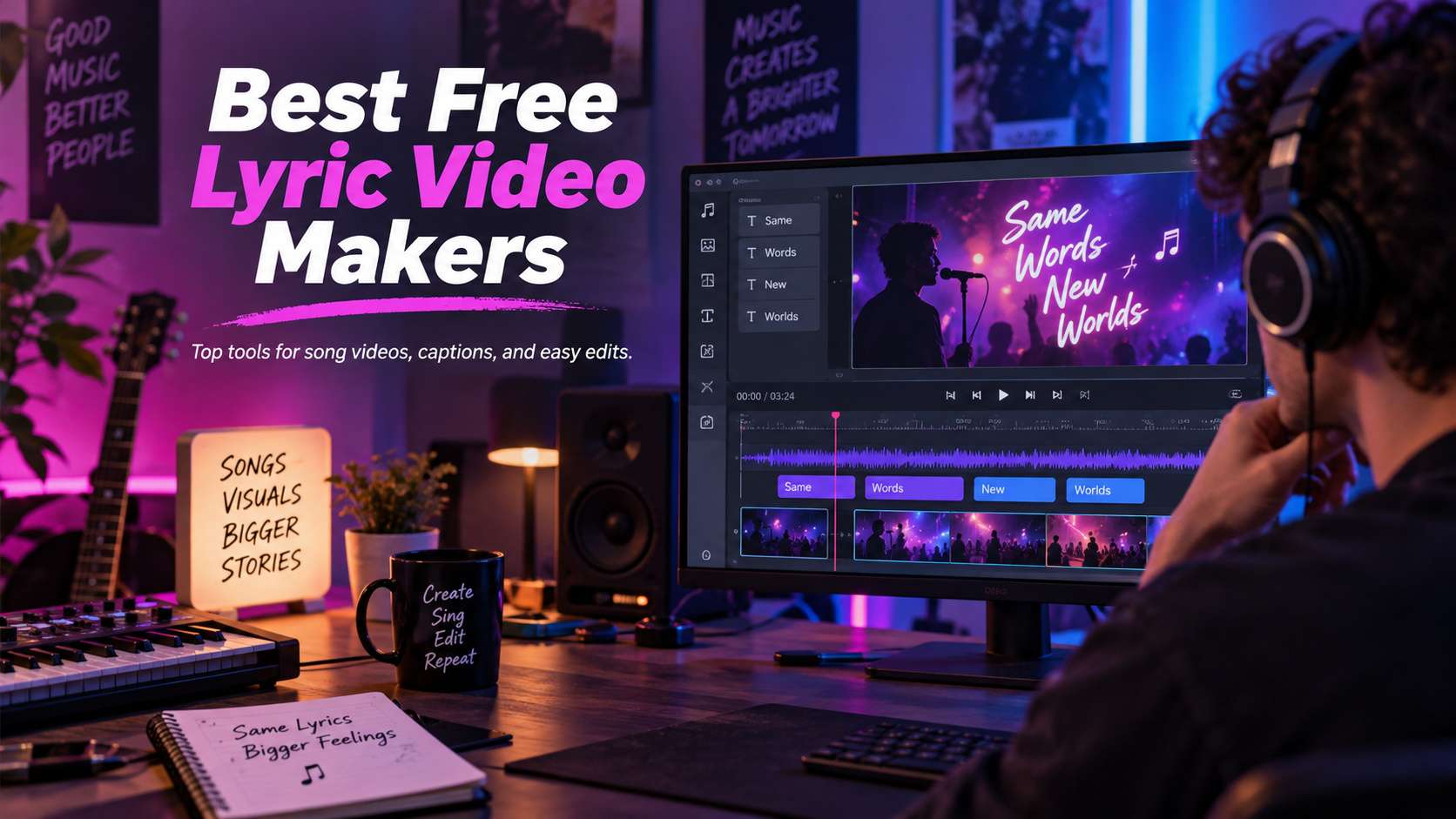
A lyric video lives or dies on timing. Beautiful typography cannot rescue words that appear half a beat late, and automatic transcription is not useful if correcting one line takes longer than typing it yourself. The best free lyric video makers combine readable text design with a workflow that makes sync corrections fast.
We looked at both AI-first lyric tools and traditional editors with automatic captions. The right choice changes by source: a finished song needs transcription and timing, while a release with a prepared lyric sheet benefits more from direct lyric import, animated text, and precise line-by-line control.
In this article
- Lyric Video Maker Comparison for Sync, Text, and Export
- Lyric Sync Test: Timing, Corrections, and Readability Matter More Than Effects
- Lyric Video Tool Reviews: Sync, Text Motion, and Export
- Lyric Videos Fail on Timing Before They Fail on Design
- The Best Lyric Video Maker Is the One You Can Correct Quickly
- FAQ
Lyric Video Maker Comparison for Sync, Text, and Export
| Tool | Best for | Free / access | Main trade-off |
|---|---|---|---|
| Media.io | Creators who want AI lyric alignment plus an online video workflow | The current lyric-video pages provide free-access workflows; AI generation/export allowances can depend on the specific tool and plan. | Automatic timing should still be reviewed against the final master. Dense rap verses, ad-libs, and overlapping vocals are where any automated system needs the most correction. |
| VEED | Subtitle-led lyric videos and creators who want easy transcript correction | Free plan available; export quality/watermark and AI usage expand on paid tiers. | The workflow is efficient, but a cinematic lyric video with beat-specific typography may need more manual animation than a dedicated motion-graphics editor can provide. |
| Kapwing | Collaborative lyric projects that mix audio, captions, video, and GIF-style assets | Free browser access with plan-dependent export limits and watermark behavior. | For a solo creator who only needs lyrics over one background, the extra editing surface may be more than necessary. |
| FlexClip | Template-led lyric videos for YouTube and social media | Free plan available; export resolution and premium asset rules depend on the current tier. | Template speed can become a visual sameness problem. Customize fonts, pacing, imagery, and repeated chorus treatment so the result does not look like an untouched preset. |
| Canva | Branded lyric snippets, announcement videos, and visually designed releases | Free plan with premium/AI limits by tier. | It is not the most automated tool for transcribing an entire song. The value is visual control and reusable design rather than hands-off lyric synchronization. |
| Renderforest | Template-driven music visualizations and lyric-style promotional videos | Free/trial access available with paid tiers for higher-quality/no-brand exports. | The structure saves time but also constrains timing and layout. If every lyric needs custom placement or the song changes pace dramatically, a timeline editor is more flexible. |
| Specterr | Audio visualizers and minimalist lyric-style music videos | Free creation path with paid options for higher output and expanded features. | It is less suitable when the lyrics need complex per-word animation or the video depends on narrative footage. Choose it for music presentation, not elaborate kinetic typography. |
Lyric Sync Test: Timing, Corrections, and Readability Matter More Than Effects
Transcription accuracy: Automatic lyrics save time only when names, slang, repeated choruses, and fast vocals do not require a full manual rewrite.
Timing control: You need an easy way to move individual words or lines when automatic alignment misses the beat.
Typography: Readable hierarchy, safe margins, contrast, animation speed, and line length matter on phones more than decorative effects.
Audio and export: The editor should preserve the song cleanly, support common audio/video formats, and make the free export rules obvious.
Lyric Video Tool Reviews: Sync, Text Motion, and Export
1. Media.io - Best for Creators who want AI lyric alignment plus an online video workflow
Media.io is the most direct fit when lyrics and the song are both ready. Its newer AI Lyric Video Maker is built around uploading a track and lyric text, aligning the words to the rhythm, styling motion text, and combining the result with images or generated video. That is different from a generic subtitle tool: the intended output is a music-driven visual where the words are the main design element.
The current lyric-video pages provide free-access workflows; AI generation/export allowances can depend on the specific tool and plan.
Upload the audio and lyrics, let the AI establish the first sync, correct any lines that drift, choose text motion and visual treatment, then export. If you prefer a classic editor, Media.io also has an online lyric video maker with broad media-format support and subtitle tools.
Automatic timing should still be reviewed against the final master. Dense rap verses, ad-libs, and overlapping vocals are where any automated system needs the most correction.
2. VEED - Best for Subtitle-led lyric videos and creators who want easy transcript correction
VEED treats lyrics very much like subtitles, which is an advantage when the priority is accurate words on screen. You can upload the song, use auto-subtitles to generate a transcript, correct the text in the browser, and style the captions with animation and layout controls. It is especially practical for simple YouTube lyric videos, acoustic sessions, demos, and social clips.
Free plan available; export quality/watermark and AI usage expand on paid tiers.
Generate subtitles from the audio, clean up the transcript, then style and time the text while adding background footage or graphics.
The workflow is efficient, but a cinematic lyric video with beat-specific typography may need more manual animation than a dedicated motion-graphics editor can provide.
3. Kapwing - Best for Collaborative lyric projects that mix audio, captions, video, and GIF-style assets
Kapwing is a good choice when the lyric video is one part of a larger collaborative edit. The workflow supports uploaded audio or linked media, manual text, automatic subtitles, stock assets, and layer-based editing. That makes it easy to combine timed lyrics with performance clips, photos, visualizers, or social cutdowns inside the same project.
Free browser access with plan-dependent export limits and watermark behavior.
Add the song, create or paste the lyrics, correct timing on the timeline, then build the visual layer around the text. Shared browser projects are useful when an artist and editor need to review changes remotely.
For a solo creator who only needs lyrics over one background, the extra editing surface may be more than necessary.
4. FlexClip - Best for Template-led lyric videos for YouTube and social media
FlexClip is strongest when you want a polished visual quickly without designing every screen. Its lyric maker combines automatic transcription, text animation, templates, stock assets, transitions, overlays, and common social aspect ratios. That is useful for a single, visualizer-style release where the background and typography should look finished with minimal motion-graphics work.
Free plan available; export resolution and premium asset rules depend on the current tier.
Upload the song, generate or add lyrics, choose the text style, layer stock or artist visuals, and output in the target aspect ratio.
Trade-off: Template speed can become a visual sameness problem. Customize fonts, pacing, imagery, and repeated chorus treatment so the result does not look like an untouched preset.
5. Canva - Best for Branded lyric snippets, announcement videos, and visually designed releases
Canva works best when the lyric video is design-led: a typography piece, album-release teaser, quote-style lyric clip, or visual built from cover art and brand elements. You can animate text, place lyrics across pages/scenes, use stock video, and keep fonts and colors aligned with the artist's visual identity.
Free plan with premium/AI limits by tier.
Create a vertical or horizontal video design, add the song, break the lyrics into readable phrases, animate each text block, then align scene timing manually.
It is not the most automated tool for transcribing an entire song. The value is visual control and reusable design rather than hands-off lyric synchronization.
6. Renderforest - Best for Template-driven music visualizations and lyric-style promotional videos
Renderforest is useful when the artist wants a polished template structure around the song-music visualizers, typography scenes, promotional intros, and animated backgrounds-without learning motion-graphics software. It is closer to a template production service than a freeform editor.
Free/trial access available with paid tiers for higher-quality/no-brand exports.
Choose a music or lyric-friendly template, add text and audio, replace the visuals, preview the animation, and export the finished sequence.
The structure saves time but also constrains timing and layout. If every lyric needs custom placement or the song changes pace dramatically, a timeline editor is more flexible.
7. Specterr - Best for Audio visualizers and minimalist lyric-style music videos
Specterr is a more specialized choice for music creators who want audio-reactive visuals rather than a general video editor. It works well for a waveform or visualizer video where lyrics appear as part of a consistent music layout. The workflow can be faster than building an audio-reactive design manually.
Free creation path with paid options for higher output and expanded features.
Choose a visualizer template, add the track and cover/background artwork, customize typography and visual elements, then render the music video.
It is less suitable when the lyrics need complex per-word animation or the video depends on narrative footage. Choose it for music presentation, not elaborate kinetic typography.
Lyric Videos Fail on Timing Before They Fail on Design
Start with lyric accuracy. Automatic transcription can save setup time, but songs are harder than speech because vocals overlap with music, words stretch across beats, and repeated lines can confuse segmentation. Always compare the generated text against the official lyrics before you spend time styling animation and backgrounds. When comparing the best ai lyric video generators, the deciding factor is whether the workflow still gives you control after the first automatic result.
Timing is the second test. A useful editor should let you move line boundaries, split phrases, and correct the moment a word appears without rebuilding the entire caption track. For karaoke-like or word-by-word styles, timing control matters even more than visual effects. Small sync errors are obvious when the audience already knows the song. When comparing the best ai lyric video makers, the useful comparison is the number of corrections required before the file is ready to publish.
Readability beats decoration. Keep enough contrast between lyrics and the background, protect text from busy footage, and preview on a phone. Motion should support the rhythm without making the words harder to follow. A simple two-line layout with clean timing often performs better than elaborate text animation that competes with the music. For a free lyric video maker, judge the export and revision path, not only the preview shown on the generation screen.
Export and rights finish the workflow. Check watermarking, resolution, audio handling, and whether your music usage is cleared for the destination platform. A free editor can be excellent for personal or promotional content, but the tool does not grant rights to the song itself. Publishing permission remains a separate responsibility. With an ai lyric video maker, the strongest option is the one that matches the real input and the next production step.
The Best Lyric Video Maker Is the One You Can Correct Quickly
Media.io is a strong fit when you want AI-assisted lyric alignment and a browser video workflow around it. VEED and Kapwing are good choices when transcript correction and collaborative editing matter, while Canva and FlexClip are easier for template-led promotional designs. Specterr remains useful for music visualizer aesthetics when typography is intentionally minimal.
Before comparing templates, run the hardest 30 seconds of the song through each tool. Correct the lyrics, move two timing boundaries, and preview on a phone. If those edits feel precise, the rest of the lyric video is mostly design; if they feel awkward, no amount of animation will compensate for bad sync.
FAQ
-
Can AI automatically sync lyrics to a song?
Yes, some tools can transcribe vocals and create timed text automatically, but music is harder than normal speech. Instrumentals, harmonies, vocal effects, and stretched syllables can shift the timing. Use auto-sync to build the first caption track, then listen through the song and correct each line break before adding complex animation or exporting the final video. With a lyric video maker online free, check the real free limits and the correction workflow before you commit. -
What is the easiest lyric video style to read on a phone?
Use short lines, large type, high contrast, and a stable text position. Keep important words away from platform UI areas and avoid backgrounds with constant detail behind the lyrics. Subtle motion is usually enough. If the song is fast, fewer words per line and earlier line changes are easier to follow than dense sentences with elaborate effects. With an automatic lyric video maker, test the hardest input you expect to publish rather than a clean demo sample. -
Do free lyric video makers export without a watermark?
It depends on the platform and feature. Some browser editors offer clean free exports with limits on quality or usage; others add branding unless you upgrade. Test the actual export before building a full project. Also check whether auto-captioning, premium fonts, stock footage, or high-resolution output are restricted even when the core editor is free. With a lyric video generator ai, make sure the result can move into your normal editing and export process without rebuilding it. -
Should I use subtitles or animated text for lyrics?
Subtitles are faster to produce and easier to correct, making them a good choice for full songs, live sessions, and simple releases. Animated text works better for promotional snippets, chorus highlights, or visualizer-style videos where the typography is part of the design. The right choice depends on how much timing precision and manual styling the project can justify. For a free ai lyric video maker, verify current plan limits, rights, and export behavior when the project moves from testing to production.


