
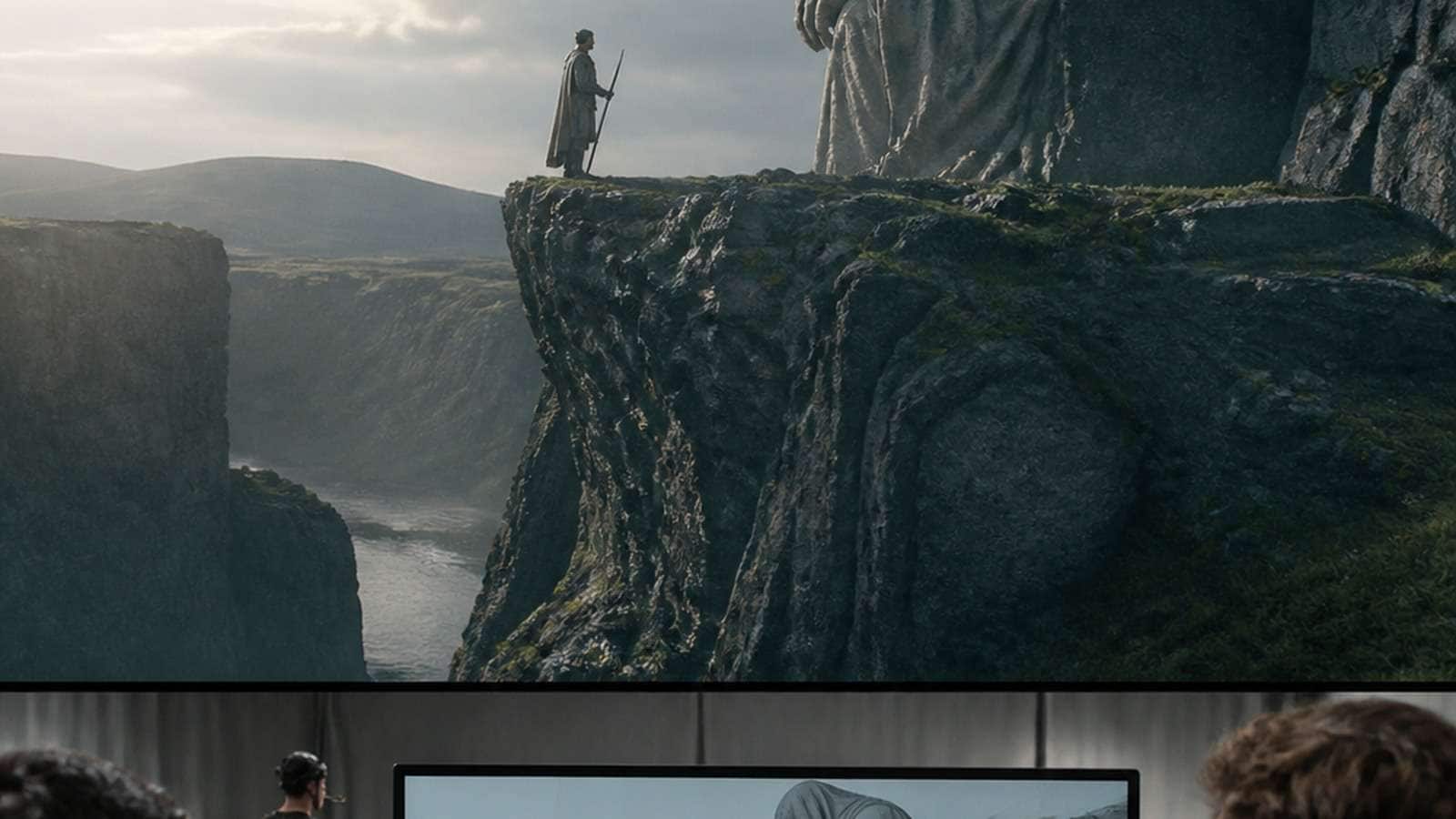
AI previsualization tools help filmmakers answer expensive questions before production: What should the shot look like? Where should the camera be? Does the blocking communicate the story? Will the character, location and light remain coherent across a sequence? The best tool depends on which uncertainty you need to remove—not on whether the demo looks cinematic.
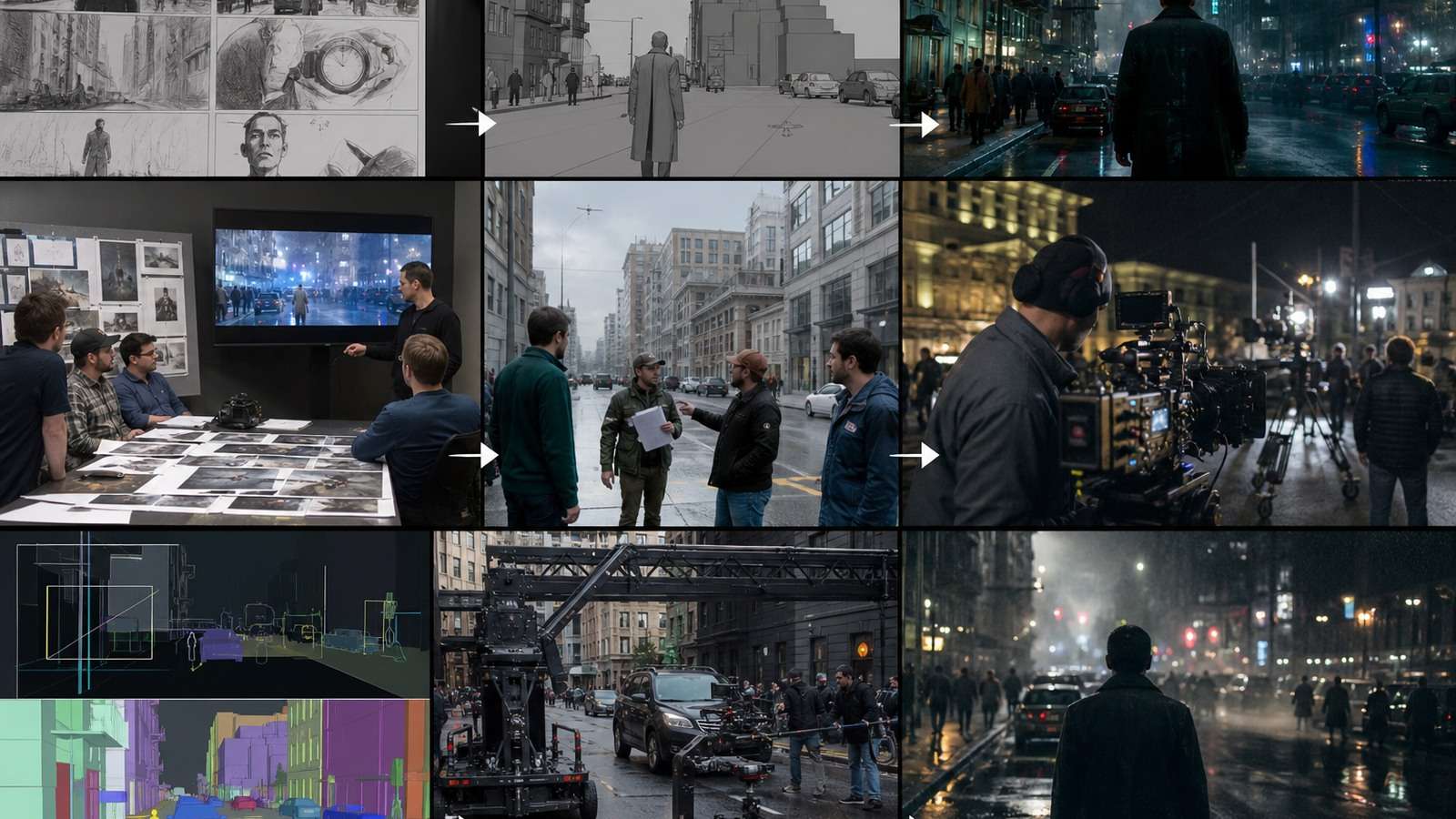
Previsualization sits between a script and a finished shoot or generated film. A storyboard communicates framing and composition. An animatic adds timing and rough motion. A 3D previs scene adds measurable camera and spatial blocking. Some modern platforms combine these stages with script analysis, image generation, video and editing; others deliberately stay focused on reference discovery or geometric accuracy.
In This Article
What AI Previsualization Should Solve
Traditional previs is valuable because changes made during planning are cheaper than changes made on set or in post. AI speeds up the first visual answer, but it does not eliminate the need to decide what the answer must prove.
| Planning question | Useful output | Tool capability to look for |
|---|---|---|
| Does the story read? | Script breakdown and storyboard | Scene parsing, character and location continuity |
| Does the timing work? | Animatic or timed sequence | Shot duration, audio and timeline control |
| Where should the camera go? | Shot list, frame variations or 3D block | Angle, lens, movement and spatial control |
| Can the team share the same visual language? | Reference deck or moodboard | Search, tagging, color and composition metadata |
| Will a presenter campaign work? | Avatar proof-of-concept | Stable presenter, voice and script rendering |
| Can the scene be built accurately? | 3D scene and camera path | Geometry, scale, measurement and export |
A good AI storyboard generator for film should make creative decisions visible and editable. If it only returns attractive frames with no relationship between shots, it is an image generator, not a dependable previs system.
8 Best AI Previsualization Tools: Quick Comparison
| Tool | Best for | Primary output | Control strength | Main limitation |
|---|---|---|---|---|
| Higgsfield Popcorn + Cinema Studio | Consistent storyboard-to-cinematic video | Storyboard frames and video | Character references, lens, lighting and motion | Less precise than full 3D for geometry |
| Katalist AI | Script-to-storyboard-to-animatic teams | Storyboard, animatic and video | Scene breakdown and timeline integration | Templates can constrain nuanced scenes |
| LTX Studio | Full AI production pipeline | Storyboard, video and timeline | Script decomposition and scene editing | Character drift across major changes |
| Runway Story Panels | Expanding one image into visual variations | Connected storyboard frames | Reference continuity and ideation | Limited timing and animatic control |
| ShotDeck | Cinematography reference research | Tagged film-still library | Lens, shot, light and color metadata | No generation or sequencing |
| HeyGen | Presenter and spokesperson previs | Avatar video | Script, voice and presenter repeatability | Not scene-based cinematic previs |
| DrawStory | Fast sketch/comic storyboard drafts | Storyboard panels | Low-friction script conversion | Limited styles and no video output |
| Blender | Precise 3D camera blocking | 3D previs and animatic | Geometry, lens and measurement | Steep learning curve and setup time |

Pricing and credits change frequently, so compare accepted output per project rather than a monthly headline. The right AI previs software is the one that removes your most expensive uncertainty.
1. Higgsfield Popcorn + Cinema Studio: Best for Storyboard-to-Cinematic Video
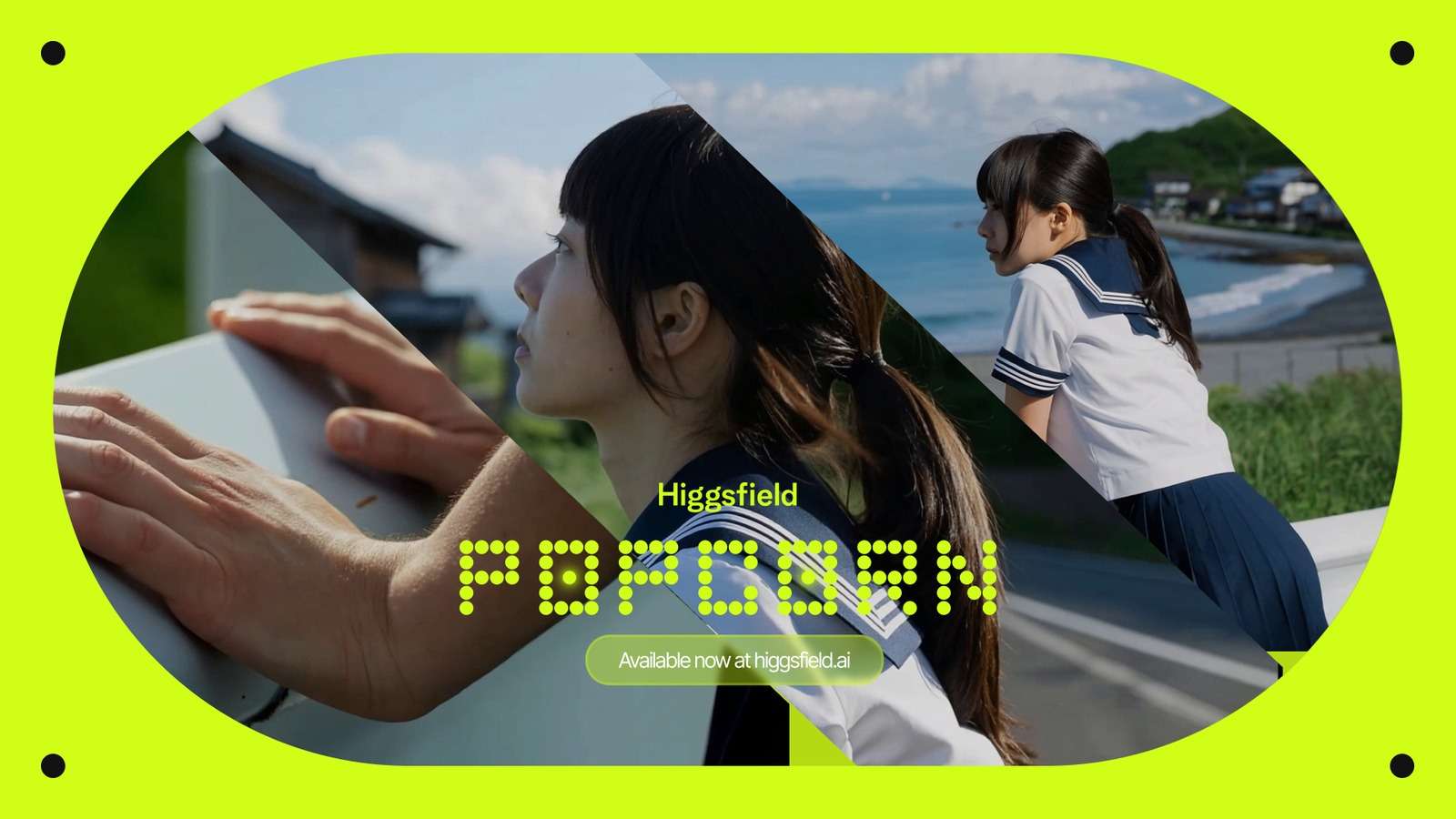
Higgsfield’s Popcorn and Cinema Studio combination is designed for creators who want an AI filmmaking previsualization workflow that continues beyond static panels. Popcorn creates a cohesive storyboard sequence from a prompt and references; Cinema Studio turns selected frames into video while exposing shot-level decisions such as genre, lighting preset, focal length, aperture, color palette and camera movement.
Best for: short films, commercials and creator projects where character identity and cinematic treatment must survive from planning into motion.
Why it stands out: the storyboard is not an isolated moodboard. Reference images, visual continuity and optical decisions can feed the next stage.
Limitations: it is not a replacement for dimensionally accurate 3D blocking. A production with complex architecture, vehicle stunts or exact stage measurements still needs a 3D scene.
For teams that want a comparable script-led workflow without switching between planning tools, Media.io’s Script to Video can turn a narrative outline into scenes and a structured draft. It is best used for story planning and multi-scene content, while Cinema Studio-style controls are better suited to shot-specific cinematography.
2. Katalist AI: Best Script-to-Storyboard-to-Animatic Workflow
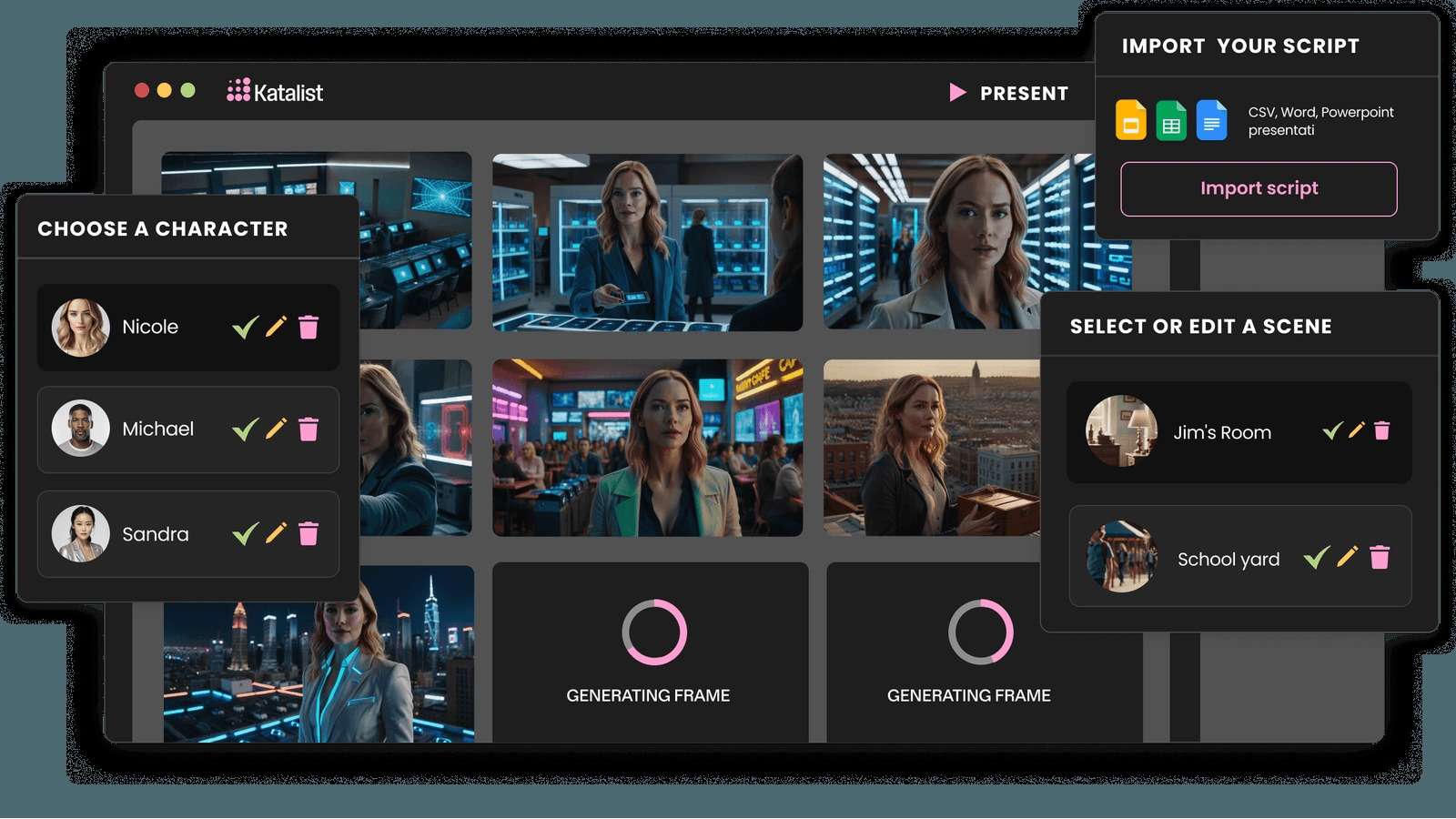
Katalist AI starts with a script and identifies scenes, characters and locations before generating storyboard frames. Its strength is structural continuity: a director can adjust staging, camera angles and character positions rather than treating every frame as a separate image. Integration with video models and Premiere Pro export makes it attractive for teams that need to continue from storyboard into a rough timeline.
Best for: agencies, narrative teams and educators who need a fast path from written script to a reviewable animatic.
Strongest decision: scene breakdown and editorial handoff.
Limitations: templates can feel restrictive when a scene depends on subtle performance, unusual visual grammar or highly specific staging. Use it to test structure before polishing a distinctive look elsewhere.
3. LTX Studio: Best Full AI Video Production Workspace

LTX Studio treats AI film previsualization as part of a larger production environment. A script can be decomposed into scenes, storyboard thumbnails can be refined, individual shots can be generated, and a timeline can assemble the result with sound and pacing. This is useful when the team wants the planning artifact and rough production to remain in one project.
Best for: narrative projects, branded films and creators who want script, shot planning, generation and editing in one workspace.
What to test: whether the same character and location remain stable when the story changes significantly. A tool may maintain continuity within a scene and still drift across a new setting.
Limitations: a broad pipeline does not guarantee precise storyboard control. For geometry, lens and measured camera paths, Blender remains stronger.
4. Runway Story Panels: Best for Visual Story Expansion
Runway Story Panels expands a starting image into connected shots and scene variations. It is useful when the creative question is “what else could this world look like?” rather than “can I build a measured animatic with audio and timing?” Reference continuity across clothing, lighting and environment makes it practical for early concept development.
Best for: cinematic brainstorming, visual development, comic-like shot exploration and reference-driven sequences.
Limitation: it does not replace a full storyboard-to-animatic pipeline. You will need another tool for timing, dialogue and editorial structure.
5. ShotDeck: Best Cinematography Reference Library
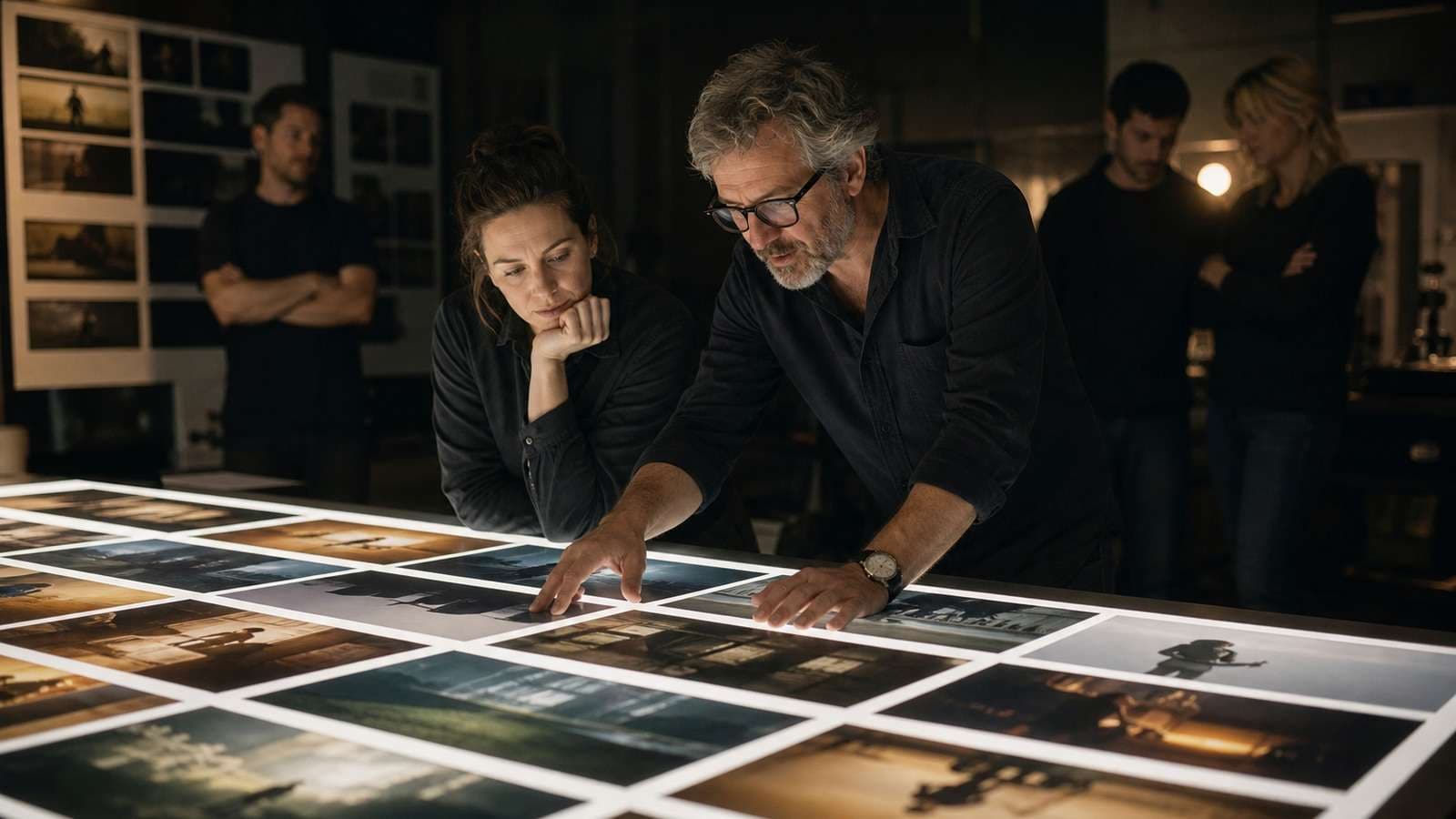
ShotDeck is not an AI animatic generator. It is a professional reference library built around real film stills and cinematography metadata: shot type, composition, lens, lighting, color and production details. That difference is precisely why it remains valuable. A director can show a DP the visual language being discussed rather than relying on ambiguous words such as “moody” or “cinematic.”
Best for: look development, cinematography briefs, client references and communicating a visual target before image generation.
Limitation: no character consistency system, animation, scene sequencing or generated output. It should sit at the reference stage of a wider previs workflow.
6. HeyGen: Best Presenter-Based Previsualization
HeyGen is a focused solution for AI previs for commercials and explainers that depend on a presenter. It can help a team test how a script sounds, how much screen time the presenter occupies and where B-roll or graphics should enter before a final shoot or campaign render.
Best for: spokesperson campaigns, training, sales outreach, localization and presenter-led content.
Limitation: it is not a scene-based storyboard tool. It does not answer the camera-blocking questions of a chase, ensemble scene or complex environment.
7. DrawStory: Best Fast Storyboard Draft
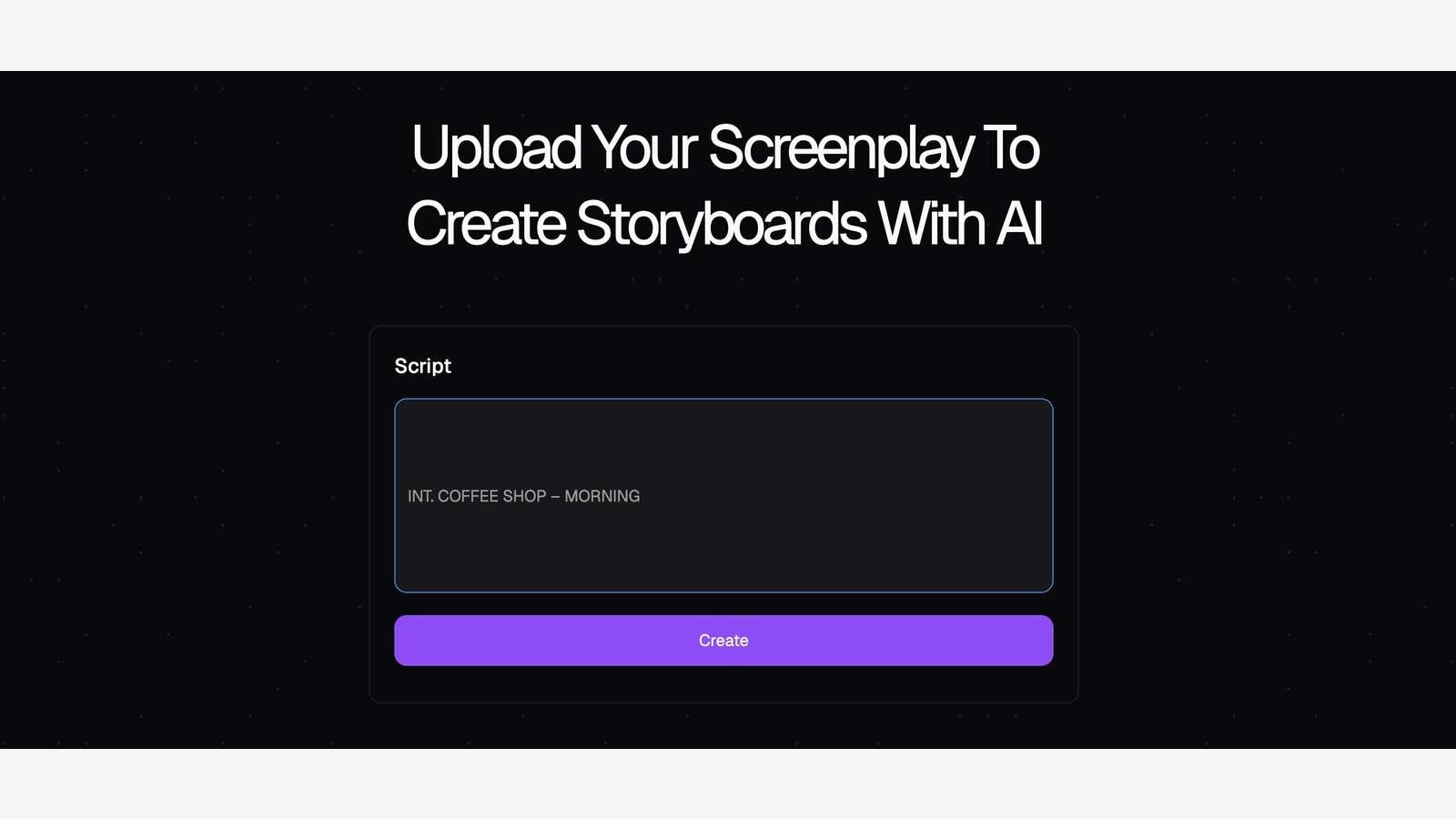
DrawStory focuses on speed and clarity. Paste a script or upload a PDF, receive a sketch or comic-style storyboard and use it to align a director, agency or client before investing in final visuals. Its restrained scope can be an advantage when the goal is simply to communicate coverage and sequence.
Best for: fast treatments, agency approvals and directors who need a draft without drawing or prompt engineering.
Limitation: limited visual styles and no animatic or cinematic video output. Move to another tool when lens, lighting and final visual treatment become the decision.
8. Blender: Best Geometric Accuracy
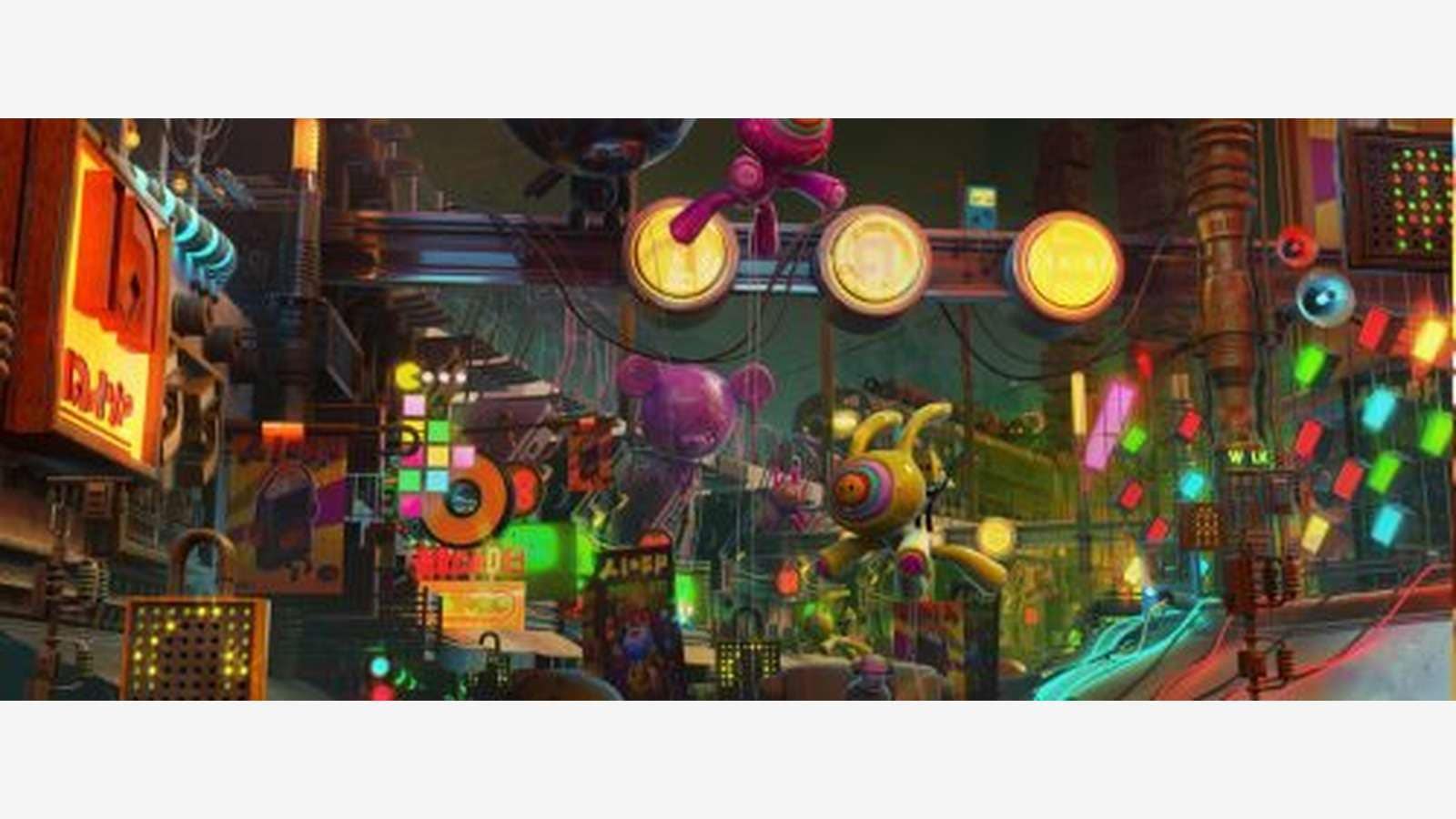
Blender remains the strongest free option when an AI cinematography planning tool must answer exact spatial questions. A 3D scene can represent set dimensions, lens, camera height, depth of field, movement and blocking. An animatic and floor plan can be shared with a crew in a way that a collection of AI images cannot.
Best for: VFX-heavy shots, stunts, architecture, virtual production and any scene where geometry must be correct.
Limitation: the setup and learning curve are substantial. It is not the fastest route from a paragraph to a moodboard.
How to Build an AI Previs Workflow That Actually Helps Production
- Break the script into decisions. Mark story beats, character entrances, props, locations, dialogue, camera changes and required transitions.
- Choose the right previs depth. Use references for look, panels for coverage, animatics for timing and 3D for geometry.
- Lock the source of truth. Approve character sheets, environment references, product views and visual language before generating dozens of frames.
- Generate the hardest shot early. Test interaction, close-up identity, camera movement or complex blocking first.
- Annotate every frame. Record shot number, lens intention, subject position, action, audio cue and continuity notes.
- Review with the real team. A director, editor, DP, client or game designer should be able to understand the plan without guessing.
- Convert only approved panels into motion. Use a script-to-video or image-to-video tool for the shots that need a moving proof.
- Keep the previs editable. Store prompts, references, durations and versions so one shot can change without destabilizing the sequence.
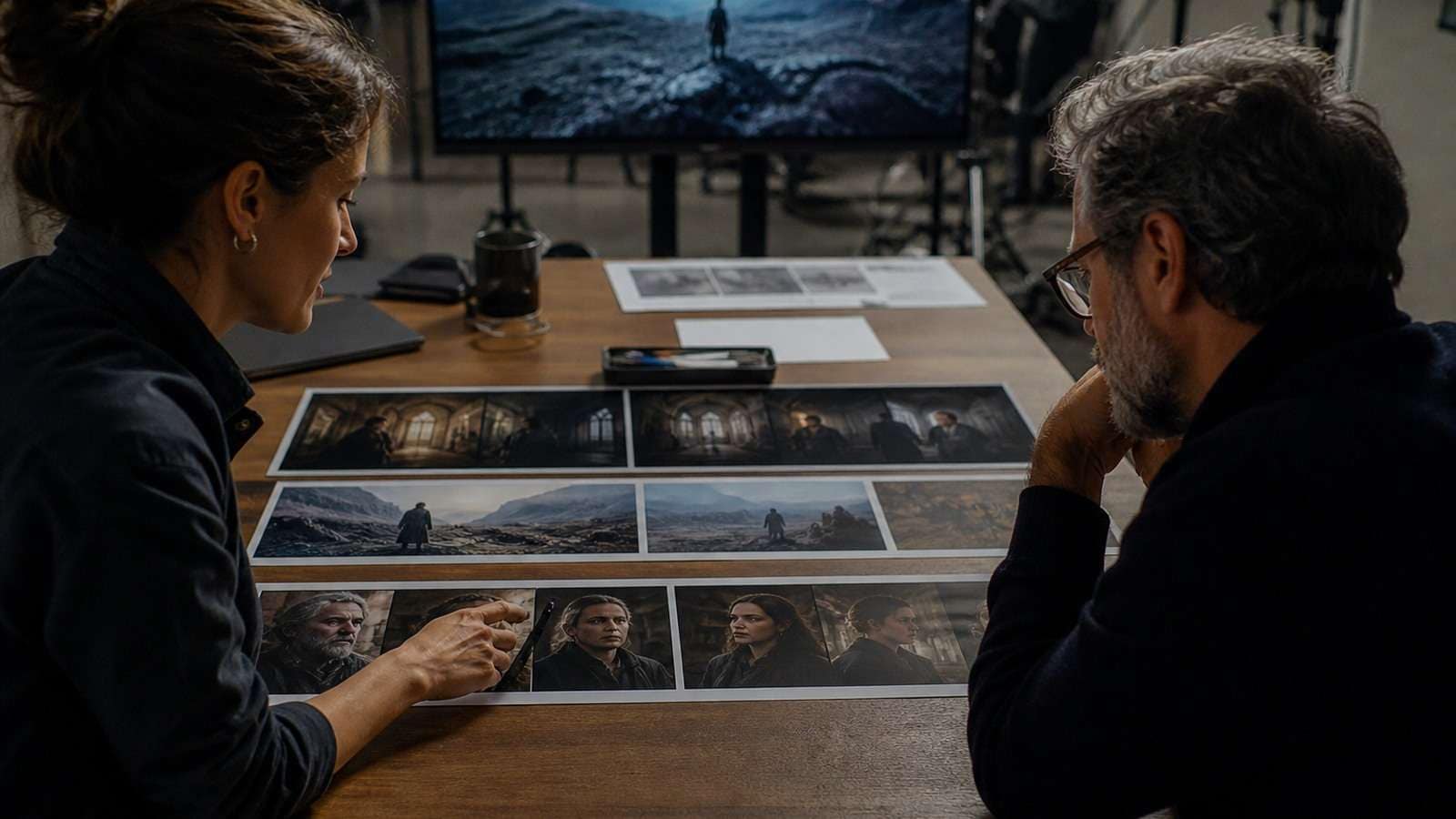
Media.io’s AI story video generator is useful when the main uncertainty is narrative flow and scene visualization. Its Image to Video route is better when the team has already approved a keyframe and needs to test motion. The difference is workflow intent, not marketing language.
Once the rough sequence works, assemble panels, generated clips, narration and captions with the online video editor. Add a video caption generator only after the spoken script is approved, and keep a high-quality master before compression.
How to Evaluate an AI Previs Tool
| Criterion | Test question |
|---|---|
| Continuity | Does the same character, location and prop survive three connected shots? |
| Timing | Can the tool show how long a beat lasts and where audio enters? |
| Camera | Can you specify angle, lens or movement instead of relying on style adjectives? |
| Revision | Can one panel change without regenerating the entire sequence? |
| Collaboration | Can another team member understand and annotate the plan? |
| Handoff | Can panels, metadata, timeline or references move into production? |
Do not rank a tool solely by its most polished demo. Run the same short scene through two candidates and record accepted panels, continuity errors, setup time and revision effort. The best AI previsualization software for filmmakers is the one that lowers decision risk before the expensive stage.
Frequently Asked Questions
-
What is AI previsualization?
AI previsualization uses generative images, video, storyboards, animatics or 3D scenes to plan shots, blocking, timing, visual language and production decisions before filming or final generation. -
What is the best AI storyboard generator for film?
Choose a script-to-storyboard platform such as Katalist or LTX Studio for structural workflows, a reference-driven tool such as Runway for visual development, or a focused storyboard tool such as DrawStory for fast drafts. -
Is Blender still useful when AI previs tools exist?
Yes. Blender is stronger when exact geometry, lens behavior, stage measurements and camera paths matter. AI tools are usually faster for ideation and visual exploration. -
Can AI previs replace a storyboard artist or director?
It can accelerate drafts and variations, but creative intent, shot selection, blocking judgment, continuity review and collaboration still require human direction. -
How do I keep characters consistent in AI previs?
Use approved multi-angle references, a character bible, stable wardrobe and scene-state notes. Test connected shots before scaling to a complete sequence. -
Where does Media.io fit AI previsualization?
Media.io fits script-led story visualization, keyframe-to-video tests, editing and caption finishing. Select Script to Video for narrative structure and Image to Video for controlled motion from an approved frame.


