

A Claude AI avatar workflow does not normally mean that Claude renders the face, lip sync and finished video by itself. Claude is the reasoning and orchestration layer: it researches the audience, shapes the persona, writes and revises the script, calls an external avatar service through a connector or skill, monitors the render and organizes the next version.
This distinction explains both the power and the limits of a Claude AI avatar generator. Connecting Claude to an avatar platform can remove repetitive copying and turn one brief into multiple scripts or localized videos. It cannot make a weak identity source look credible, guarantee natural speech or replace consent, disclosure and human quality control.
In This Article
How a Claude AI Avatar Workflow Actually Works
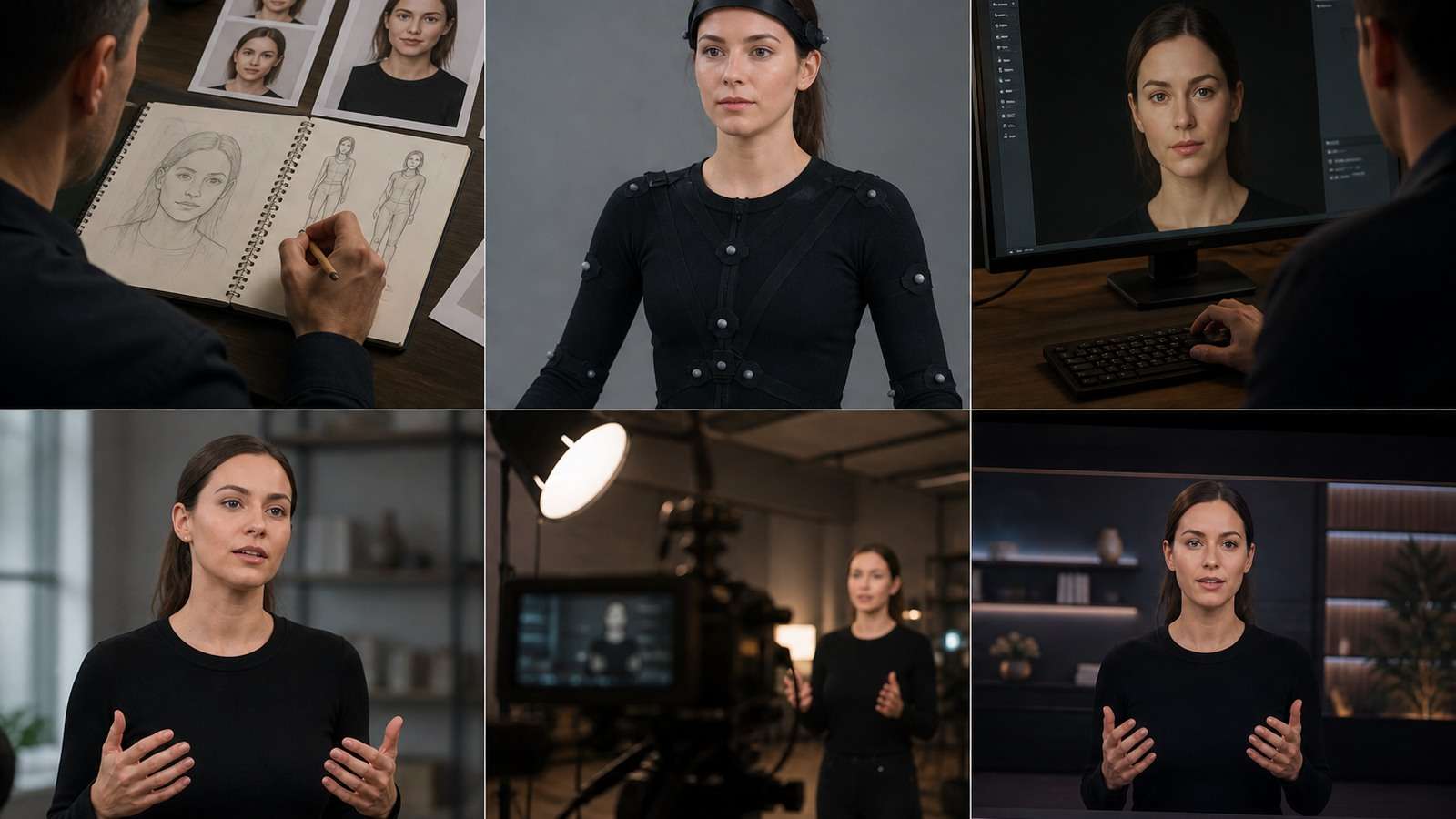
Current integrations such as HeyGen’s Claude connector divide the work into two systems. Claude writes, reasons and coordinates. The avatar service supplies the presenter identity, voice options, lip sync, rendering and hosted output. In Claude.ai or Claude Desktop this may happen through an authenticated connector; in Claude Code it may use a skill, MCP server or API.
Video demonstrations of Claude and HeyGen often compress this into “one prompt to a finished video.” The useful insight is not that every job becomes one-click. It is that Claude can preserve the brief and revision context across the steps. A producer can ask it to shorten the hook, reuse an approved avatar ID, create a Spanish version and regenerate only a failed segment without manually transferring every field.
Claude Is Strongest Before and Between Renders
A valuable Claude avatar script generator workflow handles decisions that are expensive to change after rendering:
- Who is the audience, and what must they understand or do?
- Which facts, claims and pronunciations must be exact?
- What persona, voice and visual identity fit the message?
- How long should each spoken segment be?
- Where should the presenter give way to B-roll, graphics or a demonstration?
- Which variants are genuinely different tests rather than cosmetic copies?
Claude can then keep those decisions in a project brief, structured data file or reusable skill. The rendering service should receive an approved, bounded instruction instead of being asked to solve audience strategy and performance at the same time.
Choose the Right Claude Talking Avatar Route

The best Claude talking avatar method depends on the inputs and intended output. A portrait plus finished voiceover is a different technical problem from a script-only presenter, a full-body character or a cinematic scene.
| Input and goal | Best-fit route | Why | Main risk |
|---|---|---|---|
| Portrait + approved audio | Audio-driven avatar | Voice timing is already locked | Poor portrait or noisy audio |
| Script only | Avatar platform with generated voice | Fast text-to-presenter workflow | Pronunciation and generic delivery |
| Recurring brand presenter | Saved avatar identity + voice | Repeatable episodes and localization | Identity or voice misuse |
| Stylized mascot | Character animation model | Supports illustrated or nonhuman subjects | Full-body motion artifacts |
| Cinematic spokesperson scene | Reference-driven video model | More control over lens, set and motion | Higher retry cost and continuity load |
Claude and HeyGen
The official HeyGen integration describes a workflow in which Claude writes the script, calls HeyGen video tools, monitors rendering and returns a shareable link. It supports connector-based use in Claude.ai and Desktop and skill/API workflows in Claude Code. The advertised use cases include research-to-video, course production, personalized outreach, product announcements and multilingual versions.
A Claude HeyGen integration is particularly useful when the same presenter must deliver approved information repeatedly. The avatar becomes the stable presentation layer while Claude adapts scripts, formats and languages. It is less suitable when the content depends on physical demonstration, nuanced acting or documentary authenticity.
Model-Routing Skills
Some independent Claude Code avatar skills route tasks across several video models. The routing logic asks whether the user has a script or an audio file, whether the subject is photoreal or stylized, and whether the scene is a simple portrait or a cinematic composition. This can save setup time, but every additional vendor and model expands the data, pricing and reliability checks a team must perform.
Build a Stable Avatar Identity Before Automating Video
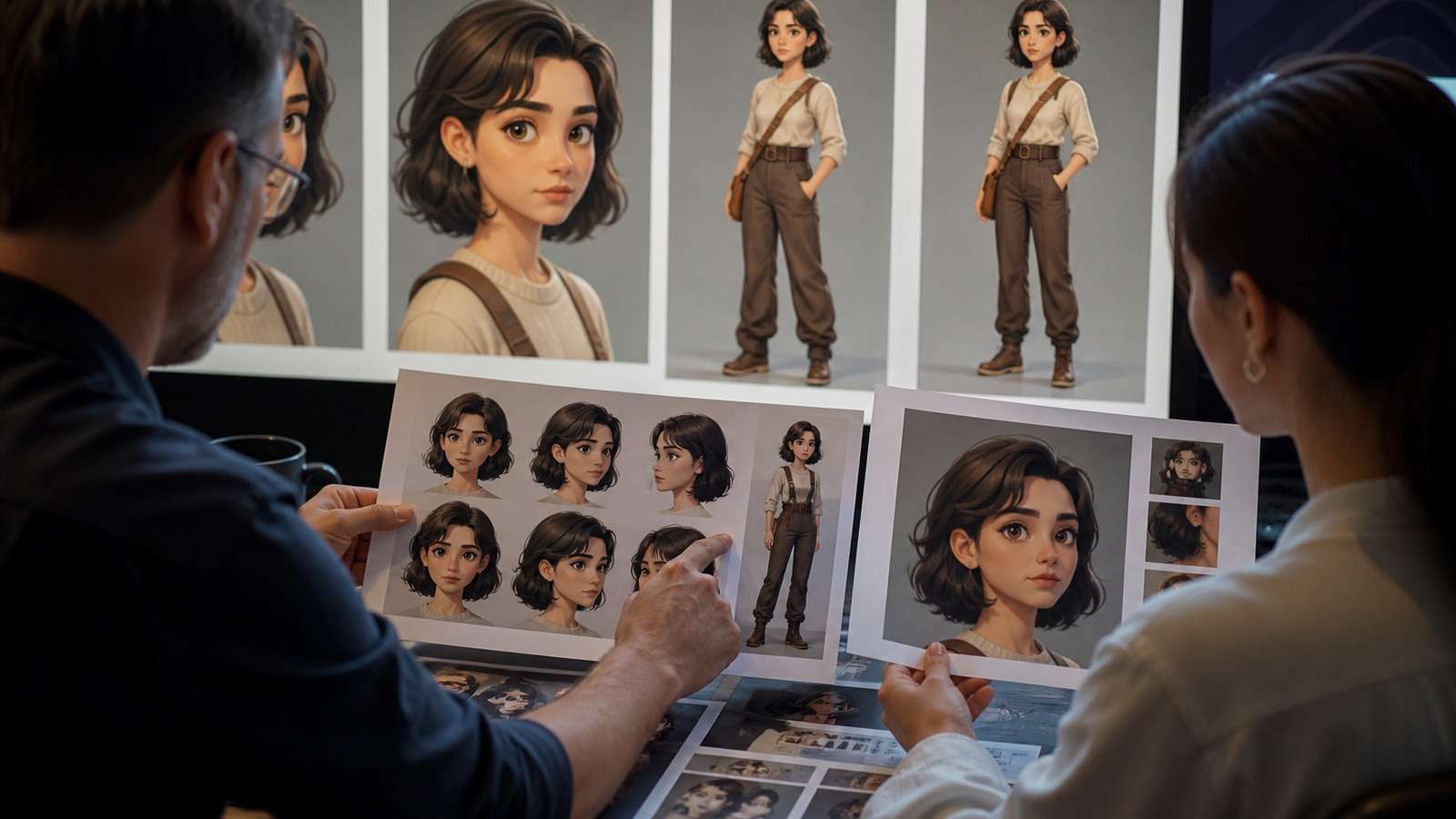
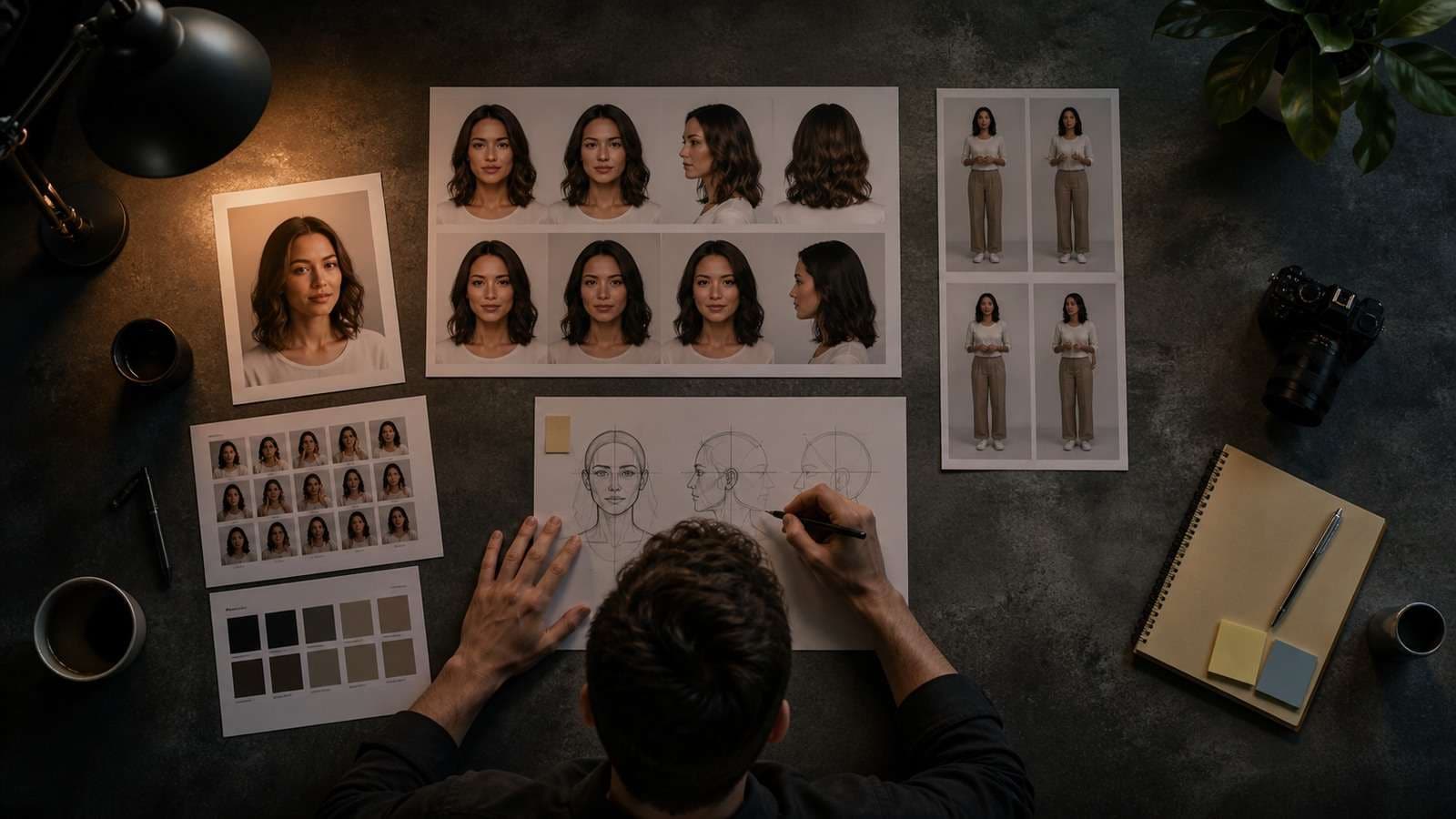
A recurring Claude digital human is a brand asset. Define it with more rigor than a one-off portrait prompt. Start with an identity specification covering apparent age, face, hair, body framing, wardrobe, voice, speaking rhythm, personality, domain expertise and prohibited uses.
Create a consistent visual reference pack rather than asking for a new face in every session. Media.io’s AI Character Turnaround Sheet can help establish front, three-quarter, profile and rear views for a virtual presenter. This is a natural early step for a Claude AI influencer or recurring story character because the downstream avatar tool receives a clearer source of truth.
Identity Checklist
- Face: approve neutral and speaking-friendly expressions at useful resolution.
- Wardrobe: separate permanent brand elements from episode-specific clothing.
- Voice: define language, accent, pace, emotional range and pronunciation rules.
- Framing: decide whether the standard is head-and-shoulders, half-body or full-body.
- Environment: define reusable background families rather than one fixed room.
- Disclosure: decide how the synthetic presenter will be identified to viewers.
- Ownership: record who authorized the face, voice, scripts and commercial use.
Do Not Confuse Face Consistency With Channel Consistency
AvatarFactory’s workflow emphasizes reusing the same persona because recognition compounds across episodes. The face is only one element. A believable channel also needs stable opinions, vocabulary, visual grammar, posting cadence and audience promise. Claude should store these as persona rules rather than infer them again for every reel.
Claude AI Avatar Prompts and Scripts That Sound Human
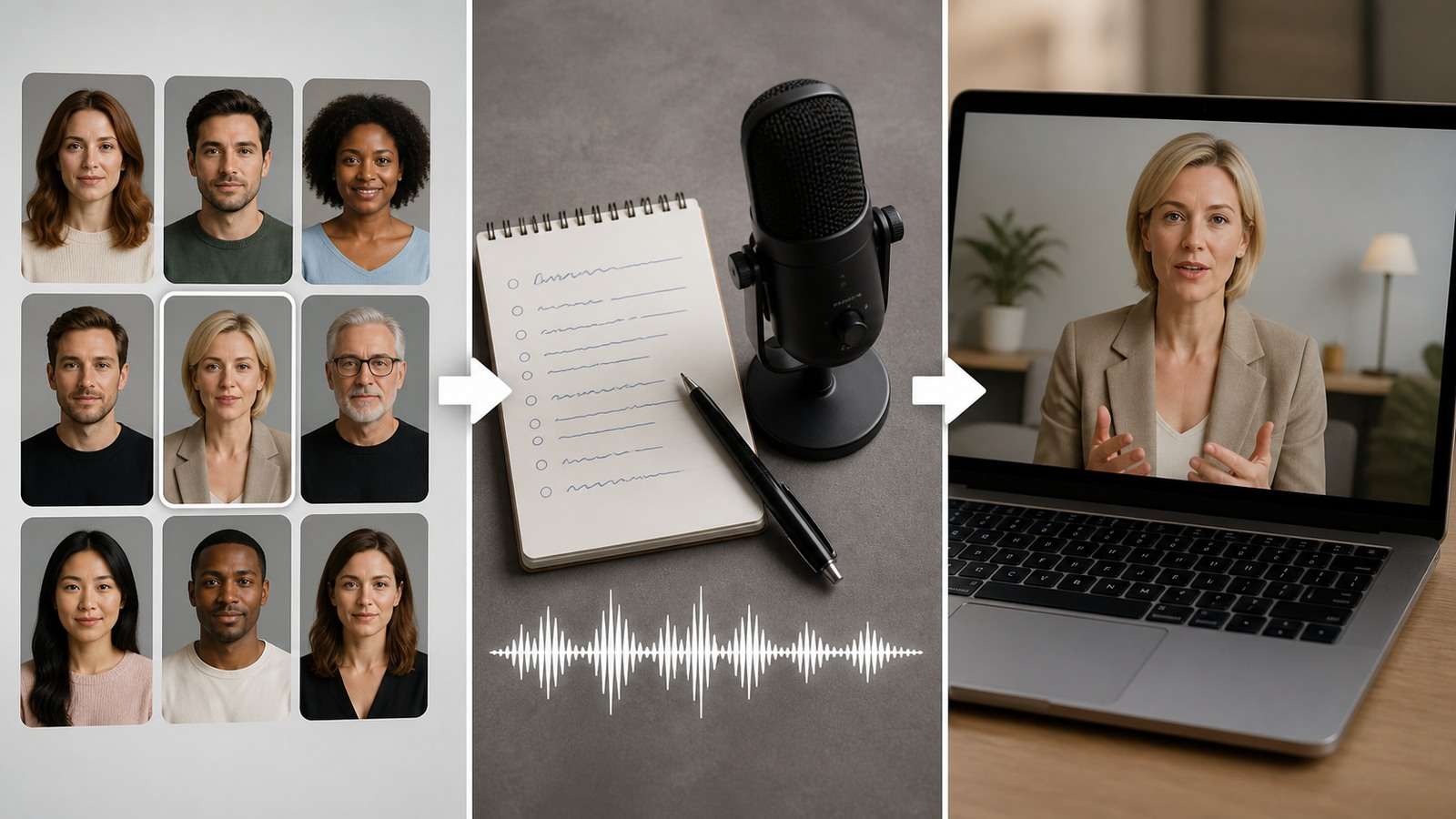
A good Claude AI avatar prompt should tell Claude what to write and tell the rendering tool how to present it. Keep these instructions separate.
Audience: first-time ecommerce founders.
Goal: explain why a product page needs one clear visual promise.
Length: 42–48 seconds.
Presenter: approved avatar “Maya-Exec-02.”
Voice: conversational American English, 145–155 words per minute.
Structure: one-sentence problem, concrete example, three-point solution, light CTA.
Delivery: short sentences, one natural pause after the example, no exaggerated enthusiasm.
Visual plan: presenter for opening and conclusion; product-page B-roll during the three points.
Restrictions: no unverified statistics, no income promises, no captions generated inside the avatar render.
The script should be readable aloud. Dense written prose produces robotic performance even when lip sync is accurate. Use contractions, varied sentence length and intentional breath points. Keep individual render segments short enough to replace without recreating a complete five-minute video.
Write for Speech, Not for a Blog Post
- Put the key noun near the beginning of the sentence.
- Avoid nested clauses and lists longer than three items.
- Spell out unusual pronunciations in a separate voice note.
- Use punctuation for natural pauses, not dramatic decoration.
- Describe the desired emotion in plain language.
- Read the line aloud before spending render credits.
Plan Visual Relief
A continuous Claude talking-head video becomes monotonous even when the presenter is realistic. Claude should mark where the editor cuts to product footage, a diagram, screen capture, quote or Before/After example. These cutaways also hide small lip-sync discontinuities and allow one weak line to be replaced.
How to Connect Claude to an Avatar Generator
The exact steps differ by service, but a responsible Claude MCP avatar generator setup follows the same pattern:
- Verify the connector. Confirm the official domain, maintainer, permissions and current documentation.
- Choose the Claude surface. Use a connector for conversational work or Claude Code when files, repeatable skills and batch automation are required.
- Authenticate with minimum access. Prefer OAuth where supported; otherwise keep API keys in local environment variables rather than prompts or project files.
- Discover valid avatar and voice IDs. Save approved IDs in a non-secret configuration file so Claude does not guess them.
- Run a five- to ten-second test. Check pronunciation, gaze, mouth motion and framing before a long render.
- Render in replaceable segments. Preserve the script and segment IDs so failed parts can be regenerated independently.
- Download and audit the output. Do not treat a returned share link as automatic publication approval.
Automation Should Preserve Approval Points
A system can research topics, draft scripts and queue renders automatically while still requiring a human to approve the persona, factual claims, final voice and publication. Use different permissions for generating a private draft and posting publicly. The ability to make hundreds of personalized videos does not authorize sending them.
A Media.io Workflow for Claude Avatar Videos

Media.io should be integrated around the actual production needs rather than introduced as an unrelated late recommendation. For a personal narrative, educational series or multi-scene explainer, the Media.io Script to Video Generator can convert Claude’s approved long-form script into scene structure and supporting visuals. The avatar can then appear where a presenter adds trust, while generated scenes carry the story.
| Content type | Claude role | Media.io route | Avatar role |
|---|---|---|---|
| Personal story | Structure voice and narrative arc | AI story video generator | Host or recurring narrator |
| Educational explainer | Research, outline and script | Script to Video | Introduce chapters and summarize |
| Social series | Hooks and episode variants | Viral Studio | Recognizable channel persona |
| UGC ad | Audience angle and claim-safe script | AI Ad Generator | Spokesperson or testimonial format |
After rendering, assemble presenter segments and B-roll with the online video editor. Generate accessible text with the video caption generator and proofread every name, number and technical term.
Quality Control, Consent and Scaling

Evaluate a Claude AI spokesperson as a complete communication asset, not merely a lip-sync test. Watch the exported video at normal speed, with sound, on the intended screen.
| Dimension | What to inspect | Typical failure |
|---|---|---|
| Identity | Face, age, hair and wardrobe | Drift between segments |
| Speech | Pronunciation, timing and emotional fit | Correct words with unnatural emphasis |
| Motion | Gaze, blinking, head and hands | Repetition or frozen posture |
| Editing | Pacing, B-roll and transitions | Continuous talking-head fatigue |
| Trust | Disclosure, claims and identity rights | Misleading synthetic endorsement |
| Localization | Translation, voice and on-screen text | Lip sync succeeds but meaning shifts |
Consent Is Part of Output Quality
Never clone a face or voice without permission. Record the scope of consent: channels, countries, campaign duration, topics and whether the likeness may be personalized. Do not use a synthetic presenter to imply that a real person endorsed a product or made a statement they did not approve.
Measure Accepted Cost per Video
Automation economics should include research time, script review, voice generation, avatar renders, rejected attempts, editing, captions and compliance review. A cheaper render can be more expensive if lip sync or identity fails repeatedly. Track accepted minutes rather than generated minutes.
For multilingual content, lock the approved source script before translation. Review meaning and pronunciation with a qualified speaker, then reuse the same identity and scene structure. Compress final platform versions using an online video compressor while preserving a high-quality master.
Frequently Asked Questions
-
Can Claude generate an AI avatar by itself?
Claude can design the persona, write scripts and orchestrate tools, but an external avatar or video model normally renders the face, voice, lip sync and final video. -
How does the Claude HeyGen integration work?
Claude writes and coordinates the video while HeyGen provides the avatar production tools. Depending on the Claude surface, the connection may use an authenticated connector, MCP server, skill or API. -
What is the best source image for a Claude talking avatar?
Use a clear, authorized portrait with visible facial features, appropriate framing, natural light and no heavy occlusion. Match the source expression and framing to the desired delivery. -
How do I keep the avatar consistent across videos?
Reuse an approved avatar identity and voice ID, maintain a persona and wardrobe guide, store pronunciation rules and avoid regenerating a new face for every script. -
Can I create multilingual avatar videos with Claude?
Yes, when the connected avatar platform supports the languages and voices. Lock the source meaning, review the translation and pronunciation, and verify the localized lip sync. -
Where does Media.io fit the workflow?
Media.io can help establish a consistent character, turn Claude scripts into multi-scene videos, create social or ad versions, edit presenter footage and add captions.


