

ChatGPT CLI video generation is useful when the coding session already has the brief and you need an MP4, not a storyboard in prose. ChatGPT can write the shot; Media.io CLI should submit the job and return a file.
- The session writes a shot brief.
- The video job is async.
- Seedance 2.5 or Kling 3.0 is chosen on purpose.
- The MP4 is stored with a shot name.

Media.io fit: Media.io CLI is the video job layer for this ChatGPT workflow. After setup, the session can submit text-to-video or image-to-video and retrieve the clip.
In this article
What ChatGPT CLI Video Generation Should Return
A ChatGPT video workflow that only describes the clip has failed. You need a job ID and then a file.
Treat video as async even inside ChatGPT.
- Prompt file.
- Model field.
- Job ID.
- Named MP4.
Connect Media.io Before You Spend a Video Job
To generate videos with ChatGPT CLI, finish CLI, plugin/skills where supported, and browser auth first.
Probe with a still if the connection is new.
Pick Seedance 2.5 or Kling 3.0 in the ChatGPT AI Video Workflow
A ChatGPT AI video workflow should choose Seedance 2.5 for story-led clips and Kling 3.0 for motion-forward shots.
Do not hide that choice inside "make a video."
Retrieve the File Like Production Media
Download only after success. Name the clip after the shot.

- Write the shot brief.
- Select the model.
- Submit and poll.
- Save the MP4 into review.
Inspect the existing task before a retry.
Use Media.io CLI as the ChatGPT Video Job Layer
Media.io CLI can submit text to video or image-to-video from the ChatGPT coding session and return a path. This is not a native ChatGPT terminal renderer.
If You Want This ChatGPT / Codex CLI Session to Set Media.io Up
Copy This Complete Setup Prompt into ChatGPT / Codex CLI
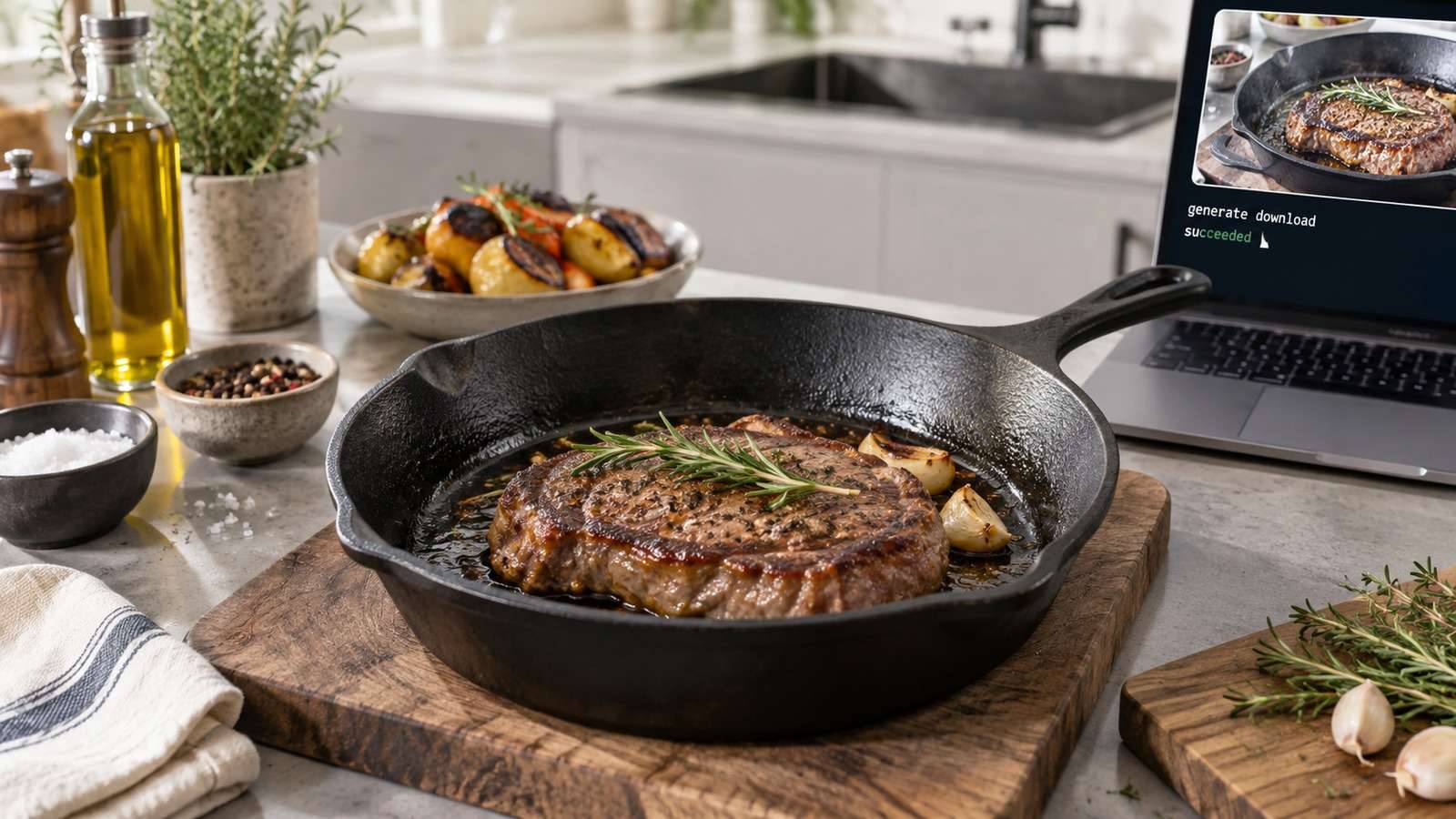
Show a real terminal or agent session, the returned output path or status, and the generated result.
Do Not Double-Submit When Status Is Quiet
Quiet is often queued, not failed.
Read the job ID first.
FAQs About Chatgpt Cli Video Generation
-
Can ChatGPT CLI generate video by itself?
The session can write the brief, but video files typically come from a connected tool such as Media.io CLI. -
How do I generate videos with ChatGPT CLI?
Connect Media.io CLI, submit a Seedance 2.5 or Kling 3.0 job, poll status, and save the MP4. -
What makes a ChatGPT video workflow reliable?
Async submit/poll, an explicit model, a job ID, and a shot-based filename. -
When should I use Seedance vs Kling?
Seedance 2.5 for cinematic story beats. Kling 3.0 for camera moves and product action. -
Where should the MP4 go?
Into the project review folder with a human shot name. -
What if the job looks stuck?
Inspect the existing task before submitting a second job.
Let ChatGPT Write the Shot and Media.io Return the File
ChatGPT CLI video generation is useful when the session can submit a named job and retrieve an MP4. Keep it async and inspect before you retry.


