

 ChatGPT
 Perplexity
 Gemini
 Claude
 Grok
Grok
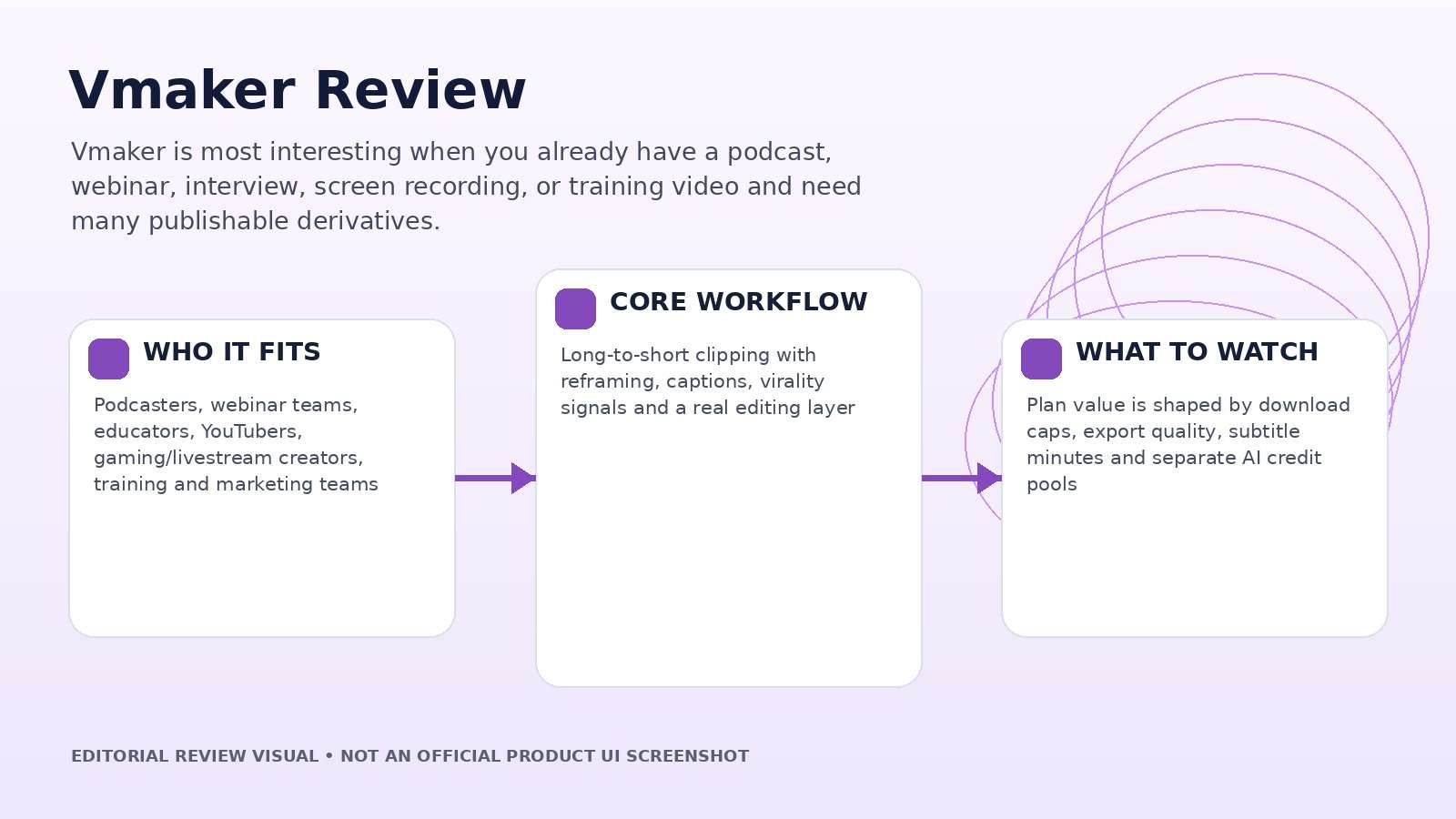
Vmaker makes more sense if you already have footage than if you are starting from a blank prompt. Its strongest product story is repurposing: upload a podcast, webinar, interview, tutorial, livestream, or recording, let AI find strong moments, reframe them, add animated captions, and continue editing in the same system. This Vmaker review therefore focuses on clip selection, editability, subtitle workflow, pricing limits, and whether the time saved survives final human review.
In this article
- Vmaker Quick Decision: Is It a Good Fit for Long-to-Short Repurposing?
- Long-to-Short Is the Feature to Judge First
- Hook Selection, Virality Scores, and the Need for Human Judgment
- Vmaker AI Editor: Useful Because the Generated Clips Stay Editable
- Avatars, Text-to-Video, and Screen Recording Are Secondary but Useful
- Vmaker Pricing Review: Download Limits Matter as Much as AI Credits
- Vmaker vs. Media.io: Repurpose Existing Video or Build a Broader AI Media Workflow?
- Vmaker Pros and Cons
- Final Verdict: Vmaker Is Best Viewed as a Repurposing System
- Vmaker Review FAQ
Vmaker Quick Decision: Is It a Good Fit for Long-to-Short Repurposing?
| Review factor | Assessment |
|---|---|
| Best for | Podcasters, webinar teams, educators, YouTubers, gaming/livestream creators, training and marketing teams |
| Core strength | Long-to-short clipping with reframing, captions, virality signals and a real editing layer |
| Main trade-off | Plan value is shaped by download caps, export quality, subtitle minutes and separate AI credit pools |
| Pricing fit | Free for testing; Starter and Teams make more sense when recurring downloads and higher export quality are required |
Product claims, pricing, model access, and usage limits were rechecked against the provider’s current official materials on September 11, 2026. The review focuses on usable output, revision cost, workflow fit, and documented constraints rather than treating a showcase result as a controlled benchmark.
Long-to-Short Is the Feature to Judge First
Vmaker’s long-to-short tool accepts uploaded video and link-based sources, then analyzes spoken content to identify highlight moments. The current product page emphasizes podcasts, interviews, webinars, livestreams, training, educational and gaming content, with support for 9:16, 1:1 and 16:9 outputs, animated subtitles, editing, and a virality score.
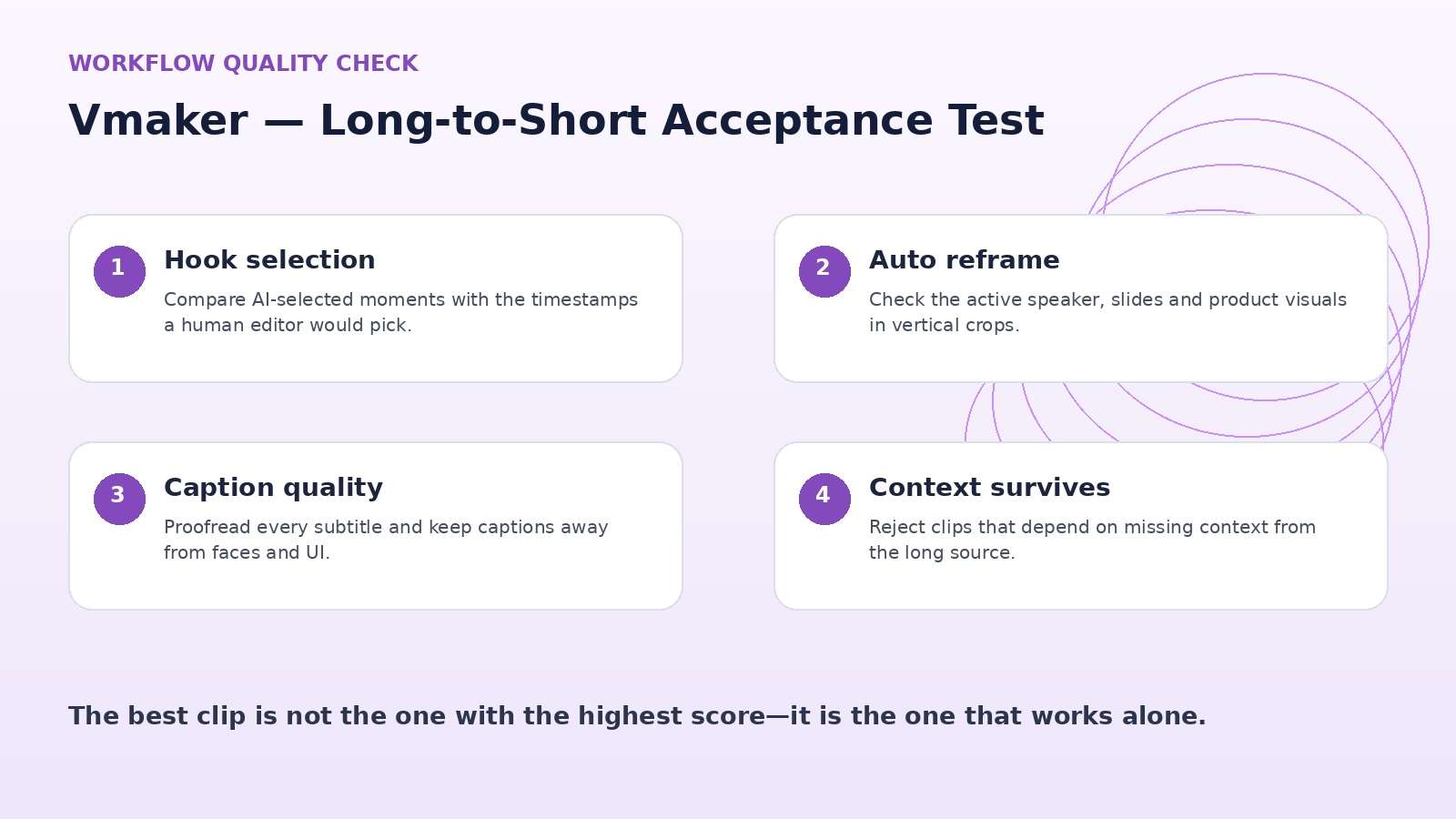
A useful test file is a 45- to 90-minute recording with several topic changes, a few weak sections, and at least three genuinely clip-worthy moments. Compare the clips Vmaker selects with the timestamps a human editor would choose. The real time saving is the amount of good material found without scrubbing the entire source—not simply the number of clips produced.
Also test a source with two speakers and occasional screen-sharing. Automatic reframing and captions are more valuable when they can follow the active speaker without hiding slides, faces, or product demos.
Hook Selection, Virality Scores, and the Need for Human Judgment
Vmaker can score clips for hook strength, pacing, and platform fit, which is helpful as a sorting layer. It should not be treated as a prediction engine for views. A clip can have a strong opening yet still fail because context is missing, the speaker references an earlier section, or the chosen ending feels abrupt.
Review each candidate with three questions: does it make sense without the full episode, does the first two seconds contain the payoff or tension, and does the ending resolve the idea? Then check whether the auto-reframe follows the active speaker and whether captions cover faces or key visuals.
Automation should reduce selection time while leaving editorial accountability with the creator. If the virality score consistently surfaces clips your team would reject for context, it is a ranking signal to ignore rather than a reason to publish.
Vmaker AI Editor: Useful Because the Generated Clips Stay Editable
Vmaker’s AI editor adds background music, text animation, Smart Zoom, intro/outro treatments, transitions, and subtitles, while the broader editor can trim and customize the clips. This matters because long-to-short output is rarely ready to publish unchanged. Brand teams still need logos, font choices, safe zones, subtitles, b-roll, and small timing adjustments.
The strongest workflow is therefore AI first, human finish. Let the system propose cuts and formatting, then use the editor to make the clip match the channel. If every revision requires exporting to another editor, much of the promised time saving disappears.
Measure editing time per clip before and after adoption. A tool that saves 30 minutes of source review but adds 20 minutes of cleanup has a different value than a workflow that produces a nearly publishable cut in five minutes.
Avatars, Text-to-Video, and Screen Recording Are Secondary but Useful
Vmaker also supports text, audio, documents, and video as inputs for AI avatar workflows, plus screen recording and tutorial-oriented creation. The main site promotes a large avatar and voice library, while paid tiers expand avatar access and generative minutes. These features are useful for training, product demos, explainers, and support videos.
They should be evaluated separately from long-to-short. A team may love Vmaker for repurposing but prefer a different avatar system; another may value screen recording and tutorial creation more than social clips. Avoid collapsing every feature into one score.
For avatar work, inspect lip timing, pronunciation, eye behavior, gestures, and whether the result holds up in a full-screen training module. For screen recording, test microphone quality and whether edits remain easy after capture.
Vmaker Pricing Review: Download Limits Matter as Much as AI Credits
As checked on September 11, 2026, Vmaker lists a Free tier, Starter, Teams, and Enterprise. The pricing page shows Starter at $24 monthly or $18 per month on annual billing, and Teams at $39 monthly or $25 per month on annual billing. Free includes a smaller long-to-short credit pool and limited export; paid tiers raise export quality, upload/storage limits, subtitle and translation minutes, avatar/generative allowances, and collaboration features.
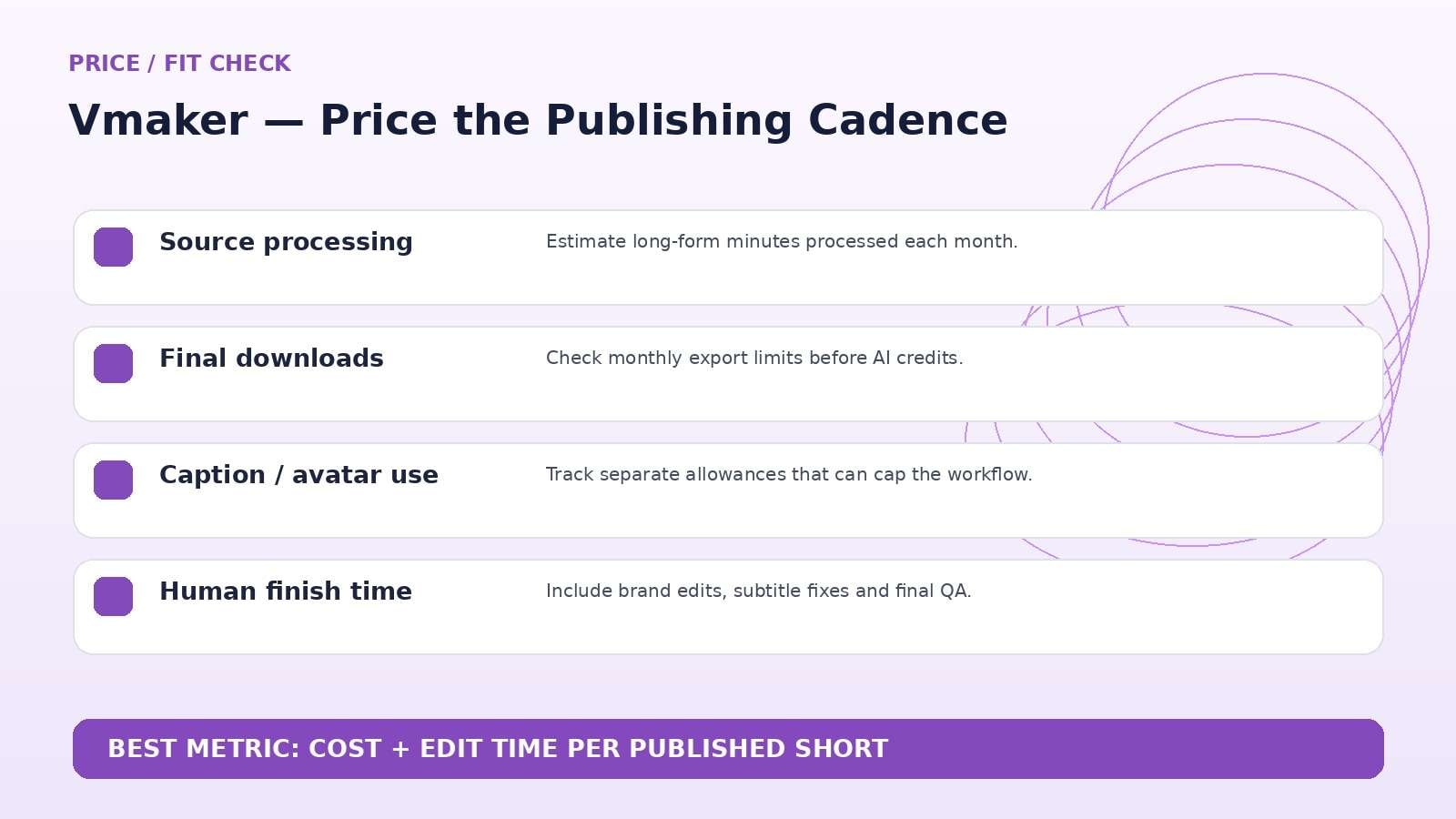
One detail deserves attention: paid plans also list monthly download allowances and extra-download charges. A creator publishing daily can hit an export cap even if AI credits remain. Estimate the number of final downloads, not just the amount of source video processed.
For agencies, Teams may be justified by 2K export, more clips, collaboration and asset capacity rather than by the headline AI credit number alone. If you produce dozens of client variants, calculate export volume first and AI credits second.
Vmaker vs. Media.io: Repurpose Existing Video or Build a Broader AI Media Workflow?
Media.io is a stronger comparison when your workflow mixes generation, enhancement, object/background removal, audio, conversion, and other media tasks in addition to editing. Vmaker has the clearer specialization for long-form-to-short-form repurposing, especially spoken content where highlight selection and captions drive the workflow.
If most of the job is turning podcasts or webinars into clips, test Vmaker first. If the same team also creates AI shots, image-to-video, style transforms, cleanup, music, compression, and mixed-format assets, Media.io may consolidate more of the surrounding production stack, including specialized tools like a Vmake Watermark Remover Alternative.
Vmaker Pros and Cons
Final Verdict: Vmaker Is Best Viewed as a Repurposing System
Features and pricing were rechecked on September 11, 2026. AI products change quickly, so verify the live provider pages immediately before publication or purchase.
Vmaker Review FAQ
-
What is Vmaker AI?
Vmaker AI is a video editing and content-repurposing platform focused on turning long videos into short clips, with additional tools for subtitles, screen recording, AI avatars, and editing. -
Is Vmaker free?
Yes. Vmaker has a Free plan with limited long-to-short credits, subtitle minutes, avatars, export quality and other usage allowances. -
How much does Vmaker cost?
As checked on September 11, 2026, Vmaker lists Starter at $24/month or $18/month on annual billing, and Teams at $39/month or $25/month on annual billing. Enterprise pricing is custom. -
Can Vmaker turn podcasts into Shorts?
Yes. Podcasts, interviews, webinars, livestreams and other spoken long-form videos are central use cases for Vmaker’s long-to-short tool. -
Does Vmaker generate captions automatically?
Yes. Vmaker includes AI subtitle generation and supports animated caption styles; allowances vary by plan. -
What is Vmaker’s virality score?
It is a ranking signal based on factors such as hook strength and pacing. Treat it as a prioritization aid rather than a guarantee of views. -
Can I edit Vmaker clips after AI generation?
Yes. Generated clips can be customized in Vmaker’s editing workflow with captions, text, music, b-roll and other adjustments. -
Does Vmaker support AI avatars?
Yes. Vmaker includes avatar-based video creation, with larger avatar and generative allowances on paid plans. -
Is Vmaker worth it in 2026?
It is most worth considering for teams that repeatedly repurpose long spoken videos.


