

 ChatGPT
 Perplexity
 Gemini
 Claude
 Grok
Grok
RunDiffusion originally appealed to creators who wanted Automatic1111, ComfyUI, Fooocus, models, and GPU power without building a workstation. Its current platform also spans multi-model image and video tools, boards, teams, governance, and plugins. That breadth means a RunDiffusion alternative can be either a managed creative studio or raw rented infrastructure—and the invoice behaves very differently.
In this article
The Meter Runs While You Download Models, Debug Nodes, and Forget to Stop
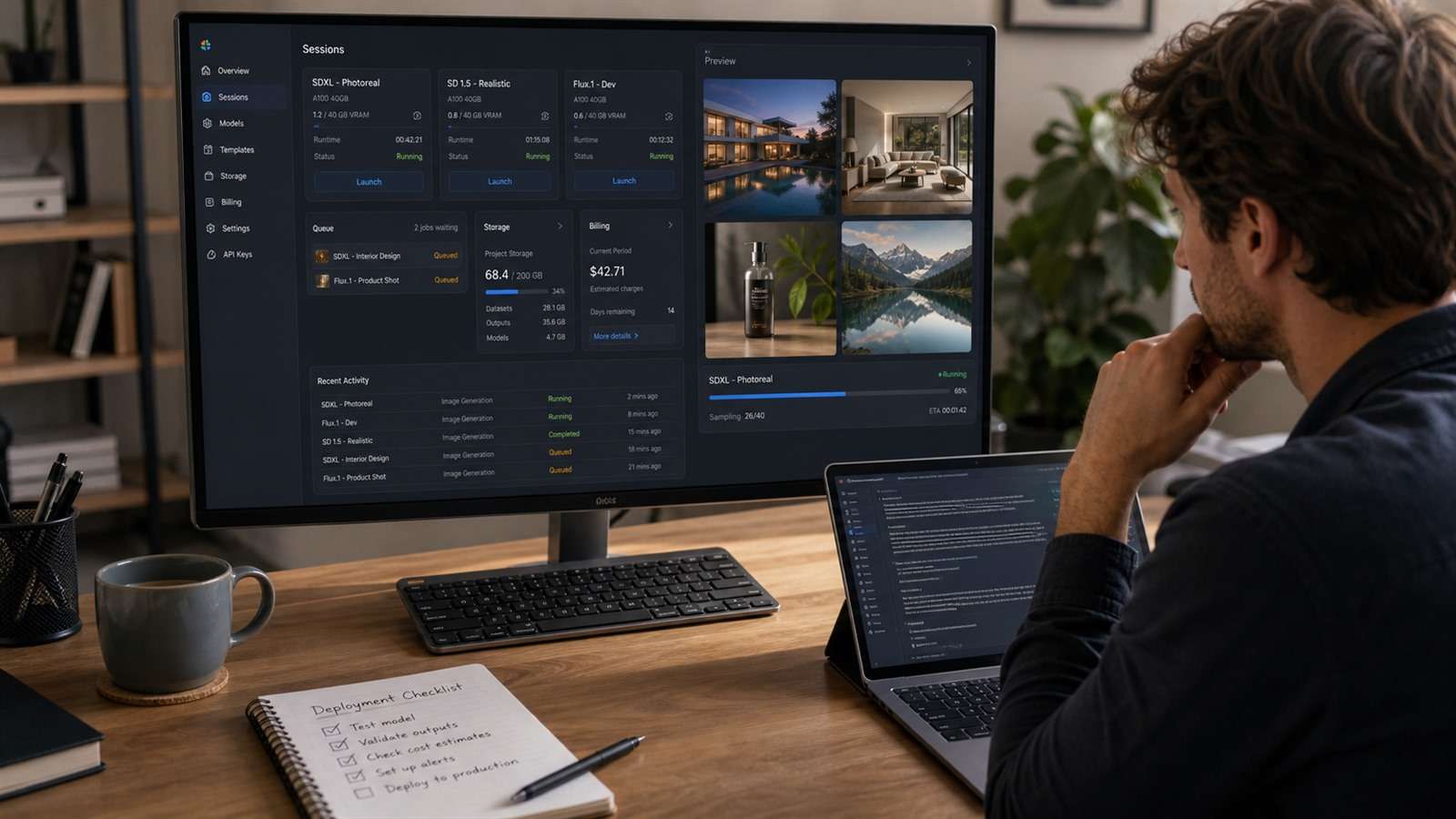
Hourly GPU price is only one component of cost. A realistic monthly estimate is:
GPU session time + persistent storage + network transfer + platform subscription + failed setup time + human maintenance
A $0.50 hourly instance can be expensive if it spends 25 minutes rebuilding an environment. A $1.50 managed machine can be economical if models, extensions, and outputs persist and the creator starts generating immediately. Auto-stop, idle detection, startup time, and file access when the GPU is off deserve their own rows in the comparison.
Add labor and failure recovery to the estimate. A raw instance can be cheaper per GPU-hour yet more expensive for a designer who spends billable time rebuilding containers, repairing model paths, or explaining an undocumented setup to a teammate. A managed service earns its premium only when that saved time is measurable.
Choose a Managed Studio or Infrastructure—Do Not Pretend They Are the Same
| Route | Examples | Best for | Operational burden |
|---|---|---|---|
| Managed diffusion studio | ThinkDiffusion | Artists who want preloaded UIs and persistent creative files | Low to medium |
| Container GPU platform | RunPod | Technical users deploying templates, pods, and APIs | Medium |
| GPU marketplace | Vast.ai | Cost-sensitive users who can evaluate hosts and instances | High |
| Notebook/cloud development | Paperspace | Code, training, experiments, and broader ML work | Medium to high |
| Hosted node workflow | Comfy Cloud | ComfyUI users avoiding local installation | Low to medium |
| Local workstation | ComfyUI, Invoke, Forge | Heavy repeat use, privacy, and workflow ownership | High upfront; lower per session |
| Consumer creative platform | Media.io | Users who need outputs, not diffusion infrastructure | Low |
Seven Alternatives to RunDiffusion
1. ThinkDiffusion — the closest managed cloud lab
ThinkDiffusion offers dedicated cloud machines with preloaded creative interfaces, private drives, model uploads, extensions, custom nodes, and persistent storage options. Its pay-as-you-go Hobby route and subscription tiers make it comparable to the traditional RunDiffusion use case.
Compare machine VRAM, base storage, persistence window, file access while stopped, and discounted hourly rates. The closest feature match is not automatically the cheapest match for your usage pattern.
2. RunPod — templates, pods, and serverless paths for technical teams
RunPod is more infrastructure-like. It suits users who can deploy a template, attach storage, manage ports and containers, and decide whether an interactive pod or API-style workload is appropriate. It can be flexible and cost-efficient, but troubleshooting belongs to you.
3. Vast.ai — marketplace pricing for users who can evaluate risk
Vast.ai exposes a marketplace of GPU hosts with varying hardware, reliability, bandwidth, storage, and prices. It is attractive for experienced users optimizing cost. It is a poor choice for someone who wants one support team and a uniform machine experience.
Filter beyond GPU name. PCIe bandwidth, disk speed, internet transfer, verification, reliability score, and interruptibility can affect a diffusion workload.
4. Paperspace — notebooks and broader machine-learning work
Paperspace fits projects that mix image generation with notebooks, code, datasets, and model experiments. It is less of a turnkey artist studio and more of a development environment. Choose it if Stable Diffusion is one workload inside a larger ML project.
5. Comfy Cloud — stay in ComfyUI without maintaining a local install
Comfy Cloud is the natural alternative when your important asset is the ComfyUI graph, not a specific hosted desktop. It reduces local installation friction while preserving the node-based mental model. Check custom-node availability, model access, retention, and pricing against the workflows you actually run.
6. A local ComfyUI or Invoke workstation — predictable ownership for heavy use
Local hardware turns variable cloud spend into an upfront purchase plus power, storage, and maintenance. It is compelling for frequent work with large private datasets, repeated model loading, or custom dependencies. It is less attractive if you generate occasionally or need more VRAM than you can justify buying.
7. Media.io — avoid the infrastructure decision entirely
If you do not need checkpoints, custom nodes, or a remote desktop, a creator platform may solve the actual job with much less setup. Media.io Text to Image handles browser-based image creation, and Image to Image supports reference transformations and follow-up edits.
This is not a like-for-like cloud GPU replacement. It is the better answer when the requirement is "produce campaign images and continue editing" rather than "host my own diffusion stack."
Run a Storage and Startup Benchmark Before Moving Your Models
- Create a clean account or workspace and start a target GPU.
- Measure time until the interface is usable.
- Install one non-default custom node and a representative model.
- Run a fixed workflow and record generation time and peak VRAM.
- Stop the machine; confirm what storage continues billing.
- Restart after a day and after the free persistence window.
- Download results without powering on an expensive GPU, if supported.
- Trigger auto-stop and confirm it behaves as expected.
Also test recovery from a broken node or model path. The migration is not successful until another team member can relaunch the workflow from written instructions.
Repeat the benchmark after the workspace has been stopped for a full day. Record what survives: checkpoints, LoRAs, custom nodes, environment variables, outputs, and workflow JSON. Some services preserve a volume independently of the GPU; others charge continuously or treat the machine as disposable. Recovery behavior is part of the product.
When Buying a GPU Becomes Rational
Calculate break-even with the full workstation cost divided by avoided monthly cloud spend, then add electricity and the value of your maintenance time. Local wins sooner when you generate daily, keep hundreds of gigabytes of models, or move large private datasets. Cloud wins when usage is bursty, several GPU sizes are needed, or the team cannot maintain drivers and environments.
Cloud Diffusion FAQ
-
What is the closest RunDiffusion alternative?
ThinkDiffusion is the closest match for a managed cloud workspace with popular Stable Diffusion interfaces, private storage, models, and extensions. Compare current machine rates and persistence rules. -
Is RunPod cheaper than RunDiffusion?
It can have lower raw compute prices, but total cost depends on setup time, storage, transfer, idle sessions, and maintenance. Compare cost per completed workflow, not only the listed GPU rate. -
Can I move a ComfyUI workflow between services?
Usually, but the workflow may depend on custom nodes, model paths, versions, and proprietary APIs. Export the JSON and record every dependency. -
What happens to models when a cloud session stops?
That depends on the attached storage and plan. Some services retain a drive, some charge separately, and some delete files after an inactivity window. Verify before uploading a large model library. -
Should I use local hardware instead?
Local hardware suits frequent, private, and stable workloads. Cloud services suit occasional bursts, changing GPU needs, and users who do not want an upfront hardware purchase.


