

 ChatGPT
 Perplexity
 Gemini
 Claude
 Grok
Grok
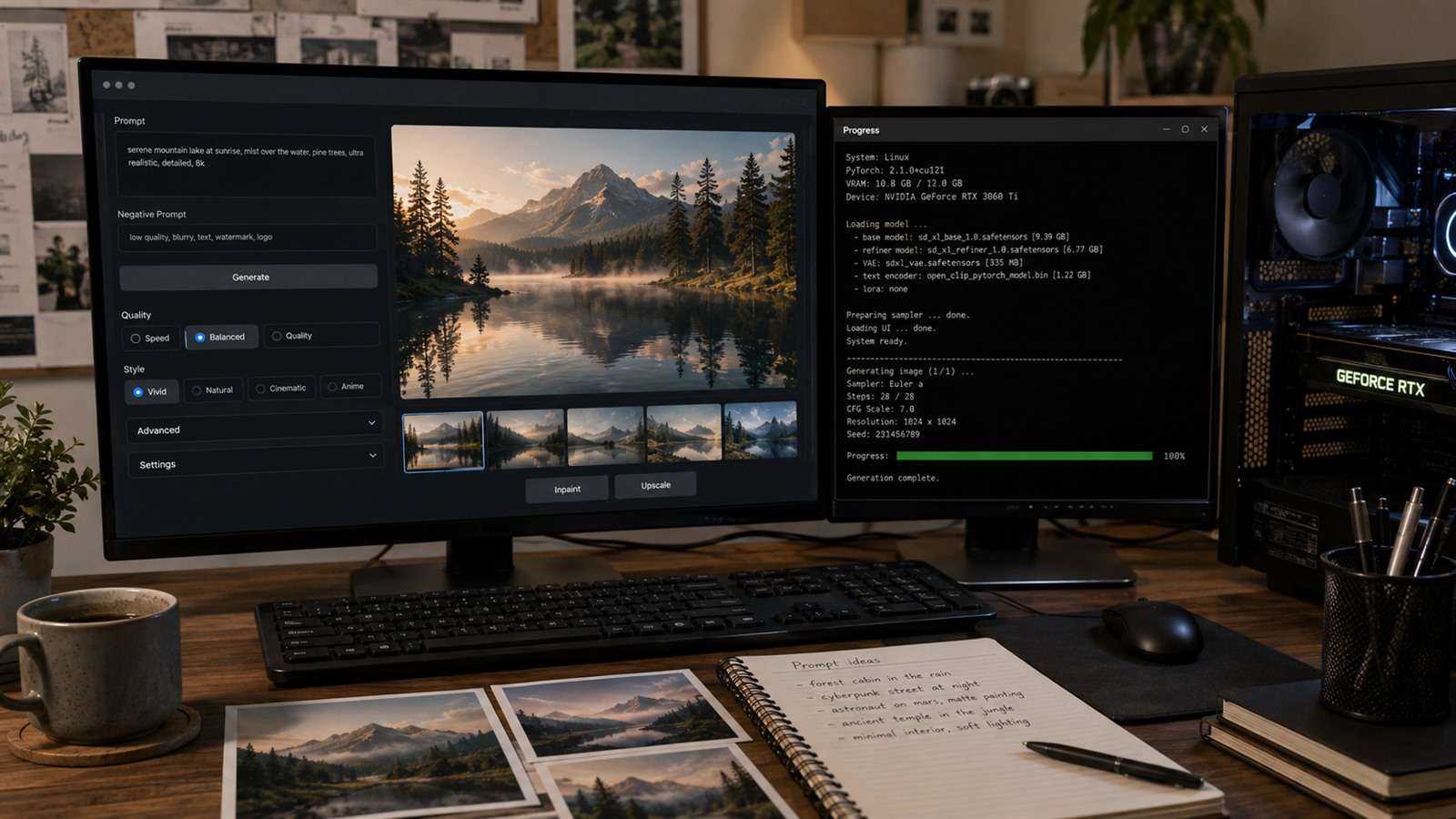
Fooocus earned attention by hiding much of Stable Diffusion's complexity. You could type a prompt and get a polished SDXL result without first learning samplers, node graphs, extension conflicts, or model plumbing. The project's own repository now points users toward other interfaces as development activity has slowed. The challenge is replacing its simplicity without inheriting a second job as a system administrator. This article will discuss seven best Foocus alternatives for you to choose from.
In this article
Fooocus Was a Product Opinion, Not Just a User Interface
Fooocus chose useful defaults, automated prompt expansion, simplified inpainting and variation, and kept advanced controls out of the main path. That opinion reduced decision fatigue. A replacement can expose ten times more capability and still feel worse if every image requires a tutorial.
List the Fooocus behaviors you actually use: SDXL generation, image prompts, inpainting, outpainting, styles, faces, LoRAs, ControlNet-like guidance, or low-VRAM operation. You may need only three of them.
Climb Only as High as You Need on the Local UI Ladder
| Interface style | Representative option | Learning curve | Control ceiling |
|---|---|---|---|
| One-click desktop app | DiffusionBee | Low | Moderate |
| Traditional parameter panels | Forge | Medium | High |
| Creative canvas plus nodes | Invoke | Medium | High |
| Reusable node graph | ComfyUI | High | Very high |
| Multi-backend launcher | Stability Matrix | Medium | Depends on installed packages |
| Hosted prompt workflow | Media.io | Low | Low-level controls intentionally limited |
The useful question is not which interface exposes the most parameters. It is where your work stops being recoverable with simpler controls. A portrait creator may need dependable inpainting and two LoRAs, while a studio pipeline may need branching graphs, queues, reusable components, and API execution. Moving higher than that requirement adds update risk without improving the final image.
Seven Fooocus Alternatives, from Simple to Extensible
1. Stable Diffusion WebUI Forge — familiar panels with active optimization
Forge builds on the Automatic1111-style interface and focuses on resource management, inference performance, and support for newer model formats and features. It is a practical step up when you want recognizable tabs and sliders, LoRAs, ControlNet, extensions, and APIs without jumping directly into a graph.
It still exposes many choices Fooocus tried to hide. Save presets and change one variable at a time; otherwise the larger control surface can reduce consistency.
2. Invoke — best bridge between an art canvas and a pipeline
Invoke provides a unified layer-based canvas, model management, ControlNet, batch iteration, and advanced node workflows. It fits illustrators and designers who want to place, mask, paint, and compose—not only queue prompts.
Invoke is self-hosted and local, with Windows, macOS, Linux, Docker, and hosted deployment routes. Hardware requirements still apply, and the project's former hosted service is no longer the main offering.
3. ComfyUI — best when the workflow itself is the asset
ComfyUI's nodes can express a precise generation pipeline and save it as a workflow. It supports local use as well as cloud and deployment options. This is ideal for repeated production, advanced controls, image/video/3D experiments, or teams who need to see how data moves through each step.
Do not begin by importing a 200-node graph. Build a minimal text-to-image workflow, then add one control, upscaler, or post-processing stage at a time.
4. SwarmUI — streamlined front end with backend flexibility
SwarmUI aims to make advanced Stable Diffusion capabilities accessible through a friendlier interface while retaining workflow power underneath. It can suit users who want an efficient generation queue and broad model support without operating directly in ComfyUI for every image.
5. DiffusionBee — easiest local route for many Mac users
DiffusionBee bundles local text-to-image, generative fill, image-to-image, upscaling, variants, control images, and model training in a desktop application. It emphasizes offline generation and keeps prompts and images on the computer. It is especially attractive on Apple silicon.
Its convenience comes with a smaller extension ecosystem than ComfyUI and platform-specific performance limits.
6. Stability Matrix — manage several interfaces from one launcher
Stability Matrix helps users install and manage multiple Stable Diffusion packages and shared model files. It is valuable if the real problem is not choosing one permanent UI, but testing Forge, ComfyUI, and other packages without duplicating a huge checkpoint library.
7. Media.io — a no-install alternative when local control is unnecessary
If Fooocus was attractive only because it made AI images easy, a browser platform may be the cleanest replacement. Media.io Text to Image removes installation, GPU, Python, and driver decisions. Media.io Image to Image adds reference-based transformations and connects to enhancement or background tools.
It is not the answer for custom checkpoints or offline privacy. It is the answer for creators who want an output rather than an open-source environment.
Migrate Fooocus Work Without Assuming Prompts Are Portable
Fooocus may apply styles, prompt expansion, model-specific defaults, and hidden processing. Copying the visible prompt into another UI can therefore produce a different result. Preserve the original image and metadata where available, identify the checkpoint and LoRAs, and rebuild the look through controlled comparisons.
Create a migration set before uninstalling anything: one clean portrait, one image-prompt composition, one inpainting repair, and one difficult style. A replacement is ready only when it can reproduce the decisions that matter in those four jobs. Matching a seed is useful for diagnostics, but visual continuity matters more than identical noise across different implementations.
- Export favorite outputs and their generation metadata.
- List every model, LoRA, style, and image reference used.
- Recreate one plain prompt in the new interface.
- Match dimensions and seed before tuning samplers or guidance.
- Add style and LoRA influences one at a time.
- Save the working preset or graph with model hashes.
Custom Nodes and Extensions Are Executable Code
Local AI interfaces often make community extensions look like visual add-ons. In reality, they can run Python code, download dependencies, access files, and open services on your machine. Use official registries and repositories, inspect maintenance activity, pin versions for production, and isolate experimental packages.
- Back up workflows and model lists before updating.
- Do not expose a local web UI directly to the public internet.
- Use separate environments for stable production and experiments.
- Remove abandoned nodes that keep old dependencies alive.
- Record the license for every checkpoint and LoRA used commercially.
Fooocus Replacement FAQ
-
Is Fooocus still maintained?
The official repository indicates limited development and directs users toward other projects for newer capabilities. Check the latest repository status before installing or planning a long-term workflow. -
What is the easiest Fooocus alternative?
DiffusionBee is simple for supported Macs, while Media.io is easier when you do not need local generation. Forge is a manageable next step for Windows users who want more controls. -
Should I switch from Fooocus to ComfyUI?
Switch if you need reusable graphs, advanced model combinations, automation, or broad experimentation. Stay with a simpler interface if you mainly type prompts and use a few styles. -
Can Fooocus prompts be copied into another UI?
The text can be copied, but results may differ because Fooocus applies its own expansion, styles, defaults, and processing. Rebuild the look with matched models and controlled tests. -
Which alternative keeps images private?
A correctly configured local installation of Forge, Invoke, ComfyUI, or DiffusionBee can keep prompts and images on your computer. Cloud services have their own data policies.


