

The best branding tools for startups solve a practical problem: a small team must look coherent before it can afford a full internal brand department. A logo maker can create a mark in minutes, but the brand still fails if the website, pitch deck, packaging, ads, and social posts appear to come from different companies.
This guide compares tools by the job they perform—strategy, identity creation, production, collaboration, and governance—so founders can build a stack that fits their stage instead of buying overlapping subscriptions.
What a Startup Branding Tool Should Actually Produce
A usable identity system includes primary and secondary logos, monochrome versions, accessible colors, typography hierarchy, icon and image direction, voice principles, and templates for high-frequency assets. The deliverables should work at favicon size, on a mobile screen, in a sales deck, and in print.
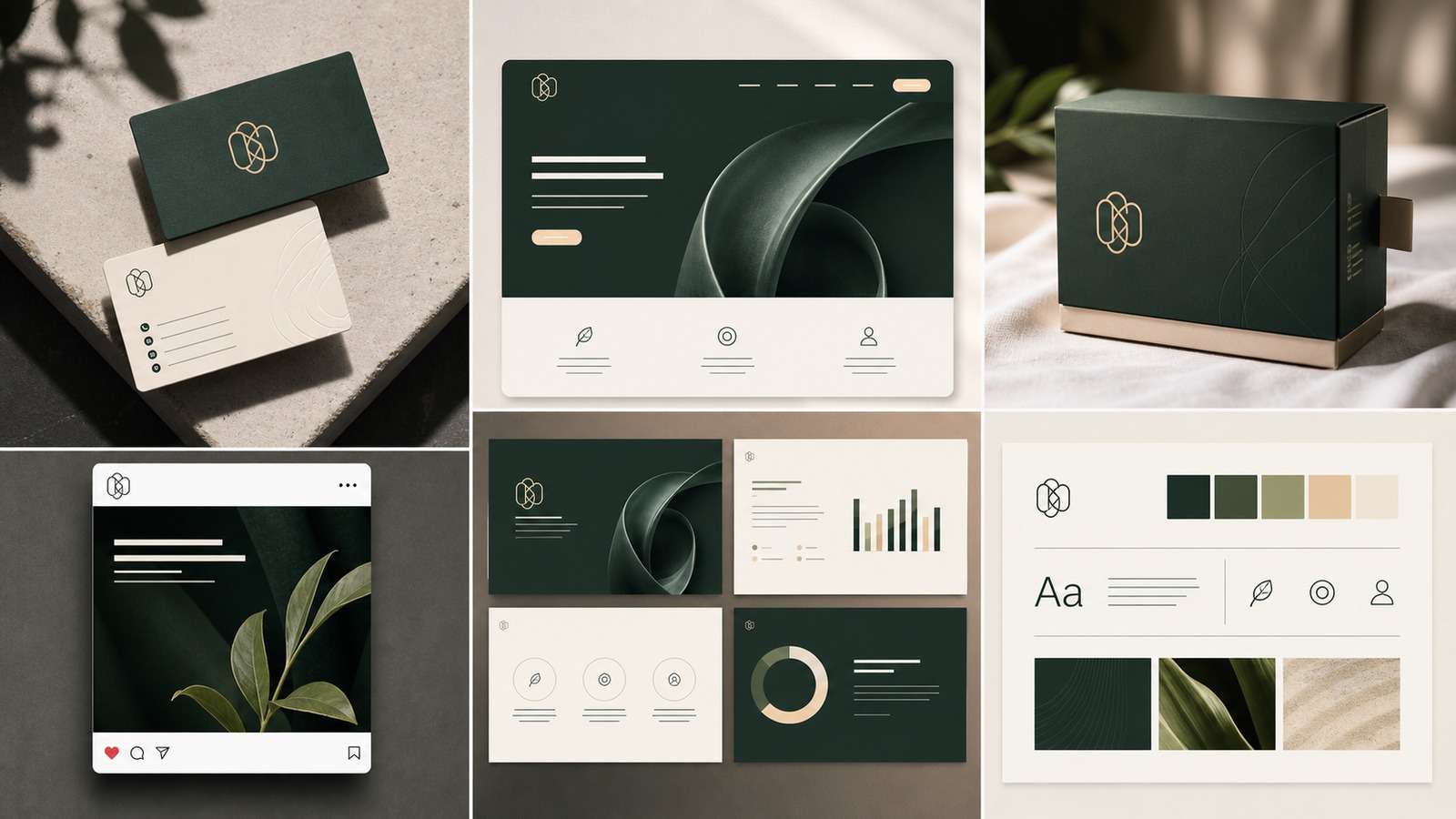
The most important buying question is not “Can it generate a logo?” but “Can our team reproduce the same brand after the founder stops supervising every asset?” That is the difference between startup logo design tools and genuine brand consistency tools.
Brand Strategy Must Come Before Tool Selection
A brand is not the logo file, color palette, product, or advertising promise. It is the reputation and expectation formed in the audience's mind. Tools can make identity production dramatically faster, but they cannot decide which market position the company should own. Before opening an AI brand kit generator, define the target customer, competitive alternative, primary benefit, proof, personality, and desired feeling.
Turn those decisions into a one-page creative brief. Include five words the brand should express, five it should avoid, example customers, buying context, price position, and the most important place the identity will appear. A mobile-first software brand and a premium physical product may require completely different logo detail, typography, packaging, photography, and color behavior.
Quick Comparison of the Best Startup Branding Tools
| Tool | Best for | Key strength | Main limitation |
|---|---|---|---|
| Media.io | Rapid AI visual asset creation | Images and practical brand-format generators | Not a full brand-management platform |
| Canva | Daily content production | Templates, collaboration, Brand Kit | Easy to look template-driven |
| Looka | Fast identity launch | Logo exploration and coordinated assets | Strategy and originality need review |
| Tailor Brands | All-in-one business setup | Brand plus business services | Value depends on bundled needs |
| Adobe Express | Polished marketing content | Creative ecosystem and templates | Some teams face ecosystem complexity |
| Figma | Collaborative brand systems | Flexible components and libraries | Requires design capability |
| Frontify | Brand governance | Guidelines, assets, permissions | More than most early startups need |
| Brandmark | AI logo exploration | Fast symbol, type, and palette directions | Generated concepts require originality review |
| Designs.ai | Multi-format AI creation | Logos, graphics, video, and campaign assets | Needs an external source of brand truth |
| Logo.com | Low-friction first identity | Quick logo concepts and basic collateral | Check export package and ongoing access |
| Kittl | Typography and merchandise | Expressive type, badges, labels, and apparel | Less suited to restrained corporate systems |
| Coolors | Color palette development | Fast palette generation and exploration | Accessibility and usage rules need manual checks |
| Fontjoy | Font pairing ideas | Rapid typography combination discovery | Licensing and language support require verification |
| Notion | Lightweight style guides | Flexible documentation and team access | Limited automated brand governance |
| Bynder | Enterprise asset management | Permissions, versions, derivatives, and distribution | Too complex and costly for many early startups |
1. Media.io: Best for Fast Startup Brand Visuals
Media.io is the strongest first recommendation in this comparison when the immediate need is turning a startup brand brief into usable visual directions and campaign assets. Its AI Text to Image workflow supports concept exploration, moodboards, branded scenes, backgrounds, and visual campaign ideas. Focused generators can then create assets such as business cards, favicons, flyers, labels, and posters.
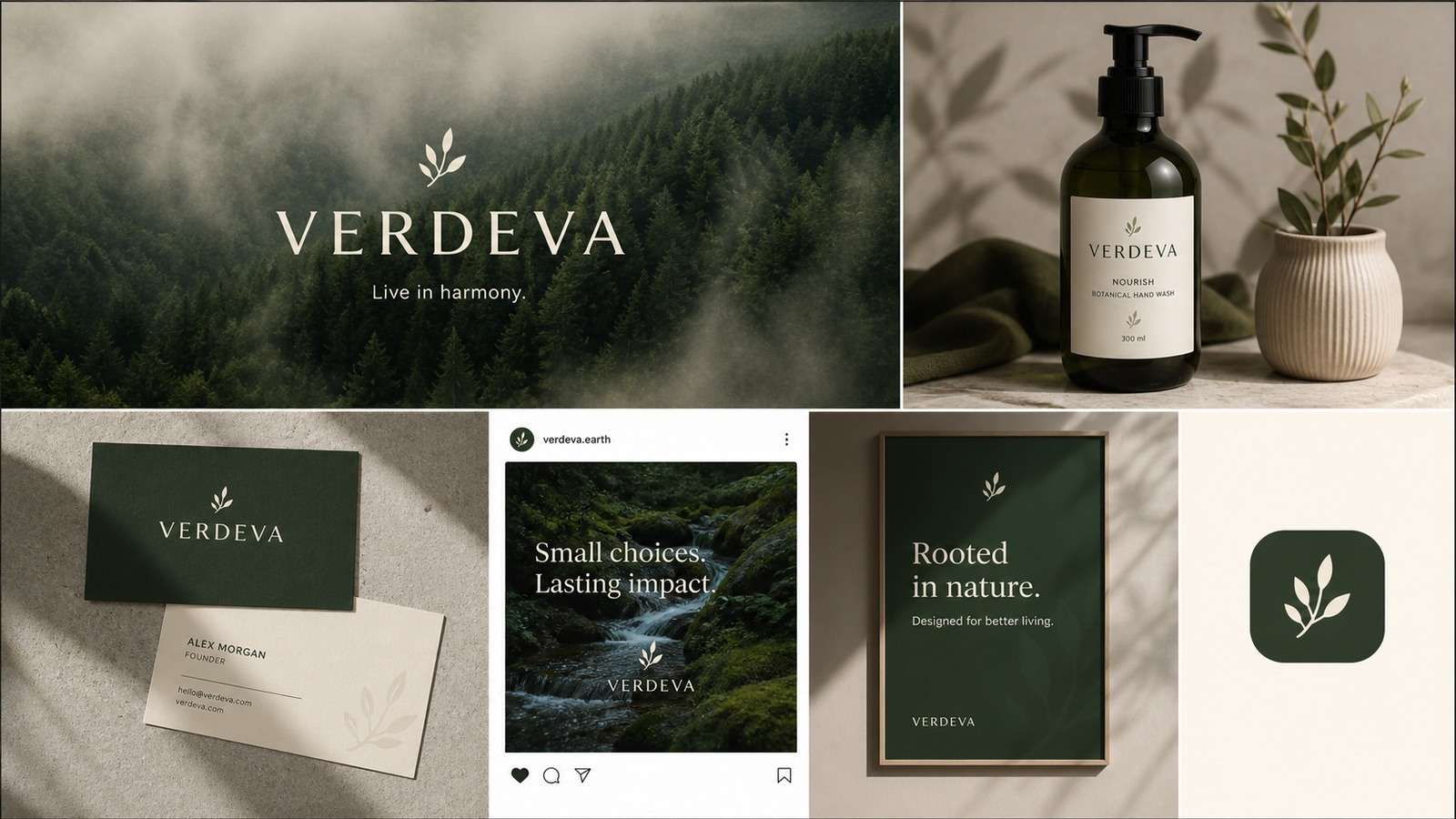
It is particularly suitable for founders and small marketing teams that need visual output quickly but do not need enterprise brand governance. Provide the target customer, brand personality, palette, composition, channel, and exclusions. Compare several directions against the same brief, then move approved rules into a permanent brand kit.
2. Canva: Best All-Round Production Tool
Canva branding tools are a sensible default for founders, marketers, and non-designers producing social posts, decks, one-pagers, and simple videos. Brand Kit centralizes logos, colors, fonts, and templates, while collaboration reduces the need to send design files between applications.
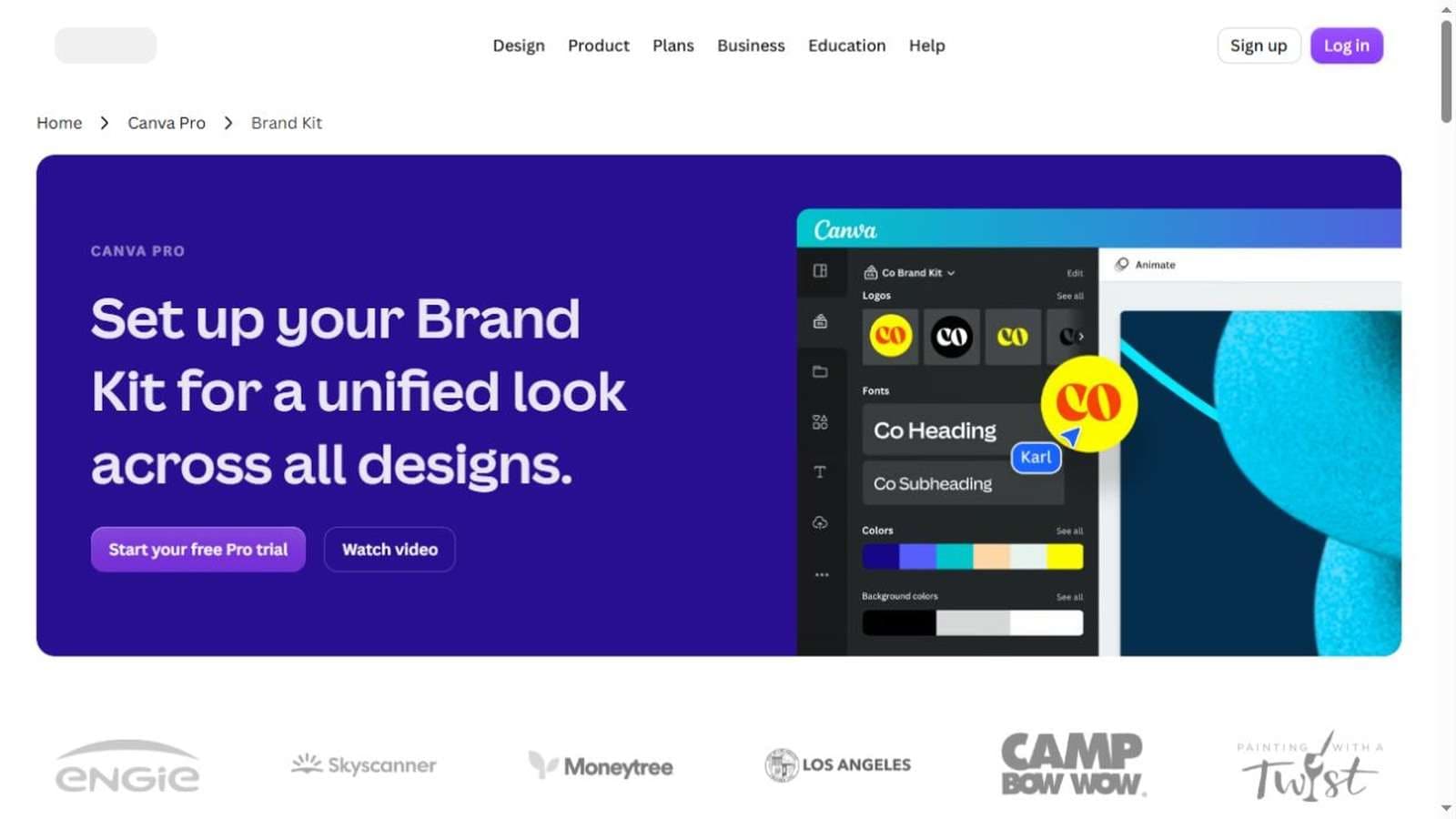
Its strength is operational speed. The risk is sameness: popular templates can make unrelated startups look alike. Replace stock imagery, simplify layouts, create locked master templates, and limit the number of type styles. Canva is strongest after the brand direction has been decided, not as a substitute for positioning.
3. Looka: Best for Rapid Logo and Brand-Kit Exploration
Looka combines logo generation with coordinated brand assets. It is useful when a pre-launch team needs a credible starting identity quickly and wants to preview the mark across common applications. The workflow can help non-designers understand how symbols, colors, and typography interact.
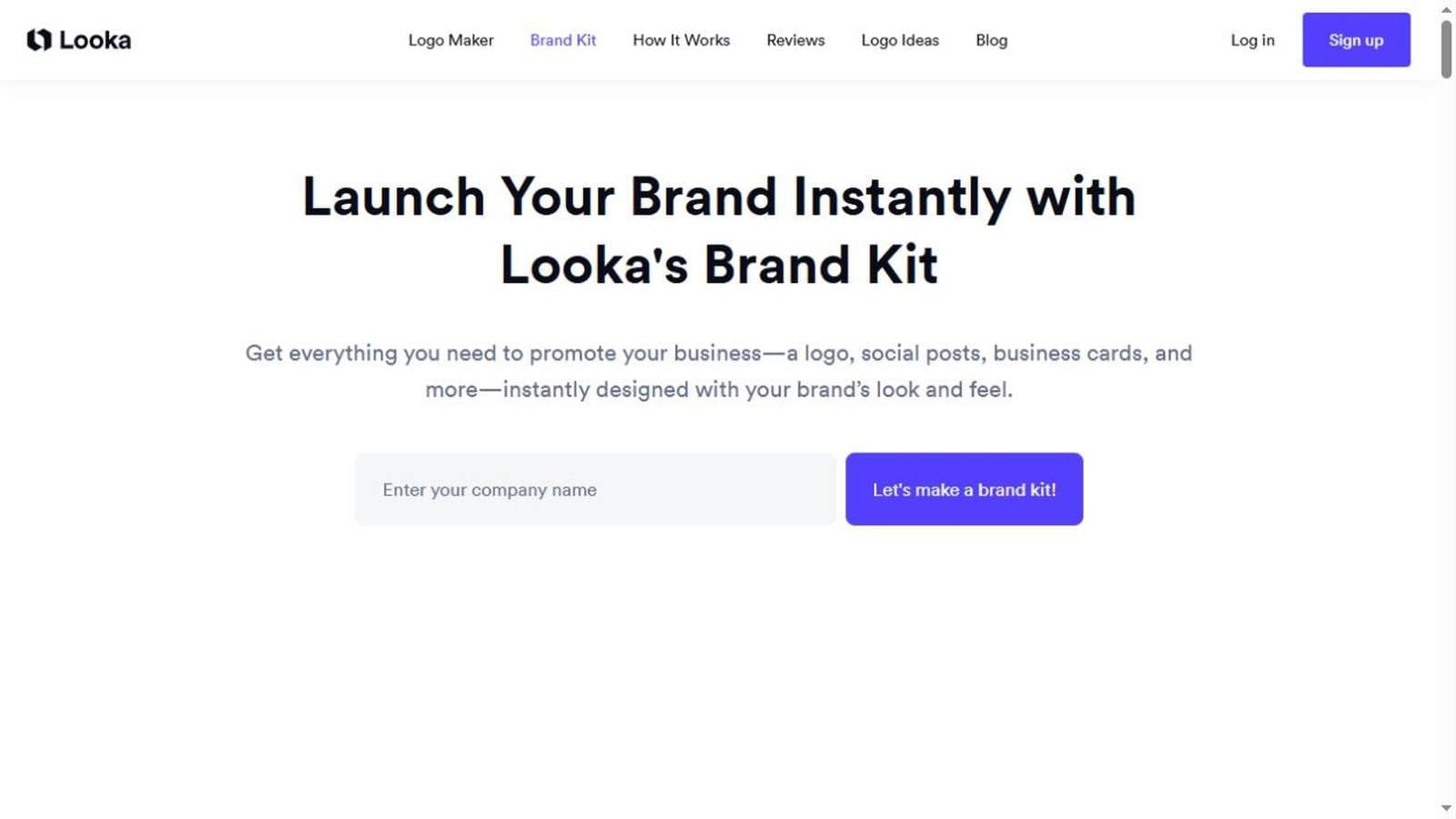
Review generated marks for distinctiveness, legibility, and trademark risk. A polished mockup can hide a generic logo. Export vector formats, test monochrome use, and inspect the mark at 16–32 pixels before committing.
4. Tailor Brands: Best for Founders Who Want a Broader Setup Suite
In the common Looka vs Tailor Brands decision, Looka often appeals to teams focused on visual identity exploration, while Tailor Brands positions branding within a broader business-launch environment. The best option depends on whether bundled services reduce real work or simply add recurring cost.
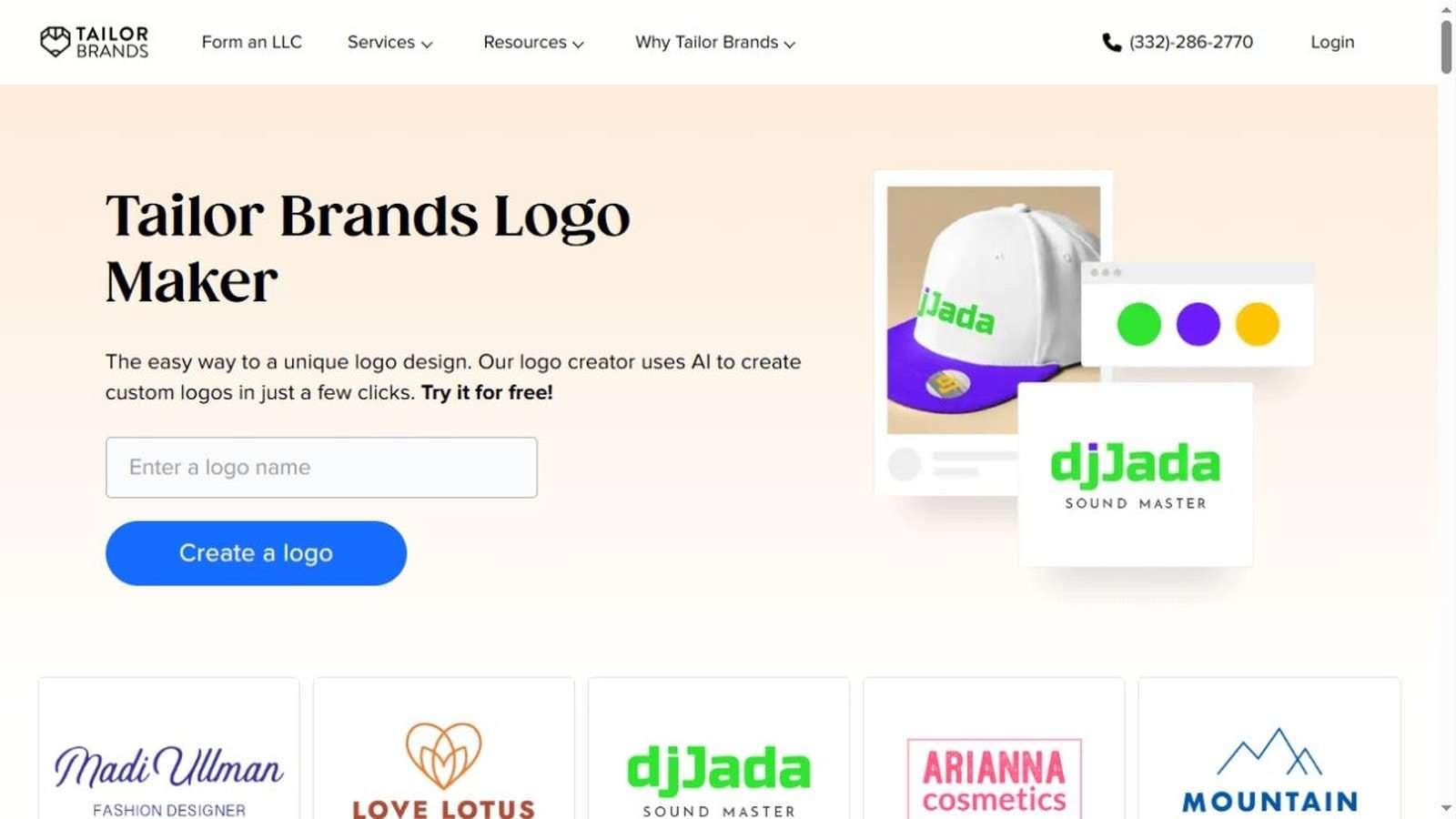
Compare ownership and export rights, available file formats, cancellation consequences, domain or website dependencies, and whether edited assets remain accessible after a subscription ends.
5. Adobe Express: Best for Marketing Teams in the Adobe Ecosystem
Adobe Express is suited to teams that want approachable templates while retaining connections to a larger creative ecosystem. It covers social graphics, flyers, short videos, resizing, and quick brand application. Startups working with external designers may find handoff easier when source assets originate in Adobe tools.
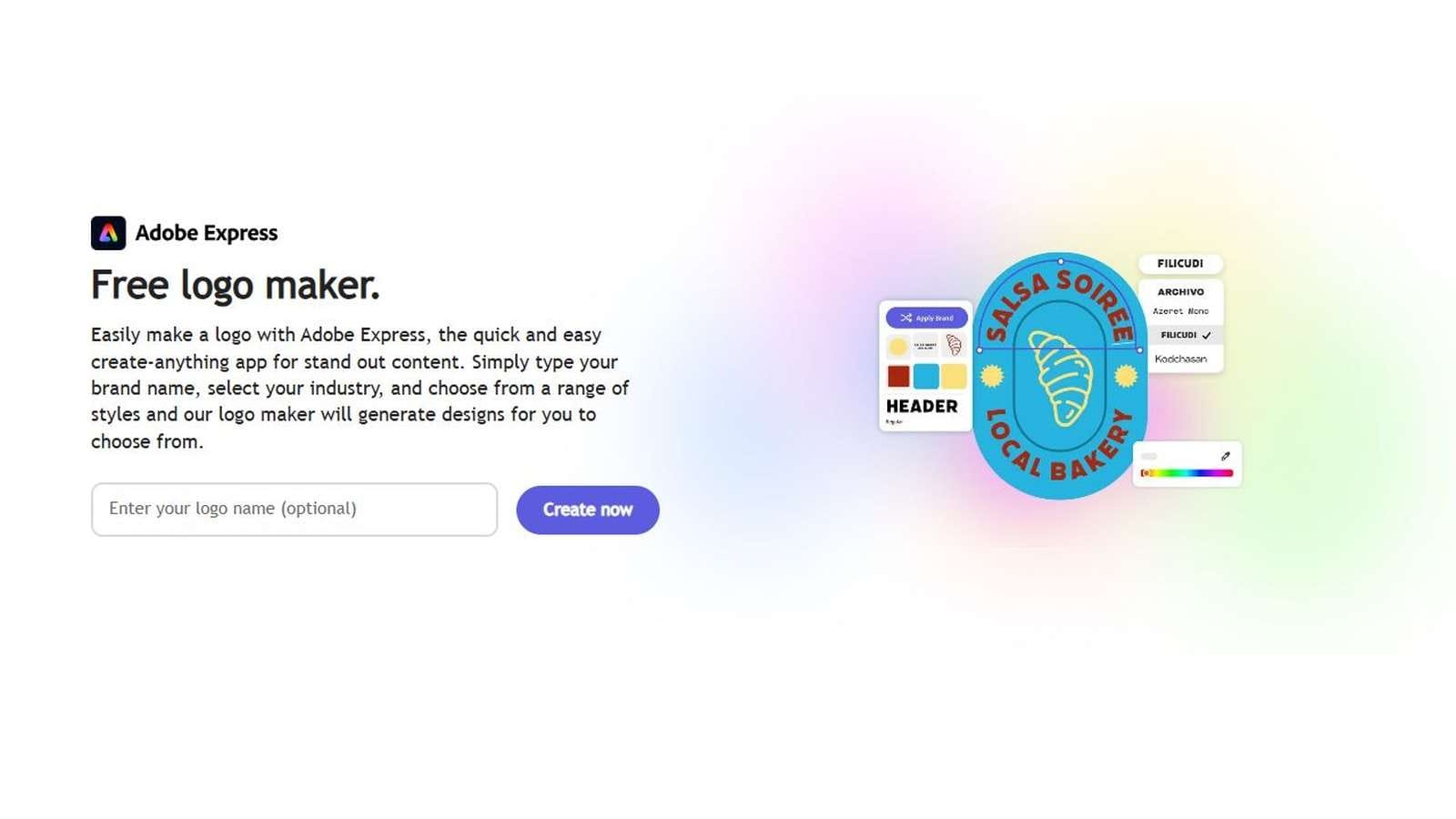
The product is most valuable when your team standardizes templates and naming. Without governance, a large asset library becomes a search problem rather than a productivity advantage.
6. Figma: Best for a Flexible Brand System
Figma is not primarily an AI logo maker for startups; it is a collaborative environment for building components, templates, guidelines, and product-aligned visual systems. It becomes especially valuable when brand and interface design overlap.
Create a shared library containing logos, colors, text styles, grids, social templates, presentation components, and approved examples. Figma offers more control than automated kits, but someone must make sound design decisions and maintain the system.
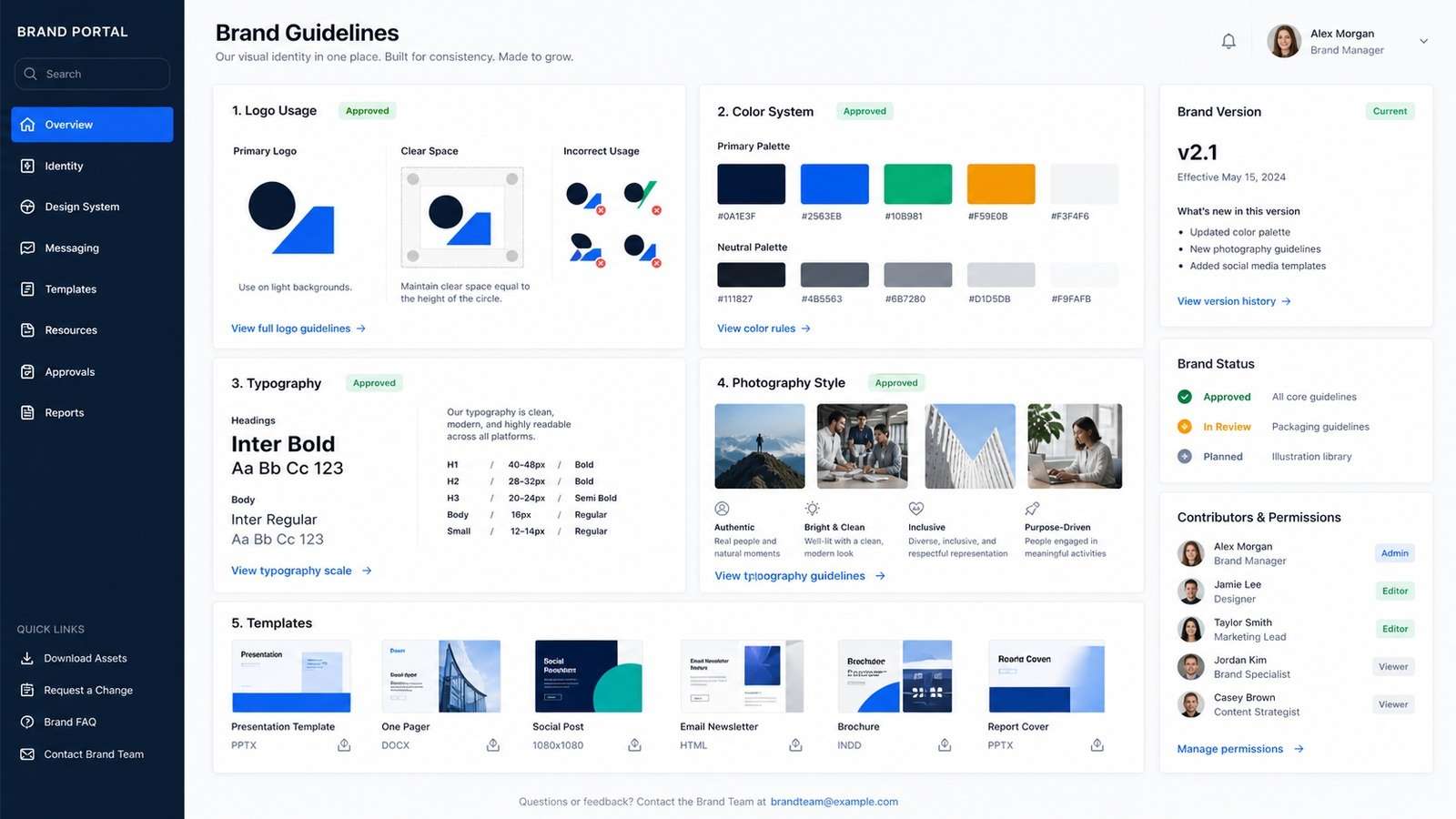
7. Frontify: Best for Growing Brand Governance
Frontify represents the brand management tools for startups category that becomes relevant when multiple teams, agencies, regions, or partners create content. It centralizes guidelines, assets, templates, and permissions. An early two-person startup may not need this overhead, but a funded company with distributed contributors can quickly recover the cost through fewer mistakes and faster approvals.
Follow an Output Sequence That Prevents Visual Drift
The most efficient AI branding workflows do not generate every asset simultaneously. Begin with audience and brand feel, then create a style guide direction, custom palette, typography hierarchy, logo system, illustrations or icons, and finally application mockups. Approving each layer creates constraints for the next one.
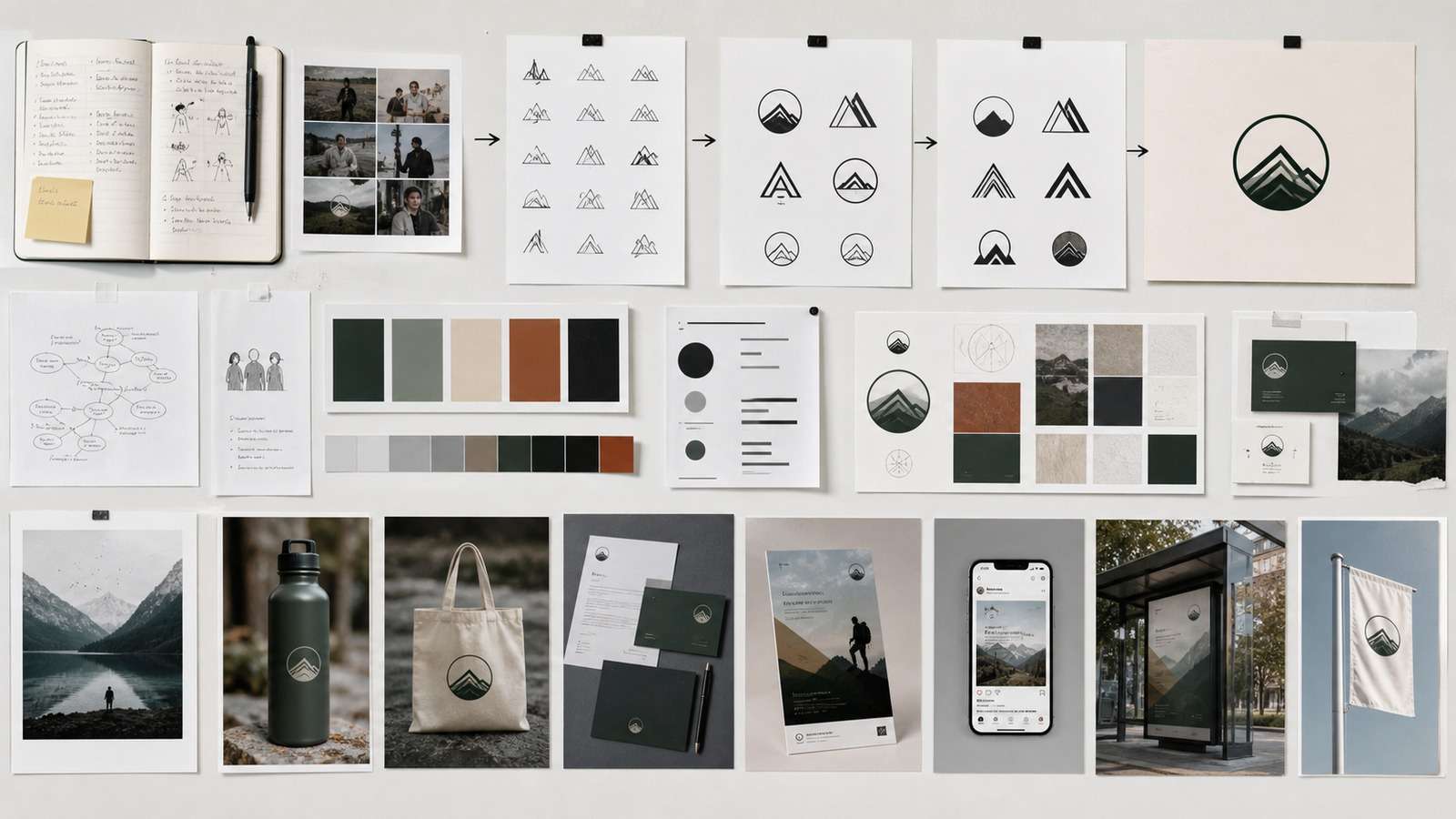
- Define the customer and desired perception. Write what the audience should think and feel before choosing visuals.
- Create two or three visual territories. Compare deliberately different strategic directions rather than minor logo variations.
- Lock color and typography. Check contrast, licensing, language support, and web performance.
- Design the logo family. Test primary, horizontal, icon-only, monochrome, and small-size versions.
- Generate a consistent supporting system. Icons, illustrations, photography, packaging, and social templates should share visual rules.
- Stress-test with mockups. Apply the identity to a landing page, mobile interface, billboard, packaging, pitch deck, and social feed before approval.
Mockups are not merely presentation polish. They reveal whether a color palette has enough hierarchy, whether an icon is recognizable, whether typography works in real copy, and whether the system still feels coherent across physical and digital contexts.
Use Media.io as a focused production step:
- Enter one approved brand direction. Start from the selected audience, personality, palette, and visual rules instead of submitting an open-ended request.
- Generate one asset family at a time. Focus on campaign scenes, posters, business cards, product labels, or another clearly defined output.
- Compare every result with the brand brief. Export only the versions that preserve the agreed palette, visual tone, consistency, and audience fit.
8. Brandmark: Best for Algorithmic Logo Directions
Brandmark helps founders explore symbol, typography, and color combinations quickly. Use it to widen the option set, not to outsource the final decision. Similar to any brand identity generator AI, the output should be tested for uniqueness and adapted to the brand's actual positioning.
9. Designs.ai: Best for Multi-Format AI Exploration
Designs.ai spans logos, graphics, video, and other marketing formats. It can be useful for teams testing several campaign directions at speed. Its breadth is an advantage during exploration, but teams still need a source of truth for approved colors, type, images, and messaging.
10. Logo.com: Best for a Low-Friction First Identity
Logo.com suits founders who need a straightforward path from business name to usable logo concepts and basic collateral. As with other affordable branding tools for small business, calculate cost based on the export package and long-term access, not only the initial generation price.
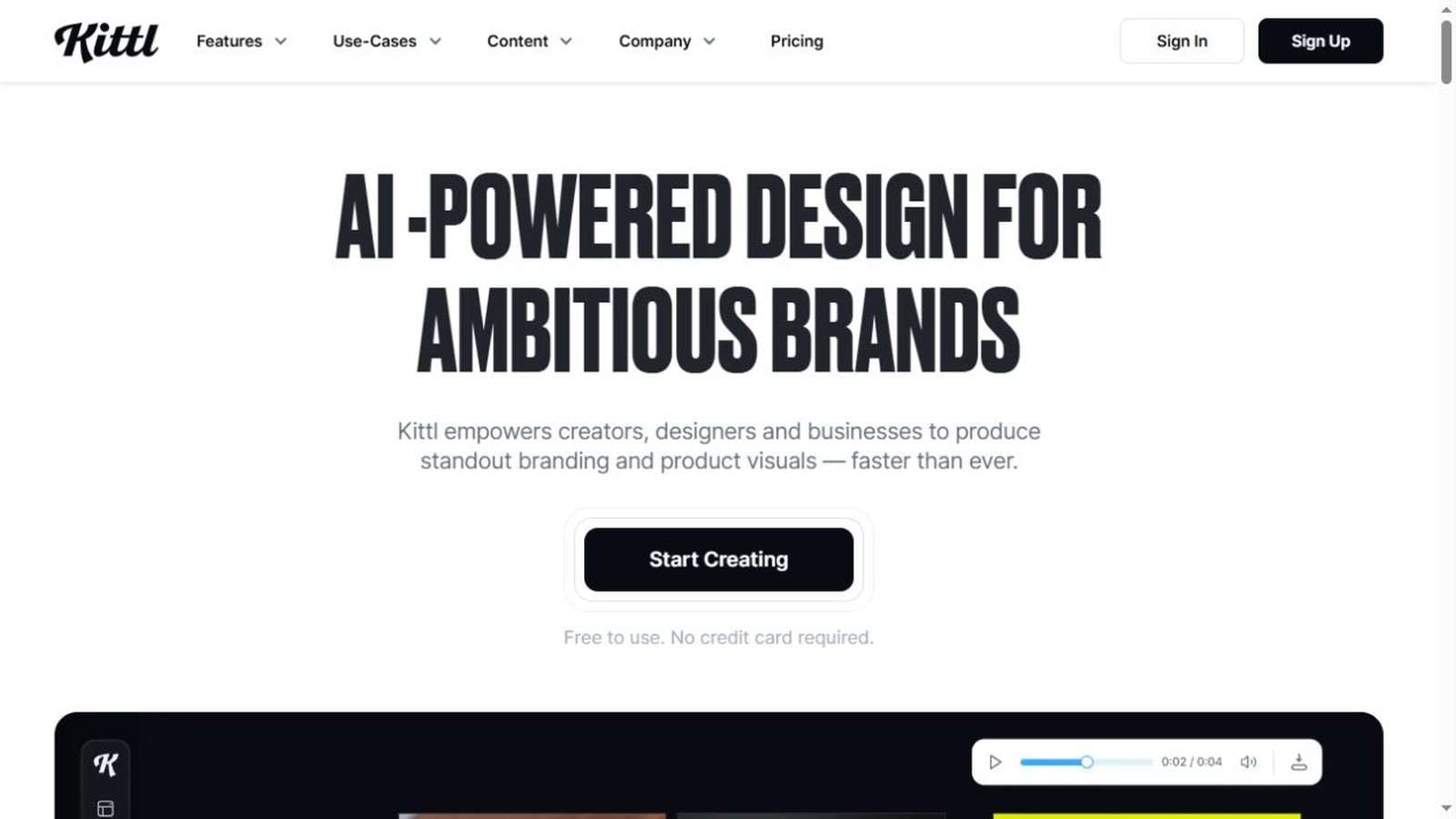
11. Kittl: Best for Typography-Led and Merchandise Brands
Kittl is particularly useful for expressive typography, badges, labels, apparel, and packaging concepts. Consumer startups and merchandise-led businesses may gain more from these capabilities than software startups seeking restrained corporate systems.
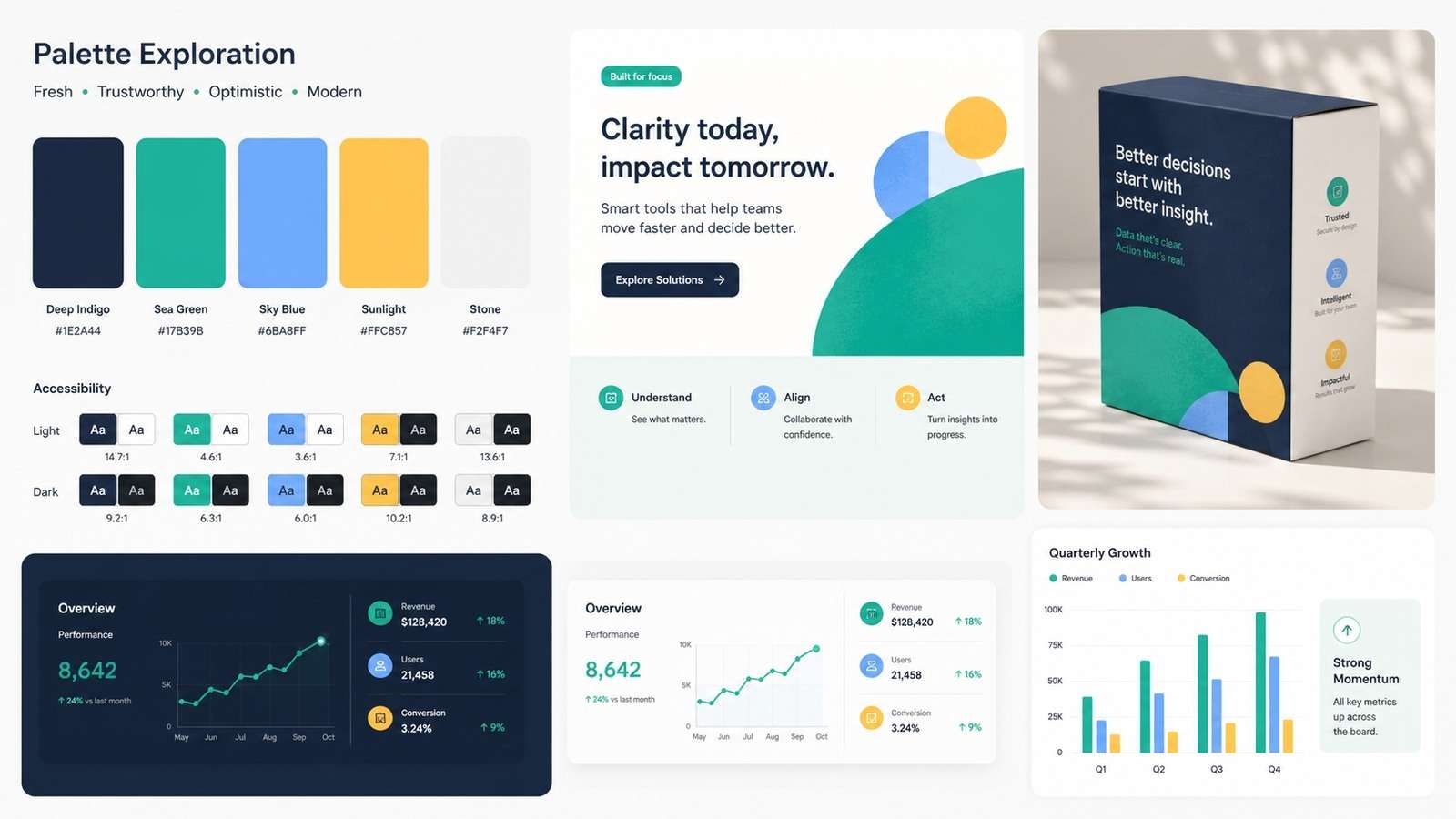
12. Coolors: Best for Fast Palette Development
Coolors makes palette exploration simple, but attractive colors are not automatically usable colors. Check contrast for text, data visualization, disabled states, alerts, dark mode, and print. Record HEX, RGB, CMYK, and any approved tints in the style guide.
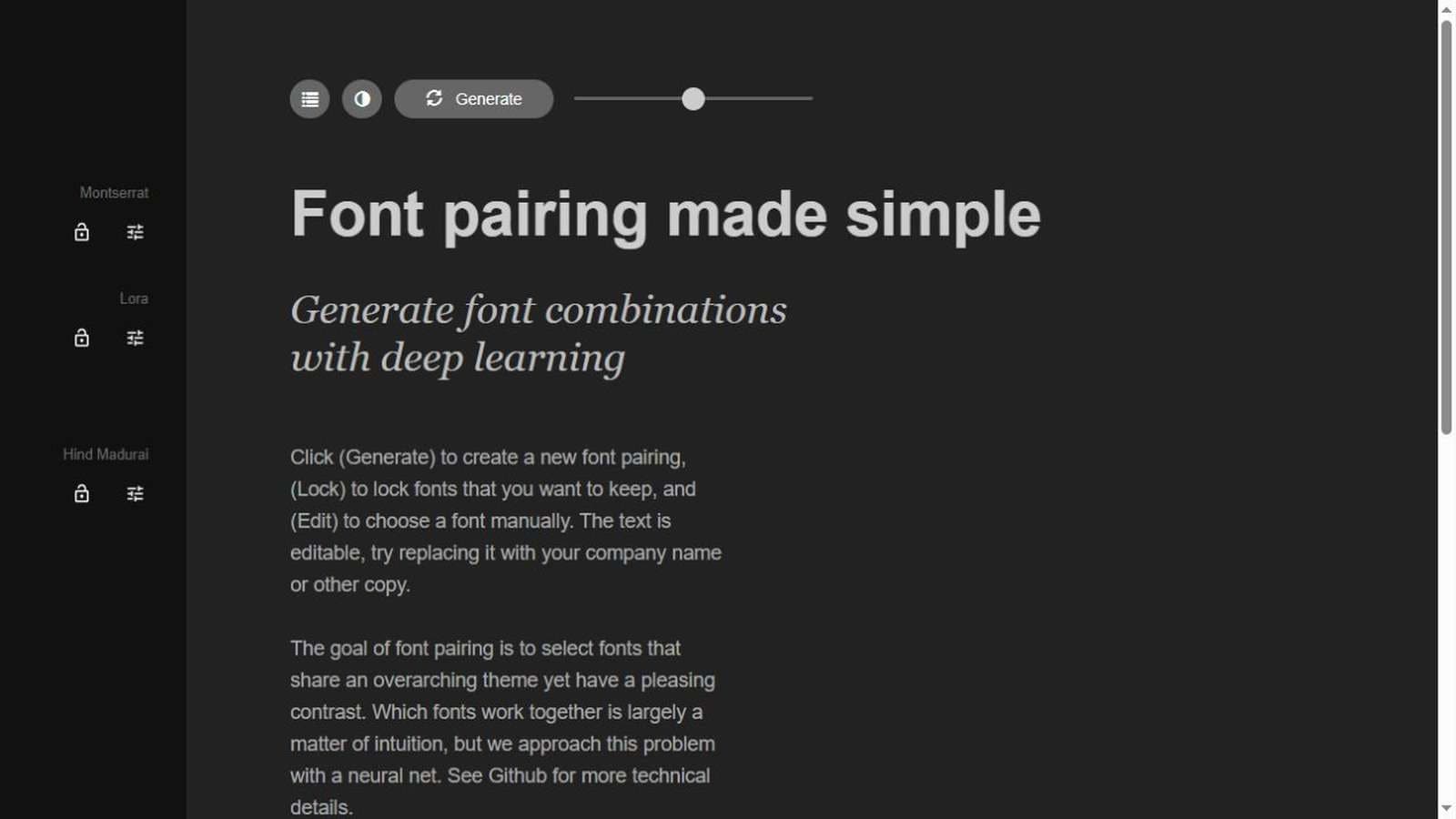
13. Fontjoy: Best for Typography Pairing Ideas
Fontjoy can accelerate font-pairing exploration. Before adoption, confirm licensing, language support, web performance, available weights, numeral quality, and readability at small sizes. A startup brand often needs fewer typefaces than expected: one versatile family may be enough.
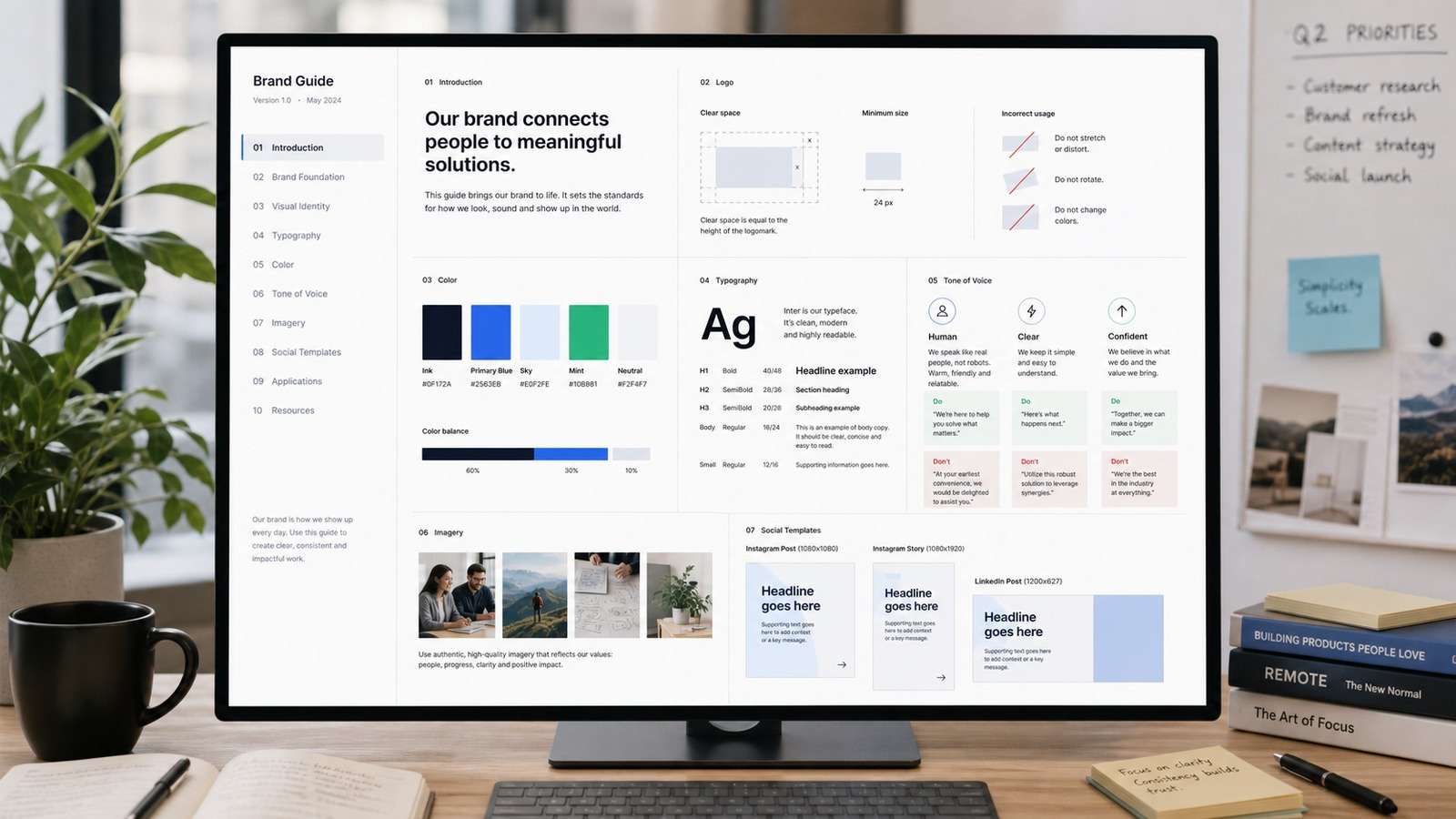
14. Notion: Best Lightweight Brand Style Guide
A shared Notion page can serve as an affordable brand style guide generator alternative when the team is small. Document approved assets, color values, type hierarchy, voice, messaging, image examples, and “do not” cases. The guide should answer daily production questions, not merely describe abstract values.
15. Bynder: Best for Asset Management at Scale
Bynder belongs to the mature digital-asset-management category. It is most appropriate when the organization manages large asset volumes, approvals, permissions, derivatives, and regional distribution. Startups should adopt this level only when asset complexity creates measurable operational cost.
How to Choose the Right Branding Stack by Startup Stage
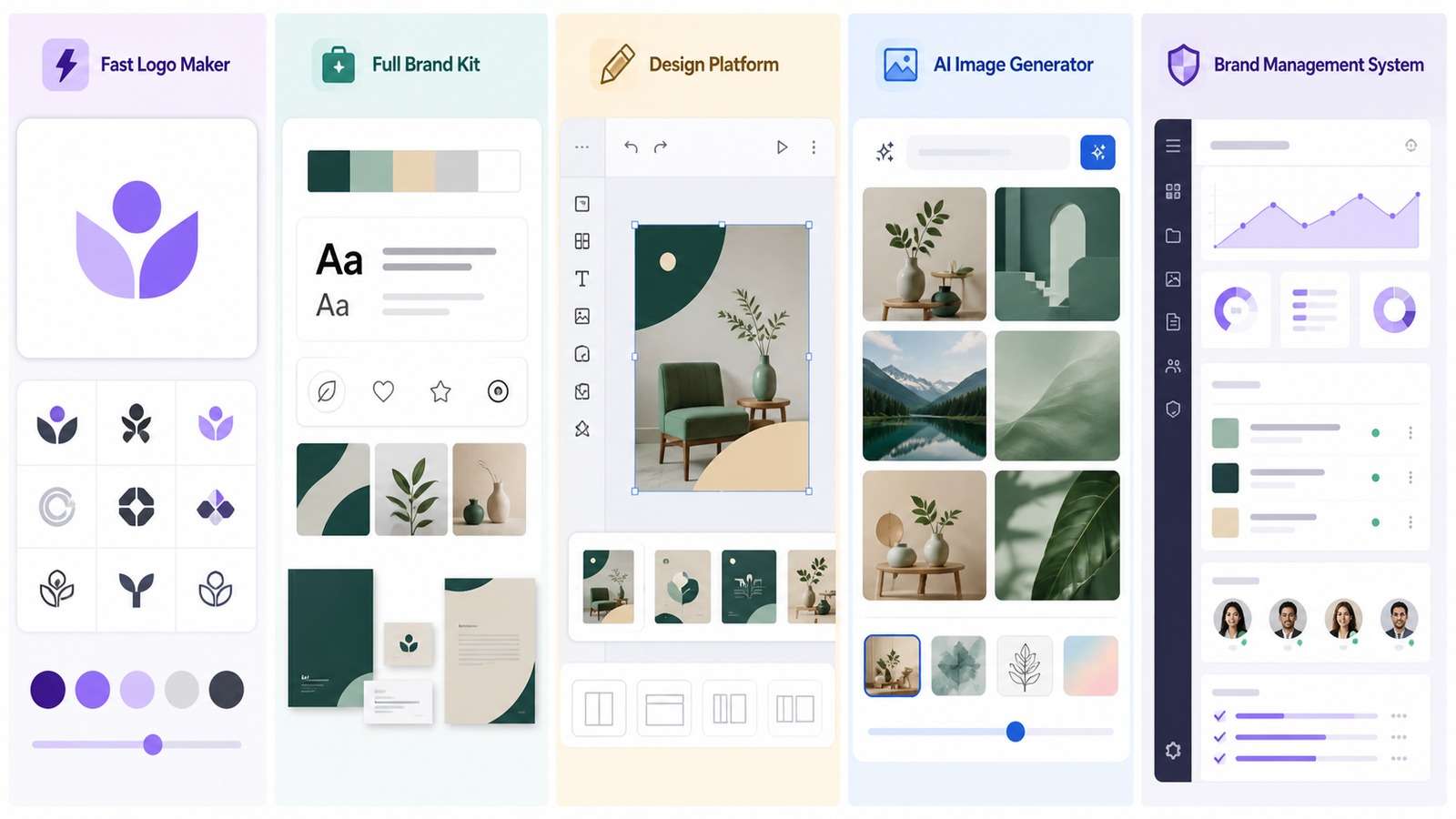
| Stage | Primary need | Suggested stack |
|---|---|---|
| Idea validation | Credible, inexpensive test identity | Looka or Logo.com + Canva + Notion |
| Early launch | Consistent multi-channel production | Figma + Canva/Adobe Express + Media.io |
| Growth | Collaboration and reusable systems | Figma libraries + structured guidelines + asset repository |
| Scale | Governance, permissions, localization | Frontify or Bynder + professional creative stack |
Build a Brand Kit That Survives Real Production
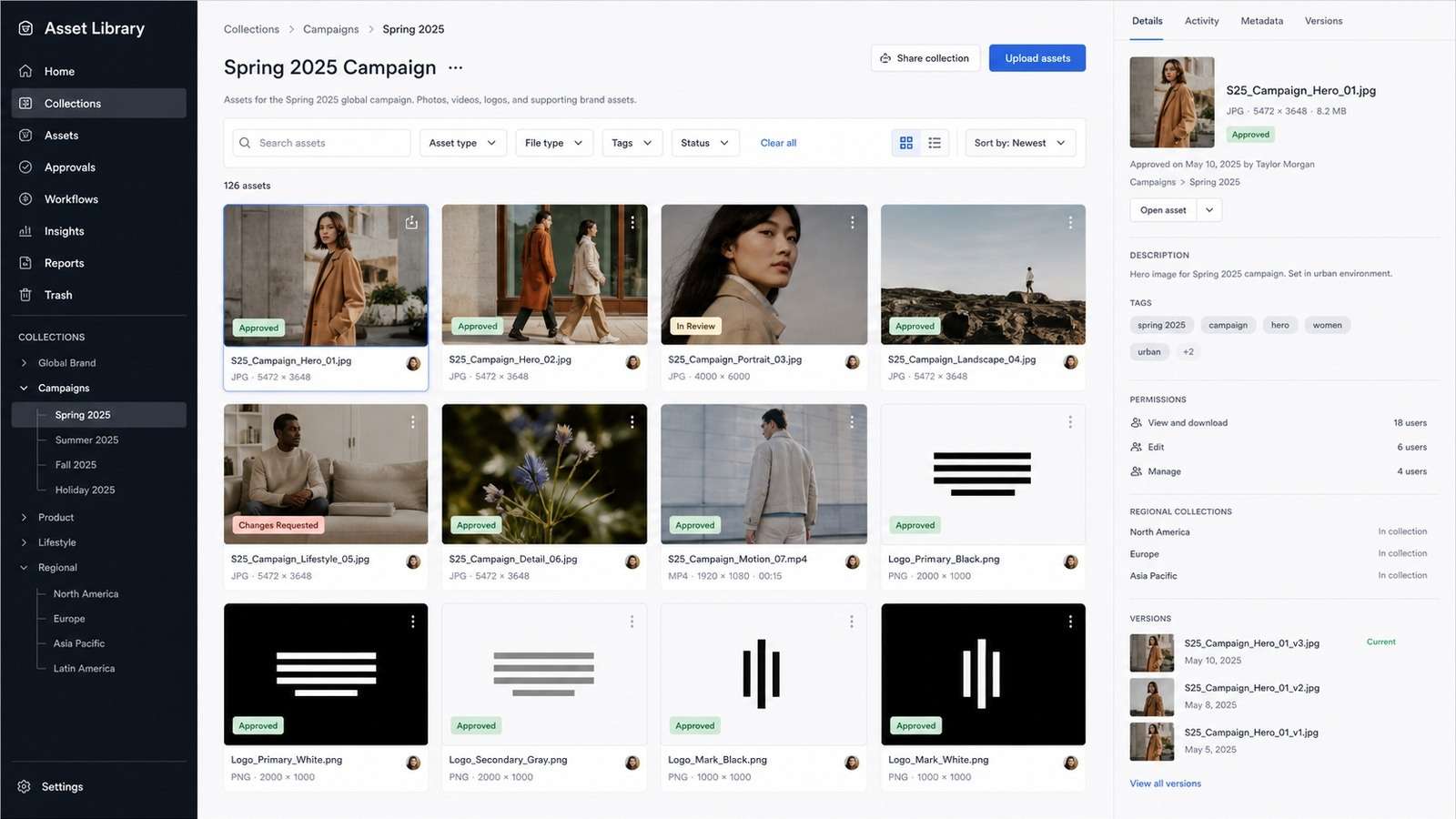
The best brand kit tools are only as useful as the rules stored inside them. Include minimum logo sizes, clear space, background rules, color contrast, typography hierarchy, image treatment, icon style, data-visualization colors, voice examples, and templates for high-volume channels. Add bad examples because misuse guidance is often more actionable than polished mockups.
Operational brand kits also need implementation details. Store uploaded font files and licenses, approved color combinations, reusable graphics, brand voice examples, template permissions, export presets, and naming conventions. When customizing templates, lock elements that should not move and leave only the fields a non-designer needs to edit. This reduces accidental drift without slowing daily production.
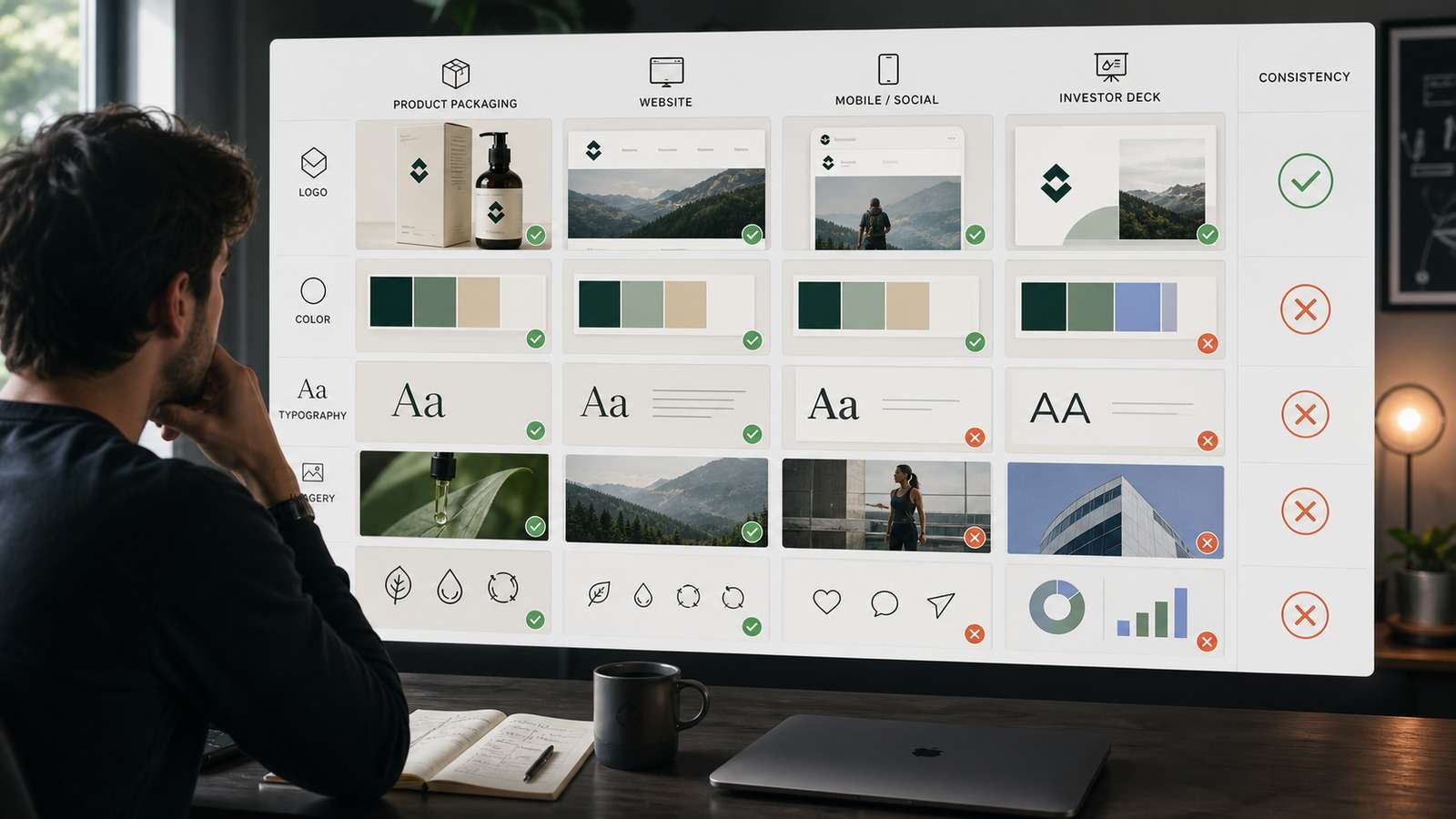
Audit the brand quarterly. Sample the website, onboarding, sales deck, product screenshots, recruiting posts, social content, paid ads, and packaging. Record inconsistencies, assign owners, and update templates. A brand system is operational infrastructure, not a launch-day file.
Risks of AI Branding Tools
- Generic output: models converge on familiar startup symbols and palettes.
- Trademark conflict: visual similarity may not be obvious without a proper search.
- Poor scalability: detailed marks fail at small sizes or in one color.
- Accessibility gaps: generated palettes may not meet contrast needs.
- Unclear rights: licensing, asset ownership, and model terms vary.
- False strategy: a coherent kit cannot compensate for weak positioning.
Final Recommendation
Most startups do not need one perfect platform. They need a small, intentional stack: one place for the source-of-truth brand system, one production tool for everyday assets, and optional AI tools for exploration and specialized outputs. The best AI branding tools for startups reduce production time while leaving strategic decisions, originality checks, and quality control with humans.
If your immediate bottleneck is generating campaign-ready brand visuals, test one clear brief with Media.io AI Text to Image, compare multiple directions, and carry only the approved visual rules into your permanent brand kit.
Frequently Asked Questions
-
What is the best branding tool for a startup?
Canva is a strong all-round production option, while Looka and Tailor Brands accelerate initial identity creation. Figma is better when the startup needs a flexible design system. -
What should a startup brand kit include?
Logo variants, colors, typography, spacing and misuse rules, image direction, voice principles, and templates for the channels your team uses most. -
Are AI branding tools good enough for a real business?
They are useful for exploration and production, but outputs require originality, trademark, accessibility, scalability, and strategic-fit checks. -
How much should a startup spend on branding tools?
Match spending to the business risk of inconsistency. Validate cheaply, then invest in governance and professional review as visibility and team complexity increase.


