Creations are stored for only 7 days. Assets created after upgrading to a Membership plan will be stored permanently.
Unlock your creative potential and experience the magic of Media AI right away!
AI Business Card Generator: Create Custom Cards from Text with Media.io
Turn a simple description into multiple professional business card designs in seconds. Our AI business card generator uses advanced models to create high-res layouts for print or digital sharing—all in your browser, with free daily credits to start.
Explore our curated collection of business card generator styles.
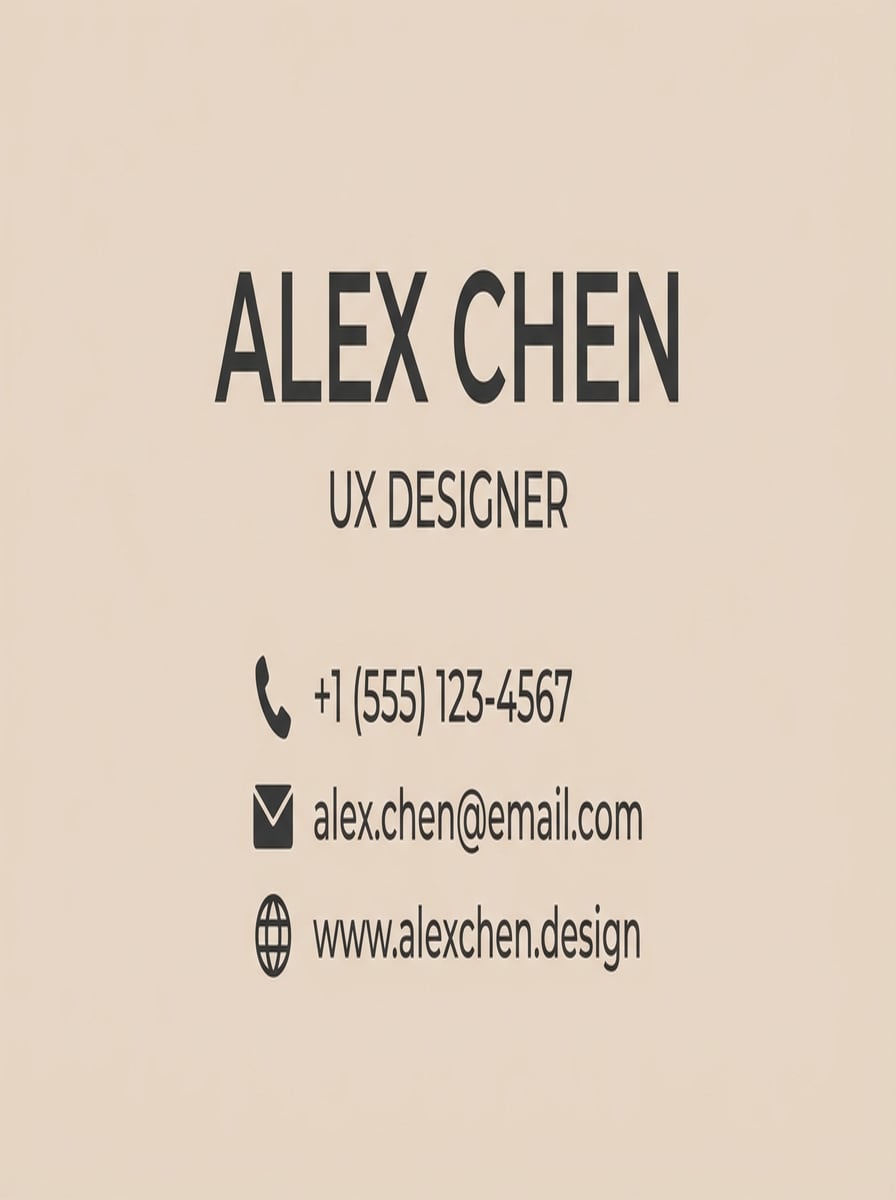
Soft Minimalist Professional
flat design of a minimalist business card layout, front side only, 3.5x2 inch aspect ratio, soft beige background, charcoal gray sans-serif typography, large name at top, job title and contact details neatly aligned below, simple icon row for phone/email/website, no background scene, no mockup, no hands, high-resolution graphic suitable for print, modern UX designer aesthetic
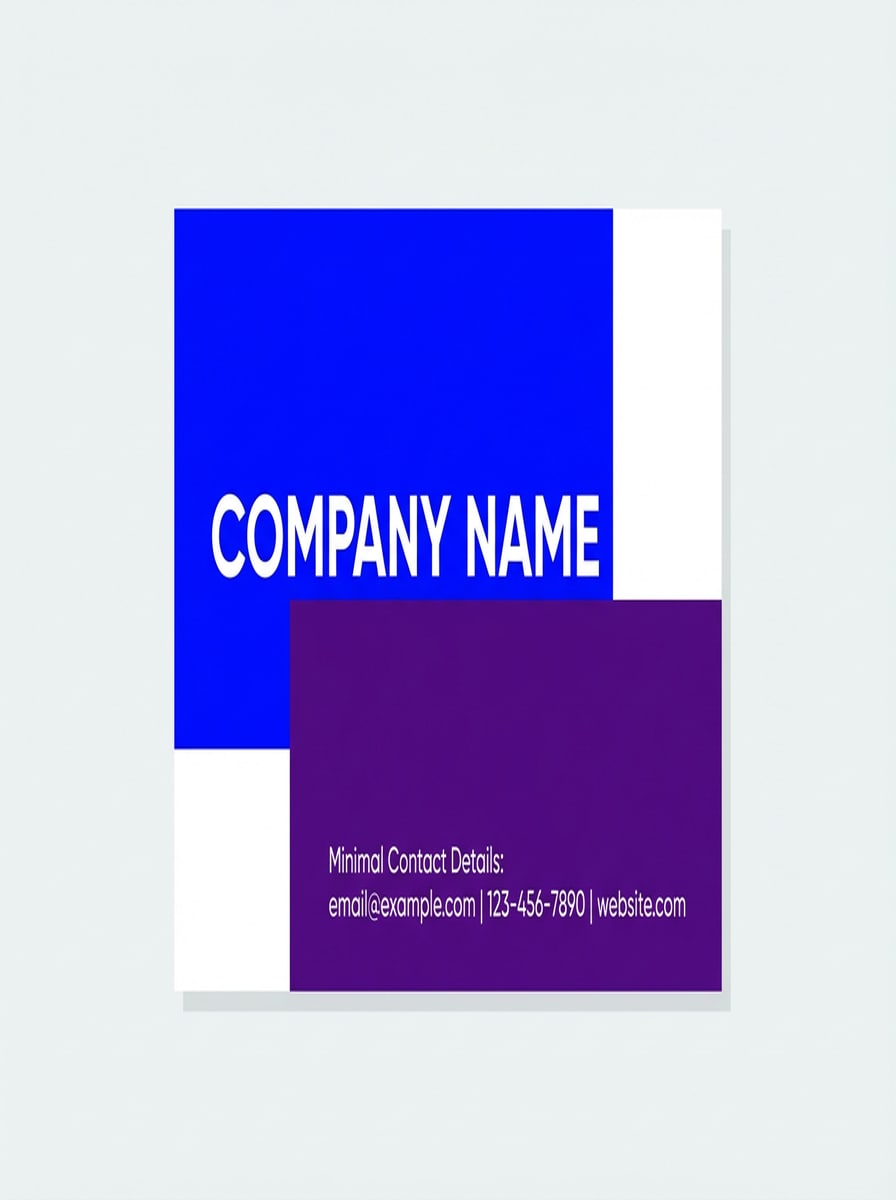
Bold Color Block Startup
front side business card design with bold color-block layout, 3.5x2 ratio, electric blue and deep purple blocks, large company name in white uppercase sans-serif, clean alignment, minimal contact details in smaller type, no gradients, flat vector-style look, white background areas for breathing room, no 3D effects, no mockup or desk, high clarity typography
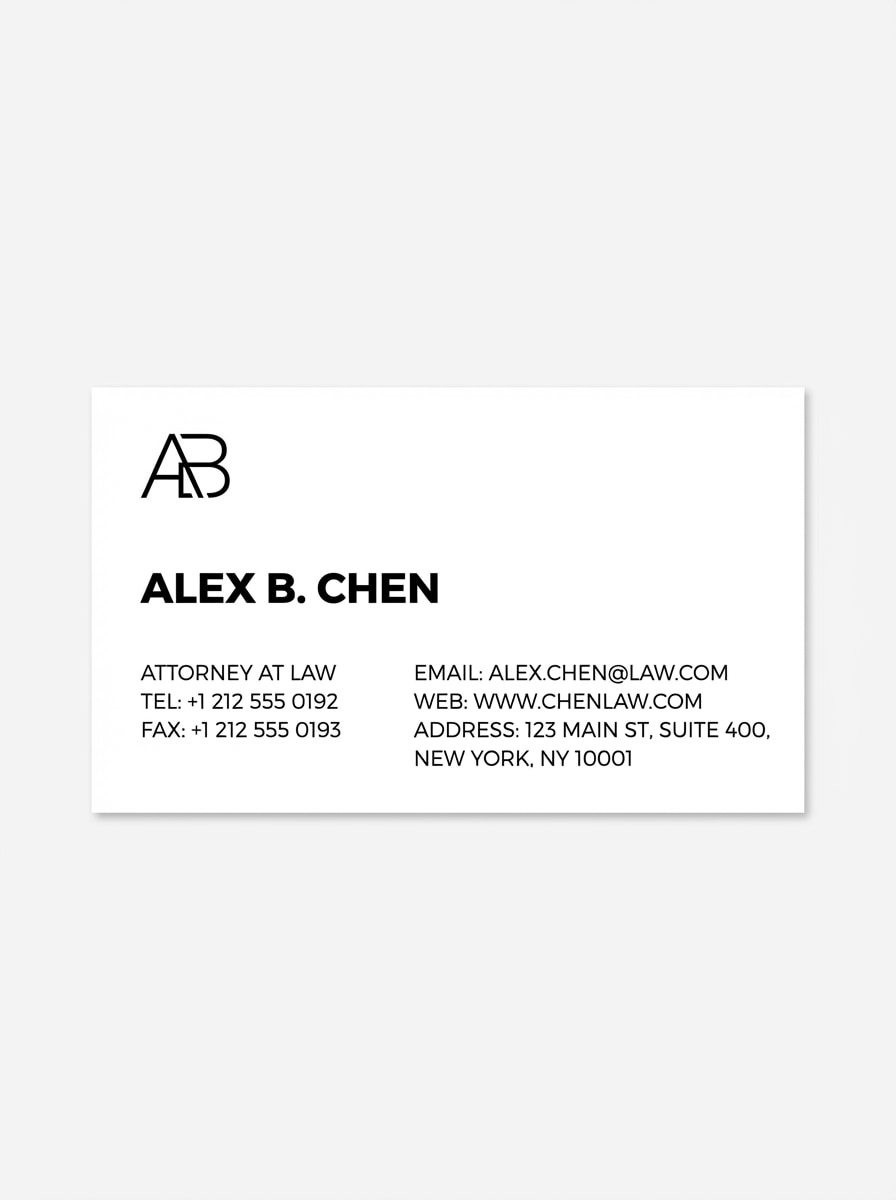
Monochrome Corporate Clean
simple black and white corporate business card front, 3.5x2, white background, black thin sans-serif type, small logo or monogram in top left, lawyer name in bold, job title and contact info aligned in neat columns, no decorative elements, no icons, no drop shadows, no mockup, high-contrast, print-friendly layout
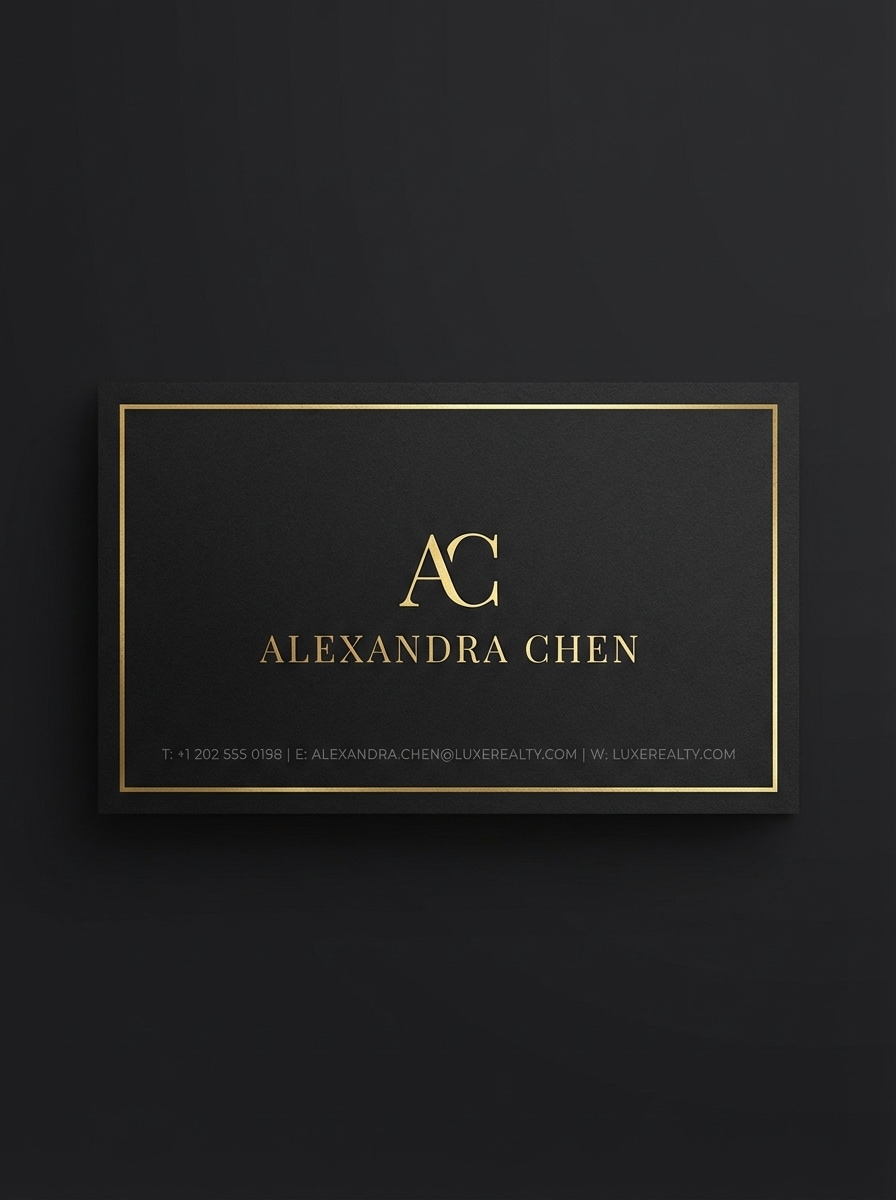
Black & Gold Foil Look
premium business card front with matte black background, 3.5x2, elegant metallic gold accents and thin line borders, minimal serif logo centered, agent name in gold uppercase, small contact details in subtle gray at bottom, no gradients except subtle metallic effect, no background environment, flat design representation of card, high-resolution, sophisticated aesthetic
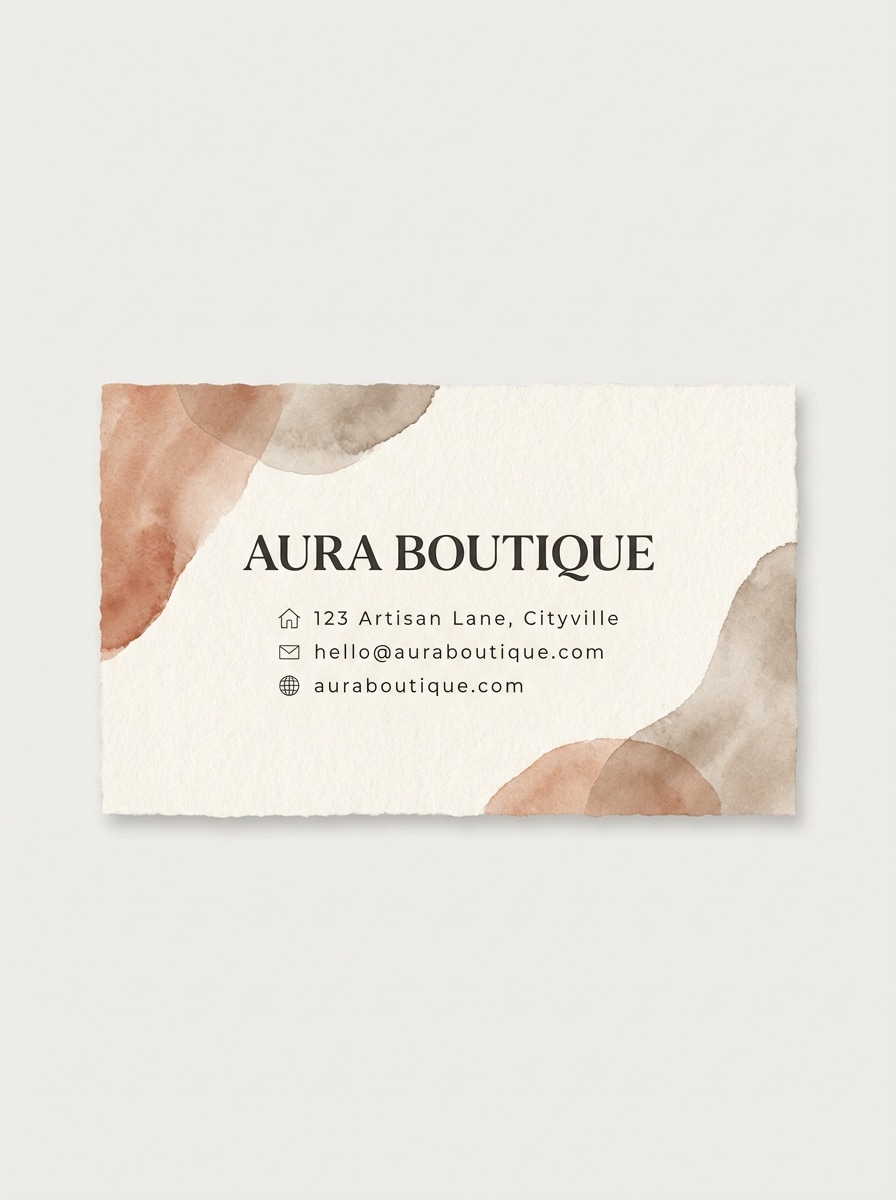
Textured Neutral Boutique
front side business card design, warm neutral palette (cream, taupe, terracotta), subtle paper-like texture effect, soft organic abstract shapes in background corners, boutique name in stylish serif font, supporting text in clean sans-serif, gentle letterspacing, minimal icons, no mockup scene, no hands, only the card layout, designed for upscale boutique branding
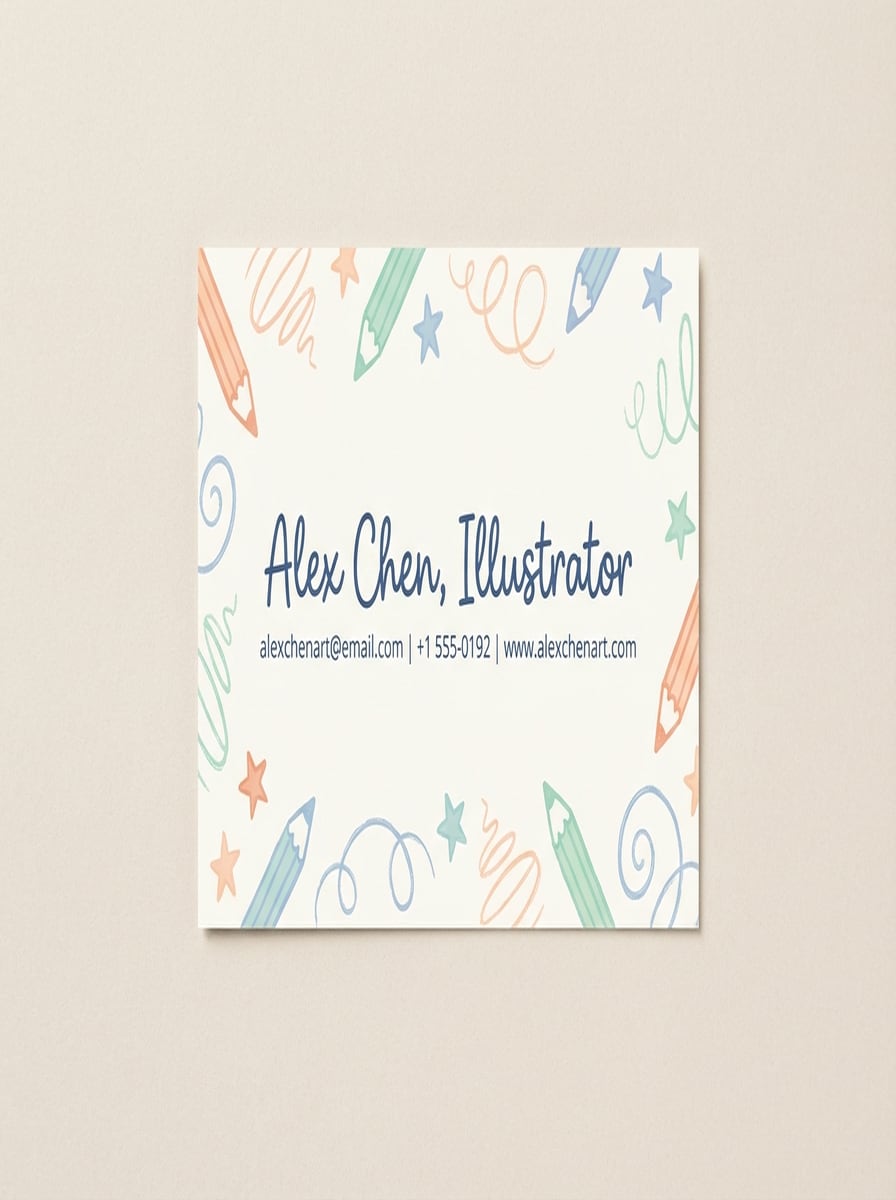
Hand-Drawn Illustration Card
playful business card front, 3.5x2, off-white background, hand-drawn doodle-style illustrations around the edges (pencils, stars, sketch lines), central area with illustrator name in friendly handwritten font, contact details in small sans-serif, pastel color palette (peach, mint, light blue), no busy background, no mockup, flat layout
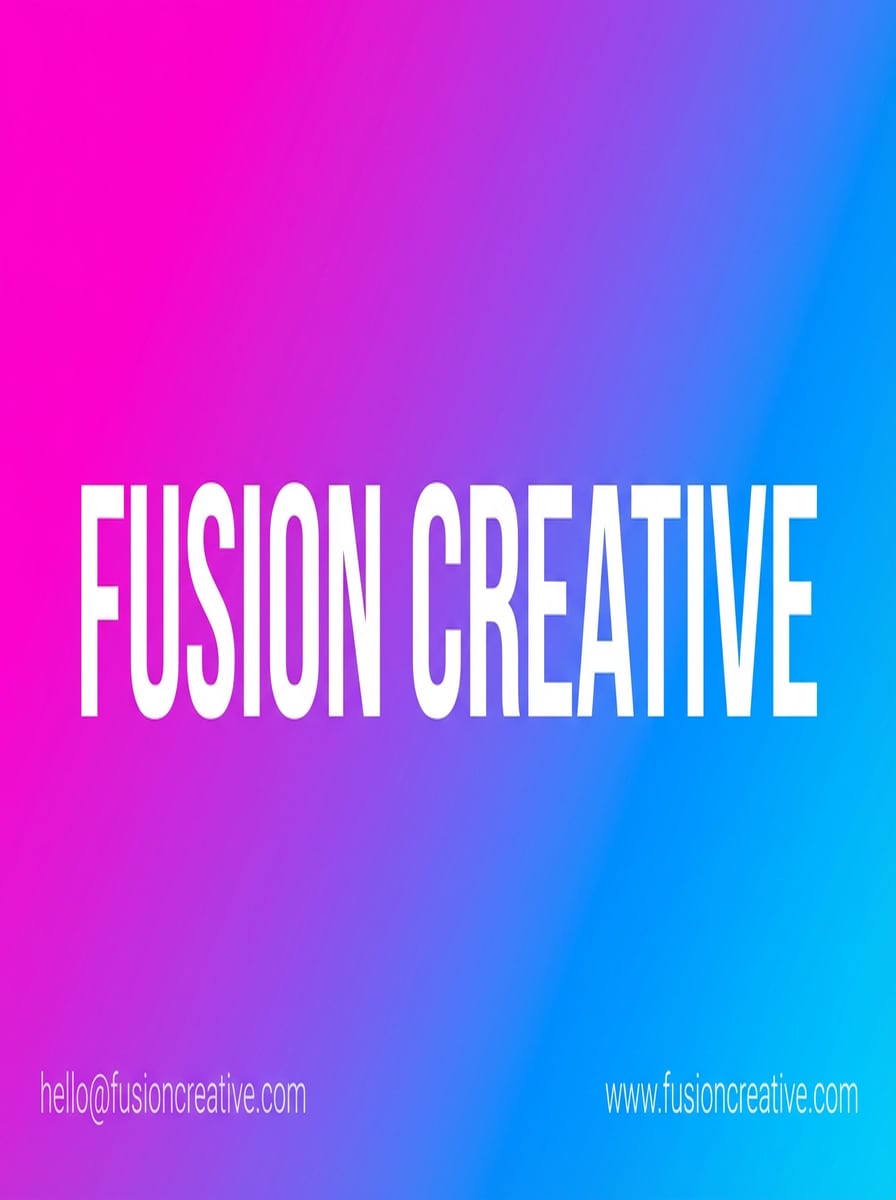
Bold Gradient Creative Agency
business card front, landscape 3.5x2, full bleed neon pink-to-electric-blue diagonal gradient background, large bold white sans-serif agency name centered, subtle shadow-free text, minimal contact details in the corners, no logos required, no additional imagery, no mockup, high-resolution flat design optimized for digital and print
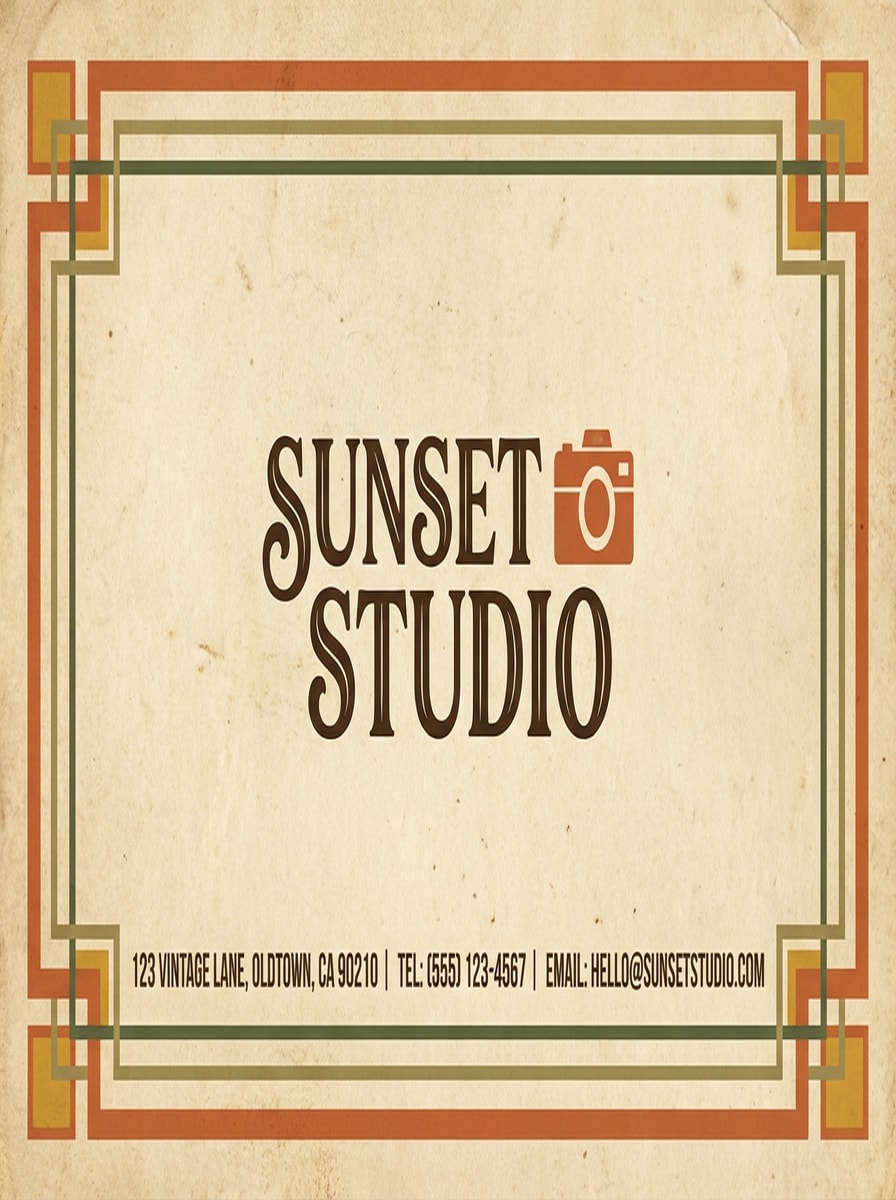
Retro Vintage Studio
vintage-style business card front, 3.5x2, warm muted color palette (burnt orange, mustard, olive green), simple geometric border, studio name in retro serif or script, small camera icon, textured background implying aged paper, slight grain, contact details aligned at bottom, no mockup, only the flat card design
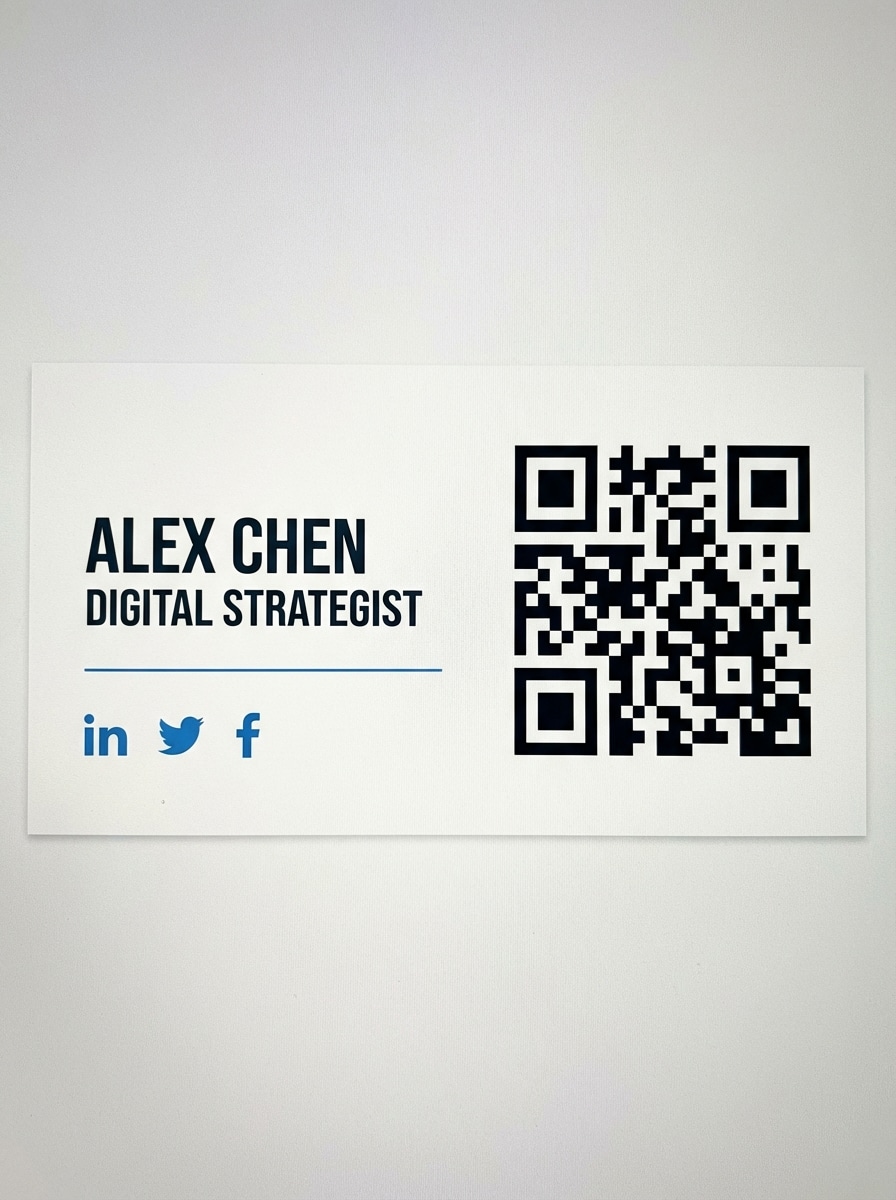
QR-Centric Digital Card
front side of a digital-first business card, 3.5x2, white or very light background, large black QR code taking up about one-third of the card on one side, name and job title in bold sans-serif on the other side, small social media icons row under the name, accent color (blue or purple) for dividers and highlights, flat design, no mockup, high contrast for QR scanability
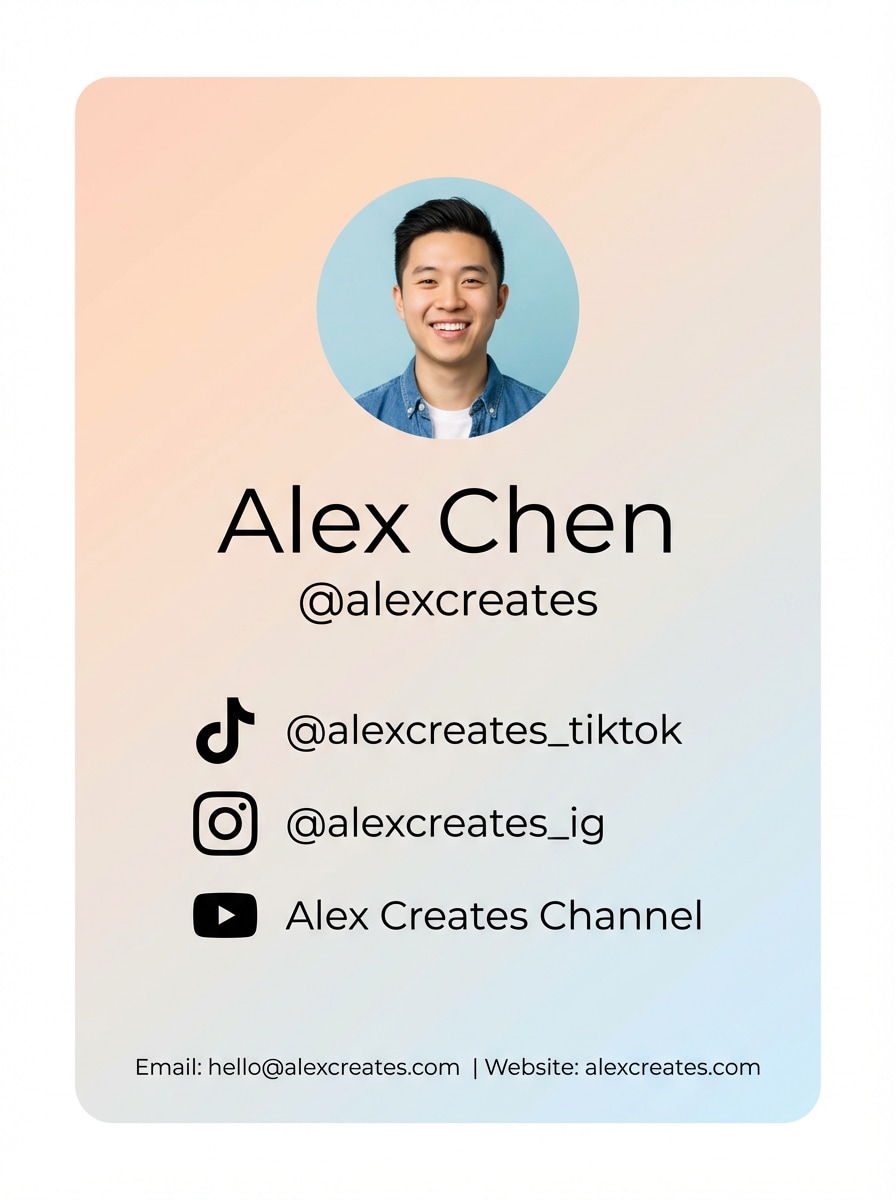
Vertical Social Media Creator Card
vertical business card design, 2x3.5 orientation, soft gradient background, circular profile photo at top, large creator name and @handle below, icons for TikTok, Instagram, YouTube with usernames listed, minimal contact text, rounded corner aesthetic, clean sans-serif typography, flat layout, no surrounding scene or mockup
Why Use Media.io for AI Business Card Design?
AI-Powered Card Creation
Turn any idea into a unique text to image business card in seconds. Media.io uses advanced models like Nano Banana Pro and Nano Banana 2 to quickly generate polished layouts from simple prompts.
High-Resolution for Print
Generate business card designs in 1K, 2K, or 4K resolution with flexible aspect ratios. This gives you crisp artwork you can place into a print layout for sharp, professional results.
Works on Any Device
Media.io runs entirely in your browser on Windows, Mac, iOS, and Android. Design and download your AI business cards anywhere without installing extra software or plugins.
Private & Secure Artwork
Uploaded files are automatically deleted after 7 days, helping keep your branding assets and client information safe while you experiment with multiple AI business card generator ideas.
How to Use the AI Business Card Generator
1
2
3
1
Open Media.io AI Business Card Generator
Open Media.io AI Business Card Generator. Go to media.io/ai and open the AI Business Card Generator under AI -> Text to Image. This online tool runs in your browser, so there’s nothing to install.
2
Enter a Prompt or Upload
Enter a Prompt or Upload. Type a detailed prompt (e.g., "premium business card front with matte black background, elegant gold accents, large name centered, contact details aligned below") or upload a reference photo. Adjust style and aspect ratio to match your brand.
3
Generate, Refine & Download
Generate, Refine & Download. Click Generate to create several card design options. Refine your prompt or regenerate until you’re happy, then download a high-resolution image to prepare for printing or digital sharing.
"Rapid concepts for every client." Media.io lets me spin up multiple business card concepts from one prompt in minutes. The high-res outputs are detailed enough to drop straight into my layout files and refine from there.
Marcus Lee
Startup Founder
"Perfect for non-designers." I’m not a designer, but the AI image generator turned my rough description into clean, modern card designs. I tested different color schemes and styles quickly before sending a final version to my printer.
Amira Khan
Content Creator
"Great for digital business cards." I used Media.io to create vertical, social-style business cards with my handles and a QR-style focus area. The browser-based workflow worked smoothly on both my laptop and phone.
1. How can I create my own business cards for free?
You can create your own cards for free by using Media.io’s AI image generator in your browser. Type a detailed prompt describing your ideal business card layout and style, then use your 3 free credits per day to generate high-resolution designs. Free users may see watermarks, while paid plans remove them and increase limits: https://www.media.io/ai/home?popup-buy=auto.
2. What is the best free business card maker online?
There are many options, but Media.io stands out if you want an AI-first, description-based workflow. Instead of starting from rigid templates, you describe the look you want and our models (such as Nano Banana Pro and Nano Banana 2) generate custom card artwork that you can refine and export.
3. Can I design a business card and then print it at home?
Yes. Use Media.io to generate a business card image at a high resolution like 2K or 4K, then place it into your preferred document or layout software. Set your layout to common print settings (for example, 300 DPI and standard business card dimensions) before printing at home or via a print shop.
4. How do I make business cards with my logo?
Describe your logo and brand colors clearly in your prompt so the AI can design a card that visually matches your identity. If needed, you can also combine the generated design with your actual logo later in your preferred editor, using the AI image as the base background and layout.
5. What information should be included on a business card?
Most business cards include your name, job title, company name, website, email address, and at least one phone or messaging contact. You can mention any of these details in your prompt so Media.io leaves clear space and hierarchy for text when you add it in your design or layout software.
6. Can I create business cards on my phone?
Yes. Media.io is a web-based platform that works on iOS and Android, so you can open the AI business card generator in your mobile browser. Enter a prompt, generate card designs, and download the image directly to your phone for sharing or later editing.