

 ChatGPT
 Perplexity
 Gemini
 Claude
 Grok
Grok
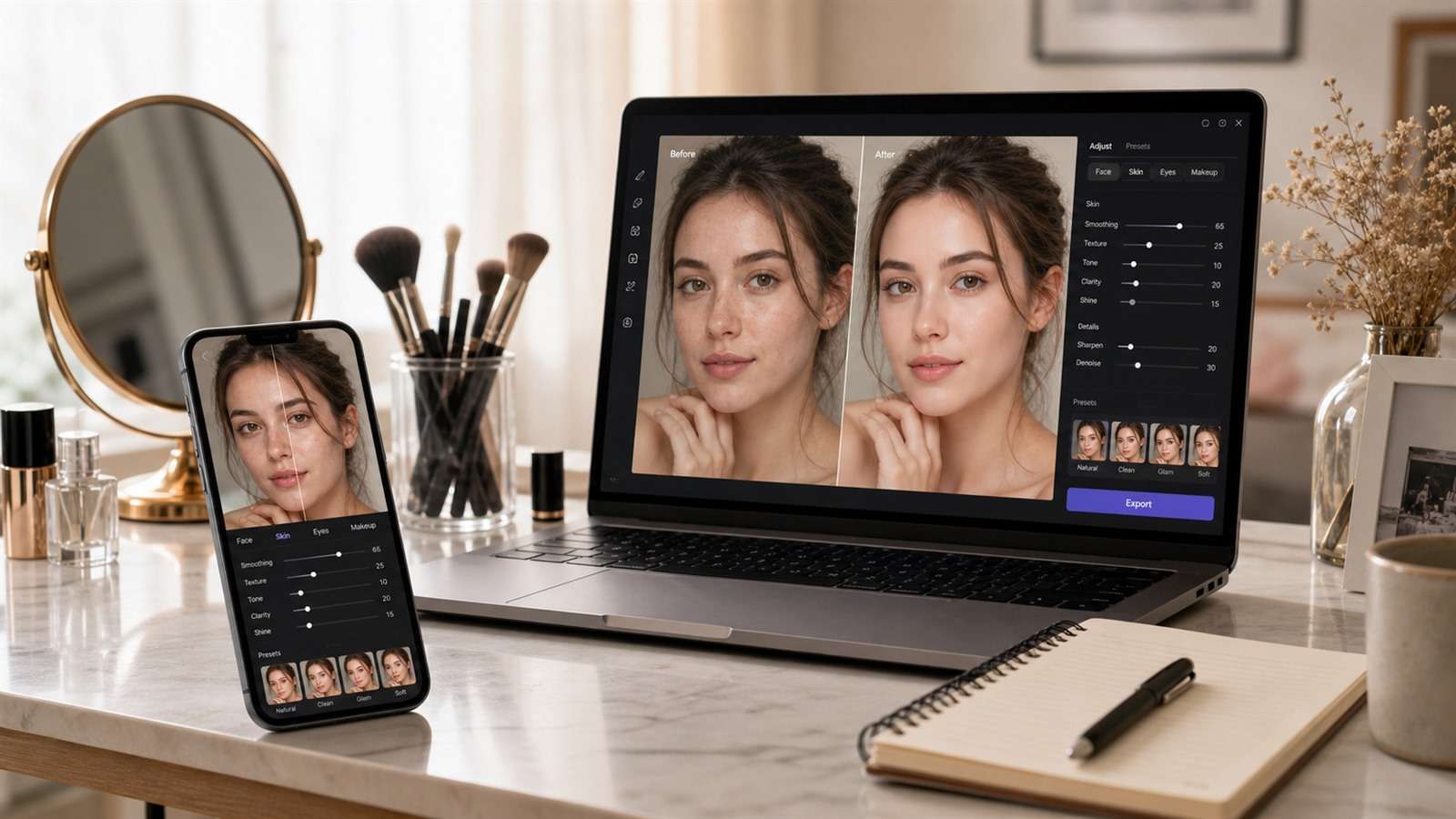
AirBrush combines one-tap retouching, reshaping, makeup, hair tools, filters, object removal, enhancement, and video beauty features. People searching for an AirBrush alternative are rarely replacing all of that at once. They are usually trying to solve one frustration: too many ads, another subscription, limited daily AI use, an edit that looks artificial, or a need to work on desktop instead of a phone.
The useful comparison is not “which app has the longest feature list?” It is “which editor gives me enough control to stop before the face stops looking human?”
In this article
The Skin-Texture Test Separates Retouching from Face Replacement
Open a portrait in even lighting and zoom into the transition between cheek, under-eye area, and nose. Good retouching reduces temporary distractions while preserving pores, fine lines, shadows, and the person’s normal proportions. Weak retouching creates plastic gradients, brightens every tooth equally, enlarges eyes without respecting perspective, or sharpens lashes into dark spikes.
This test matters more than preset count because many selfie apps advertise natural results while defaulting to a beauty standard that may not match your face, age, or purpose. A dating profile, passport-style headshot, beauty look, and comedic social post need different levels of intervention.
Choose the Replacement by the Edit You Repeat Most
| Your repeated job | Strong starting point | Reason |
|---|---|---|
| Manual face and body retouch on mobile | Facetune | Deep portrait-specific controls |
| Virtual makeup and product try-on | YouCam Makeup | Beauty and cosmetics specialization |
| Prompt-based portrait changes in a browser | Media.io | Reference-image editing without mobile installation |
| Creative social effects and templates | Picsart | Broader design and content workflow |
| Free manual tonal editing | Snapseed | Selective edits without beauty defaults |
| Fast automatic face cleanup | BeautyPlus | Mobile-first one-tap workflow |
| Detailed professional retouching | Photoshop | Layers, masks, and reversible control |
Nine AirBrush Alternatives with Different Retouching Philosophies
1. Facetune — the closest specialist replacement
Facetune covers retouching, makeup, reshaping, hair and outfit changes, object removal, backgrounds, filters, and video face editing. It is the closest match if AirBrush is primarily your selfie editor. Its strength is targeted portrait control rather than a generic photo-adjustment panel.
That control can also encourage over-editing. Use small changes and compare against the original after every two or three adjustments. Facetune offers free features and a paid VIP tier; check the current trial, watermark, and export conditions shown in your region.
2. YouCam Makeup — better when the job is virtual makeup
YouCam Makeup is built around cosmetics, hair, face retouching, and augmented-reality try-on. Choose it if you want to test lipstick, foundation, eye makeup, hair color, or beauty products rather than only smooth a finished selfie. A makeup simulator and a general photo editor may overlap, but they optimize for different decisions.
3. Media.io — prompt-led portrait editing on desktop or mobile web
When you would rather describe a change than move face sliders, Media.io Image to Image offers a reference-based workflow in the browser. Upload a clear portrait, state only the change you want—such as softer studio lighting, a different hairstyle, a cleaner background, or a professional headshot treatment—and generate variations while trying to preserve identity.
It is useful for creative transformations and larger scene changes, not for millimeter-level manual retouching. If you only need more clarity, use the separate AI Image Enhancer so the task does not become a full generative rewrite.
4. Picsart — for social posts, effects, and layouts
Picsart makes sense when the selfie is only one layer in a thumbnail, collage, story, or promotional design. It combines AI photo editing with backgrounds, effects, templates, and design assets. It is less focused than Facetune on fine facial retouching but broader after the portrait is cleaned up.
5. Snapseed — manual correction without a beauty agenda
Snapseed is a good choice for exposure, color, curves, perspective, selective adjustments, healing, and RAW/JPG editing. It does not try to automate a new face. That makes it valuable when you want the photo to look better while keeping age, texture, and proportions intact.
The limitation is equally clear: there is no comparable virtual makeup wardrobe or large catalog of generative looks. It is an editor, not a beauty-content platform.
6. BeautyPlus — fast mobile beautification
BeautyPlus fits creators who prefer presets, automatic retouching, filters, and playful AI effects. It has a shorter learning curve than Photoshop and feels closer to AirBrush’s tap-and-share behavior. Compare paid limits and ads inside the current app before switching for cost reasons.
7. Peachy — face and body editing with direct controls
Peachy emphasizes face and body reshaping, skin cleanup, makeup, and portrait adjustments. It can suit users who want a narrower app than a full social-design suite. As with any reshape tool, inspect straight lines in the background; bent doors, tiles, or furniture reveal local warping.
8. Fotor — a web editor with enhancement and AI tools
Fotor bridges traditional editing and AI generation. It is useful when you alternate between portrait cleanup, background work, enhancement, and quick marketing graphics on a computer. It is not as deeply selfie-specific as Facetune or YouCam Makeup.
9. Adobe Photoshop — maximum control and maximum responsibility
Photoshop is for professional headshots, beauty campaigns, and client work where masks, layers, color management, and reversible edits matter. Frequency separation and dodge-and-burn techniques can preserve texture better than broad smoothing, but they require skill and time. Generative tools can accelerate background cleanup while manual layers keep the retouch accountable.
A Natural-Retouch Workflow You Can Repeat
- Correct the photograph first. Fix white balance, exposure, and crop before touching the face.
- Remove only temporary distractions. A small blemish is different from a permanent feature.
- Reduce, do not erase. Lower under-eye darkness or shine while keeping facial structure.
- Make reshaping the last step. Use the lowest visible amount and check background geometry.
- Review three sizes. Inspect at 100%, at phone-feed size, and on another screen.
- Export a copy. Keep the original and an editable version whenever the app supports it.
For AI prompt editing, write constraints explicitly: “keep facial identity, skin texture, expression, eye shape, and body proportions unchanged; adjust only the lighting and background.” This does not guarantee perfect preservation, but it gives the model a narrower job.
Photo and Video Retouching Are Not the Same Problem
A still image can hide a slightly warped jaw or blurred hair edge. In video, that error changes from frame to frame and becomes flicker. If AirBrush’s video tools matter to you, test an alternative with head turns, hands crossing the face, hair movement, side lighting, and a momentary occlusion. A stable modest effect is better than a dramatic filter that swims around facial features.
- Check whether retouch intensity stays consistent through cuts.
- Watch the edge of the face during profile turns.
- Inspect teeth and eyes while speaking.
- Confirm export resolution, frame rate, and watermark rules.
- Test on the phone you actually use; real-time effects depend on hardware.
Questions About Replacing AirBrush
-
What is the closest app to AirBrush?
Facetune is the closest specialist match for portrait retouching, reshaping, makeup, hair, and video face editing. YouCam Makeup is stronger when virtual cosmetics are the main need. -
Is there a free AirBrush alternative without beauty filters?
Snapseed is a strong free option for tonal, selective, healing, and perspective edits. It does not center the workflow on automatic face smoothing or makeup. -
Can I replace AirBrush with an online editor?
Yes. Media.io supports browser-based prompt editing and enhancement, while Picsart and Fotor offer broader online creative editors. Choose according to whether you need face sliders, generative changes, or finished social layouts. -
Which app is best for subtle skin retouching?
The best result depends on restraint more than the brand. Facetune and Photoshop provide targeted control; Snapseed allows manual selective changes. Avoid any automatic setting that removes all local texture. -
What should I check before buying a selfie editor?
Test export quality, watermark behavior, ads, daily AI limits, video stability, undo history, privacy settings, and whether paid features are included in the advertised subscription.


