

Codex Seedance is useful when the repository already knows the story: product, audience, and the shot you need. Seedance 2.5 is the cinematic video model in that loop, not a generic motion toggle.
- Codex can turn ticket language into a video brief.
- Seedance 2.5 is selected for atmosphere and story beats.
- The job is submitted and polled rather than blocking the session.
- The MP4 is stored with the shot name, not a random UUID.

Media.io fit: Media.io CLI exposes Seedance 2.5 as a connected video model inside Codex. Codex owns the brief and path; Media.io returns the clip.
In this article
What Seedance 2.5 Is For Inside Codex
Use Seedance in Codex when the clip should feel directed: mood, beat, and camera intention. That is different from a rigid product orbit.

If the job is a mechanical spin of a SKU, Kling 3.0 may be the better first model.
- Write duration, mood, and forbidden motion in a prompt file.
- Submit and store a job ID.
- Name the intended MP4 before download.
- Do not resubmit until the existing task is failed or missing.
Set Up Codex Before You Spend a Video Job
A seedance video in Codex request is more expensive to retry than an image. Confirm CLI, plugin, skills, and auth with a tiny still first if needed, then run one video probe.

Use the complete Codex setup prompt so INSTALL-HELP can repair a broken install automatically.
Run the First Clip From a Real Shot Brief
The first Codex AI video model job should be one shot, not a trailer. One location, one action, one intended filename.
When Seedance Codex returns that file, you have a contract: brief in, MP4 out.
Track the MP4 Like Production Media
Reviewers speak in shot names. bottle-condensation-pushin.mp4 is usable. A hash is not.
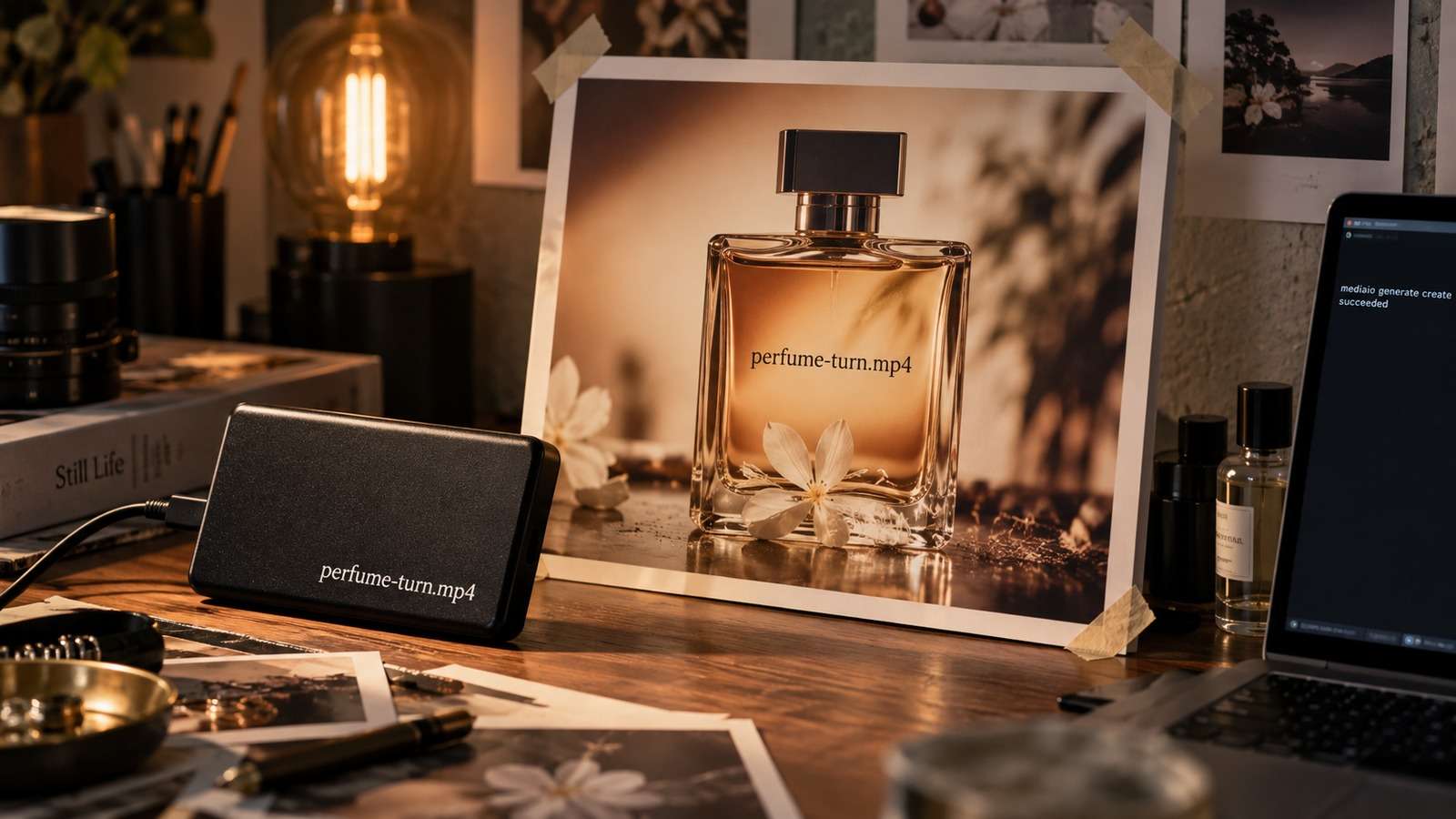
- Write the shot brief.
- Submit Seedance 2.5.
- Poll status.
- Download into the review folder only after success.
Keep the prompt file next to the clip so Codex can retry the exact request.
Use Media.io CLI so Codex Can Call Seedance 2.5
After Media.io CLI is connected, Codex can send text to video or image-to-video jobs to Seedance 2.5 and retrieve the file. This page is the model-specific route; keep polling rules from the terminal video guide.
If You Want Codex to Set Media.io Up for You
Copy This Complete Setup Prompt into Codex

Show a real terminal or agent session, the returned output path or status, and the generated result.
Inspect the Existing Task Before You Retry
The costly failure is two Seedance jobs for one shot. Read status first.

| Symptom | First check |
| No clip | CLI/auth or job still running |
| Duplicate charge risk | Existing job ID not inspected |
| Wrong mood | Brief missing locks |
If motion is weak, revise the beat list before you switch models.
FAQs About Codex Seedance
-
Can I use Seedance in Codex natively?
Codex can write the brief and choose a path, but the video is generated by a connected model such as Seedance 2.5 through Media.io CLI. -
When should I use Seedance 2.5 in Codex?
When the clip needs cinematic mood or story beats rather than a purely mechanical product move. -
How do I run Seedance video in Codex without hanging the session?
Submit the job, store the ID, and poll. Do not treat video like a synchronous image command. -
Where should the MP4 go?
Into the project review folder with a shot-based filename. -
How is this different from Kling in Codex?
Kling 3.0 is the better first choice when camera motion or product movement is the main requirement. -
What if the job looks stuck?
Inspect the existing task. Do not submit a second job until the first has failed or been confirmed missing.
Use Seedance 2.5 When Codex Already Knows the Story
If the repository can describe the beat, Seedance 2.5 is the Codex video model to call. Keep the job async and the filename human.


