
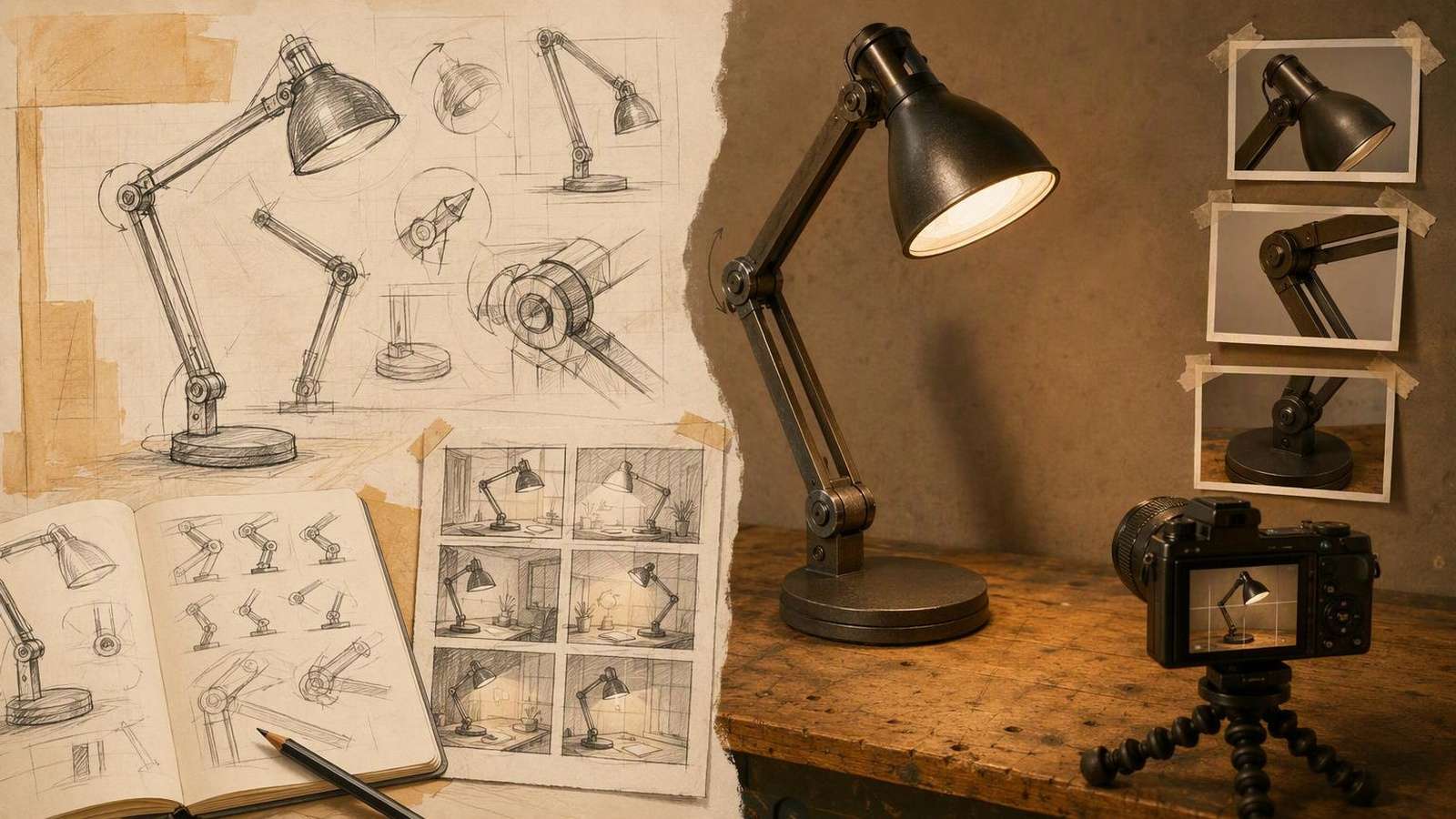
A crowdfunding product demo video should help a potential backer understand what the prototype does today, what still needs development, and why the team is asking for support. A polished concept film cannot answer those questions by itself. Start with real prototype evidence, then use editing and supporting visuals to make that evidence easier to understand.
AI can help prepare a script, explore a storyboard, create identified concept imagery, or produce narration. It should not manufacture proof of a working product. This guide explains an evidence-first workflow for a physical-product project without promising funding results or treating every crowdfunding platform as having the same rules.
In This Article
Define What the Prototype Can Demonstrate
Write a status statement before the pitch: which prototype version you will film, which functions work, which conditions matter, and which aspects remain planned. Ask the engineering or product owner to review it. Use it to guide the script, demonstration, captions, and campaign material.
| Material | What It Can Communicate | What It Should Not Imply |
|---|---|---|
| Working-prototype footage | The action that version performs under the shown conditions | Unmeasured performance or absent capabilities |
| An explanatory diagram | Components or a process based on verified information | That an explanation is a recorded test |
| A design render | The intended appearance or design direction | That the finished item already exists |
| An AI concept scene | An identified proposed context or illustration | That a real prototype operated in that scene |
| A founder's statement | The purpose and current development plan | A guaranteed date or certain campaign outcome |
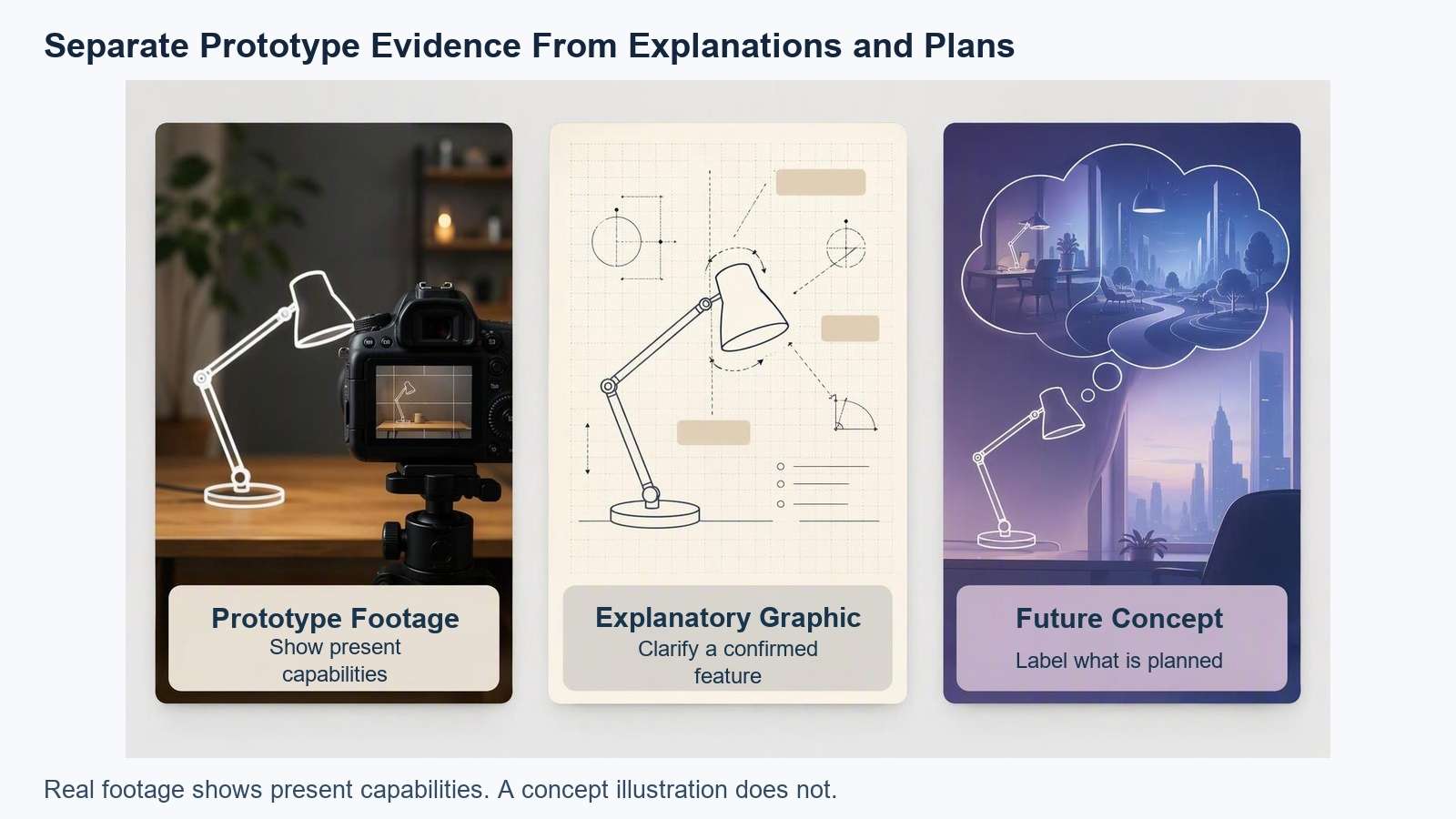
Illustrative example, not footage of a real prototype or evidence of its performance.
Be precise about “shown” and “claimed.” A sensor lighting up shows a response. It does not establish accuracy, long-term reliability, or every environment in which the finished product will work. If a stronger statement needs testing, obtain evidence before placing it in the narration.
Plan the Evidence Before the Storyboard
Choose the practical question a backer wants answered first. For a desk lamp, that might be how the prototype opens, switches on, and sits on a desk. A simple demonstration can be more informative than an impressive sequence that hides actual operation.
- List actions you can film honestly. Include setup, controls, normal operation, and relevant limitations.
- Assign a source to factual statements. Use a product record, measurement, or footage of actual behavior.
- Mark planned features separately. Keep them out of present-tense claims.
- Choose shots that explain the sequence. An overall view establishes the object; a close-up clarifies the action.
- Decide where the team appears. A founder can explain the project without interrupting every step.
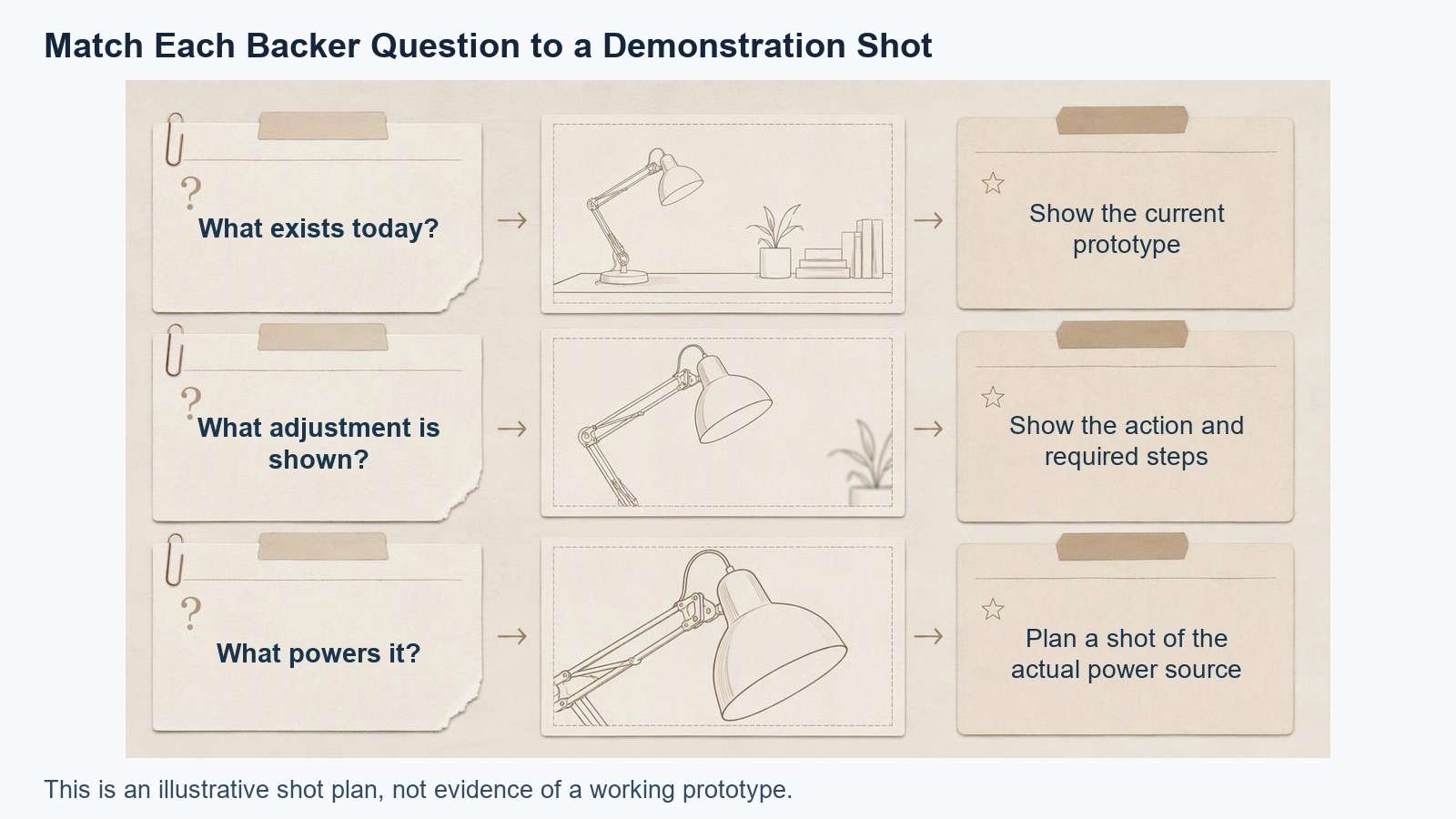
Illustrative example, not footage of a real prototype or evidence of its performance.
Write the script as an explanation of the prototype rather than a promise of an ideal future product. Connect the problem to the demonstration, describe the current stage, and state the next step for a backer. Avoid using certainty to cover unresolved engineering or production decisions.
Kickstarter's official project-video guide introduces ways to organize the story and explain a project. Watch it for presentation context, then adapt the structure to evidence your prototype can support.
Film a Clear Demonstration
Show enough setup for viewers to understand how the action happens. Keep controls, hands, object, and result visible. An uninterrupted take can be useful for a simple operation because it leaves less ambiguity about what happened between cuts.
This does not mean the entire film must be unedited. Use cuts to improve comprehension, and retain original takes so the team can review what the edit shortened. Do not splice incompatible product states or remove required steps in a way that changes apparent behavior.
Keep the Conditions Visible
If the prototype uses external power, a development board, an accessory, or a controlled setup, do not conceal that context while describing independent operation. Identify the version and conditions in clear language. Viewers should not need to inspect a tiny label to understand an important limitation.
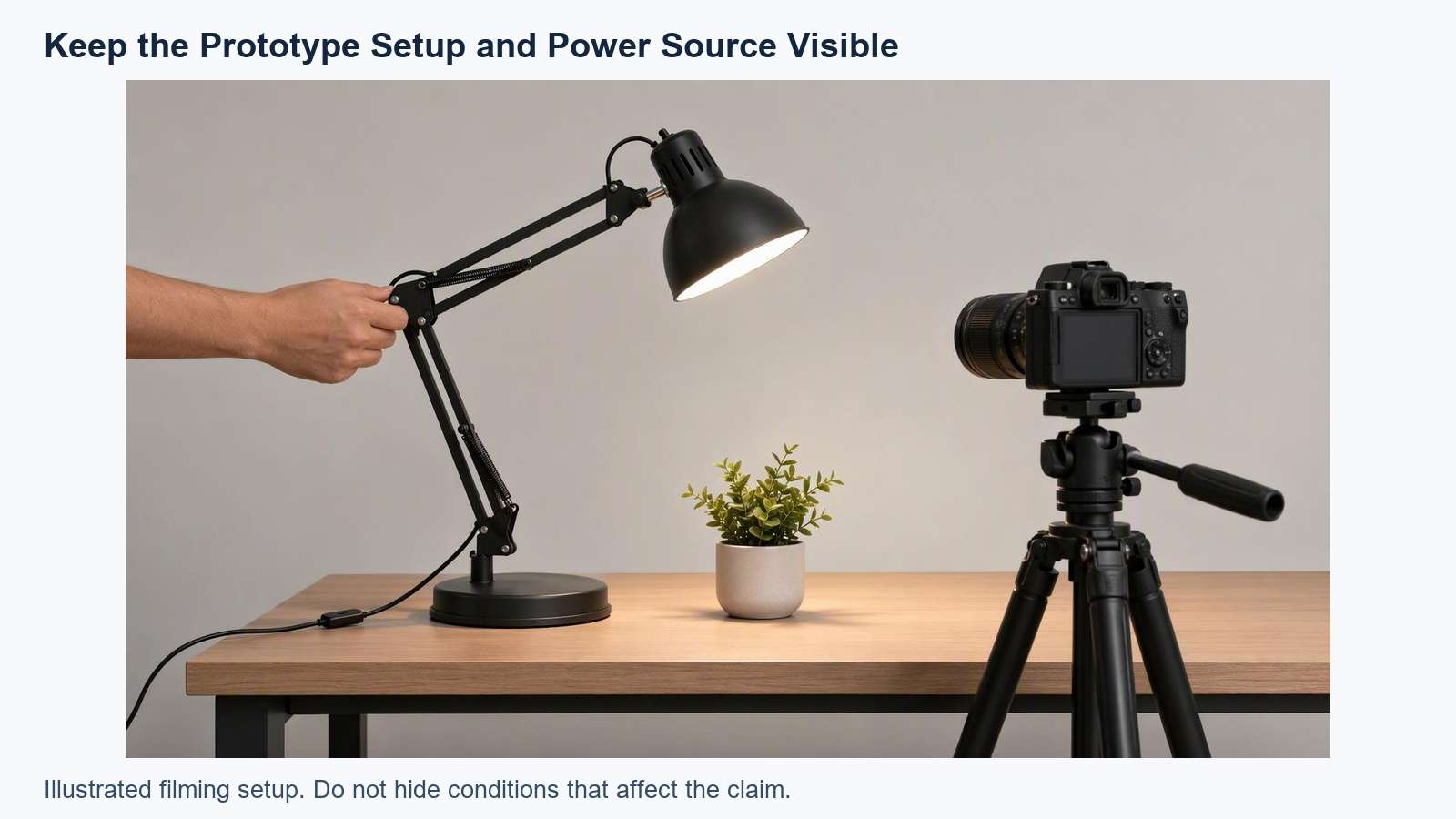
Illustrative example, not footage of a real prototype or evidence of its performance.
Capture a Useful Result Shot
Hold long enough after the action to show what happened. For a folding item, show the opened form and how it sits. For a storage product, show the actual objects it holds. Use real size context rather than a generated scene that changes the product's apparent scale.
Prepare a reference set: approved angles, prototype version, color and material notes, and correct labels. A product demo planning workflow can help organize the explanation, but generated footage does not replace the reference set or real demonstration.
Use AI for Supporting Production
Use AI where it clarifies the story without changing evidence. A script draft can reveal repetition. A storyboard can plan camera coverage. An explanatory voiceover can connect genuine shots. A concept image can illustrate a future setting when viewers can tell it is a concept.
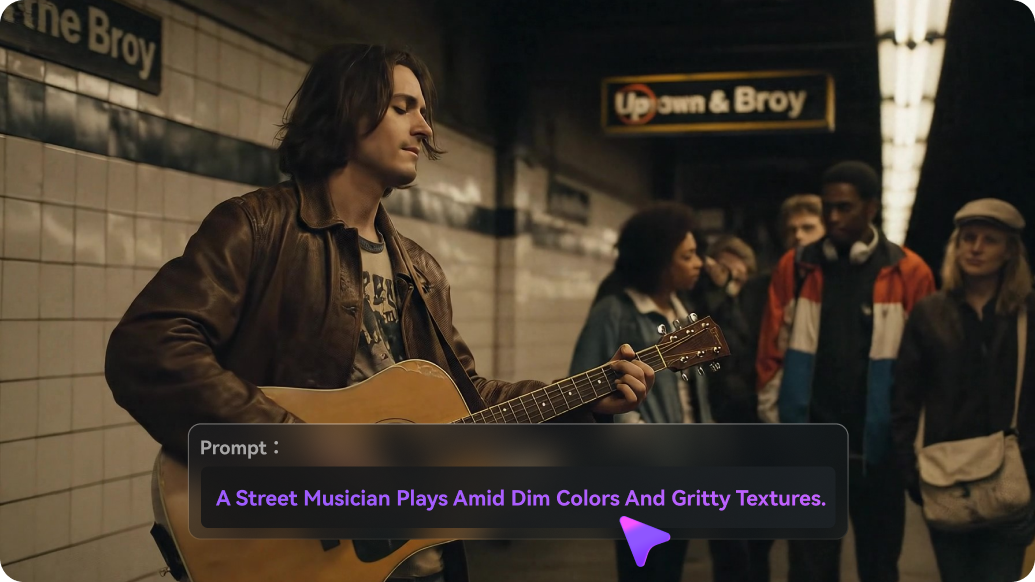
Official Media.io product illustration. Interface appearance may differ from the current tool; this is not a tested result from this article.
A storyboard brief for an invented project might read:
Project: a folding desk lamp prototype.
Evidence: the actual prototype opens and switches on using the shown power source.
Explain confirmed actions and the present development stage.
Supporting concept: a future desk setting, clearly labeled as an illustration.
Do not depict untested battery life, finished manufacturing, shipping inventory, real customers, or guaranteed results.
Keep future design concepts distinct from the filmed prototype.
This is a planning brief, not evidence of a real project or tested generation result. Keep narration specific. If AI voices struggle with a project name, approve pronunciation before producing the long script. The video caption generator can prepare a subtitle draft for comparison with the approved wording.
Review the Video as a Backer
Ask someone outside the team to watch without a prior explanation. Have them describe what exists now, what they saw it do, and what remains planned. If they confuse a render with a working product, change the wording, sequence, or labeling.
- Evidence: Present capabilities have sources, and conditions remain understandable.
- Status: The prototype version and planned work are clear.
- Continuity: Cuts do not imply an unrecorded result.
- Concepts: Generated scenes and renders are distinguishable from footage.
- Text: Names, measurements, qualifications, and next steps are readable.
- Permissions: Recordings, music, images, and likenesses can be used in the intended campaign.
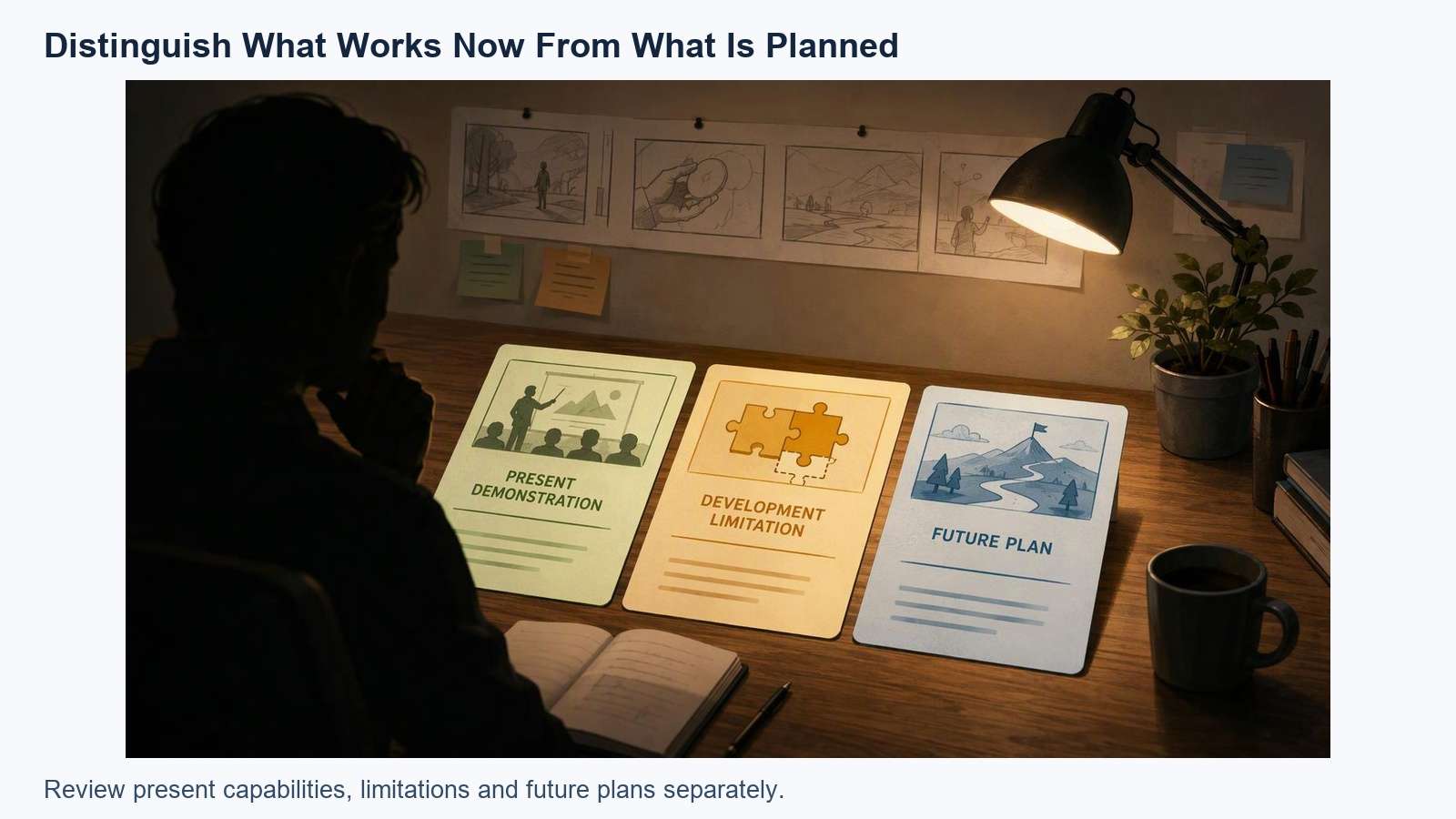
Illustrative example, not footage of a real prototype or evidence of its performance.
Review current platform rules before submission, particularly how they handle product presentation and artificial media. This is a production framework, not a claim that a video satisfies those rules. Keep source takes, factual approvals, and concept assets together so revisions do not require reconstructing the project.
A strong demo makes the present project easier to understand. Start with real action, explain the development boundary, and use supporting production sparingly. When you need an illustrative scene, explore it as a separate concept asset, not proof of performance.
Frequently Asked Questions
-
Can I Make a Crowdfunding Product Demo Video Entirely With AI?
You can create a concept film with AI, but it does not demonstrate that a real prototype works. If the purpose is to explain present capabilities, use genuine footage. Keep concepts identifiable and check current requirements of the intended crowdfunding platform before deciding how to use artificial media. -
Do I Need an Expensive Studio?
Not necessarily. Prioritize a clear view of the actual setup, action, and result, with understandable sound or captions. Use a stable camera and lighting that reveals details. Spend effort on demonstrating the product honestly before adding elaborate camera moves, locations, or visual effects to the film. -
Can I Show the Intended Final Design?
You can explain a design direction, but viewers should distinguish it from the prototype that exists now. Use clear labels and careful wording for renders and generated concepts. Do not let an illustration imply that manufacturing, testing, or a particular capability is already complete. -
How Do I Know Whether the Demonstration Is Clear?
Ask an unfamiliar viewer what exists, what operation they saw, and what is planned. Compare their answer with the approved status statement. If they misunderstand a condition, concept, or cut, revise the video. This checks comprehension; it does not predict funding or establish platform compliance.


