
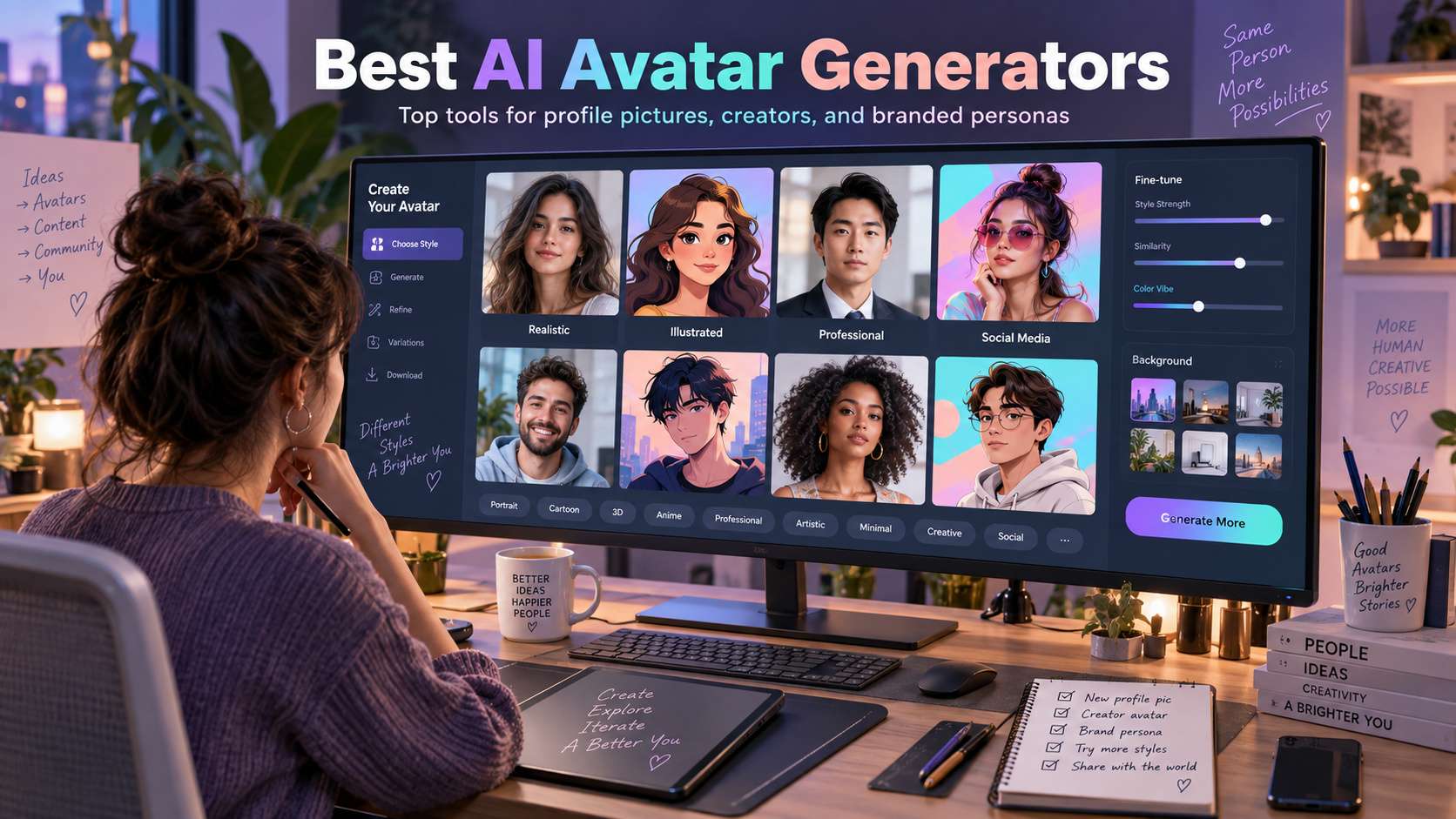
"AI avatar" now covers three different jobs: a stylized profile image, a realistic professional portrait, or a digital character that can speak in video. The best ai avatar generators depend on which of those outcomes you need, because a beautiful anime profile tool may be useless for a talking presenter or a consistent business headshot.
We compare still-image generators first, then flag which platforms can extend the avatar into video. Identity preservation matters more than style count: glasses, face shape, skin tone, hair, age cues, and expression should survive the transformation well enough that the avatar still represents the original person.
In this article
- AI Avatar Generator Comparison for Profiles, Characters, and Video
- Avatar Identity Test: Keep the Person Recognizable Across Style Changes
- Avatar Generator Reviews: Identity, Style, and Downstream Use
- Still Avatars, Profile Pictures, and Talking Characters Need Different Tests
- Choose an Avatar for the Job After the Portrait Is Generated
- FAQ
AI Avatar Generator Comparison for Profiles, Characters, and Video
| Tool | Best for | Free / access | Main trade-off |
|---|---|---|---|
| Media.io | Users who want still avatars and a path into talking-avatar video | Avatar creation offers free browser access/credits depending on workflow; video generation uses model-based credits. | Because still stylization and talking animation are separate tasks, a great avatar image does not guarantee equally natural speech motion. Validate the video stage independently. |
| Fotor | Preset avatar styles across web, desktop, and mobile | Free generation access is available with plan/credit limits for ongoing use. | The broad style catalog means quality varies by look. A dramatic fantasy preset may be visually impressive but less faithful than a conservative professional style. |
| Canva | Avatars used directly in slides, social posts, and branded designs | Free plan; AI/avatar apps and premium assets have plan-specific allowances. | If identity fidelity is the sole priority, a dedicated photo-avatar tool is easier to evaluate. Canva's advantage appears after the avatar exists. |
| Picsart | Mobile avatars that need creative editing after generation | Freemium with plan-dependent AI avatar access. | The workflow is designed for creative variety, so not every generated avatar will be equally faithful. Treat the batch as options to curate; do not assume every output will be a faithful replica. |
| Lensa | Polished mobile avatar packs and profile-style portraits | Paid/subscription and generation-pack rules vary by app version and region. | The trade-off is input effort and privacy consideration: multi-photo generation asks you to upload more personal imagery than a one-shot filter. Review retention and privacy terms before using sensitive portraits. |
| Remini | Realistic portrait enhancement and AI-photo style outputs | Freemium mobile app with subscription/credit-based AI features. | AI portrait beautification can over-smooth or subtly reshape the face, so realism should not be confused with perfect identity fidelity. |
| Adobe Express | Avatar graphics that must fit an Adobe brand/design workflow | Free plan with premium AI and asset limits. | It is less specialized than dedicated avatar generators for preserving one person across many styles. Choose it when the final design matters as much as the face generation. |
Avatar Identity Test: Keep the Person Recognizable Across Style Changes
Facial landmarks: Eye spacing, jaw shape, nose, mouth, and age cues matter more than adding a fashionable art style.
Hair and accessories: Glasses, curls, bangs, earrings, facial hair, and hats are common failure points.
Style consistency: A useful generator should give several versions that feel like the same person, not unrelated characters from one prompt.
Downstream use: We distinguish profile pictures from talking avatars, game characters, and brand presenters because export needs and realism expectations differ.
Avatar Generator Reviews: Identity, Style, and Downstream Use
1. Media.io - Best for Users who want still avatars and a path into talking-avatar video
Media.io is the broadest match because the still-avatar tool and talking-avatar workflow solve different stages of the same identity project. The Avatar Creator offers more than 25 style directions-including professional, gaming, anime, 3D, and vintage looks-and recommends a clear front-facing photo. Once a still identity is ready, the AI Talking Avatar tool can animate a portrait from script or audio with lip-sync for explainers, social clips, or presentation-style video.
Avatar creation offers free browser access/credits depending on workflow; video generation uses model-based credits.
For a profile image, upload a well-lit front-facing photo and compare styles while checking face shape and hair. For video, move the approved portrait into AI Talking Avatar and test a short script before producing a long clip.
Because still stylization and talking animation are separate tasks, a great avatar image does not guarantee equally natural speech motion. Validate the video stage independently.
2. Fotor - Best for Preset avatar styles across web, desktop, and mobile
Fotor is a strong all-purpose avatar generator because it covers realistic, anime, 3D, gaming, cyberpunk, artistic, and other styles inside a familiar photo editor. Its current guidance emphasizes clear, front-facing, single-person photos, which aligns with the basic requirement for identity preservation. Fotor also offers a talking-avatar workflow when a static profile later needs speech.
Free generation access is available with plan/credit limits for ongoing use.
Upload a clear portrait, select a style family, generate several versions, and keep the one that preserves face and hair before doing further retouching.
The broad style catalog means quality varies by look. A dramatic fantasy preset may be visually impressive but less faithful than a conservative professional style.
3. Canva - Best for Avatars used directly in slides, social posts, and branded designs
Canva is less about training a dedicated personal-avatar model and more about getting an avatar into a finished design quickly. Its avatar apps and AI tools can create illustrated or stylized characters, then the same canvas handles backgrounds, frames, brand colors, text, animation, and collaboration.
Free plan; AI/avatar apps and premium assets have plan-specific allowances.
Generate or import the avatar inside a design, place it in the target layout, and build the surrounding visual without leaving Canva.
If identity fidelity is the sole priority, a dedicated photo-avatar tool is easier to evaluate. Canva's advantage appears after the avatar exists.
4. Picsart - Best for Mobile avatars that need creative editing after generation
Picsart is a practical mobile choice because generated avatar sets live inside a broader editor. After selecting an avatar, you can change backgrounds, add effects, cut out the subject, build profile graphics, and create social posts without exporting to another app. That is especially useful for creators who want several profile looks rather than one formal headshot.
Freemium with plan-dependent AI avatar access.
Use a clear source photo, generate a set, compare face shape and hair across the outputs, then finish the best one in the normal editor.
Trade-off: The workflow is designed for creative variety, so not every generated avatar will be equally faithful. Treat the batch as options to curate; do not assume every output will be a faithful replica.
5. Lensa - Best for Polished mobile avatar packs and profile-style portraits
Lensa is well known for turning a set of user photos into stylized "magic avatar" style outputs. The multi-photo approach can capture more identity cues than a single selfie, and the mobile workflow is convenient for users who want a curated pack of profile images rather than one prompt-by-prompt generation.
Paid/subscription and generation-pack rules vary by app version and region.
Provide the requested range of clear source photos, generate the avatar set, then curate the images carefully for facial accuracy and unwanted artifacts.
The trade-off is input effort and privacy consideration: multi-photo generation asks you to upload more personal imagery than a one-shot filter. Review retention and privacy terms before using sensitive portraits.
6. Remini - Best for Realistic portrait enhancement and AI-photo style outputs
Remini is a good alternative when "avatar" really means a polished, realistic profile photo rather than an illustrated character. Its strength is portrait enhancement and AI-photo style imagery that aims for a photographic finish. That can work well for profile pictures, dating/social images, or professional-looking portraits when the user prefers realism over anime or game styles.
Freemium mobile app with subscription/credit-based AI features.
Start with a clean portrait, choose a realistic generation direction, then inspect skin texture, teeth, eyes, and hair before using the result publicly.
AI portrait beautification can over-smooth or subtly reshape the face, so realism should not be confused with perfect identity fidelity.
7. Adobe Express - Best for Avatar graphics that must fit an Adobe brand/design workflow
Adobe Express is the production pick for users who already have or generate an avatar and need to turn it into a polished profile card, social graphic, thumbnail, or branded asset. Adobe's generative tools can help create character directions, while Express handles typography, layout, stock, and resizing.
Free plan with premium AI and asset limits.
Generate or import the avatar, remove or replace the background, apply brand styling, and export the finished design in the needed dimensions.
It is less specialized than dedicated avatar generators for preserving one person across many styles. Choose it when the final design matters as much as the face generation.
Still Avatars, Profile Pictures, and Talking Characters Need Different Tests
For a profile picture, identity and crop are the priorities. The avatar should still look like the person at small size, with a readable face, clean hair edges, and enough contrast for circular social crops. Style variety is useful, but excessive beautification or face reshaping can make the image feel generic instead of personal. For a free ai avatar generator, the deciding factor is whether the workflow still gives you control after the first automatic result.
For stylized characters, consistency across several outputs matters more than a single polished portrait. Change the outfit, expression, or background and see whether the face stays recognizable. This is especially important for creators who want a recurring persona rather than one profile image for a single account. When comparing the best free ai avatar generator, the useful comparison is the number of corrections required before the file is ready to publish.
For talking avatars, the still image is only the input. You also need natural mouth movement, stable facial features, suitable voice options, script control, and a workflow for captions or final video editing. A tool that excels at portrait generation may not be the best choice once the avatar has to speak for a presentation or social video. With an ai avatar maker, judge the export and revision path, not only the preview shown on the generation screen.
For brand or team use, ownership and repeatability matter. Check whether you can reuse the same character, create variations without rebuilding it, and export assets that fit presentations, social designs, or video. Shared templates and downstream editing can be more valuable than having hundreds of decorative avatar styles. With an ai avatar creator, the strongest option is the one that matches the real input and the next production step.
Choose an Avatar for the Job After the Portrait Is Generated
Media.io is attractive when you want to move from still avatar creation into talking-avatar or video workflows without leaving the browser. Fotor and Lensa are strong for preset-driven portrait styles, Canva and Adobe Express fit design-heavy workflows, and Picsart is useful for mobile creators who expect to keep editing after generation. Remini is better viewed through a realism and portrait-enhancement lens.
Make the decision with two tests: generate a profile-size portrait, then create a second variation with a different expression or background. If identity holds across both, the tool is suitable for a reusable avatar. If it only produces one flattering image and drifts immediately afterward, treat it as a one-off portrait effect instead.
FAQ
-
How do I make an AI avatar that still looks like me?
Use clear photos with consistent lighting and visible facial structure, then compare the generated eyes, nose, jawline, hairstyle, and expression rather than judging only the overall style. If the tool requests multiple reference photos, include different angles without heavy filters. More dramatic presets often change identity more, so choose a milder style when recognizability is the priority. With an avatar generator from photo, check the real free limits and the correction workflow before you commit. -
What is the difference between an AI avatar and an AI headshot?
An avatar is usually more flexible in style and may be illustrated, stylized, or designed for social identity. An AI headshot aims for realistic professional photography and should preserve facial identity, clothing logic, and business-appropriate lighting. Some platforms offer both, but the evaluation criteria are different: avatar creativity versus headshot realism and professional credibility. With a realistic ai avatar generator, test the hardest input you expect to publish rather than a clean demo sample. -
Can I turn a still AI avatar into a talking video?
Yes, many platforms can animate a portrait with speech or lip-sync. Use a clean front-facing image with an unobstructed mouth and stable facial details. Talking-avatar quality depends on more than the picture: voice, pronunciation, mouth movement, head motion, and subtitle workflow all matter. Test a short script before committing to a longer presenter video. With an ai profile picture generator, make sure the result can move into your normal editing and export process without rebuilding it. -
Are AI avatars safe to use for business profiles?
They can be, but the avatar should match the context. A professional account may benefit from a realistic or lightly stylized image, while a highly artificial face can reduce trust if the audience expects a real staff photo. Also review the platform terms for likeness, commercial use, and uploaded reference images before using generated portraits in client or company materials. With a personal avatar generator ai, verify current plan limits, rights, and export behavior when the project moves from testing to production.


