

Cyan sits between blue and green, so it naturally feels both fresh and reliable. In design, that balance makes it a strong choice for modern UI, brand accents, and clean editorial layouts.
Below are 20 cyan color palette ideas with HEX codes, plus quick usage tips and AI prompts you can reuse to generate matching visuals in seconds.
In this article
Why Cyan Palettes Work So Well
Cyan reads as “clean” at a glance, which is why it shows up so often in tech, health, and product design. It feels light and breathable, but still crisp enough to communicate precision.
It’s also naturally high-contrast against deep navy/charcoal and naturally harmonious with soft whites and pale aquas. That makes cyan easy to scale from tiny UI states (links, toggles) to large blocks (hero sections, posters) without losing clarity.
Most importantly, cyan pairs well with a single warm accent (orange, apricot, coral, gold). That warm “spark” keeps layouts from feeling cold while still preserving a modern, minimal look.
20+ Cyan Color Palette Ideas (with HEX Codes)
1) Arctic Lagoon
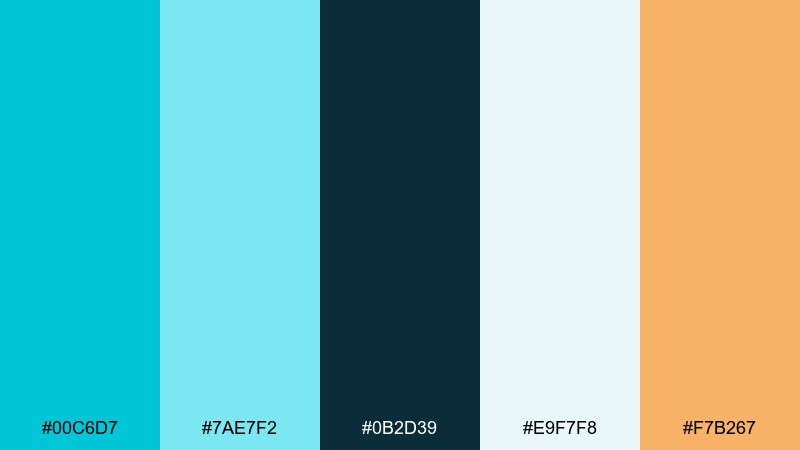
HEX: #00C6D7 #7AE7F2 #0B2D39 #E9F7F8 #F7B267
Mood: crisp, refreshing, modern
Best for: website hero banner
Crisp and glassy like sunlight skimming over polar water, these tones feel clean without going sterile. Use the deep teal as your anchor and let the bright cyan carry buttons or key highlights. Warm apricot works as a friendly counterpoint for CTAs and small details. Tip: keep backgrounds near-white to preserve that icy clarity and avoid muddy midtones.
Image example of arctic lagoon generated using media.io

Media.io is an online AI studio for creating and editing video, image, and audio in your browser.


2) Glassy Reef
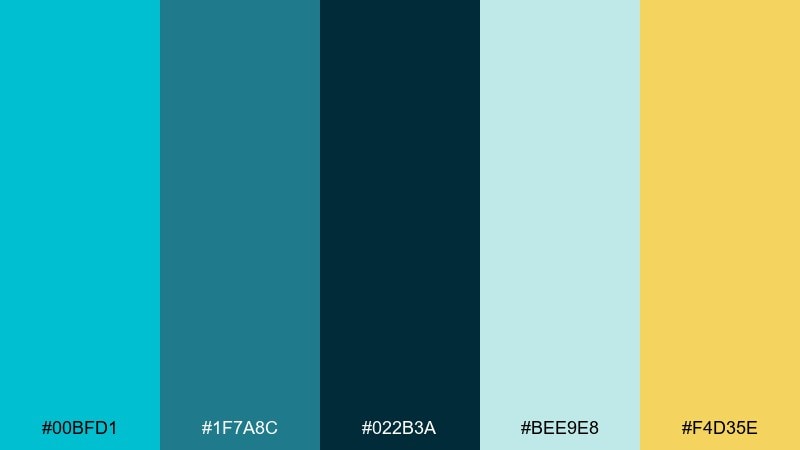
HEX: #00BFD1 #1F7A8C #022B3A #BEE9E8 #F4D35E
Mood: oceanic, confident, premium
Best for: brand identity system
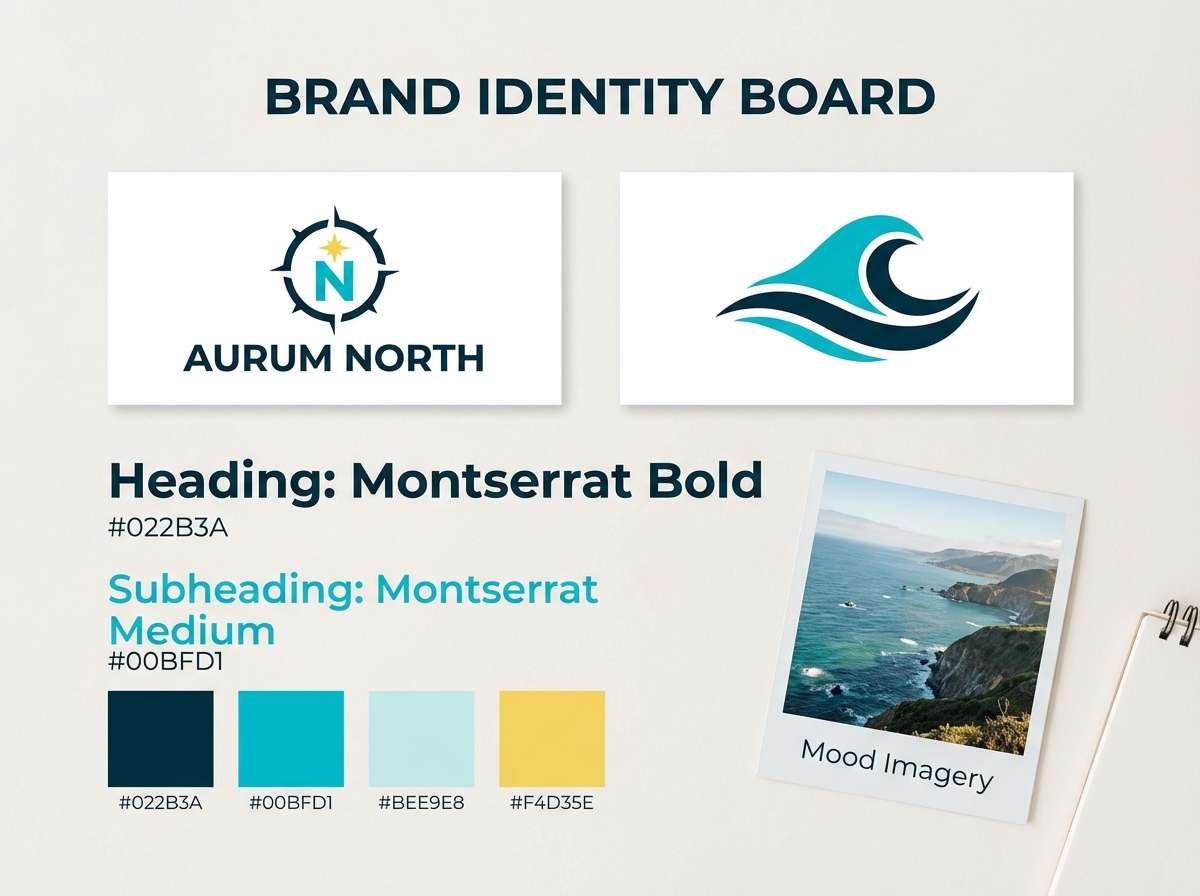
Ocean depth meets polished glass, giving a confident, premium feel that still reads approachable. Pair the dark navy-teal with the bright cyan for strong contrast in logos and wordmarks. The soft seafoam is ideal for secondary backgrounds, while the yellow accent adds energy in small doses. Tip: reserve the yellow for one key element per layout to keep the brand feeling sleek.
Image example of glassy reef generated using media.io
3) Neo Mint Splash
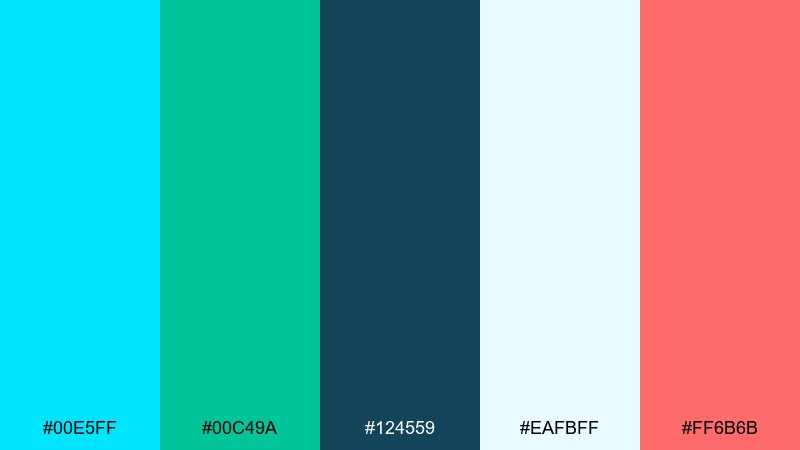
HEX: #00E5FF #00C49A #124559 #EAFBFF #FF6B6B
Mood: playful, sporty, energetic
Best for: social media ad graphic
Playful and punchy like a splash in a poolside arcade, this set leans sporty and upbeat. These cyan color combinations shine when you balance the electric aqua with a calm blue-green base. Coral red becomes the attention hook for pricing, stickers, or badges. Tip: use large blocks of near-white to keep the bright tones from overwhelming small screens.
Image example of neo mint splash generated using media.io

4) Cyan Noir
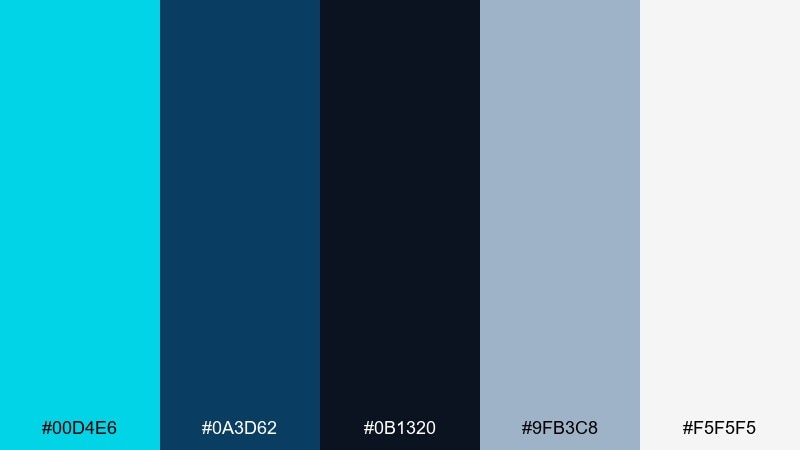
HEX: #00D4E6 #0A3D62 #0B1320 #9FB3C8 #F5F5F5
Mood: sleek, nocturnal, high-contrast
Best for: music event poster
Sleek and nocturnal, these tones evoke neon signage cutting through a dark street. Use the near-black and deep blue as the stage, then let bright cyan form the headline glow. Cool gray-blue supports subtext and grids without distracting. Tip: add a subtle gradient from deep blue to black to make the cyan pop even more.
Image example of cyan noir generated using media.io

5) Tropic Circuit
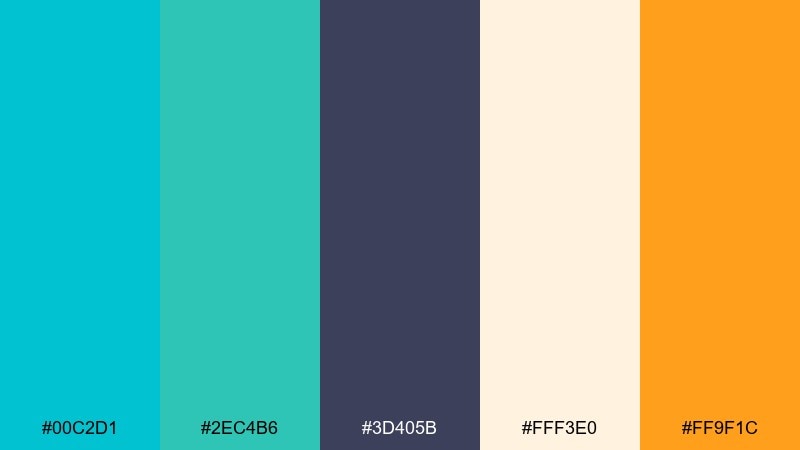
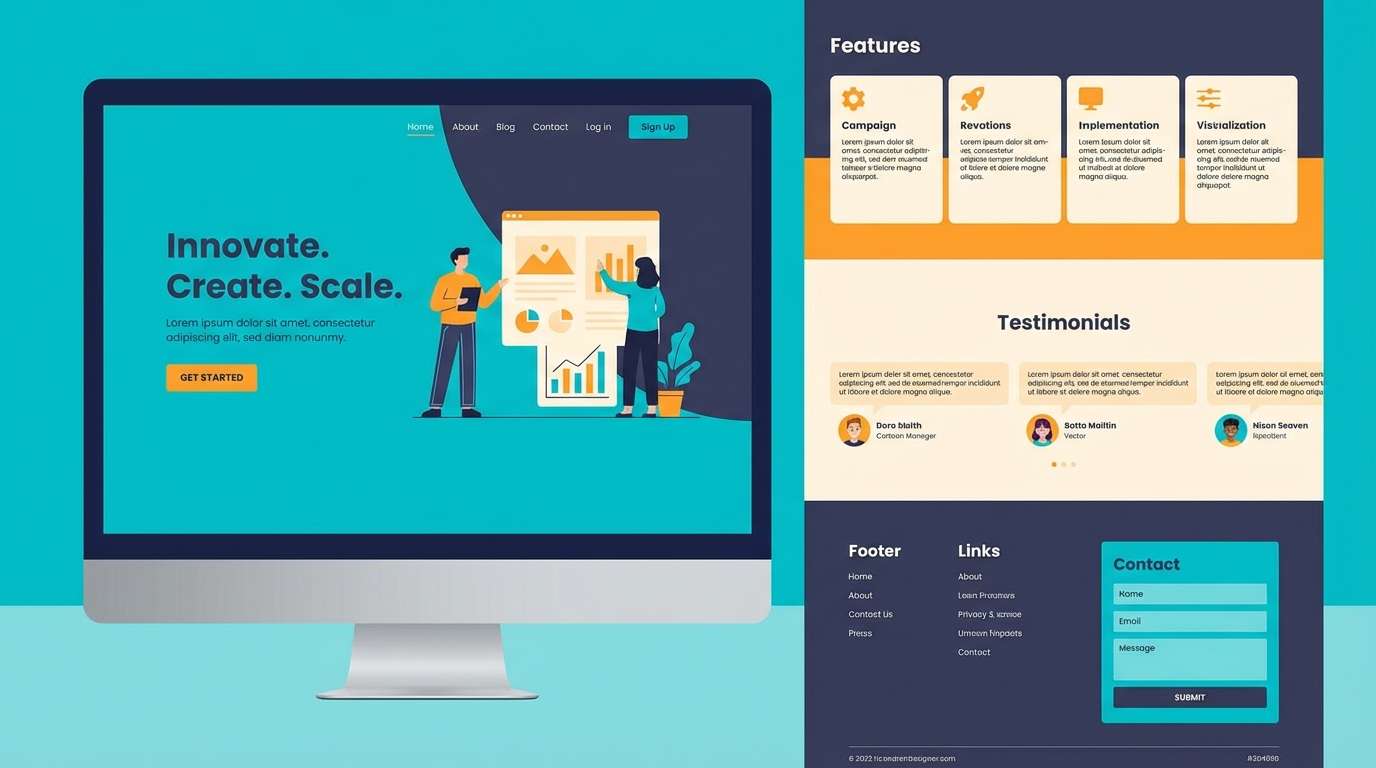
HEX: #00C2D1 #2EC4B6 #3D405B #FFF3E0 #FF9F1C
Mood: sunny, techy, optimistic
Best for: landing page for a startup
Sunny and techy at once, it feels like beach light filtered through a clean interface. The slate-indigo grounds the palette while the two blue-greens keep it fresh. Creamy off-white makes layouts feel warm rather than clinical, and orange adds a confident spark. Tip: use orange only for primary actions to keep the page calm and readable.
Image example of tropic circuit generated using media.io
6) Spa Breeze
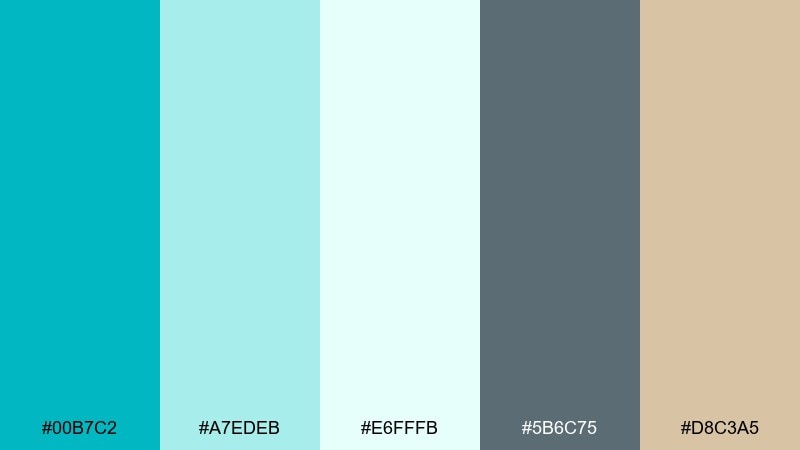
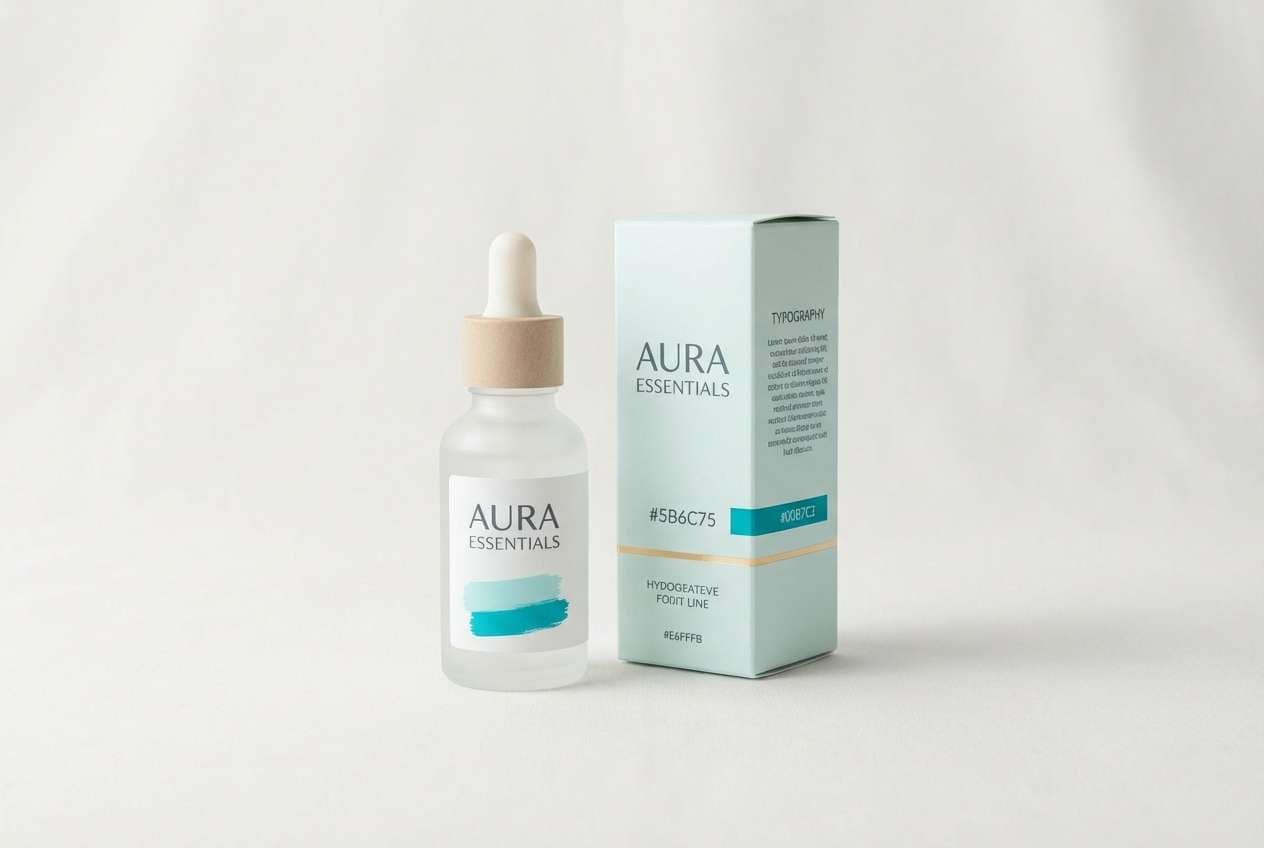
HEX: #00B7C2 #A7EDEB #E6FFFB #5B6C75 #D8C3A5
Mood: calming, airy, wellness
Best for: skincare packaging
Calming and airy, it brings to mind steam, towels, and a quiet spa lobby. Let the soft aquas handle the label background while the gray-green keeps typography grounded. A gentle beige adds a human, tactile touch that works well for wellness brands. Tip: print the cyan slightly muted on matte stock to avoid overly glossy results.
Image example of spa breeze generated using media.io
7) Glacier Pop
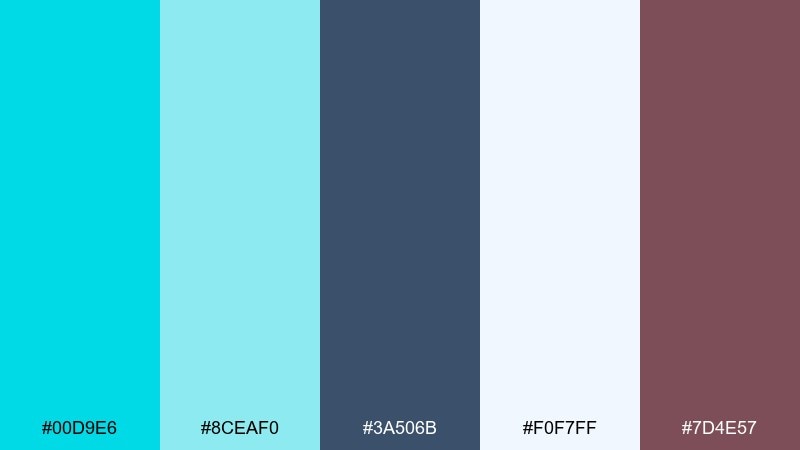
HEX: #00D9E6 #8CEAF0 #3A506B #F0F7FF #7D4E57
Mood: bright, youthful, polished
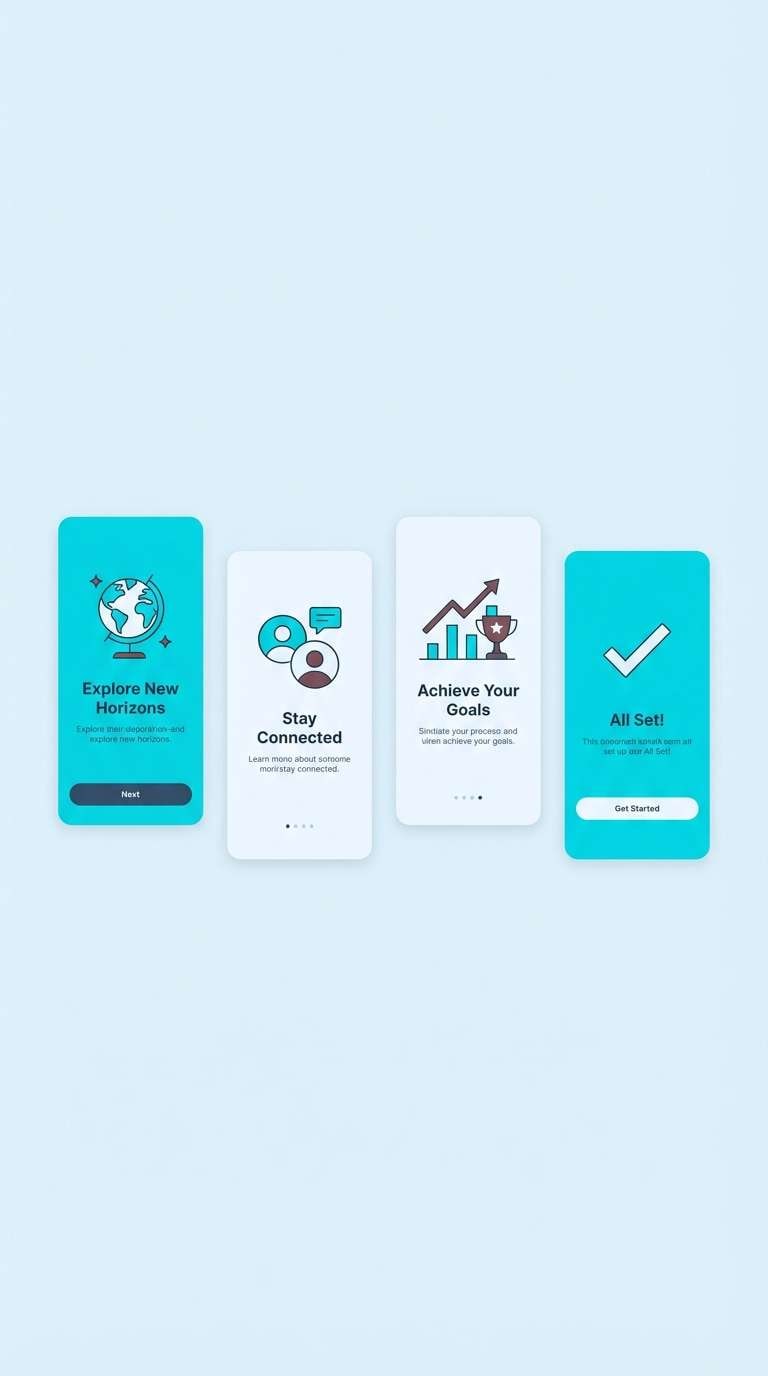
Best for: mobile app onboarding screens
Bright and youthful like fresh ice with a berry twist, these tones feel polished but fun. Use the light icy blue for backgrounds and reserve the saturated cyan for illustrations and key icons. The muted berry shade is a smart accent for micro-interactions like toggles and progress states. Tip: keep body text in the navy-slate to maintain accessibility on light screens.
Image example of glacier pop generated using media.io
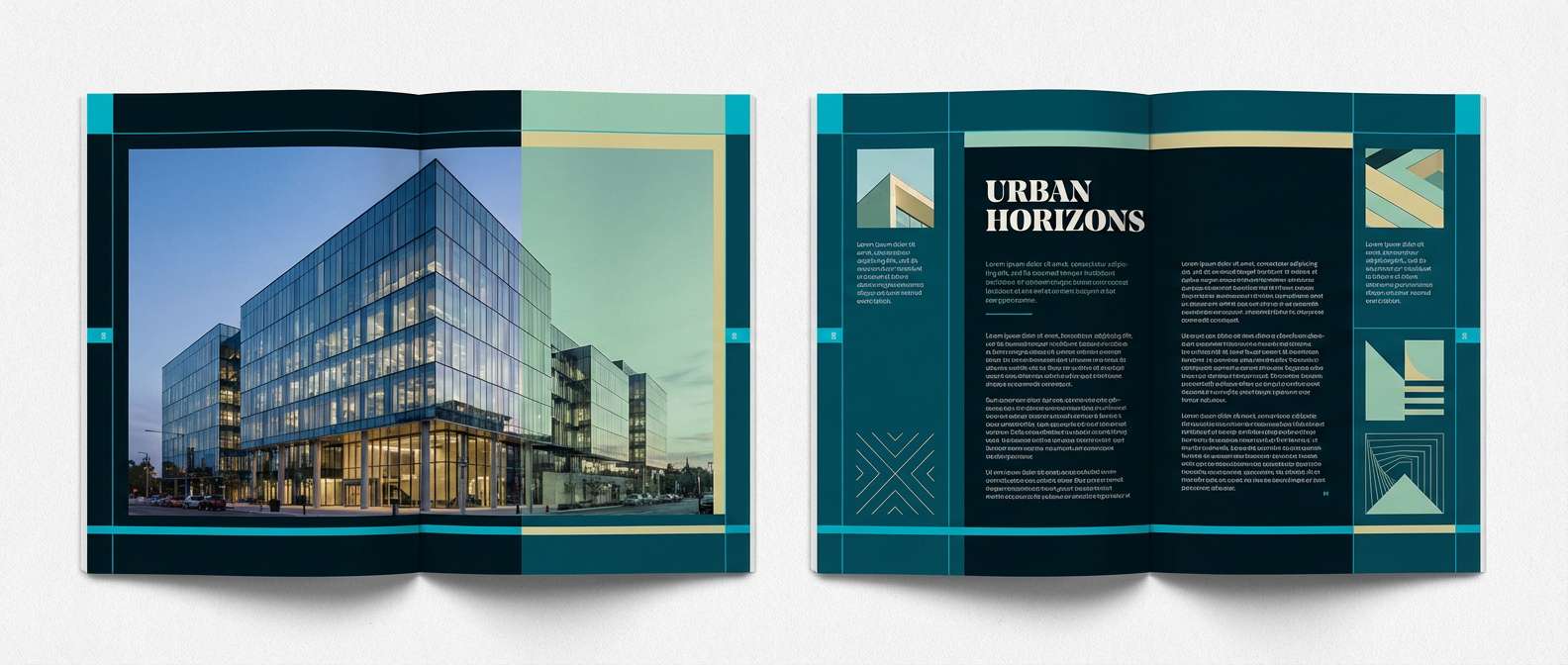
8) Deep Sea Ink
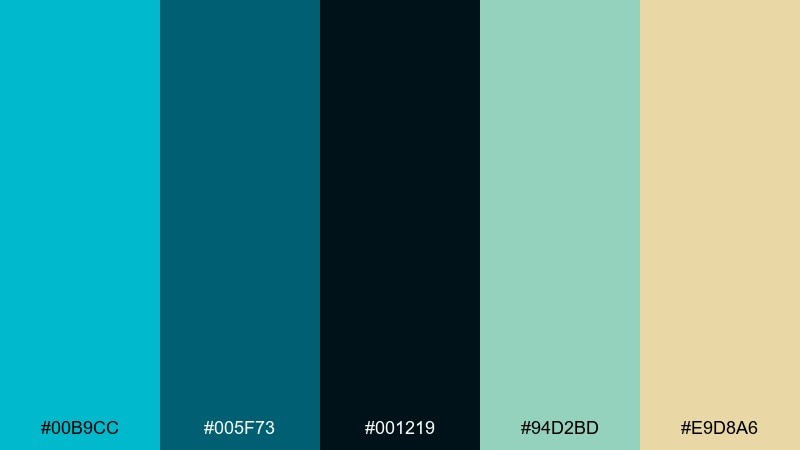
HEX: #00B9CC #005F73 #001219 #94D2BD #E9D8A6
Mood: moody, editorial, refined
Best for: editorial magazine spread
Moody and refined, it feels like inked waves and deep water shadows. This cyan color palette works beautifully for editorial layouts where you need drama without harsh saturation. Use the near-black for text, the deep teal for section bars, and seafoam for pull quotes or charts. Tip: keep accent sand to small highlights so the spread stays sophisticated.
Image example of deep sea ink generated using media.io
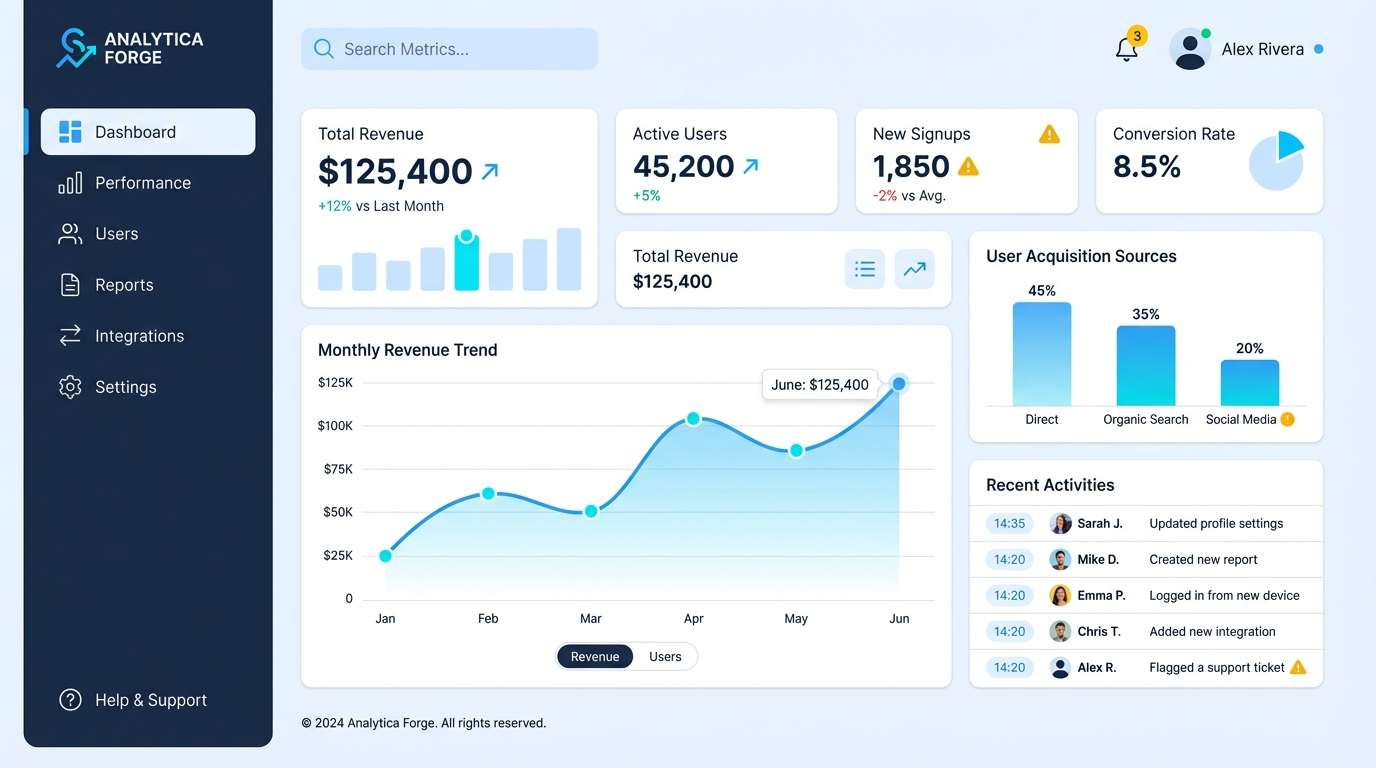
9) Pixel Pool
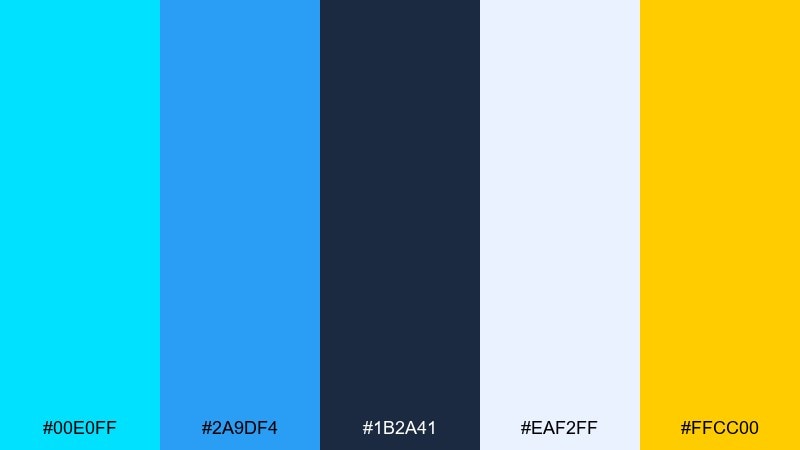
HEX: #00E0FF #2A9DF4 #1B2A41 #EAF2FF #FFCC00
Mood: digital, upbeat, game-like
Best for: SaaS dashboard UI
Digital and upbeat, it looks like light bouncing off pixels in a pool. Use the dark navy for navigation and data tables, then layer cyan and bright blue for active states and charts. A clean near-white background keeps numbers readable, while yellow is perfect for alerts. Tip: apply cyan to only one chart series per view to avoid visual noise.
Image example of pixel pool generated using media.io
10) Coastal Concrete
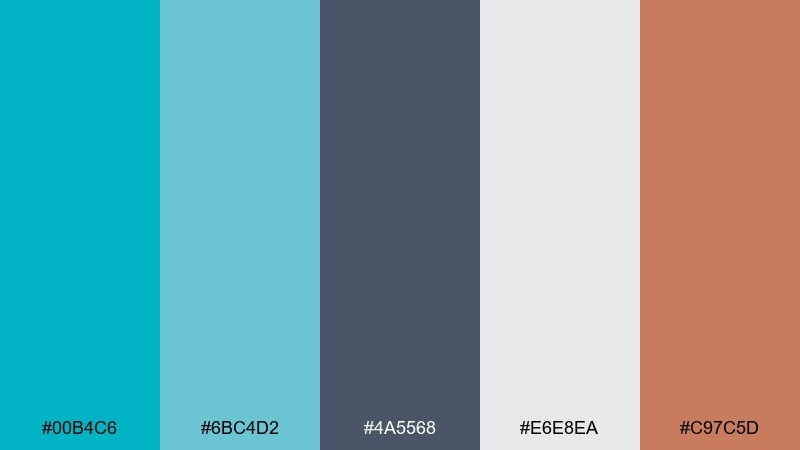
HEX: #00B4C6 #6BC4D2 #4A5568 #E6E8EA #C97C5D
Mood: urban, balanced, understated
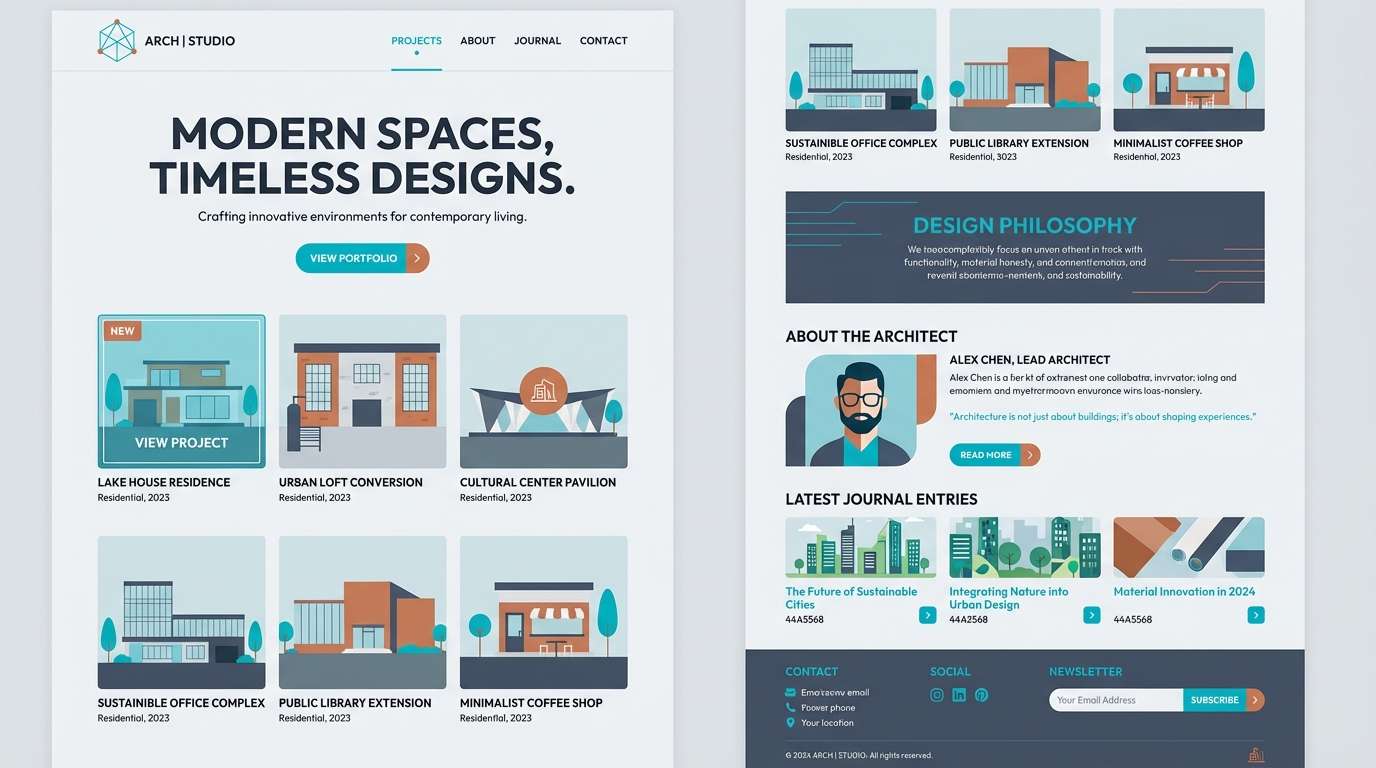
Best for: architecture portfolio website
Urban and understated, it feels like sea air drifting through a concrete gallery. The grays keep layouts structured while cyan adds a clean, contemporary edge for links and hover states. Terracotta warms up case studies and can highlight project tags without shouting. Tip: use large gray margins and thin cyan rules to create a premium, minimalist rhythm.
Image example of coastal concrete generated using media.io
11) Museum Aqua
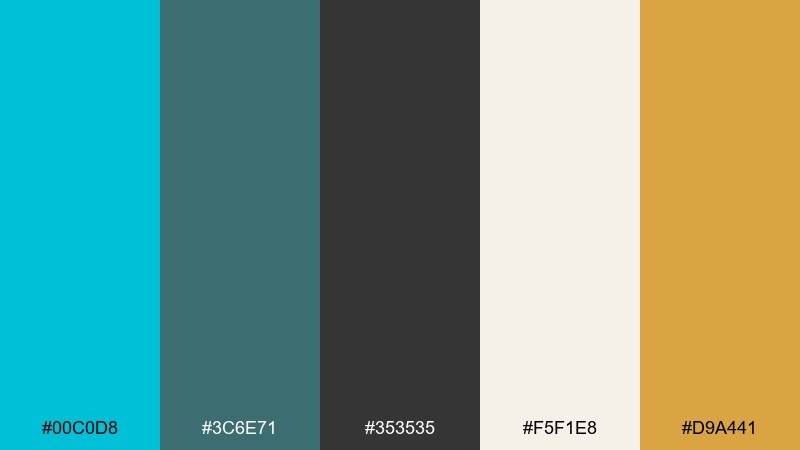
HEX: #00C0D8 #3C6E71 #353535 #F5F1E8 #D9A441
Mood: cultured, timeless, curated
Best for: exhibition flyer
Curated and timeless, it suggests quiet museum halls with a modern lighting wash. The charcoal text and warm paper background keep the design grounded and readable. Add cyan for headings and wayfinding elements, then use the gold as a subtle premium accent. Tip: choose one strong cyan heading per section and keep the rest in muted greens for hierarchy.
Image example of museum aqua generated using media.io

12) Electric Cyan Punch
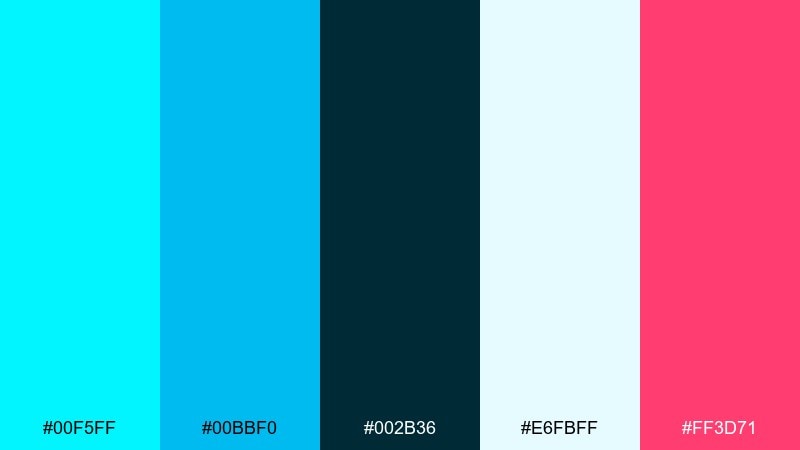
HEX: #00F5FF #00BBF0 #002B36 #E6FBFF #FF3D71
Mood: bold, futuristic, high-energy
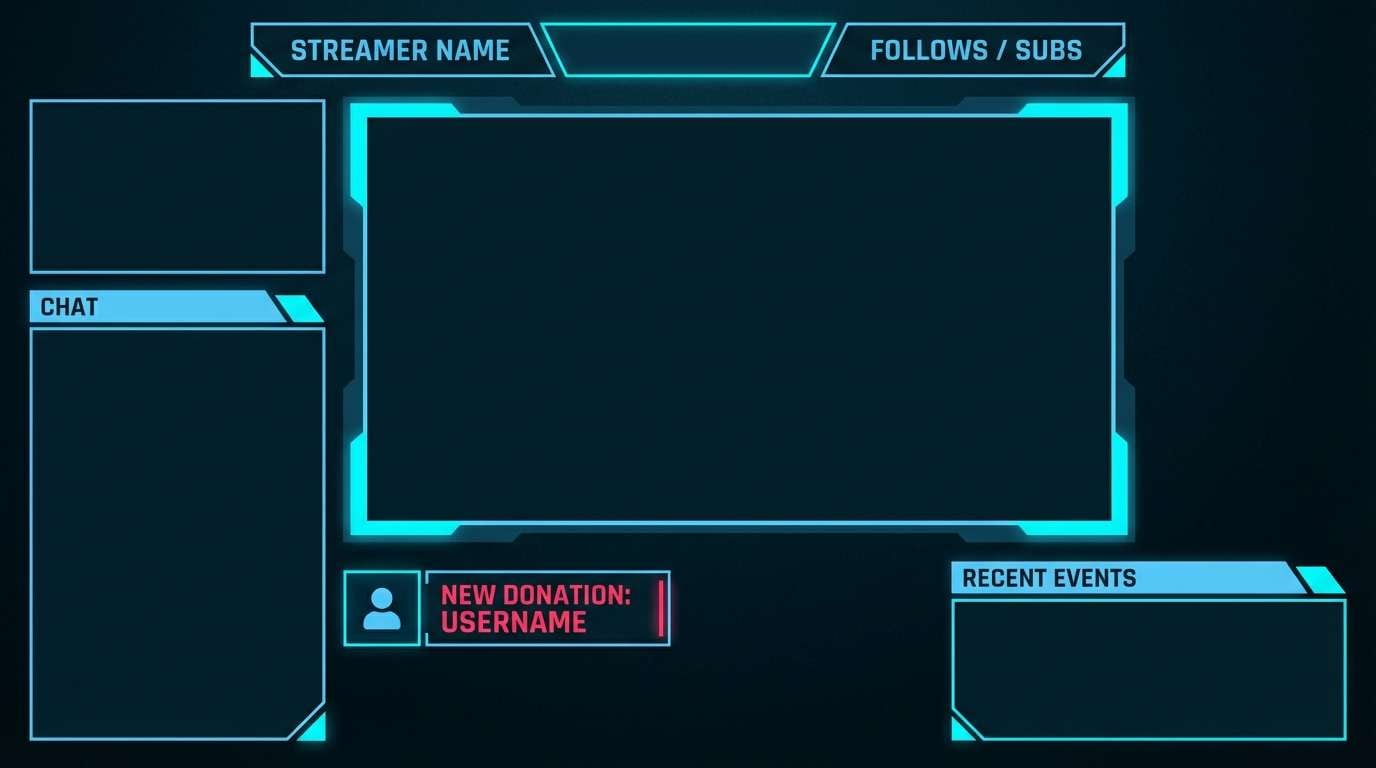
Best for: gaming stream overlay
Bold and futuristic, it feels like a light beam cutting across a dark stage. Use the near-black base for panels, then push bright cyan for borders, timers, and callouts. Hot pink makes an aggressive accent for alerts or subscriber moments. Tip: add glow effects sparingly so the overlay stays readable during fast motion.
Image example of electric cyan punch generated using media.io
13) Rainy Window
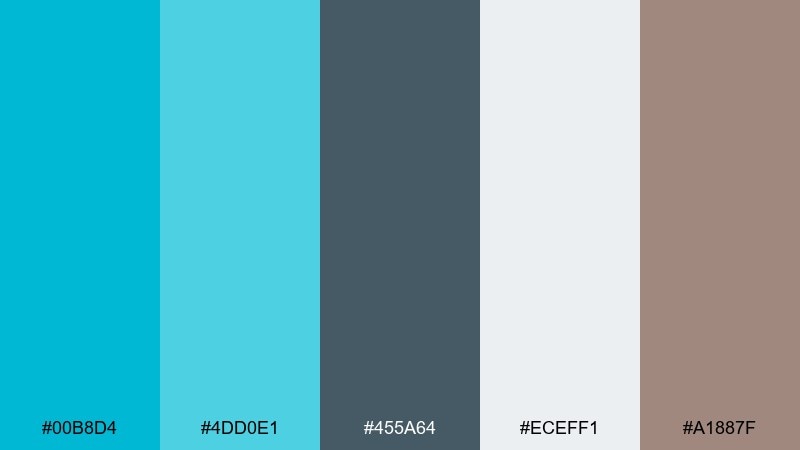
HEX: #00B8D4 #4DD0E1 #455A64 #ECEFF1 #A1887F
Mood: soft, contemplative, cozy
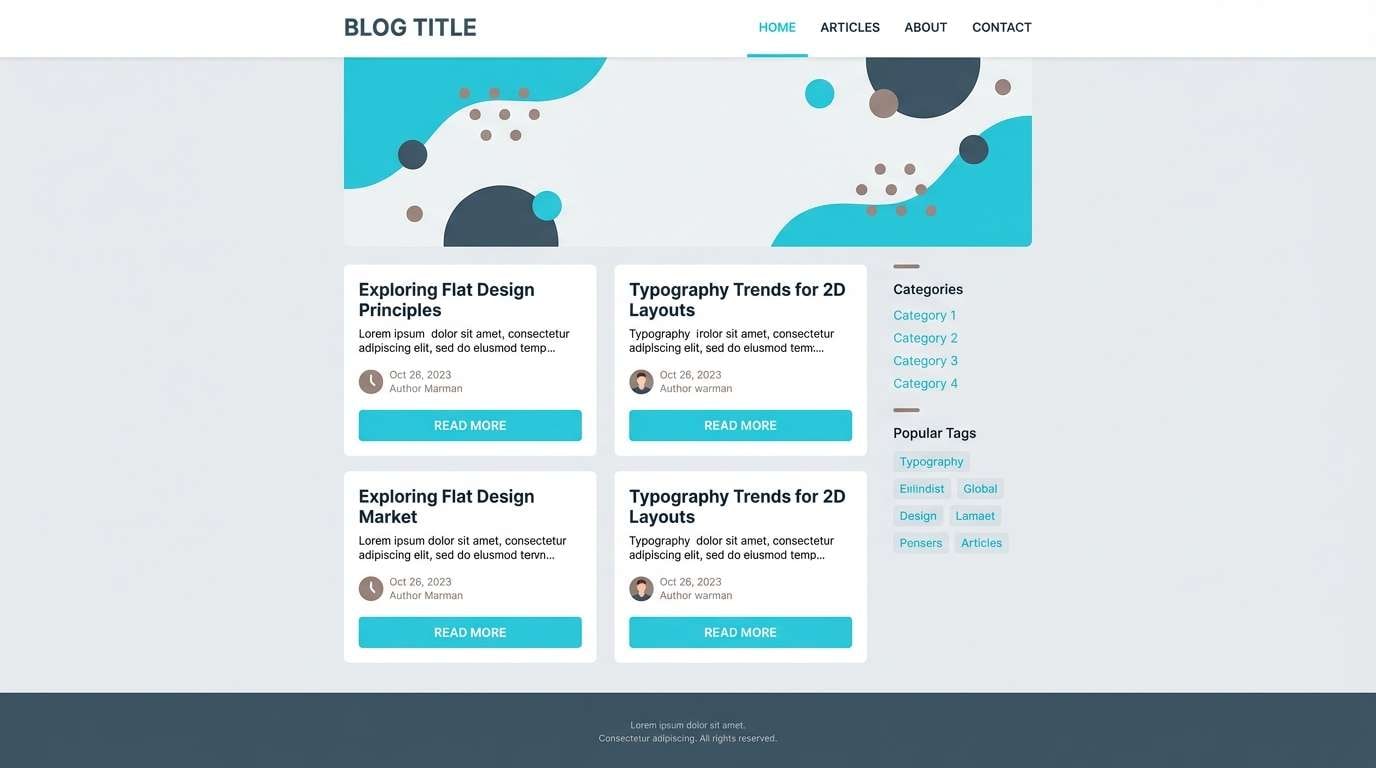
Best for: blog theme and typography
Soft and contemplative, it evokes rain streaks on glass and a quiet afternoon. The cool grays make a strong foundation for long reads, while cyan highlights links and subtle UI controls. A muted taupe adds warmth for headings or category labels. Tip: set body text in the deep gray and keep cyan limited to interactive states for comfort.
Image example of rainy window generated using media.io
14) Sunrise Surf
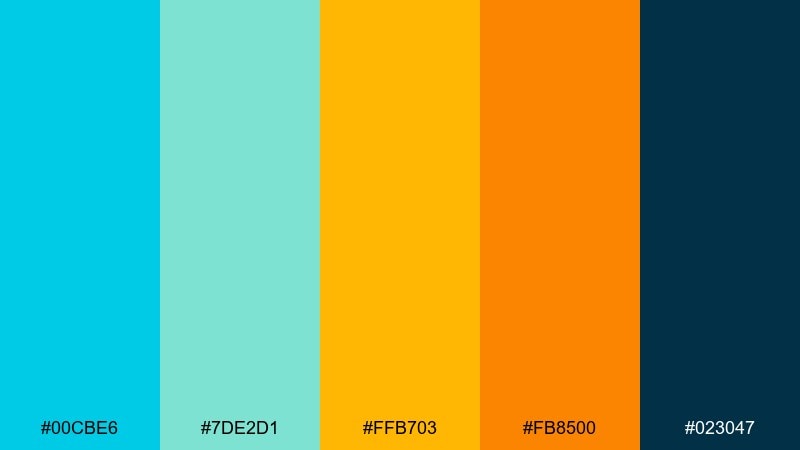
HEX: #00CBE6 #7DE2D1 #FFB703 #FB8500 #023047
Mood: joyful, summery, lively
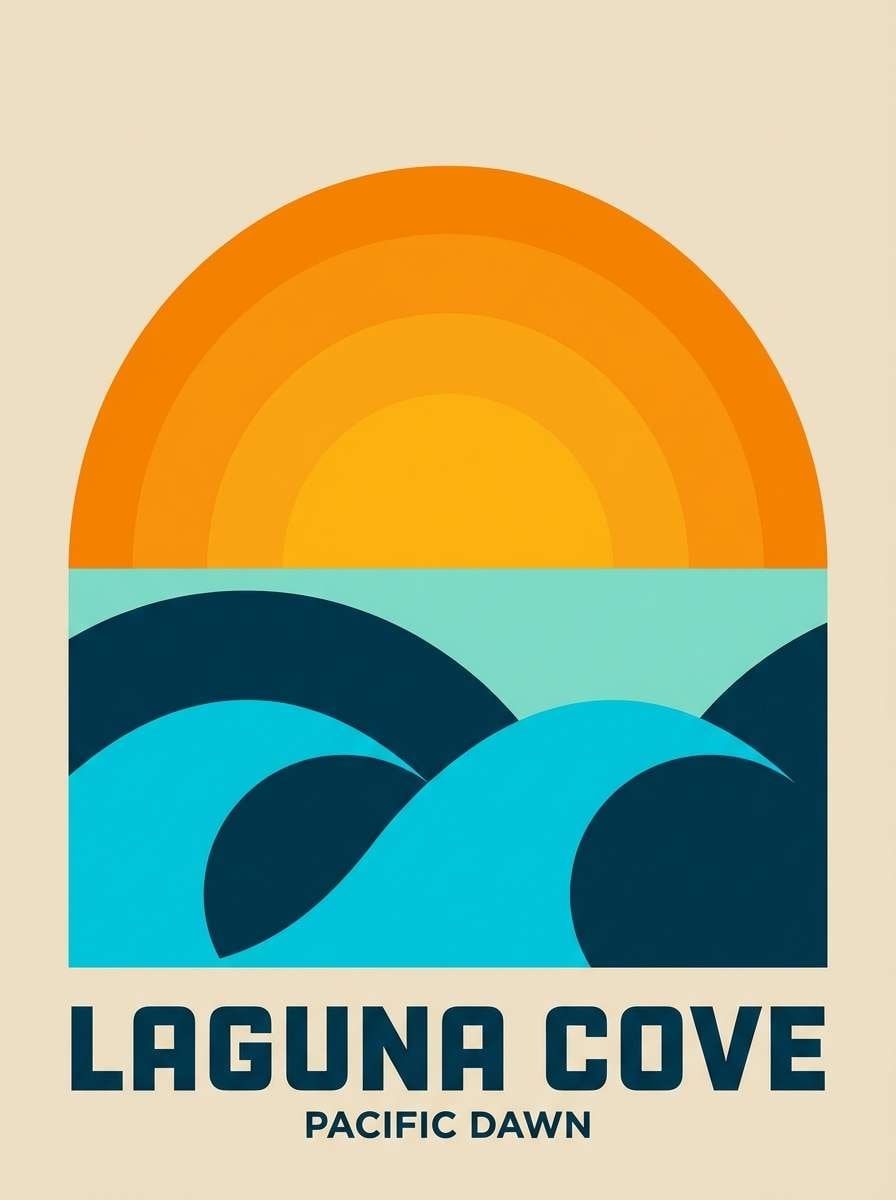
Best for: travel poster
Joyful and summery, it looks like a sunrise reflecting across shallow surf. These cyan color combinations feel best when the dark navy holds the type and the warm oranges stay in the spotlight. Use the minty aqua to soften large color fields and keep the poster airy. Tip: keep orange gradients smooth and let cyan act as the cooling counterbalance.
Image example of sunrise surf generated using media.io
15) Cleanroom Cyan
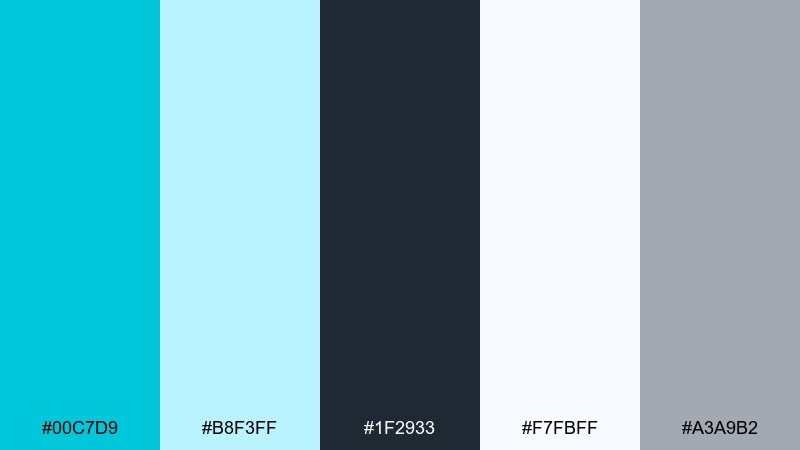
HEX: #00C7D9 #B8F3FF #1F2933 #F7FBFF #A3A9B2
Mood: clinical, precise, trustworthy
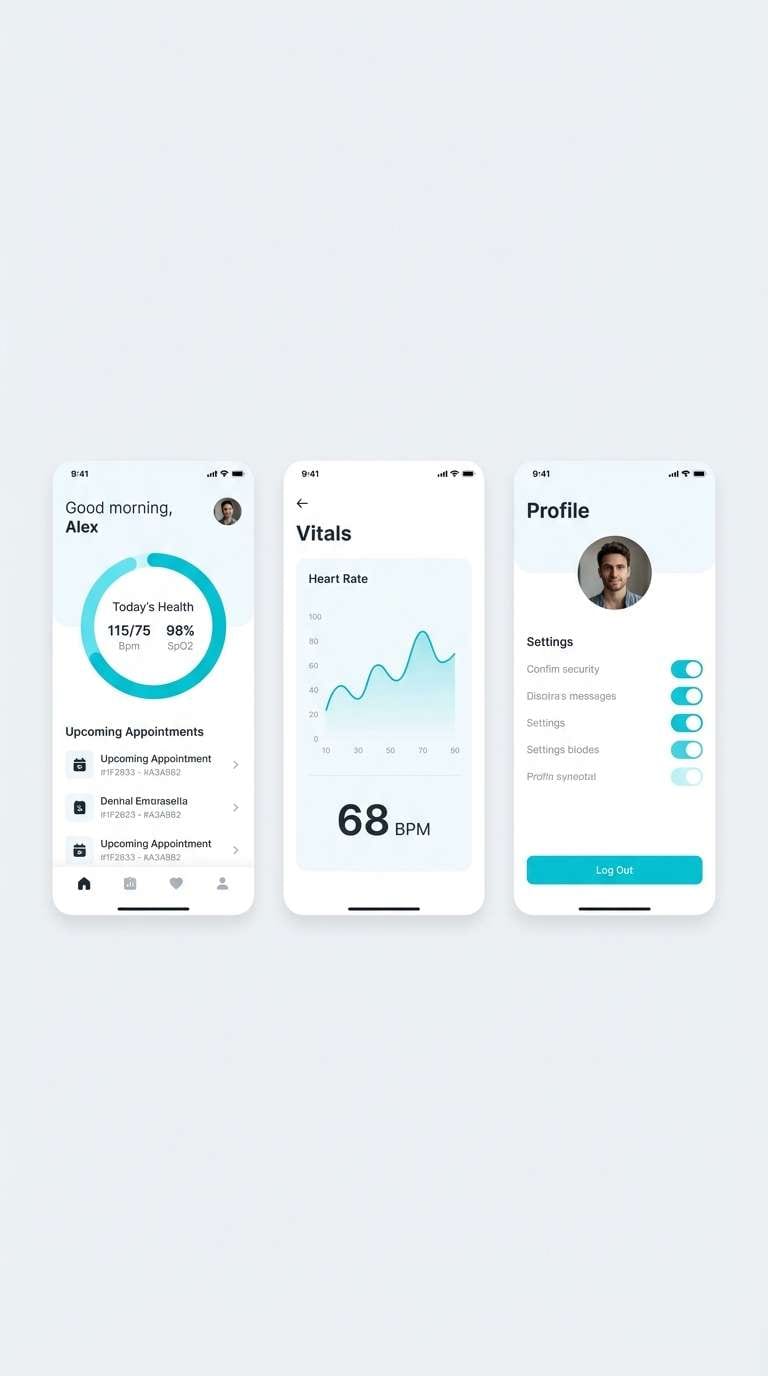
Best for: health app UI
Precise and trustworthy, it suggests a cleanroom glow and crisp medical UI. Use the light blue-white for surfaces and cards, then apply cyan to primary actions and key metrics. The charcoal keeps text sharp and accessible, while the soft gray supports dividers and icons. Tip: avoid heavy shadows and rely on spacing plus thin borders for a calmer interface.
Image example of cleanroom cyan generated using media.io
16) Vintage Pool Tile
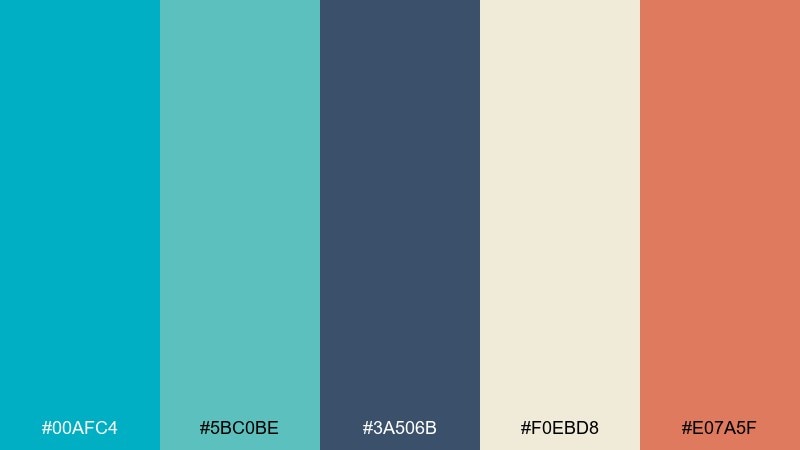
HEX: #00AFC4 #5BC0BE #3A506B #F0EBD8 #E07A5F
Mood: retro, relaxed, artsy
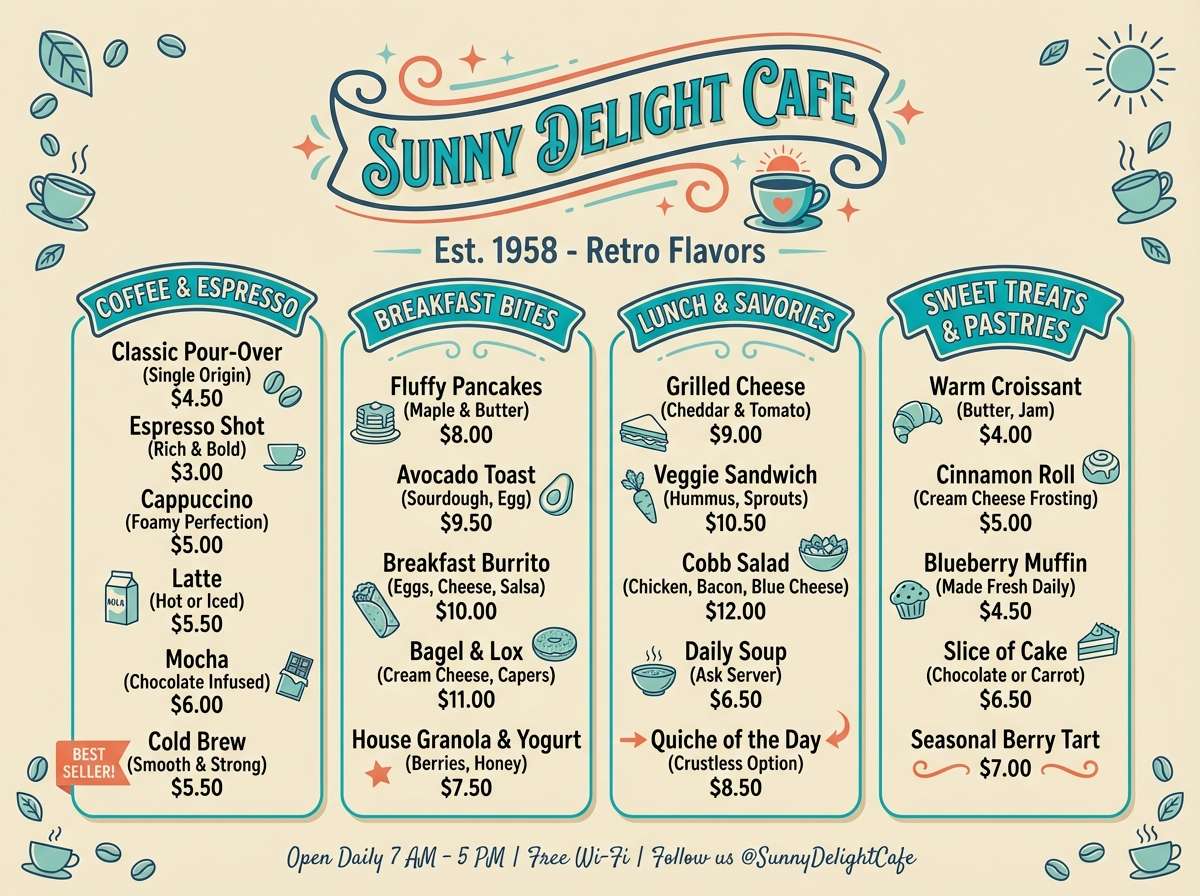
Best for: cafe menu design
Retro and relaxed, it recalls sun-faded pool tiles and a laid-back patio. The teal-cyan duo sets an inviting base for section headers and icons, while the navy adds structure for prices and body text. Cream keeps the menu warm, and the terracotta accent is perfect for specials. Tip: use teal for category blocks and keep terracotta only for 1 to 2 callouts per page.
Image example of vintage pool tile generated using media.io
17) Botanical Mist
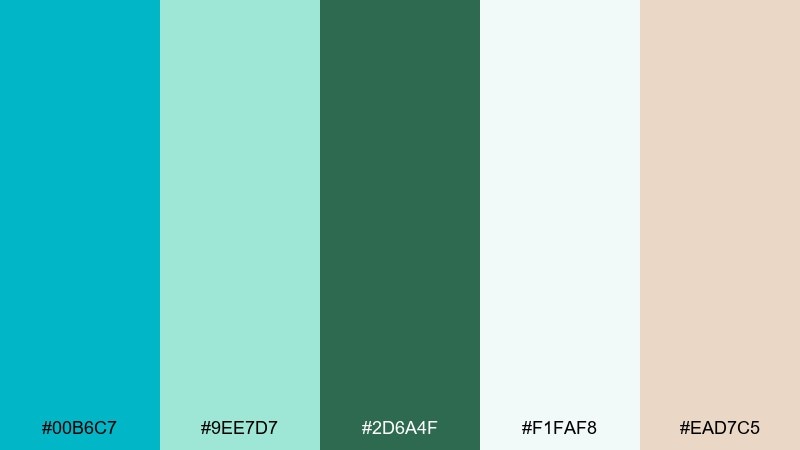
HEX: #00B6C7 #9EE7D7 #2D6A4F #F1FAF8 #EAD7C5
Mood: fresh, natural, gentle
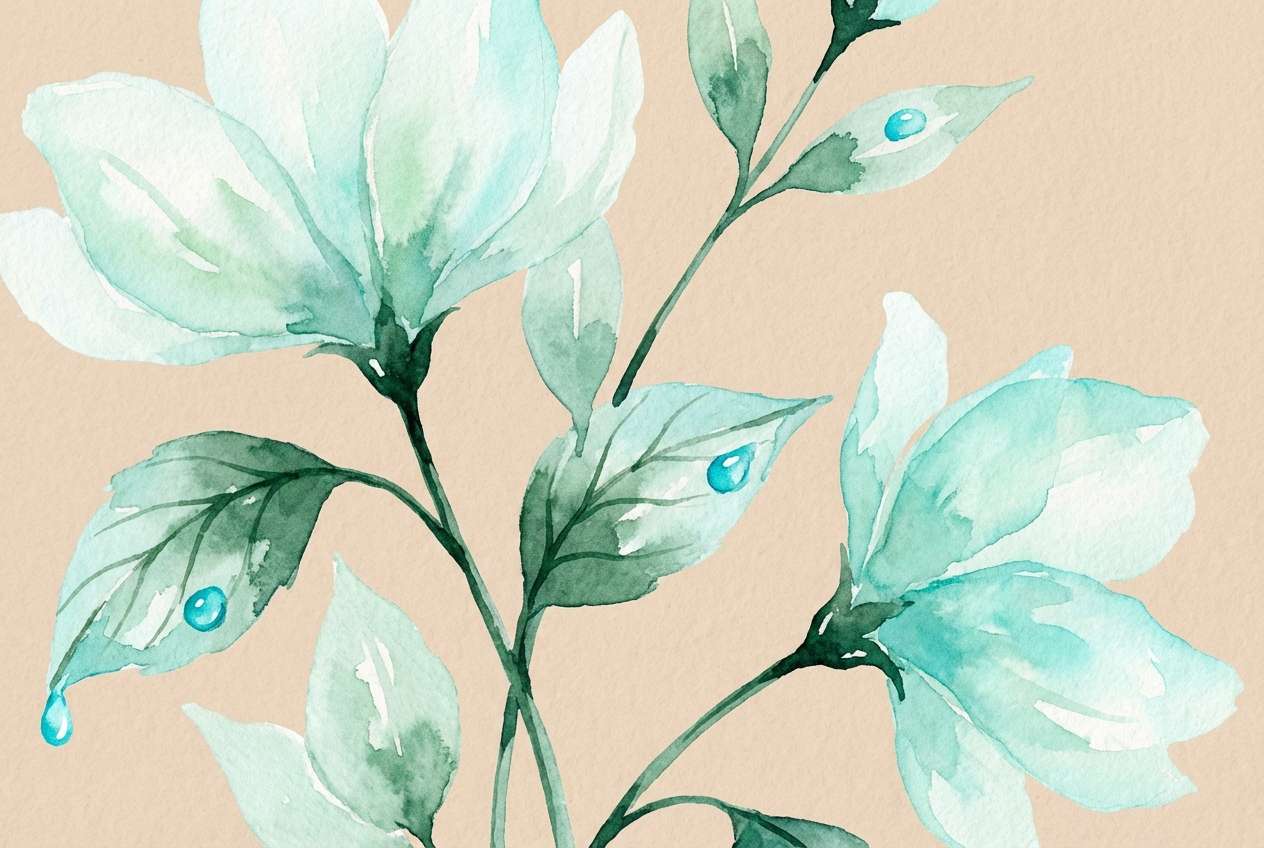
Best for: spring botanical illustration
Fresh and gentle, it feels like morning mist settling over new leaves. Use the pale mint and off-white for paper-like washes, with cyan for water accents and highlights. Deep green grounds stems and shadows, while the warm beige adds a natural, handmade note. Tip: keep cyan in thin strokes so the illustration stays soft and botanical.
Image example of botanical mist generated using media.io
18) Night Market Neon
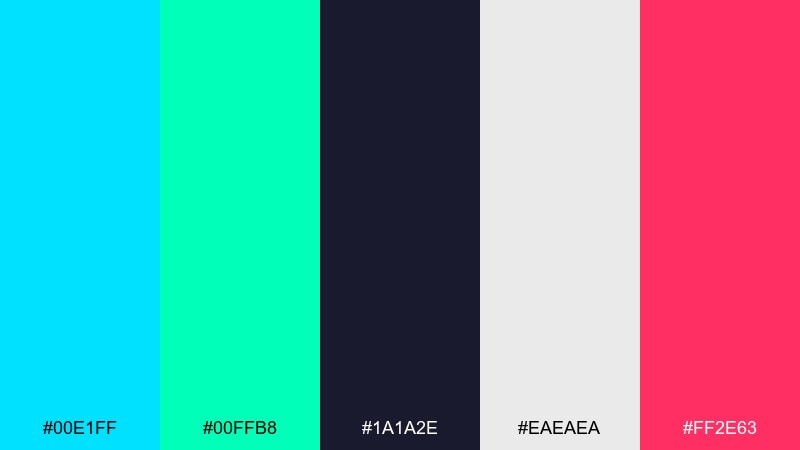
HEX: #00E1FF #00FFB8 #1A1A2E #EAEAEA #FF2E63
Mood: vibrant, urban, nightlife
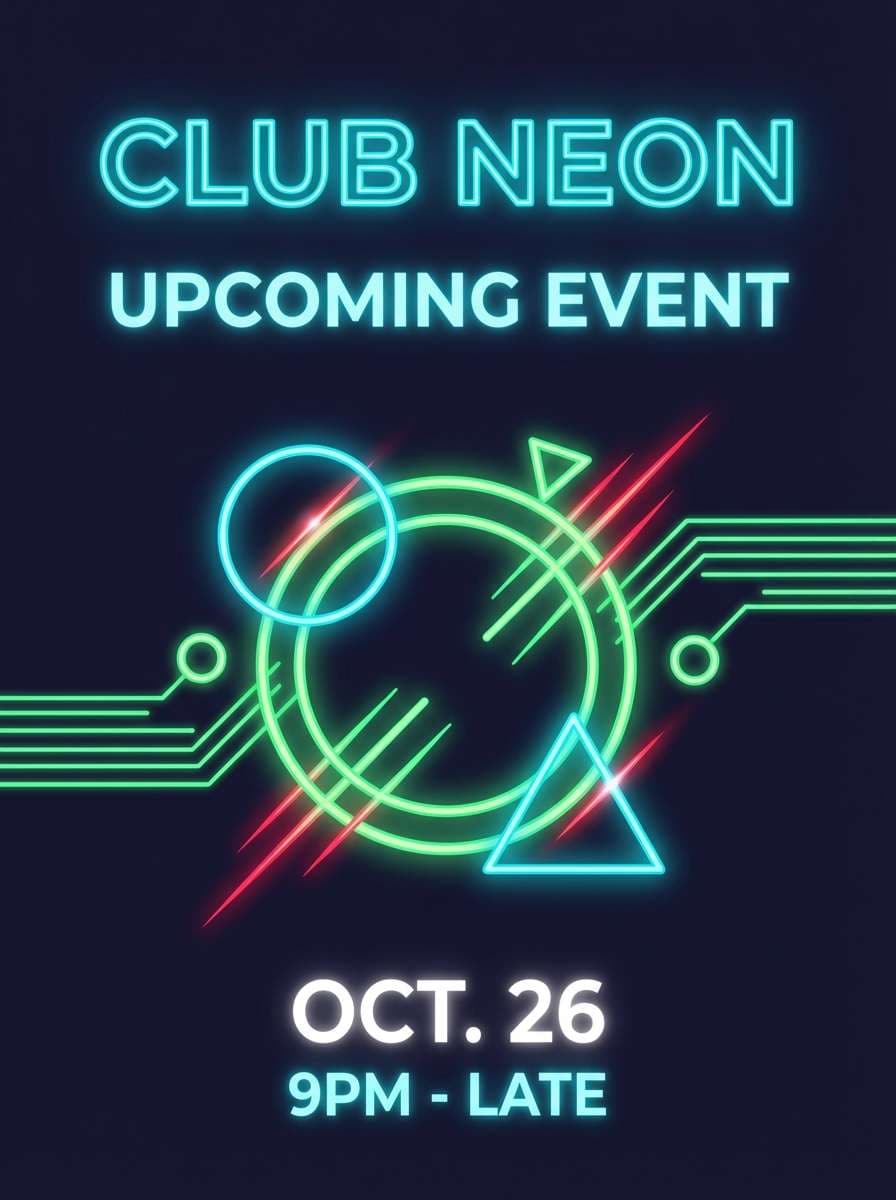
Best for: club flyer
Vibrant and urban, it brings to mind neon signs and late-night street stalls. Let the deep indigo do the heavy lifting so the bright cyan and green read like real light. Hot pink makes a perfect hit for the date or DJ name. Tip: use thick type and avoid small thin fonts, since neon palettes need breathing room to stay legible.
Image example of night market neon generated using media.io
19) Calm Data Grid
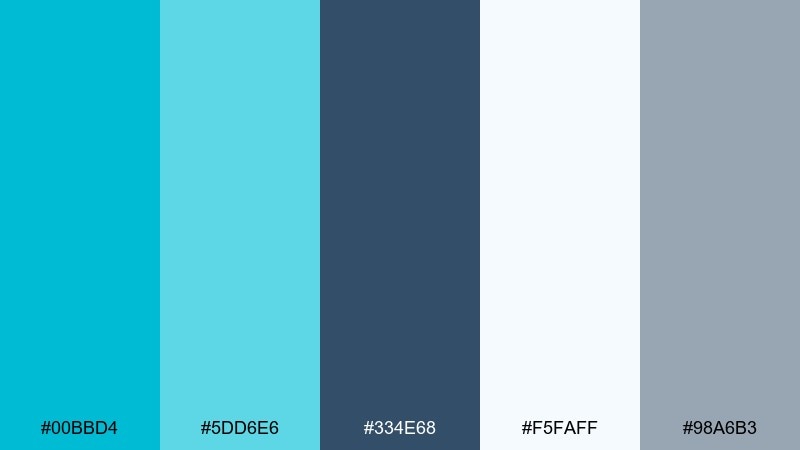
HEX: #00BBD4 #5DD6E6 #334E68 #F5FAFF #98A6B3
Mood: clear, organized, professional
Best for: analytics report template
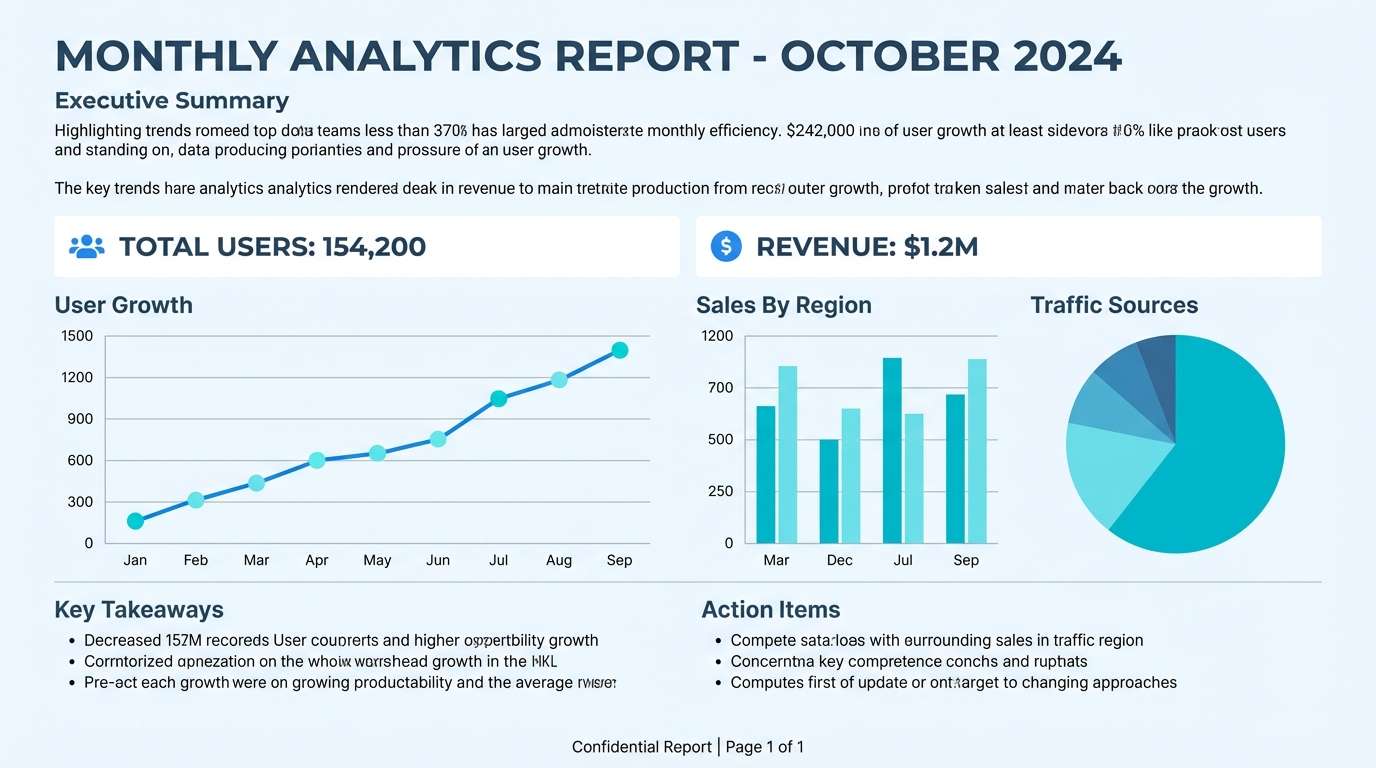
Clear and organized, it feels like a calm control room with perfectly aligned charts. This cyan color palette suits reports where you want trustworthy visuals without flashy saturation. Use the slate-blue for headings and table text, with cyan reserved for one primary metric and one secondary series. Tip: keep gridlines in soft gray so the data colors stay in charge.
Image example of calm data grid generated using media.io
20) Ice Cream Soda
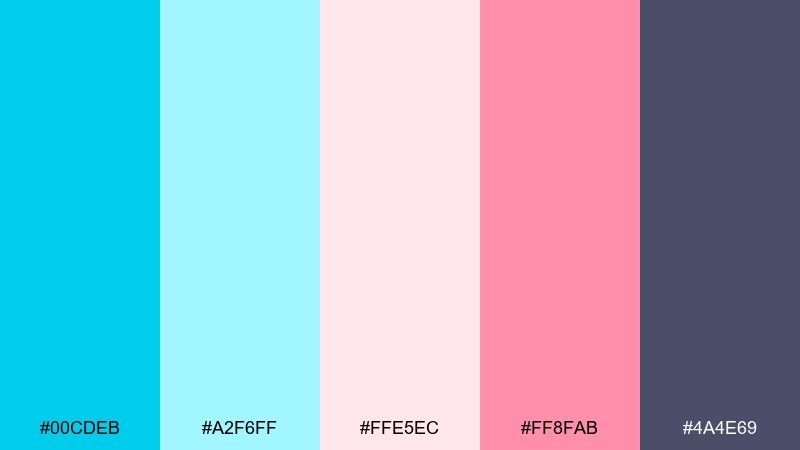
HEX: #00CDEB #A2F6FF #FFE5EC #FF8FAB #4A4E69
Mood: sweet, light, whimsical
Best for: dessert shop Instagram post
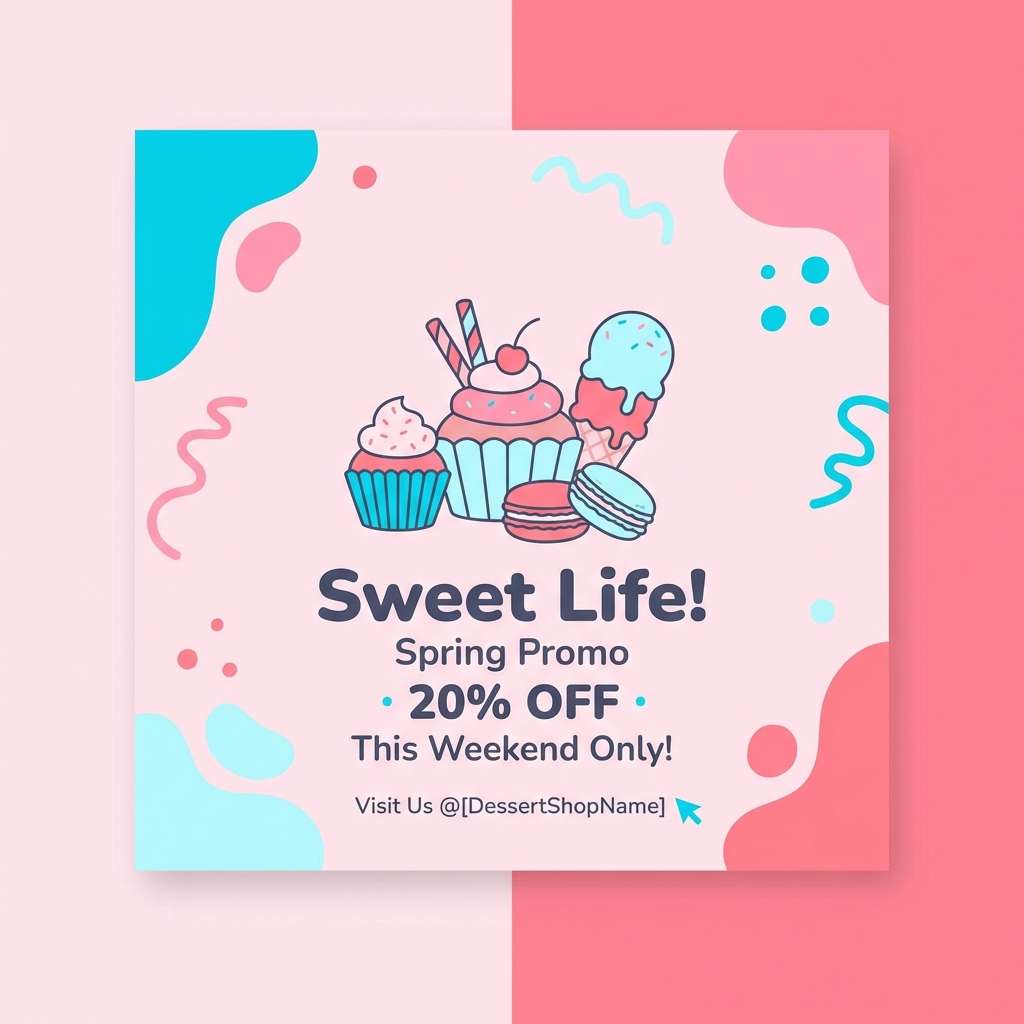
Sweet and whimsical, it feels like bubbly soda with a scoop of pastel sorbet. The soft aqua and blush make friendly backgrounds, while cyan adds sparkle for stickers and highlights. Deep mauve keeps text readable without turning harsh. Tip: use cyan for small shine details and keep the pink as the dominant block to maintain a dessert-like softness.
Image example of ice cream soda generated using media.io
What Colors Go Well with Cyan?
Deep neutrals are the easiest match: navy, charcoal, and near-black make cyan look brighter and more premium. For light layouts, pair cyan with soft whites and icy grays to keep the overall feel airy.
Warm accents create the best “pop” with cyan because they sit opposite on the color wheel. Try orange, apricot, coral, gold, or sand tones for CTAs, highlights, and small details.
For calmer, nature-forward palettes, combine cyan with greens (sage, forest, eucalyptus) and keep saturation under control. This keeps the palette fresh while avoiding an overly “neon” look.
How to Use a Cyan Color Palette in Real Designs
Start with roles, not just colors: choose one dark anchor (type/navigation), one light surface (background/cards), one primary cyan (actions/highlights), and one warm accent (sparingly). This structure keeps interfaces readable and consistent across screens.
In branding, use cyan as a signature stroke—logo detail, underline, icon fill, or packaging band—then let neutrals do most of the work. That approach scales better than making cyan the only dominant color everywhere.
For print (posters, flyers, menus), watch saturation and paper stock. Cyan can shift depending on lighting and printing, so test a proof and keep body text in a reliable dark tone.
Create Cyan Palette Visuals with AI
If you already have HEX codes, you can generate matching mockups (posters, UI screens, brand boards) by describing the layout and listing your exact colors. Consistent prompts help you keep a cohesive look across a full campaign.
Media.io makes this workflow fast: paste a prompt, specify the ratio, and iterate until the composition and contrast feel right. Then reuse the same palette across multiple formats without starting from scratch.
Cyan Color Palette FAQs
-
Is cyan the same as aqua or teal?
Not exactly. Cyan is a bright blue-green (often close to pure #00FFFF), while aqua is commonly used as a casual name for similar light cyan tones. Teal is typically darker and more muted, leaning toward blue-green with more depth. -
What’s the best dark text color on a cyan background?
Charcoal or deep navy usually reads best (for example #1F2933, #0B1320, or #022B3A). Pure black can work, but a slightly softened near-black often feels more modern while staying accessible. -
What accent color pairs best with cyan for CTAs?
Warm hues like orange, apricot, coral, and gold create the clearest CTA contrast against cyan. Use the warm accent sparingly (often one primary action per section) to avoid a noisy, overly saturated look. -
How do I keep cyan UIs from looking “too cold”?
Add warmth through off-white backgrounds (cream instead of pure white) and a small warm accent (sand, beige, terracotta). You can also reduce cyan saturation slightly and rely on spacing and typography for a calmer feel. -
Can cyan work for professional or corporate branding?
Yes—pair it with dark navy/charcoal and use cyan as a controlled highlight for key moments (logo detail, links, charts). Palettes like Glassy Reef or Calm Data Grid are designed for premium, professional contexts. -
What’s a simple rule for building a cyan palette?
Use a 60/30/10 approach: 60% light surface (white/ice), 30% dark anchor (navy/charcoal), and 10% cyan + accent for highlights. This keeps readability strong and prevents cyan from overpowering the layout. -
How can I generate images that match my cyan HEX codes?
Use an AI text-to-image tool and include your exact HEX codes inside the prompt, along with the design type (poster, UI, packaging) and a fixed aspect ratio. This helps keep outputs consistent across multiple visuals.
Next: Slate Blue Color Palette


