
Directing Narrative Drama
Skip the production crew. Turn complex scripts into cinematic scenes with Smart Cuts that handle dialogue pacing and shot changes automatically. Perfect for indie filmmakers and storyboard artists.
 Vidu Q3














Vidu Q3 is a newly released AI video model making waves for its “sound + video” generation in one go. Now you can use Vidu Q3 (Pro) on Media.io to generate native up to 16s videos in 2K, with audio that matches the scene rhythm (voiceover, background music, and sound effects), plus more cinematic camera motion and multi-shot storytelling.
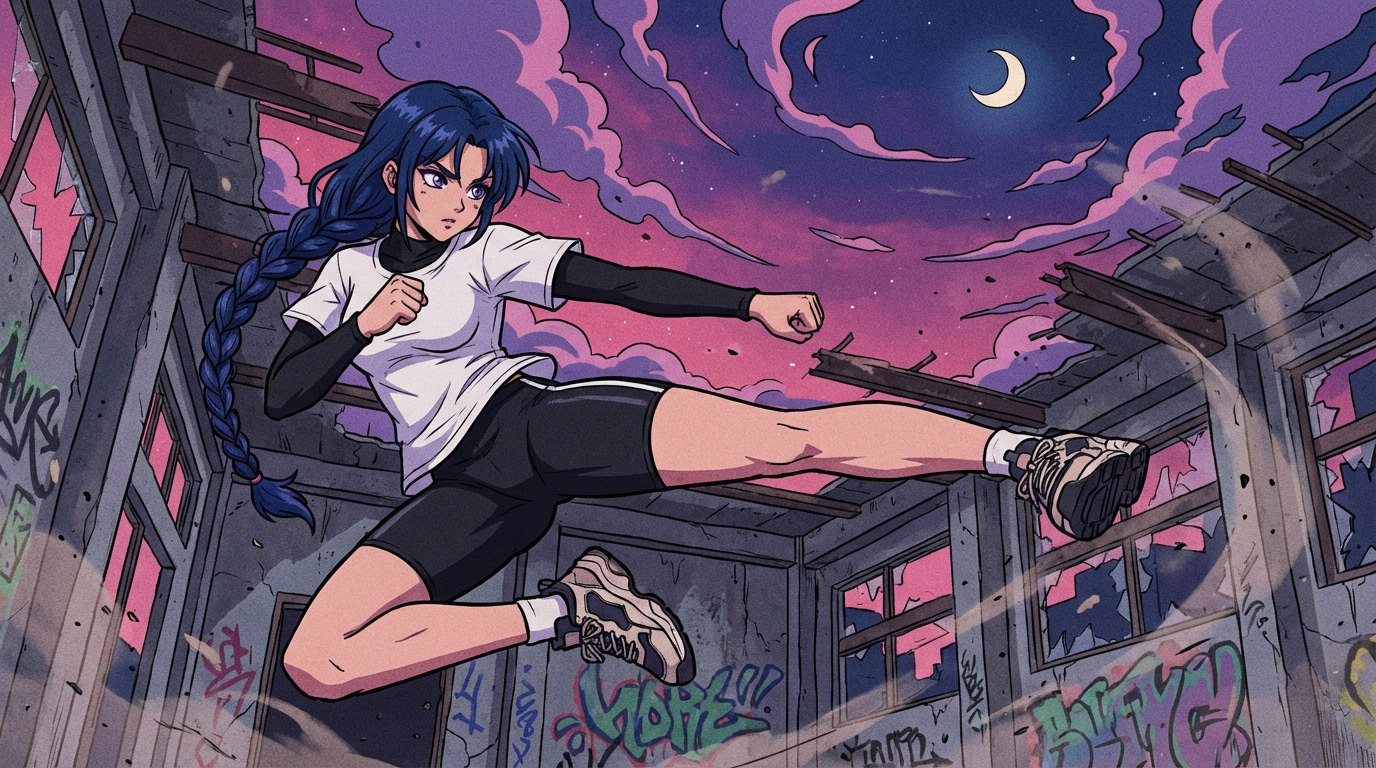


Forget single-take limitations. Vidu Q3 intelligently understands narrative pacing, automatically generating professional scene transitions and multi-angle sequences from a single prompt.
Industry-first "One-Pass" generation. Vidu Q3 creates synchronized dialogue, ambient SFX, and background music that perfectly match the on-screen action and lip movements instantly.
Master the lens with high-precision camera language. Effortlessly execute dolly zooms, FPV drone sweeps, and orbit angles that feel intentionally directed, not randomly generated.
Break the 5-second barrier. Generate continuous, high-fidelity 2K video for up to 16 seconds—giving you the literal space to tell complete stories, detailed demos, and cinematic arcs.
Combine text and image references for ultimate control. With an upgraded physics engine, enjoy "human-like" micro-expressions and realistic secondary motion that brings your characters to life.
Vidu Q3 introduces longer videos, native audio sync, and smarter multi-shot storytelling — all in one upgrade.
Skip the production crew. Turn complex scripts into cinematic scenes with Smart Cuts that handle dialogue pacing and shot changes automatically. Perfect for indie filmmakers and storyboard artists.
Generate 16-second, 2K resolution product promos that actually tell a story. Move beyond 5-second loops and create full marketing hooks for social media that drive clicks and conversions instantly.
Bring your character art to life with pixel-perfect consistency. Use an image reference to lock in your "hero" and prompt specific cinematic camera motions like FPV sweeps to build immersive anime or gaming reels.
Go from idea to "ready-to-post" in one step. Vidu Q3 generates synced voiceovers, SFX, and music alongside the visuals, making it the fastest way to produce explainers and atmospheric social content.
Want to create a video from an idea? Go to media.io/ai/text-to-video. Want to animate a photo or reference image? Use media.io/ai/image-to-video. Select Vidu Q3 (Pro) as your model to start generating.
If you’re using image-to-video, upload your image first. Then write a clear text prompt describing your video idea — including the subject, scene, action, mood, and camera style. Vidu Q3 turns your prompt into a cinematic video with synced audio, such as narration, background music, and scene sound effects, all generated together.
Click Generate to get your up to 16s 2K AI video. Preview the audio-visual pacing, then regenerate if you want a new camera angle, motion style, or scene variation. Download your final video for ads, social posts, or storytelling.
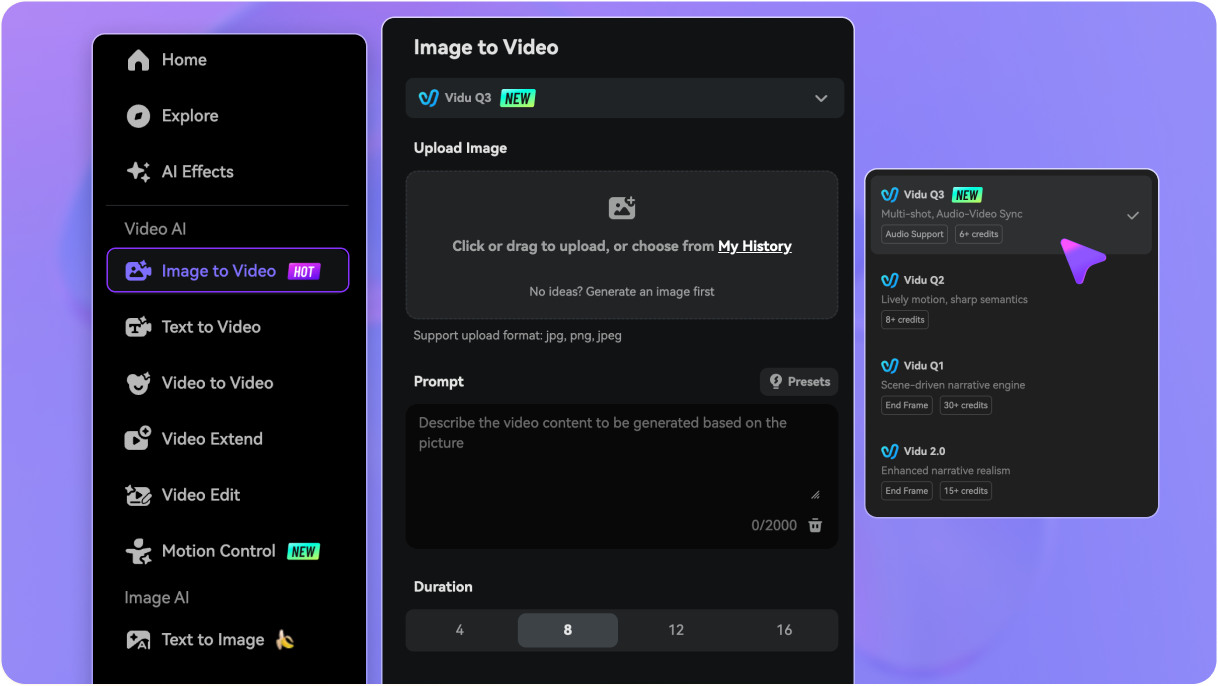
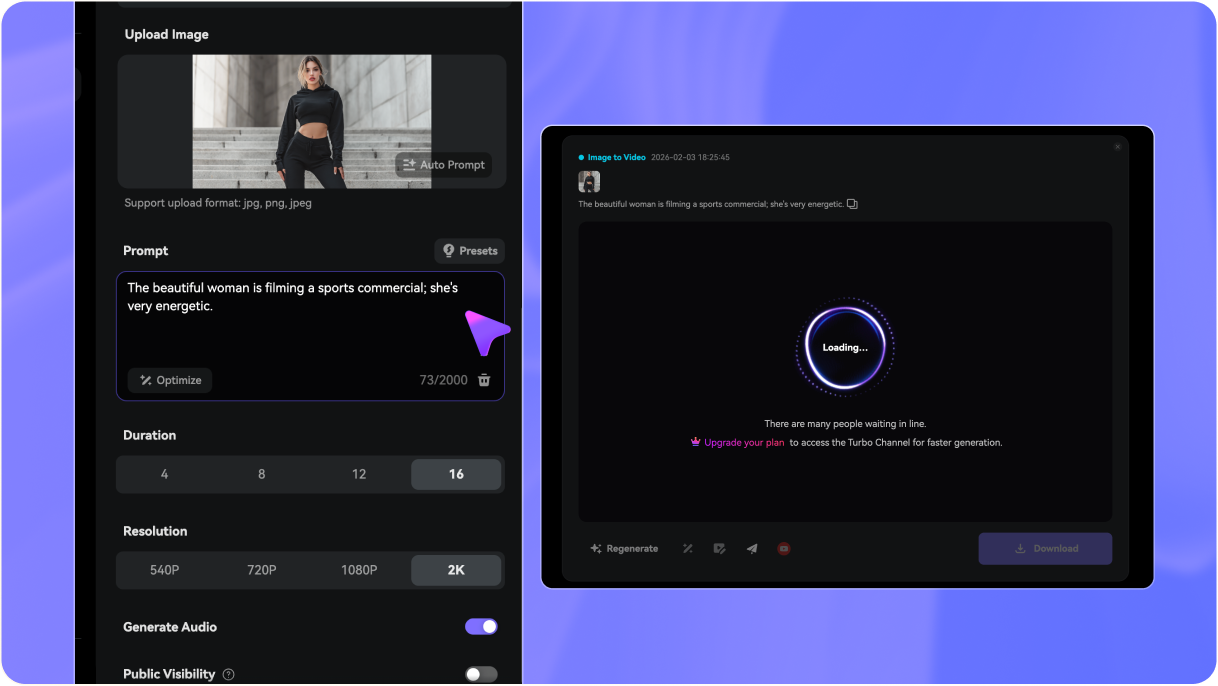
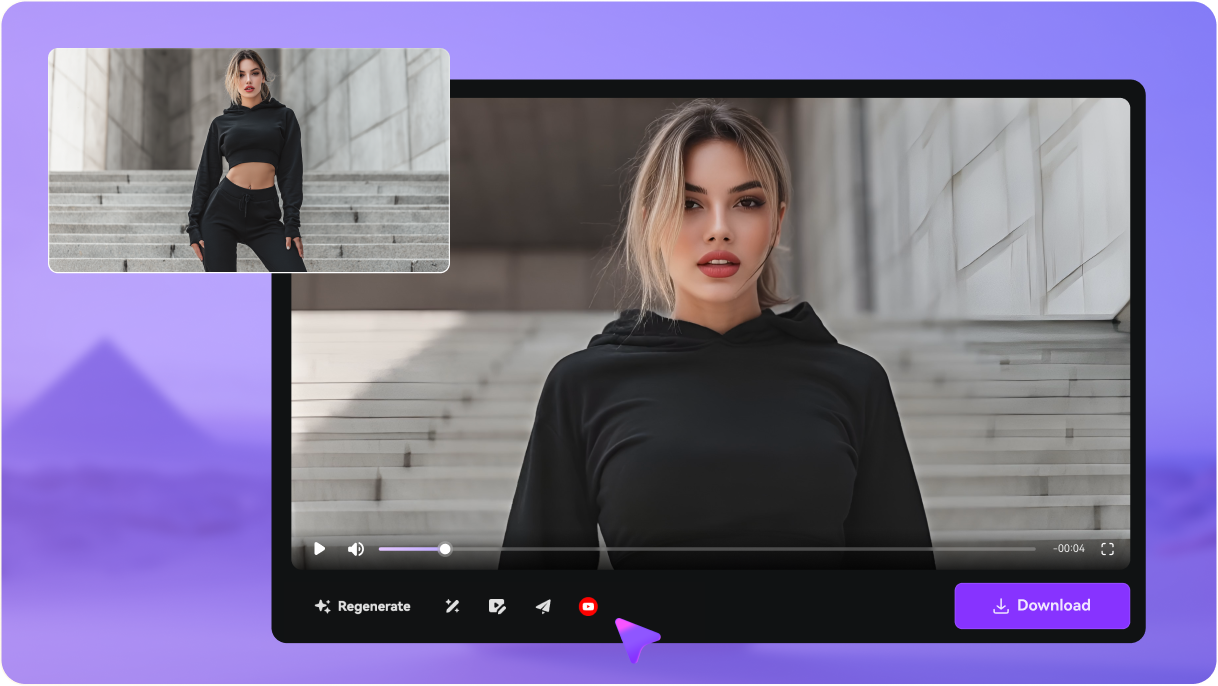


Vidu Q3 is a state-of-the-art AI video model designed for high-end cinematic storytelling. It uses a multimodal architecture that allows you to generate videos from text prompts or reference images. Unlike basic generators, Vidu Q3 produces 16-second clips with native, synchronized audio (SFX and music) in a single, seamless workflow.
Vidu Q3 is a major leap over Vidu Q2 in three key areas: 1. Duration: It doubles the runtime to 16 seconds. 2. Cinematic IQ: It features "Smart Cuts" for multi-shot sequences. 3. Full Immersion: While Q2 focuses on visuals, Q3 integrates synchronized audio (BGM and SFX) directly into the generation, making it the superior choice for narrative drama and high-quality ads.
While models like Sora and Kling offer impressive realism, Vidu Q3 carves out a niche in narrative efficiency. It is currently one of the only models that can generate multi-shot, edited-style sequences with synced audio from a single prompt. If you need a "ready-to-post" clip that feels like it was professionally edited, Vidu Q3 offers a faster and more integrated workflow.
Vidu Q3 is optimized for short drama scenes, cinematic book trailers, 16s social media ads, and animated character reels. Because it understands complex camera language (like dolly zooms and FPV), it’s perfect for creators who want high-pacing content that doesn't look like a static AI loop.
We strongly advise against "Mod APKs." These are often unsecured and can compromise your data or device. To access the real processing power of the Vidu Q3 model safely and with the latest updates, use the official cloud-based platform at Media.io.
Yes! Media.io offers free credits for new and returning users to test the Vidu Q3 model. You can start creating immediately upon login. For heavy users requiring 2K resolution, no watermarks, or priority rendering, we offer flexible subscription plans.
 4.7 (162,357 Votes)





