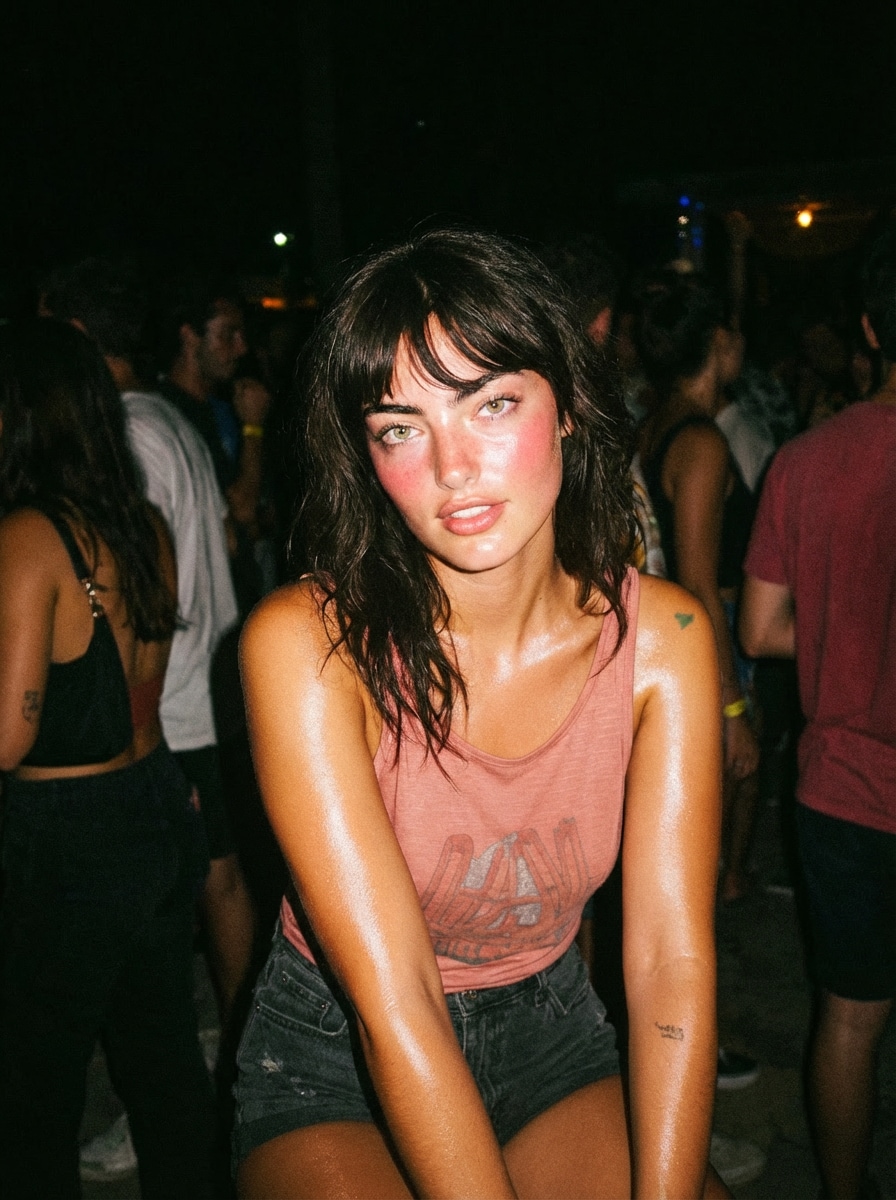
Retro Party Flash Glow
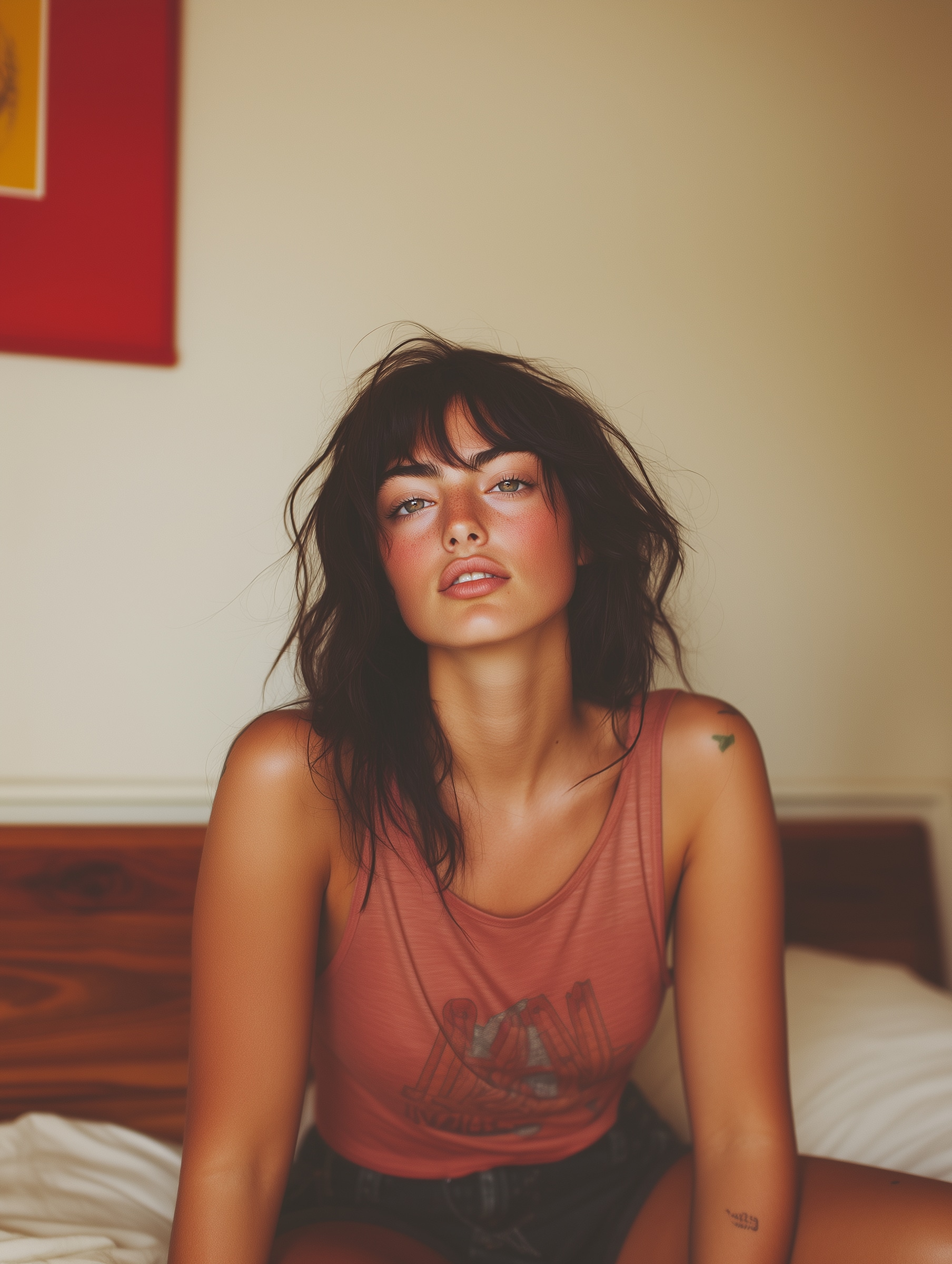
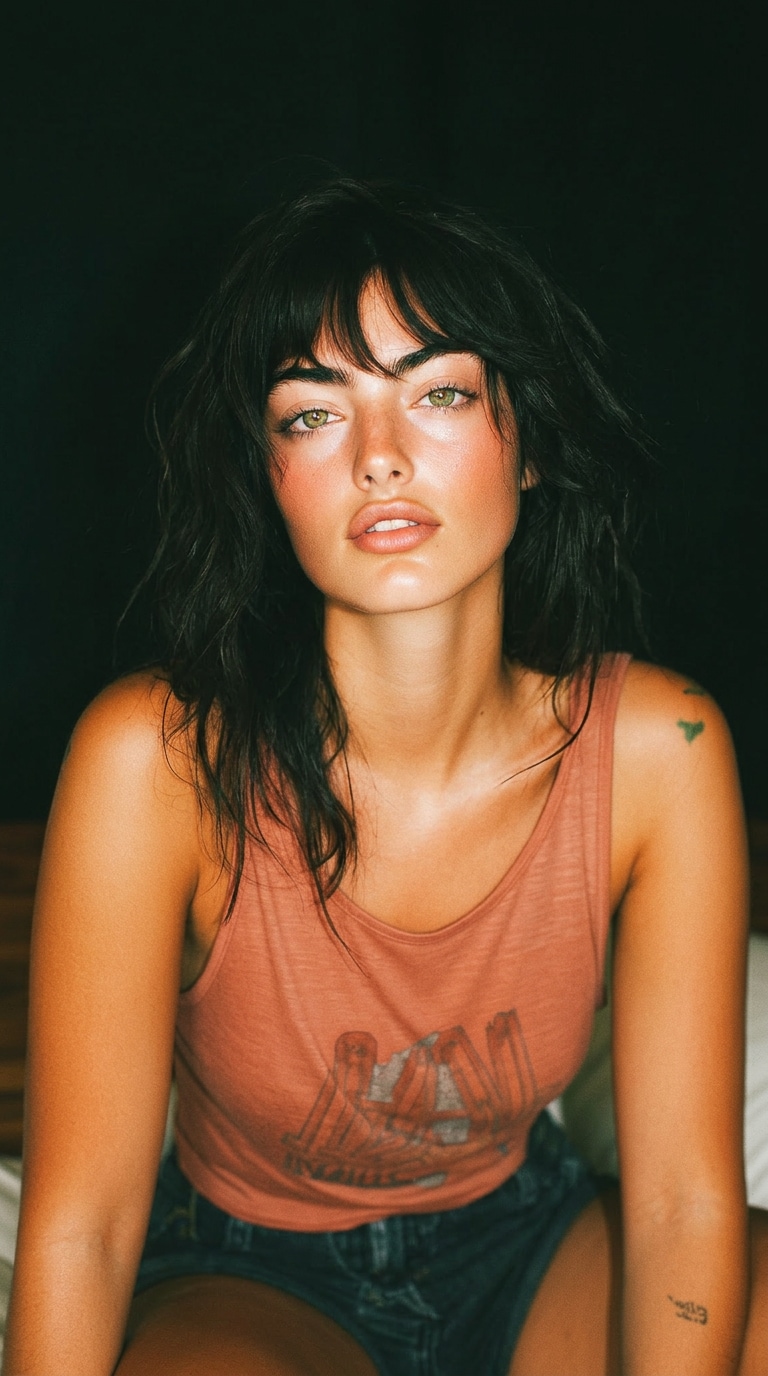
young woman at night party, direct camera flash, overexposed highlights, shiny skin, dark background, candid pose, 2000s instagram flash filter effect, high contrast, grainy texture
 Nano Banana Pro
 Unlock your creative potential and experience the magic of Media AI right away!
Looking for an Instagram flash filter that can instantly turn normal photos into bright, glowing, retro-style content? Media.io helps you recreate the viral flash filter, Instagram flash effect, and AI flash trend in seconds.
Add soft flash glow, boosted brightness, clearer skin, stronger contrast, and that dreamy vintage-camera atmosphere-perfect for Reels, selfies, portraits, and social media posts.
Free credits on signup.
Create viral, high-contrast visuals with an instagram flash filter prompt. Reproduce the iconic flash filter effect using AI tools like Gemini. Fix issues like instagram flash filter not working, explore ready-to-use prompts, and generate scroll-stopping images instantly.
young woman at night party, direct camera flash, overexposed highlights, shiny skin, dark background, candid pose, 2000s instagram flash filter effect, high contrast, grainy texture
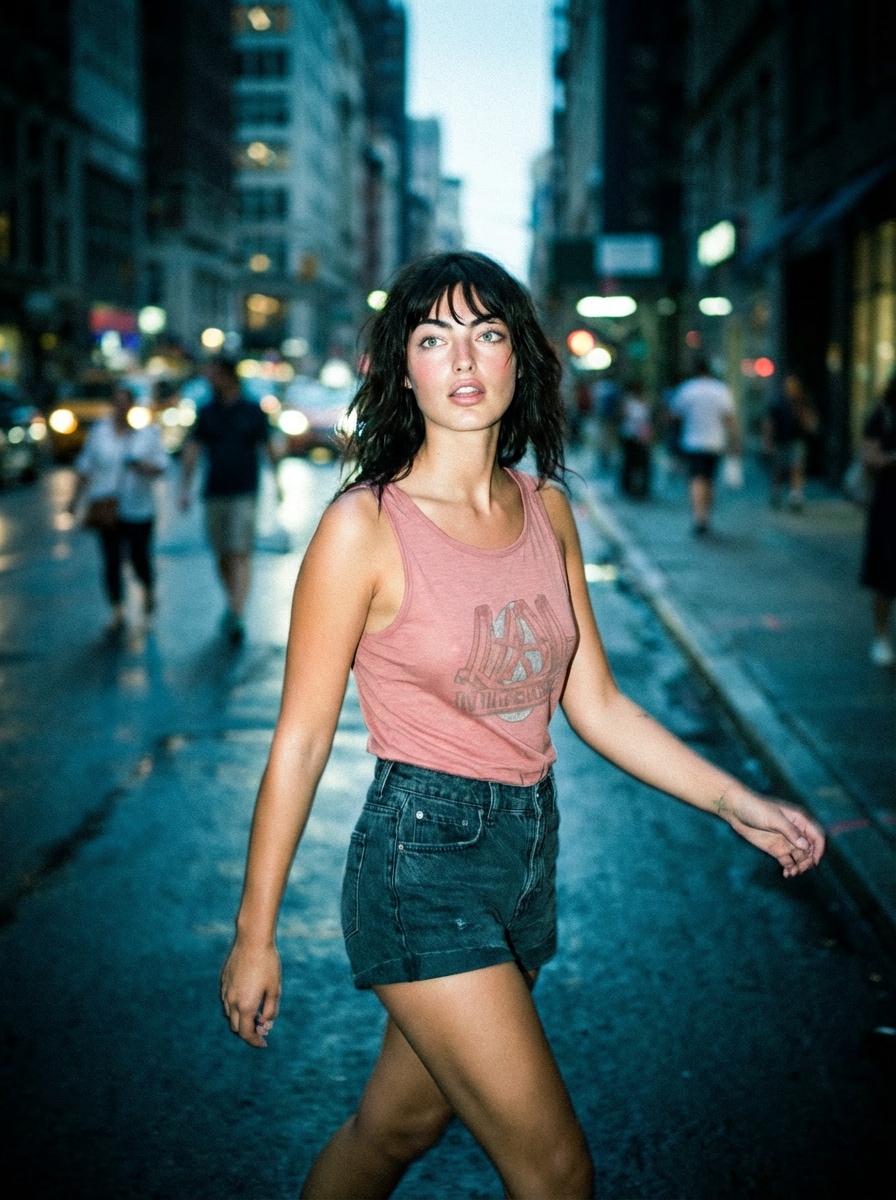
urban street at night, subject walking, harsh flash lighting, deep shadows, paparazzi style, motion blur, instagram flash effect, cinematic realism, cool tones
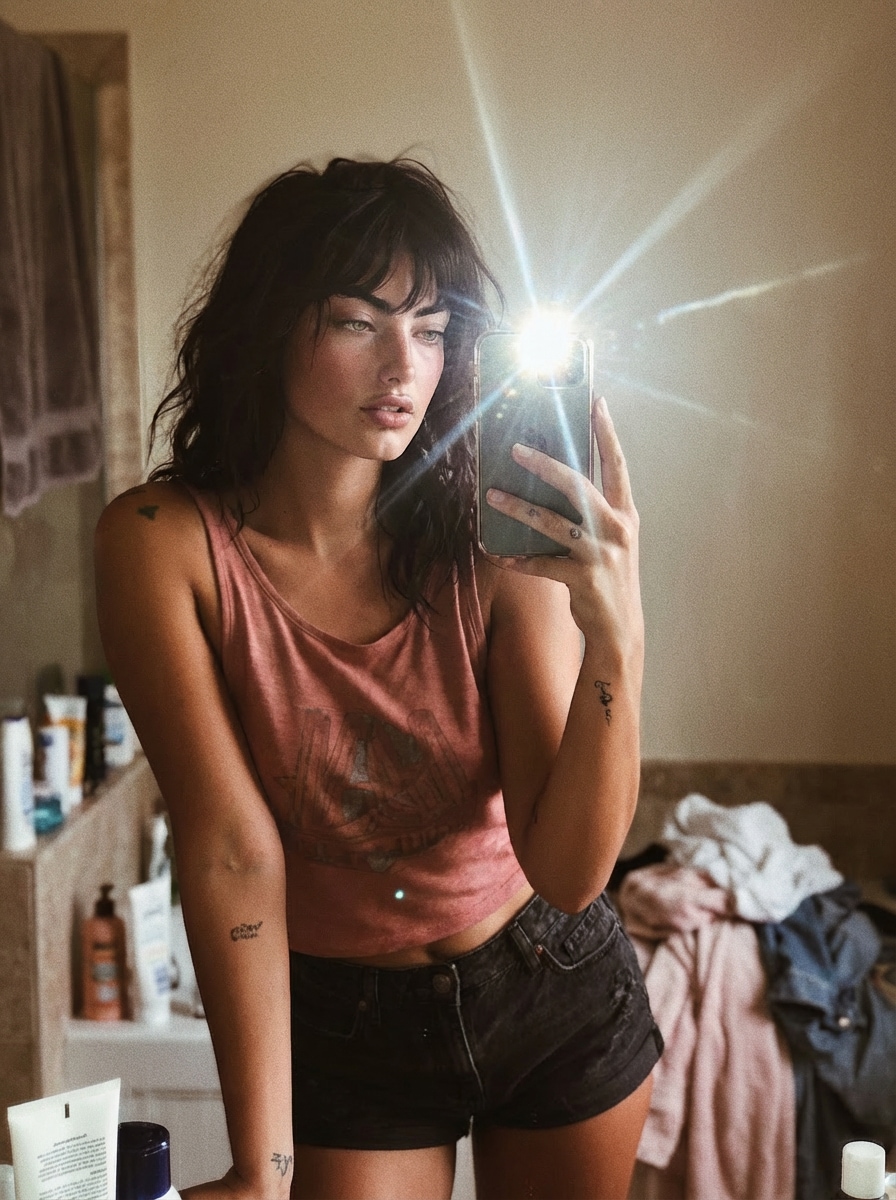
mirror selfie, phone flash visible, reflective glare, bathroom setting, soft mess background, flash filter instagram style, sharp contrast, influencer vibe
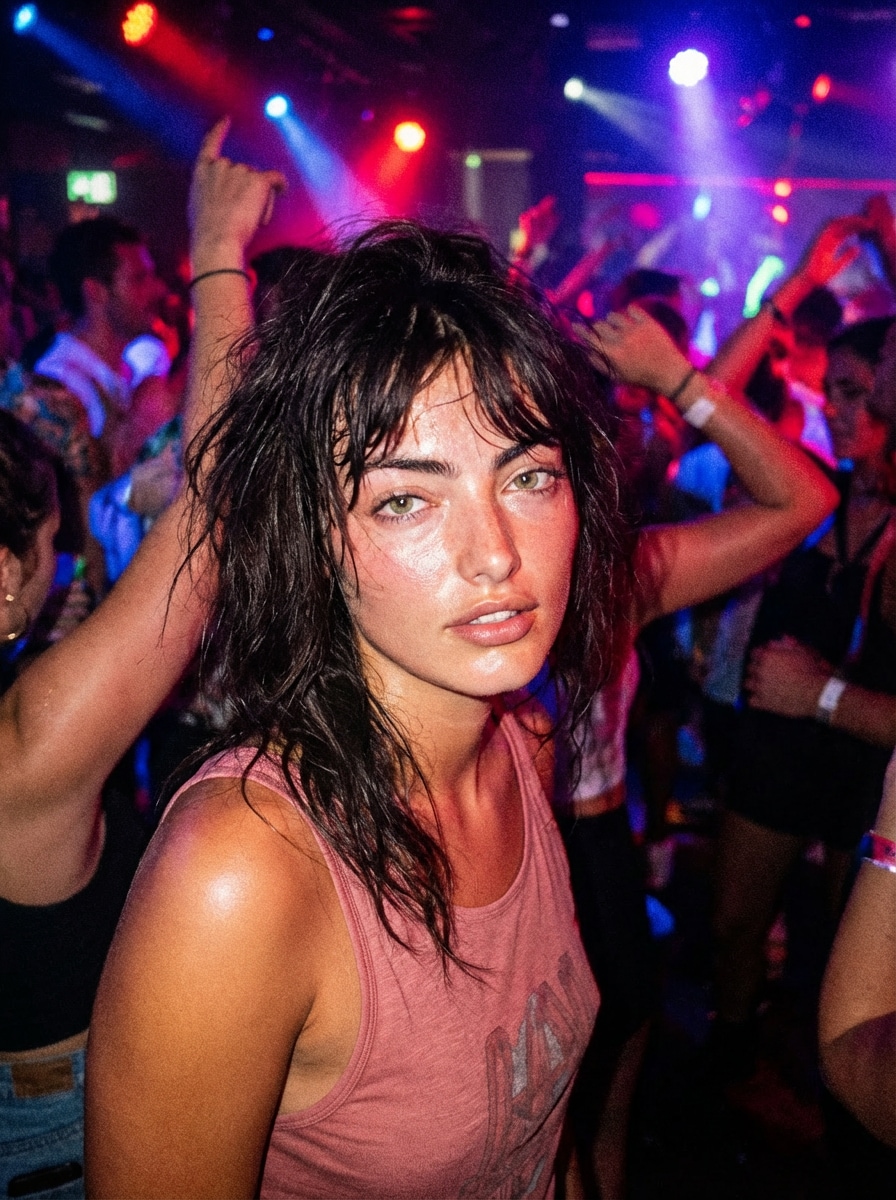
crowded nightclub, colorful lights, strong flash overpowering ambient lighting, sweaty glow skin, flash filter effect, chaotic candid energy, high ISO grain
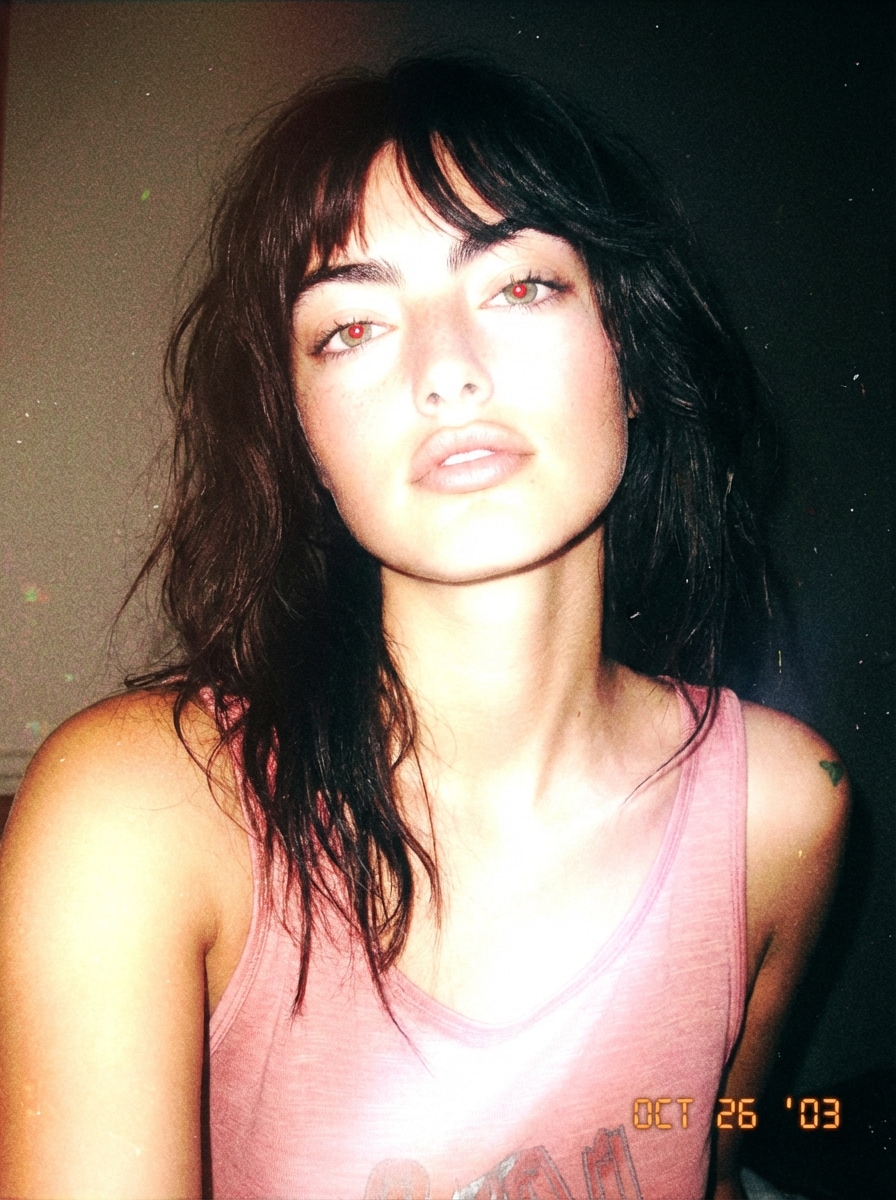
early 2000s digital camera look, blown-out flash highlights, red-eye effect, nostalgic instagram flash filter prompt style, low resolution, timestamp aesthetic
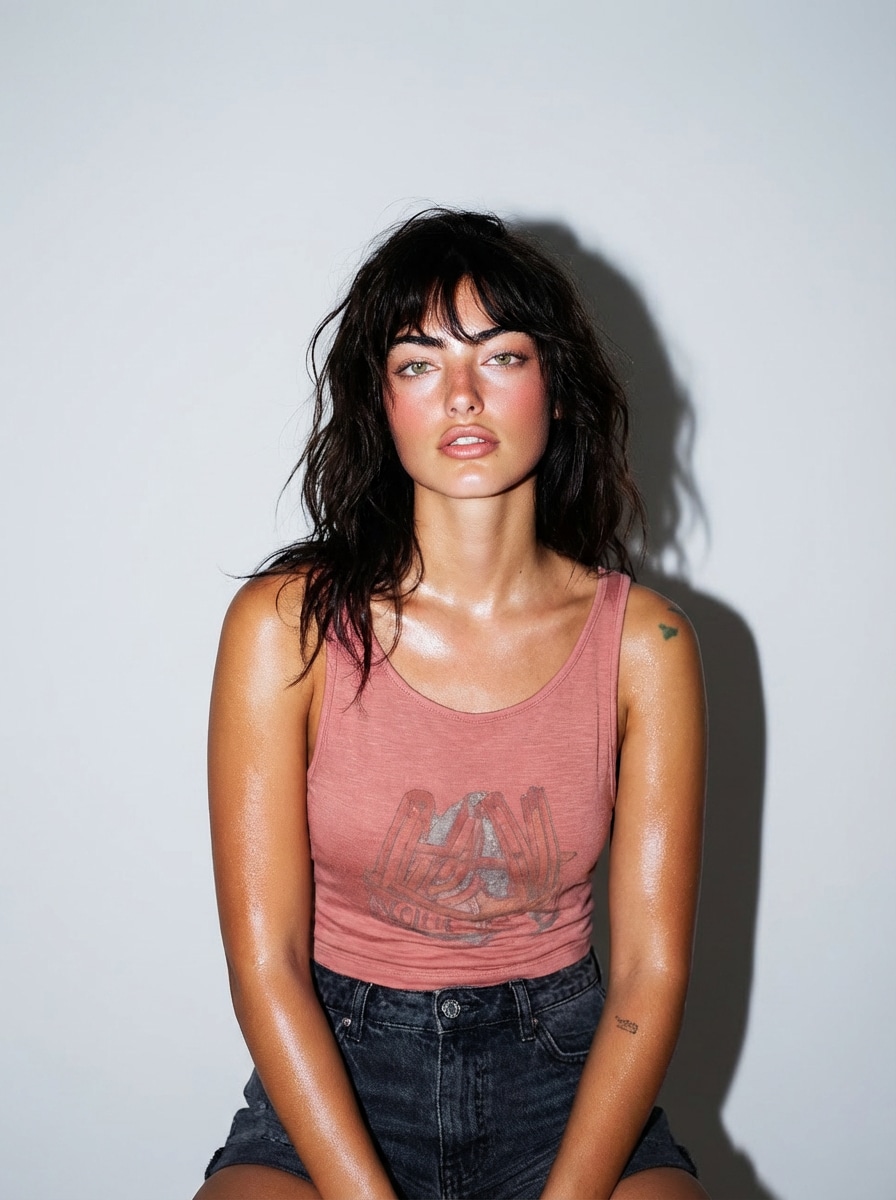
model posing against plain backdrop, direct frontal flash, crisp shadows, glossy skin, magazine style, flash filter instagram look, high definition
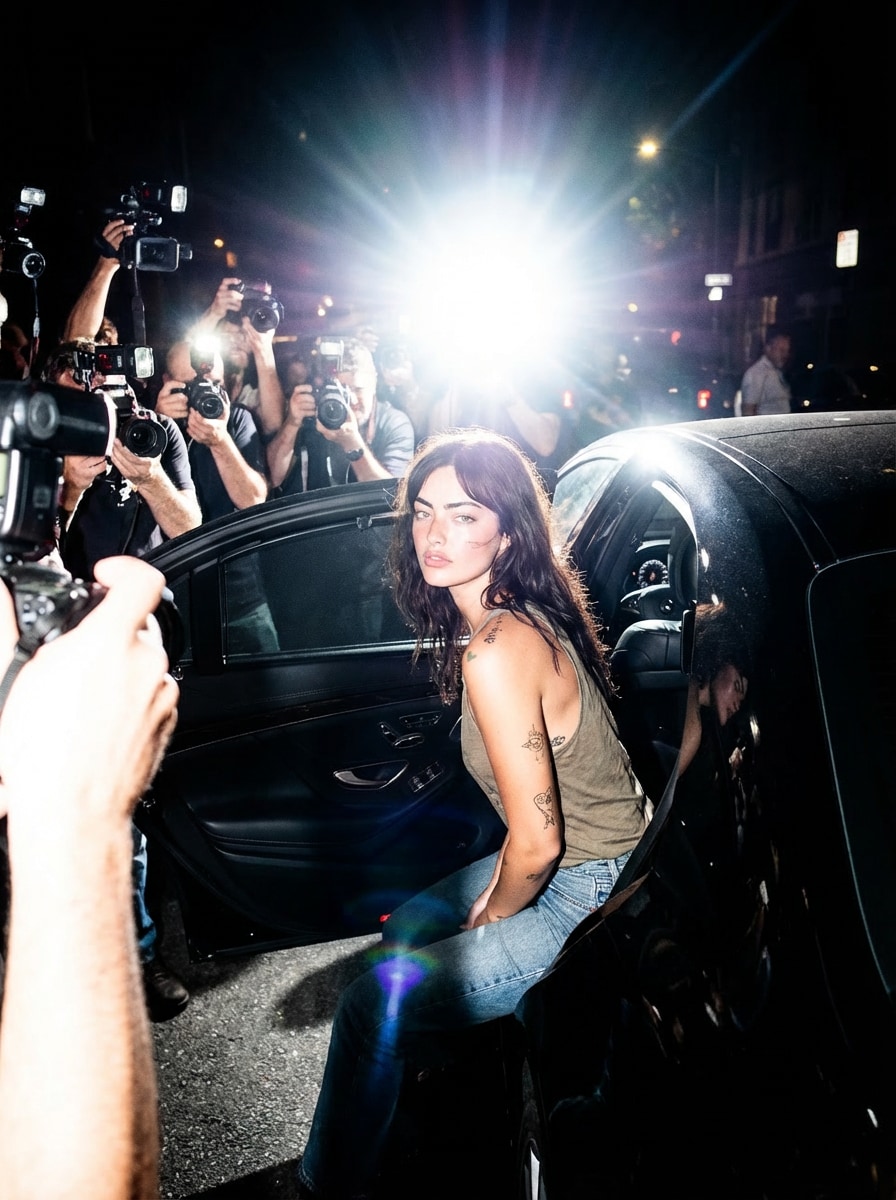
celebrity exiting car at night, aggressive flash bursts, dramatic shadows, chaotic press scene, instagram flash effect, high contrast realism
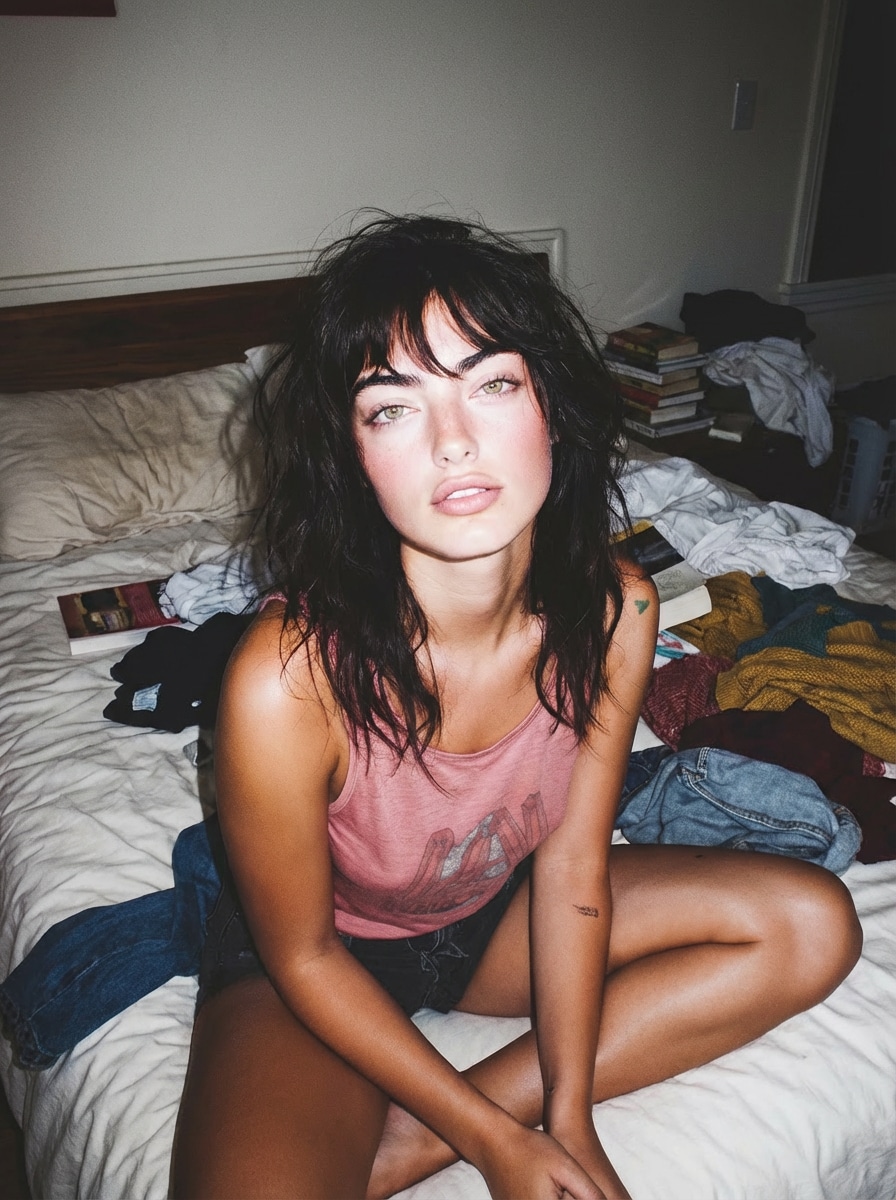
casual home setting, messy bedroom, relaxed pose, strong flash lighting flattening depth, instagram flash filter look, natural yet stylized
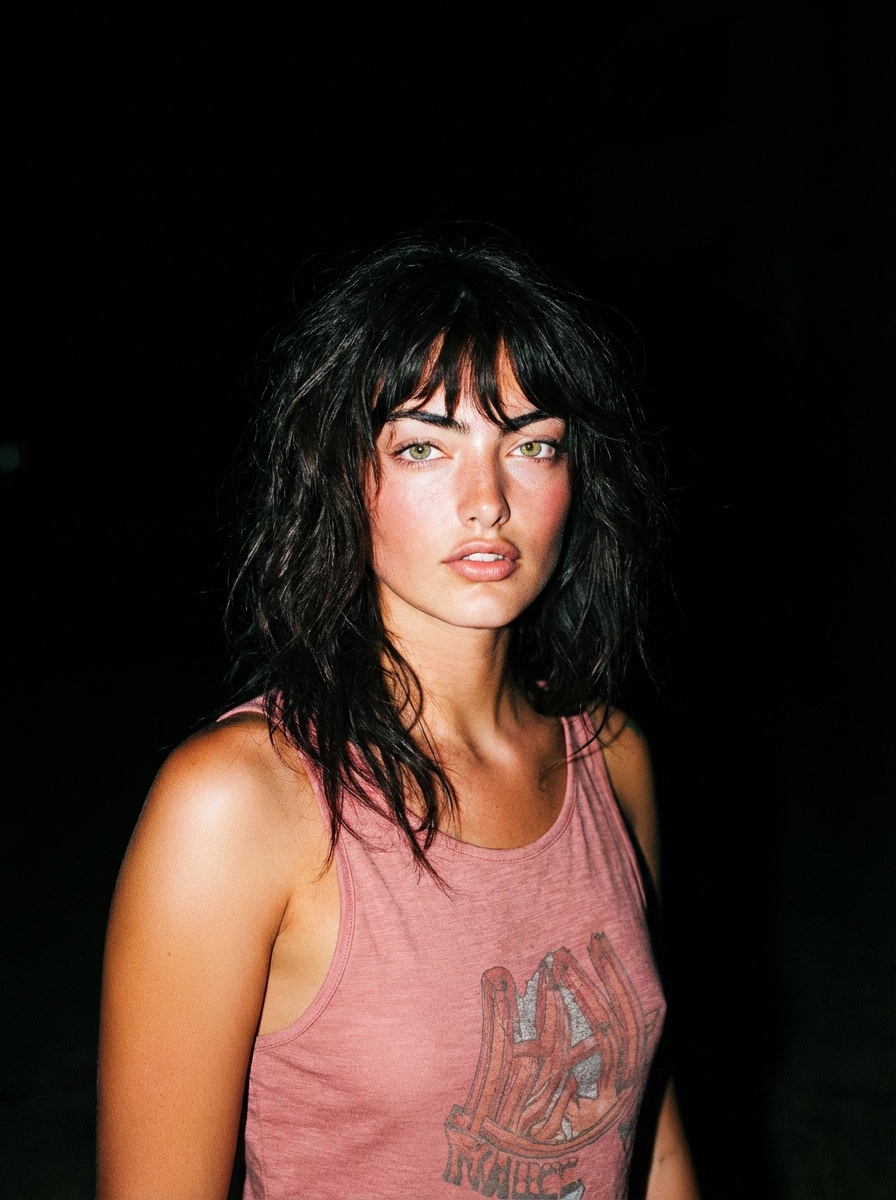
portrait outdoors at night, pitch dark background, subject sharply lit by flash, high contrast edges, cinematic flash filter effect
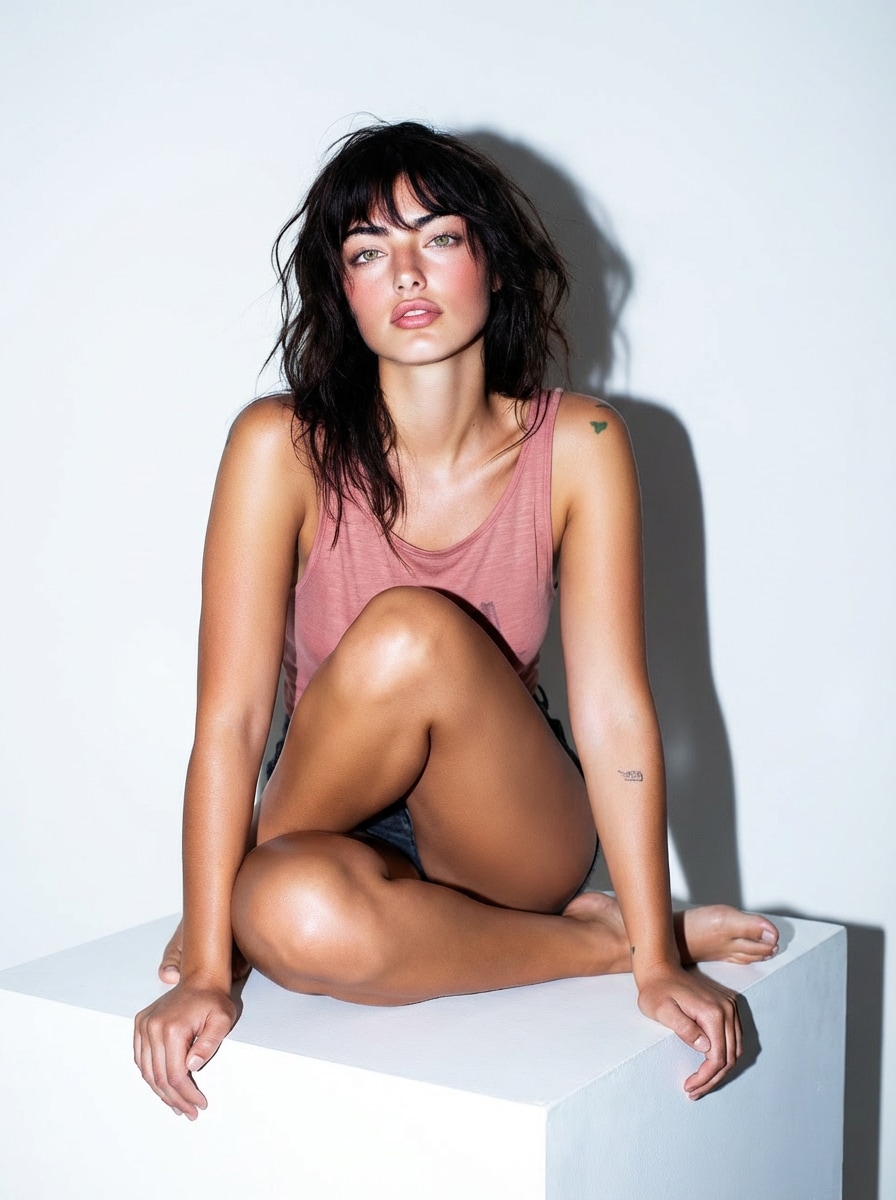
product on minimal surface, direct flash lighting, hard shadows, reflective highlights, clean instagram flash filter aesthetic, commercial look
Turn ordinary photos into trendy Instagram flash effect images with one click.
Perfect for Reels covers, selfies, portraits, and lifestyle shots that need a brighter, more eye-catching look.
Media.io enhances brightness, contrast, and skin clarity while keeping your image natural.
The result feels like real on-camera flash instead of harsh overexposure.
Recreate the aesthetic of old digital cameras and retro flash photography.
Add dreamy glow, crisp detail, and a slightly grainy atmosphere that fits the latest flash trend.
Love the look of the Meta AI flash filter on social media?
Media.io lets you create a similar AI flash filter style anytime, directly in your browser, with no editing skills required.
Go to the Media.io Instagram flash filter tool directly from your browser.
No download, no complicated editing setup, and no design experience needed.
Upload your selfie, portrait, indoor photo, or social media image.
Media.io supports popular image formats and works smoothly across desktop and mobile.
Click Generate to apply the flash filter instantly.
Download your polished image with boosted glow, contrast, and that viral Instagram flash effect finish.

Content Creator

“Super viral look” This gives my selfies the exact bright, trendy flash style I keep seeing on Instagram.

Photographer
“Real flash feel” The glow, contrast, and skin tones feel very close to real flash photography.

Student
“Easy glow upgrade” My photos look cleaner, brighter, and more stylish without spending time in complicated editors.
An Instagram flash filter is a photo effect that simulates camera flash photography. It usually boosts brightness, contrast, and sharpness while adding a soft glow, clearer skin tones, and a vintage digital-camera vibe.
Upload your image to Media.io, apply the flash filter, and let AI generate the look automatically. The tool recreates the popular Instagram flash effect by balancing exposure, enhancing contrast, and adding a soft flash glow.
A strong instagram flash filter prompt could be: “vintage camera flash, soft glow, bright skin tones, high contrast, slight grain, dreamy retro lighting.” This helps AI produce a clean, trendy AI flash filter result.
Yes. Media.io can help you recreate a style similar to the trending Meta AI flash filter look-bright, polished, glowy, and slightly nostalgic-without waiting for in-app rollouts or limited access.
Yes. You can try the AI flash filter on Media.io online. It is a simple way to test the current flash trend, improve your portraits, and create social-ready visuals in just a few clicks.


