


 ChatGPT
 Perplexity
 Gemini
 Claude
 Grok
Grok
A futuristic color palette blends deep darks, crisp neutrals, and high-energy accents (often neon) to create a clean, tech-forward feel.
Below are 20+ futuristic color palette ideas with HEX codes, plus practical tips for contrast, accents, and dark-mode UI.
In this article
- Why Futuristic Palettes Work So Well
-
- neon circuit
- lunar chrome
- plasma orchid
- quantum teal
- hologram haze
- astro noir
- synthwave sunset
- ion mint
- robot rust
- space station neutral
- aurora byte
- cryo violet
- carbon fiber
- starlight pearl
- hyperlink blue
- nano lime
- satellite sand
- electric ember
- digital lavender night
- prism alloy
- photon coral
- zero gravity pastel
- What Colors Go Well with Futuristic?
- How to Use a Futuristic Color Palette in Real Designs
- Create Futuristic Palette Visuals with AI
Why Futuristic Palettes Work So Well
Futuristic colors are built around contrast: deep bases (navy, near-black, charcoal) with precise “signal” accents (cyan, magenta, lime, teal). That mix feels like screens, sensors, and illuminated interfaces, so it reads as instantly modern.
They also support hierarchy in UI. Dark foundations push content forward, while neon or saturated accents can be reserved for actions, states, and key data points—making designs feel both stylish and usable.
Finally, futuristic color combinations scale well across mediums. The same palette can look premium in branding, readable in dashboards, and striking in posters—just by adjusting accent intensity and background value.
20+ Futuristic Color Palette Ideas (with HEX Codes)
1) Neon Circuit
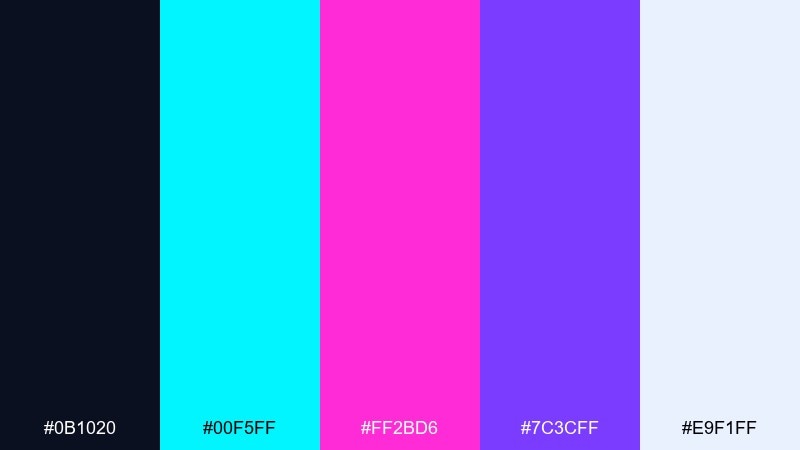
HEX: #0b1020 #00f5ff #ff2bd6 #7c3cff #e9f1ff
Mood: electric, high-contrast, cyber
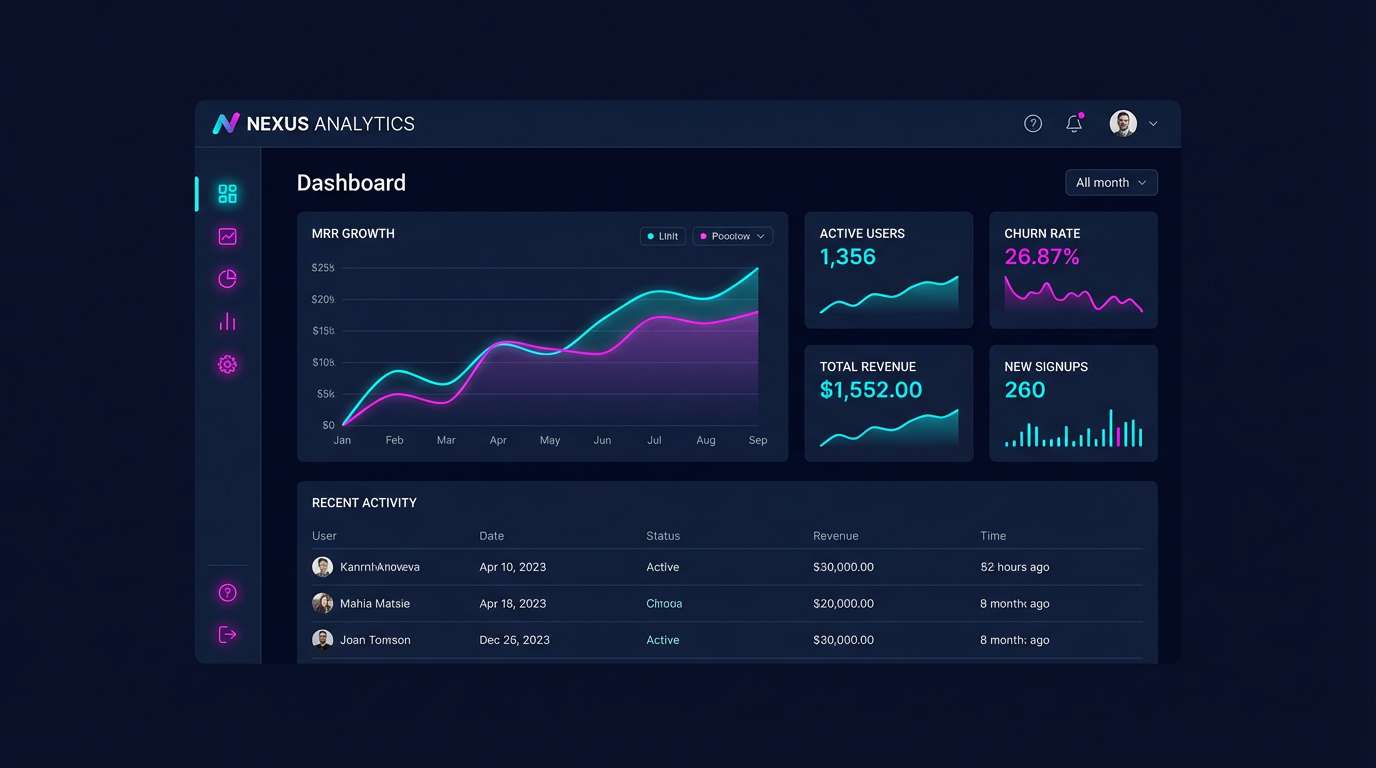
Best for: 2D SaaS dashboard UI mockup
Electric and high-contrast, it evokes glowing traces on a midnight circuit board. It shines in dashboards, fintech UI, and hero headers where legibility matters. Pair the cyan and magenta as highlights against the deep navy, then reserve the pale ice tone for text and cards. Usage tip: keep neon accents to under 20 percent so the interface stays premium, not noisy.
Image example of neon circuit generated using media.io
Create palette-perfect visuals with Media.io. Powered by Wan 2.7 Image, it helps you generate and edit images with precise color control, consistent tones, and ready-to-use styles in your browser.


2) Lunar Chrome
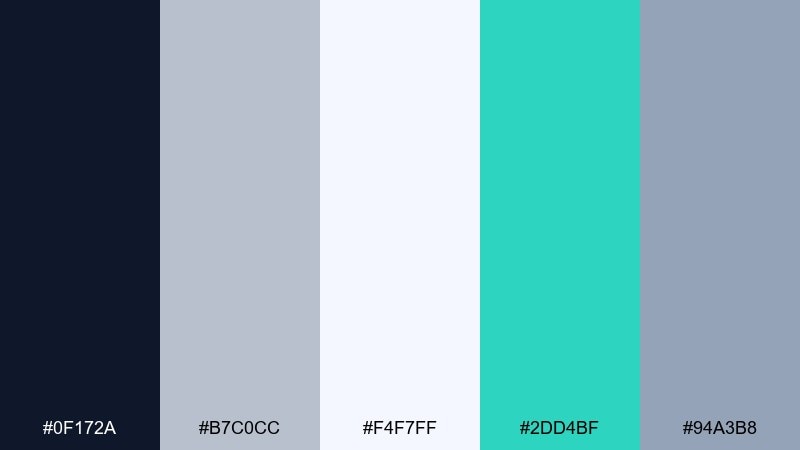
HEX: #0f172a #b7c0cc #f4f7ff #2dd4bf #94a3b8
Mood: clean, metallic, calm
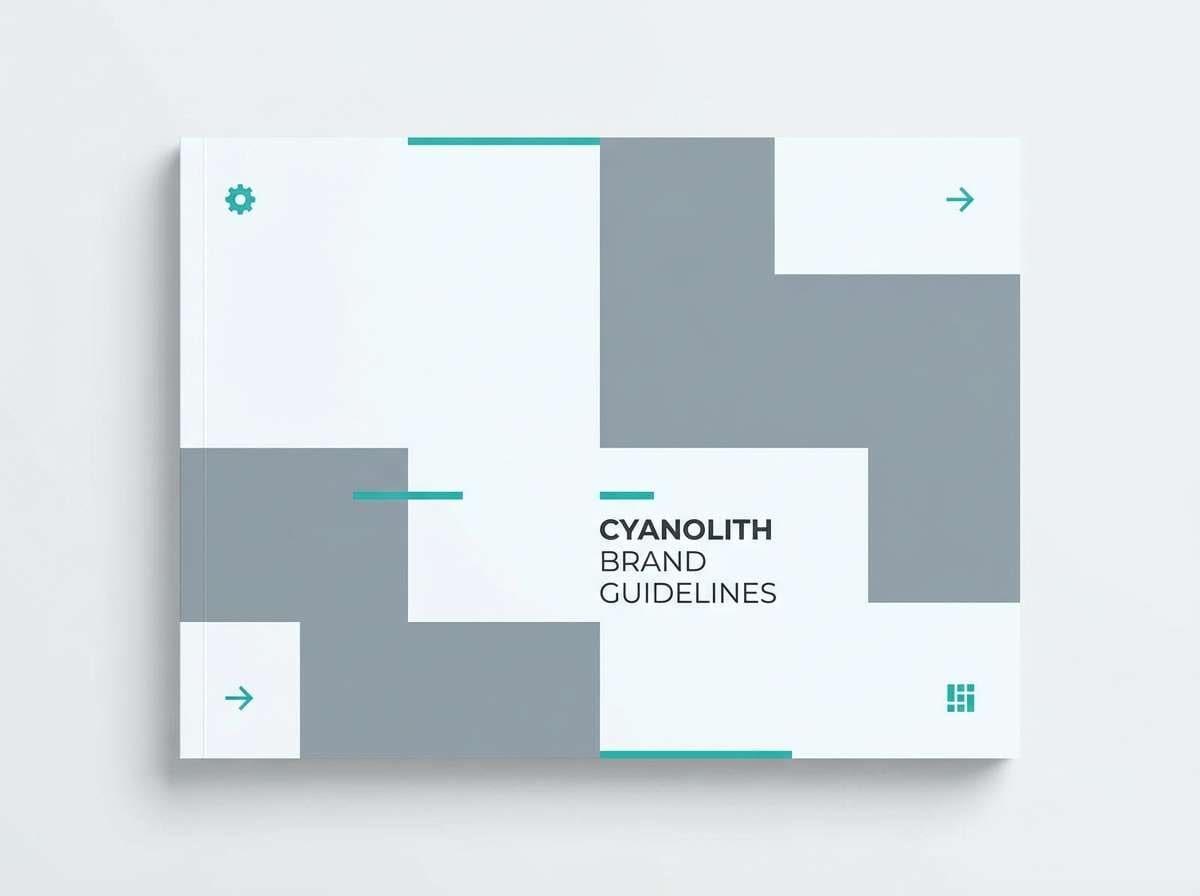
Best for: tech brand guidelines cover
Clean and metallic, it feels like moonlight reflecting off brushed aluminum. The cool grays build trust for software branding, product spec sheets, and B2B presentations. Add the teal as a precise signal color for buttons, links, or key callouts. Usage tip: treat this futuristic color combination as mostly neutral, then use teal sparingly to direct attention.
Image example of lunar chrome generated using media.io
3) Plasma Orchid
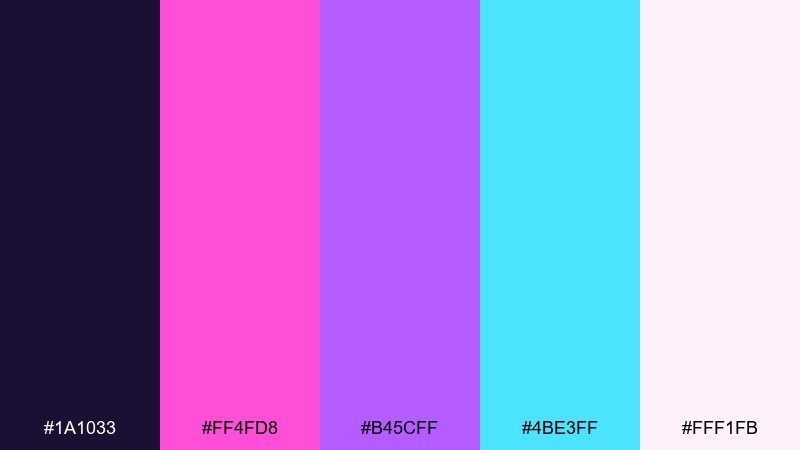
HEX: #1a1033 #ff4fd8 #b45cff #4be3ff #fff1fb
Mood: bold, glossy, nightlife
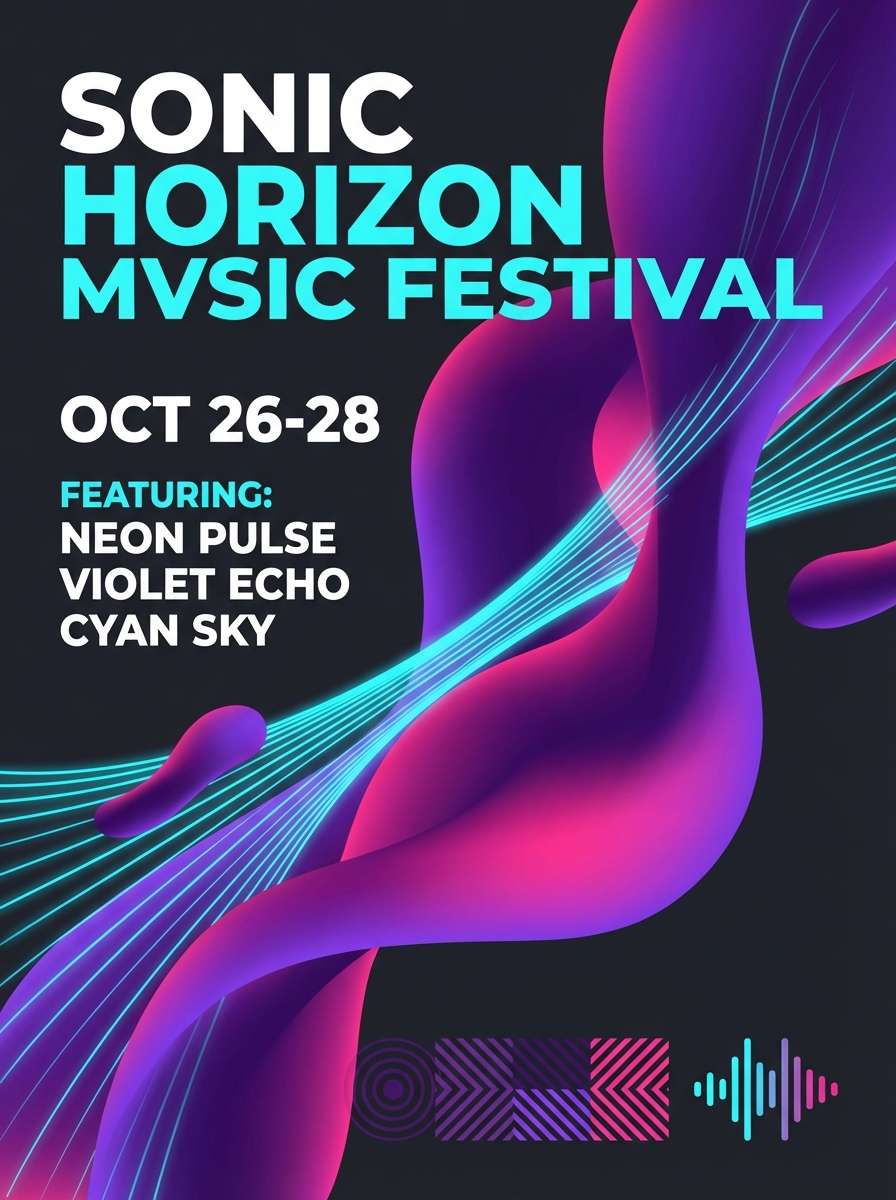
Best for: music festival poster design
Bold and glossy, it evokes laser haze and orchid-colored light beams. It works best for posters, album art, and nightlife promos where you want instant impact. Balance the pink and violet with a deep purple base, then use the cyan as a sharp highlight for dates and QR codes. Usage tip: set the background to the darkest tone so bright type stays readable from a distance.
Image example of plasma orchid generated using media.io
4) Quantum Teal
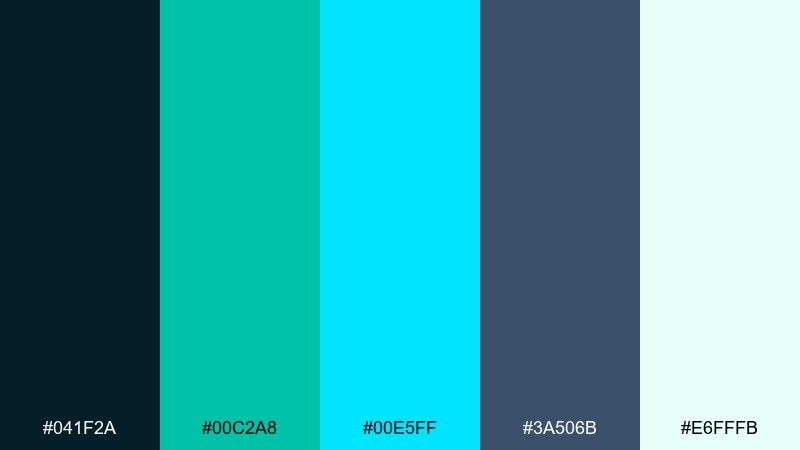
HEX: #041f2a #00c2a8 #00e5ff #3a506b #e6fffb
Mood: cool, technical, aquatic
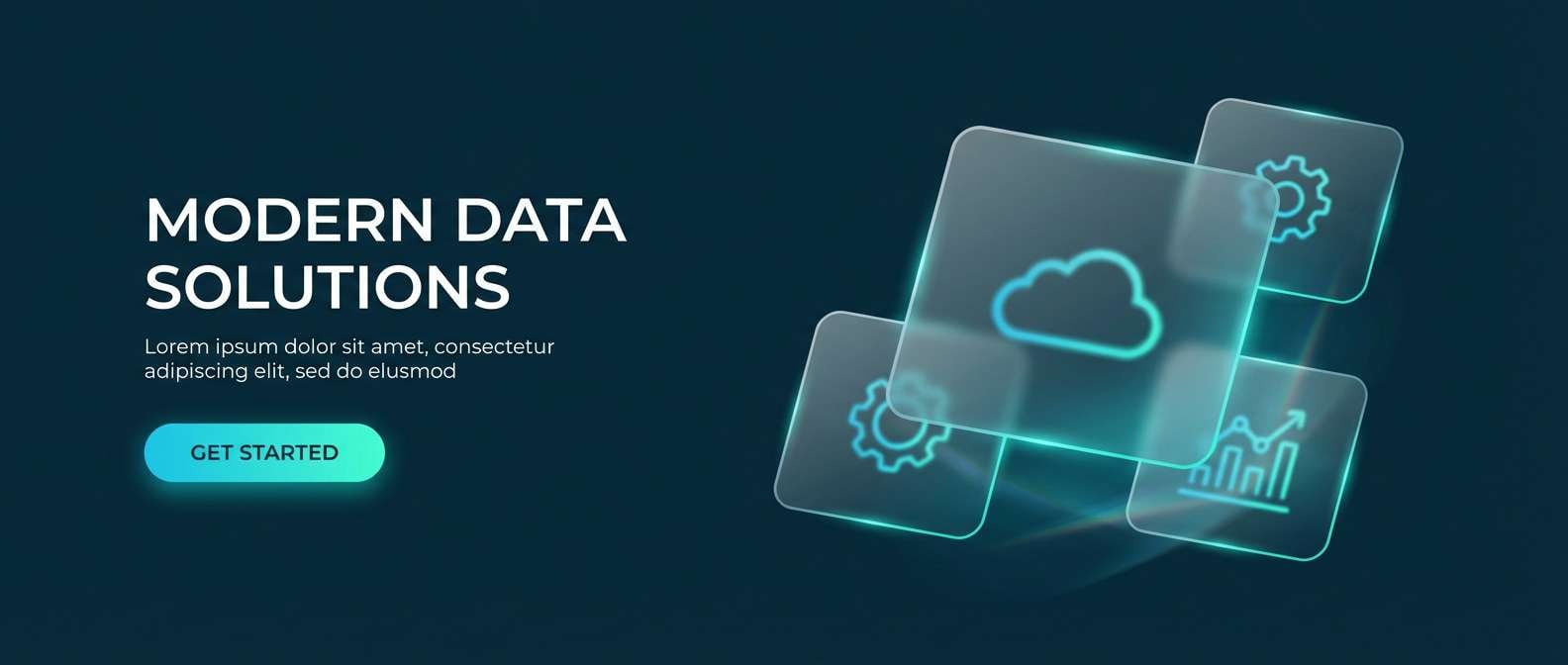
Best for: AR landing page hero section
Cool and technical, it suggests liquid data and glassy surfaces. It fits AR or XR landing pages, developer tools, and analytics screens that need a confident, modern vibe. Pair teal with cyan for interactive states, while steel blue supports charts and secondary UI. Usage tip: use the pale mint for text blocks to avoid harsh pure white on dark mode.
Image example of quantum teal generated using media.io
5) Hologram Haze
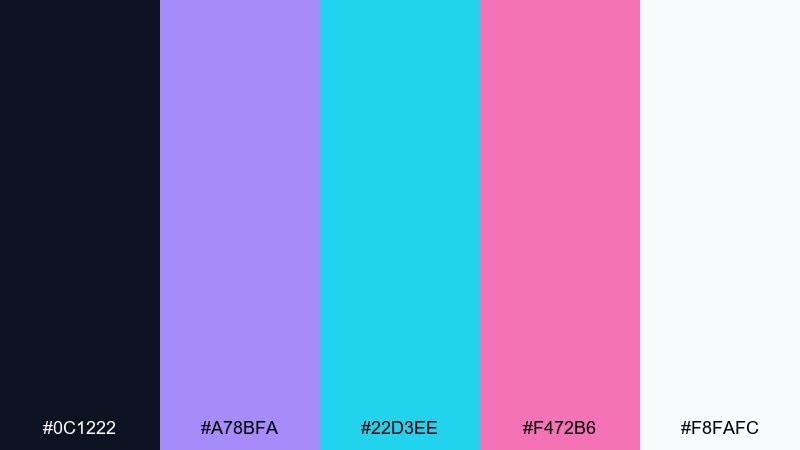
HEX: #0c1222 #a78bfa #22d3ee #f472b6 #f8fafc
Mood: soft neon, airy, dreamy
Best for: beauty tech product ad
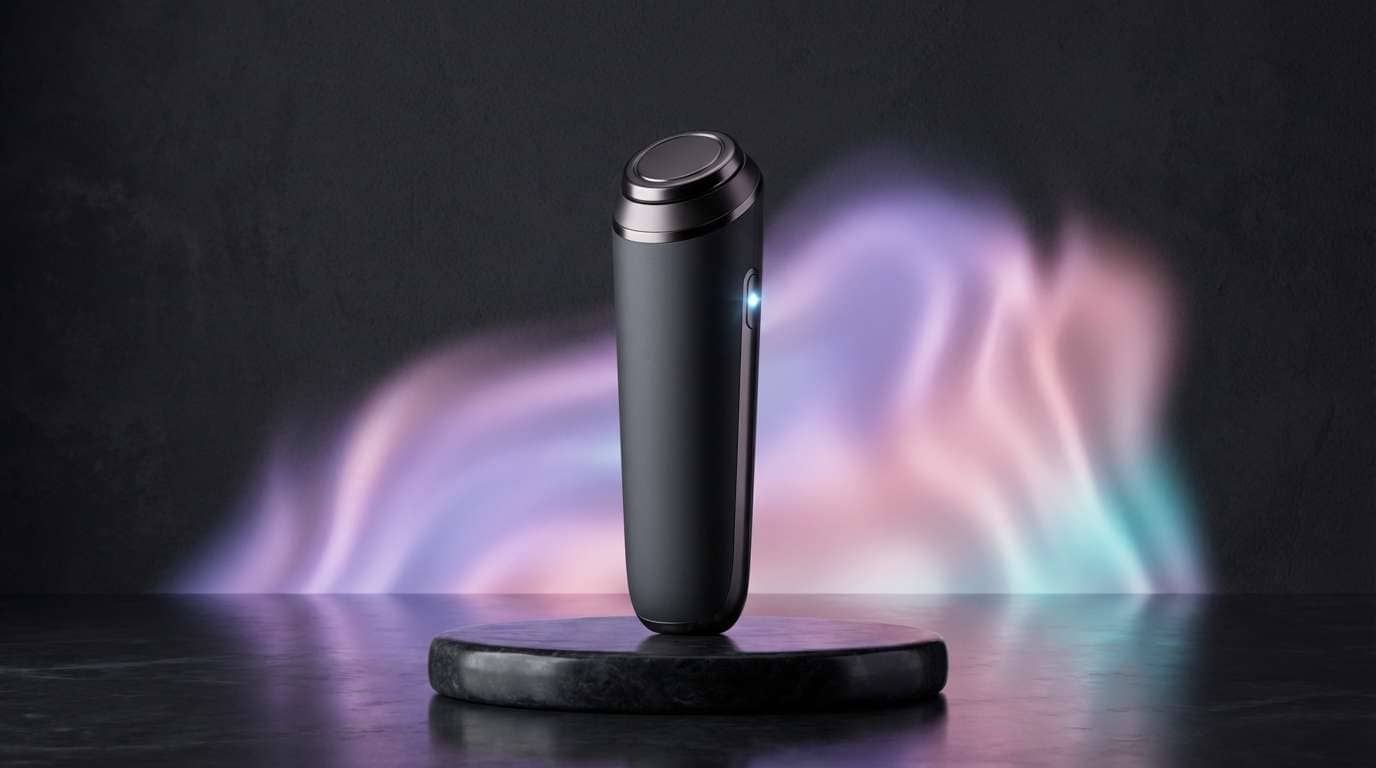
Soft neon and airy, it feels like a holographic film catching light at different angles. It suits beauty tech, skincare devices, and lifestyle ads that want modernity without harsh contrast. Keep the background near charcoal, then layer lavender and blush gradients for a premium glow. Usage tip: let cyan act as the only sharp accent so the ad stays calm and elegant.
Image example of hologram haze generated using media.io
6) Astro Noir
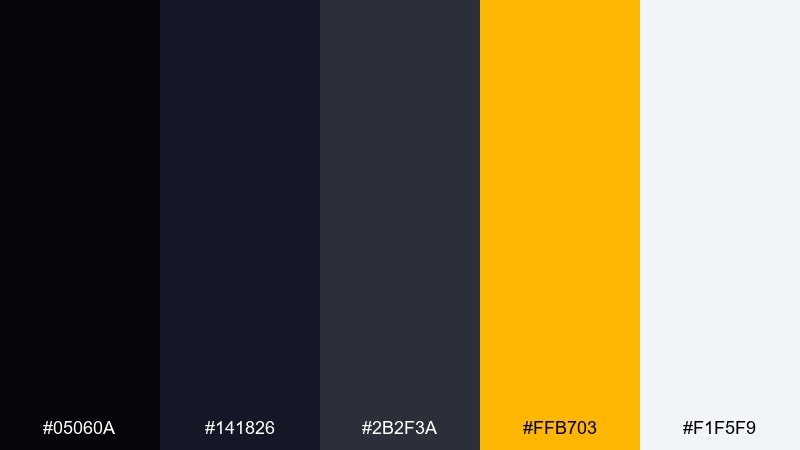
HEX: #05060a #141826 #2b2f3a #ffb703 #f1f5f9
Mood: cinematic, stealth, premium
Best for: gaming launcher UI mockup
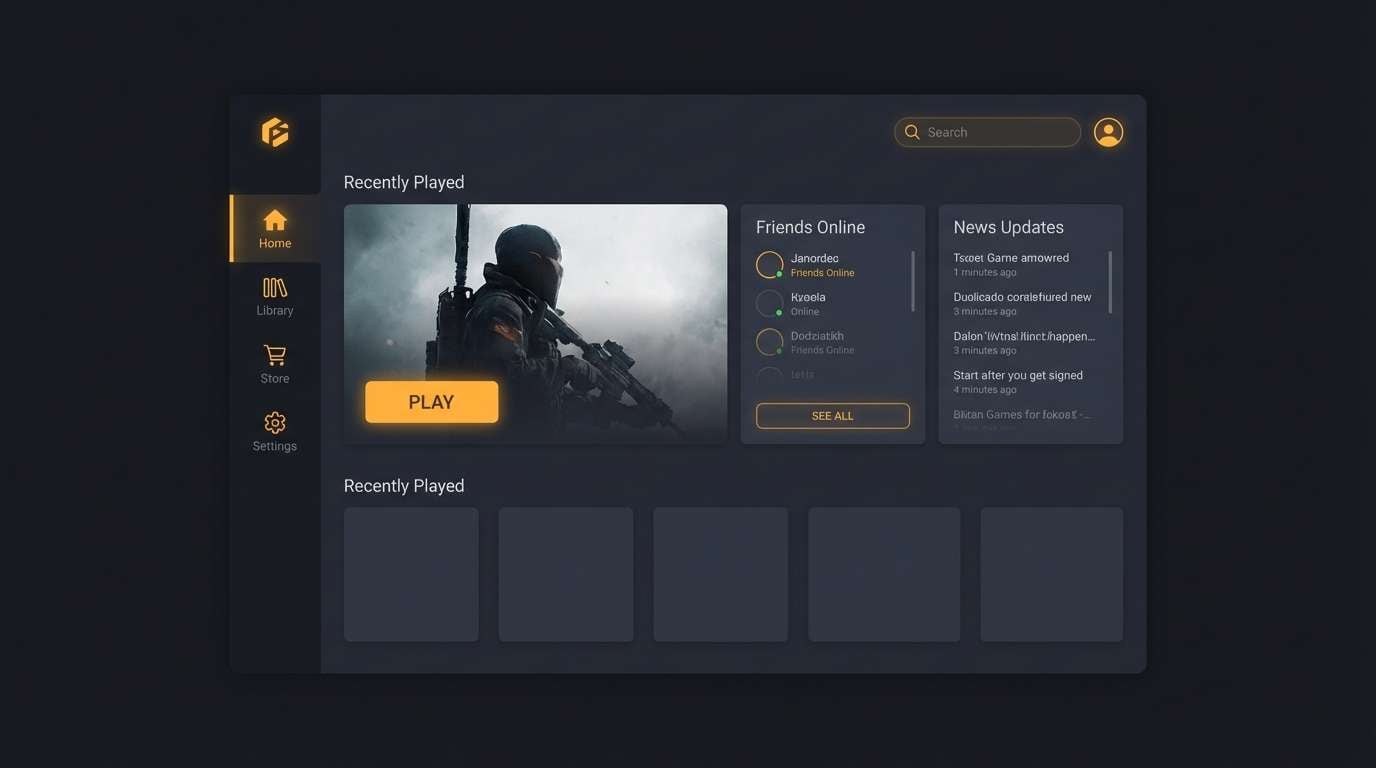
Cinematic and stealthy, it evokes space hangars lit by a single warning beacon. It excels in game launchers, streaming overlays, and luxury tech interfaces that rely on depth. Use the amber as a selective spotlight for primary actions and status tags, while the layered blacks provide hierarchy. Usage tip: pick one amber tone for all CTAs to keep the UI consistent across screens.
Image example of astro noir generated using media.io
7) Synthwave Sunset
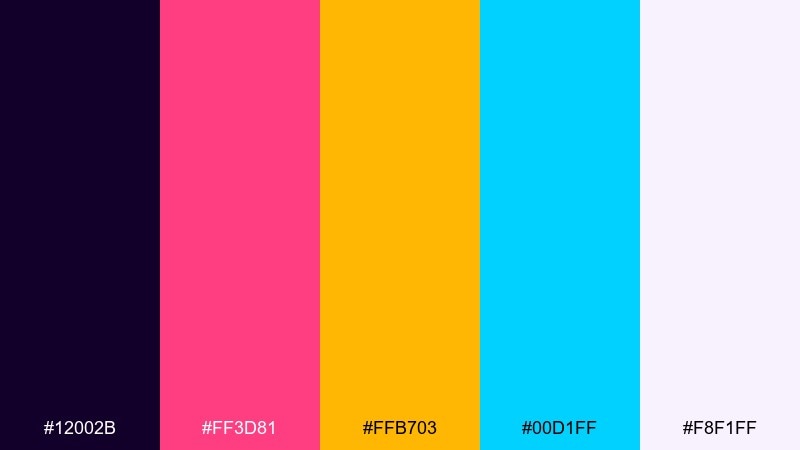
HEX: #12002b #ff3d81 #ffb703 #00d1ff #f8f1ff
Mood: retro-future, energetic, playful
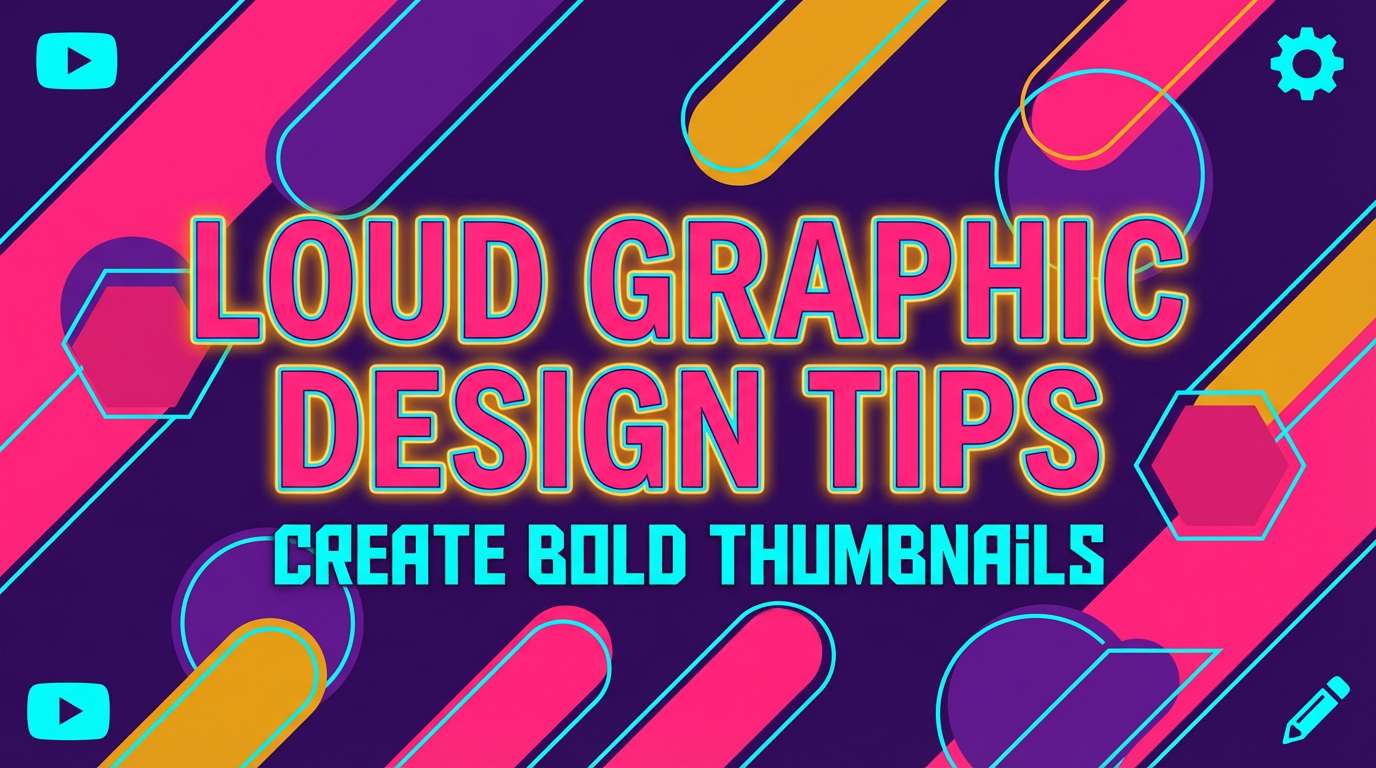
Best for: YouTube thumbnail template
Retro-future and energetic, it brings to mind neon horizons and arcade glow. It works for thumbnails, motion graphics titles, and social ads where you need instant pop. Pair hot pink with amber for attention-grabbing headlines, and use cyan to frame key elements or arrows. Usage tip: keep the background purple solid so gradients do not fight the text.
Image example of synthwave sunset generated using media.io
8) Ion Mint
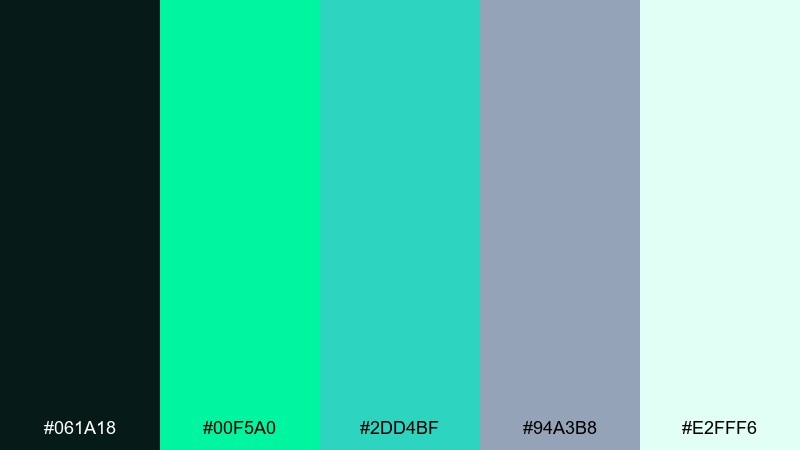
HEX: #061a18 #00f5a0 #2dd4bf #94a3b8 #e2fff6
Mood: fresh, clean, bio-digital
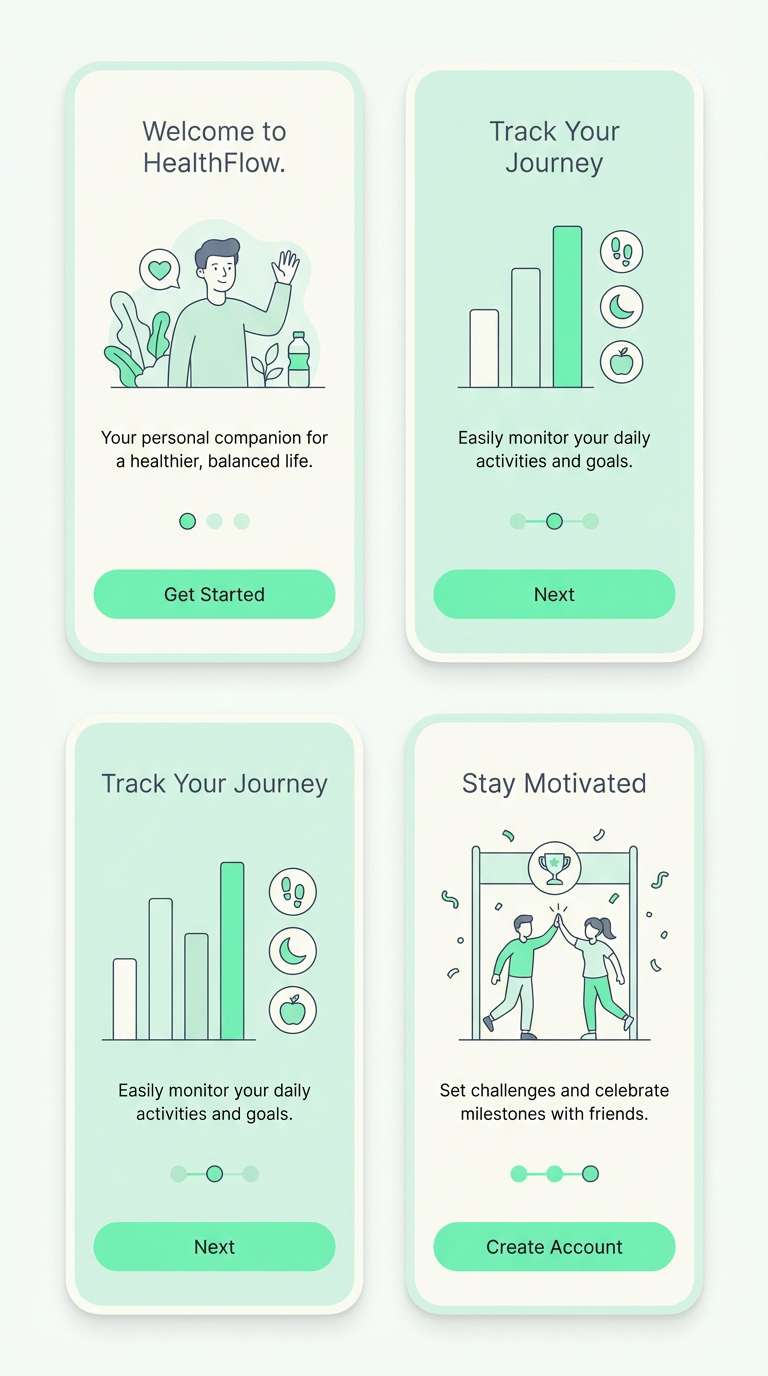
Best for: health app onboarding UI
Fresh and bio-digital, it feels like sterile glass warmed by a mint glow. It is ideal for onboarding screens, wellness dashboards, and tracking widgets that should look calming. Use the brightest mint for progress rings and success states, while the slate gray supports labels and dividers. Usage tip: avoid pure black text on mint blocks and choose a deep green instead for softer contrast.
Image example of ion mint generated using media.io
9) Robot Rust
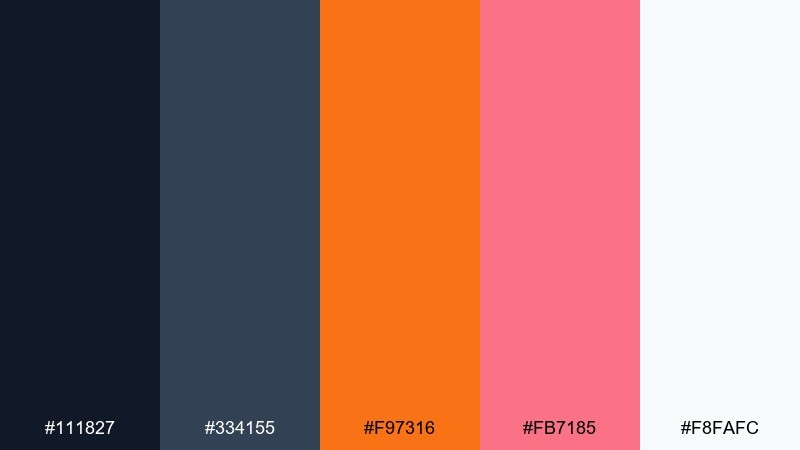
HEX: #111827 #334155 #f97316 #fb7185 #f8fafc
Mood: industrial, warm, gritty
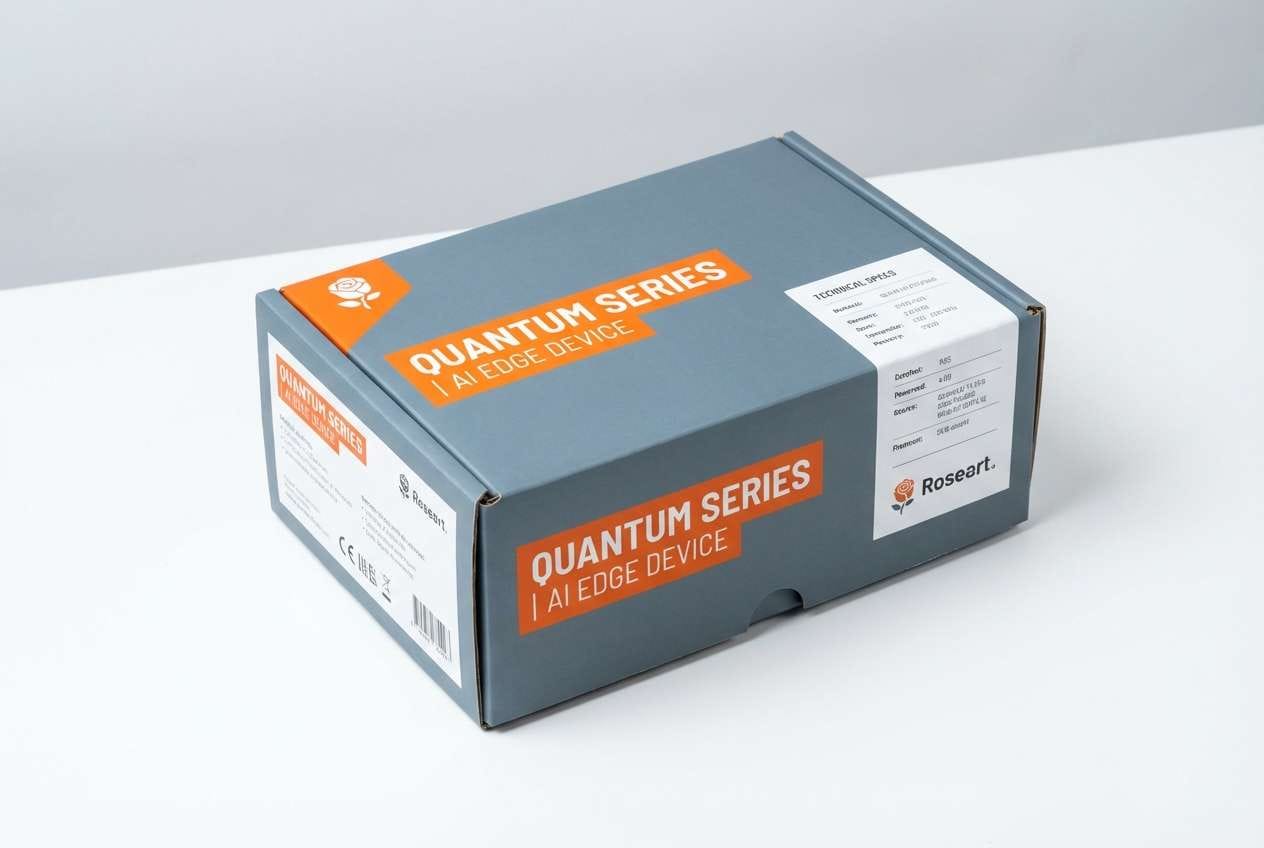
Best for: hardware product packaging mockup
Industrial and warm, it suggests oxidized metal next to clean lab plastic. It is strong for hardware packaging, tool branding, and maker kits where you want toughness with modern polish. Pair the orange with slate for the main system, then use the rose tone sparingly for secondary labels. Usage tip: keep the package background light so the warm accents read as intentional, not muddy.
Image example of robot rust generated using media.io
10) Space Station Neutral
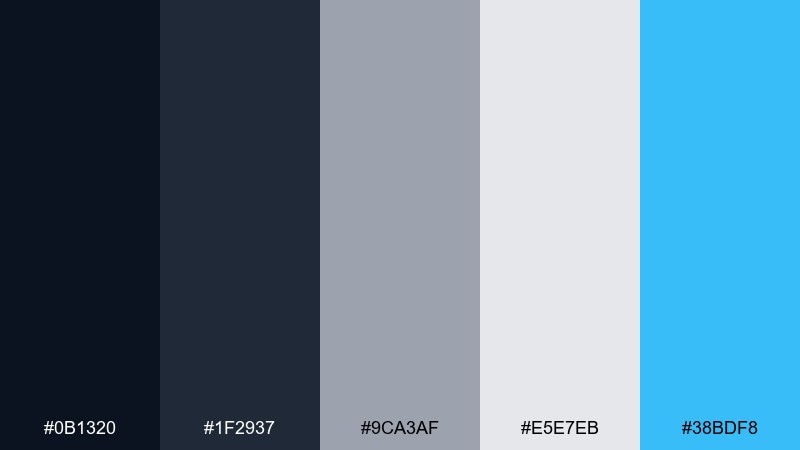
HEX: #0b1320 #1f2937 #9ca3af #e5e7eb #38bdf8
Mood: minimal, structured, modern
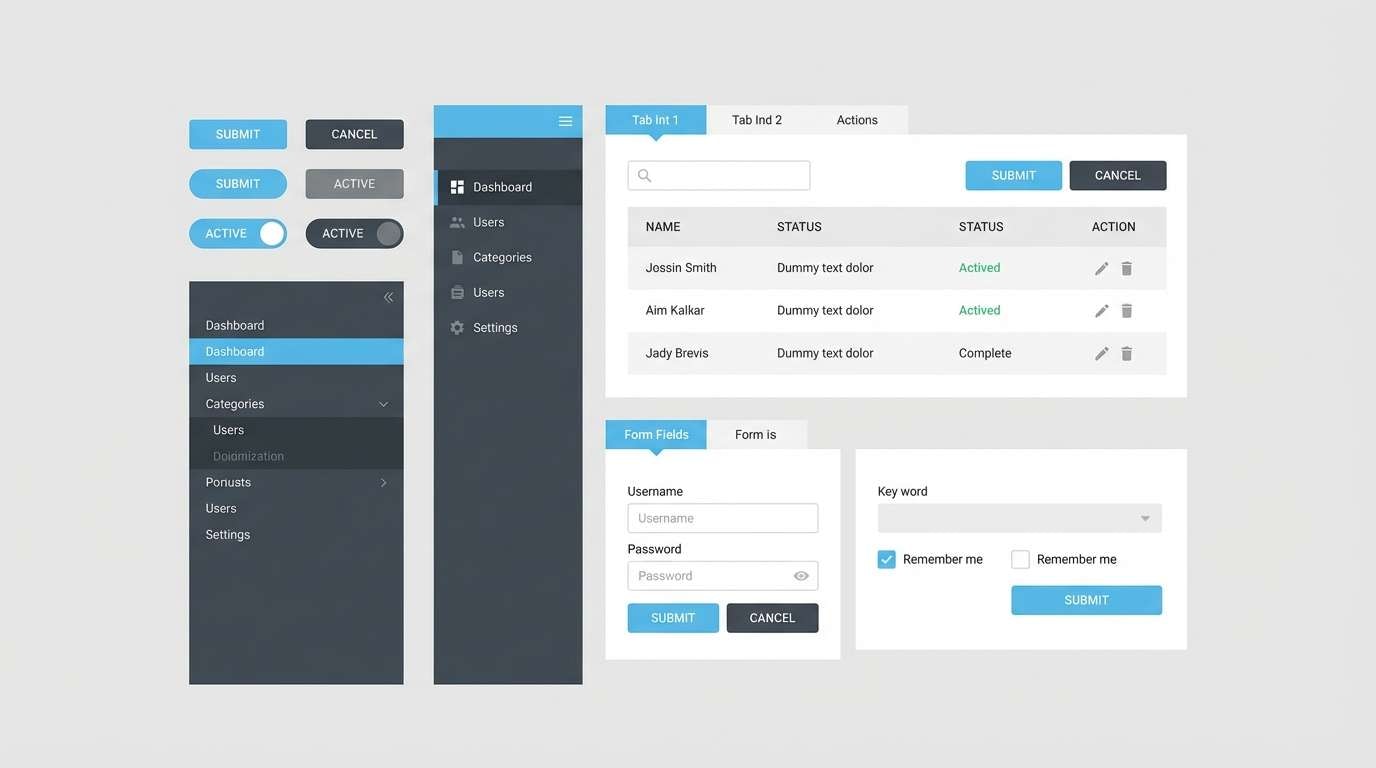
Best for: enterprise web app UI kit
Minimal and structured, it looks like modular panels inside a space station corridor. It is perfect for UI kits, admin panels, and data-heavy apps that need clarity first. Use the grays for layout and states, then bring in the sky blue for active tabs and link color. Usage tip: define a strict scale for gray usage so disabled, hover, and borders never blur together.
Image example of space station neutral generated using media.io
11) Aurora Byte
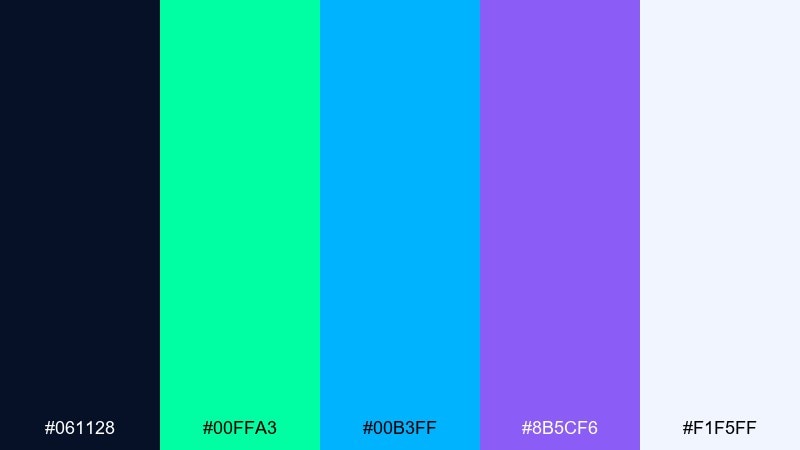
HEX: #061128 #00ffa3 #00b3ff #8b5cf6 #f1f5ff
Mood: luminous, optimistic, techy
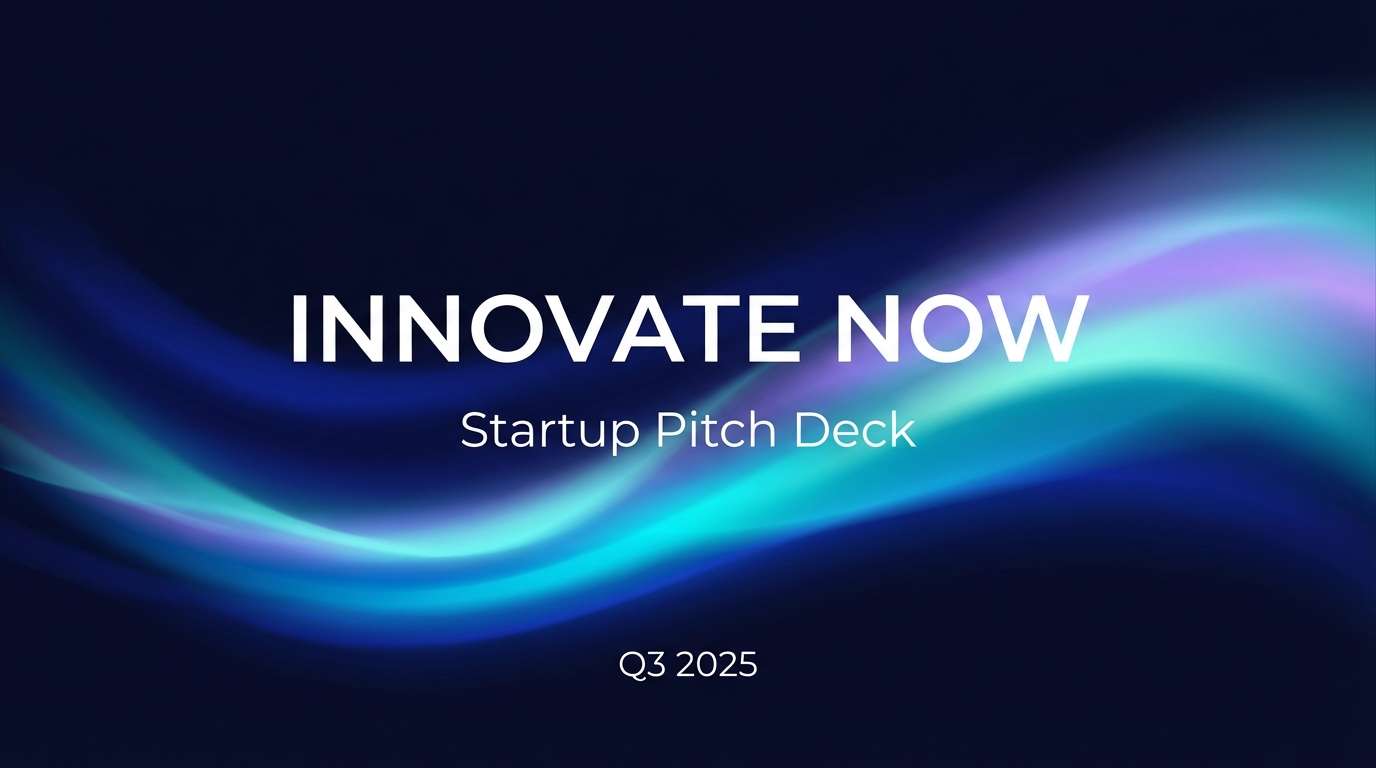
Best for: startup pitch deck cover
Luminous and optimistic, it evokes an aurora rippling across a dark sky. It is a confident pick for pitch decks, launch announcements, and product updates. The green and blue read as forward-leaning, while violet adds a premium edge for highlights. Usage tip: for a cohesive futuristic color scheme, choose either green or violet as the main accent and let the other stay secondary.
Image example of aurora byte generated using media.io
12) Cryo Violet
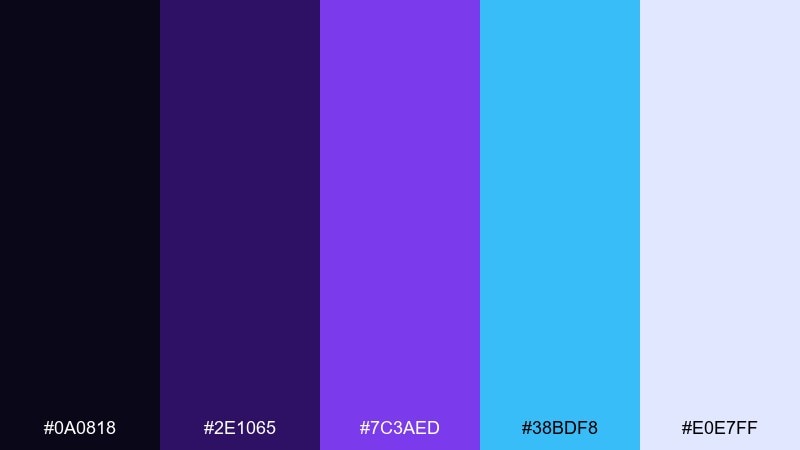
HEX: #0a0818 #2e1065 #7c3aed #38bdf8 #e0e7ff
Mood: cold, immersive, sci-fi
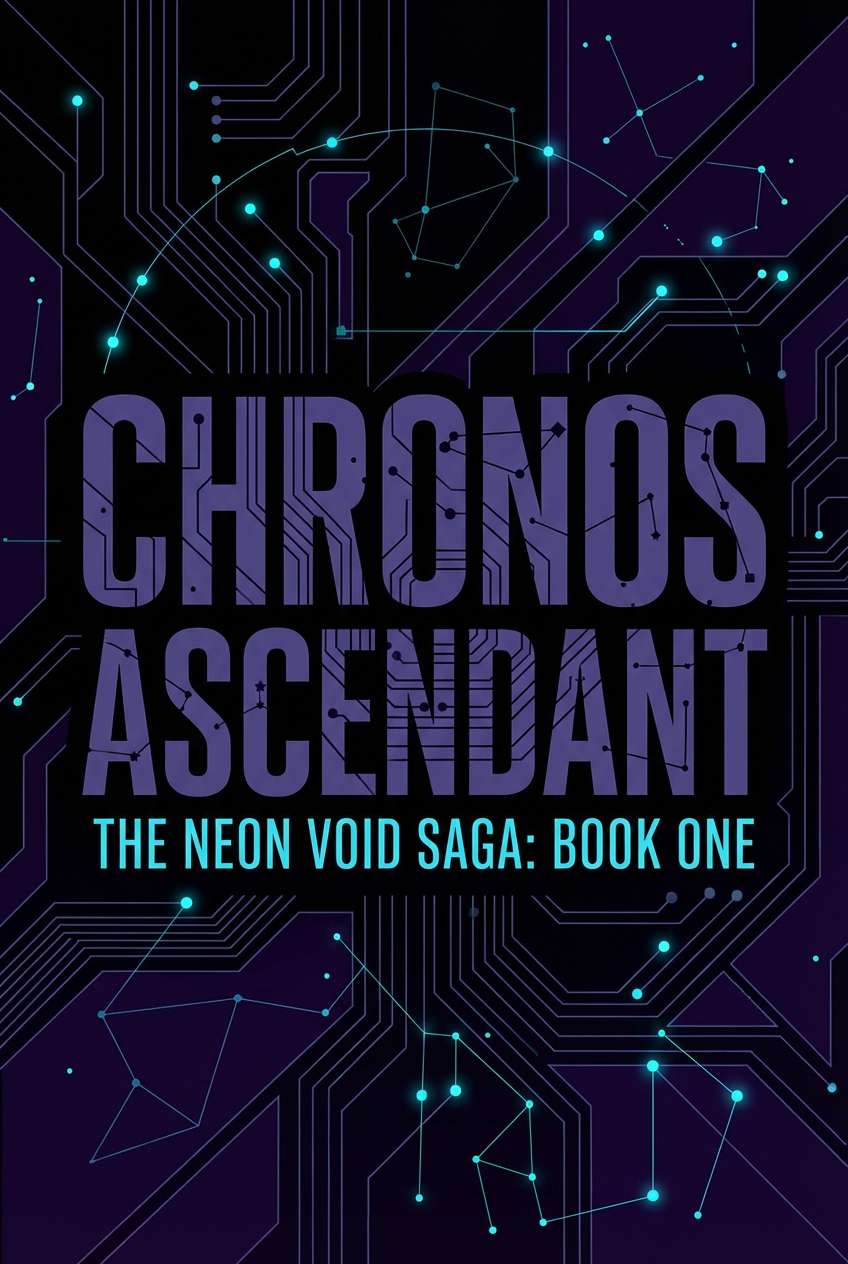
Best for: sci-fi book cover
Cold and immersive, it feels like a cryogenic chamber lit with violet tubes. It suits sci-fi book covers, game key art typography, and streaming banners that need depth. Use the icy cyan for subtitles and small detail lines, then let violet carry the main mood. Usage tip: add generous letter spacing on light text to keep it crisp over dark gradients.
Image example of cryo violet generated using media.io
13) Carbon Fiber
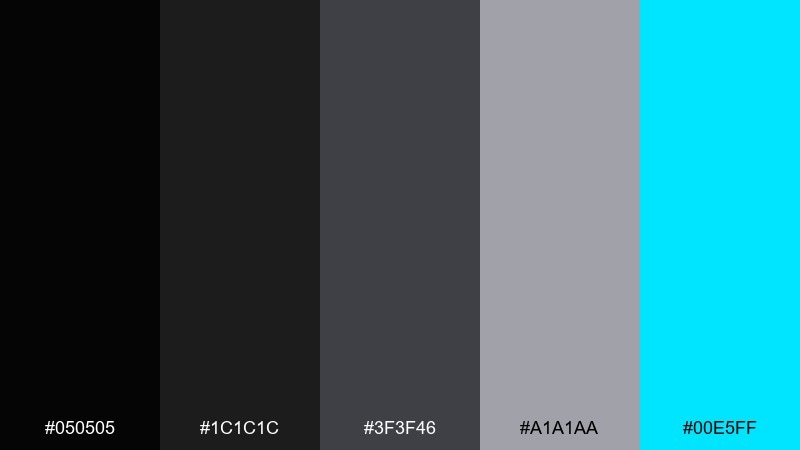
HEX: #050505 #1c1c1c #3f3f46 #a1a1aa #00e5ff
Mood: sleek, technical, understated
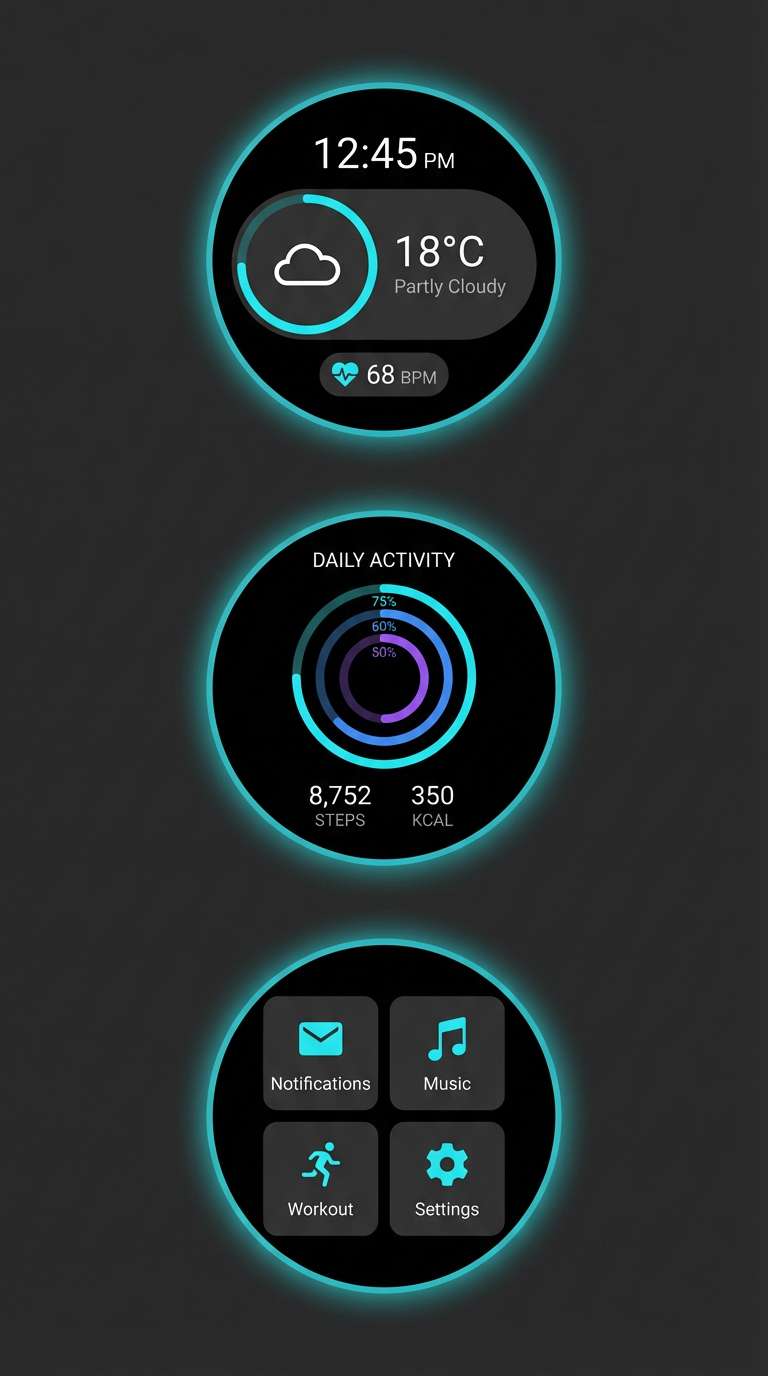
Best for: smartwatch UI concept
Sleek and understated, it recalls carbon fiber texture with a single electric glow. It fits wearable UI, automotive interfaces, and product renders that should feel engineered. Keep most surfaces in charcoal and graphite, then use cyan only for active states and key metrics. Usage tip: test contrast at small sizes so thin icons remain readable against the mid-gray.
Image example of carbon fiber generated using media.io
14) Starlight Pearl
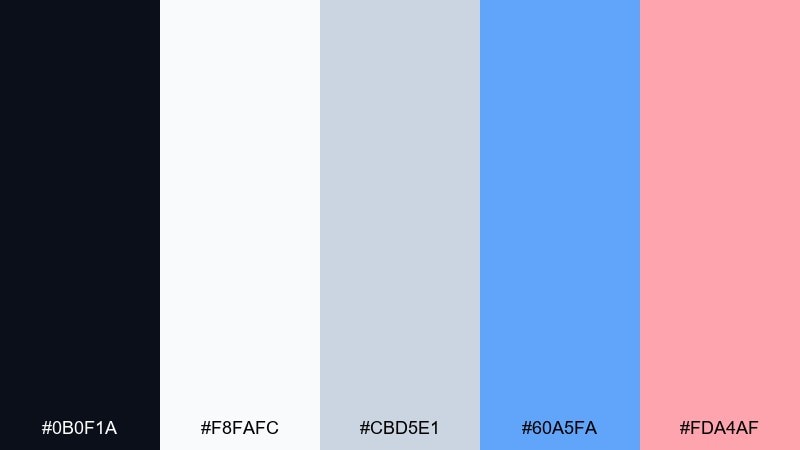
HEX: #0b0f1a #f8fafc #cbd5e1 #60a5fa #fda4af
Mood: soft, polished, airy
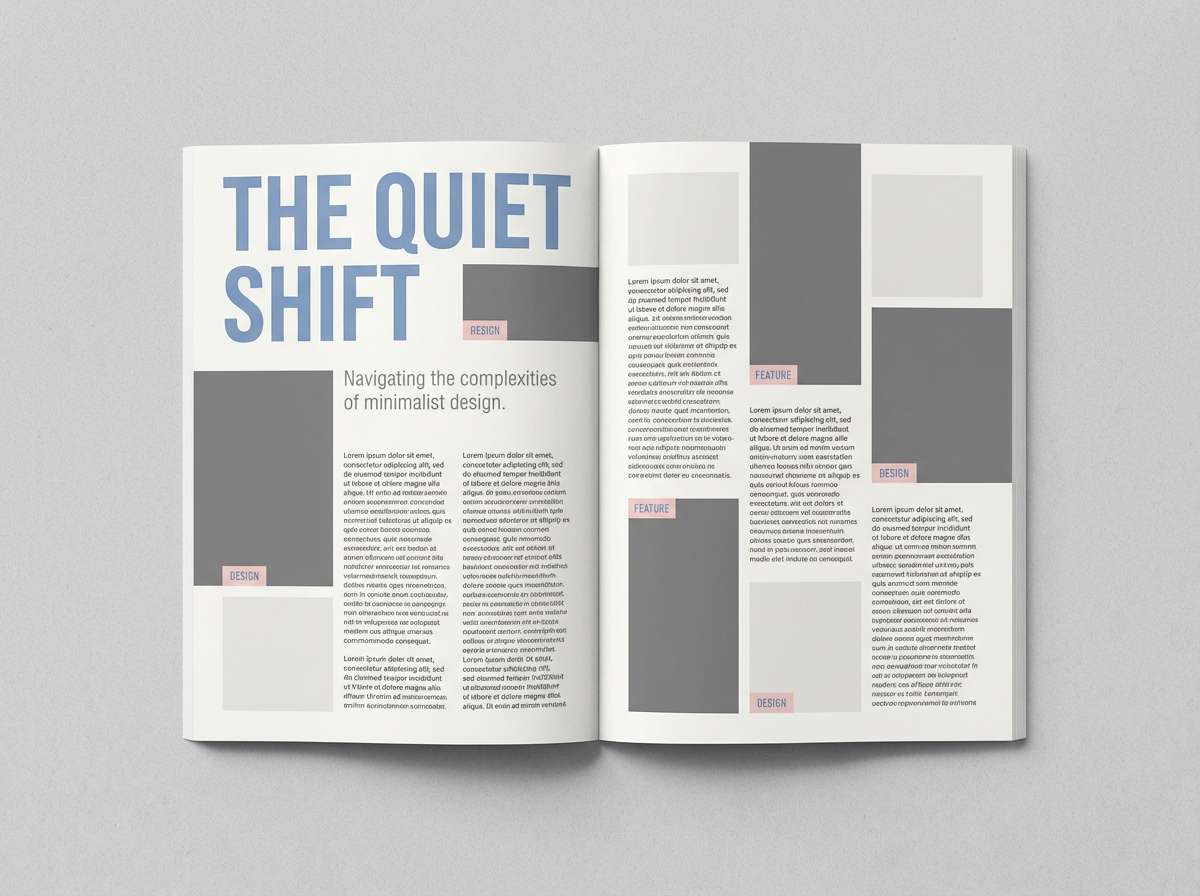
Best for: editorial magazine layout
Soft and polished, it feels like starlight on pearl paper. It works for editorial layouts, tech lifestyle blogs, and modern portfolios that need lightness with a hint of glow. Pair the cool blue with the blush as small section markers, while the grays keep typography grounded. Usage tip: use blush only for pull quotes or captions so it stays refined.
Image example of starlight pearl generated using media.io
15) Hyperlink Blue
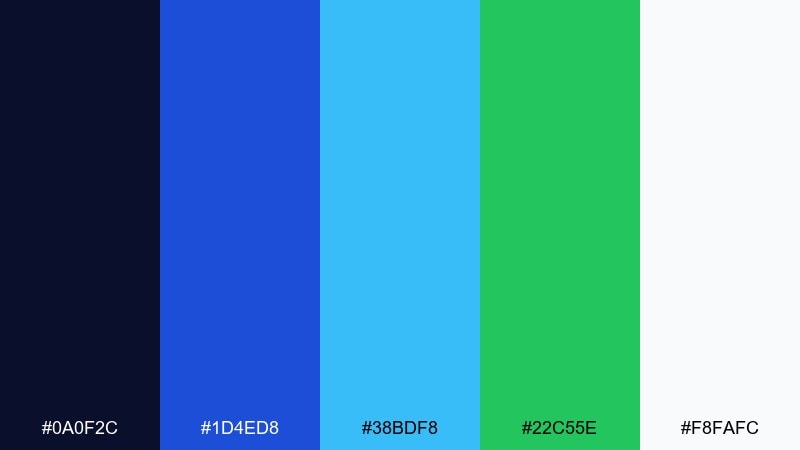
HEX: #0a0f2c #1d4ed8 #38bdf8 #22c55e #f8fafc
Mood: bright, modern, digital
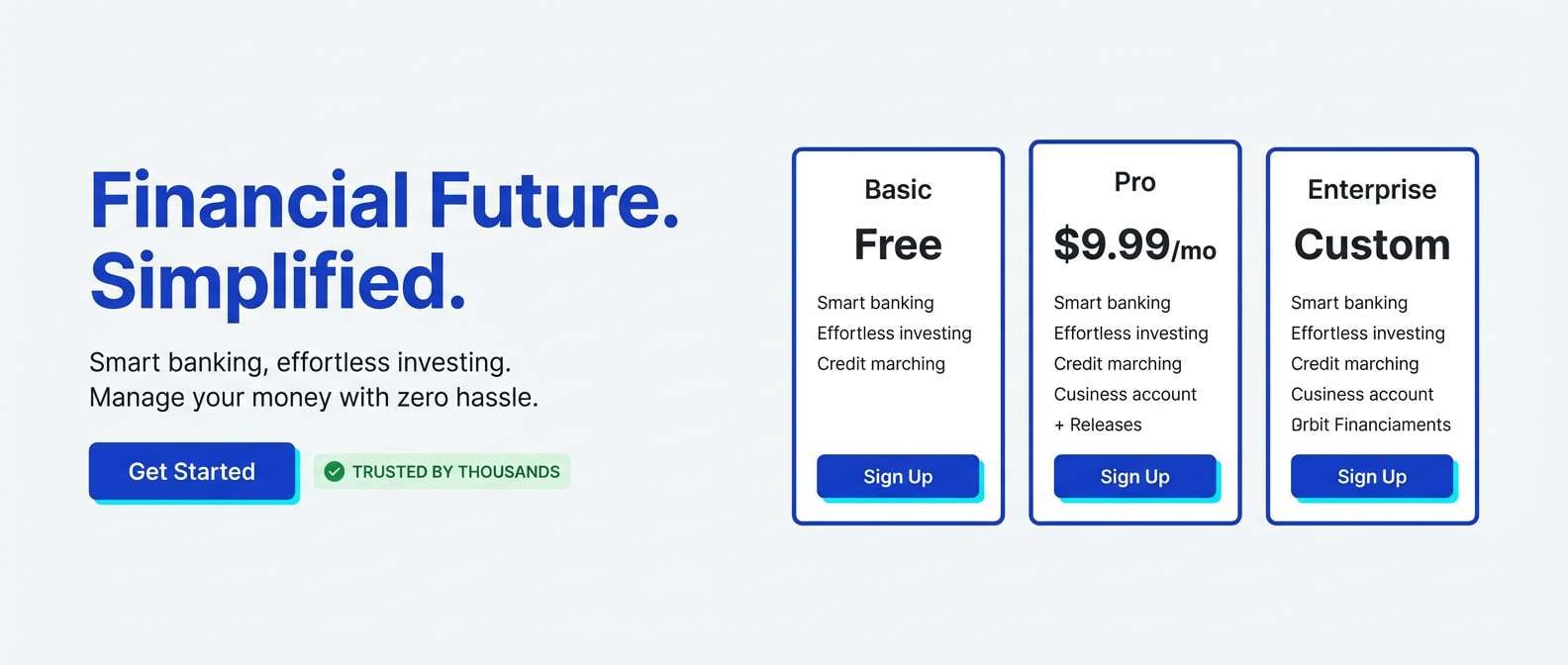
Best for: fintech landing page UI
Bright and digital, it evokes crisp hyperlinks and real-time signals. It is great for fintech landing pages, API docs, and app store visuals that need trust plus energy. Use royal blue for primary CTAs, cyan for hover states, and green for success messages. Usage tip: stick to a simple 70-20-10 split so the greens do not compete with the blues.
Image example of hyperlink blue generated using media.io
16) Nano Lime
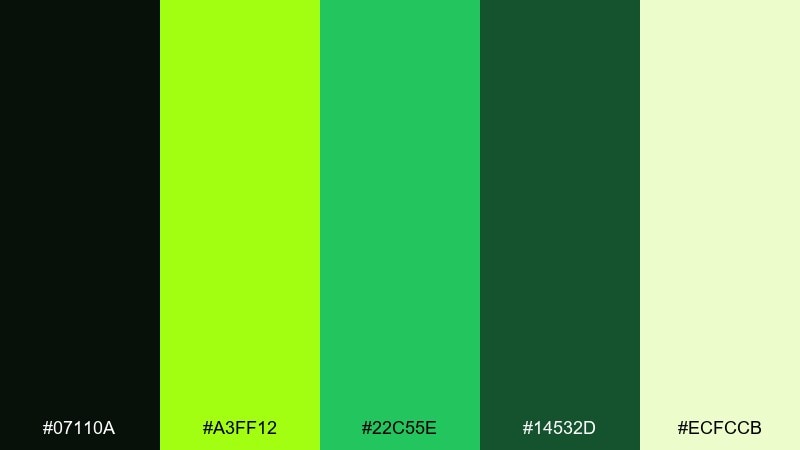
HEX: #07110a #a3ff12 #22c55e #14532d #ecfccb
Mood: charged, sharp, bio-tech
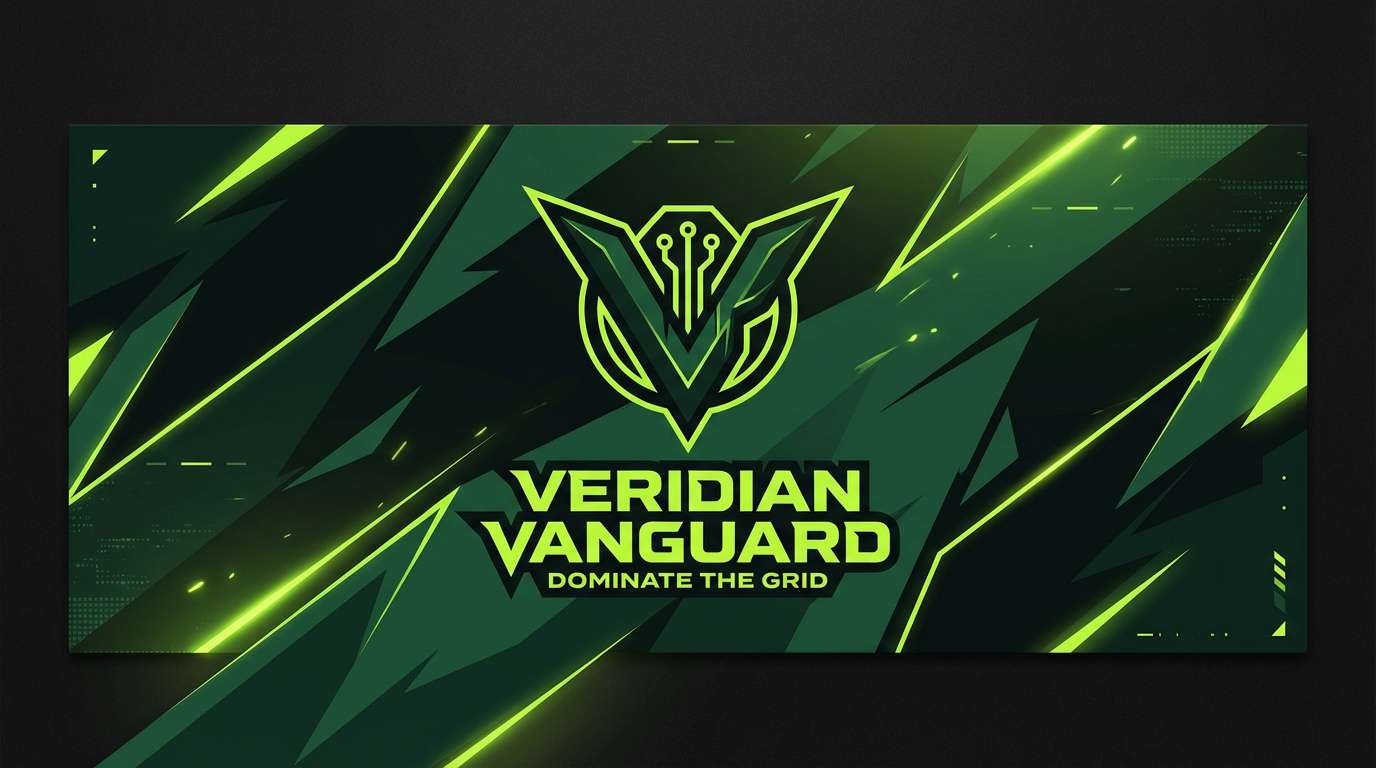
Best for: esports team banner
Charged and sharp, it looks like a bio-reactor glow cutting through darkness. It is strong for esports banners, tech merch, and high-energy promo graphics. Pair the lime with deep greens for a controlled intensity, then reserve the pale yellow-green for text boxes and highlights. Usage tip: avoid overusing gradients here and lean into flat blocks for a crisp, aggressive look.
Image example of nano lime generated using media.io
17) Satellite Sand
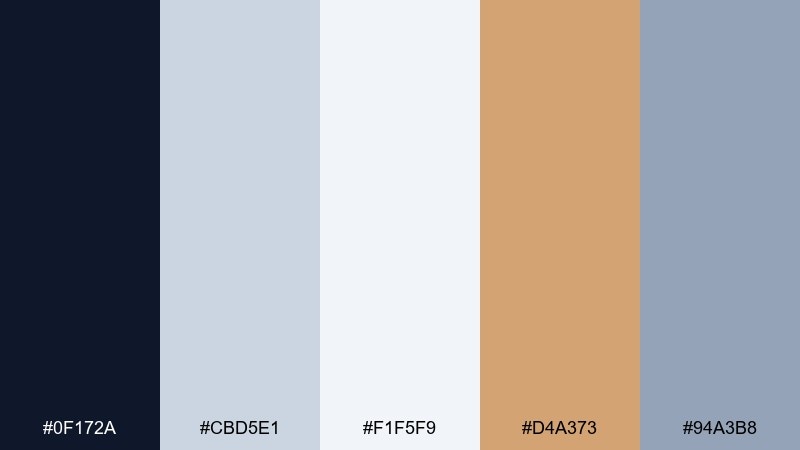
HEX: #0f172a #cbd5e1 #f1f5f9 #d4a373 #94a3b8
Mood: calm, modern, terrestrial
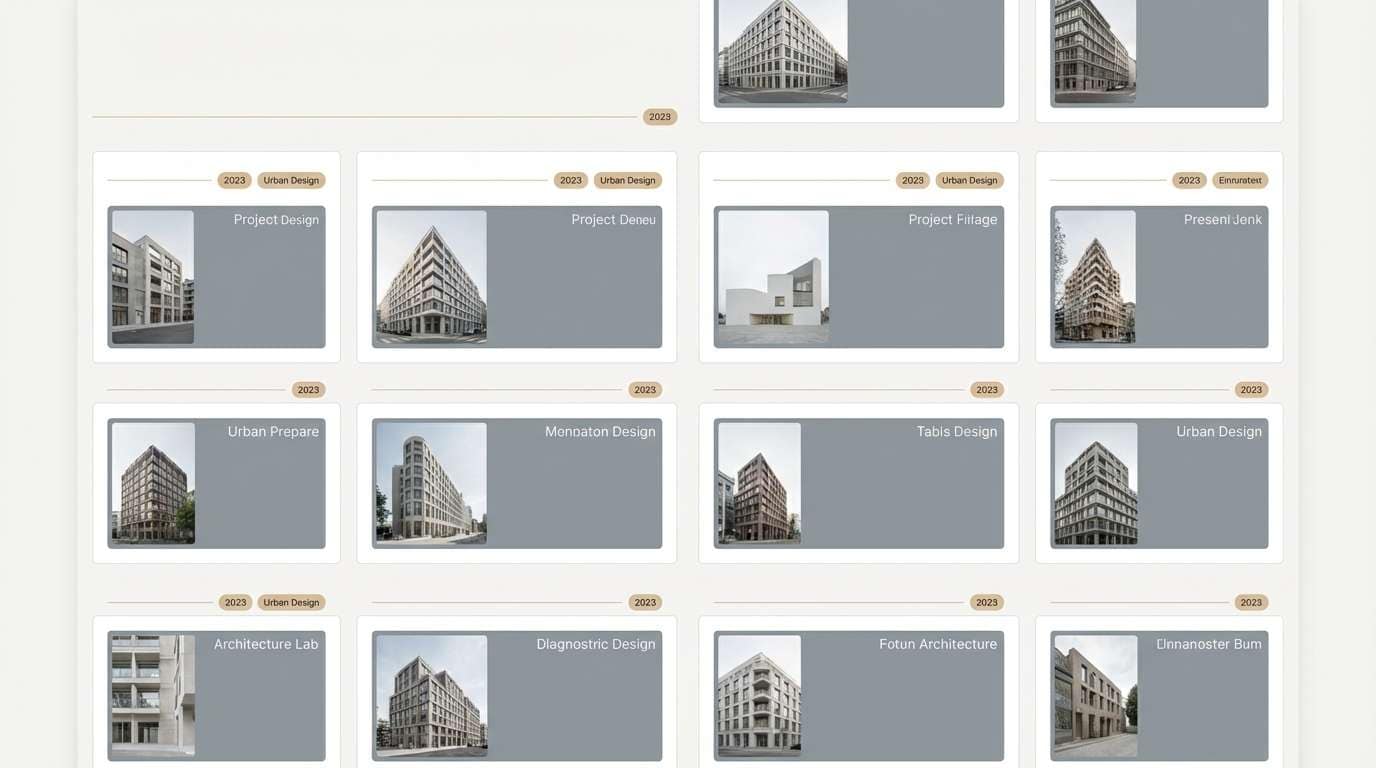
Best for: architecture portfolio website
Calm and modern, it evokes satellite imagery over desert terrain and concrete grids. It is a great fit for architecture portfolios, industrial design case studies, and minimalist websites. Use the sand tone as a warm counterpoint to the cool grays, especially for section dividers and highlight chips. Usage tip: keep imagery slightly desaturated so the sand accent remains the hero.
Image example of satellite sand generated using media.io
18) Electric Ember
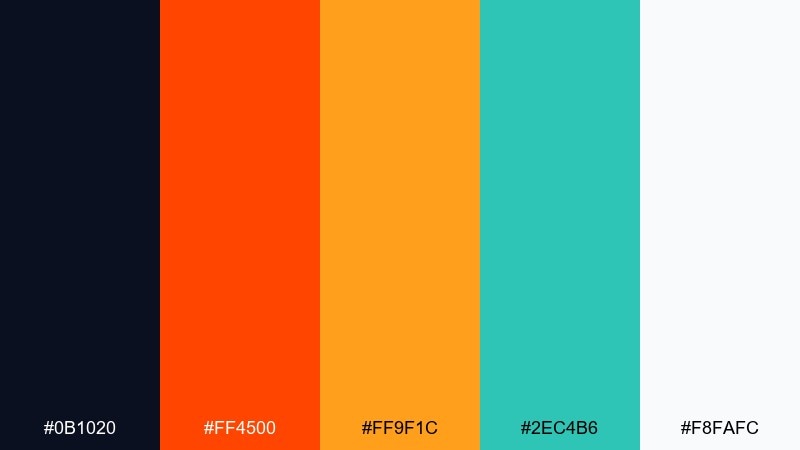
HEX: #0b1020 #ff4500 #ff9f1c #2ec4b6 #f8fafc
Mood: hot, kinetic, bold
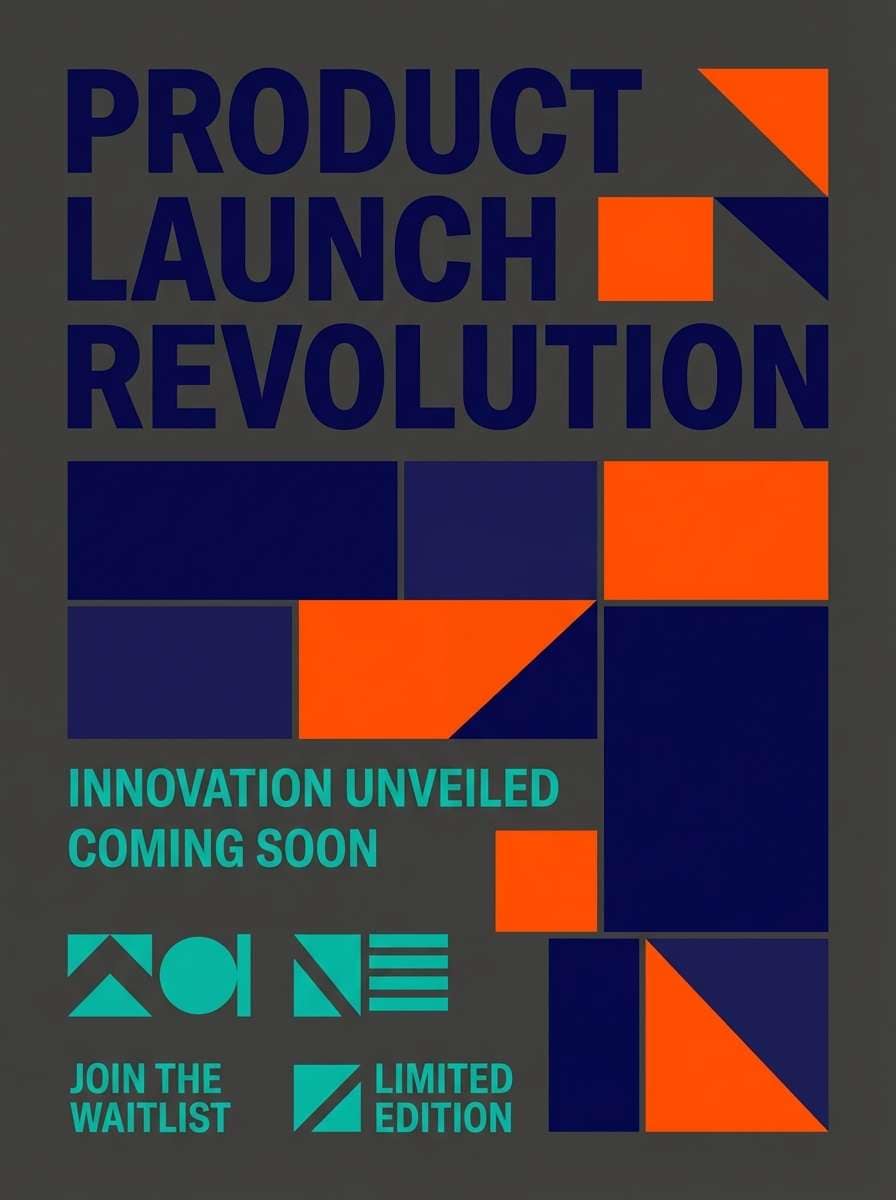
Best for: product launch flyer
Hot and kinetic, it feels like sparks jumping across a clean steel surface. It is ideal for product launch flyers, sale announcements, and punchy social graphics. Pair the ember orange with teal to create high-energy contrast, while the deep navy keeps everything anchored. Usage tip: use teal only on secondary elements so the orange stays the primary attention magnet.
Image example of electric ember generated using media.io
19) Digital Lavender Night
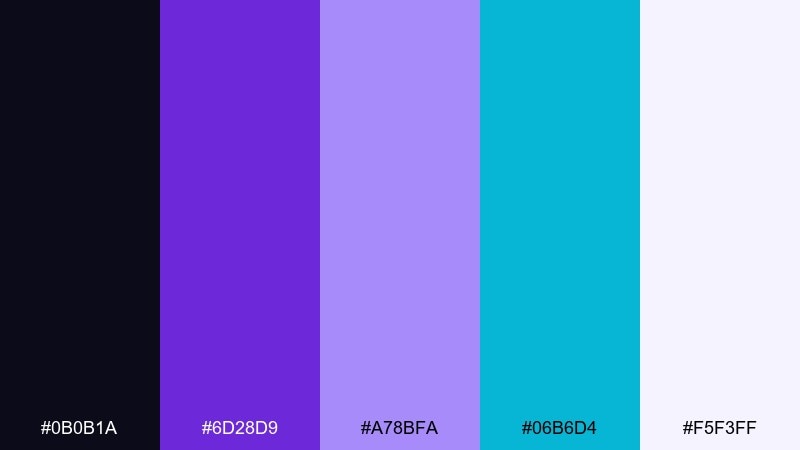
HEX: #0b0b1a #6d28d9 #a78bfa #06b6d4 #f5f3ff
Mood: mysterious, modern, silky
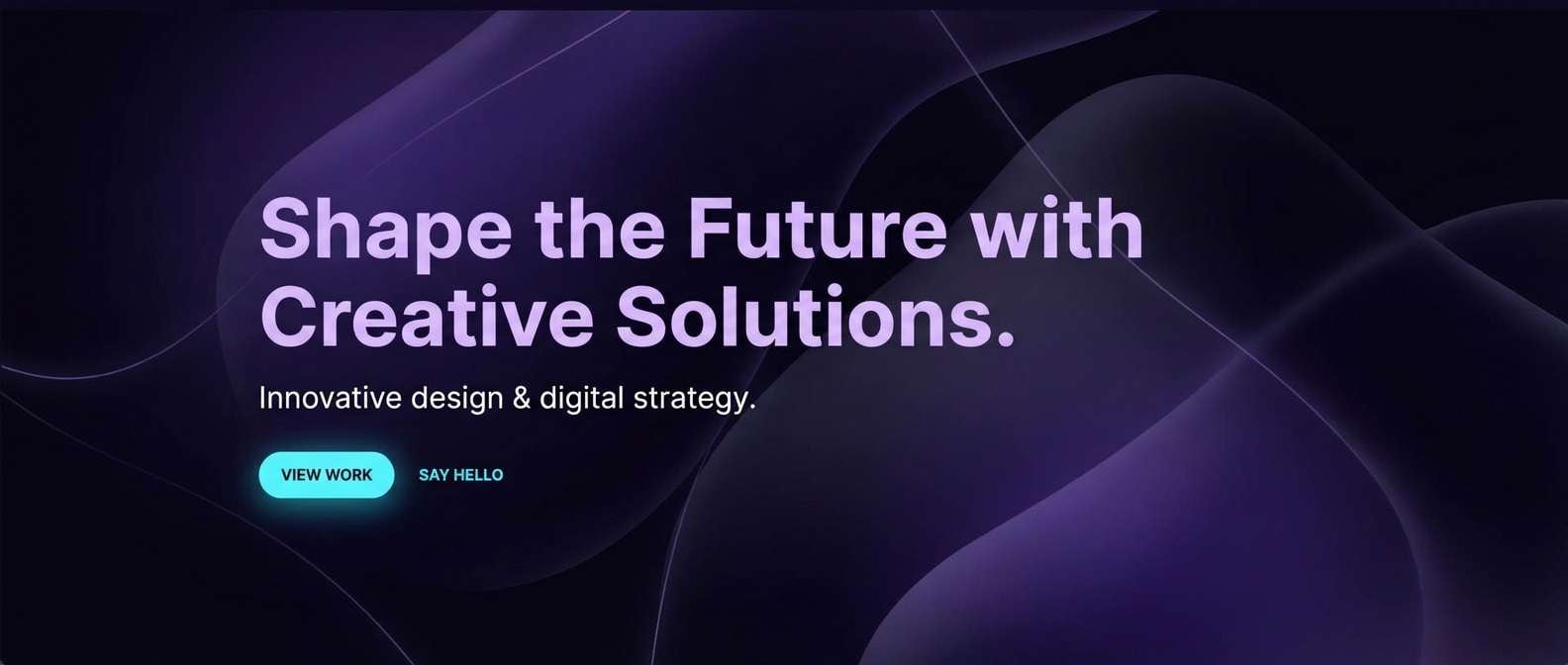
Best for: creative agency website hero
Mysterious and silky, it suggests velvet shadows with a soft lavender glow. It works for agency heroes, portfolio intros, and sleek motion titles. The violet tones set the atmosphere, while cyan adds a crisp edge for links and micro-interactions. Usage tip: this futuristic color palette looks best when you keep gradients subtle and reserve the lightest tint for headlines only.
Image example of digital lavender night generated using media.io
20) Prism Alloy
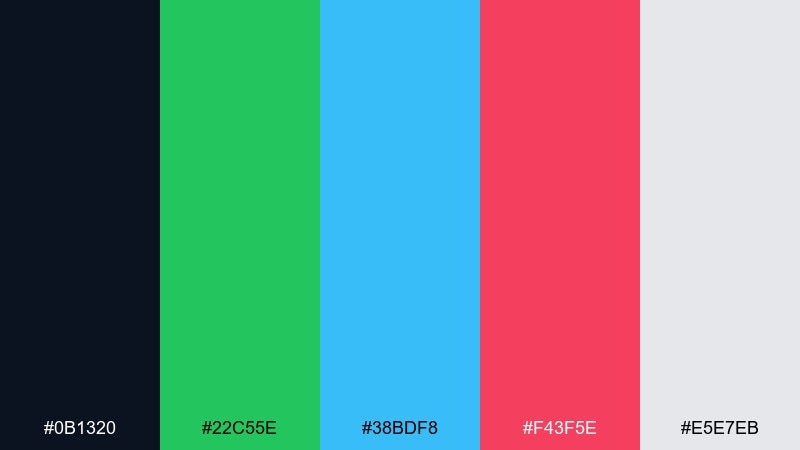
HEX: #0b1320 #22c55e #38bdf8 #f43f5e #e5e7eb
Mood: dynamic, balanced, tech-forward
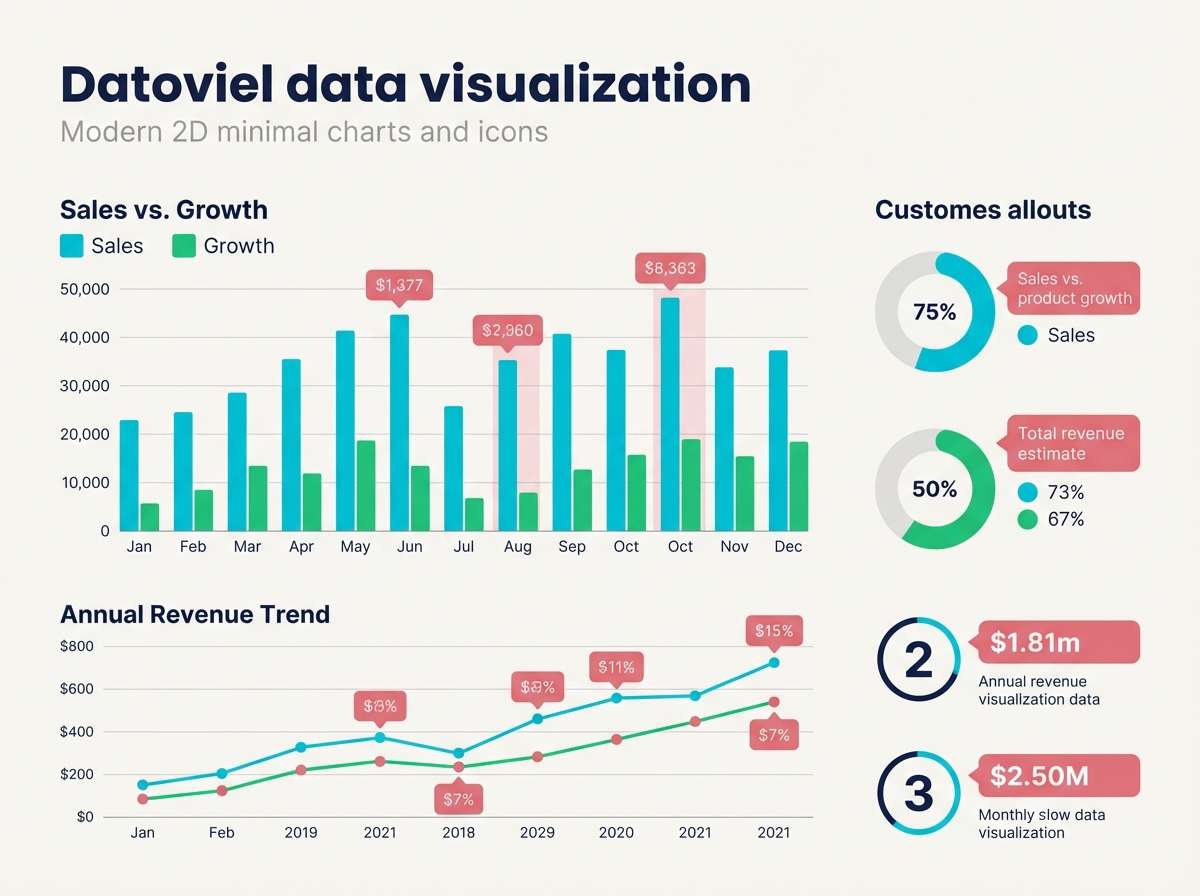
Best for: data visualization infographic
Dynamic and balanced, it feels like refracted light on polished alloy. It is a strong choice for charts, infographics, and product analytics pages where categories must be distinct. The green, cyan, and rose create clear grouping without leaning too neon. Usage tip: build a legend early so your futuristic color combinations stay consistent across every graph and slide.
Image example of prism alloy generated using media.io
21) Photon Coral
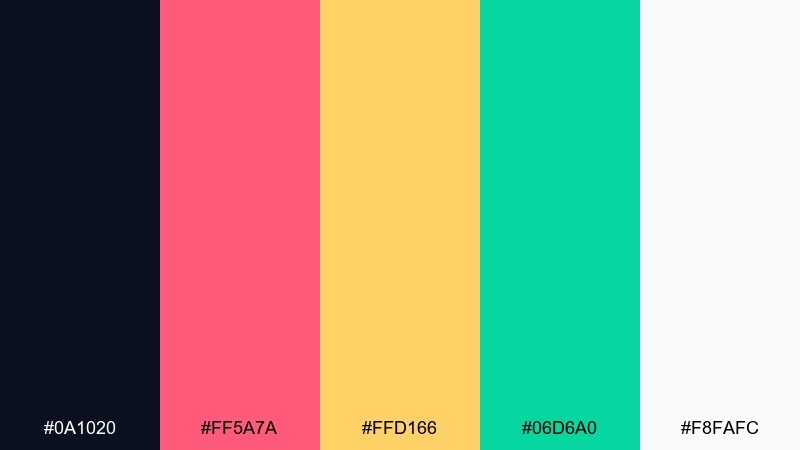
HEX: #0a1020 #ff5a7a #ffd166 #06d6a0 #f8fafc
Mood: bright, friendly, optimistic
Best for: app marketing poster
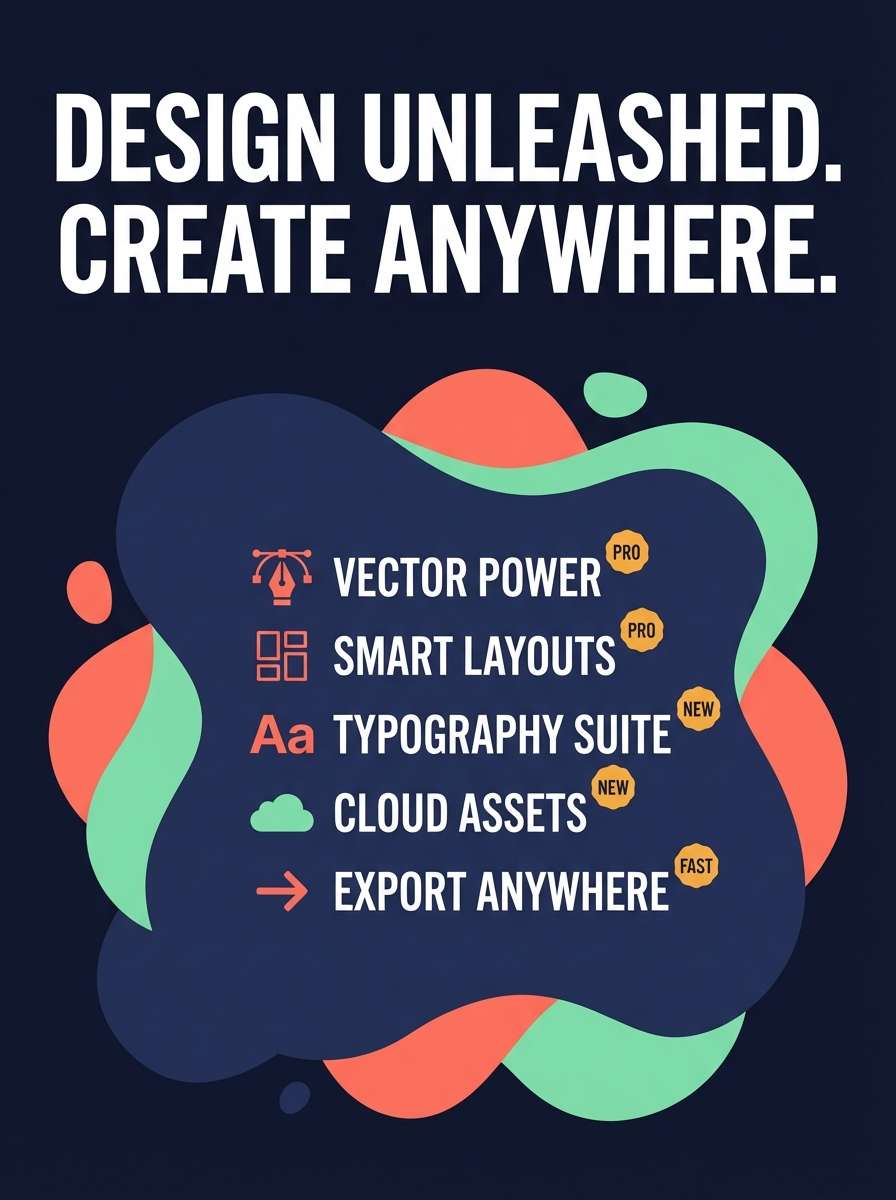
Bright and friendly, it brings to mind glowing coral under clear water. It is ideal for app marketing posters and cheerful launch campaigns that still feel modern. Pair coral with mint for a playful contrast, and use the soft amber for badges or feature icons. Usage tip: keep typography dark and simple so the warm accents do not overwhelm the message.
Image example of photon coral generated using media.io
22) Zero Gravity Pastel
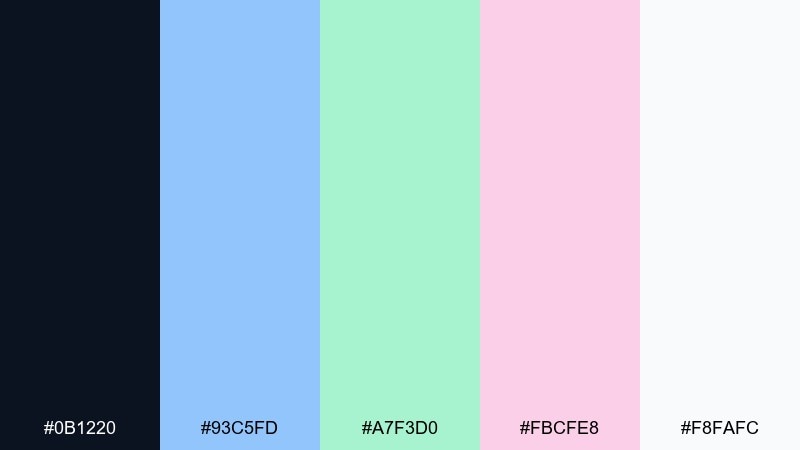
HEX: #0b1220 #93c5fd #a7f3d0 #fbcfe8 #f8fafc
Mood: light, calming, futuristic-soft
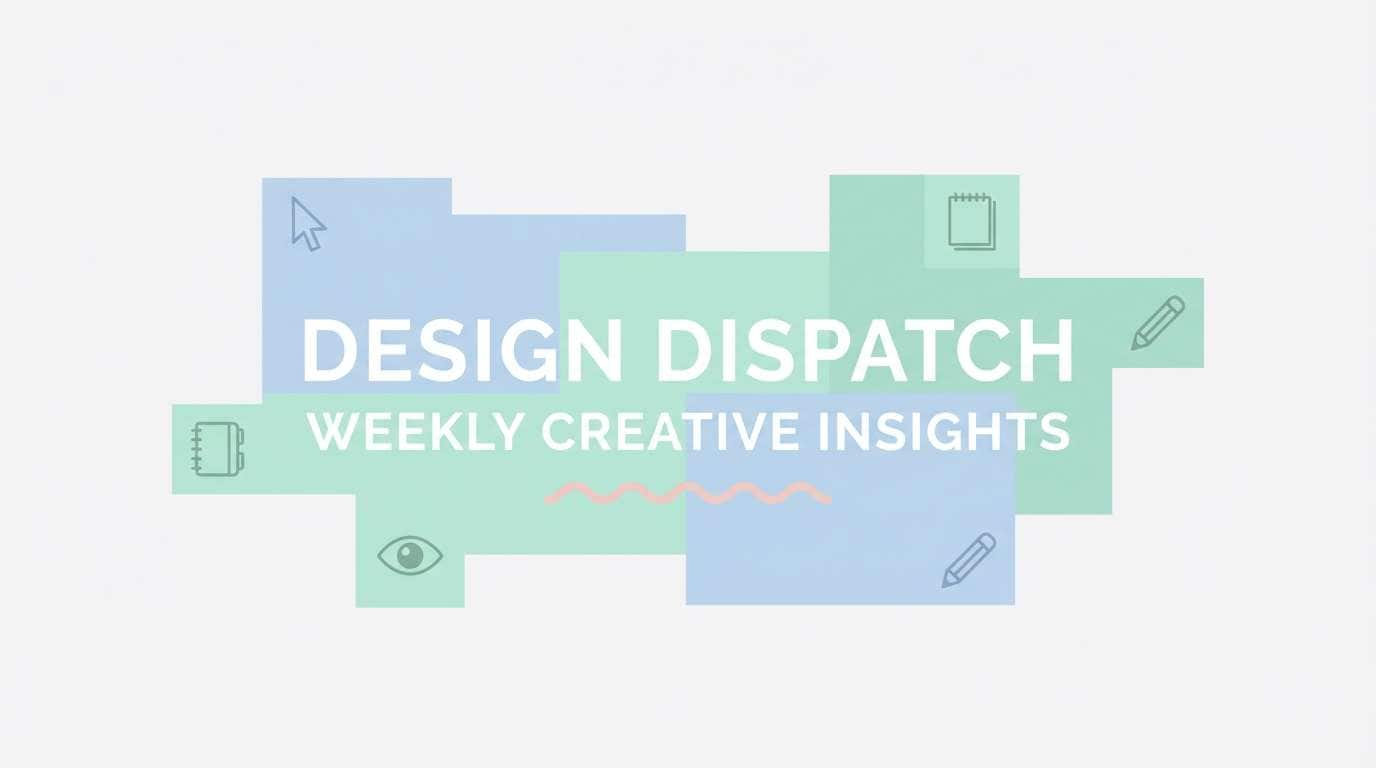
Best for: wellness newsletter header
Light and calming, it feels like floating through a quiet cabin with soft indicator lights. It suits wellness newsletters, gentle product updates, and minimalist web sections that need warmth without heaviness. Pair the blue and mint for structure, then use blush only for small emphasis lines. Usage tip: choose one pastel as the main background tint and keep the rest for accents to avoid a washed look.
Image example of zero gravity pastel generated using media.io
What Colors Go Well with Futuristic?
Futuristic palettes usually start with a dark “space” base (near-black, deep navy, charcoal) plus a cool neutral (ice white, silver gray) for clean UI surfaces and readable typography.
For accents, cyan and teal are the most common because they feel like LED light and system states. Magenta, violet, and hot pink add cyberpunk energy, while lime green communicates “bio-tech” or high-activity signals.
Warm accents can still work—amber or orange look like warning lights and can make CTAs pop—just keep them controlled so the design stays sleek instead of chaotic.
How to Use a Futuristic Color Palette in Real Designs
Use a simple ratio: make your darkest tone the foundation, your light neutral the text/card color, and keep 1–2 accents for actions. This prevents a neon color combination from overwhelming the layout.
In dark mode, avoid pure white everywhere; soft whites or mint-tinted whites reduce glare and keep the interface premium. Save the brightest neon for “meaningful moments” like primary buttons, active tabs, or key data points.
For posters and branding, build depth with subtle gradients inside the same hue family (violet-to-indigo, teal-to-cyan), then add one sharp accent for the headline, date, or badge.
Create Futuristic Palette Visuals with AI
If you want to preview a futuristic color scheme before committing, generate quick mockups (posters, UI hero sections, product ads) using a consistent prompt and your chosen HEX colors as guidance.
Media.io makes it easy to iterate: swap one accent (cyan to lime, magenta to violet), keep the layout description the same, and compare which version feels more “tech” or more “premium.”
Once you like the direction, reuse the same palette across thumbnails, landing pages, and social assets to keep your brand’s sci-fi look cohesive.
Futuristic Color Palette FAQs
-
What is a futuristic color palette?
A futuristic color palette is typically built on deep dark bases (navy/black/charcoal), cool neutrals (ice white/silver), and high-clarity accents (cyan, teal, magenta, violet, lime) that feel like illuminated UI and tech signals. -
What are the most common futuristic accent colors?
Cyan and teal are the most common because they resemble LED glow and “system” states. Magenta/violet adds cyberpunk energy, while lime green signals bio-tech or high intensity. -
How do I keep neon accents from looking noisy?
Limit neon to small areas (often under 10–20% of the design), keep most surfaces neutral, and use one consistent accent for primary CTAs so the interface stays clean and premium. -
Which palettes are best for dark-mode UI?
Try Neon Circuit, Quantum Teal, Astro Noir, or Carbon Fiber. They provide strong hierarchy with dark foundations and controlled bright accents, while softer whites help reduce glare. -
Can warm colors fit a futuristic palette?
Yes. Amber and orange can look like warning beacons or energy bursts. Palettes like Astro Noir or Electric Ember use warm accents effectively when anchored by deep navy/charcoal. -
What’s a good futuristic palette for branding (not too neon)?
Lunar Chrome, Space Station Neutral, and Satellite Sand feel modern and technical without heavy neon, making them strong for B2B tech, guidelines, and minimal brand systems. -
How can I generate futuristic visuals quickly for a mood board?
Use Media.io text-to-image with prompts like “dashboard UI,” “hero section,” or “poster,” then iterate by changing only the accent color (cyan vs magenta vs lime) to compare vibes while keeping layout consistent.
Next: Medical Color Palette


