
















Seedance 2.0 – Generate Cinematic Multi-Scene Videos with Audio
Create next-gen videos with Seedance 2.0, a video model built for storytelling. Generate multi-shot cinematic videos from text, images, audio, and video references — with native audio-video sync, consistent characters across scenes, and up to 2K professional output. From short films to marketing content, bring your ideas to life with more control and realism.
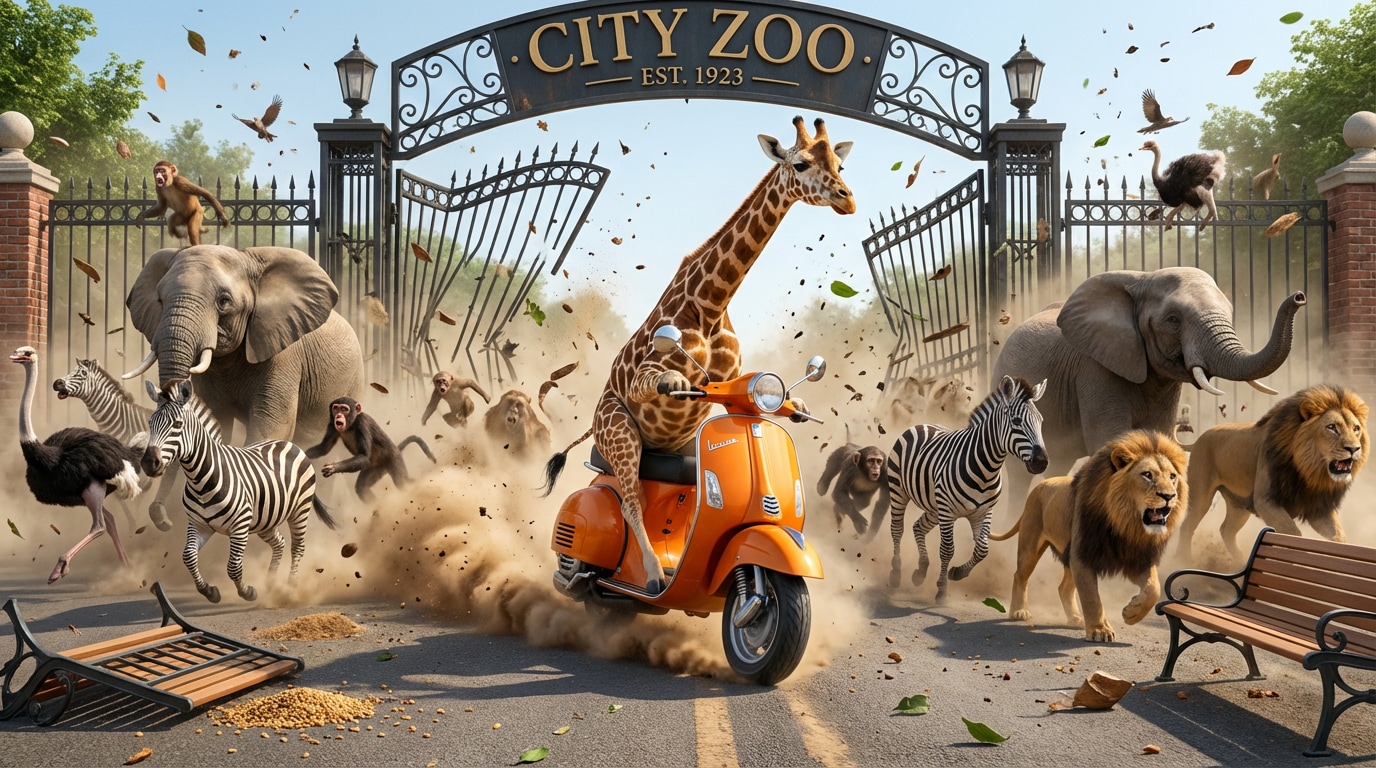
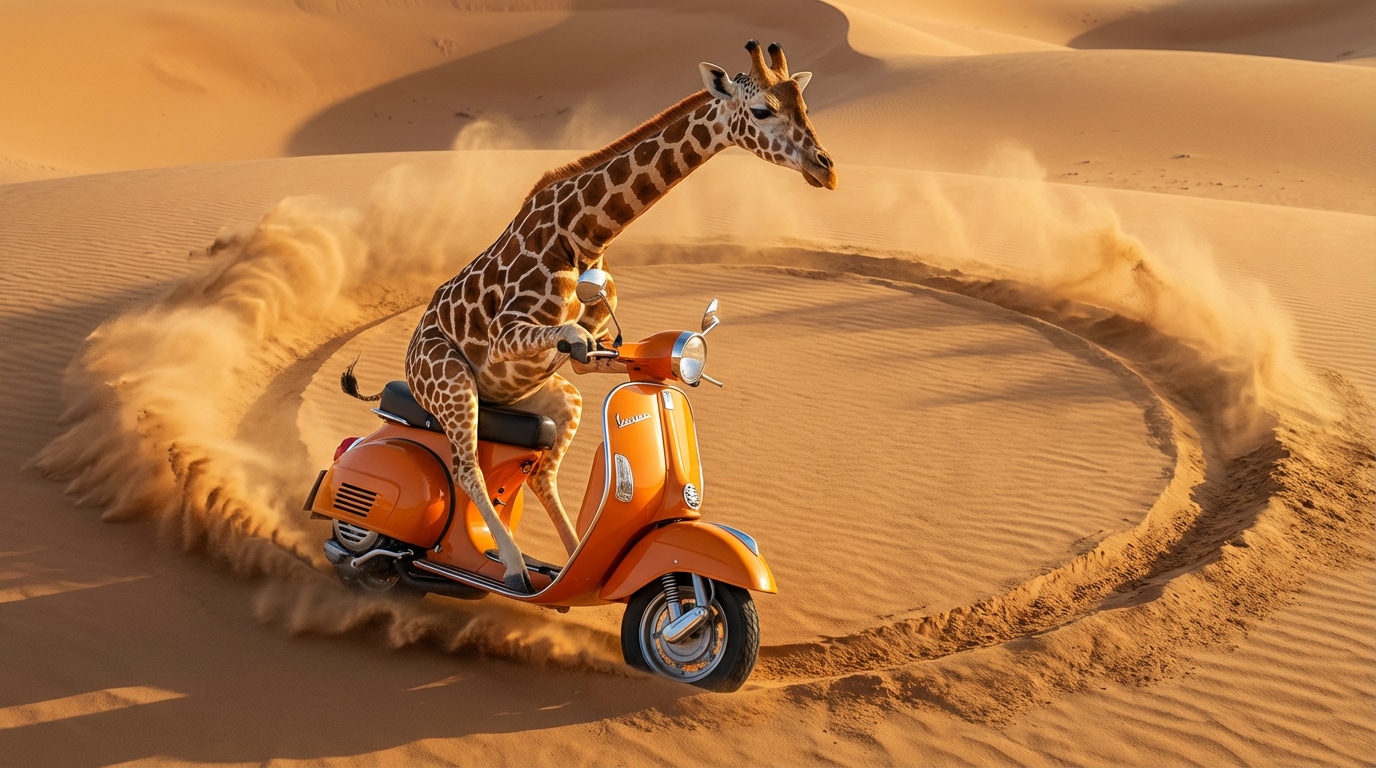
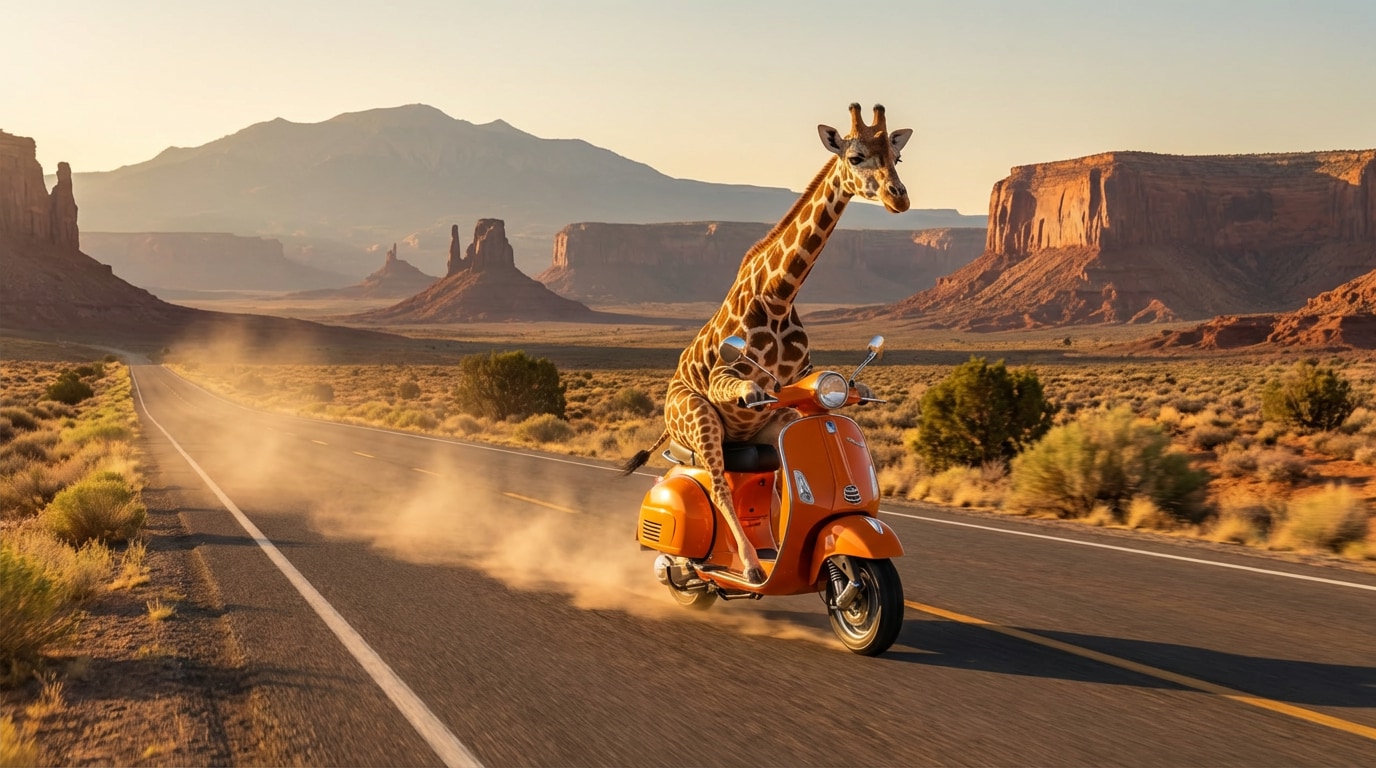
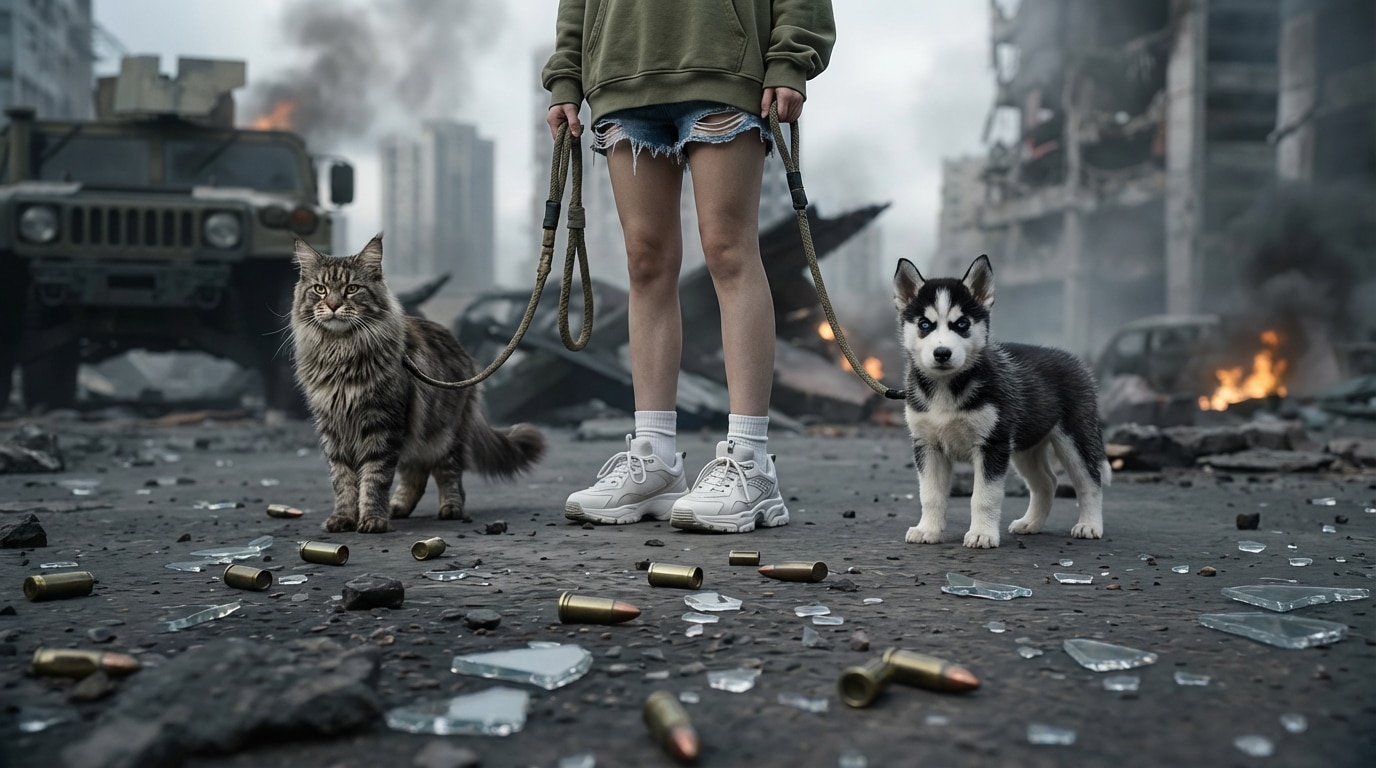
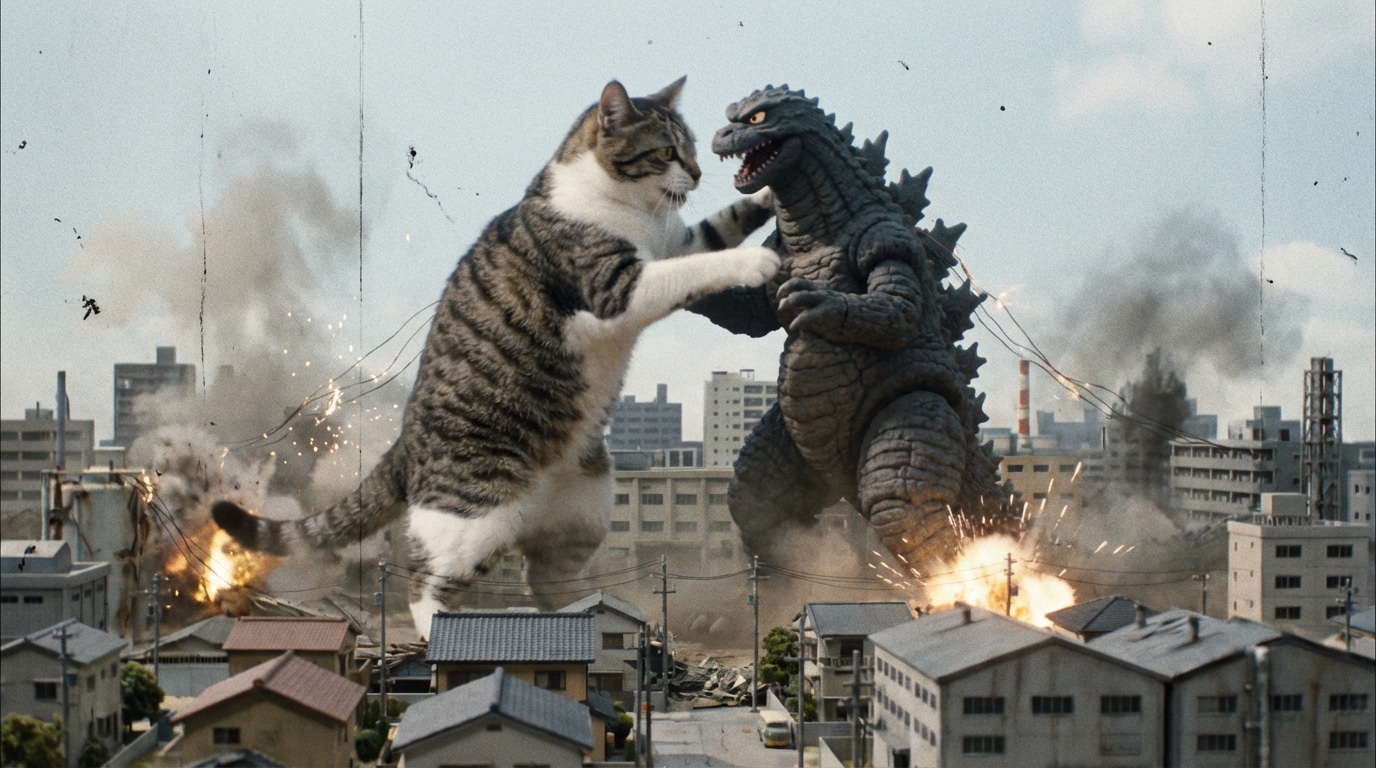
Enhance Seedance 2.0 Video to 4K with AI
Turn low-quality footage into sharper, cleaner 4K video with improved clarity, richer details, and a more polished look using Seedance 2.0.
Get to Know Seedance 2.0 AI Video Maker
AI Video Creation in One Workflow
Seedance 2.0 helps you create videos from text, images, audio, and video references in one place. Start with a prompt, add a reference image, guide the rhythm with audio, or use clips to shape the final scene.
- Text to Video: turn ideas into cinematic scenes fast
- Image to Video: animate stills while keeping style and subject consistent
- Audio + Video input: guide mood, timing, and energy with sound or reference clips
- Less trial and error: combine references for more directed results
Multi-Shot Storytelling with Cinematic Flow
Seedance 2.0 goes beyond single clips. It is built for multi-shot AI storytelling with more natural framing, smoother transitions, and stronger scene continuity across a full sequence.
- Multi-scene narratives: generate connected shots from one creative idea
- Cinematic framing: better angles, transitions, and shot progression
- More consistent storytelling: keep tone, style, and pacing aligned
- Great for creators: short films, ads, story reels, and branded videos
Director-Level Control with Audio-Video Sync
Seedance 2.0 is designed for creators who want more than basic generation. Fine-tune camera motion, performance, style, lighting, and scene mood while generating visuals and sound together in one synchronized output.
- Joint audio-video creation: visuals sync with multilingual speech, music, and SFX
- More cinematic control: guide camera movement, lighting, and texture detail
- Professional output: built for polished videos up to 2K resolution
- Ideal for production: trailers, promos, music-driven edits, and story-first content
Access the World's Best AI Video Models in One Platform
Media.io gives you instant access to leading engines like Kling, Veo, Hailuo, Wan, Vidu, Runway, Nano Banana, Seedream—all in one place. Switch models with one click and generate videos in any style, quality level, or creative direction.


Seedance 2.0 vs Kling 3.0 vs Veo vs Sora
| Feature | ⭐ Seedance 2.0 | Kling 3.0 | Veo | Sora |
|---|---|---|---|---|
| Best at | ⭐ Multi-shot storytelling + audio-video + actions | ⭐ Motion control + gestures | ⭐ Cinematic visuals | ⭐ Realism + long videos |
| Multimodal input | ✅ Text + image + audio + video | ⚠️ Limited (image + motion ref) | ⚠️ Mostly text/image | ⚠️ Mostly text/image |
| Multi-shot storytelling | ⭐ Native multi-scene generation | ❌ Single-shot focused | ⚠️ Limited | ⚠️ Limited |
| Audio + video generation | ✅ Native sync (dialogue + SFX) | ❌ No native audio | ⚠️ Partial | ⚠️ Partial |
| Character consistency | Strong across scenes | Good (single clip) | Good | Very strong |
| Motion control precision | ⚠️ Moderate | ⭐ Best-in-class | Limited | Limited |
| Cinematic quality | ⭐ Very Cinematic (2K, storytelling focus) | Good | ⭐ Very cinematic | High |
| Best use cases | Short films, ads, story videos | Dance, motion clips, creators | Brand videos, cinematic ads | Long-form, realistic scenes |
If you want multi-scene storytelling + audio-video generation + cinematism, Seedance 2.0 is the strongest choice. For precise motion control, choose Kling 3.0.
How to Create Multi-Scene AI Videos with Seedance 2.0
Step 1: Choose Seedance 2.0 & Write Your Prompt
Go to Media.io AI, enter Text to Video or Image to Video, and choose Seedance 2.0 as your video model. Then write a clear prompt describing your story, visual style, camera language, and scene flow.
Step 2: Add Image, Video & Audio References
Upload up to 9 JPG/PNG images, 1 MP4/MOV video (2–14s), and 1 audio file (2–14s). Seedance 2.0 uses these multimodal references to improve character consistency, scene continuity, sound timing, and cinematic control.
Step 3: Generate Multi-Scene AI Video
Click Generate and let Seedance 2.0 create your multi-shot AI video. The model combines text, images, video, and audio into a more cinematic result with smoother transitions, synced sound, and stronger story flow.
Trusted by Creators & Marketers for Multimodal AI Video Creation

YouTube Creator

“Finally, a true multi-shot AI storytelling tool!” Unlike other models that just give you random 4-second clips, this lets me create coherent multi-scene AI videos. No more character drift between shots!
Ad Agency Director
“The native audio-video integration is a game-changer.” Having an AI video generator with audio that perfectly lip-syncs dialogue saves us hours of editing. Perfect for story-driven product campaigns.
AI Filmmaker
“A cinematic AI video maker that rivals Hollywood.” The 2K output, natural camera movements, and lighting consistency are mind-blowing. The way it understands complex physics makes it the ultimate next-gen AI video model.
TikTok Creator
“The ultimate AI video generator.” I can throw in an image, an audio voiceover, and a text prompt together, and it generates a flawless video. The easiest way to generate video from text and audio!
Explore the Hottest AI Video & Image Effects



FAQs About Seedance 2.0 Multimodal AI Video Generator
1. What is Seedance 2.0 and how is it different from other AI video models?
Seedance 2.0 is a multimodal AI video generator designed for cinematic storytelling. Unlike models that focus only on motion (like Kling) or realism (like Sora), Seedance 2.0 generates multi-shot videos with narrative flow, consistent characters, and native audio-video sync.
2. Can I create multi-scene videos instead of single clips?
Yes. Seedance 2.0 is built for multi-shot AI storytelling. It can generate connected scenes with smooth transitions, natural camera changes, and consistent visual flow — making your video feel like a complete story instead of isolated clips.
3. Does Seedance 2.0 generate audio together with video?
Yes. It supports audio-video AI creation in one workflow. You can generate dialogue, sound effects, and background audio together with visuals, with automatic syncing for more natural results.
4. What inputs does Seedance 2.0 support?
Seedance 2.0 is a multimodal AI video generator. It supports:
• Text prompts (for storytelling and structure)
• Up to 9 images (JPG/PNG) for visual references
• 1 video clip (2–14s) for motion or style
• 1 audio file (2–14s) for sound guidance
5. Can Seedance 2.0 keep characters consistent across scenes?
Yes. One of its key strengths is character and scene consistency. The model maintains faces, clothing, and overall style across multiple scenes, reducing common issues like character drift.
6. What video quality can I expect?
Seedance 2.0 generates cinematic-quality video with realistic lighting, textures, and smooth transitions. It supports high-quality output up to 2K resolution, suitable for creative and marketing use.
7. What are the best use cases for Seedance 2.0?
Seedance 2.0 works best for:
• Short films and story videos
• Marketing and ad creatives
• Social media storytelling content
• Music-driven or narrative-driven videos
8. Is Seedance 2.0 better than Kling or Sora?
It depends on your goal. Seedance 2.0 is stronger for cinematic storytelling and multi-scene videos. Kling is better for precise motion control, while Sora focuses more on realism and longer clips. Choose based on your use case.
More from Media.io
 4.7 (162,357 Votes)