

Pixel art lives and dies by readability. The right palette helps sprites, icons, and UI elements stay clear even at tiny sizes and low resolutions.
Below are candy-to-neon pixel palette colors you can plug into retro game visuals, app badges, and modern “8-bit” graphics—each with HEX codes and an AI prompt you can reuse.
In this article
- Why Pixel Art Palettes Work So Well
-
- cotton candy arcade
- gummy worm glow
- soda pop sunset
- mint chip dungeon
- cherry cola night
- lollipop orchard
- taffy neon alley
- caramel pixel latte
- bubble tea boba
- frosted berry ice
- jellybean bazaar
- marshmallow cloudland
- hard candy contrast
- peach soda shore
- sour apple streetlight
- licorice lavender
- candy corn carnival
- rainbow sherbet quest
- rock candy cavern
- bubblegum mecha
- honey lemon pixel pop
- pink lemonade sprint
- What Colors Go Well with Pixel Art?
- How to Use a Pixel Art Color Palette in Real Designs
- Create Pixel Art Palette Visuals with AI
Why Pixel Art Palettes Work So Well
Pixel art palettes are effective because they force clarity. With fewer colors, your shapes, silhouettes, and 1px outlines do more of the communication—so sprites stay readable even when scaled down.
They also make shading predictable. A tight ramp (dark → mid → light) reduces muddy transitions, and it keeps materials like metal, skin, stone, or UI panels consistent across frames and animations.
Finally, limited palettes speed up production. When every element pulls from the same set of colors, your scene looks cohesive by default, and you spend less time “color-matching” new assets.
20+ Pixel Art Color Palette Ideas (with HEX Codes)
1) Cotton Candy Arcade
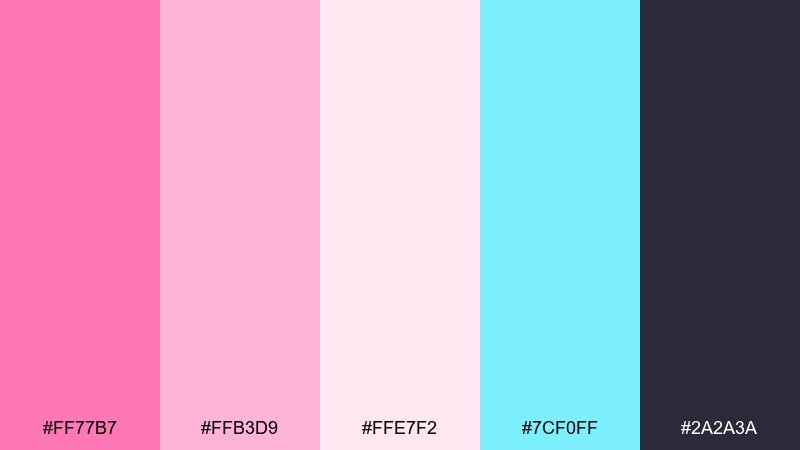
HEX: #ff77b7 #ffb3d9 #ffe7f2 #7cf0ff #2a2a3a
Mood: playful, bubbly, nostalgic
Best for: arcade UI buttons and menus
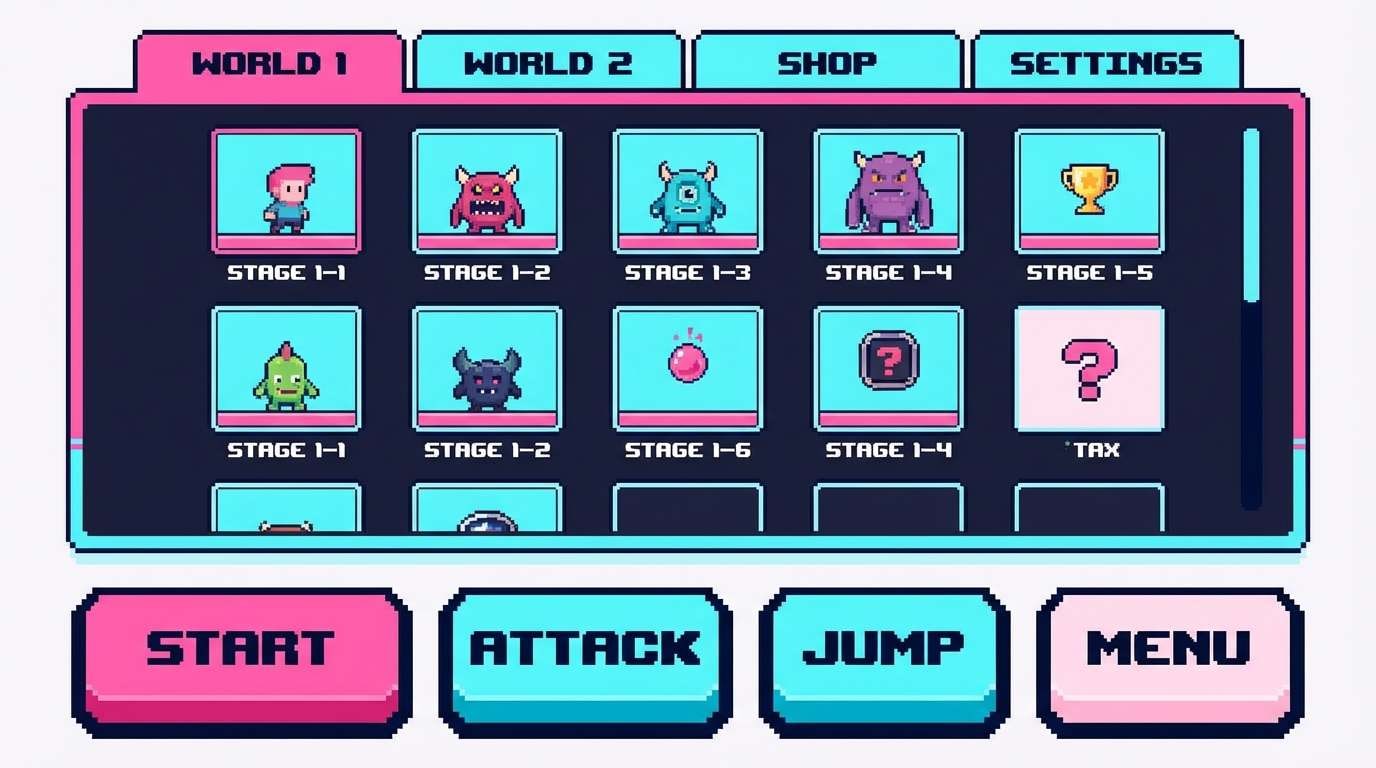
Playful bubblegum pinks with a splash of aqua feel like prize tickets, neon signs, and late-night arcades. Use the dark ink tone for crisp outlines and type, then keep the light pinks as roomy UI surfaces. Pair the aqua as a highlight color for hover states, badges, and selected tabs. Tip: reserve the brightest pink for calls to action so the interface does not become visually noisy.
Image example of cotton candy arcade generated using media.io
Media.io is an online AI studio for creating and editing video, image, and audio in your browser.


2) Gummy Worm Glow
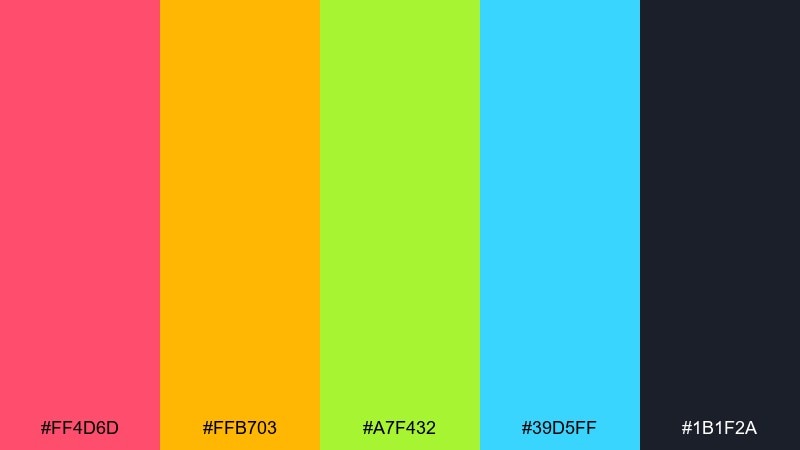
HEX: #ff4d6d #ffb703 #a7f432 #39d5ff #1b1f2a
Mood: electric, fun, high-contrast
Best for: space shooter sprites and HUD
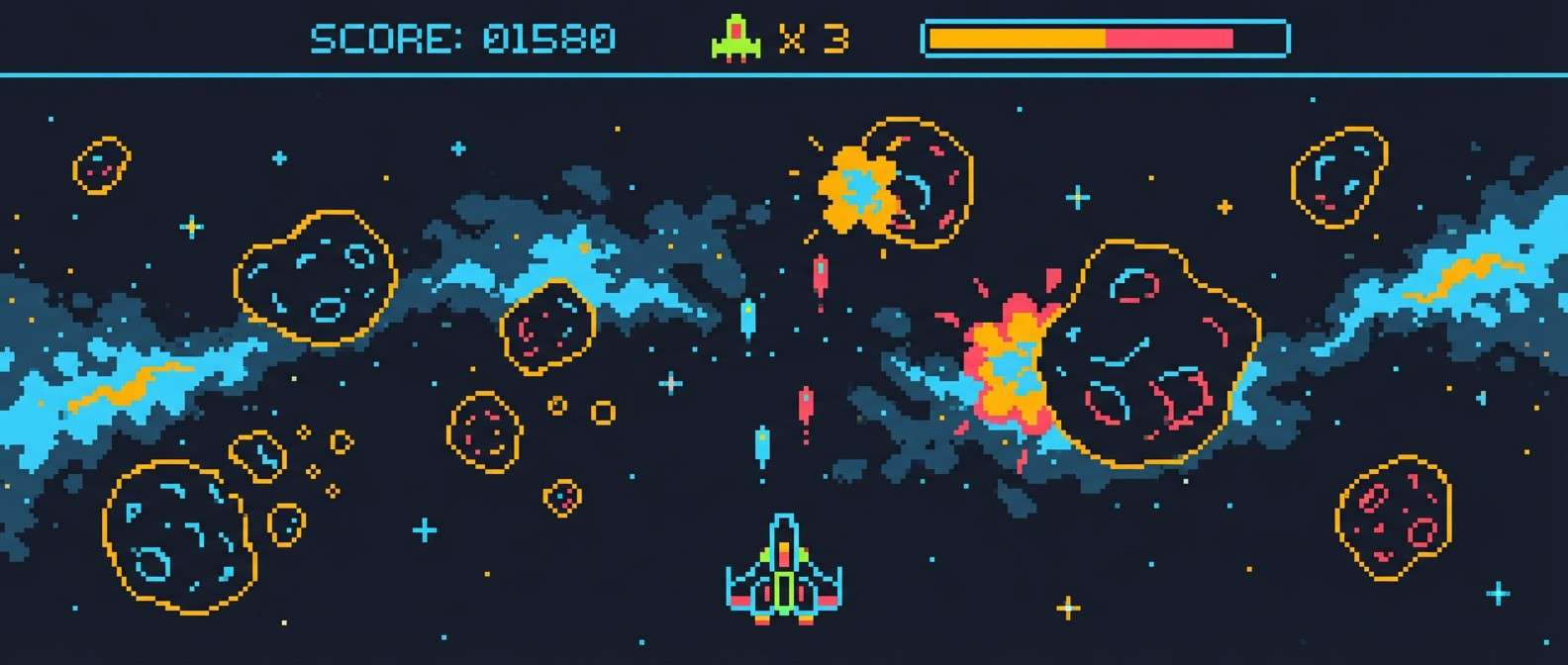
Electric candy brights pop like glowing gummies against a deep night backdrop. Keep the navy as your primary field and let the yellow and cyan carry the HUD highlights for instant readability. The lime is perfect for power-ups and friendly units, while the hot pink sells damage, danger, or score bursts. Tip: cluster the warm tones together for explosions and use cyan as the cool counterpoint to keep effects legible.
Image example of gummy worm glow generated using media.io
3) Soda Pop Sunset
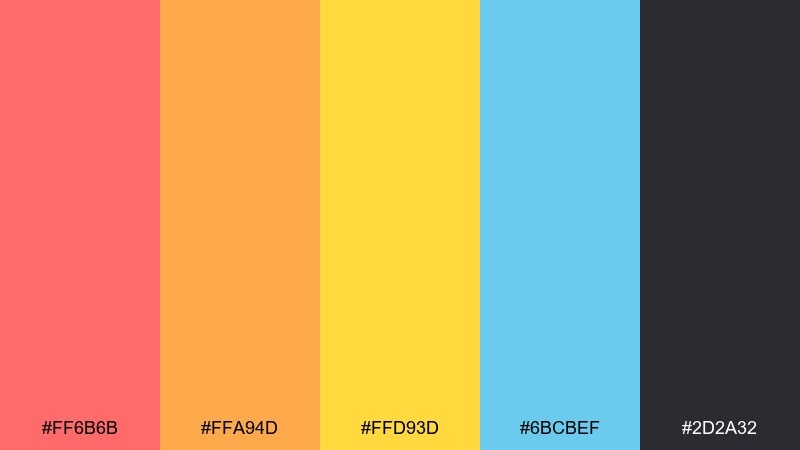
HEX: #ff6b6b #ffa94d #ffd93d #6bcBef #2d2a32
Mood: warm, summery, upbeat
Best for: platformer sky backgrounds
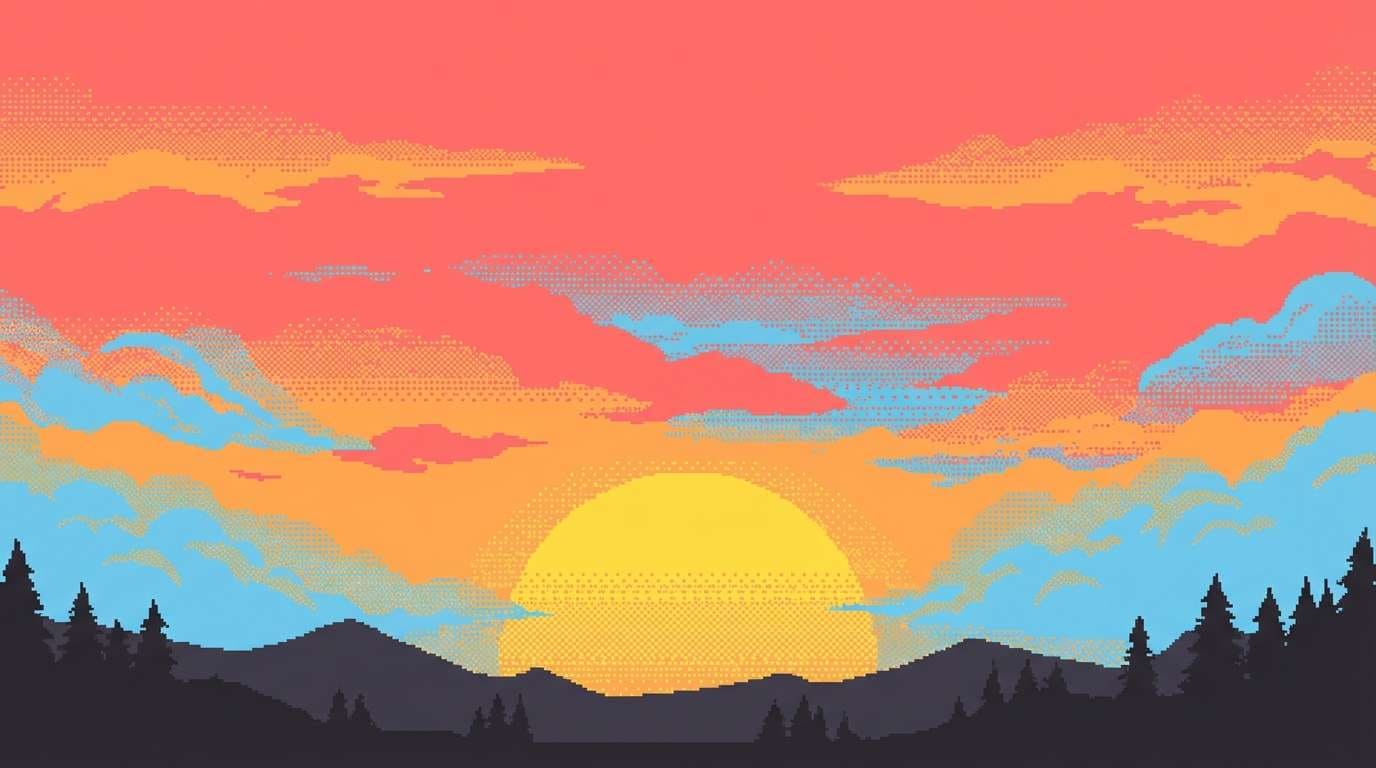
Warm, fizzy sunset tones evoke soda fizz, beach air, and bright horizon gradients. This pixel art color palette works best when you let the dark charcoal define silhouettes and keep the yellow as a small, sparkling accent. Blend coral into orange for clouds, then introduce the sky blue sparingly so the scene stays warm. Tip: dither between orange and coral to create a smooth gradient without banding.
Image example of soda pop sunset generated using media.io
4) Mint Chip Dungeon
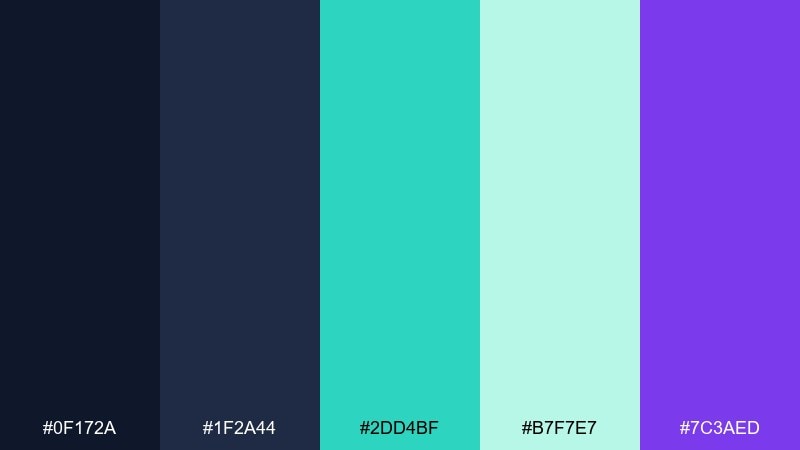
HEX: #0f172a #1f2a44 #2dd4bf #b7f7e7 #7c3aed
Mood: moody, magical, cool
Best for: dungeon tiles and torches
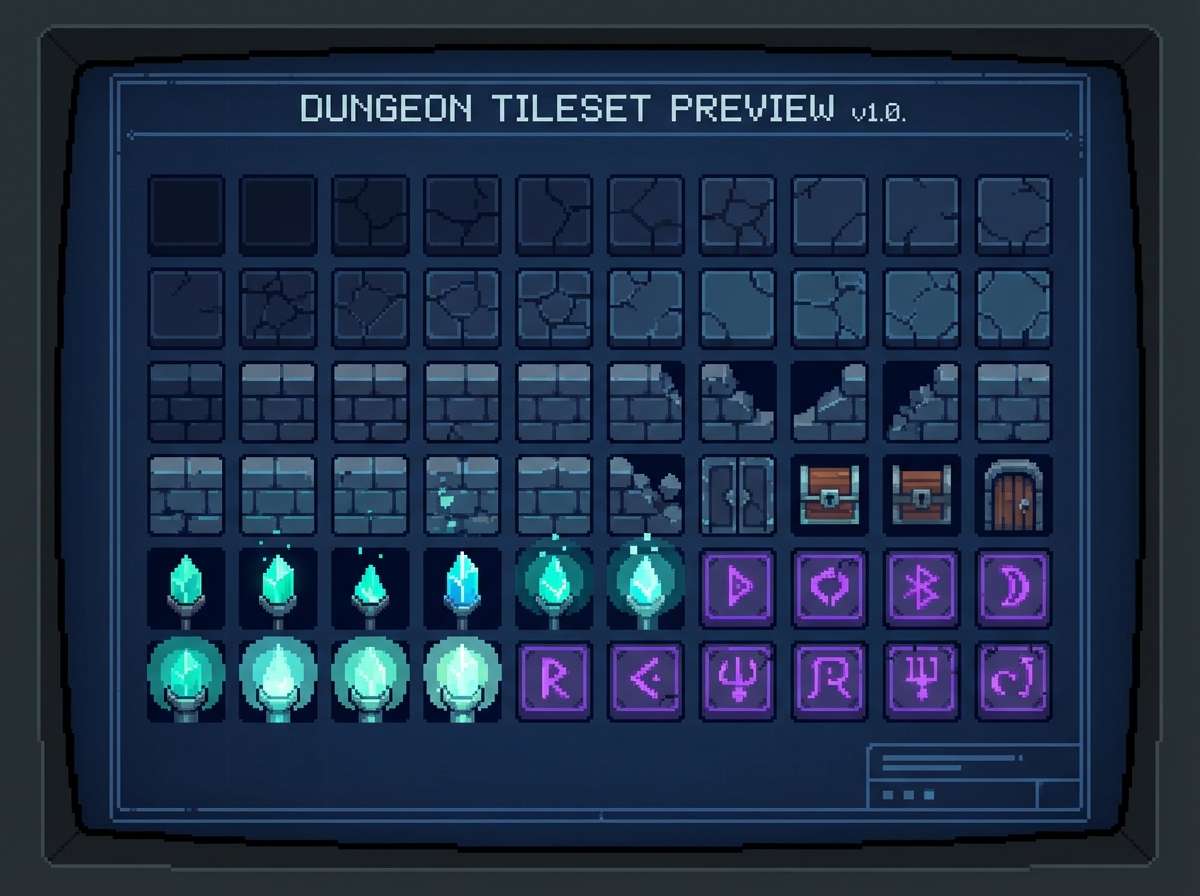
Moody midnight blues with mint light feel like bioluminescent slime in a hidden ruin. Use the deep navies for stone and shadow volumes, then place mint as rim light on edges and stairs. The violet is a great spell color that still reads against the teal range. Tip: keep mint highlights thin so the dungeon stays dark and the glow feels intentional.
Image example of mint chip dungeon generated using media.io
5) Cherry Cola Night
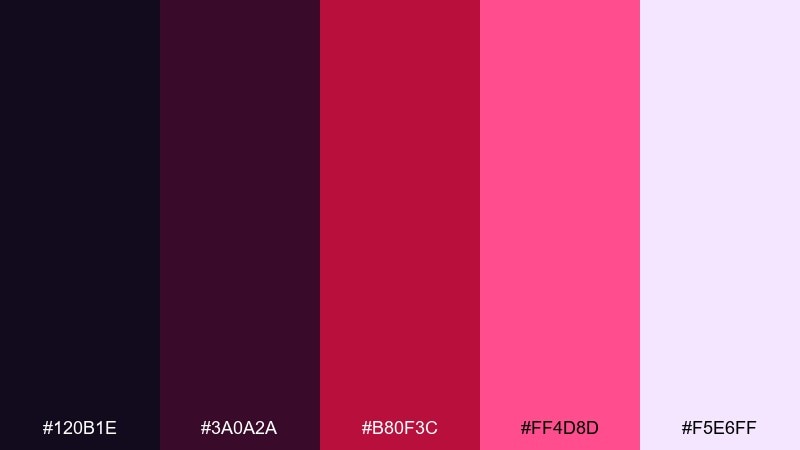
HEX: #120b1e #3a0a2a #b80f3c #ff4d8d #f5e6ff
Mood: romantic, noir, punchy
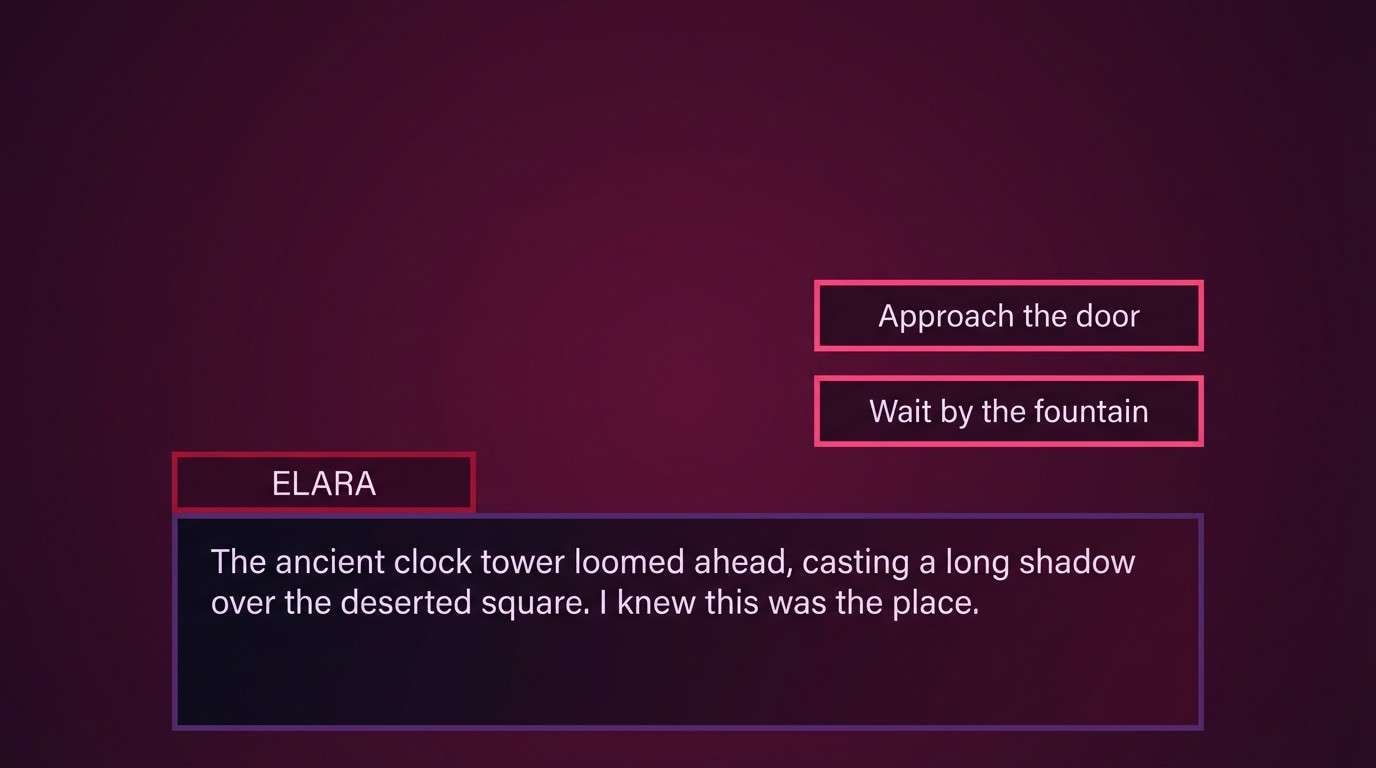
Best for: visual novel dialogue UI
Dark cherry tones with a creamy highlight feel like neon reflected in soda glass. Let the near-black and plum handle panels and borders, then use the bright cherry for active states and speaker tags. The pale lavender is ideal for body text because it stays soft but readable. Tip: add a 1px light edge on panels to separate layers without needing extra colors.
Image example of cherry cola night generated using media.io
6) Lollipop Orchard
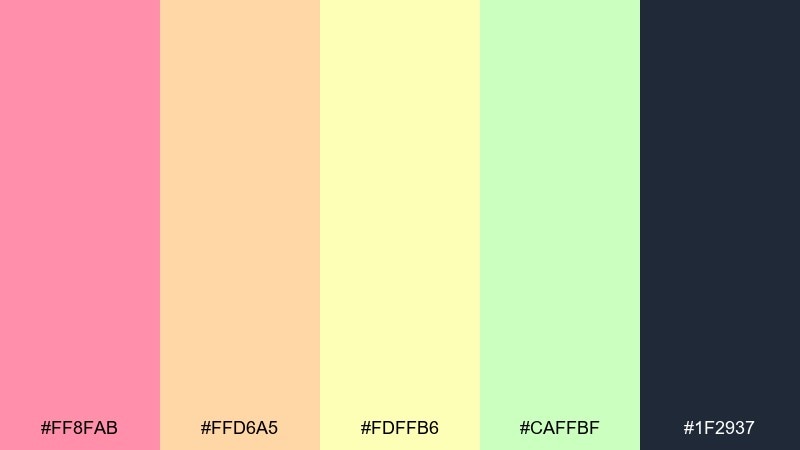
HEX: #ff8fab #ffd6a5 #fdffb6 #caffbf #1f2937
Mood: soft, cheerful, springlike
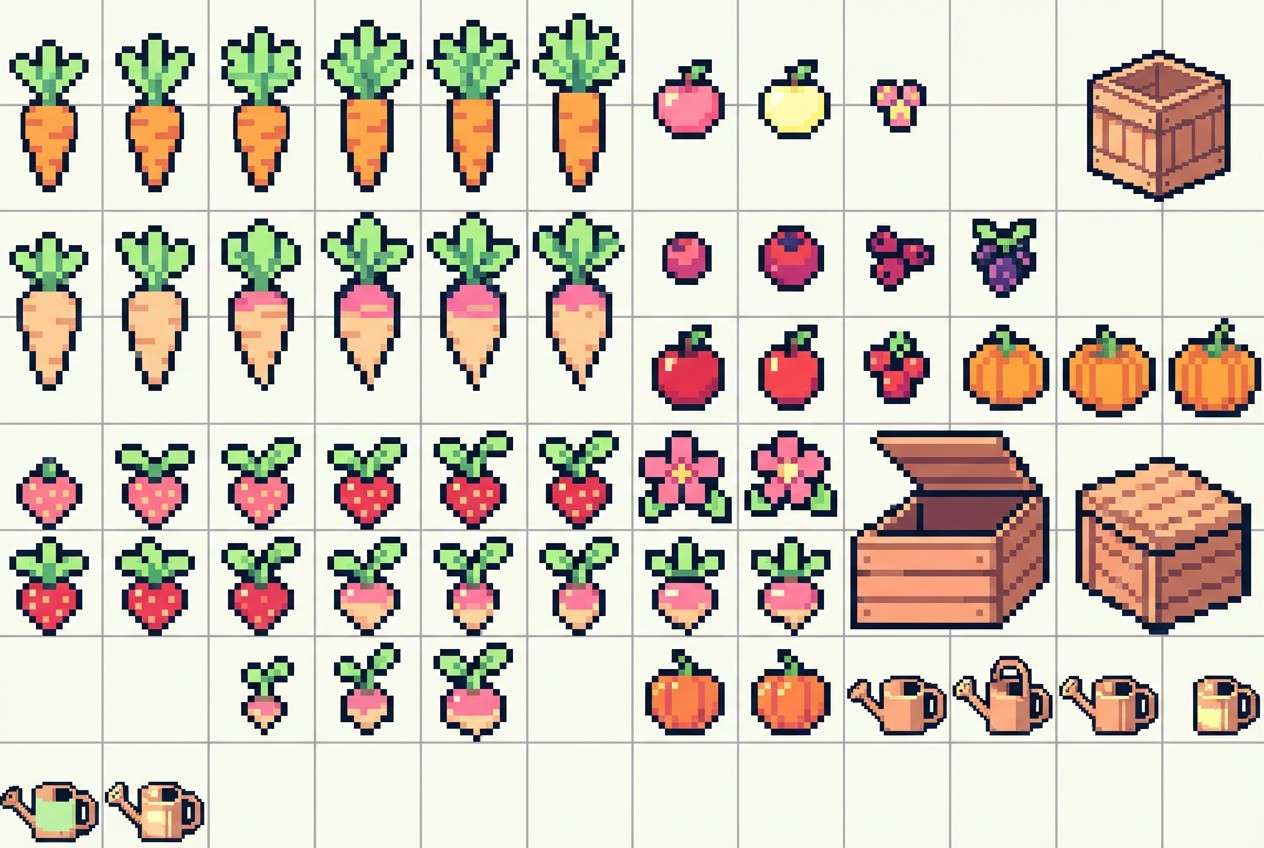
Best for: farming sim crops and props
Soft candy pastels read like spring petals, ripe fruit, and sunlit garden paths. Use the charcoal for outlines and UI labels to keep the gentle tones from washing out. The mint green works beautifully for leaves and currency icons, while the warm peach keeps soil and wood feeling friendly. Tip: reduce saturation on large areas like grass, and save the pink for flowers and rare items.
Image example of lollipop orchard generated using media.io
7) Taffy Neon Alley
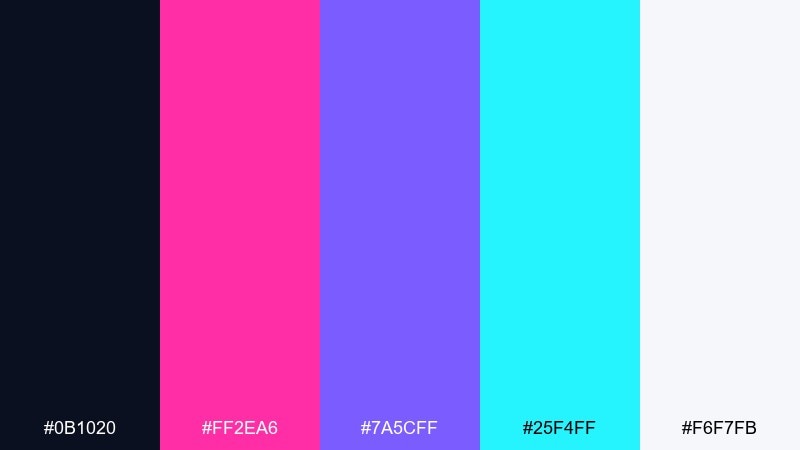
HEX: #0b1020 #ff2ea6 #7a5cff #25f4ff #f6f7fb
Mood: cyber, glossy, energetic
Best for: cyberpunk street tiles
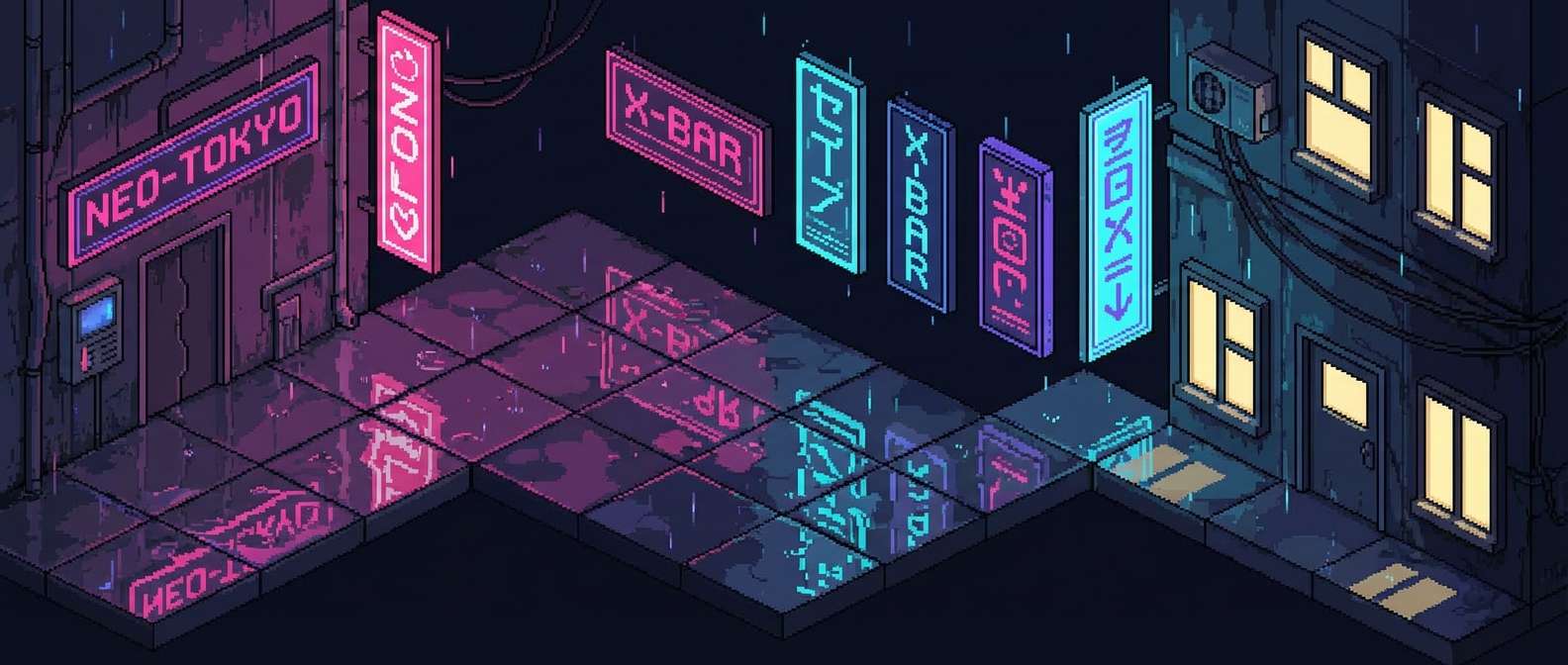
Glossy neon taffy vibes evoke rain-slick streets, sign glow, and late-night city hum. These pixel art color combinations shine when you anchor the scene with the near-black and use white as small specular hits on puddles. Push magenta for signage, then add cyan as a secondary light source for depth. Tip: keep your brightest lights clustered so the alley reads as illuminated zones, not random sparkles.
Image example of taffy neon alley generated using media.io
8) Caramel Pixel Latte
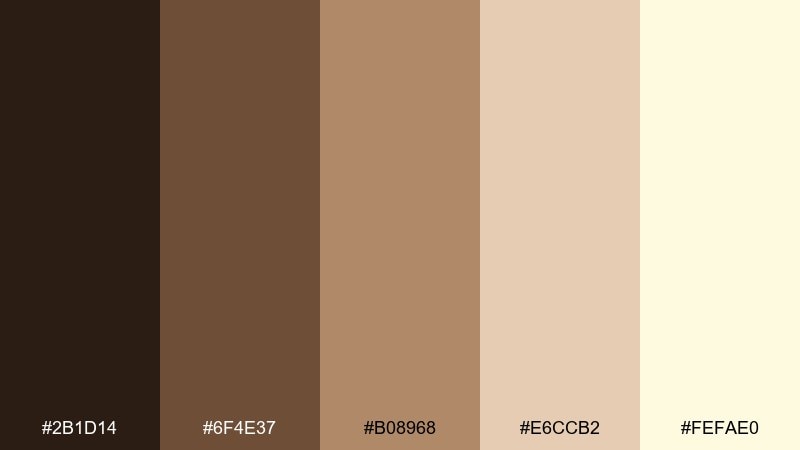
HEX: #2b1d14 #6f4e37 #b08968 #e6ccb2 #fefae0
Mood: cozy, warm, grounded
Best for: cafe interior props
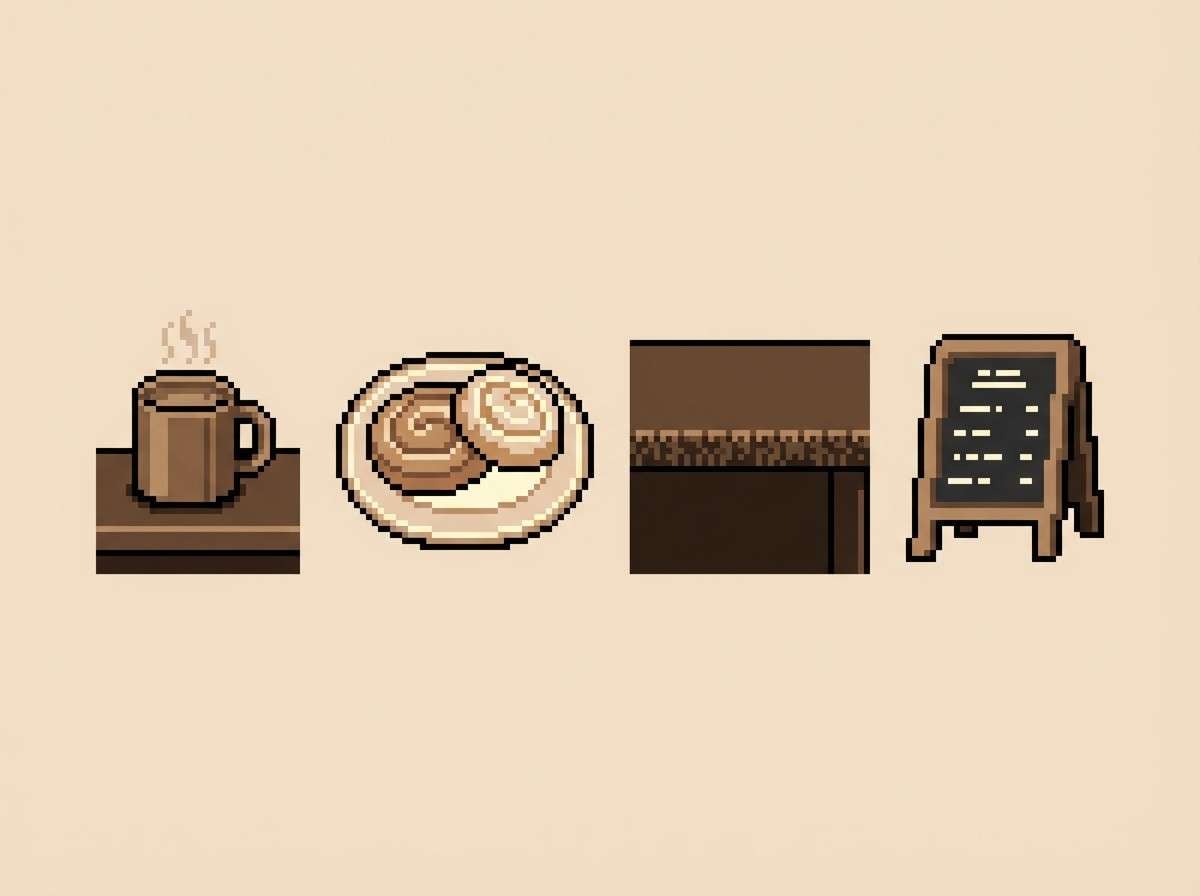
Cozy caramel browns feel like steamed milk, toasted wood, and warm lamplight. Use the darkest roast tone for outlines and shadow cuts, then step up through mid-browns for smooth shading on mugs and counters. The cream colors make excellent menu cards or steam puffs without turning stark white. Tip: add texture with subtle dithering between the two middle browns to suggest grain and foam.
Image example of caramel pixel latte generated using media.io
9) Bubble Tea Boba
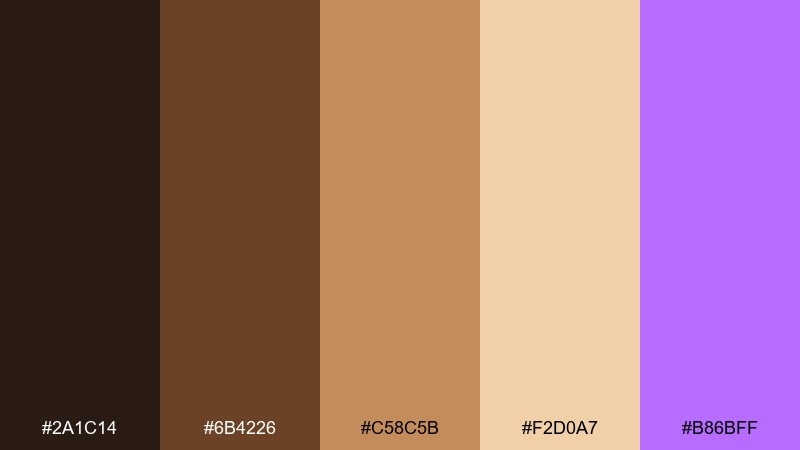
HEX: #2a1c14 #6b4226 #c58c5b #f2d0a7 #b86bff
Mood: sweet, trendy, cozy
Best for: food icons and stickers
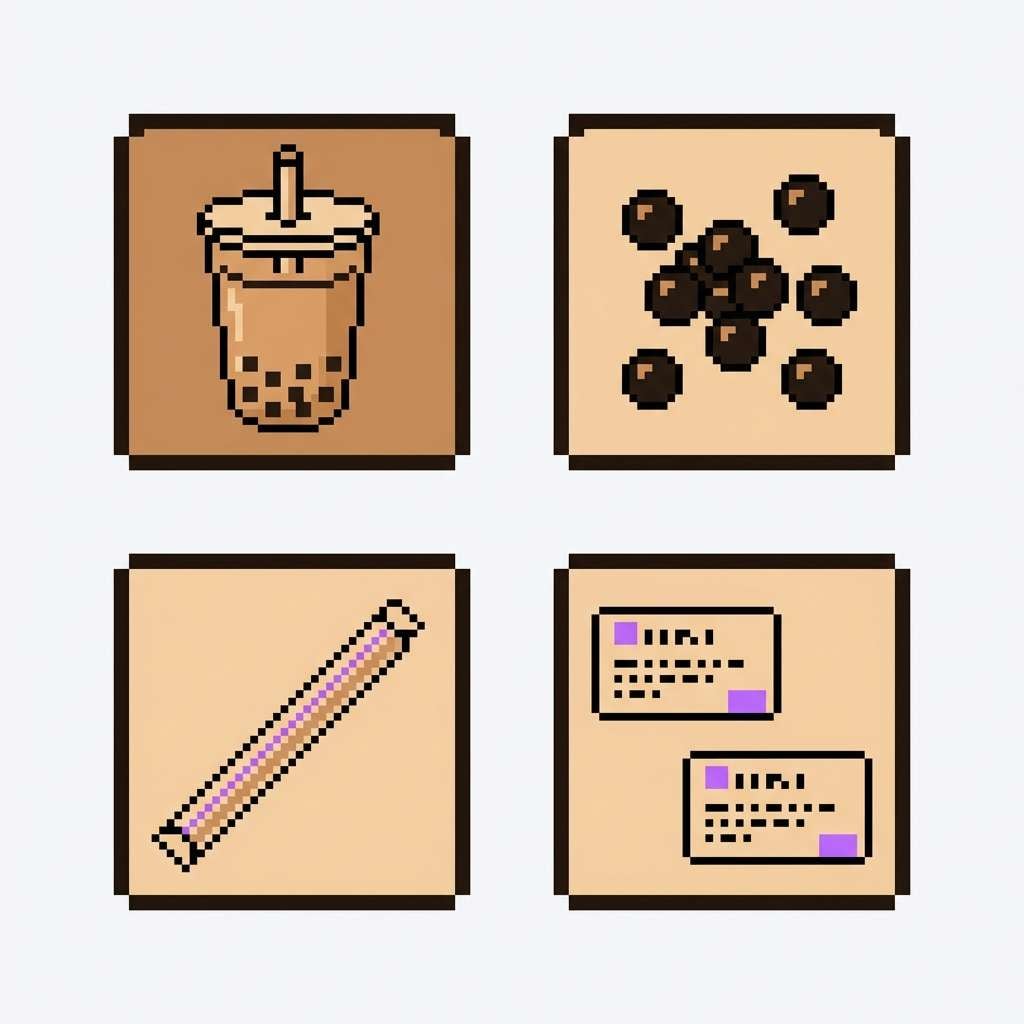
Sweet milk-tea browns with a playful purple pop evoke tapioca pearls and a colorful straw. Use the browns for the drink body and pearls, then bring the cream tone in for highlights and foam. The violet makes a perfect accent for badges, limited-time tags, or a signature icon detail. Tip: keep the purple to small areas so the food items stay appetizing and natural.
Image example of bubble tea boba generated using media.io
10) Frosted Berry Ice
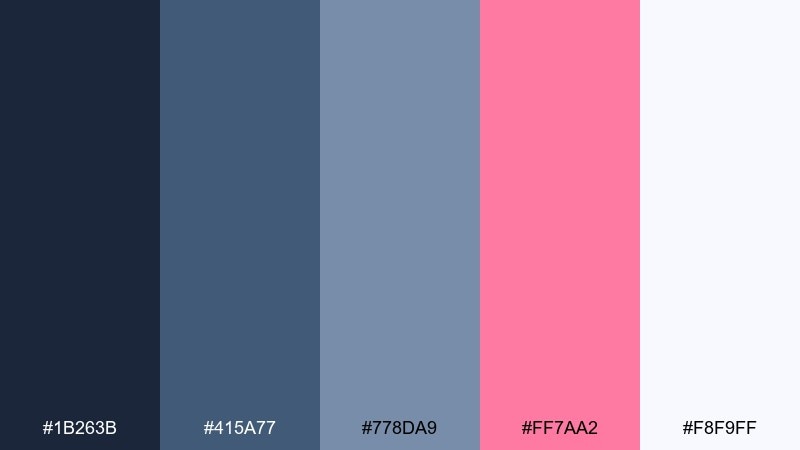
HEX: #1b263b #415a77 #778da9 #ff7aa2 #f8f9ff
Mood: crisp, airy, modern
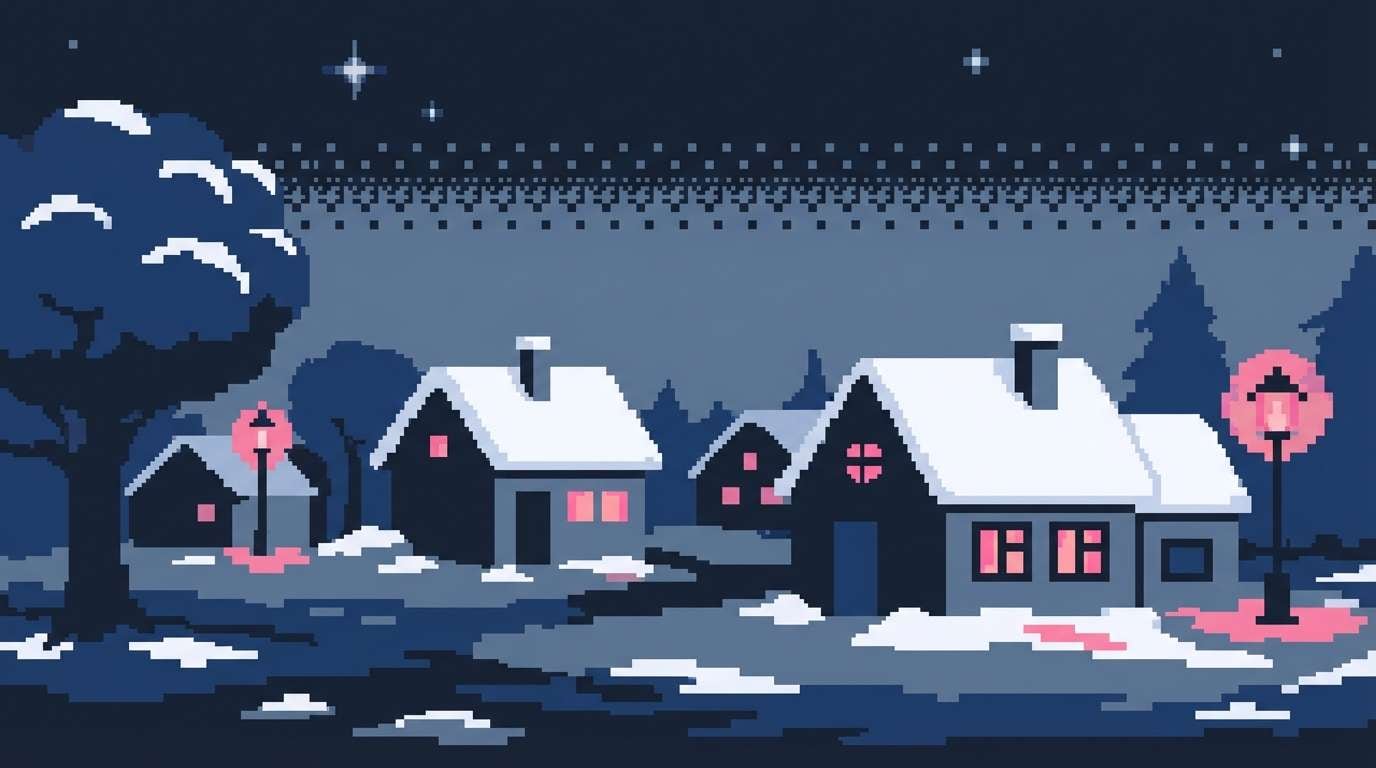
Best for: winter town night scene
Crisp slate blues with a frosted berry accent feel like snow under streetlights and a warm scarf flash. Build your environment with the blue trio for layered depth, then use the pink as window glow or festive signage. The soft near-white keeps snow readable without harsh contrast. Tip: outline snowy roofs in the medium blue so they separate cleanly from the pale ground.
Image example of frosted berry ice generated using media.io
11) Jellybean Bazaar
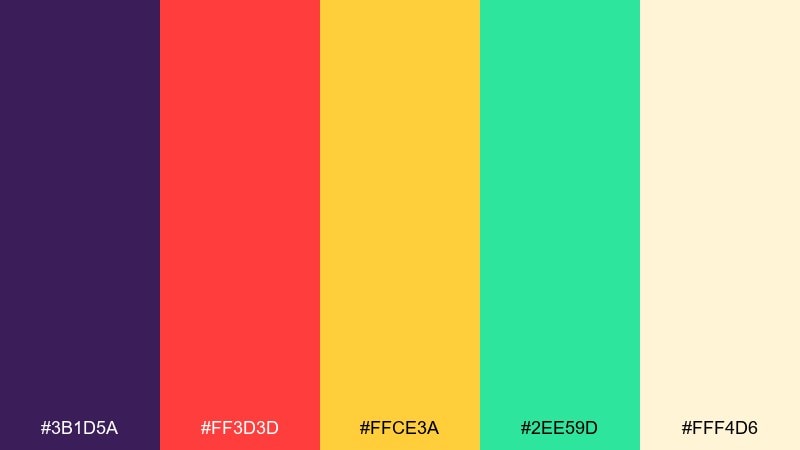
HEX: #3b1d5a #ff3d3d #ffce3a #2ee59d #fff4d6
Mood: festive, bold, lively
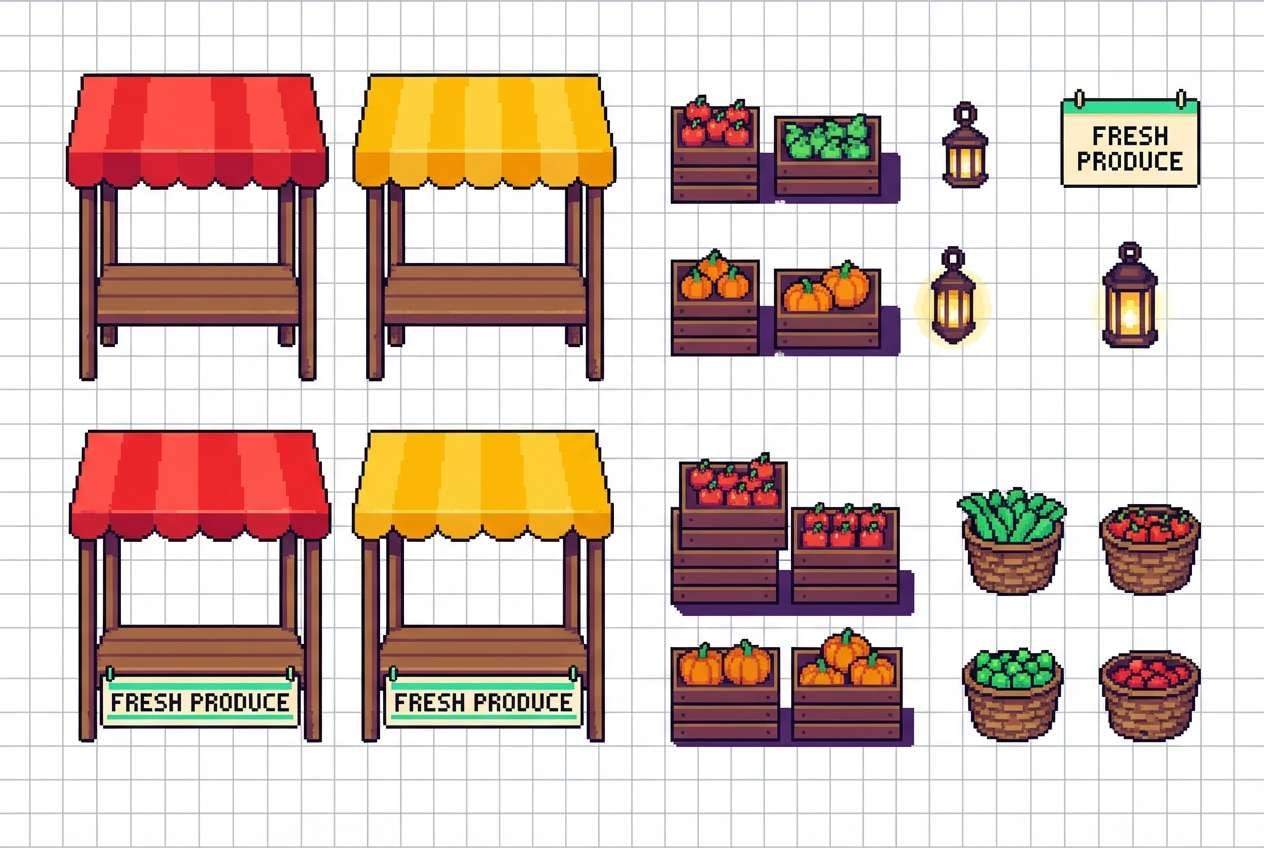
Best for: market stall sprites
Festive jewel brights look like candy jars, lanterns, and busy street stalls. This pixel art color palette stays readable when you use the purple as the shadow base and keep the cream tone for signage and price tags. Let red and yellow drive focal items like fruit piles, then use green as a fresh counterbalance for herbs or fabrics. Tip: avoid using red and green at equal weight; pick one as dominant per stall to reduce visual vibration.
Image example of jellybean bazaar generated using media.io
12) Marshmallow Cloudland
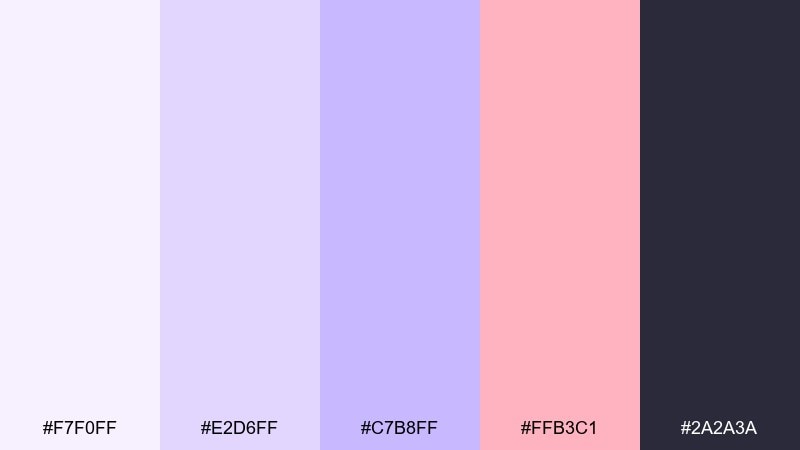
HEX: #f7f0ff #e2d6ff #c7b8ff #ffb3c1 #2a2a3a
Mood: dreamy, gentle, airy
Best for: casual game loading screens
Dreamy lavender and marshmallow pink feel like soft clouds and sleepy skies. Use the dark ink tone for minimal type and icon outlines so the pastels remain calm and readable. The mid lavender works well for large shapes, while the pink is best as a small accent for hearts, badges, or progress highlights. Tip: keep gradients subtle by stepping only between adjacent purples and using dithering sparingly.
Image example of marshmallow cloudland generated using media.io

13) Hard Candy Contrast
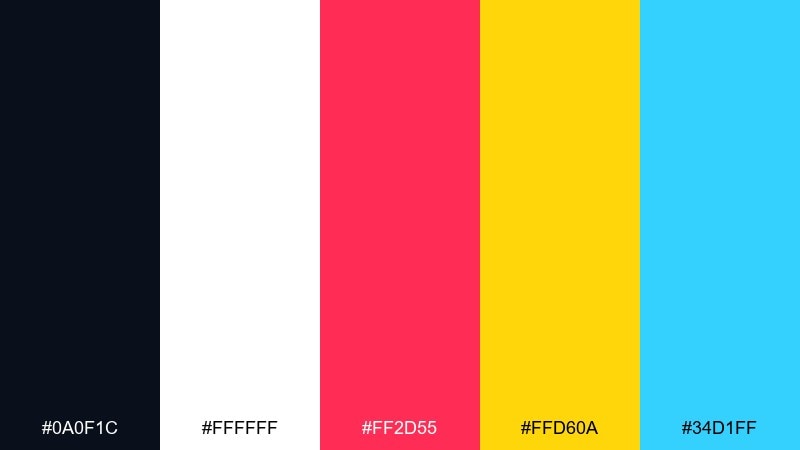
HEX: #0a0f1c #ffffff #ff2d55 #ffd60a #34d1ff
Mood: sharp, modern, punchy
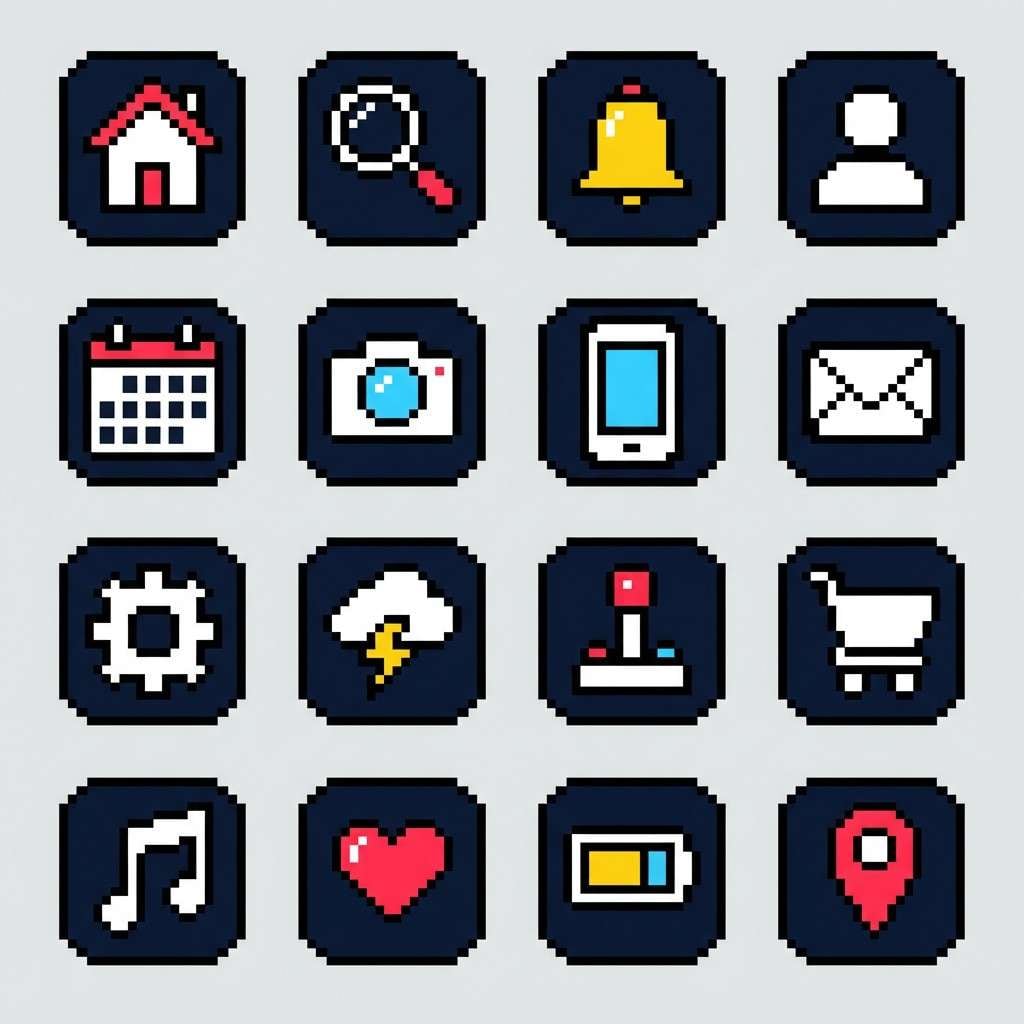
Best for: pixel icons and app badges
Sharp black-and-white contrast with candy primaries feels like stickers on a sleek console. Keep white as the main canvas for icons, then drop black outlines to preserve the pixel silhouette. Use pink for alerts, yellow for rewards, and cyan for informational states so symbols are instantly scannable. Tip: limit each icon to one bright accent plus black and white for clean consistency across a set.
Image example of hard candy contrast generated using media.io
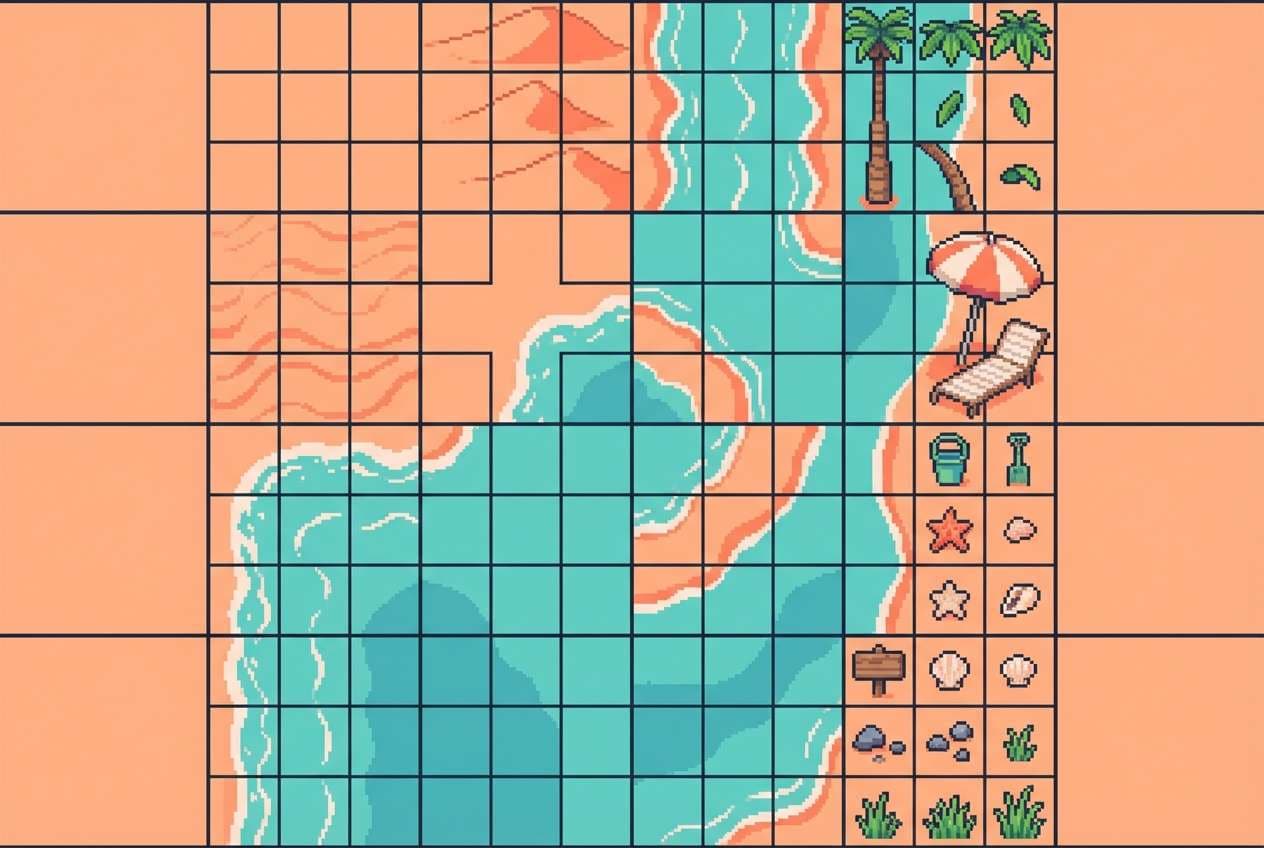
14) Peach Soda Shore
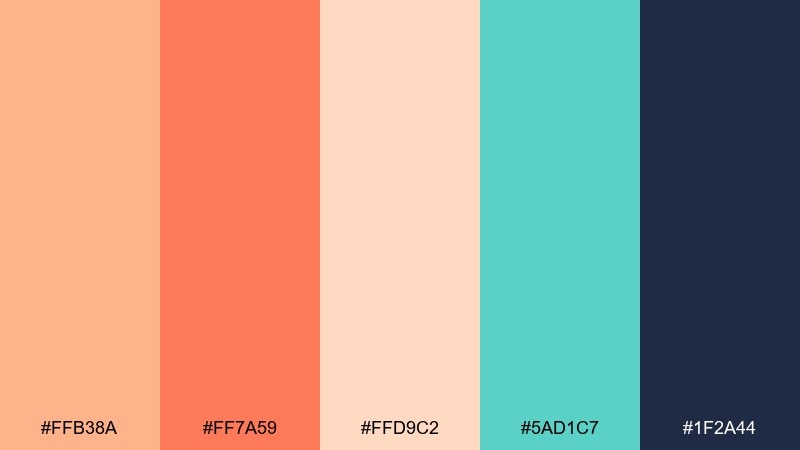
HEX: #ffb38a #ff7a59 #ffd9c2 #5ad1c7 #1f2a44
Mood: breezy, tropical, relaxed
Best for: beach level tiles
Breezy peach and coral tones evoke sun-warmed sand and fizzy seaside drinks. Use the dark navy for clean outlines on shells, rocks, and UI counters so the warm hues stay crisp. The teal reads perfectly as shallow water or beach umbrellas, especially against the pale peach highlight. Tip: shade sand with coral rather than navy to keep the scene sunny and soft.
Image example of peach soda shore generated using media.io
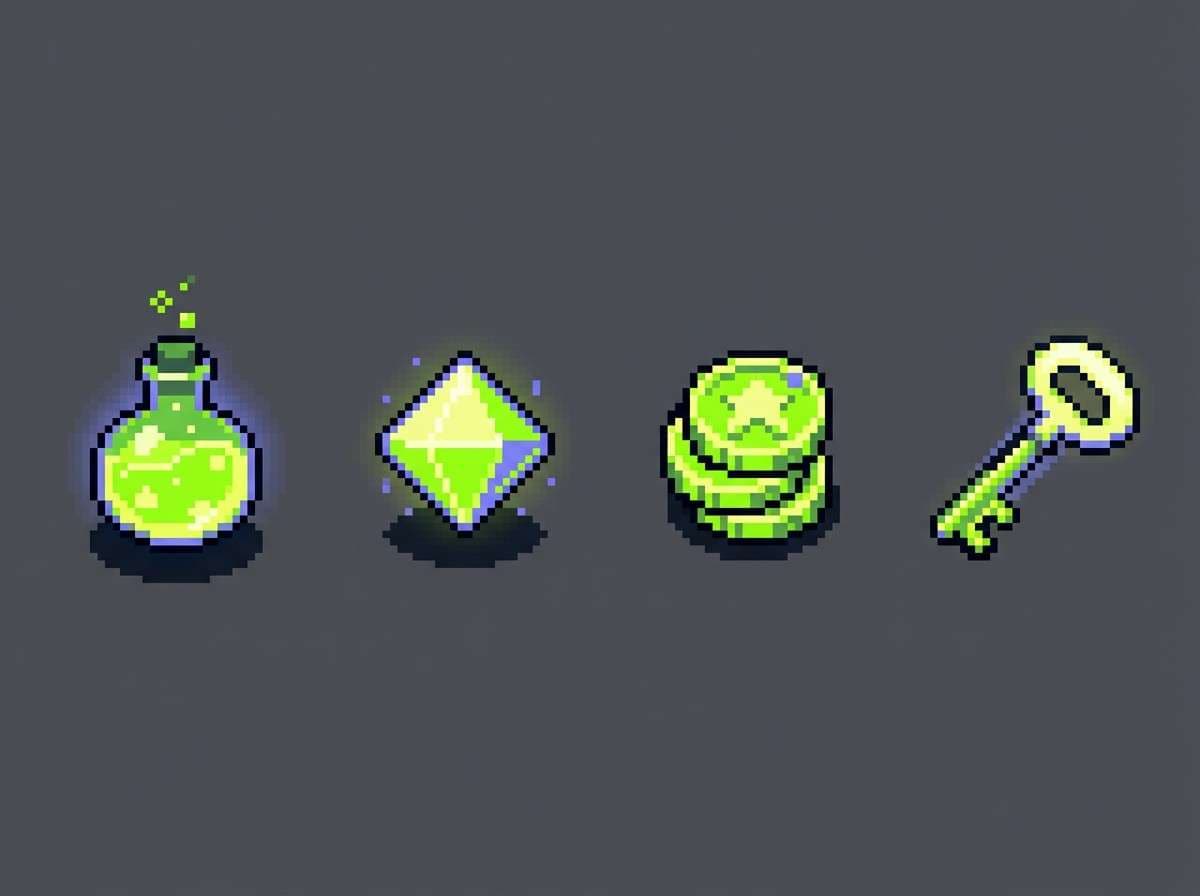
15) Sour Apple Streetlight
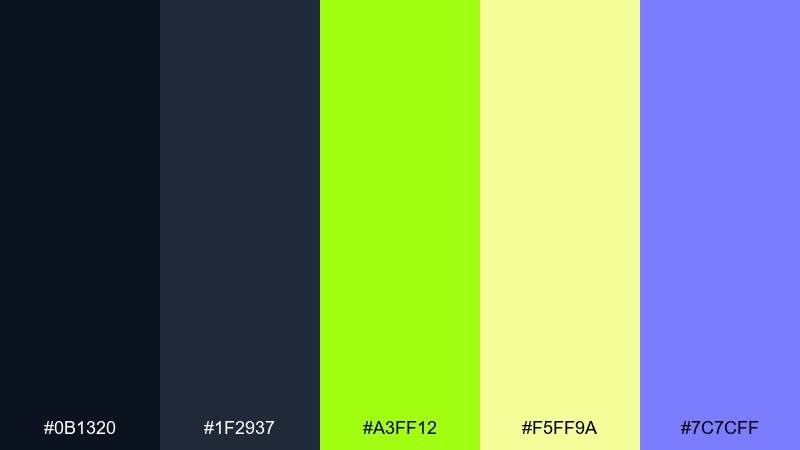
HEX: #0b1320 #1f2937 #a3ff12 #f5ff9a #7c7cff
Mood: quirky, nighty, vibrant
Best for: roguelike item pickups
Quirky sour greens under deep night tones feel like glowing loot in a dark alley. Use the charcoal pair for the world background and reserve the neon apple green for pickups, outlines, and sparkle frames. The pale yellow-green makes a great inner glow that keeps the neon from clipping. Tip: add a small violet tag for rarity tiers so items can be sorted at a glance.
Image example of sour apple streetlight generated using media.io
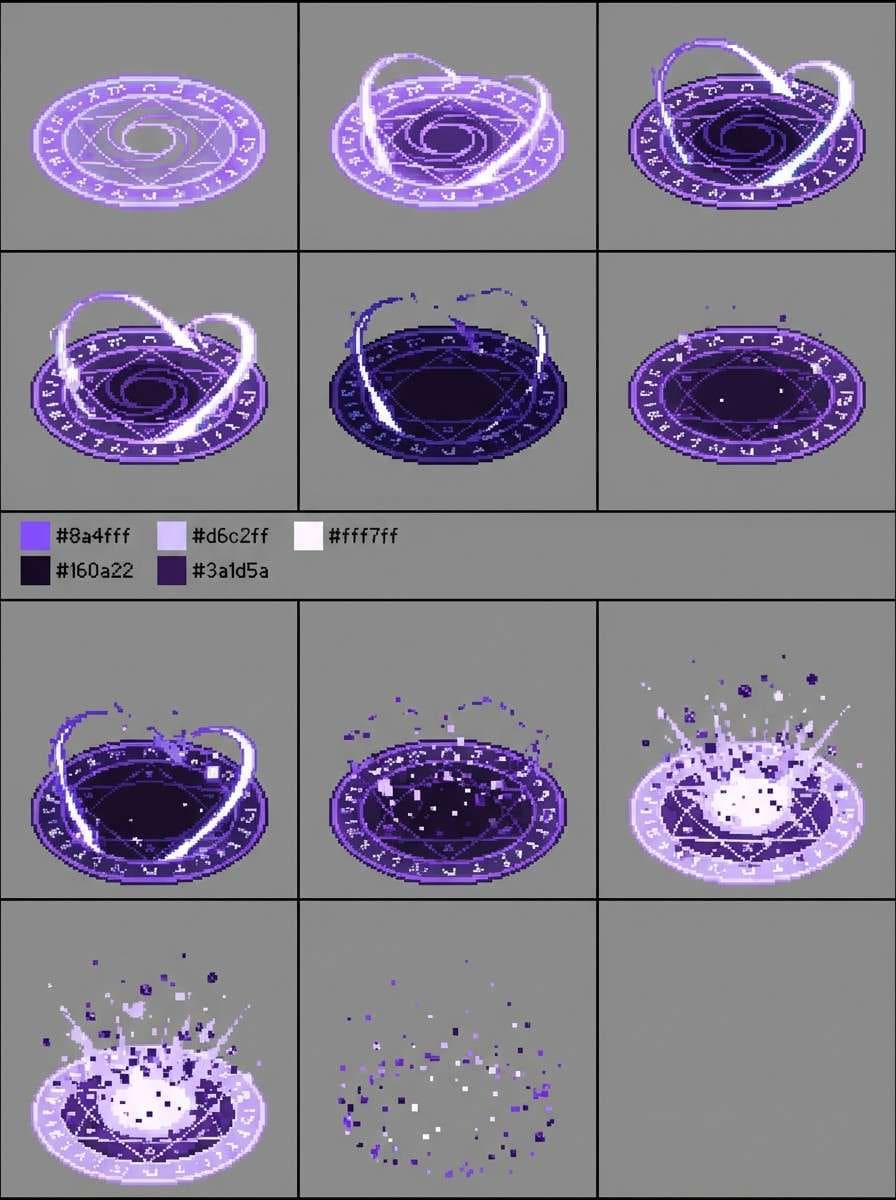
16) Licorice Lavender
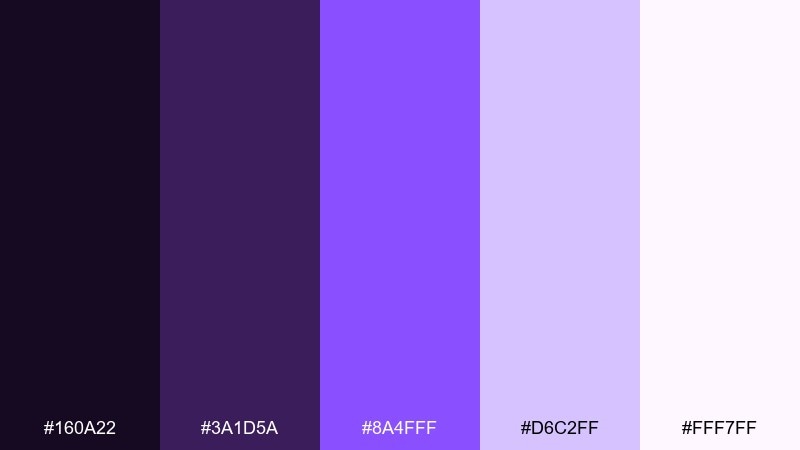
HEX: #160a22 #3a1d5a #8a4fff #d6c2ff #fff7ff
Mood: mystical, elegant, nocturnal
Best for: fantasy spell effects
Mystical purples with creamy highlights suggest stardust trails and enchanted smoke. Build your shadows with the licorice tones, then let bright violet carry the core of each spell for a strong focal point. The pale lilac works as bloom and particle sparkle without needing pure white everywhere. Tip: animate spells by alternating between the two bright purples every other frame for a lively shimmer.
Image example of licorice lavender generated using media.io
17) Candy Corn Carnival
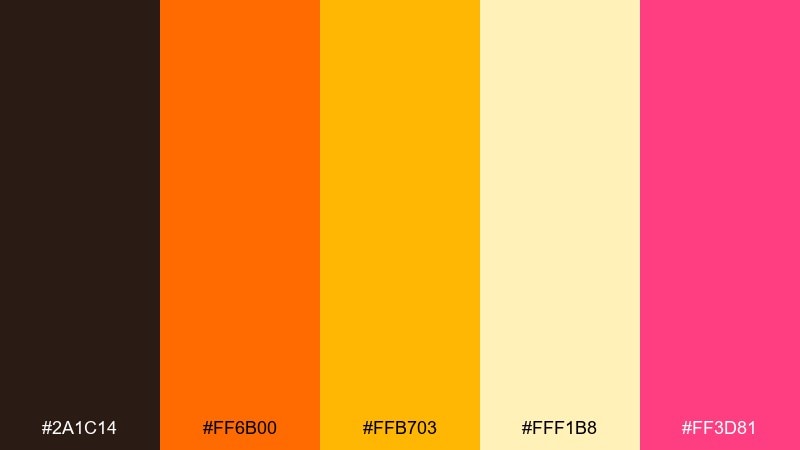
HEX: #2a1c14 #ff6b00 #ffb703 #fff1b8 #ff3d81
Mood: festive, warm, attention-grabbing
Best for: event poster graphics
Festive orange and gold feel like carnival lights and sugary treats on a warm night. Use the dark brown as your grounding ink for headings and shapes so the brights do not blur together. The cream tone is perfect for background blocks, while the pink adds a playful surprise for stickers or date badges. Tip: keep the orange for big shapes and use yellow mostly for glow and highlights to avoid a flat look.
Image example of candy corn carnival generated using media.io

18) Rainbow Sherbet Quest
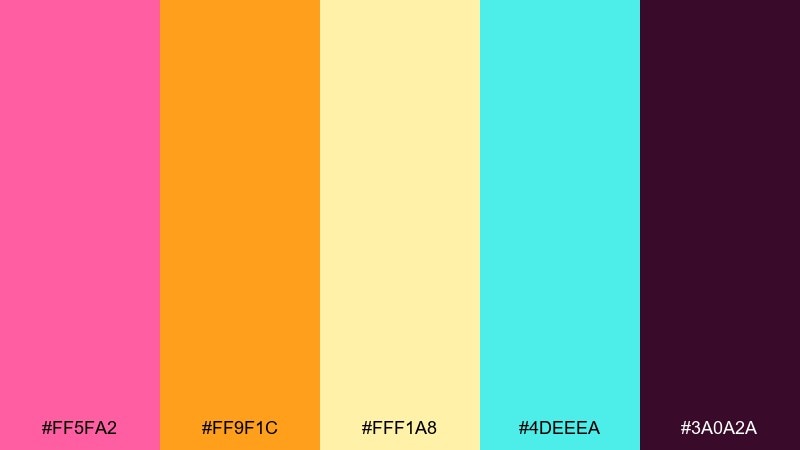
HEX: #ff5fa2 #ff9f1c #fff1a8 #4deeea #3a0a2a
Mood: adventurous, bright, upbeat
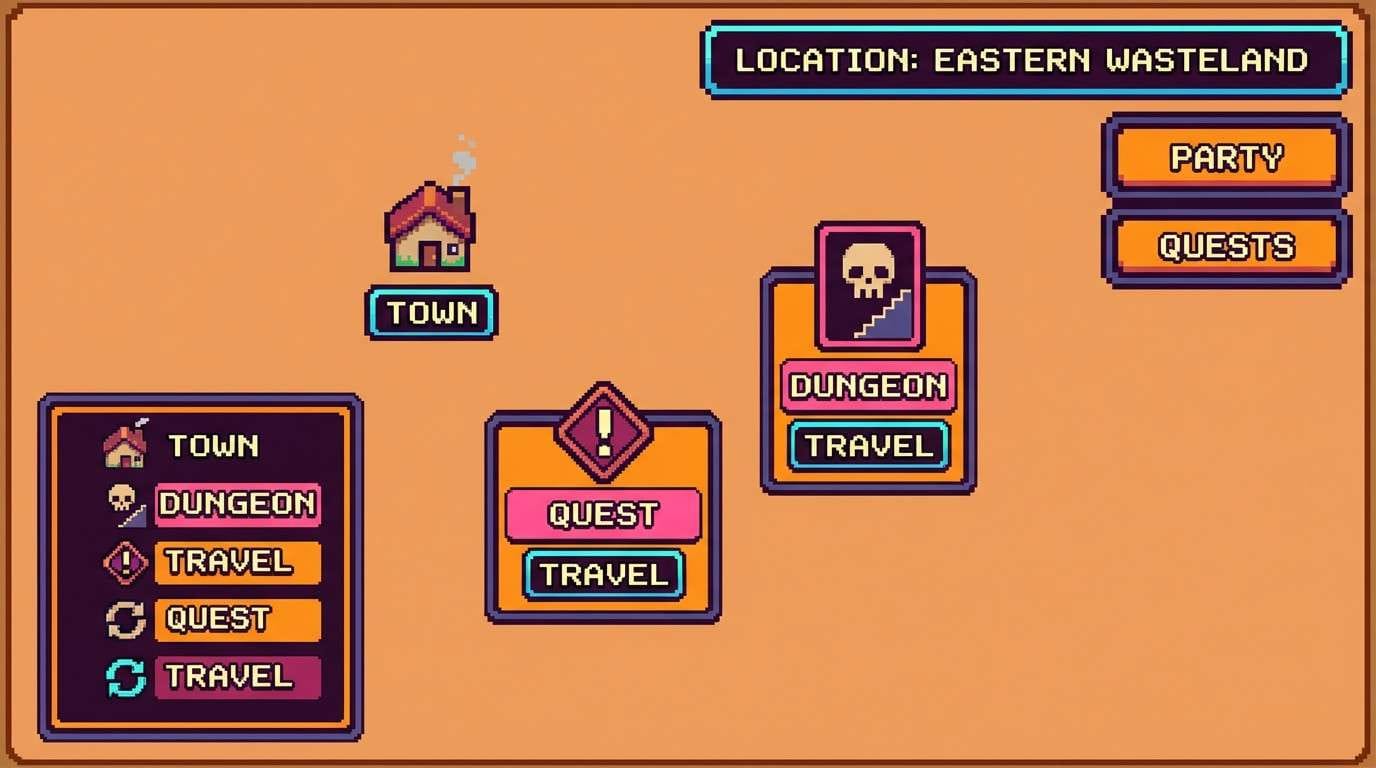
Best for: JRPG overworld map icons
Adventurous sherbet brights evoke quest markers, treasure pings, and playful exploration. These pixel art color combinations read best when the deep plum is used for icon outlines and map labels. Let orange and pink handle points of interest, then use aqua for water routes or fast-travel nodes. Tip: keep the pale yellow as a glow ring around key icons so they pop on busy maps.
Image example of rainbow sherbet quest generated using media.io
19) Rock Candy Cavern
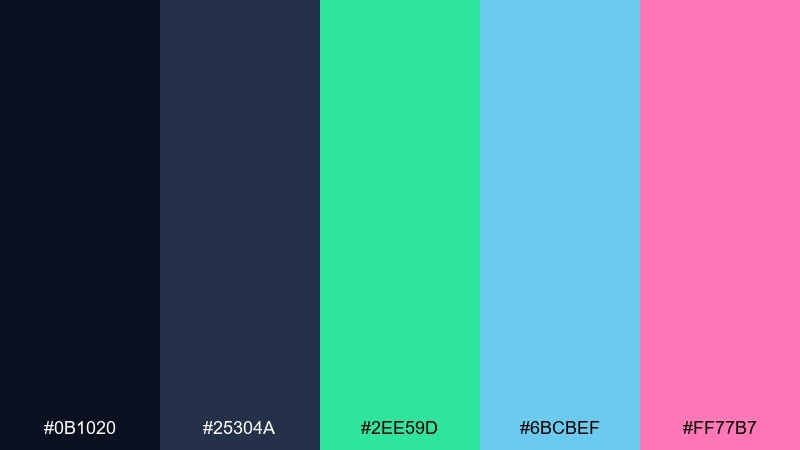
HEX: #0b1020 #25304a #2ee59d #6bcBef #ff77b7
Mood: sparkly, cool, whimsical
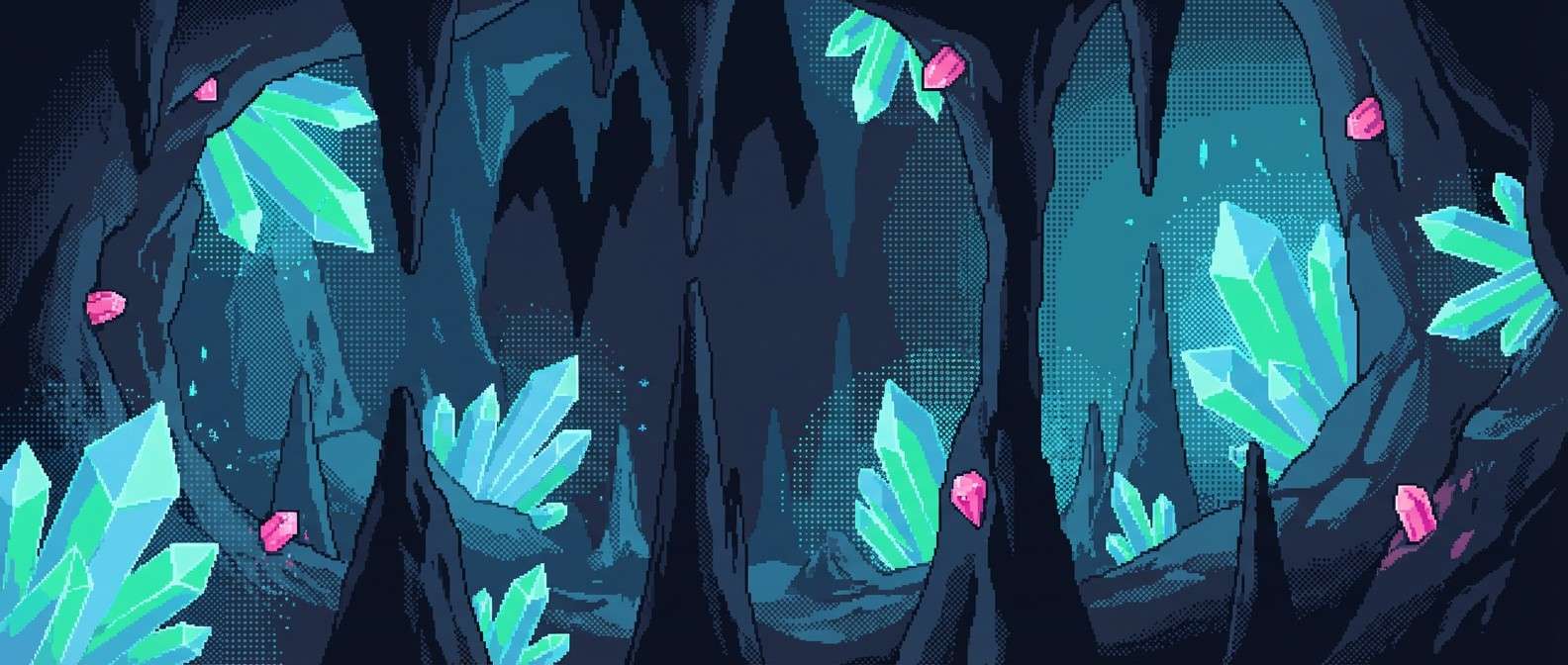
Best for: crystal cave backgrounds
Sparkly cool tones feel like mineral shards catching light in a deep cave. Use the two dark blues to sculpt rock volumes, then place teal and cyan as crystal faces and reflections. The pink works best as a rare gem highlight so it feels special and not overpowering. Tip: cluster crystals into readable silhouettes first, then add tiny 1px sparkles as a final pass.
Image example of rock candy cavern generated using media.io
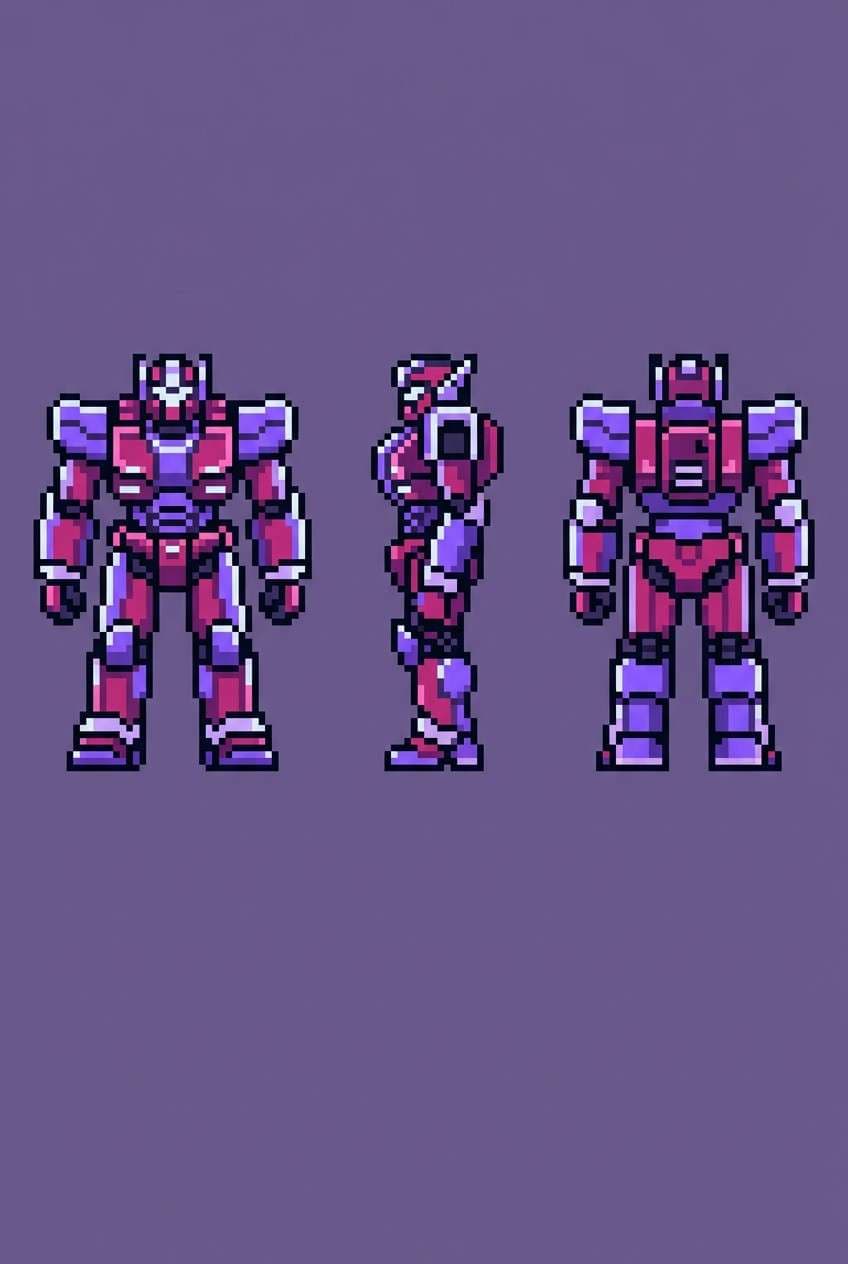
20) Bubblegum Mecha
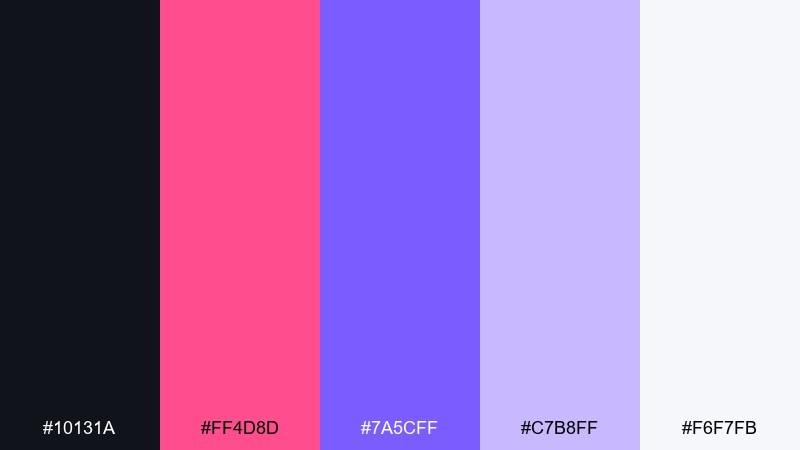
HEX: #10131a #ff4d8d #7a5cff #c7b8ff #f6f7fb
Mood: bold, futuristic, stylish
Best for: mecha character sprites
Bold bubblegum and violet feel like a glossy mecha paint job under studio lights. This pixel art color palette is strongest when the near-black defines armor seams and the white is reserved for specular edges. Use magenta for primary panels and violet for secondary parts like joints or visor glow. Tip: avoid full gradients on armor; use stepped clusters and a few sharp highlights to sell metal.
Image example of bubblegum mecha generated using media.io
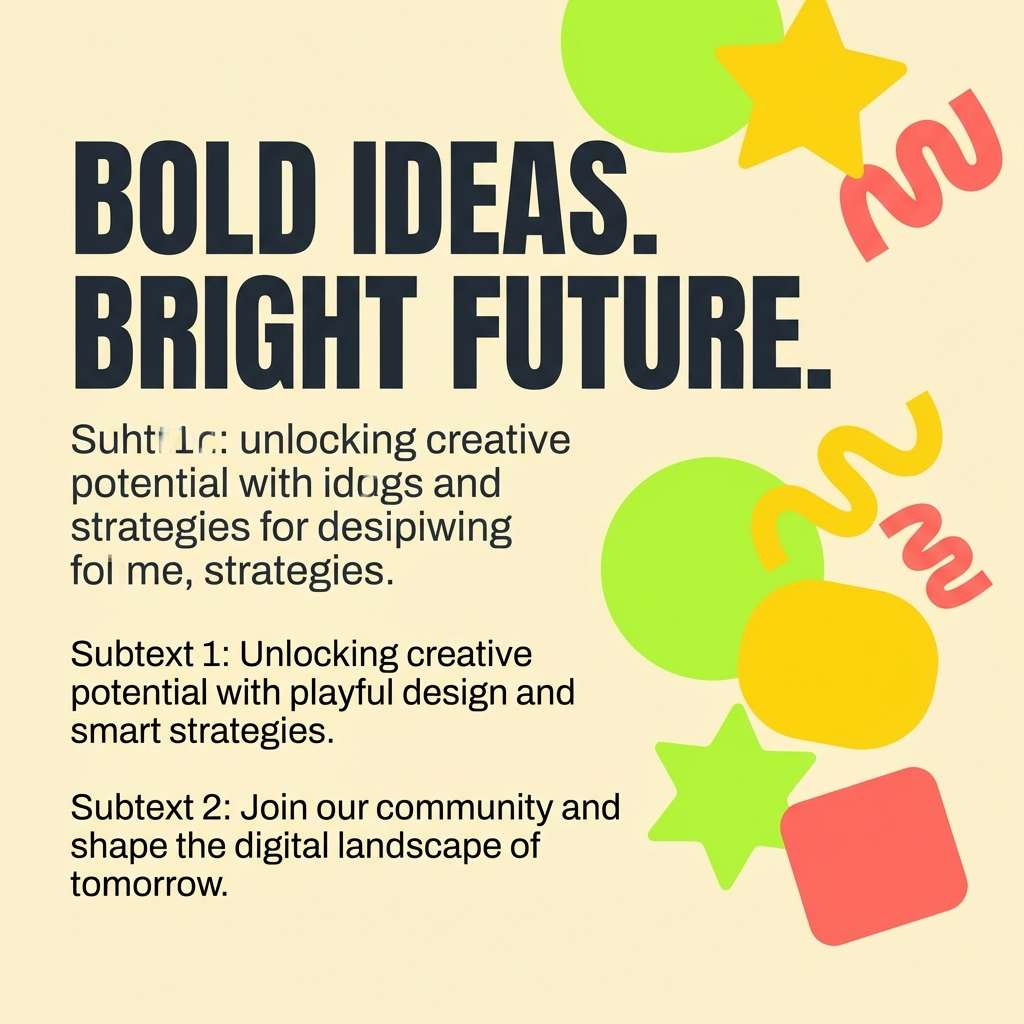
21) Honey Lemon Pixel Pop
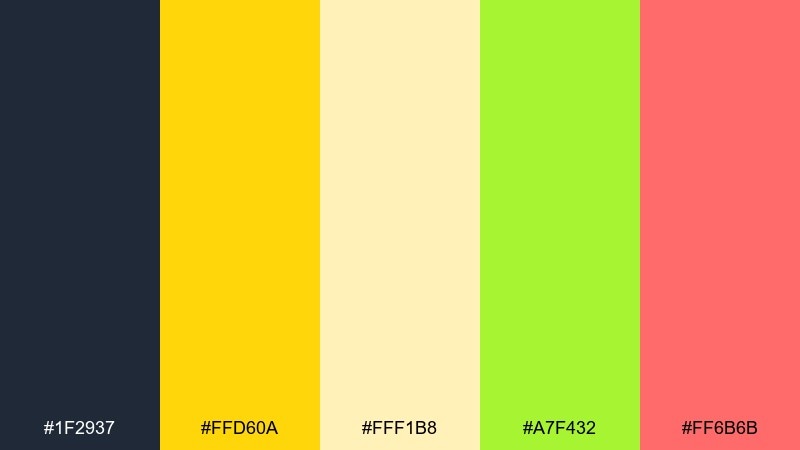
HEX: #1f2937 #ffd60a #fff1b8 #a7f432 #ff6b6b
Mood: sunny, zesty, friendly
Best for: social post graphics
Sunny lemon and honey tones feel zesty and optimistic, like fresh stickers on a bright feed. Use the charcoal for type and thin dividers, then let yellow drive big shapes and banners. The lime and coral act as flexible accents for icons, buttons, and callouts. Tip: keep backgrounds mostly pale cream so the zesty colors stay punchy without overwhelming the layout.
Image example of honey lemon pixel pop generated using media.io
22) Pink Lemonade Sprint
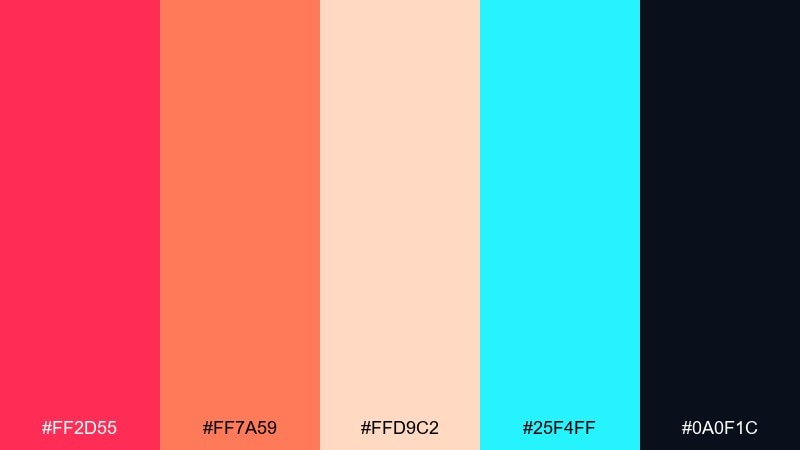
HEX: #ff2d55 #ff7a59 #ffd9c2 #25f4ff #0a0f1c
Mood: fast, sporty, vibrant
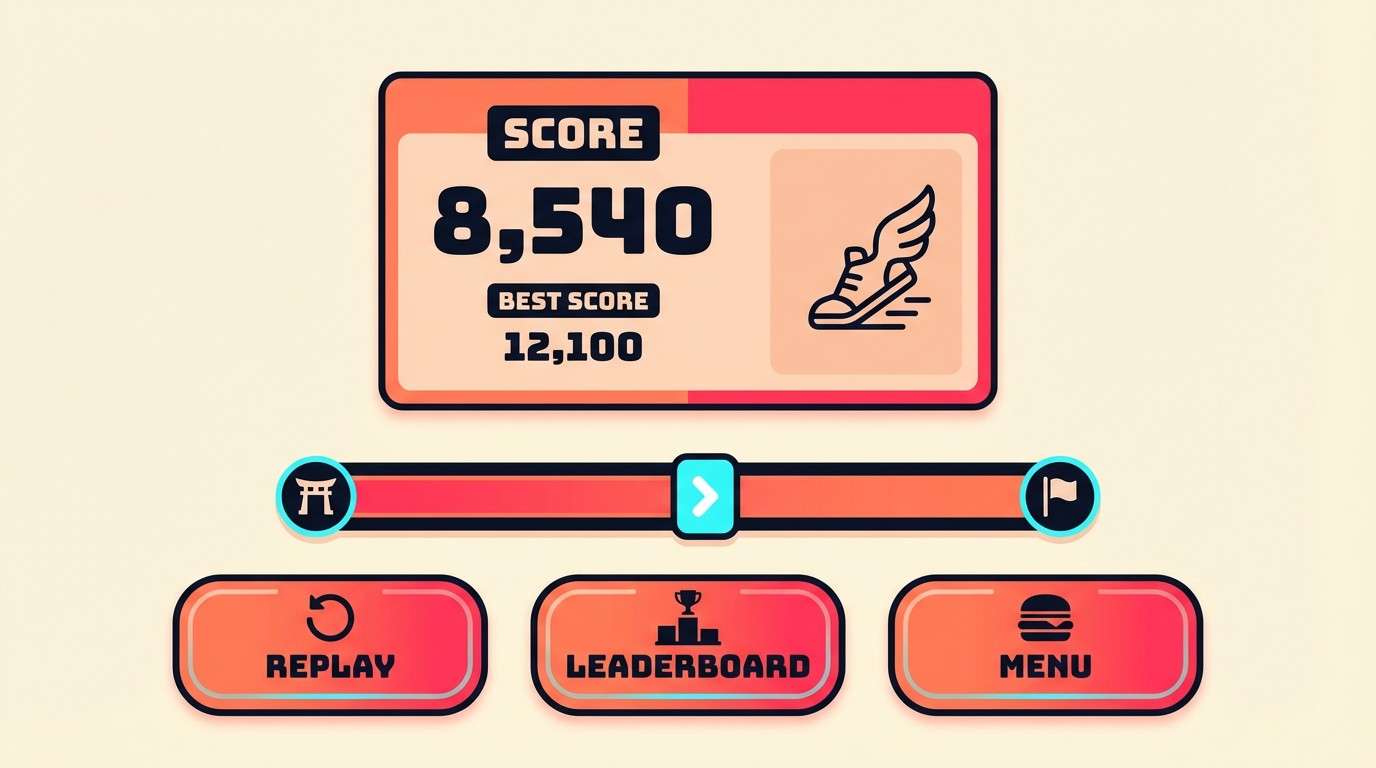
Best for: runner game UI and score screen
Fast pink lemonade tones feel like speed lines, score bursts, and glossy arcade energy. Use the deep near-black for the main UI frame so the brights stay readable at a glance. Coral and pink make excellent primary buttons, while cyan should be saved for streak bonuses and active meters. Tip: keep the pale peach for secondary panels so you can maintain hierarchy without adding new colors.
Image example of pink lemonade sprint generated using media.io
What Colors Go Well with Pixel Art?
High-contrast pairs are the most reliable choice for pixel art: a dark “ink” for outlines and UI text, a mid tone for fills, and a light highlight for edges and shine. This structure keeps sprites legible when viewed at 1x.
Candy brights (magenta, cyan, lemon yellow, lime) work best when they’re treated as accents, not backgrounds. Using them for pickups, selected states, or VFX makes interactions instantly scannable.
Soft near-whites and gentle pastels pair well with saturated neon if you keep the values separated. Value separation matters more than hue separation once the canvas is only a few pixels wide.
How to Use a Pixel Art Color Palette in Real Designs
Start by assigning roles to each color: outline/ink, shadow base, mid fill, highlight, and accent. When every element follows the same role mapping, your sprites, tiles, and UI components feel like they belong together.
For shading, prefer clusters and stepped ramps over smooth gradients. If you need smoother transitions, use minimal dithering between adjacent tones to avoid banding while still respecting the pixel grid.
For UI, keep contrast consistent across states (default, hover, pressed, disabled). A single bright accent per component often reads cleaner than multi-accent buttons at small sizes.
Create Pixel Art Palette Visuals with AI
If you want to preview how a palette will look on sprites, tilesets, or UI, generate quick mockups first. This helps you validate readability, contrast, and color balance before you commit to a full asset pack.
With Media.io’s text-to-image tool, you can paste a palette’s HEX codes directly into a prompt and request strict color control for pixel art scenes, icon sets, or game UI layouts.
Once you have a few candidates, compare them at 1x zoom to ensure outlines, highlights, and UI labels remain crisp in real usage.
Pixel Art Color Palette FAQs
-
How many colors should a pixel art palette have?
For most sprites and UI, 4–16 colors is a practical range. Smaller sets improve consistency and readability, while larger sets are useful for complex scenes as long as values stay clearly separated. -
Why do my pixel art colors look muddy?
Mud usually comes from weak value contrast or too many similar mid tones. Build a clear dark-to-light ramp and reserve saturated brights for small accents, not large shaded areas. -
Should I use pure black and pure white in pixel art?
You can, but many artists prefer near-black and off-white to avoid harsh edges and preserve room for highlights. Pure white works well for tiny specular hits; near-black is often better for outlines. -
How do I keep pixel art UI readable at tiny sizes?
Use a dedicated dark “ink” color for text and borders, keep backgrounds lighter and less saturated, and limit each UI component to one accent color for state feedback. -
What’s the easiest way to shade sprites with a limited palette?
Pick one shadow color and one highlight color, then shade with clustered pixels instead of scattered single pixels. Add rim light sparingly to separate the sprite from dark backgrounds. -
Do neon palettes work for retro games?
Yes—neon looks great when anchored by deep darks and balanced with a soft light tone. Keep neon clustered in focal areas (HUD, pickups, signage) so the scene doesn’t become visually noisy. -
Can I generate pixel art palette mockups with AI?
Yes. Include your HEX codes in the prompt, specify “pixel art” and “no extra colors,” and generate UI, spritesheets, or backgrounds to preview how the palette behaves before production.
Next: Candy Color Palette


