















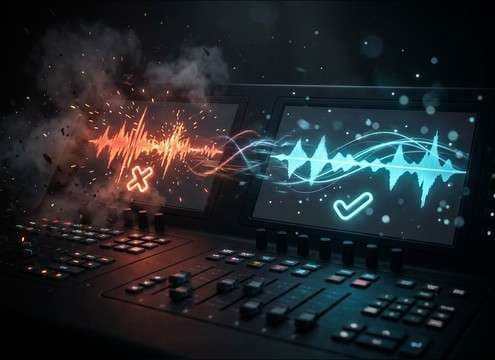


Incorrect buzzers are all about readability: the first 100 ms should communicate failure, and the stop should not step on the next beat. When you browse or write a prompt, focus on attack speed, pitch band, and how much room tone you want. Use these checks to match a TV-style buzzer, an arcade fail, or a subtle UI error without extra editing.
Match the buzzer to the format
A studio game show buzzer tends to be bright and present, while apps and classrooms often need a softer cue. Decide if you want a comedic sting, a strict penalty sound, or a neutral error notification before you pick a clip or prompt a variation.
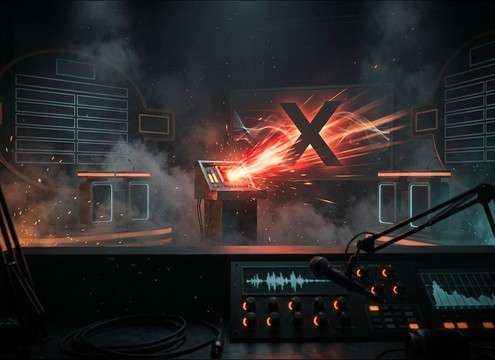
- Broadcast: brighter tone, slightly wider stereo, short controlled tail
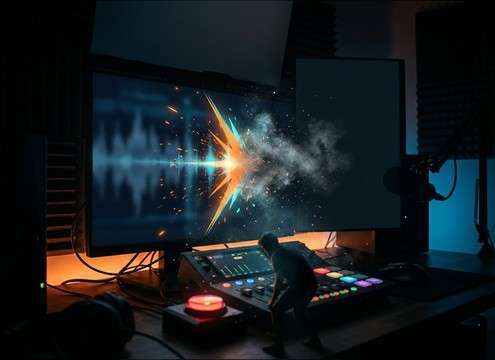
- UI: cleaner waveform, minimal ambience, very short decay
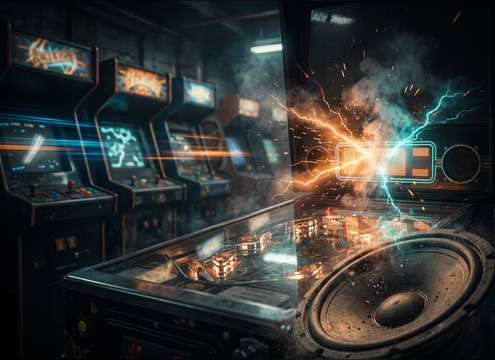
- Arcade: narrower stereo, mild lo-fi texture, mid-forward bite
Control attack and cutoff for edit points
The perceived impact comes from the transient and how abruptly the sound ends. If your cut is fast, choose a tighter decay. If you want tension, hold the tone longer but keep the end clean for the next line or reveal.
- Ask for fast attack when the buzzer must read instantly
- Use tight decay for rapid-fire Q and A pacing
- Choose an abrupt stop when you need space immediately after
Pick pitch and harshness to avoid listener fatigue
Too much high-frequency bite can become grating, especially in repeated quiz rounds. If the buzzer will play often, choose a lower or warmer pitch band, or reduce distortion so it stays clear without feeling painful.
- Lower pitch reads more serious and less shrill on small speakers
- Moderate grit helps cut through music, but avoid harsh fizz
- If dialogue is bright, choose a slightly darker buzzer to reduce masking
Use room tone and distance intentionally
Room reflections can make a buzzer feel like it is inside a set, but they can also blur timing. For overlays, UI, or voice-heavy content, keep room tone minimal. For on-camera moments, a touch of reflections can help it sit naturally.
- Add light room tone for on-set realism and camera perspective
- Keep it dry for overlays and clean screen-recording audio
- Avoid long reverb tails that smear the next beat




