

















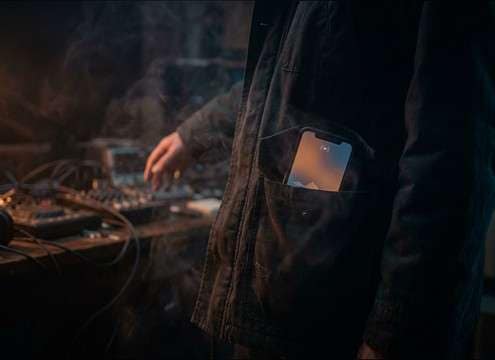






Phone rings fail most often for two reasons: the device doesn't match the prop, or the perspective doesn't match the camera. Use prompts that name the phone type, the space it's in, and whether the ring should cut through a mix or sit behind dialogue. Then pick a duration that supports your edit—short for a quick beat, longer for escalating tension.
Start with the device timbre
A desk phone, a rotary bell, and a smartphone ringtone occupy different frequency ranges and textures. Describe the material character (metallic bell vs. clean digital tone) so the ring reads instantly without sounding generic.
- For landlines, ask for a sharper transient and a bell-like midrange bite
- For smartphones, request a cleaner tone with less room coloration
- For retro scenes, add "mechanical" or "metallic" to capture physical bell texture
Match distance and room reflections
Perspective sells realism. A close ring feels dry and present; a next-room ring needs muffling, room tone, and a longer decay. If your ring feels pasted on, it's usually too clean for the space.
- Use "close-mic, minimal reverb" for phone-in-hand moments
- Use "distant, muffled, hallway reflections" for off-screen ringing
- If dialogue is heavy, choose a ring with softer highs to reduce masking
Pick a ring cadence that edits well
Rings are rhythmic; the wrong cadence fights the cut. Decide whether you need one attention-grabbing burst, a classic double ring, or a repeating pattern that can be faded under action.
- For quick inserts, a 5-second ring with a tight pattern is easiest to place
- For "won't stop ringing" tension, use 10–20 seconds with consistent gaps
- Ask for "clean silence gaps" to make it easier to cut around dialogue
Avoid common problems in mixes
Phone rings can sound harsh, clip, or dominate the midrange. Choose versions with controlled peaks and a natural tail so the ring remains believable even after you EQ or duck it.
- Avoid overly bright rings if your scene already has sibilant dialogue
- Prefer controlled decay over abrupt endings to prevent "hard cuts"
- If the ring feels fake, choose a version with subtle room tone instead of pure silence




