














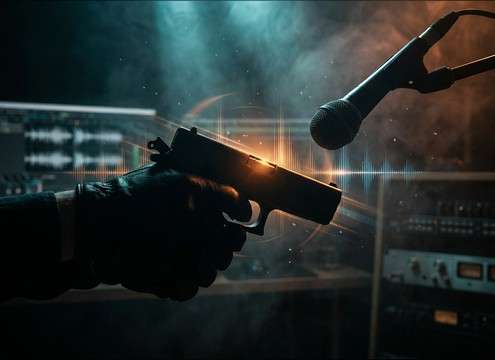

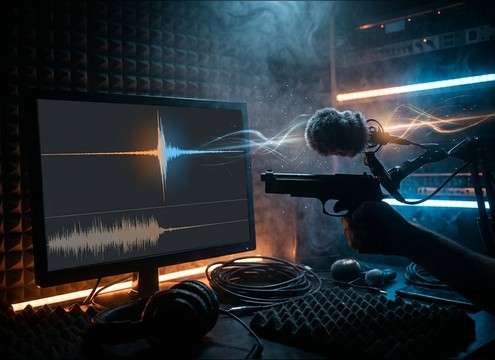
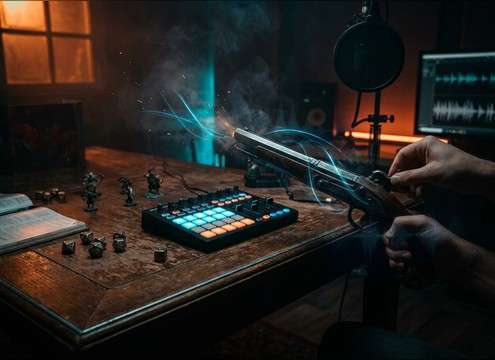
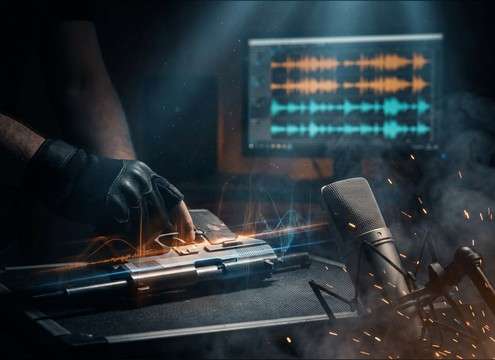



Gun-cocking SFX live and die by the transient: too sharp and it reads like a gunshot; too soft and it disappears under dialogue. Use these checkpoints to pick a stock clip quickly or write a prompt that generates a take with the right action, space, and detail.
Start with the exact mechanism
"Gun cocking" can mean several distinct movements. Naming the mechanism helps you avoid mismatched audio, like a full slide rack when the on-screen action is only a safety toggle.
- Use "pistol slide rack" for a longer clack + return
- Use "hammer cock click" for a short, single tick
- Use "safety switch" for a small click with minimal body
Match perspective and space
The same cocking action feels different depending on distance and environment. Close perspective emphasizes finger contact and scrape; a more distant take reads as a tighter "clack" with less texture but more room imprint.
- Close-mic: brighter transient, audible micro-squeaks, narrow tail
- Roomy interior: short reflections that sit behind dialogue
- Avoid long reverb that turns the click into a dramatic hit
Control texture so it reads as foley
Good cocking sounds have a clear attack and a believable mechanical texture (scrape, spring, latch). Too much high-end "zing" or harshness can make it feel synthetic or like a weapon discharge.
- Ask for "metallic click with light scrape" rather than "loud bang"
- Keep the tail short to prevent masking in tense whispers
- If looping, prefer consistent tone and stable noise floor
Avoid common prompt mistakes
Many generators (and libraries) can drift into gunshot-like transients if the prompt is vague. Be explicit about what you do not want, and keep the action count clear for easy sync.
- Add "no gunshot, no firing, no explosion" to prompts
- Specify count: "one rack" vs "two racks" vs "sequence"
- Avoid words like "blast" or "report" that imply firing




