











Popular Radio Static Sound Effects Library

Pick a ready-made static texture for quick edits—dial sweeps, steady hiss, harsh interference, and lo-fi radio beds. Each clip is described by its transient behavior, noise texture, and how well it loops so you can choose the right "signal failure" for your moment.

How to Generate Your Own
Radio Static Sound Effects

Can't find what you're looking for? Easily create custom AI sounds. Simply describe your needs, and our AI will craft the perfect sound effect for you — no audio production skills required. Go from a blank idea to a downloadable WAV in under a minute.

1

Describe the static

Type a prompt for the exact radio vibe you need—AM tuning sweep, FM hiss bed, clicky scan, or harsh interference—and mention texture like crackle, buzz, or flutter.

2

Pick length and count

Choose 5s, 10s, or 20s, then select how many variations you want generated so you can audition different intensity and bandwidth options.

3

Generate and preview

Click Generate, listen to each result, and keep the take that matches your cut—clean loopable hiss, spiky bursts, or a moving dial search.

4

Download WAV and use

Download the WAV file and drop it into your timeline for films, audio drama, apps, games, or commercial projects, then trim or loop as needed.

What Can You Use These Radio Static Sound Effects For?

Creators in every field are using our royalty-free audio to set the perfect mood.

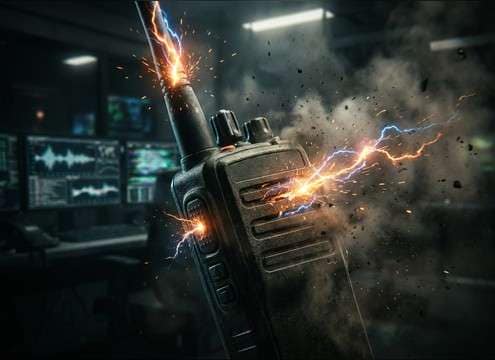
Static burst used as a walkie-talkie transition before dialogue

Walkie-talkie transitions

Use short static bursts as "press-to-talk" edges, then cut to voice lines for a believable handheld comms feel.

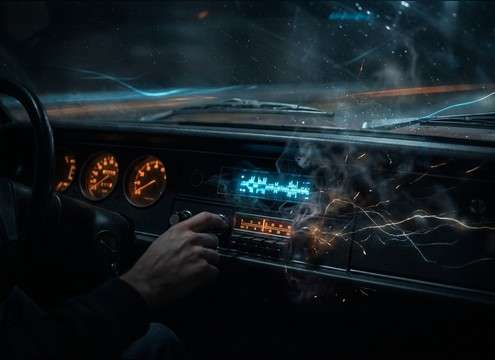
AM radio static under a car interior scene with weak reception

AM radio car

Blend a narrowband hiss bed under a dashboard radio line to sell weak reception while the car moves between coverage zones.

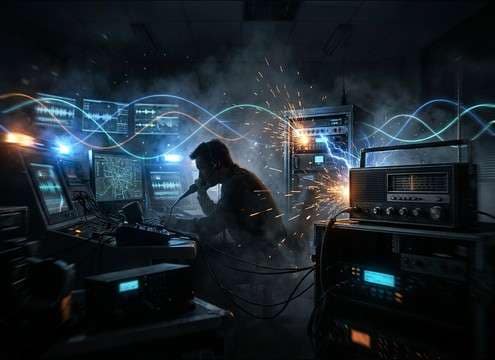
Dispatch transmission with intermittent crackle and flutter static

Emergency dispatch chatter

Add intermittent crackle and flutter behind dispatch audio to imply distance, interference, and stressed signal conditions.

Interference burst synced to a horror signal loss cut

Horror signal loss

Hit a hard interference burst right on a visual glitch or blackout, then leave a thin noise tail for tension.

Montage of radio tuning with repeated dial sweep static

Radio tuning montage

Chain multiple dial sweeps to quickly move across stations, creating a search-and-find rhythm without needing real broadcast audio.

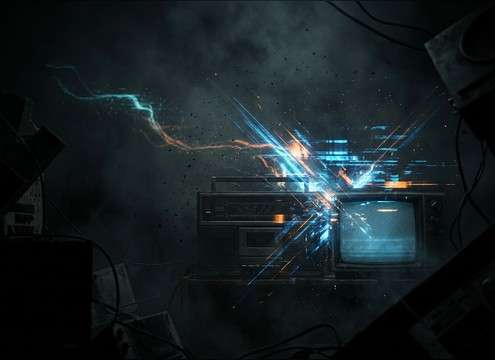
Retro recorded radio feed with lo-fi hiss and flutter

Retro newsroom recorder

Layer tape-like hiss and mild wow/flutter under archival-style VO to mimic a recorded radio feed.

Futuristic comms channel with wideband interference and buzz

Sci-fi comms interference

Use wider stereo noise and controlled buzz tones to imply a futuristic transmitter being jammed or disrupted.

Podcast scene change using clicky radio scan static

Podcast dramatization beats

Drop quick scan clicks between scenes to indicate switching channels, surveillance listening, or a broken receiver.

Why Choose Media.io for Radio Static Generator?

See exactly why creators, developers and studios choose our AI audio generator over all others.

Bandwidth control for radio static prompts

Prompt-controlled bandwidth

Ask for narrowband AM, cleaner FM hiss, or a midrange-heavy "small speaker" tone so the static matches the device in your scene.

Previewing radio static takes before downloading

Built-in preview before export

Listen first, then pick the take with the right crackle density and transient sharpness for your edit timing.

Regenerating alternate radio static textures

Regenerate alternate textures

Swap between smooth hiss, spiky pops, buzzing interference, or fluttering noise without changing your project setup—just regenerate.

Loopable radio static bed under dialogue

Loop-friendly static beds

Create steady hiss that holds level and avoids obvious patterning, making it easier to loop under long dialogue passages.

Adjusting radio static intensity to match a scene

Intensity that fits the cut

Dial in subtle noise floor or aggressive masking static so it complements voice and music instead of overpowering them.

Downloading radio static as a WAV file

Export-ready WAV output

Download WAV for clean import into NLEs and DAWs, then trim, fade, or crossfade between static types for realistic tuning.

How to Pick or Prompt Radio Static That Sounds Real

Radio static is all about the right bandwidth, motion, and transient behavior. If you need a believable "searching for a station," prompt for movement and scan clicks. If you need background noise under dialogue, choose a steady hiss bed with low crackle density and a clean loop. Use the tips below to get static that matches the device (AM car radio, handheld, old recorder) and the moment (brief burst vs sustained interference).

Match the device: AM, FM, handheld, or recorded

The same static feels different depending on where it's coming from. AM tends to be narrower and grittier; FM can sound smoother; handheld comms often have abrupt gates and scratchy bursts. If you're mimicking a recorded source, add tape-like softness or light flutter.

  • Prompt "narrowband AM" for boxy midrange and gritty hiss
  • Prompt "FM hiss bed" for smoother, less clicky noise
  • Prompt "recorded on tape" for softer highs and mild flutter

Choose steady beds vs bursty interference

A steady bed supports long scenes without drawing attention, while bursty interference sells disruption, jamming, or a push-to-talk edge. Decide whether you need loopability (beds) or punchy transients (bursts) before you download or generate.

  • Beds: ask for "stable level, loopable, minimal pops"
  • Bursts: ask for "crackle spikes, abrupt cutoff, no reverb"
  • For scans: ask for "ticks between channels" to add rhythm

Control movement: tuning sweeps, flutter, and fades

Motion makes static feel like a real receiver searching or losing signal. Tuning sweeps add direction; flutter suggests unstable reception; fades help you transition between scenes without an obvious hard edit.

  • Prompt "dial sweep" for a quick search-and-stop gesture
  • Prompt "fluttering hiss" for unstable signal behavior
  • Prompt "swell then fade" to land transitions cleanly

Avoid common mismatches

Static can easily sound too bright, too stereo-wide, or too repetitive when looped. Keep it believable for the space and device, and make sure it doesn't fight the voice range if it sits under dialogue.

  • Avoid overly bright fizz if the scene implies a small speaker
  • Avoid heavy crackle under dialogue unless it's a plot point
  • Avoid obvious repeating patterns when you plan to loop

Frequently Asked Questions About
Radio Static Sound Effects

Everything you need to know before downloading or generating your first sound.

What's the difference between AM radio static and FM static?

AM static is usually narrower in bandwidth and more "gritty," with crackle and rough midrange. FM static often reads as smoother hiss with less popping. If your scene is a car radio or a talk station vibe, AM-style noise fits; for modern broadcast feel, go cleaner and smoother.

How do I make radio static sound like channel scanning?

Prompt for a tuning sweep plus distinct scan ticks: include phrases like "channel scan," "brief bursts," and "clicks between stations." For editing, place short bursts on beats, then cut to a steadier bed when you want the listener to settle into a transmission.

Can I download WAV files and use them commercially for free?

You can preview and download WAV sound effects from this page and use them in commercial projects; check Media.io's licensing terms on the download page to confirm the latest usage rights for your account and region.

What duration should I choose: 5s, 10s, or 20s?

Use 5 seconds for quick hits like push-to-talk edges, glitches, and cut transitions. Choose 10 seconds for tuning searches that need a little motion. Pick 20 seconds when you want a sustained interference bed to sit under a scene, then loop or trim to fit.

Are these radio static sound effects free to download?

Yes. You can preview and download the AI-generated radio static sound effects as WAV files and use them in personal or commercial projects.

Can I copy the prompt used for each sound?

Yes. Open any sound row to view the prompt, copy it, adjust the wording and generate a custom variation that better matches your scene.

Related Free Sound
Effect Categories

Explore other AI-generated sound libraries from Media.io

sound

Rain Sound Effects

10+ free sounds
sound

Thunder Sound Effects

10+ free sounds
sound

Farts Sound Effects

10+ free sounds
sound

Car Crash Sounds

10+ free sounds
sound

Explosion Sound Effects

10+ free sounds
sound

Gunshot Sound Effects

10+ free sounds
sound

Pistol Sound Effects

10+ free sounds
sound

AI Horror Sound Effects

10+ free sounds
sound

AI Forest Sound Effects

10+ free sounds
sound

AI Dog Whistle Sound

10+ free sounds
sound

AI Ding Sound

10+ free sounds
sound

Phone Ring Sound

10+ free sounds
media.io

AI Video Generator star

Easily generate videos from text or images

Generate
