














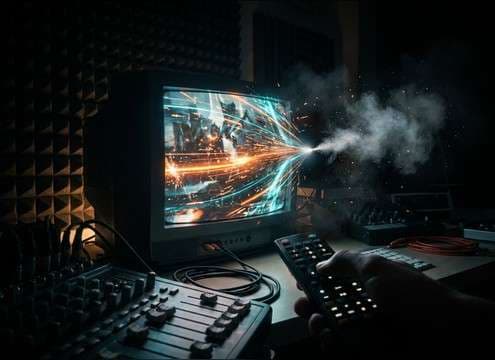
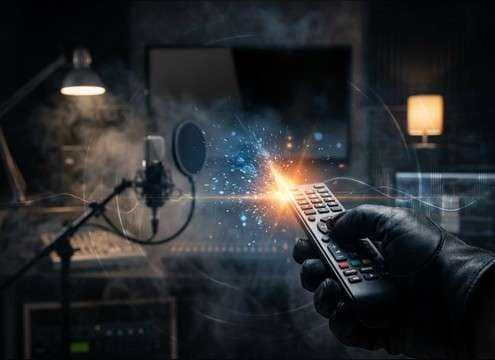
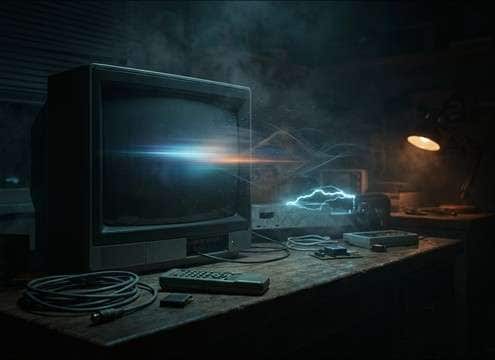

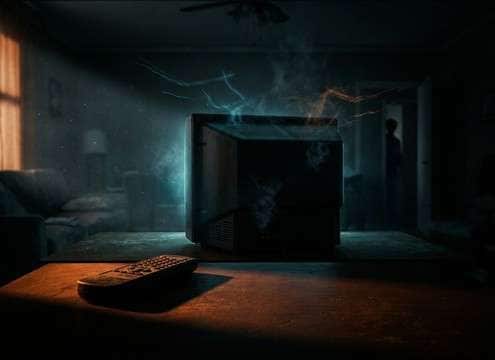


TV power-down sounds are all about the transient and what happens right after it. When you prompt or pick a clip, decide whether you want a dry relay click, a remote button tap plus click, or a CRT-style pitch drop. Then match the perspective: close, across the room, or through a doorway, and keep enough room tone so the cut to silence feels natural.
Pick the device type first
Different TVs imply different sound signatures. Modern sets often read as a single relay click, while older CRT cues are defined by a brief whine collapse and a tiny static tick.
- Use words like "modern LCD relay click" for a dry, fast transient
- Use "CRT whine drop" or "tube TV" for pitch movement and texture
- Avoid mixing contradictory cues like loud CRT whine with a silent modern standby beep
Control the transient and the tail
Editors notice when the click is too soft to cut through or too sharp to feel real. The decay matters just as much when the scene needs a breath after the screen goes dark.
- Ask for "crisp transient" if it must read over dialogue
- Ask for "short decay" when you want an abrupt comedic stop
- Ask for "subtle room tone after shutdown" to prevent unnatural dead silence
Match distance and room tone
A TV off sound in a wide shot should feel filtered and placed in space. A close-up should be tight, dry, and noise-controlled.
- Use "close mic" or "near-field" for minimal reflections
- Use "distant, through doorway" for softer highs and longer reflections
- Avoid overly wide stereo for a small source unless the scene is stylized
Add or remove remote interaction
Sometimes you only need the TV relay. Other times the story beat is the character pressing the remote, so the button foley must lead the shutdown by a split second.
- Prompt "remote button tap then TV off click" for believable timing
- Prompt "TV off only, no button" for clean post-production placement
- Avoid loud plastic clicks that compete with the TV relay transient




