


















Clicker sounds are tiny, but they carry a lot of meaning: confirm, cancel, toggle, increment, or "ready." Use this guide to pick the right library clip or write a prompt that produces a click with the right attack, decay, and texture for your interface or foley moment.
Start with the action and material
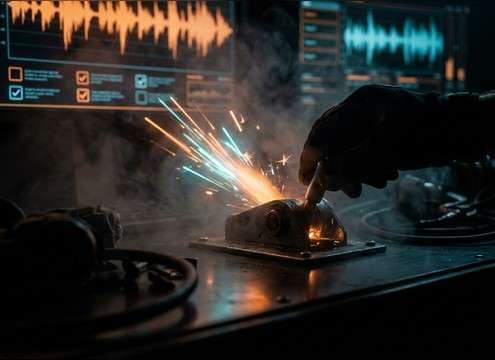
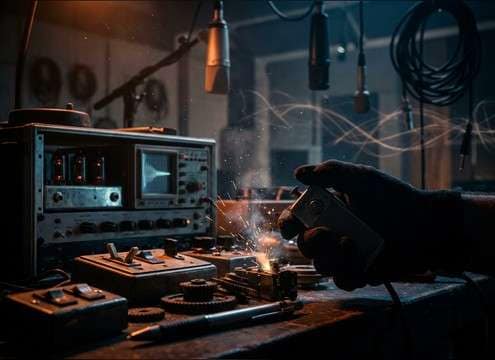
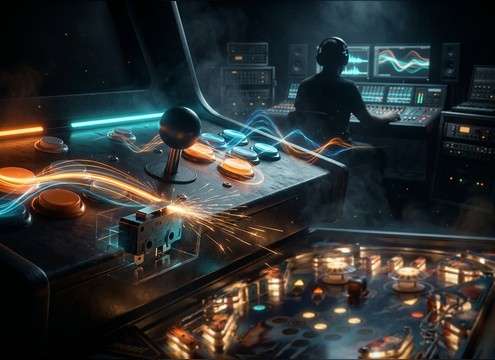
A "click" can be a soft rubber dome, a sharp plastic button, or a snappy metal toggle. Naming the mechanism helps the generator produce the right transient shape and texture.
- Use action words: press, toggle, snap, tick, double-click
- Name a source: microswitch, pen, remote button, training clicker
- Add intensity: subtle, firm, punchy, muted
Dial in attack and tail for readability
UI clicks should usually have fast attack and controlled decay so they don't smear into the next interaction. If it feels sharp or fatiguing, ask for a softer transient or less high-end bite.
- For crisp UI: "sharp transient, very short decay, dry tail"
- For gentle feedback: "rounded attack, damped click, low brightness"
- For tactile feel: "slight mechanical texture, tiny housing noise"
Match space, stereo width, and distance
Most interface clicks work best dry and close. If you're using clicker foley in a scene, a hint of room tone can make it sit naturally, but too much ambience makes it feel detached from the action.
- UI: "close-mic, no reverb, centered mono or narrow stereo"
- Scene foley: "small room reflections, short tail, not boomy"
- Avoid: "large hall reverb" unless you want a stylized effect
Avoid the common click problems
Clicks often fail because they are either too sharp (piercing) or too dull (lost under music). A small prompt tweak usually fixes it faster than heavy EQ later.
- If it's piercing: ask for "less treble, softer attack, damped"
- If it disappears: ask for "brighter click, stronger transient"
- If it sounds noisy: ask for "clean, no hiss, minimal room tone"




