












Popular Static Sound Effects Library

Pick a ready-made static texture, then regenerate with a new prompt if you need different grit, bandwidth, or a cleaner loop point for your scene.

How to Generate Your Own
Static Sound Effects

Cannot find the perfect static sound effect you need? Generate custom AI static audio effortlessly. Describe the style, such as short clean cue, cinematic hit, subtle background layer, branded UI alert, and Media.io AI builds tailored static sound effects instantly. No audio editing experience needed. Turn your concept into a royalty-free, high-quality downloadable WAV static clip in under 60 seconds.

1

Describe the static

Type or paste a prompt that explains the source and character you want, like TV snow, radio tuning bursts, or narrowband comms hiss.

2

Pick length and takes

Choose a duration that fits your cut (5s, 10s, or 20s) and set how many variations you want to generate at once.

3

Generate and preview

Click Generate, then audition each result and keep the one with the best transient, texture, and tail for your scene.

4

Download WAV and use

Download the WAV file and drop it into your timeline for videos, apps, games, podcasts, or commercial projects.

What Can You Use These Static Sound Effects For?

Creators in every field are using our royalty-free audio to set the perfect mood.

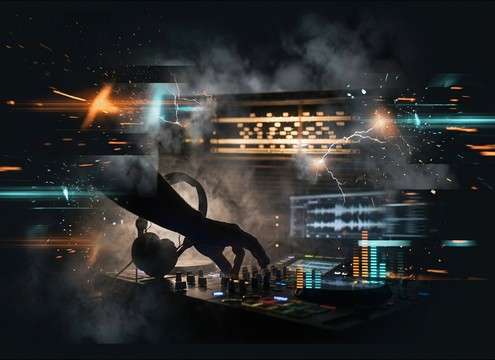
Radio dial tuning with brief static bursts between stations

Radio tuning montage

Cut between stations with quick static bursts that punctuate edits without masking dialog.

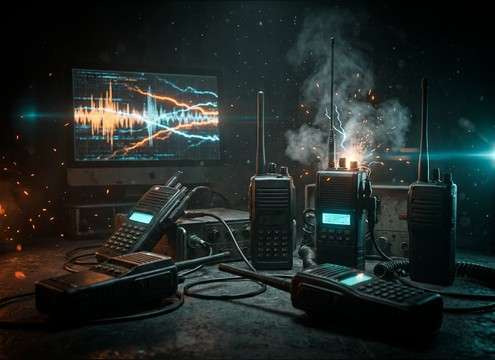
Walkie-talkie communication with compressed static squawk

Walkie-talkie comms

Add band-passed hiss and squawk tails to sell handheld comms and push-to-talk moments.

Television snow static hit during signal loss

TV power

Use sharp static hits for turning on a CRT, channel loss, or a sudden feed change.

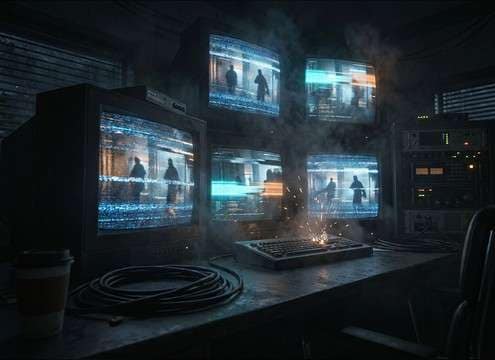
CCTV camera feed with interference and signal dropouts

CCTV interference

Layer intermittent dropouts to make security footage feel unstable and low fidelity.

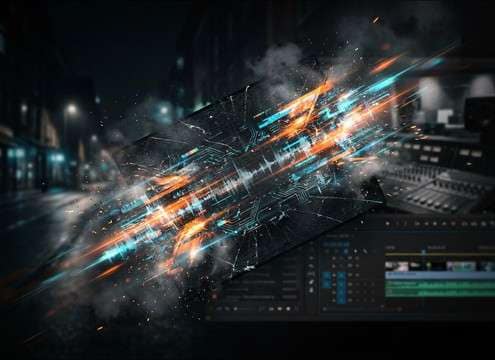
Glitch cut transition emphasized by a static burst

Glitch scene transitions

Bridge two shots with a short, bright static burst that reads as digital disruption.

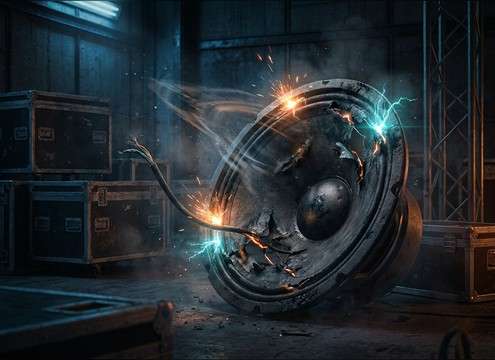
Distorted loudspeaker producing crackle and static

Broken speaker foley

Sell damaged PA systems with crackle that flares on loud moments and dies fast.

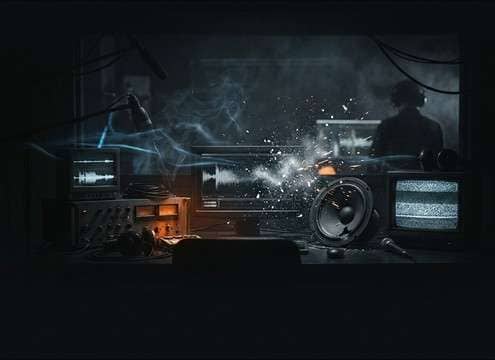
Horror scene using low hiss bed and sudden static spikes

Horror signal dread

Hold a thin hiss bed under silence to create tension, then spike with sudden snow hits.

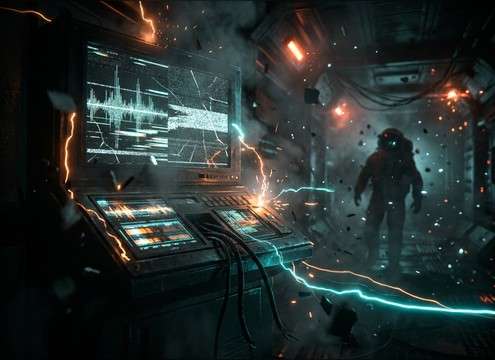
Sci-fi communication failure with wide stereo interference

Sci-fi comms failure

Use wider stereo interference with rhythmic dropouts for spacesuit radios or ship intercoms.

Why Choose Media.io for Static Sound Generator?

See exactly why creators, developers and studios choose our AI audio generator over all others.

Text prompt controls for static texture and bandwidth

Prompt control for texture

Specify hiss vs crackle, band-pass width, grit level, and how harsh the transient should feel.

Duration selector for 5s 10s and 20s static

Scene-matched durations

Generate 5s stingers, 10s beds, or 20s atmos tracks so the static lands exactly on your cut.

Preview player comparing multiple static results

Fast preview before download

Audition options instantly and pick the version with the right tail, noise density, and stereo width.

Regeneration controls for loop-friendly static beds

Regenerate for tighter loops

If your bed clicks at the end, reroll with loop-friendly prompts and smoother decay edges.

Noise shaping options to fit static around dialog

Mix-friendly noise shaping

Ask for narrowband phone hiss or bright TV snow so the static fits around dialog and music.

WAV download button for static sound effects

Download-ready WAV output

Export a clean WAV for your editor or DAW and place it under comms, glitches, or signal loss moments.

How to Prompt Static Sound Effects That Fit Your Scene

Static can mean anything from a thin phone-line hiss to aggressive TV snow. The quickest way to get a usable result is to describe the source, bandwidth, and how the noise should start and end. Use the guide below to choose prompts that cut cleanly, loop smoothly, and avoid overpowering dialog or music.

Name the source and channel

Start by stating what the static is coming from. The same noise feels different when it is a radio scan, a CRT with no signal, or a walkie-talkie squawk. Source cues steer the spectral shape and texture.

  • Use words like AM radio, FM scan, CRT snow, phone line, intercom, walkie-talkie
  • Ask for band-pass for comms, broadband for TV snow, or midrange grit for tuning
  • Mention mono vs wide stereo to match the device or screen perspective

Control attack and tail for edits

Static often works as a cut-point effect, so describe how quickly it hits and how it stops. A hard stop is great for glitches, while a soft fade is better for beds under dialog.

  • For stingers: sharp transient, fast attack, abrupt cutoff, no reverb
  • For beds: soft fade in, steady noise floor, smooth fade out
  • To avoid clicks: request clean start and clean end, or loop-friendly ending

Choose density and masking strength

Noise density decides whether the static is a subtle presence or an aggressive interruption. If your scene has speech, describe lighter density so consonants stay clear.

  • Ask for low masking strength for dialog scenes and higher density for signal loss moments
  • Mention controlled low-end to prevent rumble that muddies music or VO
  • Specify occasional crackle bursts vs constant hiss to match the on-screen action

Avoid common prompt pitfalls

A few extra words can prevent unusable results. Static that is too tonal, too reverberant, or too dynamic can feel like a synth instead of interference.

  • Avoid strong musical pitch unless you want an electrical whine layered in
  • Skip large room reverb for device static, unless the device is heard from far away
  • If it pumps: request steadier level, less compression, or smoother dynamics

Frequently Asked Questions About
Static Sound Effects

Everything you need to know before downloading or generating your first sound.

What types of static are included on this page?

You can preview short stingers and longer beds that cover TV snow, radio tuning bursts, comms squawk, phone-line hiss, speaker crackle, and broadcast interference style textures.

Can I download and use these static sounds in commercial projects?

Yes. The page is built for royalty-free downloads, and you can also generate new variations by prompt, then export WAV files for client work, apps, or monetized videos.

Which static works best under dialog: TV snow or phone-line hiss?

Phone-line hiss is usually easier under dialog because it is narrower in bandwidth and less bright. TV snow is broadband and can mask sibilance, so it fits better as a hit or a loud signal-loss moment.

How do I make a static bed loop cleanly?

Choose a longer bed (10s or 20s), then regenerate with wording like smooth loop end, steady noise floor, and no abrupt pops. When editing, crossfade the end into the start to hide any edge changes.

Are these static sound effects free to download?

Yes. You can preview and download the AI-generated static sound effects as WAV files and use them in personal or commercial projects.

Can I copy the prompt used for each sound?

Yes. Open any sound row to view the prompt, copy it, adjust the wording and generate a custom variation that better matches your scene.

Related Free Sound
Effect Categories

Explore other AI-generated sound libraries from Media.io

sound

Rain Sound Effects

10+ free sounds
sound

Thunder Sound Effects

10+ free sounds
sound

Farts Sound Effects

10+ free sounds
sound

Car Crash Sounds

10+ free sounds
sound

Explosion Sound Effects

10+ free sounds
sound

Gunshot Sound Effects

10+ free sounds
sound

Pistol Sound Effects

10+ free sounds
sound

AI Horror Sound Effects

10+ free sounds
sound

AI Forest Sound Effects

10+ free sounds
sound

AI Dog Whistle Sound

10+ free sounds
sound

AI Ding Sound

10+ free sounds
sound

Phone Ring Sound

10+ free sounds
media.io

AI Video Generator star

Easily generate videos from text or images

Generate
