


















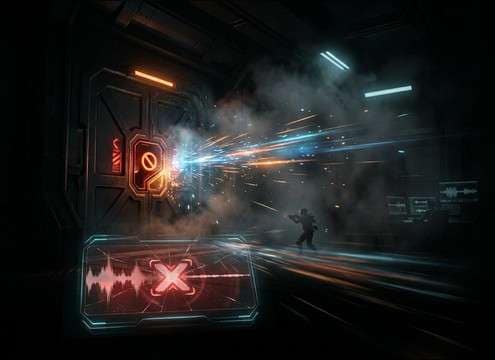

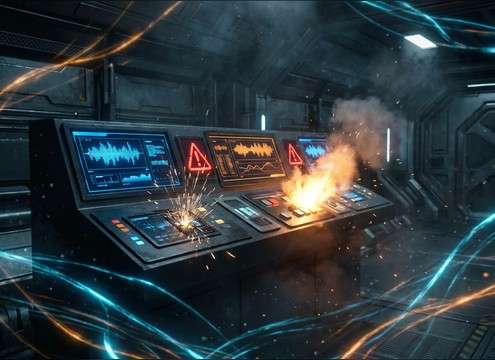


An error cue has one job: communicate "that didn't work" instantly, without annoying users or masking speech. When browsing clips or writing prompts, focus on envelope (attack/decay), pitch direction, and how much texture (clean beep vs gritty buzz vs glitch debris) fits your interface. Use the sections below to dial in a sound that reads clearly at low volume and still cuts through.
Start with the action and severity
Decide whether the moment is a minor correction (typo, invalid field) or a hard stop (declined payment, access denied). Softer errors prefer rounded transients and shorter tails; critical errors can be brighter, slightly louder, and more pointed.
- Minor: soft double-beep, rounded attack, quick decay
- Major: sharper transient, brighter pitch, firmer level
- Avoid: long alarm-like rings for routine mistakes
Shape the envelope: transient and tail
UI feedback should feel "on the click." A clear transient helps intelligibility, while a controlled tail prevents stacking when users tap repeatedly. If you need a sequence, keep spacing consistent so it doesn't feel like a ringtone.
- Ask with fast transient, short decay, dry/no reverb
- For repeated taps: use a clipped tail to reduce overlap
- Avoid: roomy reflections that blur timing
Pick a pitch language users recognize
Higher beeps read as immediate and technical; lower hits feel like a denial or "blocked" state. Downward pitch falls often communicate failure more clearly than upward rises. Keep the pitch range comfortable—piercing tones fatigue quickly.
- Downward bend = "failed/denied" for many UI contexts
- Low denial hit for lockouts and blocked actions
- Avoid: ultra-high piercing frequencies for frequent errors
Decide on clean vs glitch texture
Clean beeps suit modern apps and product UI. Glitch, bitcrush, or stutter fits "system fault," sci-fi panels, or corrupted-data visuals. Texture should support the story, not distract from the interface content.
- Clean: sine/triangle beep with minimal grit
- Stylized: bitcrush debris, micro-stutter, subtle distortion
- Avoid: heavy noise beds that mask voice or key SFX




