














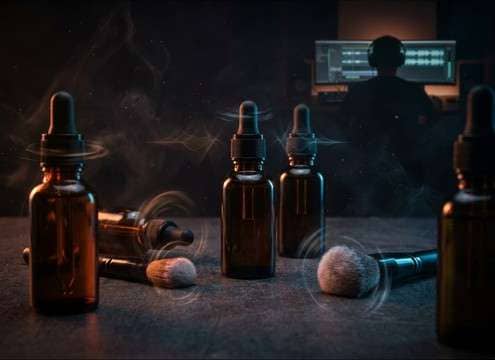

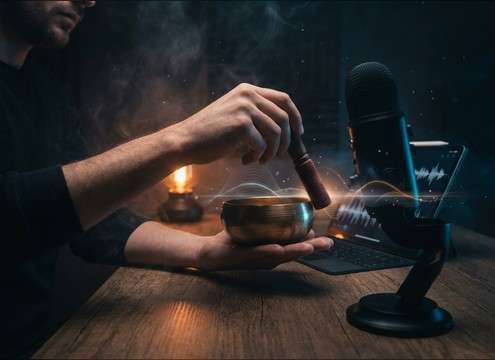
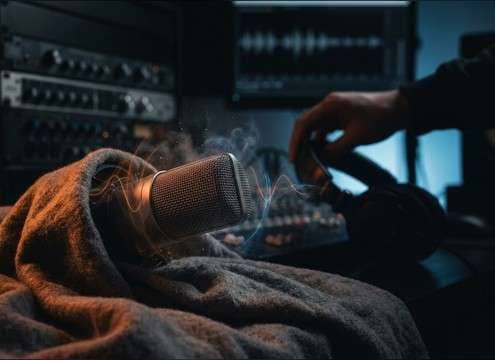



ASMR lives or dies on micro-detail: the first transient, the noise floor between actions, and whether the tail stays smooth. Use the library to preview quickly, then prompt new variations when you need a different trigger material or a less aggressive high end. The tips below help you request intimate, mix-ready clips without accidentally generating harsh sibilance or scratchy hiss.
Pick the trigger family first
Start by deciding whether you need percussive triggers (taps/clicks), continuous textures (brush/fabric), or voice-adjacent triggers (whispers). This prevents mismatches where a "crinkle" ends up sounding like loud packaging or a "tap" turns into a knock with too much low-end.
- Use "fingertip tapping" for softer attack; use "nail tapping" for brighter transients
- Ask for "light paper crinkle" to avoid sharp crackles and brittle highs
- If you don't want voice, say "no whisper, no speech" explicitly
Control proximity and room tone
Most ASMR should feel close-mic and dry. If the clip has too much space, it stops feeling intimate and starts masking narration. Add clear proximity and room notes to your prompt so the result stays tight and quiet.
- Add "close-mic, intimate" to reduce distance and keep detail forward
- Use "minimal room tone, dry room" to avoid audible reflections
- If you need stereo movement, request "subtle stereo width" rather than exaggerated panning
Avoid harshness and ear fatigue
The most common ASMR failure is harsh high-frequency content: sibilant whispers, scratchy fabric, or brittle crinkles. Prompt for softer highs and controlled peaks so the clip stays comfortable at headphone volume.
- For whispers, add "controlled sibilance, soft consonants"
- For brushing and fabric, ask for "smooth swishes, no scratchy hiss"
- For tapping, specify "gentle dynamics, no loud knocks" to prevent sudden spikes
Choose duration to match the edit
Use short clips for precise sync, and longer clips when you need stable texture that can be crossfaded. If you plan to loop, pick a steadier trigger (fabric/brush) rather than irregular actions (random taps).
- Pick 5 seconds for single moments like a cap click or page turn accent
- Pick 10 seconds for repeating patterns like steady tapping or light typing
- Pick 20 seconds for calming beds you can crossfade into longer relaxation sections




