











Popular Correct Sound Effects Library

These ready-to-use correct cues are tuned for quick recognition: fast transients, short decays, and options that sit above dialog without harshness. Copy a prompt, swap the instrument or brightness, and regenerate until it matches your quiz pace or UI micro-interaction.

How to Generate Your Own
Correct Sound Effects

Cannot find the perfect correct sound effect you need? Generate custom AI correct audio effortlessly. Describe the style, such as short clean cue, cinematic hit, subtle background layer, branded UI alert, and Media.io AI builds tailored correct sound effects instantly. No audio editing experience needed. Turn your concept into a royalty-free, high-quality downloadable WAV correct clip in under 60 seconds.

1

Write a correct cue

Type or paste a prompt describing your correct-answer sound, like a bright ding, a soft ping, or an arcade reward, plus any tone or texture notes.

2

Pick length and variants

Choose 5s, 10s, or 20s, then set how many variations you want so you can audition different pitches, tails, and intensities quickly.

3

Generate and preview

Click Generate, listen to each result, and keep the one that hits the right timing for your UI animation or on-screen feedback.

4

Download WAV and use

Download the WAV file and drop it into quizzes, apps, games, podcasts, or commercial videos as a clean correct-feedback sound.

What Can You Use These Correct Sound Effects For?

Creators in every field are using our royalty-free audio to set the perfect mood.

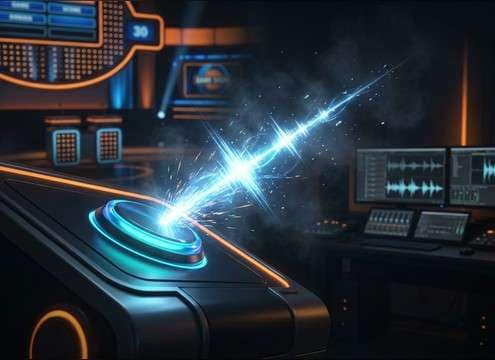
Correct chime used in a quiz app after a right answer

Quiz apps and

Trigger a fast ding that reads as correct without masking spoken questions. Choose short tails to keep rapid-fire scoring clear.

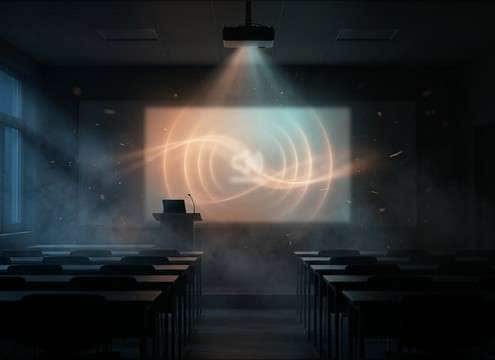
Soft correct confirmation sound for classroom slides

Classroom slide decks

Add a warm confirmation tone for in-person or remote lessons. A softer attack prevents the sound from feeling like an alarm.

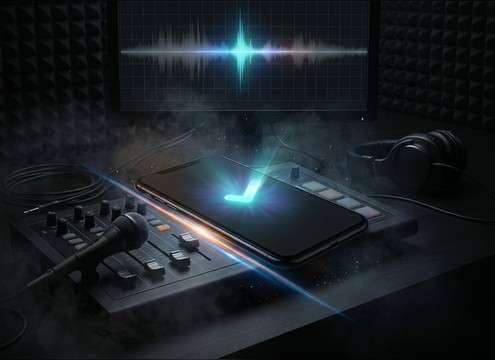
UI save confirmation correct sound effect on a phone screen

Mobile UI confirmation

Use a compact ping when a form is submitted or a setting is saved. Centered stereo and low room tone keeps it consistent across devices.

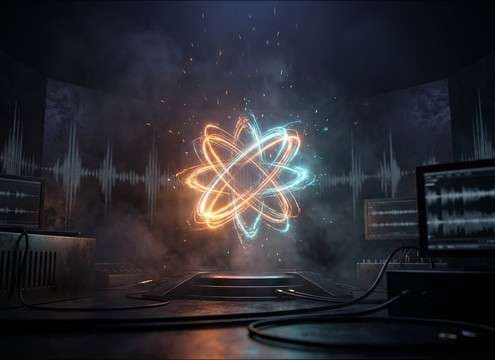
Achievement unlock correct sound effect in a casual game

Game achievements and

Play a brighter reward cue for unlock moments. Slight stereo width and a touch of shimmer makes achievements feel valuable.

Prototype interaction using a correct feedback sound

Interactive prototypes

Mock up onboarding and micro-interactions with quick correct cues. Regenerate variants to match different button sizes and animation speeds.

Checklist completion with a correct pop sound effect

Web onboarding checklists

Confirm each completed step with a subtle pop to reinforce progress. Keep the transient clean so it stays audible at low volume.

Retro arcade correct answer sound in an 8-bit mini game

Arcade and retro

Pick an 8-bit correct chord or pulse for authentic retro vibe. Short decay avoids clutter when players chain correct hits.

Scoreboard graphic using a correct success sting sound

Sports scoreboard graphics

Use a confident, broadcast-friendly success sting for correct picks or point awards. Control tail length to fit tight replay cuts.

Why Choose Media.io for Correct Sound Generator?

See exactly why creators, developers and studios choose our AI audio generator over all others.

Prompt controls for generating correct feedback sounds

Correct Sound Generator with prompt control

Describe the exact vibe: bright ding, warm bell, arcade pulse, or soft confirmation, then refine attack, tail length, and brightness by prompt.

Multiple correct sound variations ready to preview

Fast auditioning via variations

Generate multiple takes at once so you can compare pitch, transient sharpness, and stereo width without leaving your editing flow.

Duration selector for correct sound effects

Duration choices for UI timing

Match micro-interactions with 5s cues, use 10s for reward sequences, or pick 20s for longer celebrations and end cards.

Preview player for correct sound effects

Preview-first resource workflow

Preview sounds before downloading so you can pick a cue that reads as correct even under voiceover, music, or crowd noise.

WAV download option for correct sound effects

Export-ready WAV downloads

Download WAV files that cut cleanly into timelines, with minimal room tone and predictable decays for quick placement and trimming.

Regenerating a correct sound to match a brand tone

Regenerate to match a brand

Keep the same concept while changing instrument, tone color, and intensity so your correct feedback stays consistent across screens and features.

How to Pick and Prompt Correct Feedback Sounds That Feel Right

A correct cue should be instantly readable, short enough for rapid interactions, and pleasant after repeated use. When browsing or prompting, focus on transient shape (how fast it speaks), tail length (how long it lingers), and tone (bright vs warm). Use prompts that name the action (correct answer, saved, completed) and the instrument character (bell, synth ping, 8-bit) so regenerations stay consistent.

Match the moment: tap, answer, or achievement

Different correct moments need different weight. A tiny checkbox should not sound like a level clear, and a streak reward should build slightly longer than a single tap confirmation.

  • For single taps, ask for a short ping with minimal decay
  • For quiz answers, choose a clearer attack so it cuts through speech
  • For achievements, prompt a two-step rise or small flourish

Control attack and tail to avoid fatigue

Correct sounds are often repeated. Overly sharp transients or long, bright tails can become tiring. Aim for a crisp start with a compact finish that leaves space for the next interaction.

  • Use phrases like fast attack, tight decay, short tail
  • If it feels harsh, prompt softer transient or warmer tone
  • If it feels muddy, reduce tail and remove room reflections

Pick a tone color that fits your UI style

Tone communicates personality. A glassy bell reads clean and modern, while an 8-bit pulse reads playful. Keep the pitch range consistent so users learn the sound quickly.

  • Modern UI: clean sine ping, subtle stereo width, no reverb
  • Playful games: arcade chord, slight grit, quick release
  • Calm learning tools: warm bell, rounded attack, gentle brightness

Avoid common mistakes in correct cues

The wrong correct sound can feel like an error, a notification, or a loud alert. Keep it unmistakably positive and easy to trim.

  • Avoid long ringing tails that overlap rapid scoring
  • Avoid heavy low-end that competes with music beds
  • Avoid overly complex melodies for simple confirmations

Frequently Asked Questions About
Correct Sound Effects

Everything you need to know before downloading or generating your first sound.

What makes a sound read as correct instead of a notification?

Correct cues usually have a quick, clean transient and a short, uplifting decay (often a major interval or bright tone). Notifications often linger longer or feel neutral. If yours feels too much like a message alert, shorten the tail and brighten the pitch slightly.

Should I use a ding, a pop, or a short melody for quiz answers?

Use a ding or ping for single correct answers because it is fast and repeatable. Use a pop for subtle UI checkmarks and completions. Reserve short melodies for streaks, achievements, or end-of-round moments where a longer cue will not interrupt the next question.

Can I download these correct sound effects as WAV and use them commercially?

Yes. You can preview and download WAV files and use them in commercial projects. If your project has specific licensing requirements, review the license details shown in the download flow before publishing.

How do I keep correct sounds consistent across an app?

Reuse one core prompt and only change small variables like brightness, instrument, or stereo width. Keep tail length similar across screens so completion, save, and correct-answer moments feel like one system.

Are these correct sound effects free to download?

Yes. You can preview and download the AI-generated correct sound effects as WAV files and use them in personal or commercial projects.

Can I copy the prompt used for each sound?

Yes. Open any sound row to view the prompt, copy it, adjust the wording and generate a custom variation that better matches your scene.

Related Free Sound
Effect Categories

Explore other AI-generated sound libraries from Media.io

sound

Rain Sound Effects

10+ free sounds
sound

Thunder Sound Effects

10+ free sounds
sound

Farts Sound Effects

10+ free sounds
sound

Car Crash Sounds

10+ free sounds
sound

Explosion Sound Effects

10+ free sounds
sound

Gunshot Sound Effects

10+ free sounds
sound

Pistol Sound Effects

10+ free sounds
sound

AI Horror Sound Effects

10+ free sounds
sound

AI Forest Sound Effects

10+ free sounds
sound

AI Dog Whistle Sound

10+ free sounds
sound

AI Ding Sound

10+ free sounds
sound

Phone Ring Sound

10+ free sounds
media.io

AI Video Generator star

Easily generate videos from text or images

Generate
