














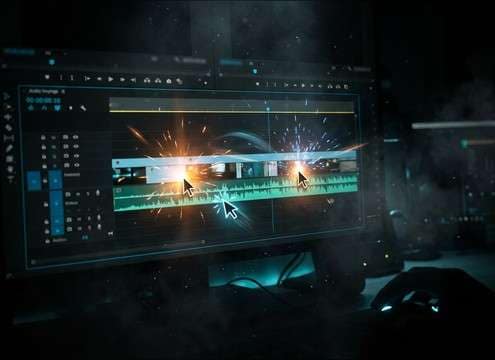









Mouse clicks need to be short, readable and consistent. The best cue depends on device feel, attack, tail, loudness and the UI action it confirms.
Match the UI action
A hover tick, select click and error click should not share the same weight.
- Soft click for gentle selection
- Hard click for clear confirmation
- Muted click for rejected actions
Control attack and tail
Clicks should be fast enough to support interaction without cluttering the mix.
- Sharp attack for obvious feedback
- Very short tail for dense interfaces
- Low noise floor for tutorials
Pick device texture
Different devices suggest different materials and loudness.
- Mouse button: plastic snap
- Trackpad: soft tap
- Mechanical switch: spring and sharper release
Keep the cue small
UI clicks usually work best when they are clean and restrained.
- No room echo
- No music
- Avoid loud transients in screen recordings




