

A magical forest color palette blends mossy greens, bark browns, misty teals, and candlelit golds to create depth that feels both natural and storybook.
Whether you’re building a brand, UI, poster, or illustration, these enchanted woodland colors help you balance mood (mystery) with clarity (readability) using practical, modern pairings.
In this article
- Why Magical Forest Palettes Work So Well
-
- enchanted moss
- moonlit pines
- faerie lanterns
- mushroom glen
- emerald canopy
- ancient bark
- crystal creek
- twilight fern
- pixie dust pastels
- golden spores
- witch hazel night
- deer trail neutrals
- verdant alchemy
- rainy grove
- wildflower clearing
- shadowroot
- elven silk
- candlelit hollow
- sprite spring
- runestone grove
- mythic thicket
- starlit bramble
- What Colors Go Well with Magical Forest?
- How to Use a Magical Forest Color Palette in Real Designs
- Create Magical Forest Palette Visuals with AI
Why Magical Forest Palettes Work So Well
Magical forest palettes feel immersive because they’re built on familiar nature cues: deep greens for canopy shade, browns for bark and soil, and soft misty highlights for atmosphere. That mix naturally creates contrast and depth without needing loud, artificial colors.
They also scale well across mediums. Dark anchoring tones make typography and UI components readable, while pale fog, cream, or mint tones provide breathing room for layouts, packaging, and illustration backgrounds.
Most importantly, “enchanted woodland” color schemes carry emotion quickly. A tiny shift toward teal makes it moonlit and modern, while a touch of gold makes it warm and lantern-lit—perfect for storytelling in branding and design.
20+ Magical Forest Color Palette Ideas (with HEX Codes)
1) Enchanted Moss
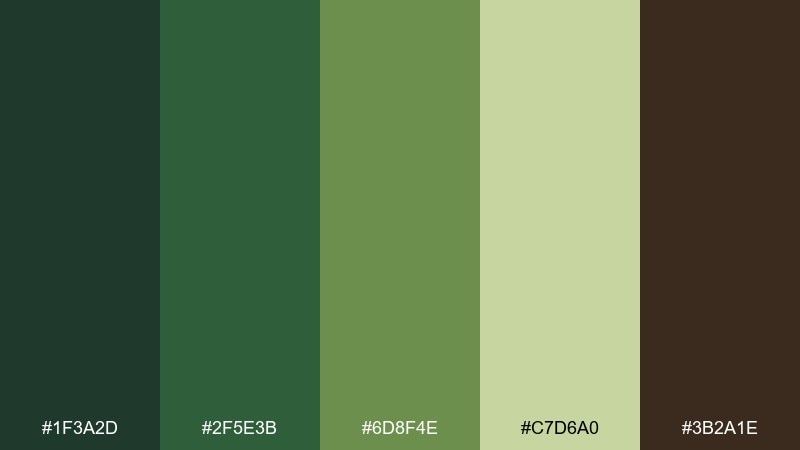
HEX: #1F3A2D #2F5E3B #6D8F4E #C7D6A0 #3B2A1E
Mood: lush, grounded, storybook
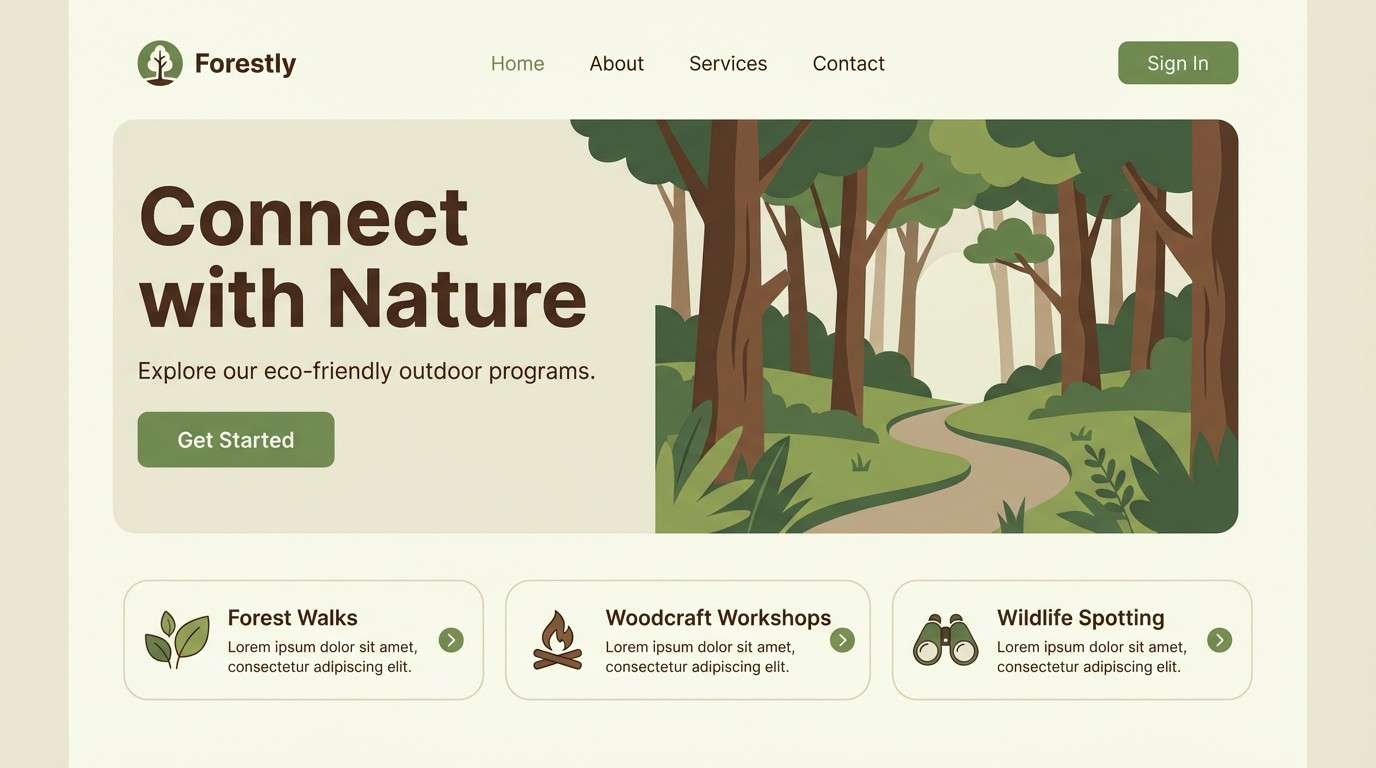
Best for: 2D website UI hero and buttons
Lush and grounded, it feels like sunlight filtering through mossy undergrowth and damp bark. Use the deep green for headers, the mid greens for UI surfaces, and the pale leaf tone for spacious backgrounds. Pair it with warm off-white and a tiny touch of bark brown for dividers. Tip: reserve the lightest green for input fields so the interface stays airy instead of heavy.
Image example of enchanted moss generated using media.io
Media.io is an online AI studio for creating and editing video, image, and audio in your browser.


2) Moonlit Pines
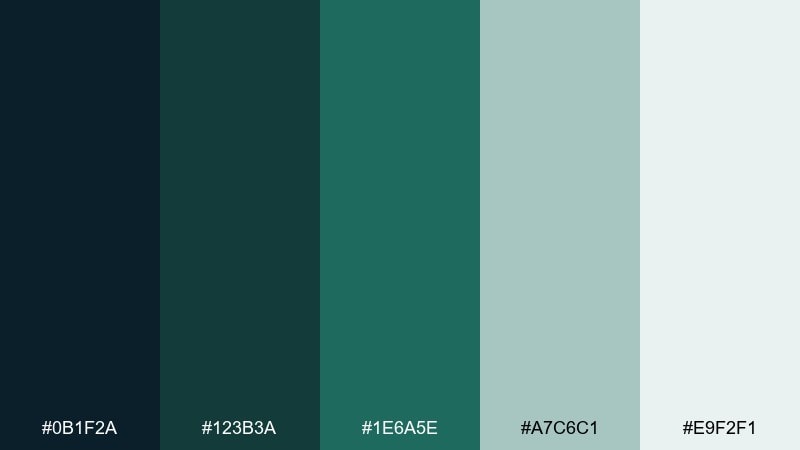
HEX: #0B1F2A #123B3A #1E6A5E #A7C6C1 #E9F2F1
Mood: cool, quiet, nocturnal
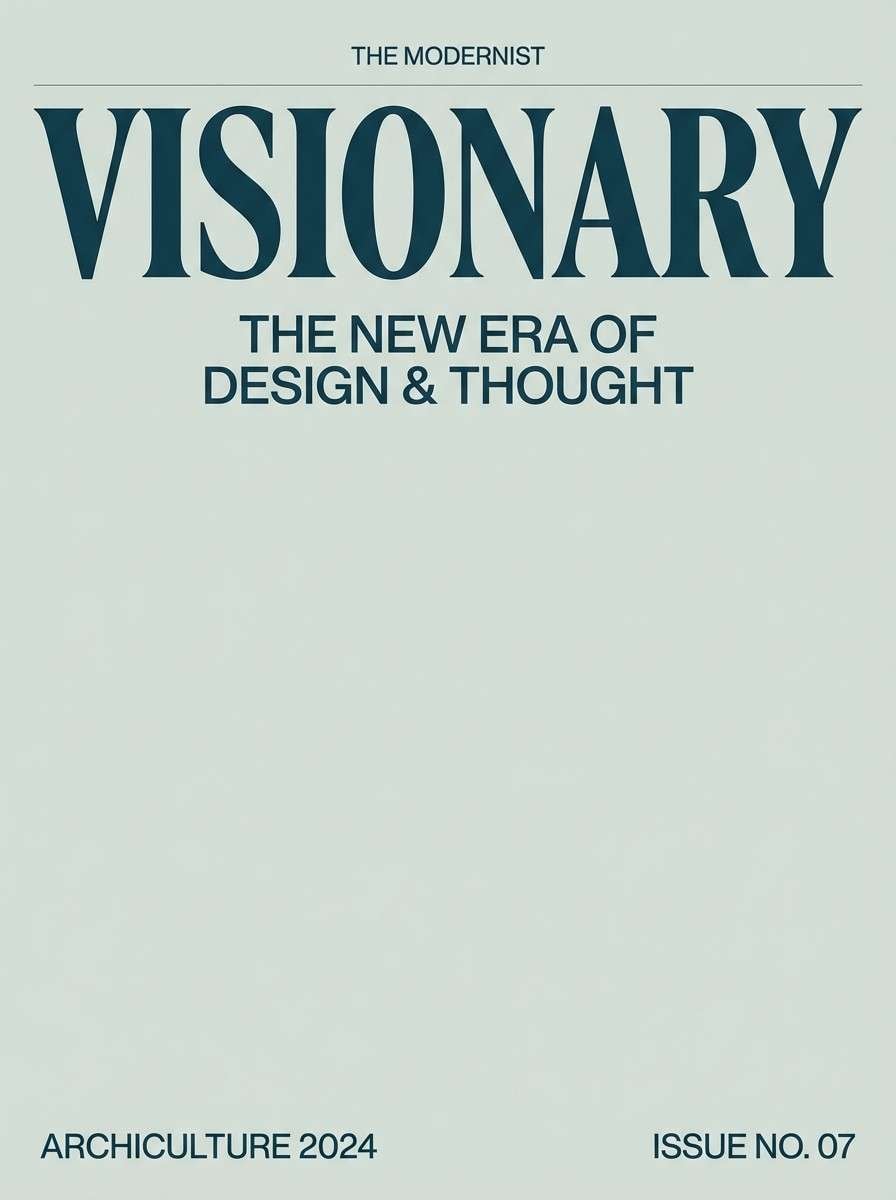
Best for: editorial cover layout
Cool and quiet, it evokes pine silhouettes under a moonlit haze and foggy air. Let the near-black teal anchor titles while the pale mist tones support spacious margins and pull quotes. Pair with crisp white and minimal linework to keep it modern. Tip: use the mid teal for accent rules and page numbers so the layout stays readable without shouting.
Image example of moonlit pines generated using media.io
3) Faerie Lanterns
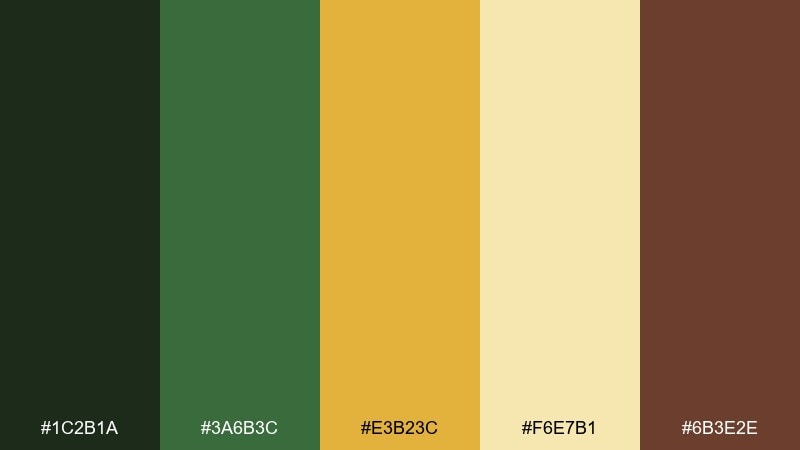
HEX: #1C2B1A #3A6B3C #E3B23C #F6E7B1 #6B3E2E
Mood: whimsical, warm, glowing
Best for: product packaging concept in studio
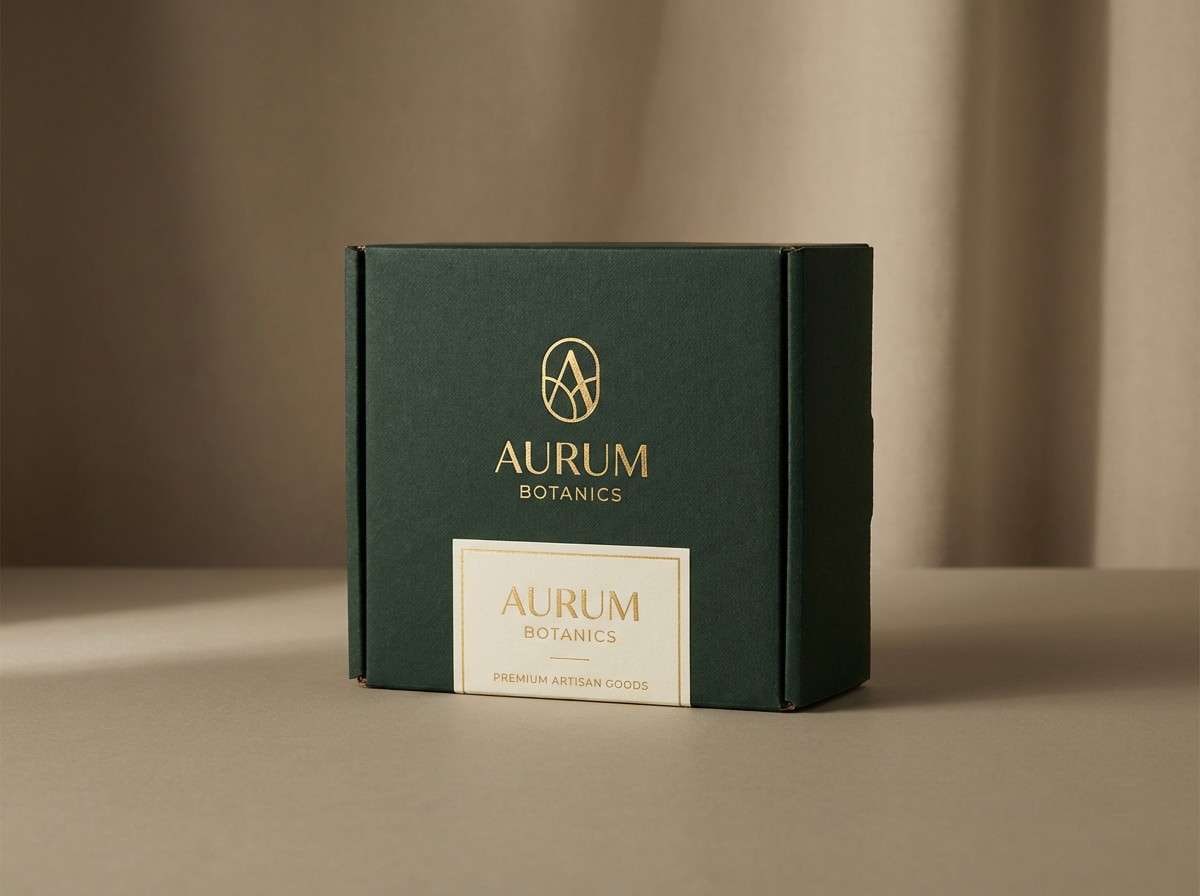
Whimsical and warm, it reads like lantern glow flickering between leaves and old wood. These magical forest color combinations work best when the gold plays the spotlight and the greens stay as grounding support. Pair with matte kraft textures or warm cream to make the glow feel believable. Tip: keep the gold limited to logos and seals so the package looks premium instead of busy.
Image example of faerie lanterns generated using media.io
4) Mushroom Glen
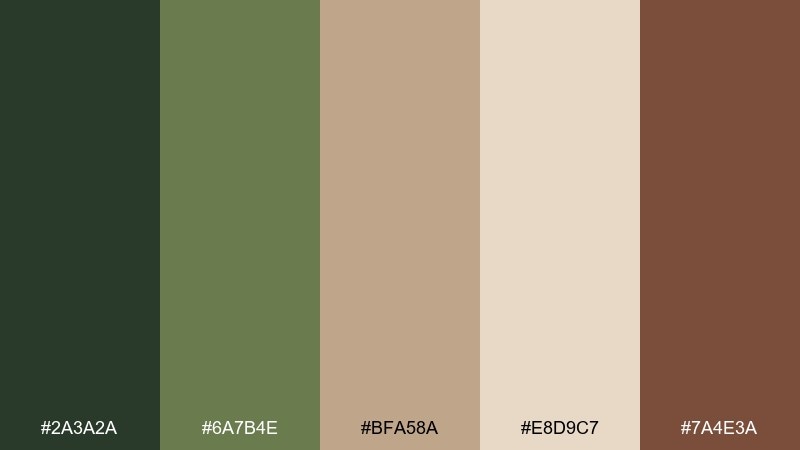
HEX: #2A3A2A #6A7B4E #BFA58A #E8D9C7 #7A4E3A
Mood: earthy, cozy, organic
Best for: cafe menu design
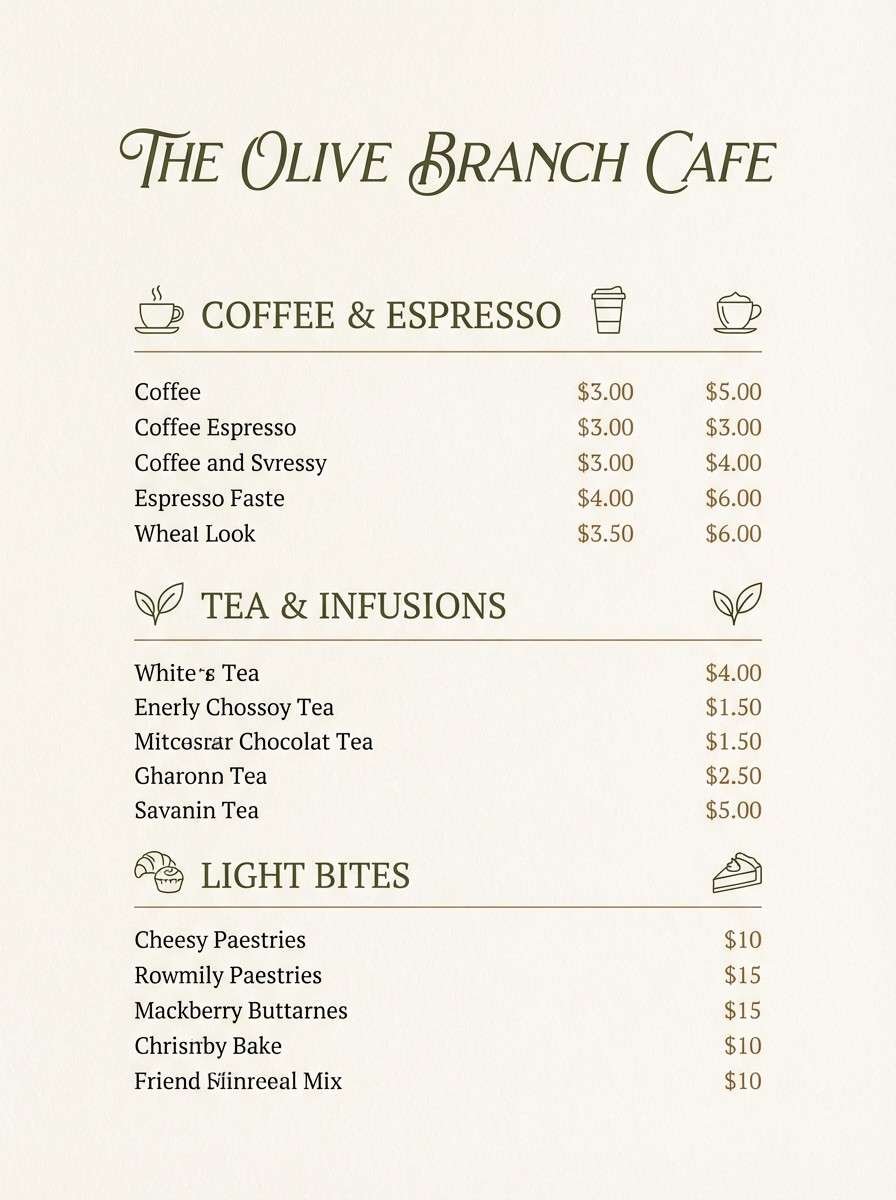
Earthy and cozy, it brings to mind mossy stones, tan caps, and soft forest soil. Use the cream as your menu base, then layer olive greens for section headers and the warm browns for price highlights. Pair with a simple serif and generous spacing for a handcrafted feel. Tip: keep the darkest green for small text only if you raise font weight slightly for legibility.
Image example of mushroom glen generated using media.io
5) Emerald Canopy
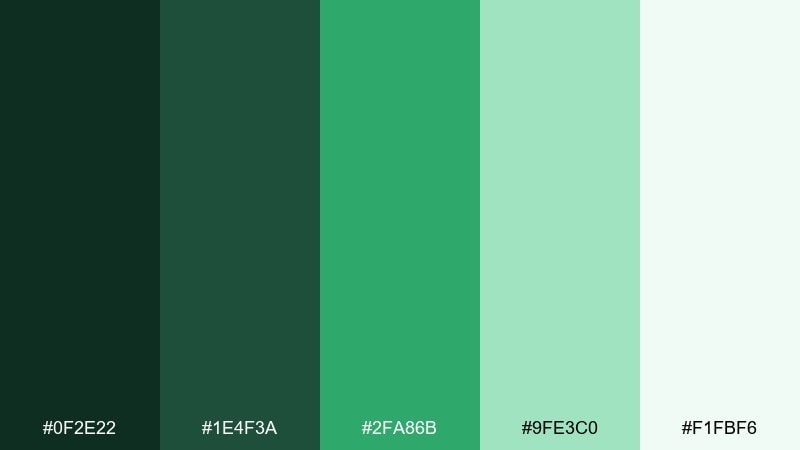
HEX: #0F2E22 #1E4F3A #2FA86B #9FE3C0 #F1FBF6
Mood: fresh, vibrant, clean
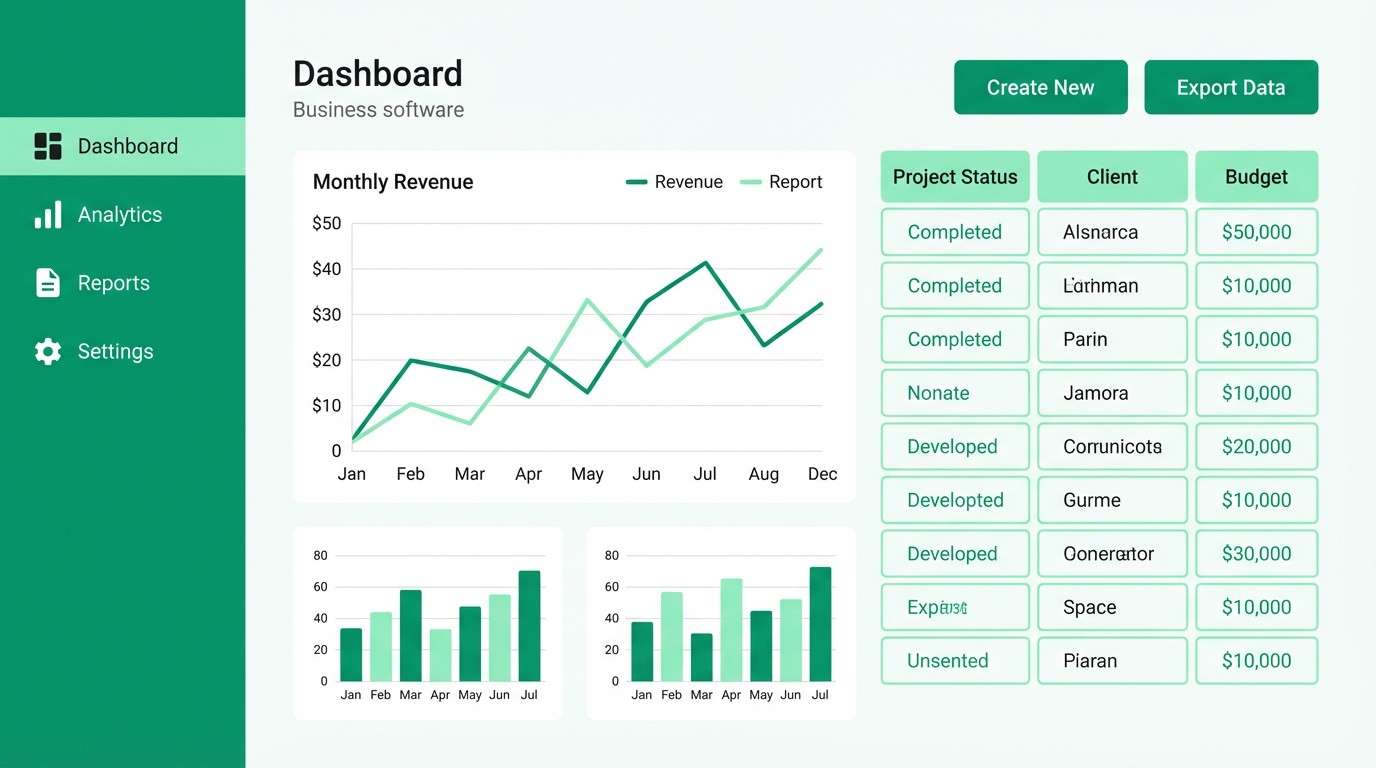
Best for: SaaS dashboard UI kit
Fresh and vibrant, it feels like a bright canopy after rain with crisp, clean air. Use the deep emerald for navigation, the saturated green for active states, and the mint for charts and success badges. Pair with soft whites to avoid a neon look, and keep shadows subtle. Tip: assign one green to primary actions and leave the brighter tone for data highlights only.
Image example of emerald canopy generated using media.io
6) Ancient Bark
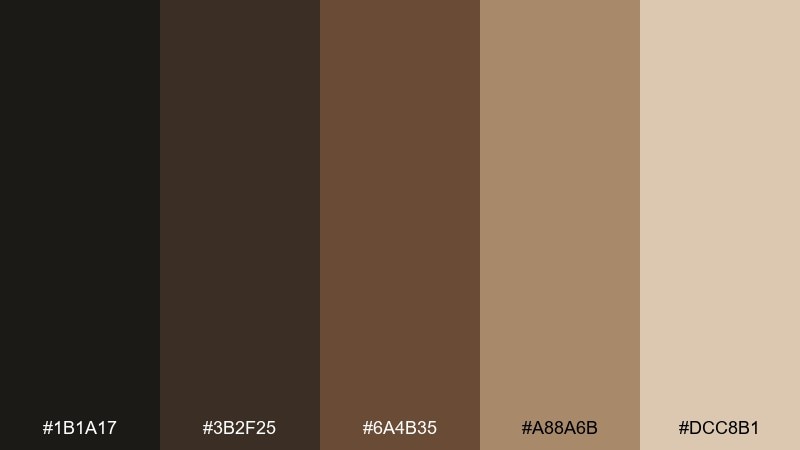
HEX: #1B1A17 #3B2F25 #6A4B35 #A88A6B #DCC8B1
Mood: rustic, timeless, grounded
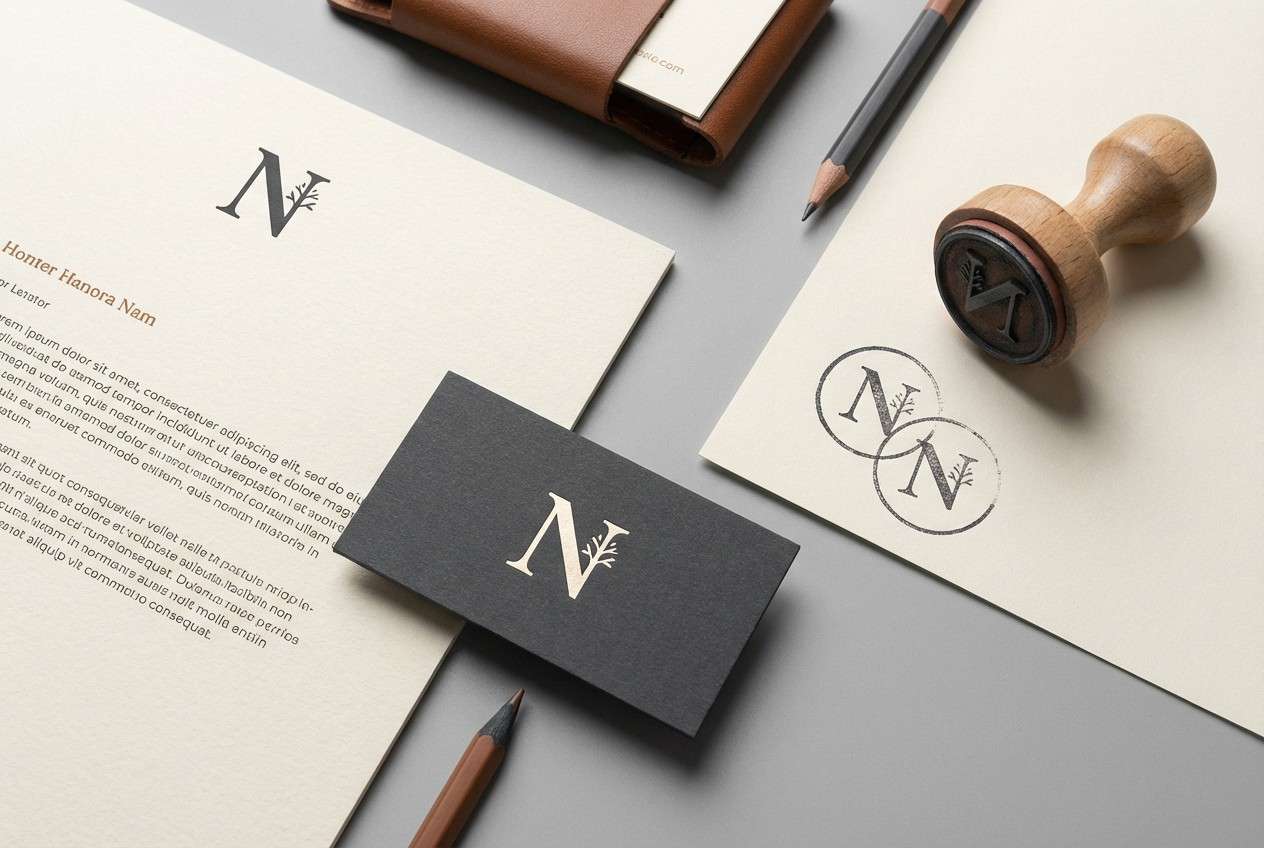
Best for: heritage brand logo and stationery
Rustic and timeless, it suggests carved wood, worn leather, and aged paper. Build your identity with the dark charcoal as the logo core, then layer mid browns for stamps and borders. Pair with a warm cream stock and minimal ink coverage for an artisanal finish. Tip: try a blind-emboss feel by using the light tan for secondary marks instead of adding more colors.
Image example of ancient bark generated using media.io
7) Crystal Creek
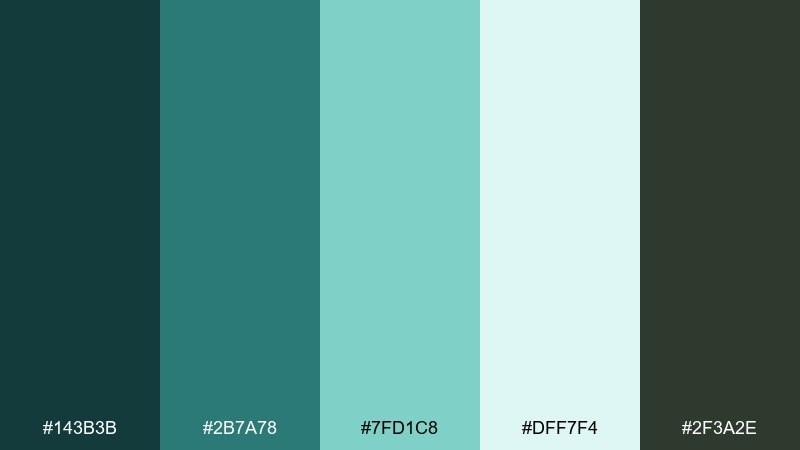
HEX: #143B3B #2B7A78 #7FD1C8 #DFF7F4 #2F3A2E
Mood: refreshing, luminous, calm
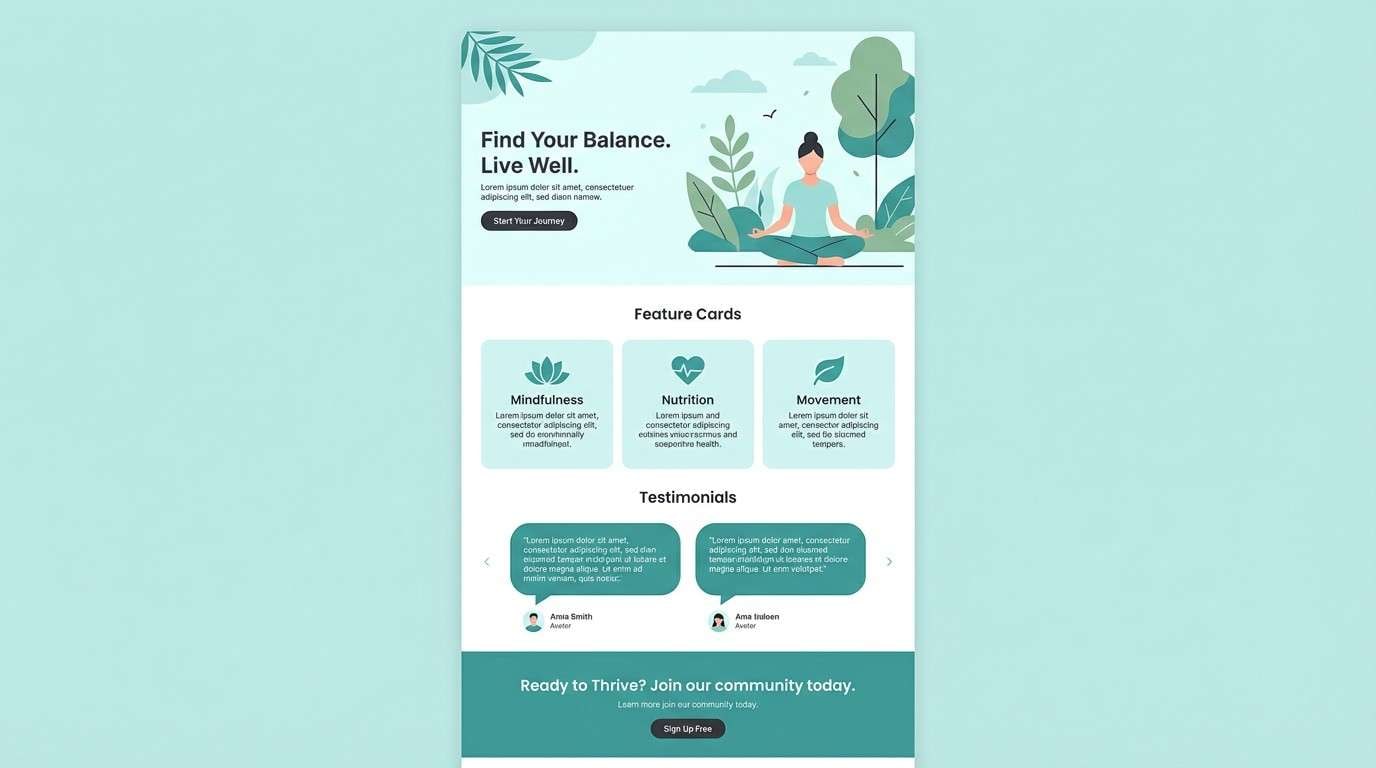
Best for: wellness brand landing page
Refreshing and luminous, it mirrors clear creek water over dark stones and soft algae. This magical forest color palette shines when the pale aqua becomes your breathing room and the teals carry structure. Pair with thin sans-serif type and plenty of white space for a spa-like effect. Tip: keep the charcoal-green only for small text and icons so the page stays light.
Image example of crystal creek generated using media.io
8) Twilight Fern
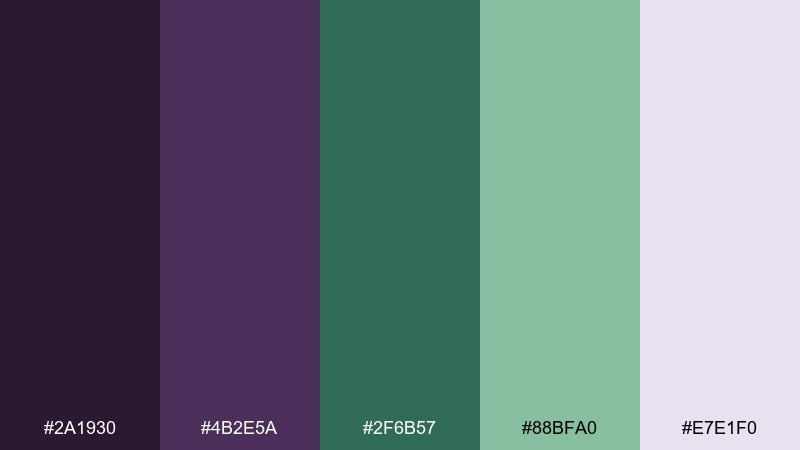
HEX: #2A1930 #4B2E5A #2F6B57 #88BFA0 #E7E1F0
Mood: mysterious, dreamy, botanical
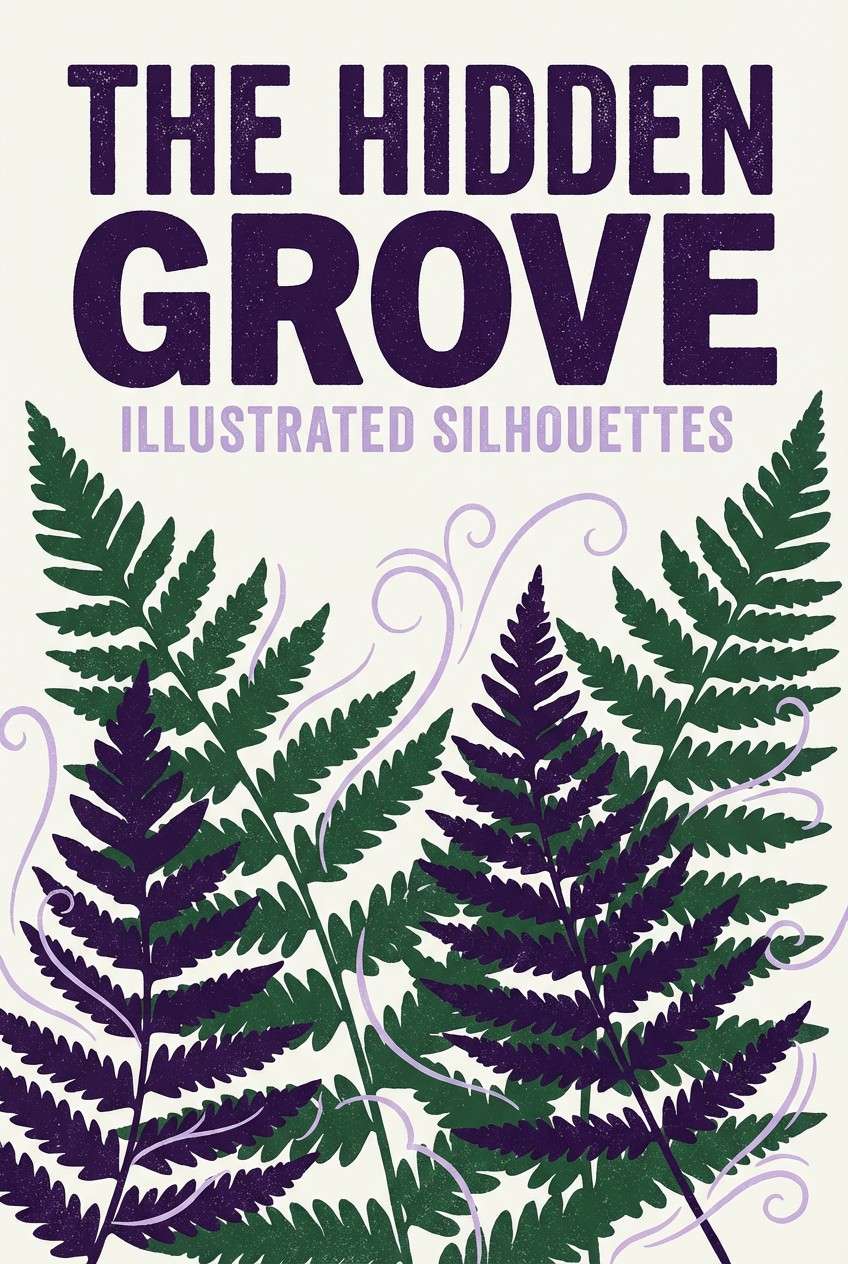
Best for: book cover design
Mysterious and dreamy, it feels like violet dusk settling over fern fronds and shadowed paths. Let the deep purple carry the title block while the greens add botanical detail and depth. Pair with a pale lavender for subtitles and a soft gradient for atmosphere. Tip: use the mint-green sparingly as a glow on foliage to keep the cover from turning too dark.
Image example of twilight fern generated using media.io
9) Pixie Dust Pastels
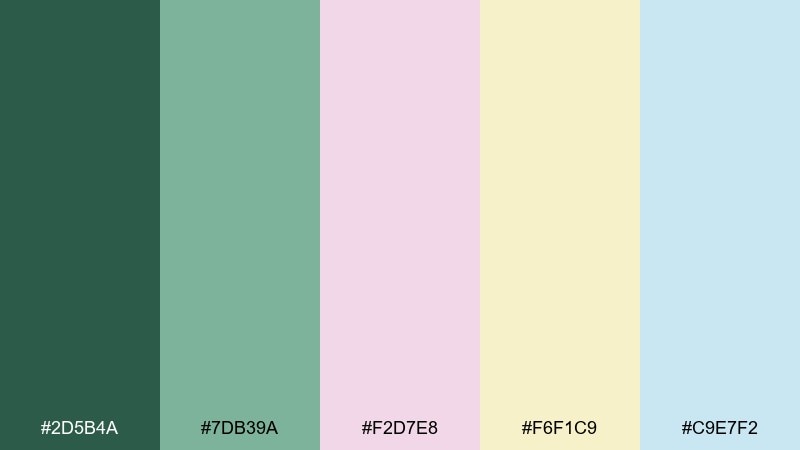
HEX: #2D5B4A #7DB39A #F2D7E8 #F6F1C9 #C9E7F2
Mood: soft, playful, airy
Best for: baby shower invitation
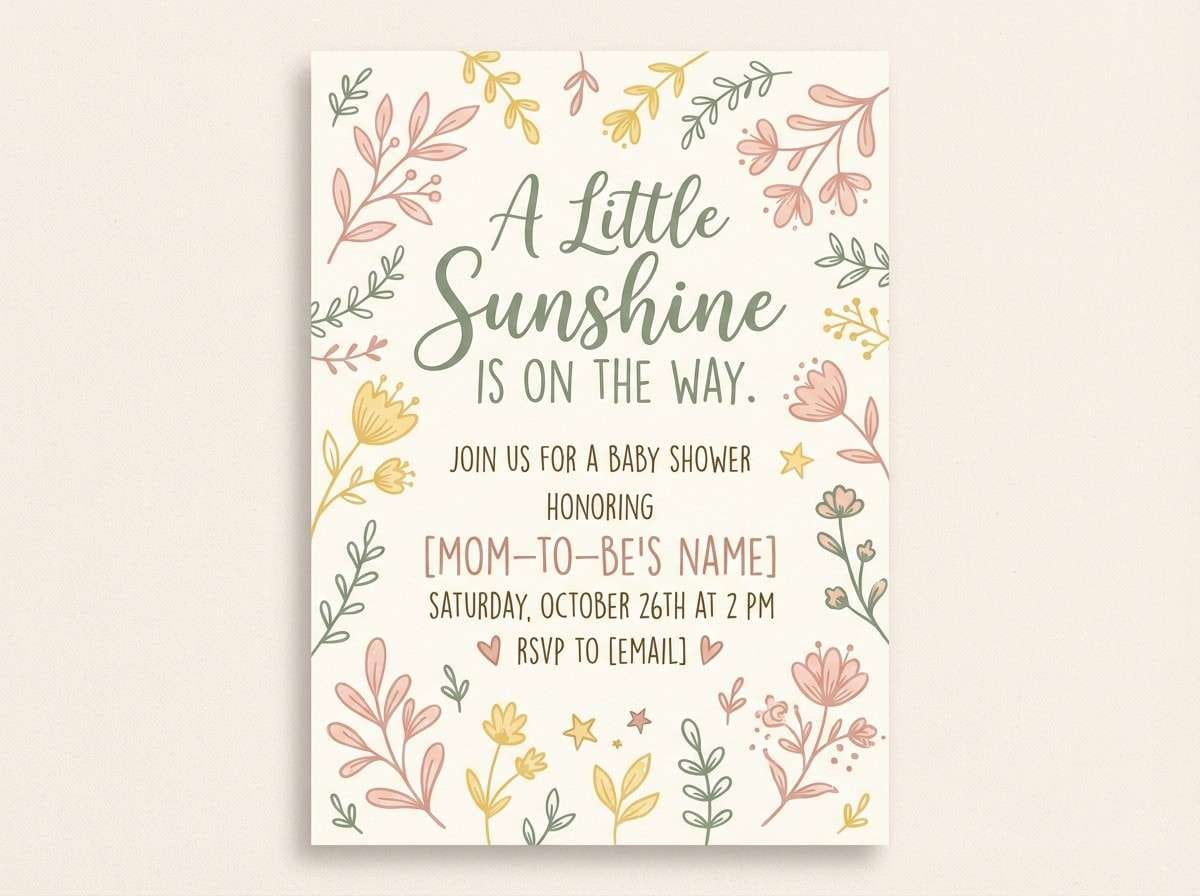
Soft and playful, it suggests tiny petals, light pollen, and a breezy clearing at dawn. Use the blush and butter tones as the main invitation field, then ground it with the muted green for headings and borders. Pair with delicate script and small botanical icons for charm. Tip: keep contrast high by printing body text in the deep green rather than pastel ink.
Image example of pixie dust pastels generated using media.io
10) Golden Spores
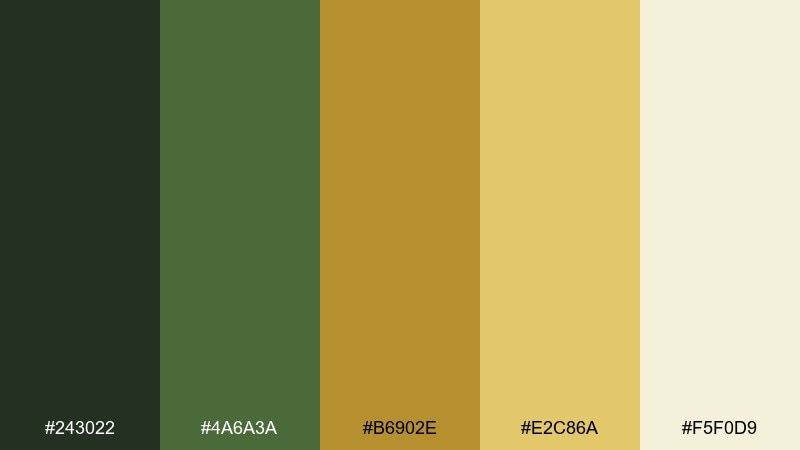
HEX: #243022 #4A6A3A #B6902E #E2C86A #F5F0D9
Mood: sunlit, optimistic, natural
Best for: seasonal promo poster
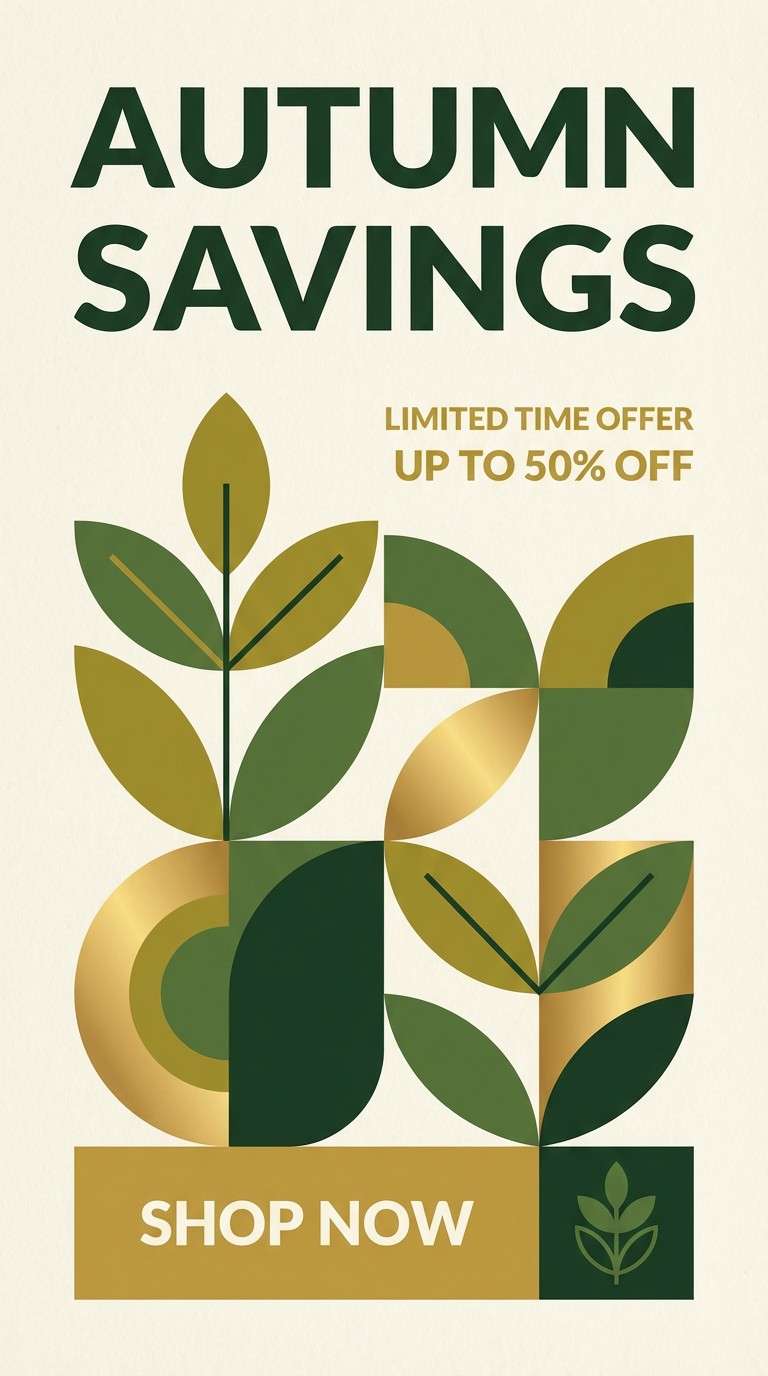
Sunlit and optimistic, it looks like golden spores drifting through green shade. Put the mustard and gold in the headline and stickers, while the greens keep the poster feeling organic. Pair with clean geometry and a cream base to avoid a retro overload. Tip: add one bold gold shape behind the title instead of multiple small accents for stronger hierarchy.
Image example of golden spores generated using media.io
11) Witch Hazel Night
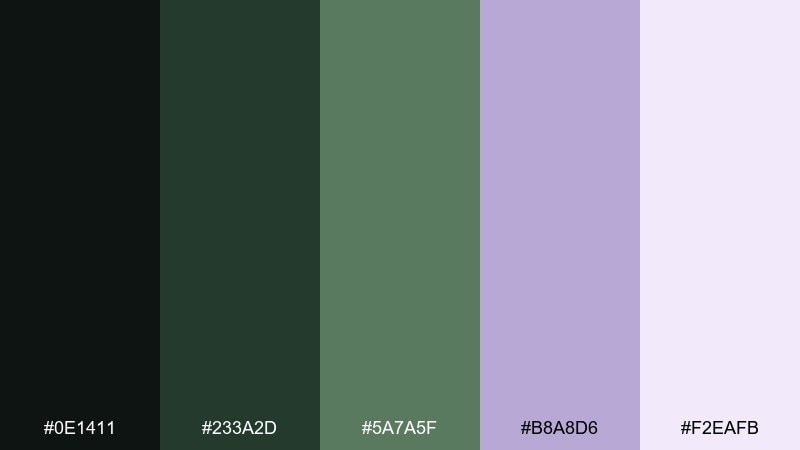
HEX: #0E1411 #233A2D #5A7A5F #B8A8D6 #F2EAFB
Mood: spellbound, moody, elegant
Best for: album cover artwork
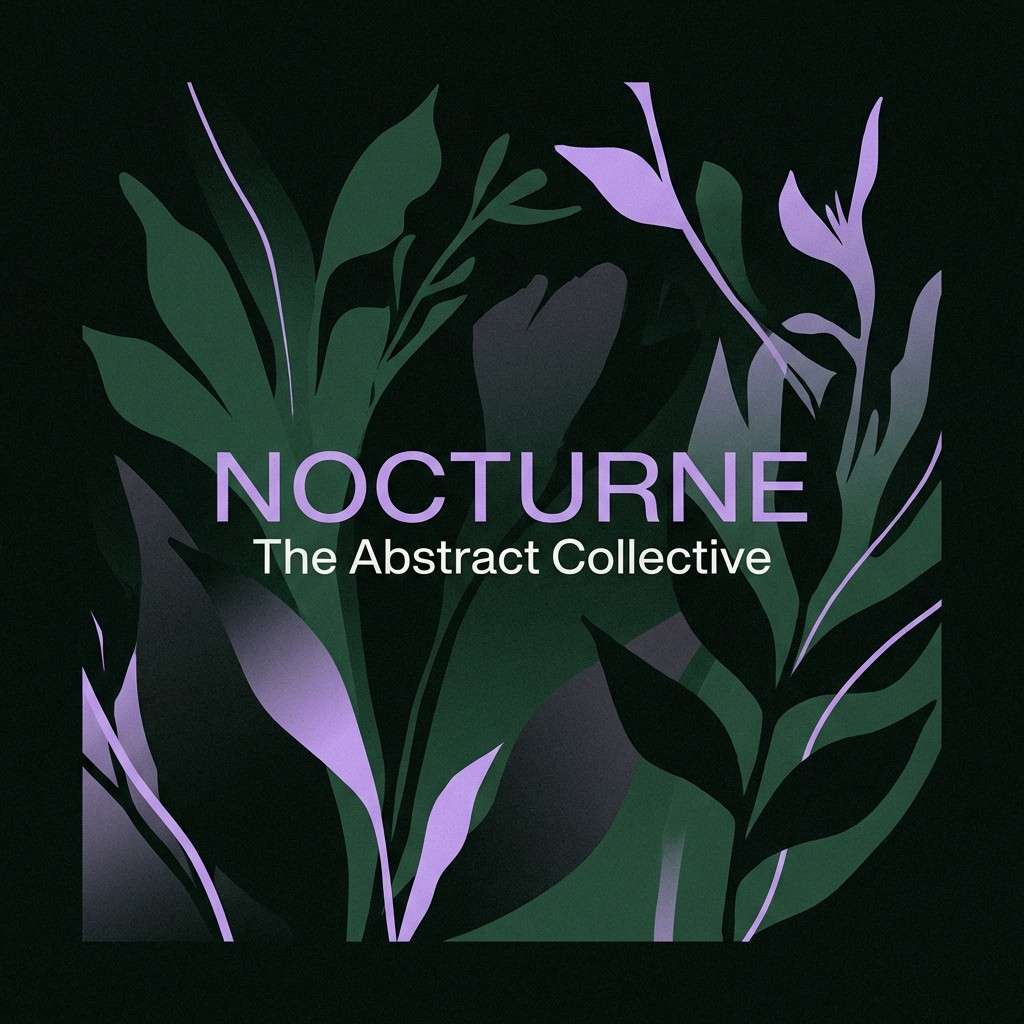
Spellbound and moody, it evokes dark branches, herbal smoke, and a lavender shimmer in the distance. Use near-black and deep green as the main blocks, then let the soft purple lift the focal element. Pair with minimal typography and lots of negative space for a modern, cinematic look. Tip: keep the lavender as a glow or gradient edge so it feels magical, not sugary.
Image example of witch hazel night generated using media.io
12) Deer Trail Neutrals
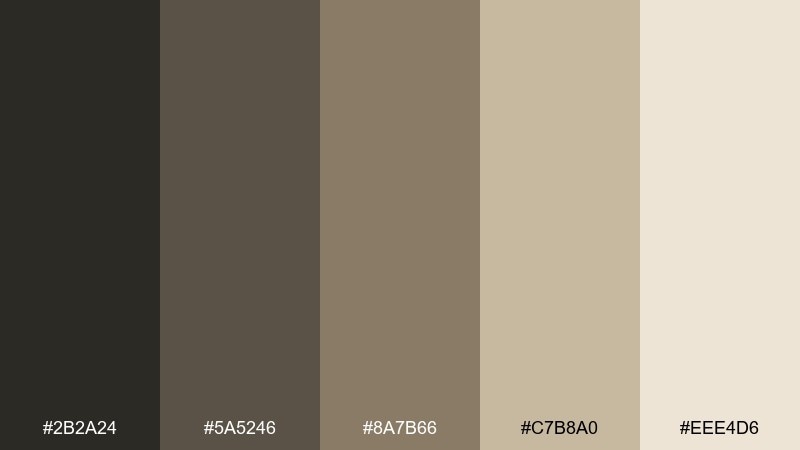
HEX: #2B2A24 #5A5246 #8A7B66 #C7B8A0 #EEE4D6
Mood: quiet, minimal, earthy
Best for: portfolio website theme
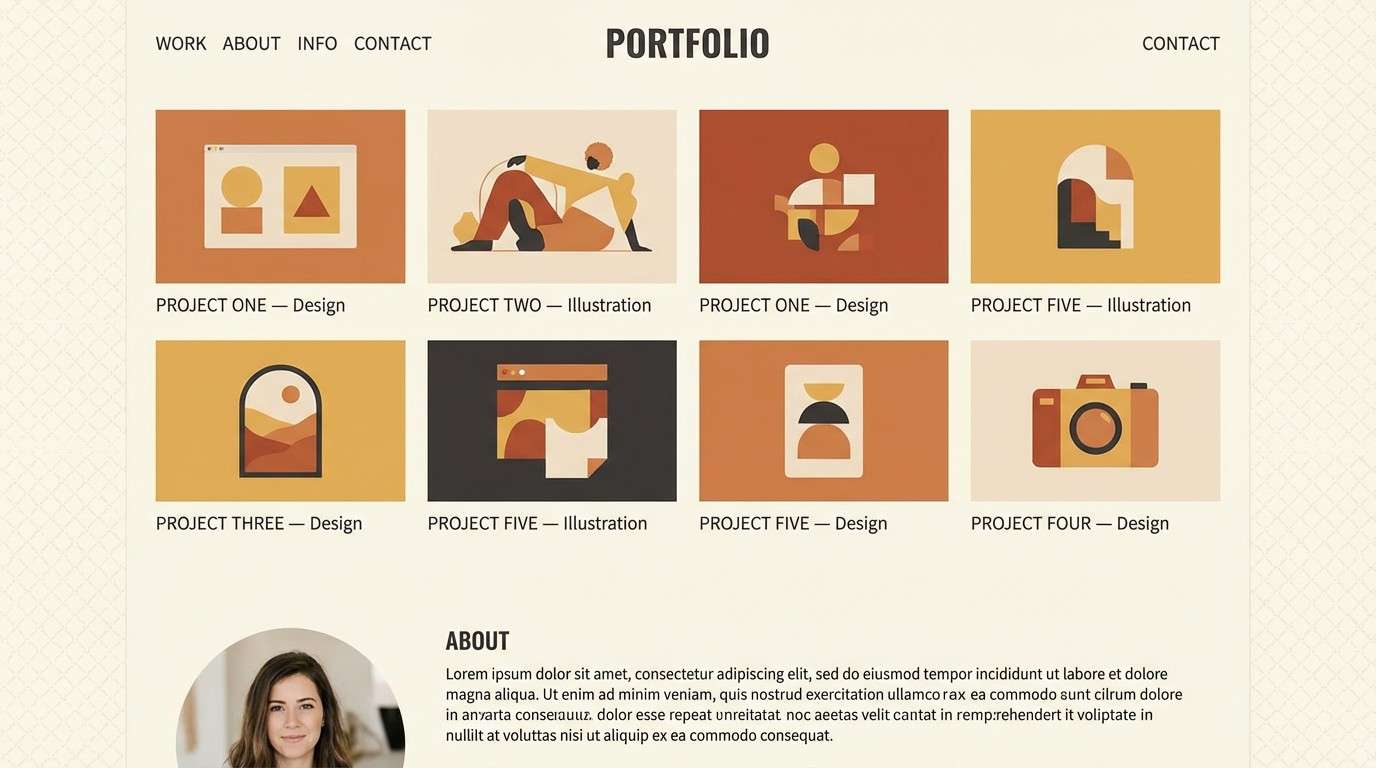
Quiet and minimal, it feels like a deer trail through dry leaves and soft morning dust. Let the warm cream handle most backgrounds, then use the mid taupes for cards and navigation. Pair with one deep charcoal for text to keep everything crisp and accessible. Tip: introduce texture through subtle grain overlays rather than adding more colors.
Image example of deer trail neutrals generated using media.io
13) Verdant Alchemy
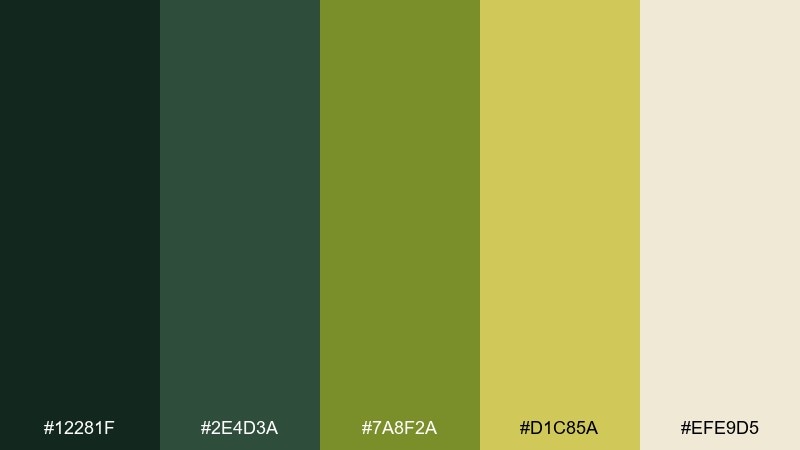
HEX: #12281F #2E4D3A #7A8F2A #D1C85A #EFE9D5
Mood: mystic, herbal, vintage
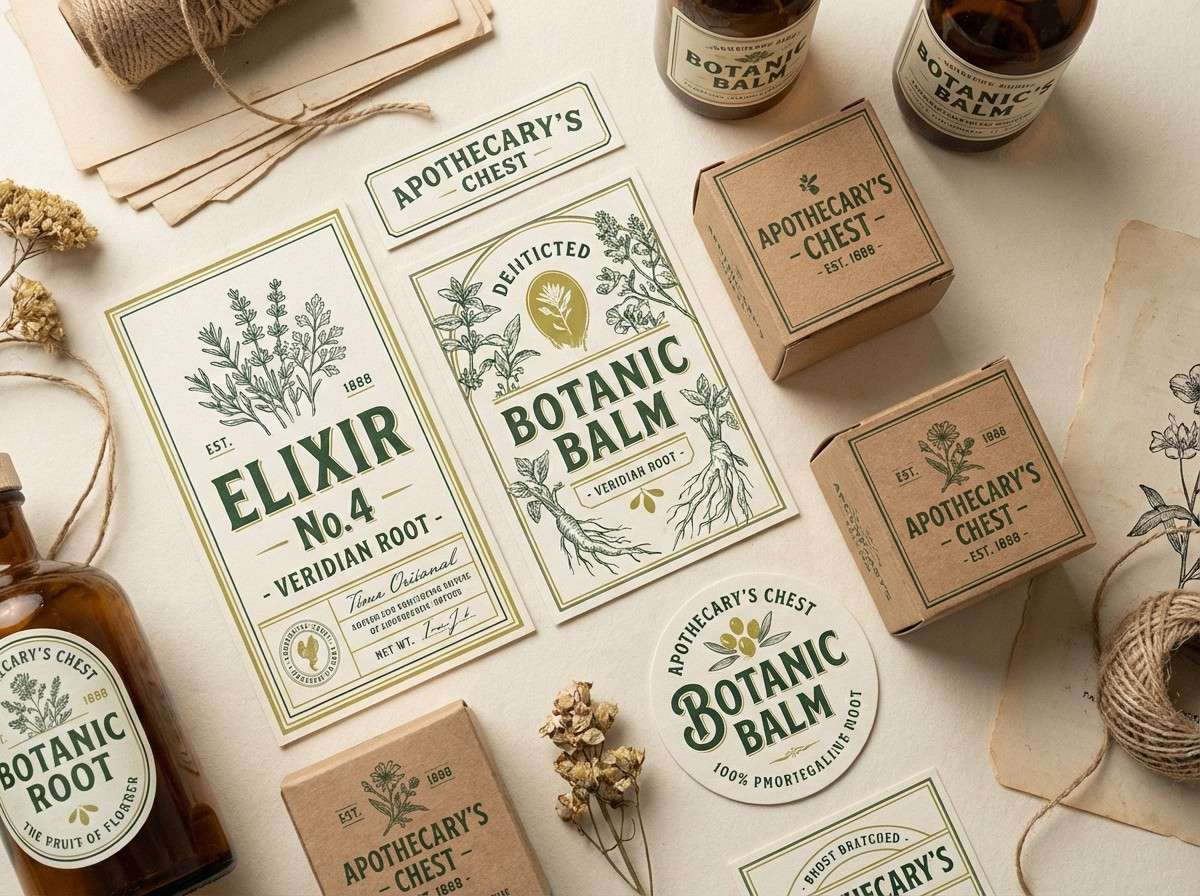
Best for: apothecary label set
Mystic and herbal, it calls up tincture bottles, dried leaves, and old parchment notes. These magical forest color combinations look strongest when olive and chartreuse play as a controlled accent against deep greens. Pair with engraved-style illustrations and a cream label base for a believable vintage vibe. Tip: keep the bright yellow-green for small seals and ingredient bullets so it stays sophisticated.
Image example of verdant alchemy generated using media.io
14) Rainy Grove
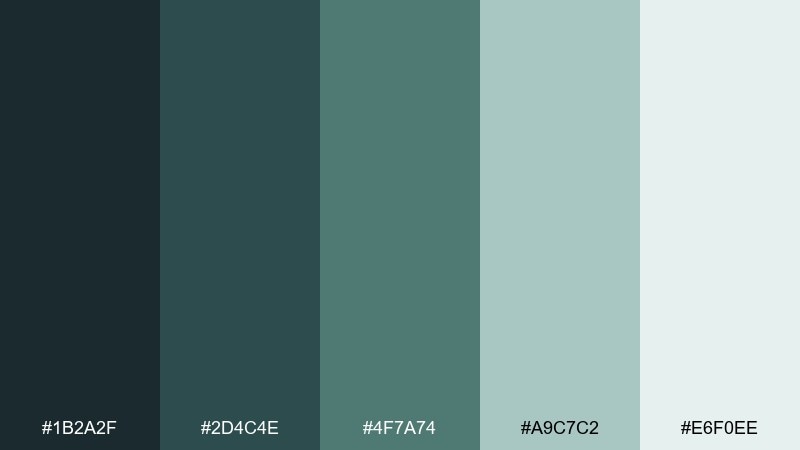
HEX: #1B2A2F #2D4C4E #4F7A74 #A9C7C2 #E6F0EE
Mood: misty, calm, modern
Best for: presentation slide deck
Misty and calm, it captures wet tree trunks and silvery drizzle in a quiet grove. Use the pale gray-green for slide backgrounds, then bring in the deeper teals for titles and charts. Pair with clean icons and a consistent grid so the deck feels professional. Tip: assign one mid tone to data series and keep the darkest shade for key callouts only.
Image example of rainy grove generated using media.io

15) Wildflower Clearing
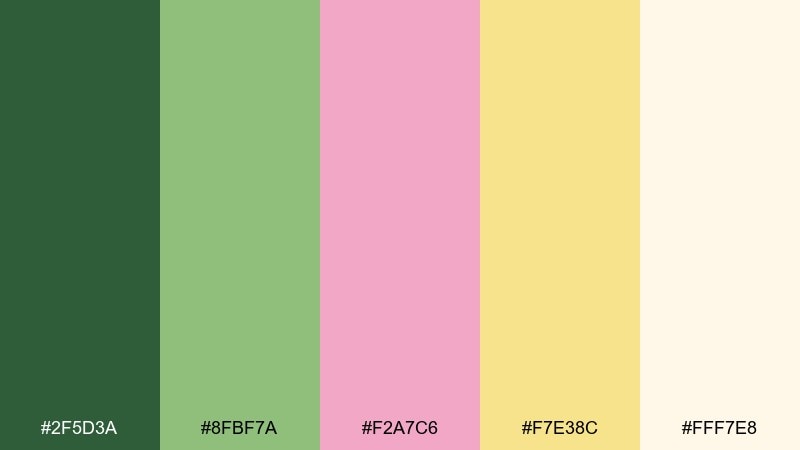
HEX: #2F5D3A #8FBF7A #F2A7C6 #F7E38C #FFF7E8
Mood: cheerful, fresh, romantic
Best for: watercolor botanical illustration
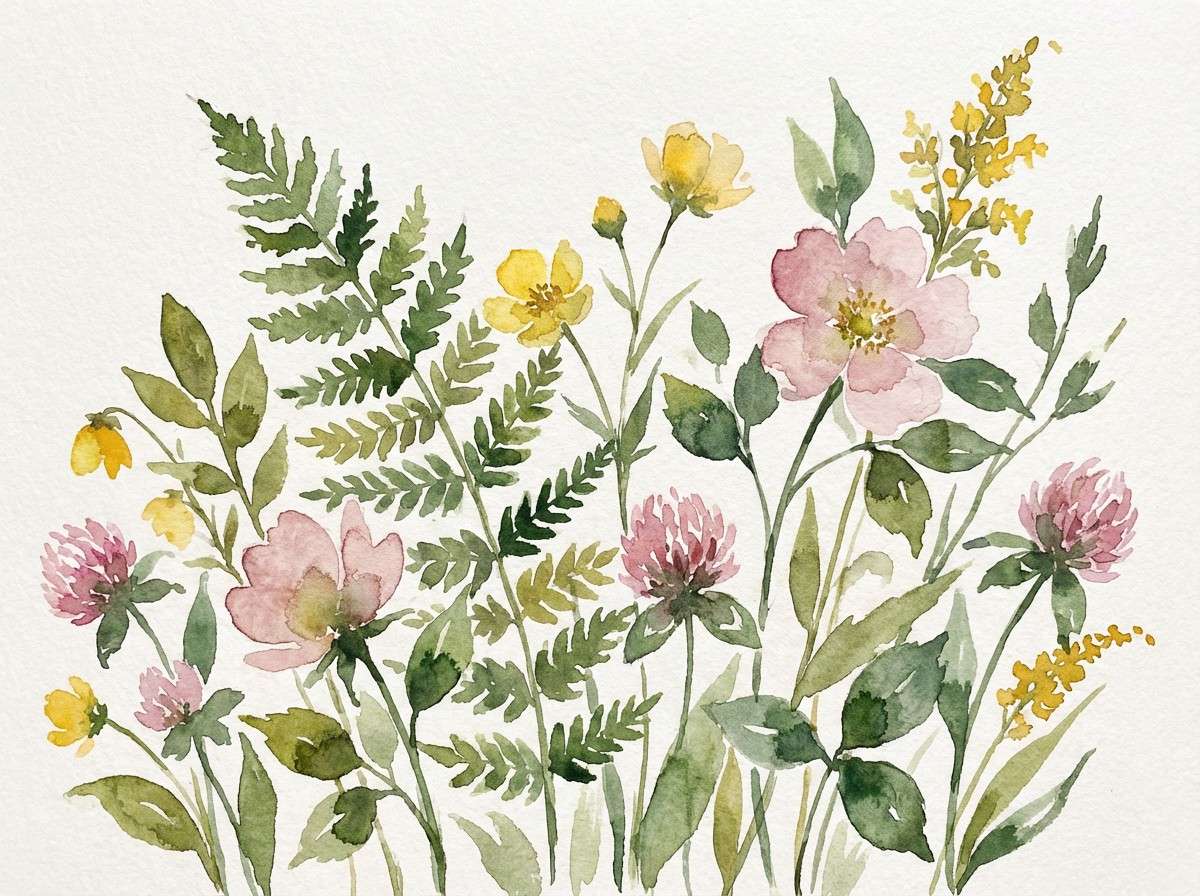
Cheerful and fresh, it feels like a clearing sprinkled with wild blooms and warm sun. Let the creamy off-white stay dominant, then layer leafy greens with small pink and butter-yellow touches for blossoms. Pair with soft watercolor textures and gentle gradients for a hand-painted look. Tip: keep outlines minimal so the pastel florals do not turn cartoony.
Image example of wildflower clearing generated using media.io
16) Shadowroot
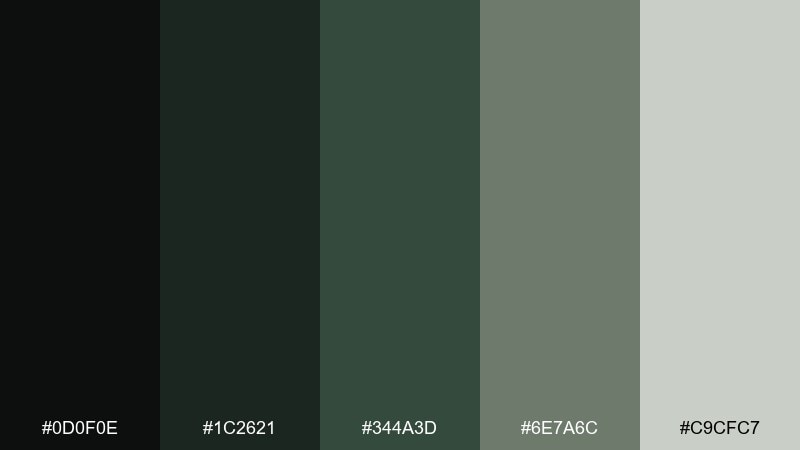
HEX: #0D0F0E #1C2621 #344A3D #6E7A6C #C9CFC7
Mood: dark, cinematic, restrained
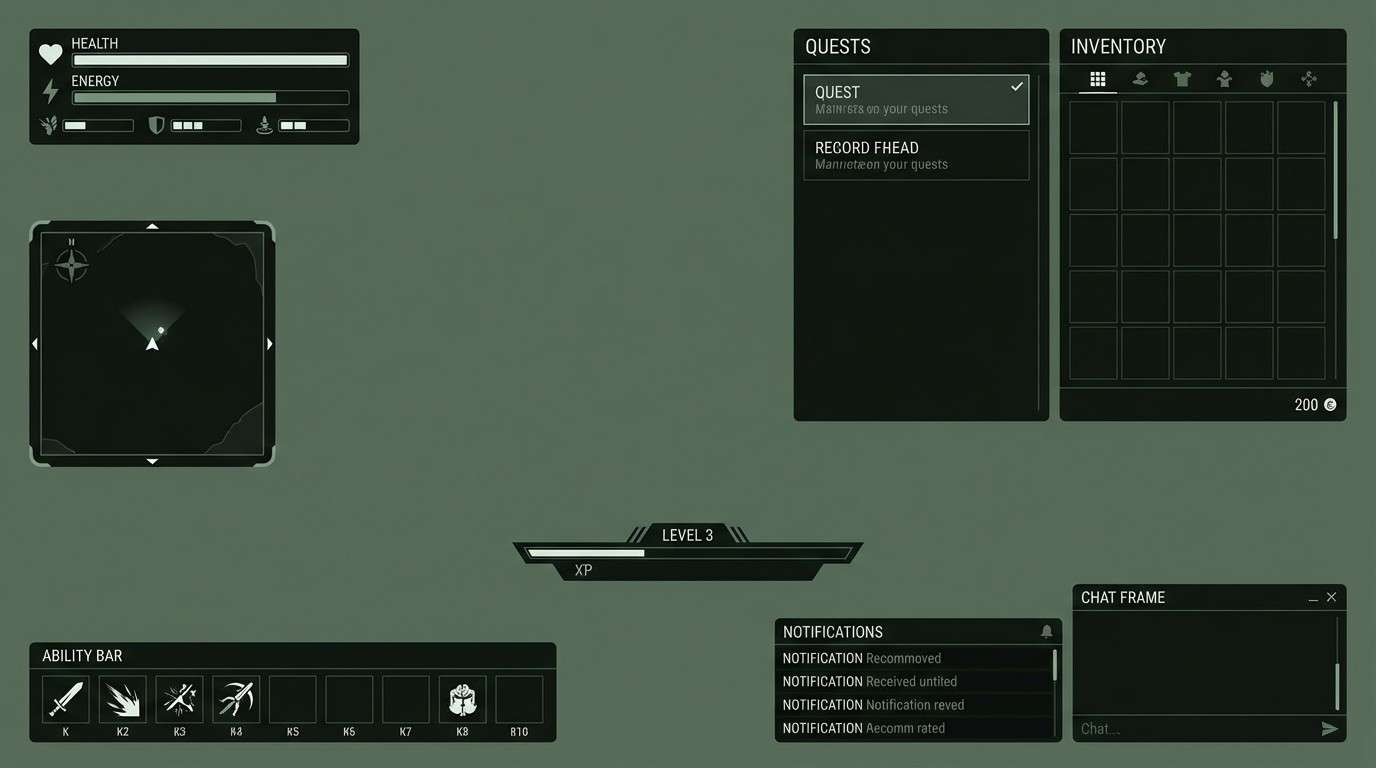
Best for: gaming UI overlay
Dark and cinematic, it suggests tangled roots, stone, and deep shade at the forest floor. Use the near-black for panels and the steel-green for active states to keep the overlay readable. Pair with sharp sans typography and subtle gradients for depth without clutter. Tip: add the light gray only for critical HUD numbers so attention stays where it matters.
Image example of shadowroot generated using media.io
17) Elven Silk
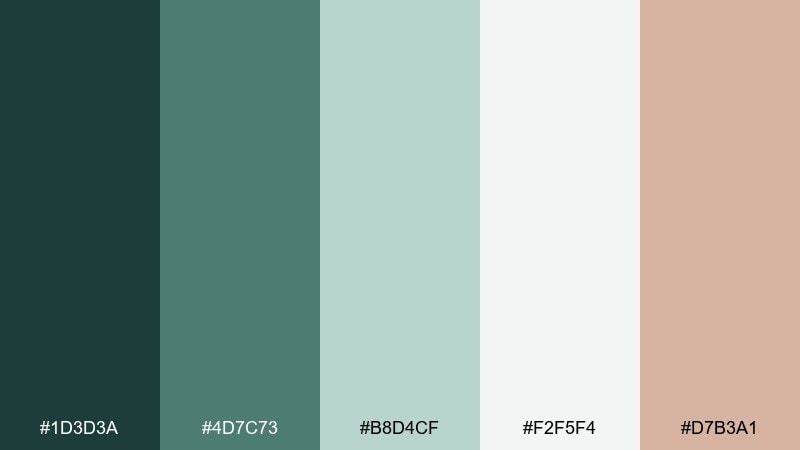
HEX: #1D3D3A #4D7C73 #B8D4CF #F2F5F4 #D7B3A1
Mood: refined, soft, airy
Best for: wedding stationery suite
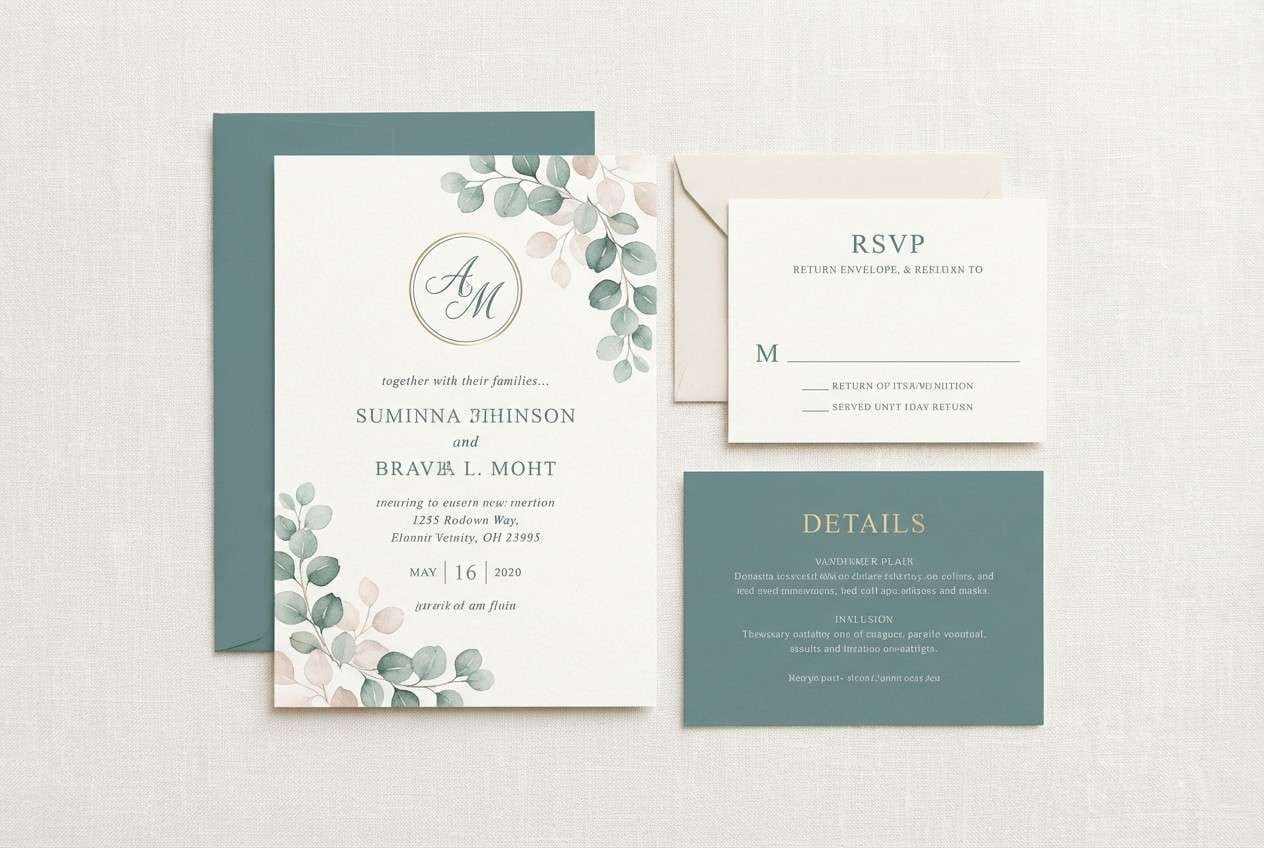
Refined and airy, it feels like cool satin ribbons against pale eucalyptus leaves. Use the soft gray-white for paper space, then bring in teal-green for monograms and headings. Pair with a dusty blush accent for seals or envelope liners to add romance. Tip: keep typography thin and upscale, and avoid heavy fills so the suite stays elegant.
Image example of elven silk generated using media.io
18) Candlelit Hollow
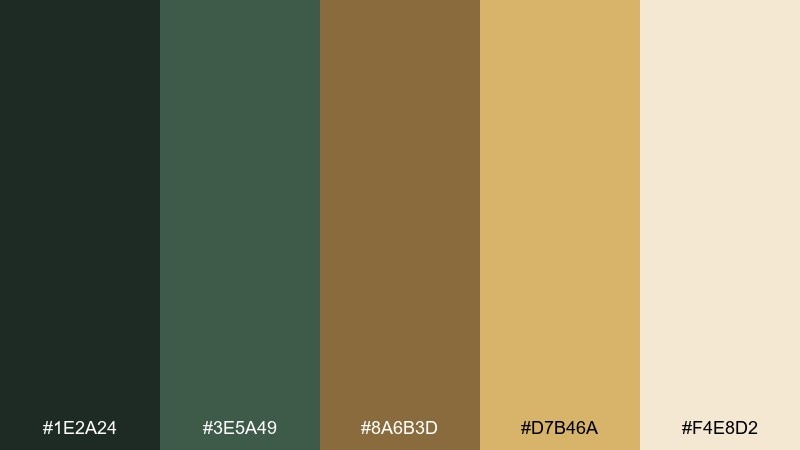
HEX: #1E2A24 #3E5A49 #8A6B3D #D7B46A #F4E8D2
Mood: cozy, nostalgic, warm
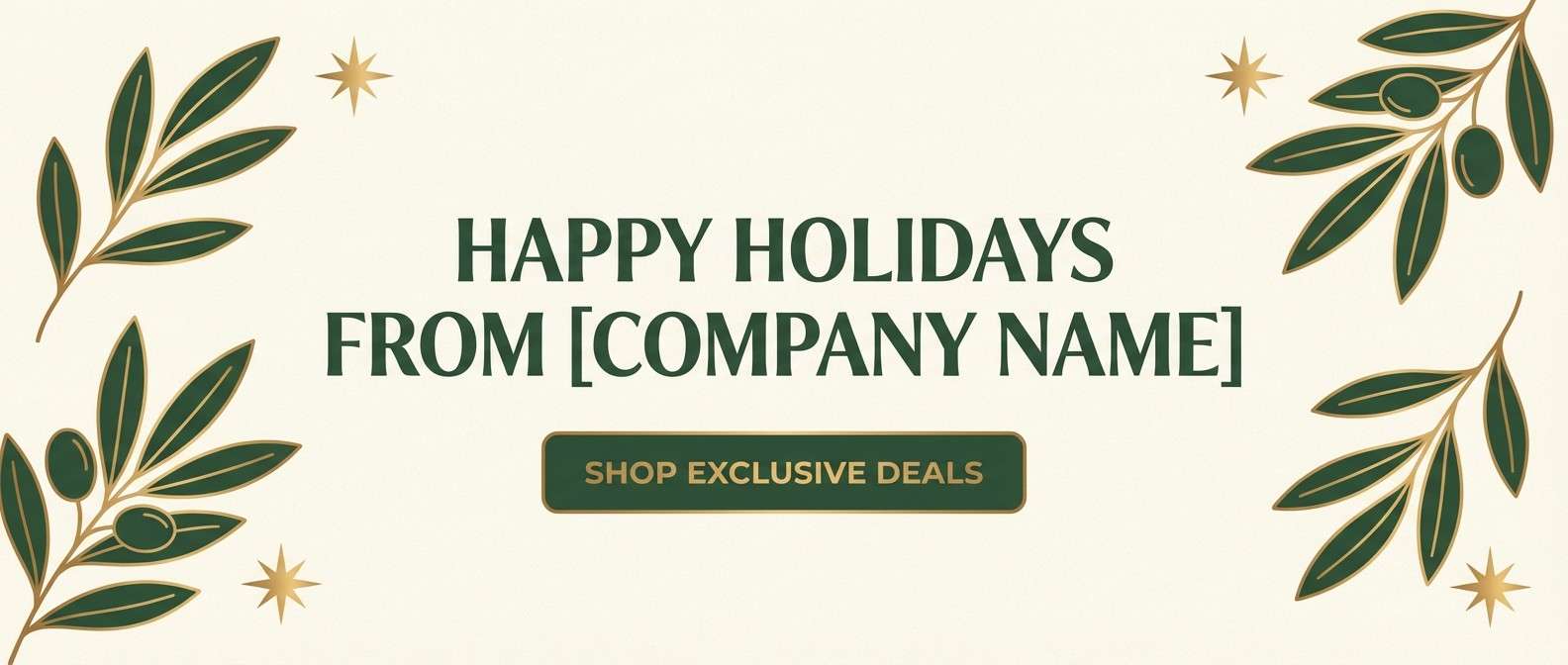
Best for: holiday email header
Cozy and nostalgic, it recalls candlelight flickering in a hollow log and warm resin tones. Let cream carry the background, then use deep green for typography and gold-brown for decorative borders. Pair with simple icons like stars, leaves, or wax seals for a seasonal feel. Tip: use the brighter gold only on the primary CTA so it pops without looking metallic everywhere.
Image example of candlelit hollow generated using media.io
19) Sprite Spring
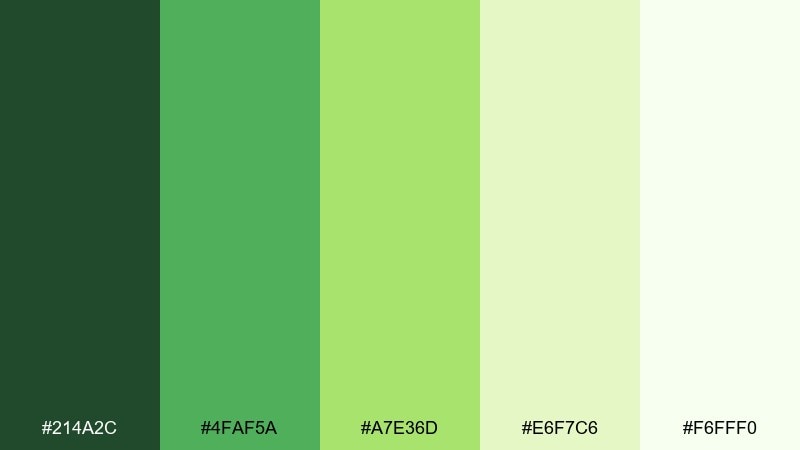
HEX: #214A2C #4FAF5A #A7E36D #E6F7C6 #F6FFF0
Mood: bright, lively, energetic
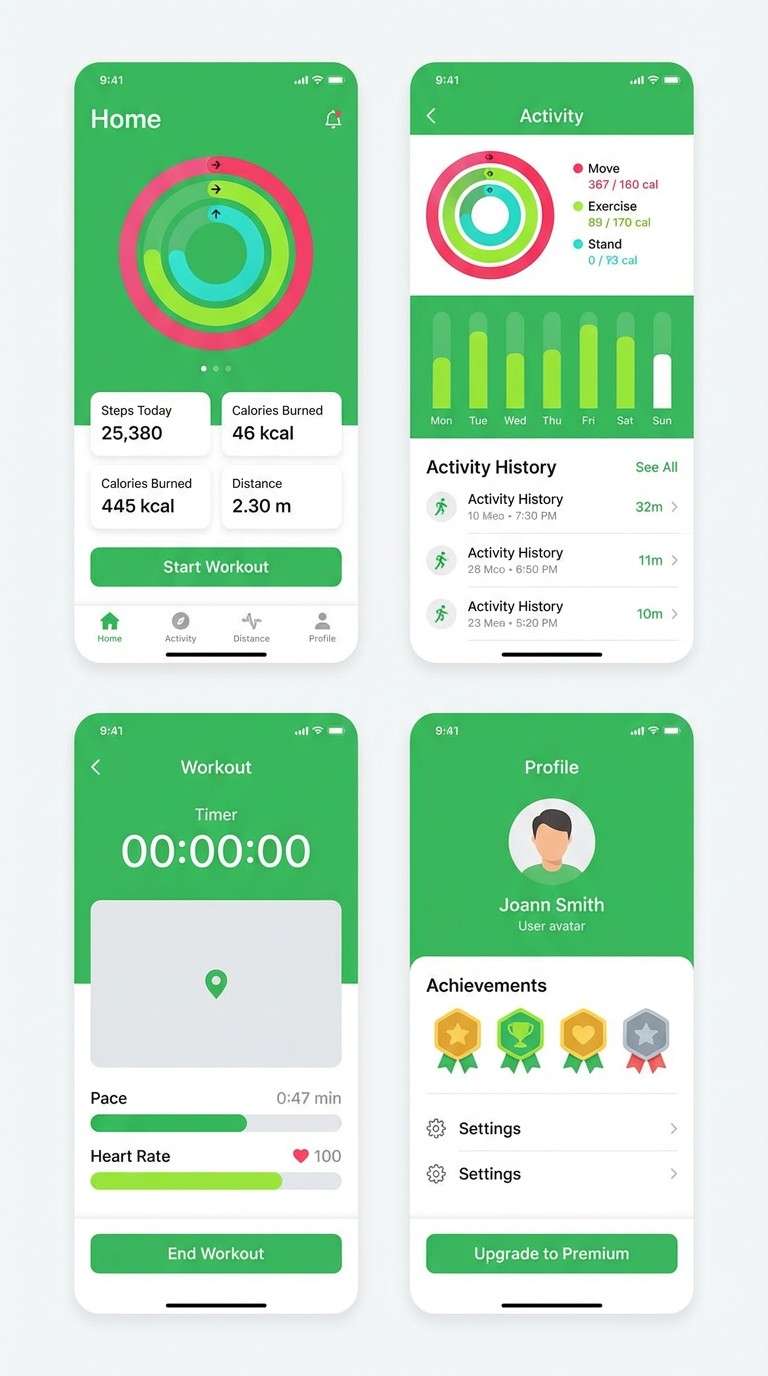
Best for: fitness app UI screens
Bright and lively, it looks like new shoots pushing through damp earth in early spring. Use the deep green for nav and labels, then let the vivid greens signal progress, goals, and success states. Pair with plenty of white and rounded components for a friendly, modern app vibe. Tip: keep the neon-leaning green for streaks and badges rather than long text blocks.
Image example of sprite spring generated using media.io
20) Runestone Grove
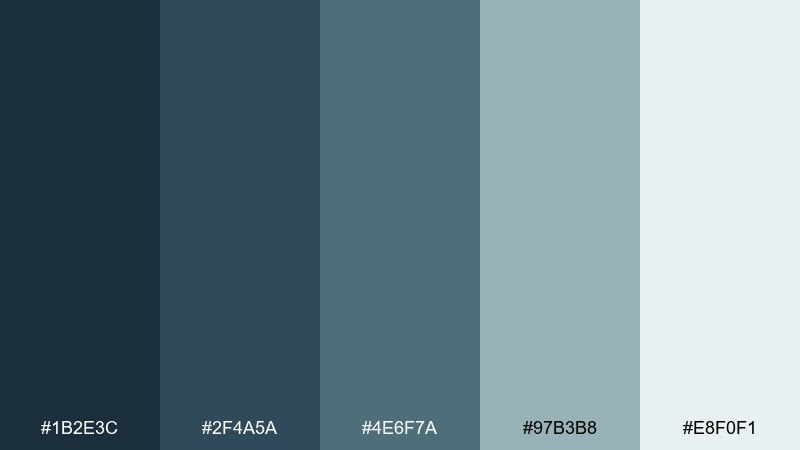
HEX: #1B2E3C #2F4A5A #4E6F7A #97B3B8 #E8F0F1
Mood: mystic, cool, stonewashed
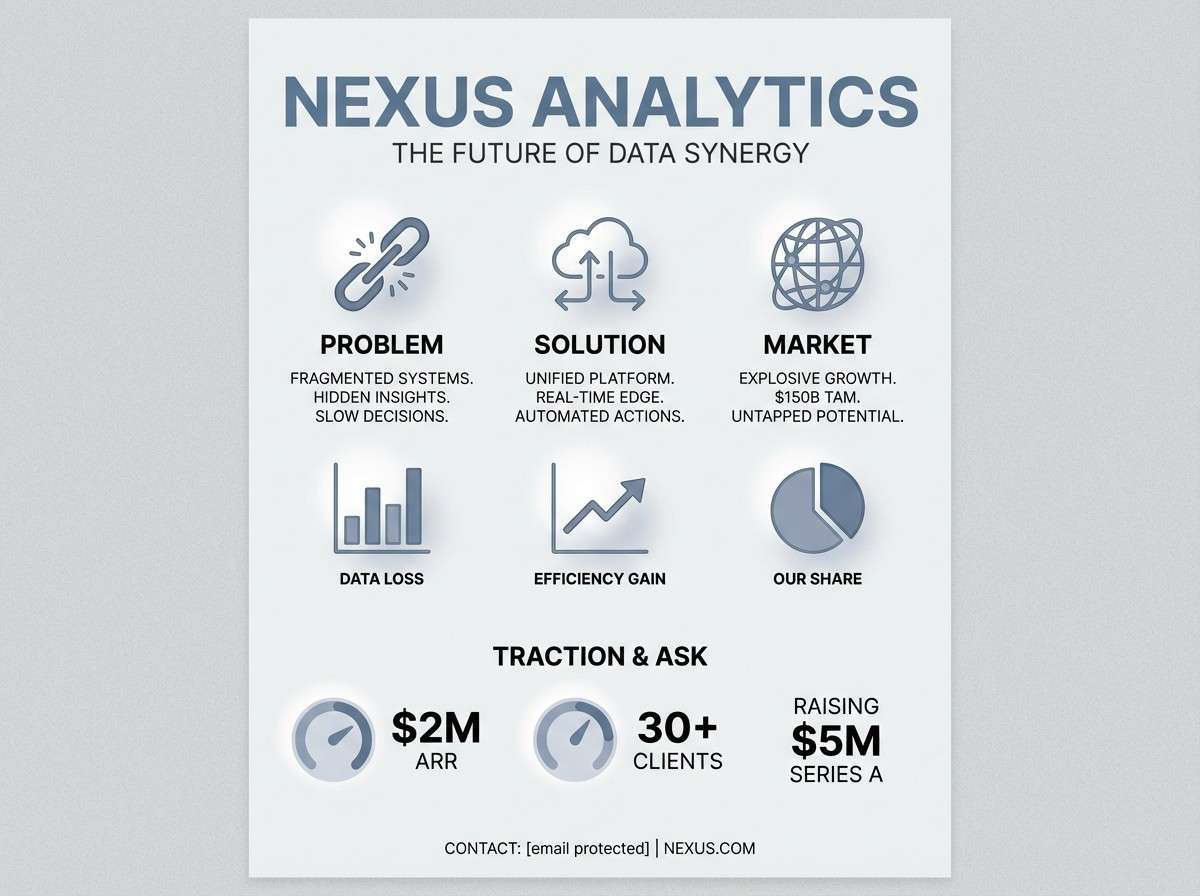
Best for: tech brand pitch one-pager
Mystic and cool, it resembles runestones and weathered slate with a hint of fog. This magical forest color palette works well for tech when you keep the darkest blue-gray for headlines and let the pale mist tone dominate the page. Pair with geometric icons and tight spacing for a sharp, modern read. Tip: use the mid slate only for charts and section bars to maintain a clear hierarchy.
Image example of runestone grove generated using media.io
21) Mythic Thicket
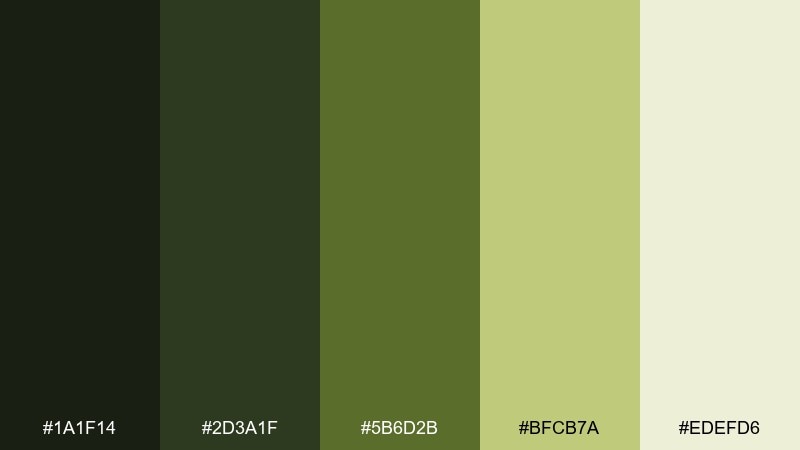
HEX: #1A1F14 #2D3A1F #5B6D2B #BFCB7A #EDEFD6
Mood: adventurous, natural, bold
Best for: outdoor brand social post set
Adventurous and natural, it brings to mind dense thickets, sunlit leaves, and trail markers. Use the deep olive for bold text overlays, then let the lighter leaf tones frame product shots or silhouettes. Pair with cream backgrounds and rugged sans type to keep it sporty, not vintage. Tip: keep only one bright leaf color per post so the feed stays consistent.
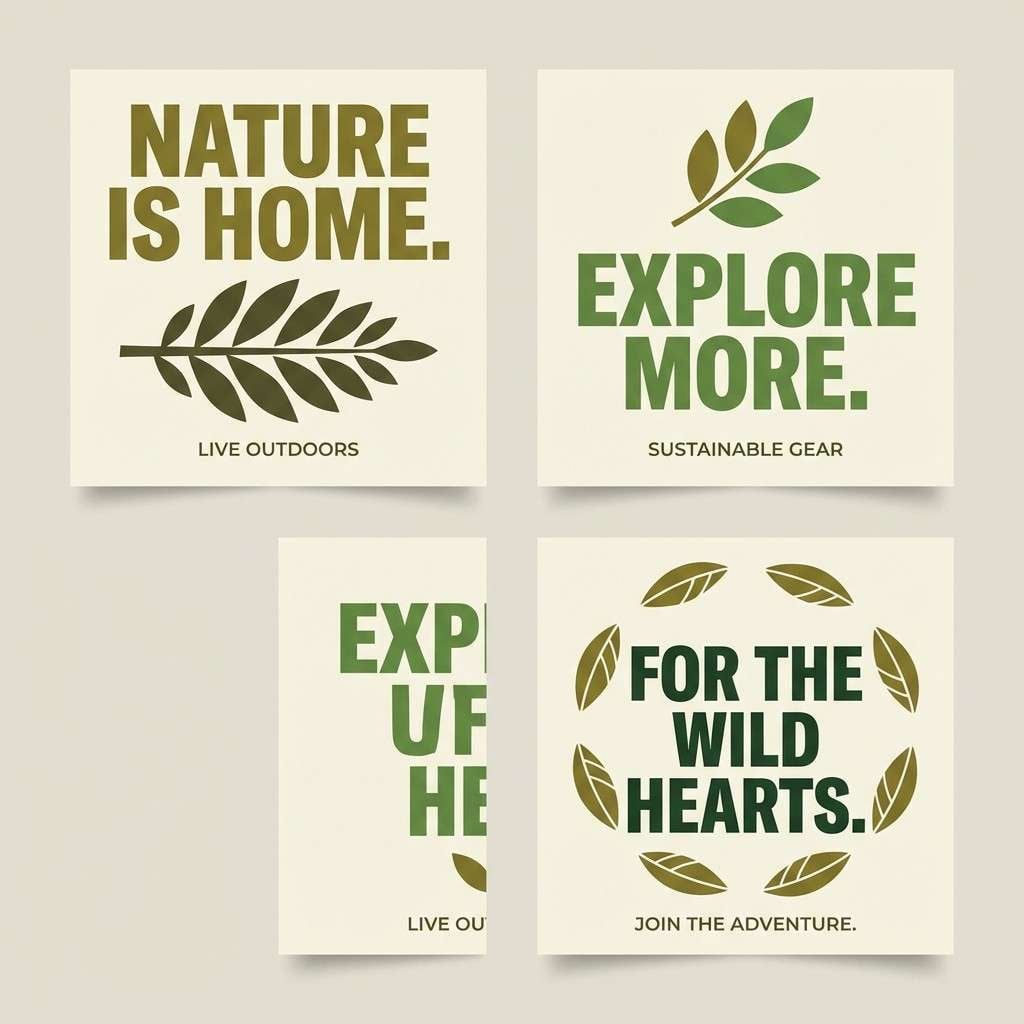
Image example of mythic thicket generated using media.io
22) Starlit Bramble
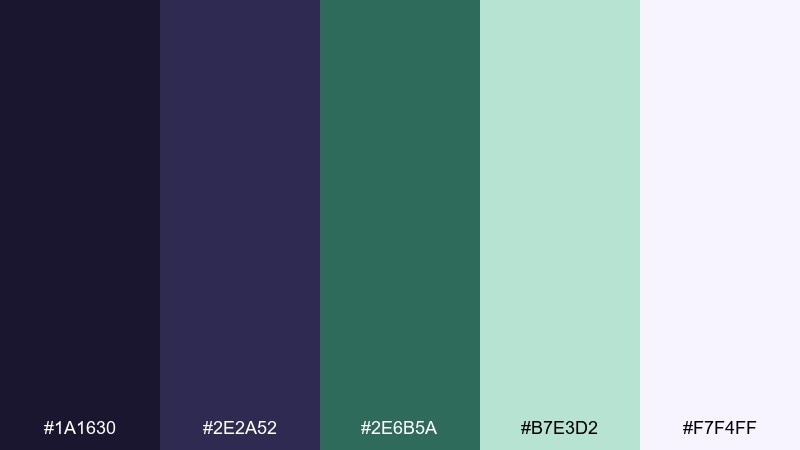
HEX: #1A1630 #2E2A52 #2E6B5A #B7E3D2 #F7F4FF
Mood: enchanted, cool, luminous
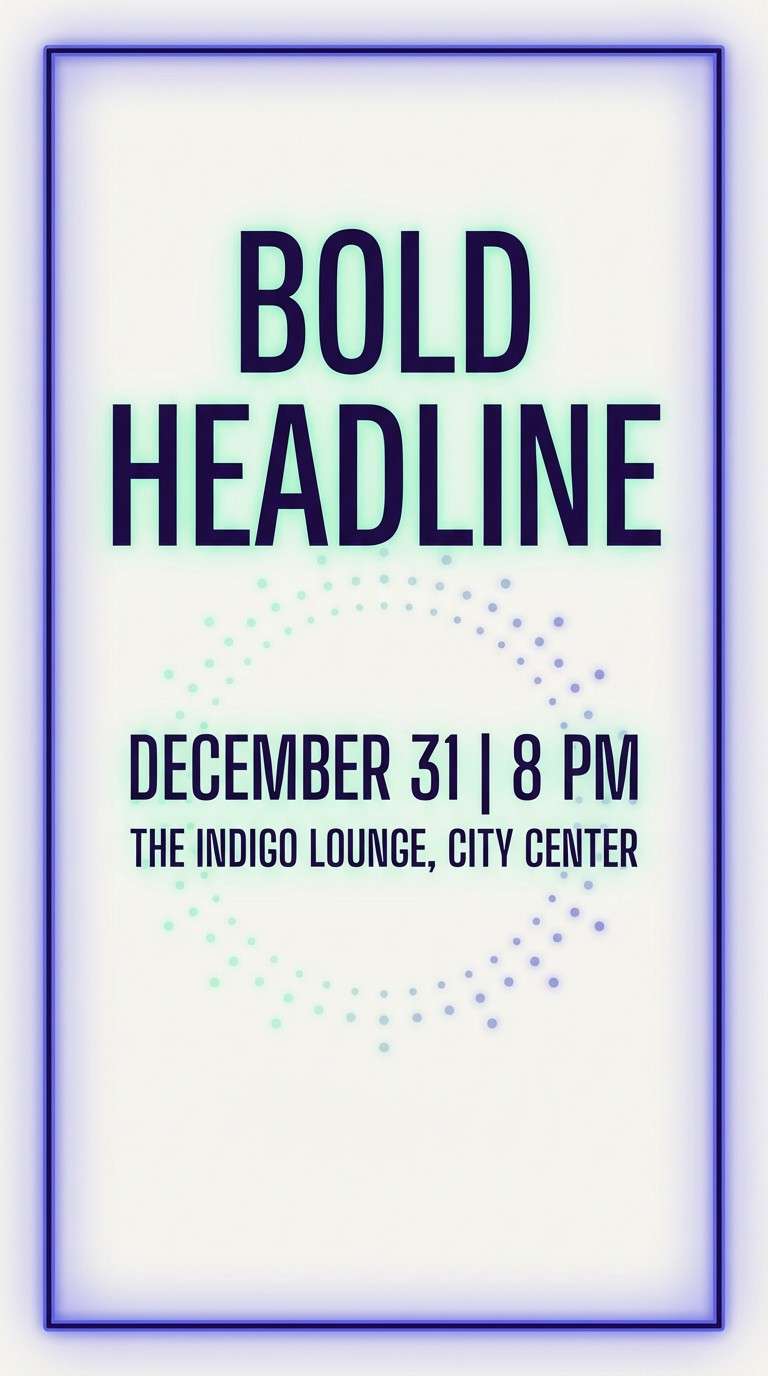
Best for: event flyer design
Enchanted and luminous, it feels like starlight caught on brambles and cool green glow. These magical forest color combinations pop when the pale mint becomes the spotlight and the indigo stays as a velvety frame. Pair with high-contrast type and a few spark-like dots for a night-event vibe. Tip: keep gradients subtle and avoid extra colors so the flyer prints cleanly.
Image example of starlit bramble generated using media.io
What Colors Go Well with Magical Forest?
Magical forest tones pair beautifully with warm neutrals (cream, parchment, sand) because they soften heavy greens and keep layouts readable. These light bases also make moss and pine colors feel more premium and intentional.
For contrast, add cool mist colors like pale aqua, foggy gray-green, or icy lavender. They create “moonlight” separation between layers and help charts, cards, and text blocks stand out.
If you want a spark of fantasy, use a restrained accent like muted gold, mustard, or blush. Keep it limited to focal elements (CTAs, seals, highlights) so the palette stays enchanted instead of busy.
How to Use a Magical Forest Color Palette in Real Designs
Start with one deep anchor (near-black green, charcoal, or indigo) for headers and body text, then choose one mid green for UI surfaces or illustration shapes. Use the lightest tone as negative space so your design doesn’t feel overly dark.
Reserve your brightest color (gold, mint, or chartreuse) for hierarchy: primary buttons, key data points, or small glow effects. This keeps the “magic” feeling concentrated where the viewer should look first.
Finally, keep textures subtle and consistent. A light grain, paper feel, or gentle gradient can reinforce the woodland mood without introducing extra colors that dilute the palette.
Create Magical Forest Palette Visuals with AI
If you want to preview how these HEX combinations look in real layouts, generate quick mockups (posters, UI screens, covers, packaging) using text prompts. It’s an easy way to validate contrast, mood, and accent placement before committing to a full design.
With Media.io’s text-to-image workflow, you can iterate fast: swap one color, change the lighting vibe from “misty” to “candlelit,” and export multiple visual directions for your project.
Use your palette name and a clear use case in the prompt (e.g., “dashboard UI kit” or “event flyer”), then refine typography, spacing, and accent intensity.
Magical Forest Color Palette FAQs
-
What is a magical forest color palette?
A magical forest palette is a nature-inspired scheme built around deep greens, earthy browns, and misty highlights (like pale mint, fog gray, or lavender) to create an enchanted, storybook atmosphere. -
Which HEX colors are most common in enchanted woodland palettes?
Common choices include near-black pine/teal (for anchors), moss and olive greens (for midtones), bark browns (for warmth), and pale misty off-whites or aquas (for breathable backgrounds). -
How do I keep a forest palette from looking too dark?
Use a light base color (cream, fog white, pale mint) for most of the canvas, then apply deep greens only to navigation, headings, and key frames. Keep dark blocks smaller than light space. -
What accent color works best with forest greens?
Muted gold/mustard adds “lantern light,” lavender adds “moonlight magic,” and blush can create a whimsical floral twist. Choose one accent and use it sparingly for hierarchy. -
Are magical forest palettes good for UI and branding?
Yes—deep anchors improve readability, mid greens feel trustworthy and organic, and mist tones create modern whitespace. They work especially well for wellness, outdoor, gaming, editorial, and artisan brands. -
How can I test these palettes in real designs quickly?
Generate mockups with AI (UI screens, posters, covers, packaging) to check contrast and mood before building final assets. Iterate by adjusting one color at a time and keeping the accent consistent. -
What’s the easiest way to create magical forest visuals with consistent style?
Use a repeatable prompt structure (format + subject + palette mood + typography style + background) and keep your lighting cue consistent (misty, moonlit, candlelit) across iterations.
Next: Sky Color Palette


