Free Online AI Image Upscaler – Enhance Photos to 4K/8K
Turn low-resolution images into stunning 4K/8K visuals with Media.io's AI Image Upscaler. Enhance your photos up to 8X without sacrificing detail—no downloads, no quality loss, just professional-grade results in seconds. Try the best free online image enhancer today.
Universal Format Support: Our online image upscaler works with all popular formats including JPEG, PNG, JPG, WebP, TIFF, BMP, GIF, and more. Upscale JPG to 4K, enhance PNG image quality, or enlarge JPEG without losing quality—over 200 formats supported for maximum flexibility.
How to Upscale Images to 4K/8K Without Losing Quality?
Traditional upscaling methods only increase pixel count, causing annoying pixelation. Our AI-powered image upscaler effortlessly enhances photos and makes every detail crystal clear. Follow this step-by-step guide to upscale images with AI in just a few clicks. Enlarge your photos up to 8X while increasing image resolution at the same time.
-

Step 1. Upload Your Image to Our Free Image Upscaler
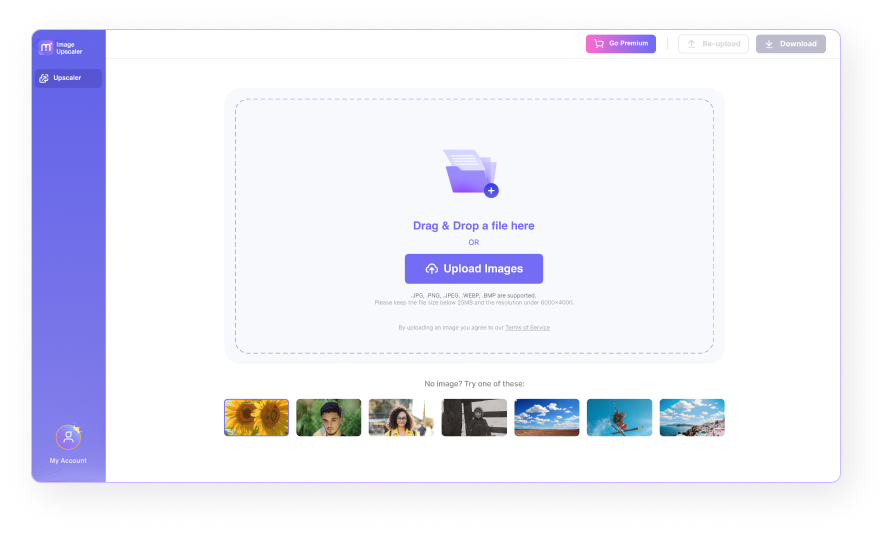
Launch the AI image upscaler in your web browser. Click the Upload Images button to select a local file, or simply drag and drop your images directly into the online photo enhancer.
-

Step 2. AI Upscaling to 8K Resolution
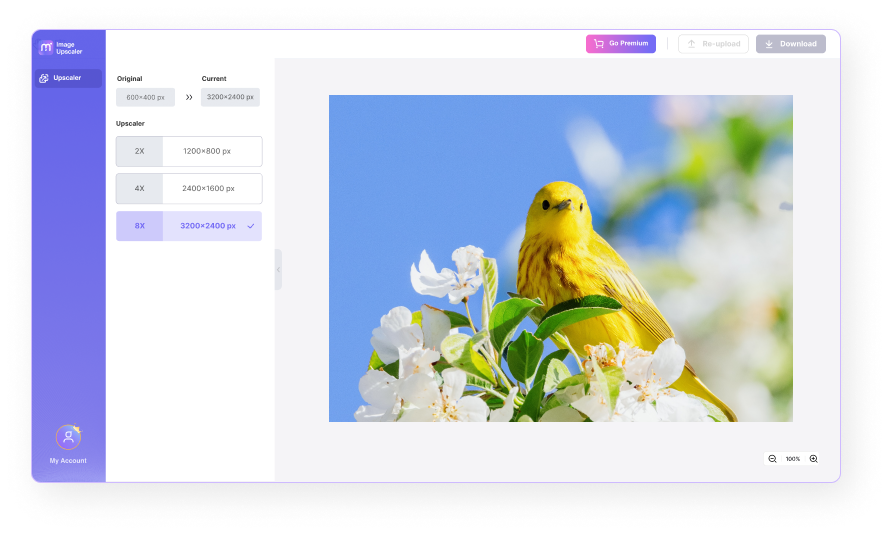
After clicking the 2X, 4X, or 8X button, let our AI technology enhance your images automatically. Processing takes only 5-10 seconds to improve image quality.
-

Step 3. Download Your Enhanced High-Quality Image
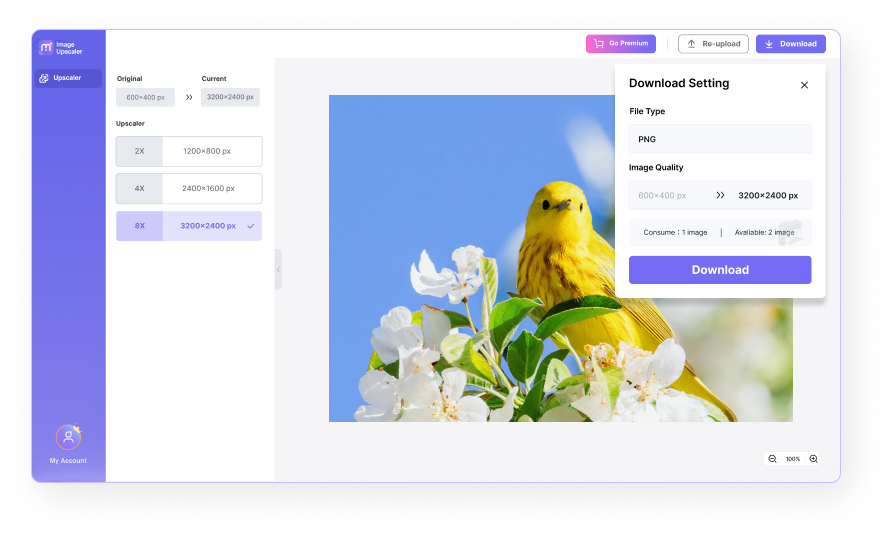
Click the Download button to get your enhanced photo in 4K or 8K quality. It's incredibly easy and lightning-fast!
More Useful Tools for Image Editing


Best AI Image Upscaler Use Cases – Enhance Photos for Every Need
Perfect for designers and print professionals who need to:
- Upscale images for printing without quality loss
- Prepare high-resolution images for web and print formats
- Enhance low-resolution photos quickly with AI
- Focus on creative work instead of manual image editing
Upscale everything from portraits to landscapes, oil paintings to digital art, and logos to product images. Improving image quality is now done in just a few clicks with our AI photo enhancer.
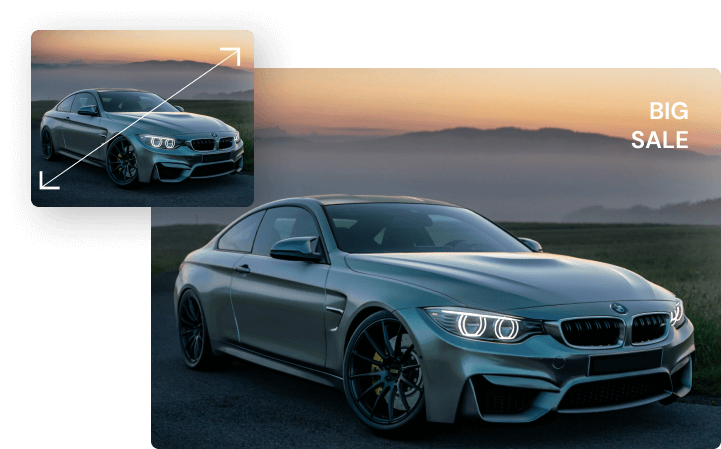
Our online photo enlarger offers an easy way to increase image size. With a simple drag-and-drop interface, scale up your images up to 8X the original size. Showcase even the finest interior details by upscaling property images for real estate, automotive dealerships, and other sales agents.
Balance colors and brightness in your property listings to create stunning, captivating visuals. Get vibrant, high-quality property photos that boost sales and attract buyer interest with our image quality enhancer.
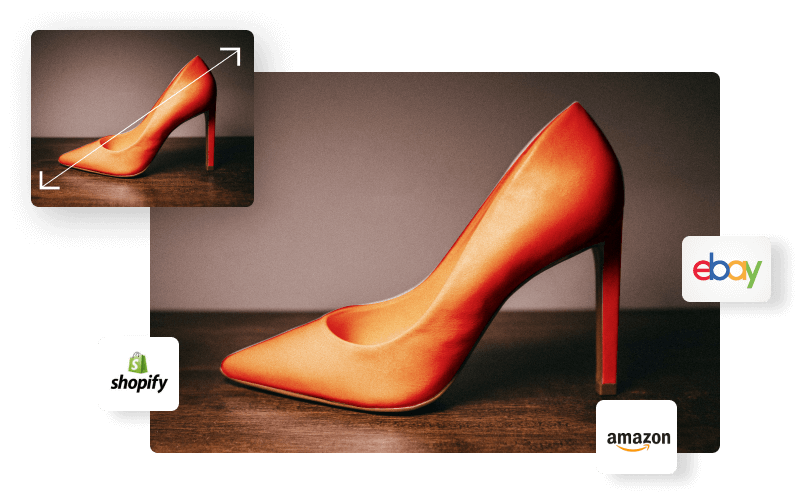
Media.io's photo upscaler ranks among the best online image upscalers for e-commerce available today. It significantly improves image quality on e-commerce platforms, helping increase conversion rates with clear, crisp product visuals.
Distribute and sell faster by meeting resolution requirements across any e-commerce platform. Adjust lighting balance and colors in your product photos with our AI image enhancer—no editing skills required. Say goodbye to Photoshop!
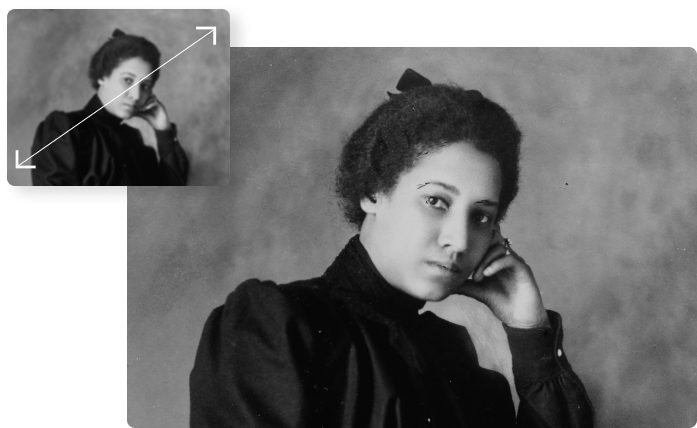
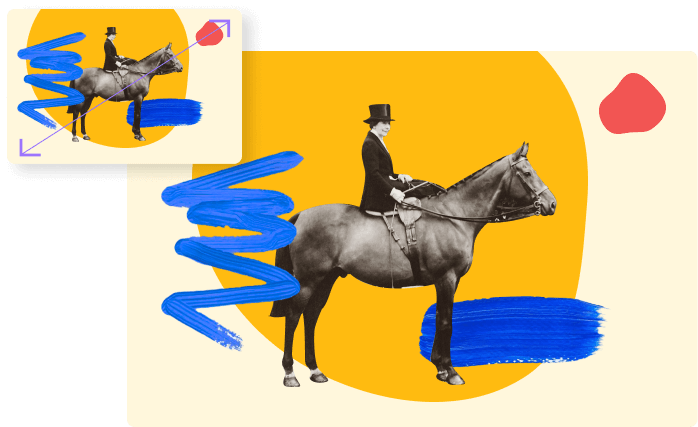
Old photos often suffer serious damage from years of storage. Through AI image upscaling, you can effectively repair photo quality and restore precious memories. This powerful photo restoration tool brings history back to life with simple, one-click operation.
Rescue historical images, improve picture quality, and correct colors with advanced AI enhancement technology.




FAQs About Upscaling Images
-
?
1. Will upscaling actually improve my photo quality?
Yes! Unlike basic upscalers that just add pixels, our AI image upscaler uses advanced technology to: - Reconstruct fine details intelligently - Reduce noise and blur effectively - Enhance textures naturally - Maintain sharp, clean edges This dramatically improves image quality and resolution of group photos, selfies, product images, and landscape pictures.
-
?
2. How can I increase image resolution online for free?
Step 1: Open our free image upscaler online in your browser and upload your image.
Step 2: Let our AI technology enhance your photo automatically.
Step 3: Preview and save the enhanced high-resolution image to your device. -
?
3. How do I convert a JPEG to 4K resolution?
Step 1: Upload your JPEG by selecting from your device, PC, Dropbox, Google Drive, URL, or drag and drop directly.
Step 2: Wait for AI to upscale your image to 4K/8K resolution automatically.
Step 3: Download your high-resolution 4K image. -
?
4. How do I enlarge a JPEG without losing quality?
You can enlarge JPEG photos effortlessly using our AI image upscaler. Here's how:
Step 1: Open our image quality enhancer and upload your JPEG using the "Upload Images" button.
Step 2: Click the enhancement level button (2X, 4X, or 8X).
Step 3: Tap the "Download" button to get your enlarged, high-quality JPEG image. -
?
5. How can I enhance a blurry picture?
Enhancing blurry pictures is surprisingly simple. You don't need to spend time learning complex Photoshop skills—excellent online photo enhancers serve as perfect alternatives. Our AI-powered image upscaler is one of these powerful tools. Try our free online image enlarger. No learning curve required.
-
?
6. Why is this the best free AI image upscaler?
Our AI image upscaler ranks among the best browser-based free photo resolution enhancers available. This platform offers a powerful AI photo enhancement tool directly from your browser. Built on cutting-edge AI technology, it allows you to improve and enlarge image quality on the go for free. Easily upscale JPEG images to 4K—with support for over 200 formats including PNG, WebP, TIFF, and more.
More Tips and Tricks for Image Upscaling







All-in-One Online Tools to Edit Photos and Videos in Minutes