











Popular Waves-Crashing Sound Effects Library

Grab quick shorebreak hits for cut points, wider stereo crashes for establishing shots, or loopable surf beds for long seaside scenes. Copy a prompt to generate a new take when you need different distance, intensity, or texture.

How to Generate Your Own
Waves-Crashing Sound Effects

Cannot find the perfect waves-crashing sound effect you need? Generate custom AI waves-crashing audio effortlessly. Describe the style, such as short clean cue, cinematic hit, subtle background layer, branded UI alert, and Media.io AI builds tailored waves-crashing sound effects instantly. No audio editing experience needed. Turn your concept into a royalty-free, high-quality downloadable WAV waves-crashing clip in under 60 seconds.

1

Describe the surf

Type or paste a prompt for your wave crash, like close sandy shorebreak, distant cliffside surf, or stormy rocky impacts, and specify any texture or intensity.

2

Pick length and count

Choose a duration (5s, 10s, or 20s) and set how many variations you want so you can audition different distances or strengths.

3

Generate and preview

Click Generate, then listen to each result and keep the take with the best transient, tail length, and stereo feel for your scene.

4

Download WAV and use

Download the WAV file and drop it into your timeline for videos, games, apps, podcasts, or commercial projects.

What Can You Use These Waves-Crashing Sound Effects For?

Creators in every field are using our royalty-free audio to set the perfect mood.

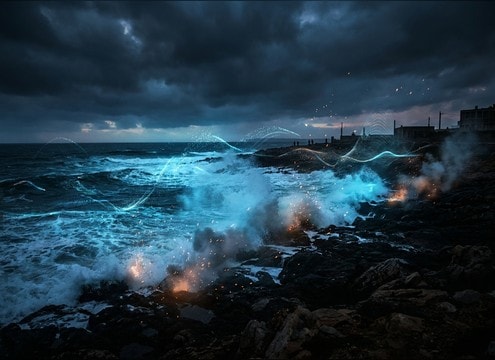
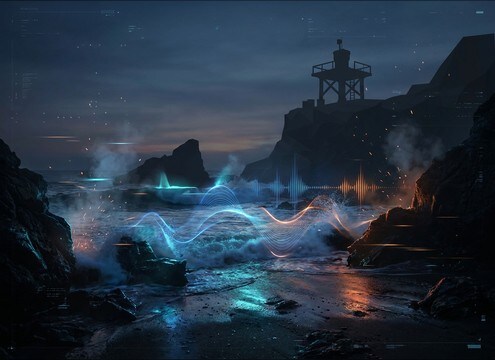
Waves crashing sound effect for a beach establishing shot

Beach establishing shots

Add a wide stereo shorebreak to sell the first reveal of coastline, then cut to shorter hits for closer camera angles.

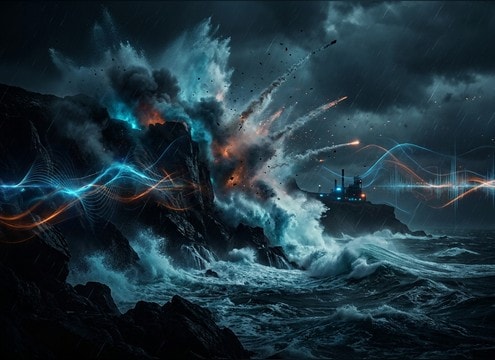
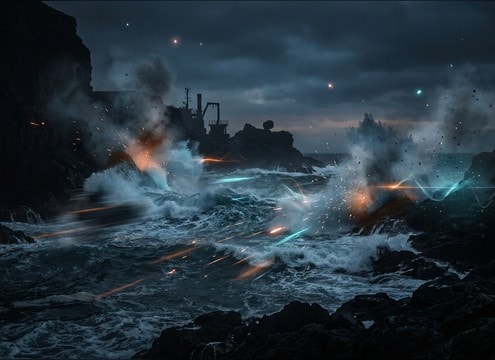
Stormy waves crashing against cliffs sound effect

Cliffside storm sequences

Use harder rocky slams with thicker low-end and rough foam roar to match wind and rain without sounding like a calm beach loop.

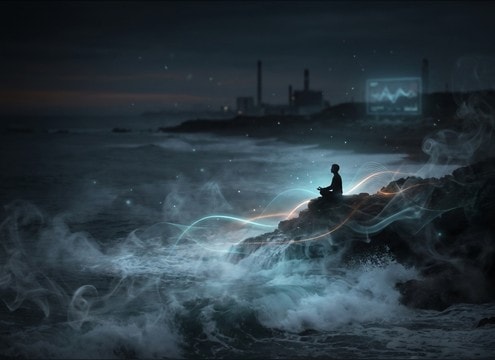
Loopable ocean surf ambience for meditation audio

Seaside meditation loops

Choose a stable surf bed with smooth decay and low click risk for long, relaxing ambience that does not distract with sharp transients.

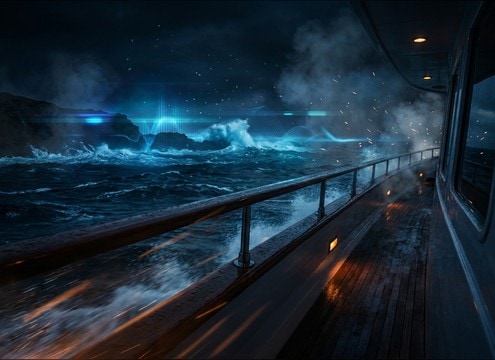
Distant surf wash for yacht deck scene audio

Yacht deck perspective

Pick slightly distant crashes with controlled stereo width so dialogue and deck foley stay clear while the sea remains present.

Loopable waves crashing ambience for coastal game level

Coastal level ambience

Build a believable shoreline in-game with loopable surf, then swap in closer impacts during gameplay moments near the waterline.

Short wave crash hit for documentary scene transition

Marine documentary transitions

Use short shorebreak hits as natural punctuation between B-roll shots, especially when production audio is thin or windy.

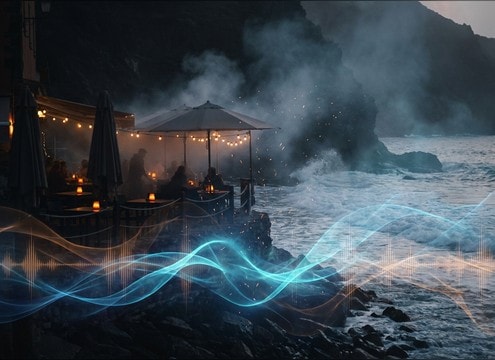
Gentle surf wash for seaside cafe atmosphere

Outdoor cafe by

Blend gentle breaks behind chatter to imply proximity to the beach without overpowering midrange voices.

Soft waves crashing sound bed for sleep audio

Sleep and ASMR

Select softer, rounded wave attacks with consistent hiss and longer wash tails to avoid sudden peaks that wake listeners.

Why Choose Media.io for Waves-Crashing Sound Generator?

See exactly why creators, developers and studios choose our AI audio generator over all others.

Prompt controls for waves crashing sound generator

Waves Crashing Sound Generator prompt control

Describe sand vs rocks, calm vs storm, and close vs distant perspective to steer attack, foam texture, and tail length.

Regenerate wave crash variations with different intensity

Regenerate cleaner takes

If a crash is too sharp, too thin, or too noisy, regenerate variations until the transient and wash sit right in your cut.

Duration options for wave crash sound effects

5s, 10s, and 20s options

Pick short hits for edits, medium beds for transitions, or longer loops for ambience without stitching many clips together.

Loopable surf ambience with smooth tail

Loop-friendly ambience

Create more even surf beds with stable texture and smoother tails to reduce noticeable seams in repeating scenes.

Preview waves crashing audio before download

Preview before downloading

Audition multiple wave types quickly so you do not waste time exporting files that do not match the shoreline on screen.

WAV wave crash sound effect download for editing

WAV downloads ready to edit

Export WAV and drop it into your NLE or DAW for trimming, fades, and simple EQ to fit dialogue and music.

How to Prompt Waves Crashing That Match the Shore

Waves are easy to recognize and hard to fake: the wrong shoreline texture, distance, or loop behavior can break a scene instantly. Use prompts that specify the beach type (sand, pebbles, rocks), the energy (gentle break vs shorebreak slam), and how the camera hears it (close and wide vs distant and narrow). Then generate a few variations and keep the take whose transient and foam tail match your picture.

Pick shoreline and intensity first

Start by naming what the water hits, because it changes the midrange and grit. Then set intensity so the transient matches the visual size of the wave and the tail matches how long foam stays audible.

  • Sand: smoother hiss, less rattle, softer attack
  • Pebbles: gritty chatter texture, faster micro-transients
  • Rocks: harder slam, brighter spray, stronger low-end thump

Control perspective and stereo image

Distance determines how sharp the impact feels and how much wash you get afterward. Stereo width helps sell wide coastal vistas, while narrower images sit better under dialogue or tight shots.

  • Close: punchier transient and more detailed foam texture
  • Distant: softened attack with longer, airier wash tail
  • Wide stereo for vistas, narrower for character scenes

Make loops that do not call attention

For repeating ambience, aim for consistent energy and a tail that can crossfade cleanly. Generate longer beds when possible, then edit with short crossfades to hide seams.

  • Ask for consistent surf texture and stable noise floor
  • Avoid single huge spikes that repeat every loop
  • Use gentle fades at start and end when cutting

Common wave SFX mistakes to avoid

A wave that sounds perfect alone can fail in context. Avoid cues that suggest the wrong location, and watch out for overly bright hiss that masks speech or fatigue listeners.

  • Do not mix rocky slams under a calm sandy beach visual
  • Avoid harsh, sizzling highs that overpower dialogue
  • Skip clips with obvious repeating patterns for ambience

Frequently Asked Questions About
Waves-Crashing Sound Effects

Everything you need to know before downloading or generating your first sound.

Can I use these sounds for commercial projects, and are downloads royalty-free?

Yes. You can preview, generate variations, and download royalty-free WAV sound effects for use in commercial work like client videos, apps, or monetized channels.

Are the waves crashing clips available in WAV format?

Yes. After you pick a result, download it as a WAV file so you can edit without extra compression artifacts, especially in the high-frequency foam and hiss.

How do I choose between 5s, 10s, and 20s wave crashes?

Use 5 seconds for single hits or cut points, 10 seconds for a short shoreline passage with a little wash, and 20 seconds for loopable surf beds or longer establishing moments.

How can I make a wave crash loop smoothly in my edit?

Choose a more even surf bed (less spiky transients), then add a short crossfade between the end and start. If the seam is still obvious, regenerate with a prompt that asks for consistent texture and a clean tail.

Are these waves-crashing sound effects free to download?

Yes. You can preview and download the AI-generated waves-crashing sound effects as WAV files and use them in personal or commercial projects.

Can I copy the prompt used for each sound?

Yes. Open any sound row to view the prompt, copy it, adjust the wording and generate a custom variation that better matches your scene.

Related Free Sound
Effect Categories

Explore other AI-generated sound libraries from Media.io

sound

Rain Sound Effects

10+ free sounds
sound

Thunder Sound Effects

10+ free sounds
sound

Farts Sound Effects

10+ free sounds
sound

Car Crash Sounds

10+ free sounds
sound

Explosion Sound Effects

10+ free sounds
sound

Gunshot Sound Effects

10+ free sounds
sound

Pistol Sound Effects

10+ free sounds
sound

AI Horror Sound Effects

10+ free sounds
sound

AI Forest Sound Effects

10+ free sounds
sound

AI Dog Whistle Sound

10+ free sounds
sound

AI Ding Sound

10+ free sounds
sound

Phone Ring Sound

10+ free sounds
media.io

AI Video Generator star

Easily generate videos from text or images

Generate
