














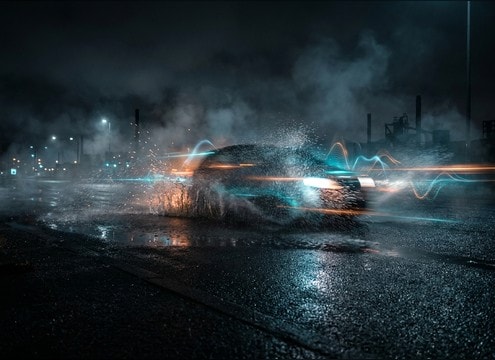
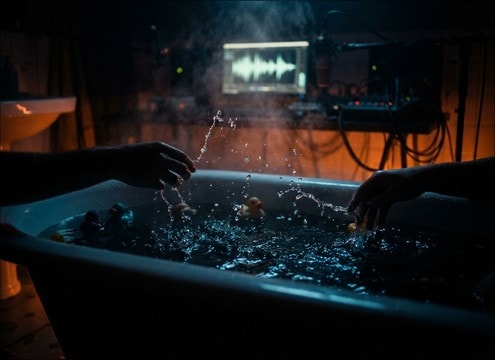
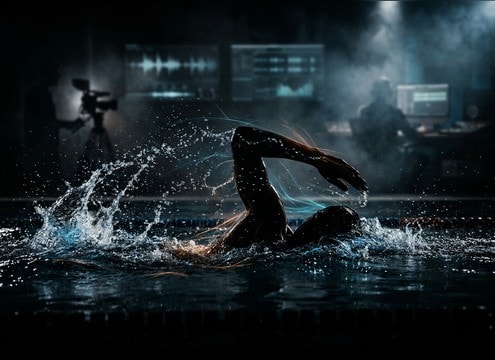


Splash sounds are all about scale, surface, and how long the bubbles hang around after the initial hit. When browsing or prompting, decide whether you need a sharp transient for sync, a longer gurgly tail for realism, or a loopable bed for ongoing water action. Use the tips below to get a splash that reads clearly without washing over dialogue or music.
Match the water action and scale
A toe tap, a bucket dump, and a cannonball have very different attack shapes and low-end weight. Name the action and the size so the transient and body feel believable on screen.
- Use action verbs: slap, plop, dump, kick, dive, spray
- Call out size: tiny droplets, medium splash, heavy impact
- Add intensity notes: gentle, energetic, aggressive
Specify perspective and space
Distance changes everything: close splashes are crisp and detailed, while distant splashes lose high-end and pick up room or outdoor ambience. Mention the environment so reflections feel right.
- Close, medium, or far perspective
- Indoor pool reflections vs open beach air
- Stereo width: narrow for close foley, wider for big water
Control tail, bubbles, and debris
The tail is where realism lives. Decide if you want a quick decay for tight cuts, or a bubbly, gurgly sustain for slower shots. Debris can mean foam, spray, or muddy squish.
- Short tail for fast edits, longer tail for slow motion
- Bubble texture: smooth, fizzy, gurgly
- Surface notes: clean water, foamy surf, muddy puddle
Avoid common splash mismatches
Many splashes fail because the transient is too soft, the tail is too long for the cut, or the background noise is distracting. A few constraints make prompts more usable.
- Ask for minimal background noise if you need clean foley
- Avoid overly boomy low-end on small splashes
- Request no sudden peaks for loopable splashing beds




