














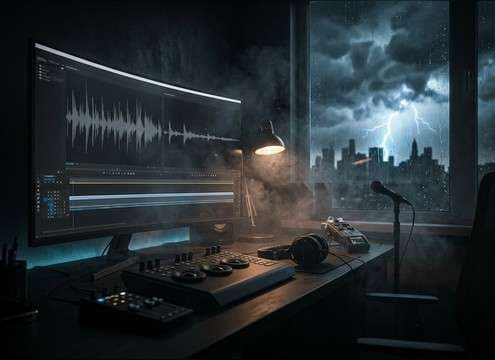

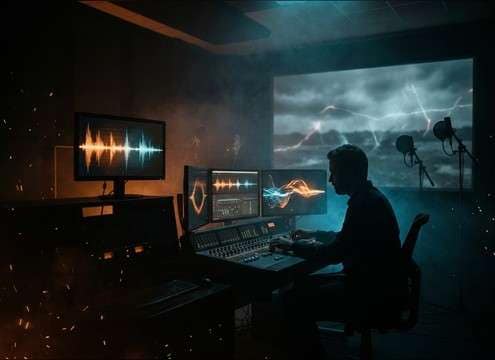
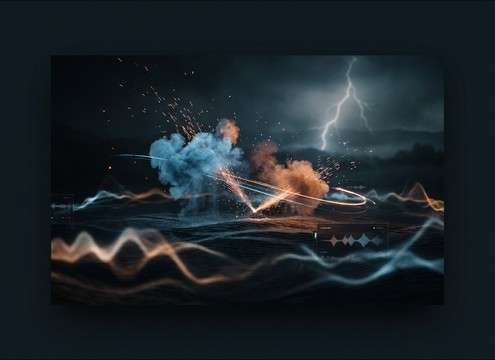
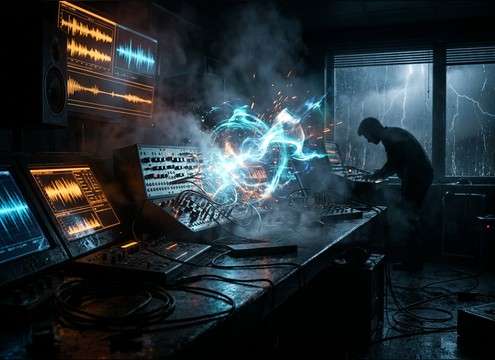


Thunder is easy to overdo: too much transient can feel like an explosion, and a tail that's too long can smear your cut. Use the sections below to choose the right thunder type, place it at a believable distance, and request an environment that matches what the viewer sees—without burying dialogue or music.
Pick the thunder event (crack vs roll)
Start by deciding whether the scene needs a lightning-synced impact or a background storm layer. A "crack" reads as close and urgent with a fast attack; a "roll" reads as distant with a softer onset and longer decay. If your cut shows the flash, ask for a clear transient. If it's just mood, avoid sharp peaks and lean into texture.
- For close lightning: ask for "sharp crack transient" and "short tail"
- For distant storms: ask for "rolling rumble" and "slow build"
- For calmer beds: ask for "soft attack" and "no harsh crack"
Set perspective with distance cues
Distance is the difference between "right there" and "somewhere out past the hills." Close thunder tends to have brighter high-frequency energy and a punchy impact, while distant thunder loses high end and becomes a broader low-end wave. Use simple language like close, mid-distance, or far, and add cues like muffled or filtered to push it back in the soundstage.
- Close: "bright transient, strong punch, minimal pre-delay feel"
- Mid: "balanced crack, moderate rumble, medium decay"
- Far: "muffled highs, wide low-end, long fading tail"
Match the environment (reflections and filtering)
Thunder interacts with space: valleys echo, cities reflect, and indoors you mostly hear filtered low end through structure. Prompting the environment helps the generator choose reflections and tail character so the sound doesn't feel pasted on. If the scene is inside, request "through walls" or "through windows" to reduce harsh highs and add subtle room tone.
- Valley/mountains: "audible echoes, multiple reflections, ringing decay"
- Urban: "shorter slap reflections, tighter tail, slightly gritty texture"
- Indoor: "filtered highs, soft room reflections, reduced transient bite"
Make it edit-friendly (avoid common problems)
Thunder can clip, mask dialogue, or feel like a generic boom if the transient and tail aren't controlled. When you need usability, request "clean" or "no distortion," and keep the tail length appropriate to your shot length. For looping storm beds, avoid dramatic one-off cracks and ask for consistent ambience and smooth fade behavior.
- If it sounds like an explosion: reduce "impact" and increase "rolling rumble"
- If it overwhelms VO: request "softer attack" and "controlled low-end"
- If it won't loop: ask for "consistent noise floor" and "loop-friendly decay"




