











Popular Waterfall Sound Effects Library

Pick a ready-to-use waterfall bed for a scene cut, or copy the prompt to regenerate the same idea with different distance, power, and tail length. Each clip is designed to be mix-friendly, with clear texture and predictable dynamics for layering under dialog or nature Foley.

How to Generate Your Own
Waterfall Sound Effects

Cannot find the perfect waterfall sound effect you need? Generate custom AI waterfall audio effortlessly. Describe the style, such as short clean cue, cinematic hit, subtle background layer, branded UI alert, and Media.io AI builds tailored waterfall sound effects instantly. No audio editing experience needed. Turn your concept into a royalty-free, high-quality downloadable WAV waterfall clip in under 60 seconds.

1

Describe the waterfall

Type or paste a prompt that names the waterfall style (gentle cascade, heavy drop, distant roar) plus any scene notes like cave echo or wide stereo.

2

Pick length and variants

Choose 5s, 10s, or 20s, then set how many variations you want so you can compare different intensities and textures.

3

Generate and preview

Click Generate, listen to each result, and keep the version with the best balance of spray, rumble, and tail for your cut.

4

Download WAV and use

Download the WAV file and place it in videos, games, apps, podcasts, or commercial projects, then trim or loop it as needed.

What Can You Use These Waterfall Sound Effects For?

Creators in every field are using our royalty-free audio to set the perfect mood.

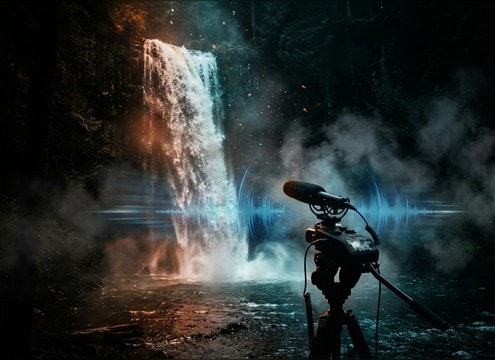
Waterfall ambience under nature documentary narration

Nature documentary beds

Fill scene transitions with a stable waterfall bed that keeps consistent loudness under narration while preserving natural decay.

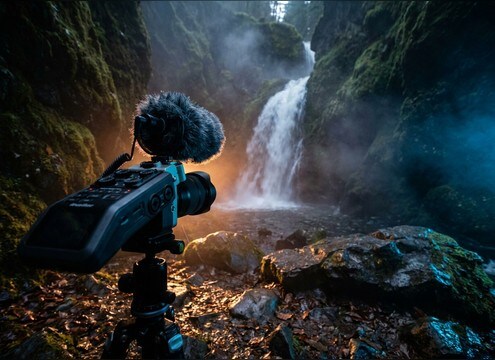
Travel vlog shot of a waterfall with clean replacement audio

Travel vlog B-roll

Replace windy phone audio with clean close or mid-distance falls, matched to camera framing and stereo width.

Loopable waterfall sound for meditation and sleep

Meditation and sleep

Use loop-ready waterfall noise with low transient spikes to avoid jarring repeats during long relaxation playback.

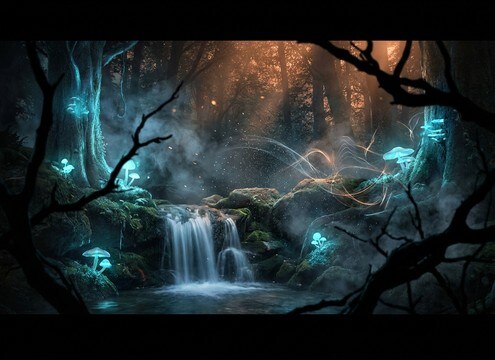
Fantasy forest waterfall ambience for a scene

Fantasy forest scenes

Create a magical clearing vibe by generating a gentle cascade with airy spray and softened high end to sit behind music.

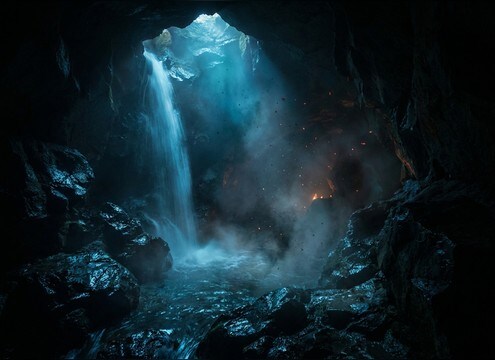
Cave waterfall ambience for an underground level

Cave level ambience

Add cave reflections and a darker tone so your waterfall reads as underground, without needing heavy reverb plugins.

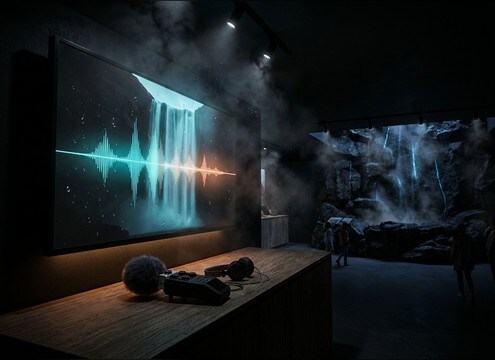
Visitor center exhibit using a looping waterfall sound bed

Park visitor center

Build an immersive kiosk loop with consistent texture and controlled low end that works on small speakers.

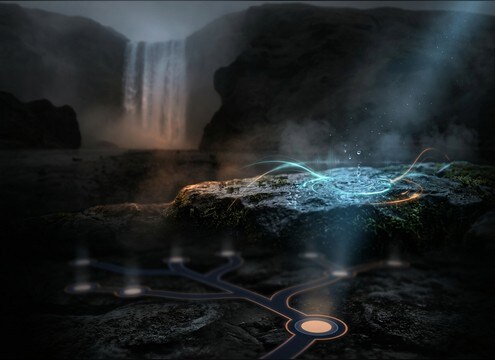
RPG location marker near a waterfall with matching distance audio

RPG map locations

Differentiate map nodes by distance: faint valley roar for far travel, close splash detail for interactable spots.

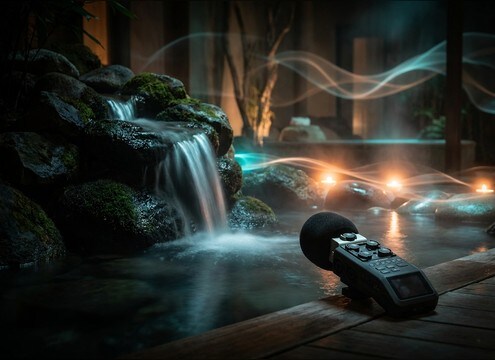
Spa ambience with gentle waterfall audio

Spa and wellness

Generate calmer waterfall textures with reduced rumble to avoid masking speech in treatment rooms or guided sessions.

Why Choose Media.io for Waterfall Sound Generator?

See exactly why creators, developers and studios choose our AI audio generator over all others.

Prompt controls for a waterfall sound generator

Waterfall Sound Generator prompts

Dial in cascade size, distance, spray brightness, and tail length using plain text prompts you can reuse and refine.

Previewing several waterfall sound variations

Preview before you commit

Audition multiple variations and pick the one with the right stereo width and masking strength for your scene.

Regenerating waterfall sounds with different intensity

Regenerate consistent variations

Keep the same concept and quickly regenerate options with calmer dynamics, heavier low-end, or a smoother decay.

Loopable waterfall ambience waveform

Loop-friendly clip options

Create steady beds that avoid sharp transients, making it easier to loop for long ambience without obvious seams.

WAV download for waterfall sound effects

Clean WAV for edits

Download WAV files that are ready to trim, crossfade, and layer under dialog, footsteps, or music cues.

Cleaner waterfall audio with reduced background elements

Mix-ready noise control

Generate versions with fewer extras like birds or wind so your waterfall sits where you need it in the frequency range.

How to Choose and Prompt Waterfall Sounds That Fit the Shot

Waterfalls read differently depending on camera distance, terrain, and how steady the water texture is. Use the library clips when you need something immediately, or prompt the AI to match your framing: close spray detail for tight shots, a smoother roar for wide landscapes, or cave reflections for enclosed spaces. Focus on loop behavior, stereo width, and how much low-end rumble you want in the mix.

Match distance to texture

Close waterfalls have brighter spray and sharper transients, while distant falls lose detail and become more low-mid rumble with softer attacks. If the shot is wide, ask for less spray and more air. If the camera is near the water, ask for crisp splashes and audible mist.

  • Close: crisp transient, brighter spray, shorter perceived tail
  • Mid: balanced roar and spray, moderate stereo width
  • Distant: softened attack, hazier texture, more rumble than hiss

Pick an environment that explains the tail

The same waterfall can feel outdoor and open, or enclosed and reflective. Prompt the space so the decay makes sense: open air has a cleaner falloff, while caves and canyons add reflections that lengthen the tail and thicken the midrange.

  • Open outdoors: minimal reflections, natural decay
  • Canyon: subtle slap and longer tail without sounding like a room
  • Cave: wet reflections, darker tone, more obvious decay

Decide if you need a loop or a moment

For ambience beds, you want consistency and fewer sudden peaks so looping is easy. For on-screen moments, a more dynamic texture can sell scale and power. Ask directly for loop-friendly behavior when you plan to repeat the clip.

  • Loop prompts: consistent texture, no spikes, smooth start and end
  • Moment prompts: evolving spray, stronger movement, more contrast
  • If dialog is present: request reduced high-end hiss and controlled low-end

Avoid common waterfall prompt mistakes

Many unusable waterfall results come from unclear scale or too many extra elements. Keep the prompt focused on the water first, then add only the one or two details you truly need, like distance or environment. If the clip masks other audio, reduce low-end or request a gentler cascade.

  • Do not stack unrelated elements like thunder, crowds, and birds unless needed
  • Avoid vague scale words alone; add distance and intensity targets
  • If it sounds harsh, request softer transients and a smoother decay

Frequently Asked Questions About
Waterfall Sound Effects

Everything you need to know before downloading or generating your first sound.

Can I download waterfall sound effects as WAV and use them commercially?

You can preview and download WAV files from the library and use them in client work, videos, apps, and other commercial projects. Check the license notes shown at download to confirm the current usage terms for your account and region.

How do I choose between close and distant waterfall sounds?

Use close sounds when the camera is near the water or the falls are the main subject, because you will hear sharper splash transients and more mist detail. Choose distant sounds for wide establishing shots where the waterfall should sit behind other ambience, with softer attacks and more low-mid rumble.

What duration should I generate for a waterfall loop?

For quick cutaways, 5 seconds is often enough. If you need a smoother loop point and less repetition, generate 10 seconds with a consistent texture and no sudden peaks. Use 20 seconds when the scene holds on the landscape and you want gentle movement without obvious cycling.

How can I make a waterfall sound fit my scene without heavy editing?

Regenerate with a tighter prompt: specify distance, environment (open air, canyon, cave), and whether you want a steady bed or a more dynamic moment. This usually gets you closer than trying to fix mismatched reflections or intensity with plugins.

Are these waterfall sound effects free to download?

Yes. You can preview and download the AI-generated waterfall sound effects as WAV files and use them in personal or commercial projects.

Can I copy the prompt used for each sound?

Yes. Open any sound row to view the prompt, copy it, adjust the wording and generate a custom variation that better matches your scene.

Related Free Sound
Effect Categories

Explore other AI-generated sound libraries from Media.io

sound

Rain Sound Effects

10+ free sounds
sound

Thunder Sound Effects

10+ free sounds
sound

Farts Sound Effects

10+ free sounds
sound

Car Crash Sounds

10+ free sounds
sound

Explosion Sound Effects

10+ free sounds
sound

Gunshot Sound Effects

10+ free sounds
sound

Pistol Sound Effects

10+ free sounds
sound

AI Horror Sound Effects

10+ free sounds
sound

AI Forest Sound Effects

10+ free sounds
sound

AI Dog Whistle Sound

10+ free sounds
sound

AI Ding Sound

10+ free sounds
sound

Phone Ring Sound

10+ free sounds
media.io

AI Video Generator star

Easily generate videos from text or images

Generate
