














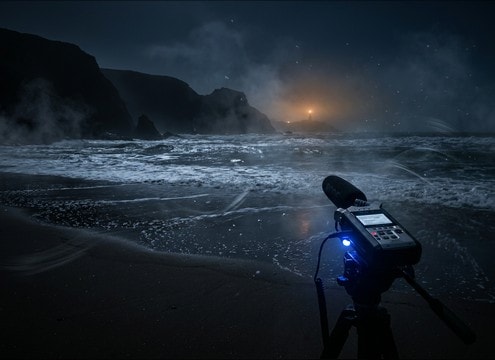
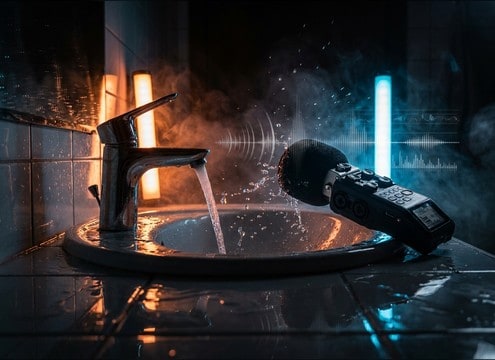








Water is easy to overdo: the wrong transient or tail can feel like a cartoon splash, or a loop can pump in loudness every few seconds. Use the tips below to pick the right source (ocean, tap, stream), set perspective, and write prompts that yield usable takes you can cut immediately.
Start with the water source and motion
Define what is physically happening before you chase mood. A pour, a drip, and a breaking wave have different attacks and textures. Naming the container or surface also helps the generator shape resonances and splash detail.
- Specify action: drip, pour, splash impact, wave roll, bubbling
- Name the surface: glass, tile, wood dock, sand, metal sink
- Ask for texture: foamy fizz, airy spray, smooth stream, turbulent churn
Match perspective: close, mid, or distant
Perspective is the fastest way to make water feel real in a cut. Close water needs crisp transients and detail, while distant surf should be smoother with fewer sharp peaks and more consistent ambience.
- Close: request crisp attack, detailed splatter, minimal room tone
- Mid: add a touch of reflections and moderate stereo width
- Distant: smoother transients, more air, less high-frequency splash detail
Choose loop behavior and tail length
If you need a bed under dialog, prioritize stable loudness and a tail that ends cleanly. For one-shots, a readable transient and controlled decay will cut through without sounding messy.
- For ambience: ask for loop-friendly, steady level, no sudden peaks
- For hits: ask for a single clear transient and quick natural decay
- If it feels choppy: request continuous flow with fewer pauses
Avoid common water SFX mistakes
Many water clips fail because they are too bright, too roomy, or too busy in the midrange. A small prompt change can fix this, and it is usually faster than heavy EQ after export.
- If it sounds fake: reduce splash brightness and shorten the tail
- If it masks speech: request less midrange and a softer transient
- If it feels indoor when it should be outdoor: remove room reflections and widen stereo gently




