
















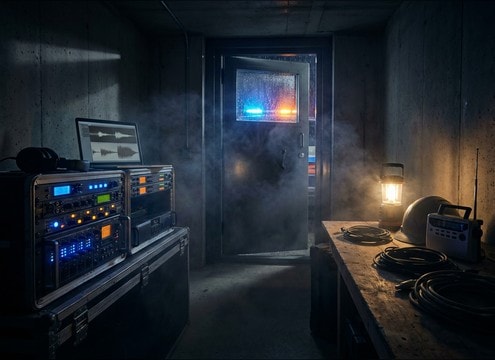







Tornado sirens can read as fake if the sweep is wrong, the tone is too clean, or the tail does not match the space. Use the tips below to choose a library clip quickly or write a prompt that locks in siren type, distance, and environment so the warning feels anchored to the shot.
Start with the siren mechanism
Decide whether you need a gritty rotary horn, a smoother electronic sweep, or a lower horn that feels less shrill. This choice sets the texture and the way the pitch movement is perceived.
- Rotary: add motor grit, pulsing modulation, and a thicker midrange
- Electronic: ask for a cleaner sweep with steadier pitch movement
- Low horn: request reduced harsh highs and stronger mid presence
Match distance and camera position
Distance changes the attack, stereo width, and brightness. A close siren is sharp and wide, while a far siren is softer with more air loss and less stereo spread.
- Close: specify piercing attack, wide stereo, and slight distortion
- Distant: ask for softened transient, narrowed stereo, and roll-off highs
- Passing perspective: mention subtle movement or Doppler-like shift if needed
Choose the environment for the tail
The tail sells location. Outdoor open air should feel cleaner with a shorter reflection pattern, while urban streets add noticeable slap and thickness.
- Open outdoor: minimal reflections, light wind bed, natural decay
- Urban canyon: audible reflections, thicker tail, controlled harshness
- Indoor through walls: muffled highs, room tone bloom, softer modulation edges
Avoid the common giveaway artifacts
Siren sounds can become painful or unusable if the tone is too static, too bright, or clipped. A small prompt tweak usually fixes it without re-editing.
- If it is harsh: request reduced top end, less distortion, or lower pitch
- If it feels fake: ask for slight wobble, uneven modulation, or subtle air noise
- If it fights dialogue: choose a lower horn or shorten the tail and sustain




