











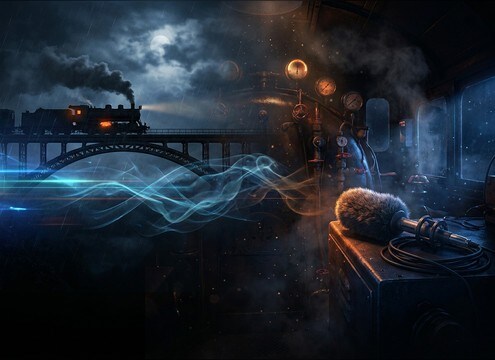
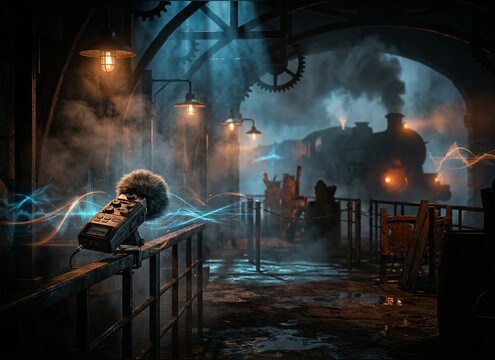
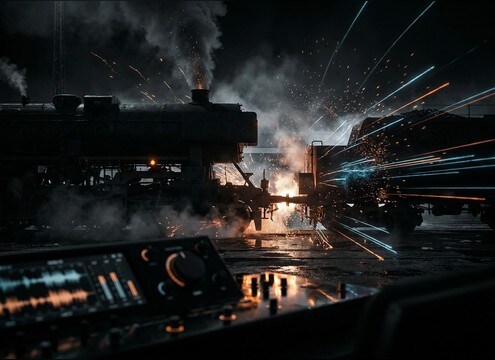
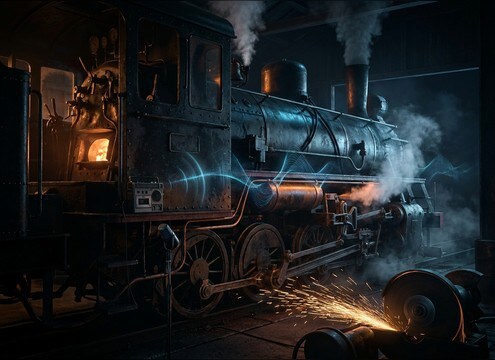
Popular Steam-Train Sound Effects Library

Pick a ready-to-use steam locomotive moment, then fine-tune it with prompts like close vs distant, dry yard vs echoey station, or a shorter tail for faster edits.

How to Generate Your Own
Steam-Train Sound Effects

Cannot find the perfect steam-train sound effect you need? Generate custom AI steam-train audio effortlessly. Describe the style, such as short clean cue, cinematic hit, subtle background layer, branded UI alert, and Media.io AI builds tailored steam-train sound effects instantly. No audio editing experience needed. Turn your concept into a royalty-free, high-quality downloadable WAV steam-train clip in under 60 seconds.

1

Describe the train moment

Type a prompt for the exact steam-train sound you need, like a close whistle, a distant approach, or a short steam release hiss.

2

Choose length and takes

Select 5s, 10s, or 20s, then set how many variations you want so you can pick the best timing and intensity.

3

Generate and preview

Click Generate, listen to each result, and keep the version with the right attack, tail length, and background noise level.

4

Download WAV and use

Export the chosen sound as a WAV file and drop it into your timeline for videos, games, apps, podcasts, or commercial projects.

What Can You Use These Steam-Train Sound Effects For?

Creators in every field are using our royalty-free audio to set the perfect mood.

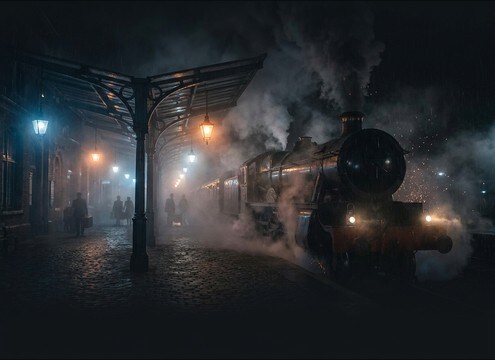
Steam train station scene sound design with distant whistle and platform ambience

Period film station

Match a platform wide shot with distant whistles, crowd-light room tone, and a longer tail that feels like open air and steel canopies.

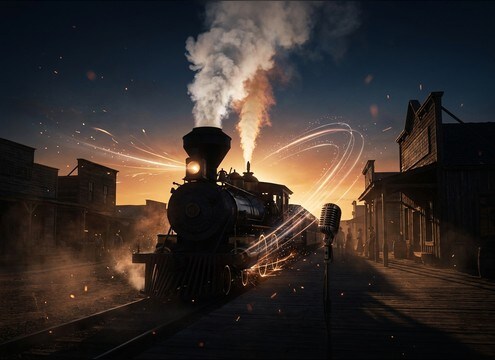
Steam locomotive arrival sound effect for western town establishing shot

Western town arrivals

Add a proud whistle blast plus steady chuffs to sell an entrance without drowning dialogue, then trim the tail to fit the cut.

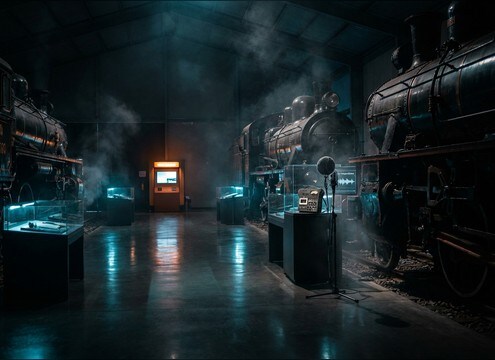
Loopable steam train chuff ambience for a museum exhibit audio display

Railway museum exhibits

Use clean, loopable chuff beds and occasional steam releases for kiosk demos, guided tours, and interactive displays.

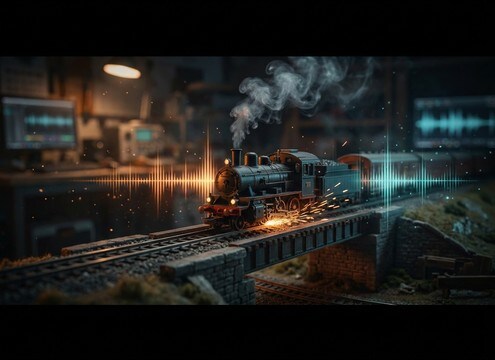
Scaled steam train sound effects for a model railroad scene

Model railroad dioramas

Scale the feel with lighter low-end, closer mechanical clicks, and short whistles that do not overpower small speakers.

Steam train transition sound effect for an audio drama scene change

Audio drama transitions

Bridge locations with a distant whistle and track clatter, then crossfade into interior cab foley for a point-of-view switch.

Theme park queue ambience featuring distant steam train pass-bys and steam hisses

Theme park queue

Build a believable queue bed using intermittent hiss, soft clanks, and far pass-bys that loop without obvious seams.

Cinematic trailer hit made from a steam train whistle stab and coupling clank

Trailer punctuation hits

Swap generic impacts for coupler clanks and whistle stabs with tight attack, then duck the low-end to protect music.

Educational video sound layer using steam locomotive chuffs, steam release hiss, and cab controls

Historical education clips

Illustrate how locomotives worked using separate elements, chuffs, valve releases, and cab lever clicks, for clear narration backing.

Why Choose Media.io for Steam-Train Sound Generator?

See exactly why creators, developers and studios choose our AI audio generator over all others.

Prompt controls for steam train distance and environment

Scene-matched steam-train prompts

Dial in close, medium, or distant perspectives, plus station vs open countryside, so the tone and tail fit your picture edit.

Text-to-sound interface for generating steam train SFX

Steam-Train Sound Generator controls

Use Media.io as a Steam-Train Sound Generator to create whistles, chuffs, hisses, and pass-bys from text with predictable timing.

Multiple steam train sound variations shown side by side for quick selection

Variation batches you can compare

Generate several takes at once to choose the cleanest transient, the best cadence, or the least masking against dialogue and music.

Preview panel for steam train sound effects before downloading

Quick previews before export

Audition each result in-browser to confirm tail length and noise level before downloading, saving time on unusable clips.

WAV download option for steam train sound effects

Export-ready WAV downloads

Download high-quality WAV files that drop straight into NLEs and DAWs without extra conversion steps.

Duration selection for steam train sound generation: 5s 10s 20s

Consistent lengths for tight edits

Pick 5s, 10s, or 20s to match your cut, from short whistle accents to longer station arrivals that need breathing room.

How to Pick and Prompt Steam-Train SFX That Fit the Shot

Steam locomotives read as a mix of tonal whistle, rhythmic chuffs, and noisy steam releases. To get a clip that cuts cleanly, start by deciding whether you need a single hero element (like a whistle stab) or a composite moment (like an arrival). Then specify distance, environment, and how present the low-end rumble should be, so the tail and room tone do not fight your dialogue.

Choose the hero element first

Editors often need one sound to sell the moment: a whistle to announce, a chuff rhythm to suggest movement, or a steam hiss to punctuate a stop. Picking the lead element helps you avoid muddy mixes where everything competes at once.

  • Whistle: describe pitch feel (bright, mellow) and tail length (short, long)
  • Chuffs: specify cadence (slow idle, steady run) and transient punch
  • Steam release: call out texture (airy, gritty) and how dry the recording should be

Set distance and space for believable tails

A station canopy or roundhouse adds reflections, while open countryside feels drier and more direct. Distance changes attack clarity and how much haze sits around the sound. Prompt these details so the tail matches the camera perspective.

  • Close: sharper attack, more mechanical detail, less ambience bed
  • Medium: balanced chuff and rail clatter with a natural trailing air
  • Distant: softened transients, longer decay, lighter stereo width

Control low-end and masking in the mix

Steam trains can carry heavy rumble that quickly masks music and speech. If you plan to layer multiple elements, keep each clip focused: one for rhythm, one for tone, one for noise. A cleaner source is easier to shape later.

  • Ask for controlled low-end rumble when dialogue is present
  • Request minimal background noise for easier EQ and ducking
  • Avoid overly wide stereo if the scene needs a centered perspective

Common prompt mistakes to avoid

Steam-train audio can sound synthetic if the prompt is too vague or tries to pack in every possible detail. Keep it specific to the moment on screen and the duration you actually need, then regenerate variations rather than overloading a single request.

  • Do not combine arrival, pass-by, and departure in one short clip
  • Avoid asking for extreme loudness or distortion unless it is truly required
  • Skip contradictory notes like distant but ultra-detailed close mechanics

Frequently Asked Questions About
Steam-Train Sound Effects

Everything you need to know before downloading or generating your first sound.

Can I download steam-train sound effects as WAV files?

Yes. After you preview or generate a clip, you can export the result as a WAV file so it is easy to edit, trim, and sync to picture in most NLEs and DAWs.

How do I make a steam train whistle sound close vs distant?

For close, ask for a sharp attack with clearer harmonics and minimal ambience. For distant, prompt a softened attack, more air absorption, and a longer tail with light outdoor room tone so it feels farther from the camera.

Which duration should I choose: 5s, 10s, or 20s?

Use 5s for whistle stabs, steam bursts, coupler hits, and short foley. Choose 10s for a pass-by segment. Pick 20s for an arrival or station bed where you need time for build, braking, and a natural decay.

Are these sounds free to download and safe for commercial use?

Media.io provides royalty-free downloads designed for creator workflows, including commercial projects. Always review the licensing details shown in-product for your specific export before publishing.

Are these steam-train sound effects free to download?

Yes. You can preview and download the AI-generated steam-train sound effects as WAV files and use them in personal or commercial projects.

Can I copy the prompt used for each sound?

Yes. Open any sound row to view the prompt, copy it, adjust the wording and generate a custom variation that better matches your scene.

Related Free Sound
Effect Categories

Explore other AI-generated sound libraries from Media.io

sound

Rain Sound Effects

10+ free sounds
sound

Thunder Sound Effects

10+ free sounds
sound

Farts Sound Effects

10+ free sounds
sound

Car Crash Sounds

10+ free sounds
sound

Explosion Sound Effects

10+ free sounds
sound

Gunshot Sound Effects

10+ free sounds
sound

Pistol Sound Effects

10+ free sounds
sound

AI Horror Sound Effects

10+ free sounds
sound

AI Forest Sound Effects

10+ free sounds
sound

AI Dog Whistle Sound

10+ free sounds
sound

AI Ding Sound

10+ free sounds
sound

Phone Ring Sound

10+ free sounds
media.io

AI Video Generator star

Easily generate videos from text or images

Generate
